Ugreen CM800 — Six Ports from One USB-C Connection
The Ugreen CM800 6-in-1 USB-C Docking Station – 100W Power Delivery, Ethernet, Grey is built for anyone who needs more from a single USB-C port. If you work from a laptop with limited connectivity, this dock turns one cable into a full desktop setup. You get wired internet, high-wattage charging, and several extra ports — all through a compact grey unit that sits neatly on your desk. We stock it here at Hardvance because it solves a common problem simply and reliably.
Core Numbers
| Metric |
Spec. |
| Total ports |
6-in-1 |
| Connection type |
USB-C |
| Power Delivery |
Up to 100 W |
| Ethernet |
LAN port included |
| Colour |
Grey |
| Brand / Model |
Ugreen CM800 |
100 W Power Delivery Keeps Your Laptop Charged
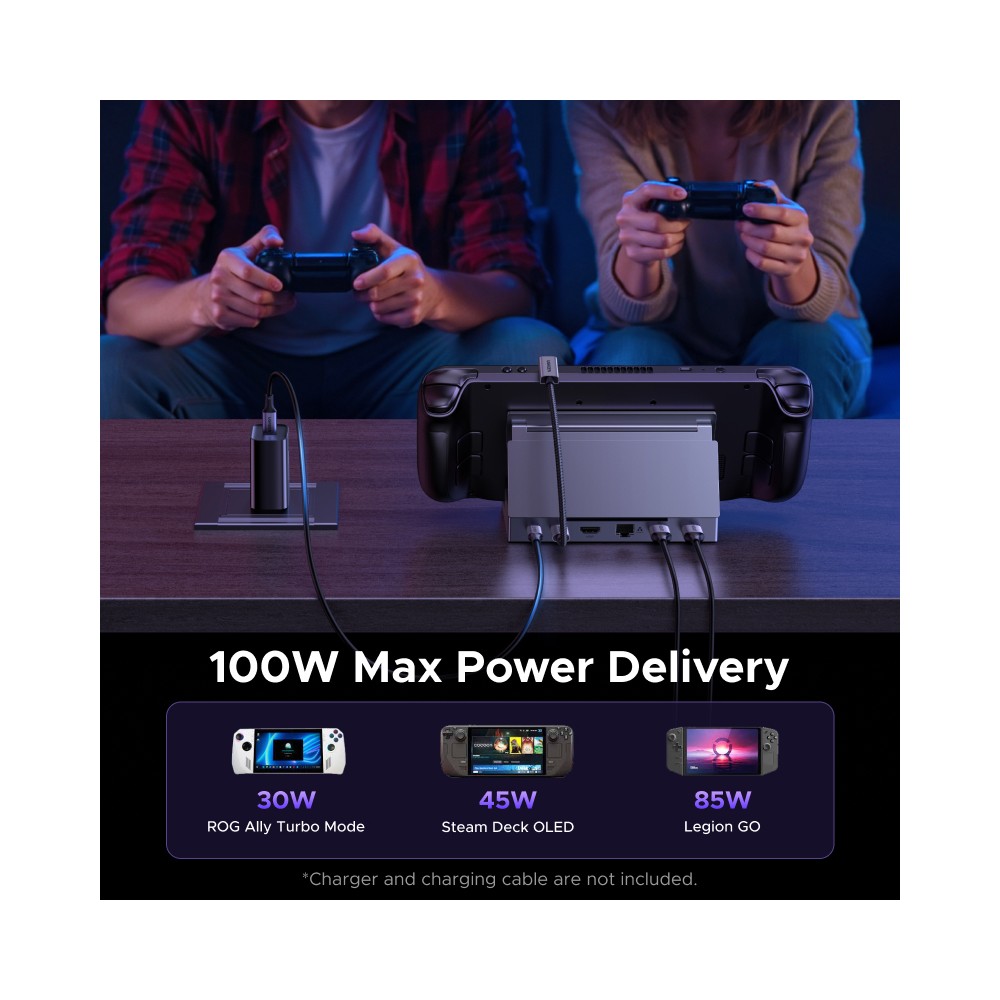
Because this dock supports up to 100 W of USB-C Power Delivery, it can charge most modern laptops while you work. You do not need a separate charger plugged into your machine. One USB-C cable carries both data and power to your device. In practice, this means fewer cables and a tidier desk — particularly useful if you value a clean workspace.
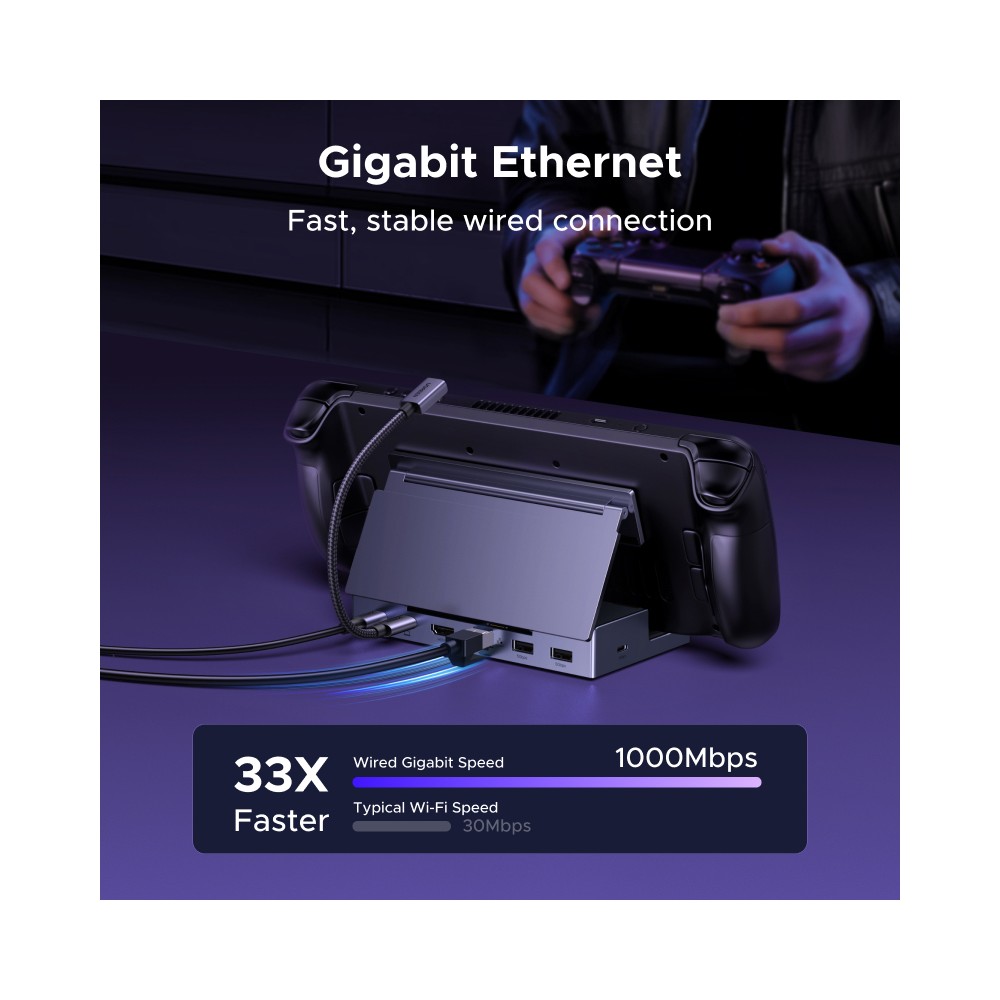
Wired Ethernet for Stable, Reliable Networking
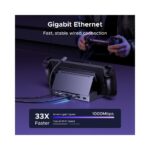
Wi-Fi can drop out during important calls or large file transfers. The CM800 includes a dedicated Ethernet LAN port, so you can connect directly to your router or network switch. Wired connections offer lower latency and more consistent speeds. This matters if you stream video, join video conferences, or transfer large files regularly.
Six Functions Through a Single USB-C Port
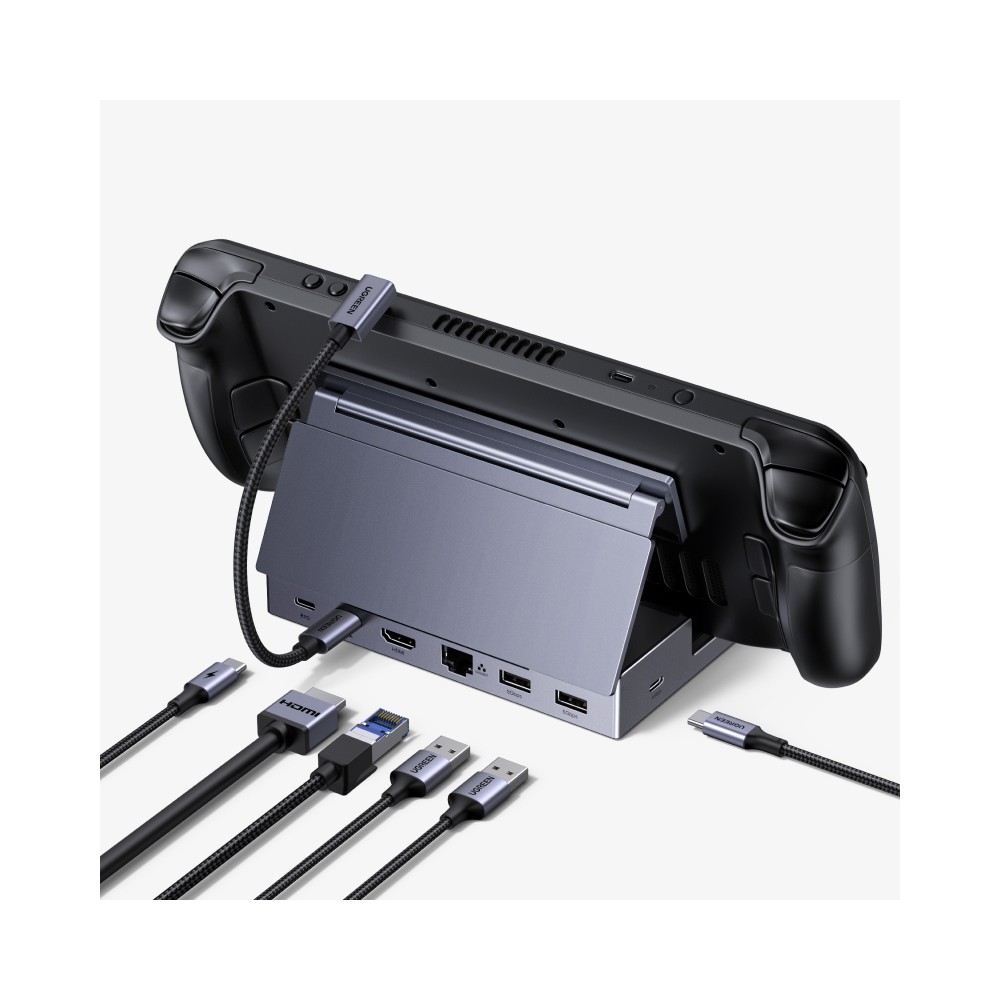
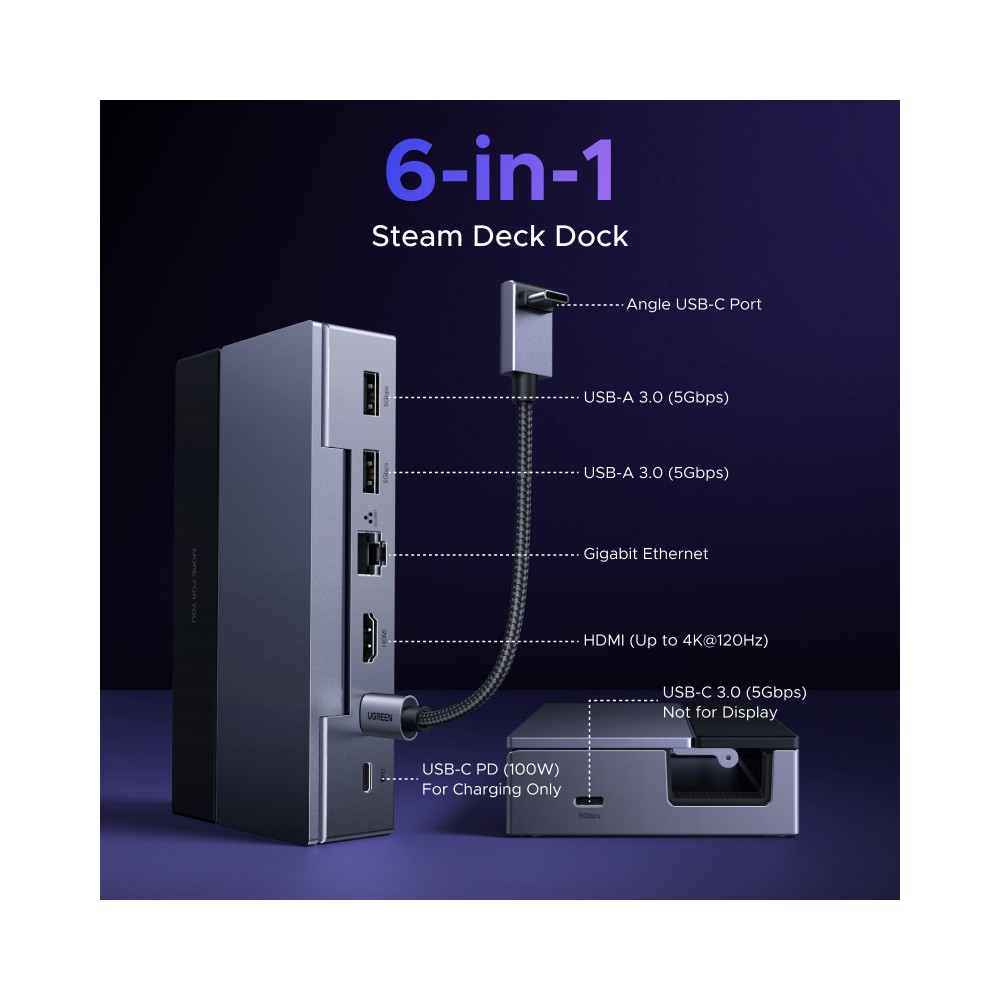
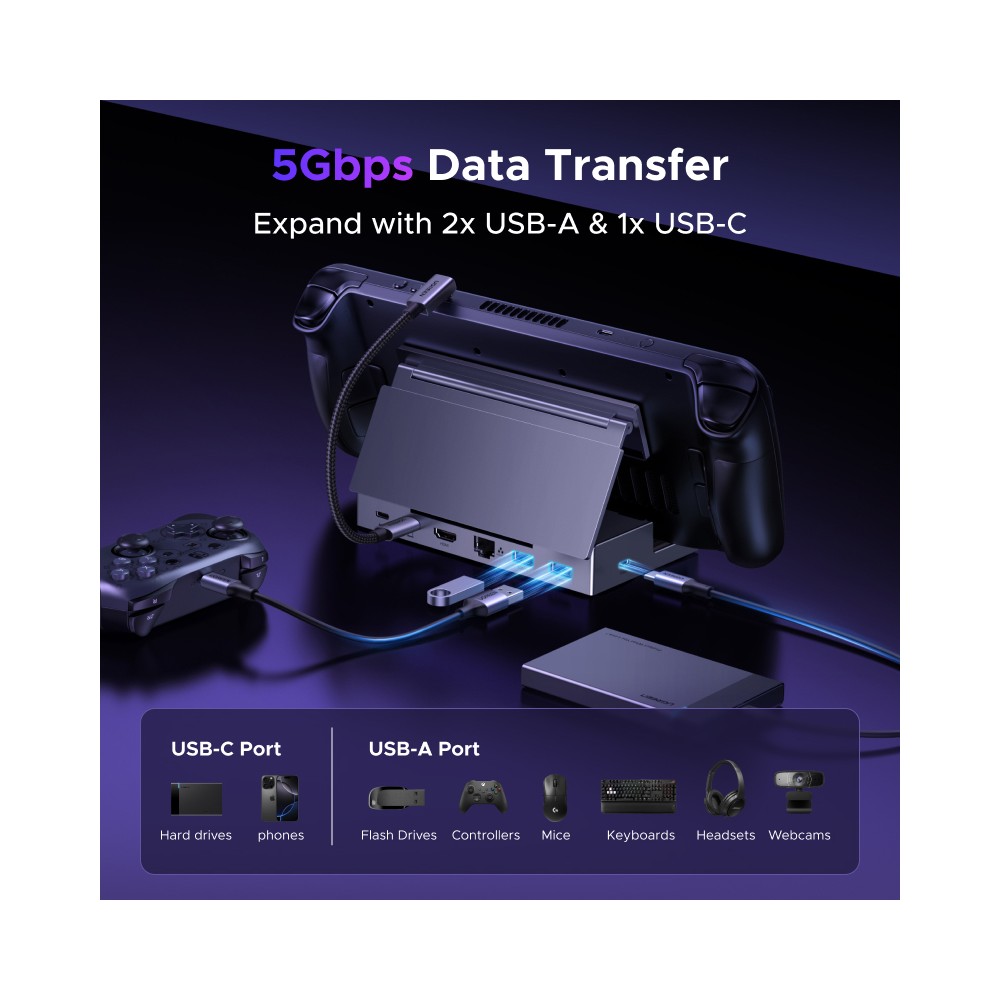
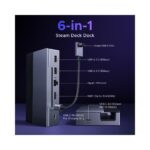
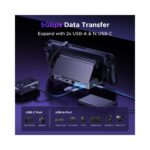
Most modern laptops ship with just one or two USB-C ports. This docking station expands that single connection into six separate interfaces. So you can attach peripherals, connect to a display, and access a wired network — all at once. It is a practical solution for anyone who regularly switches between home and office setups.
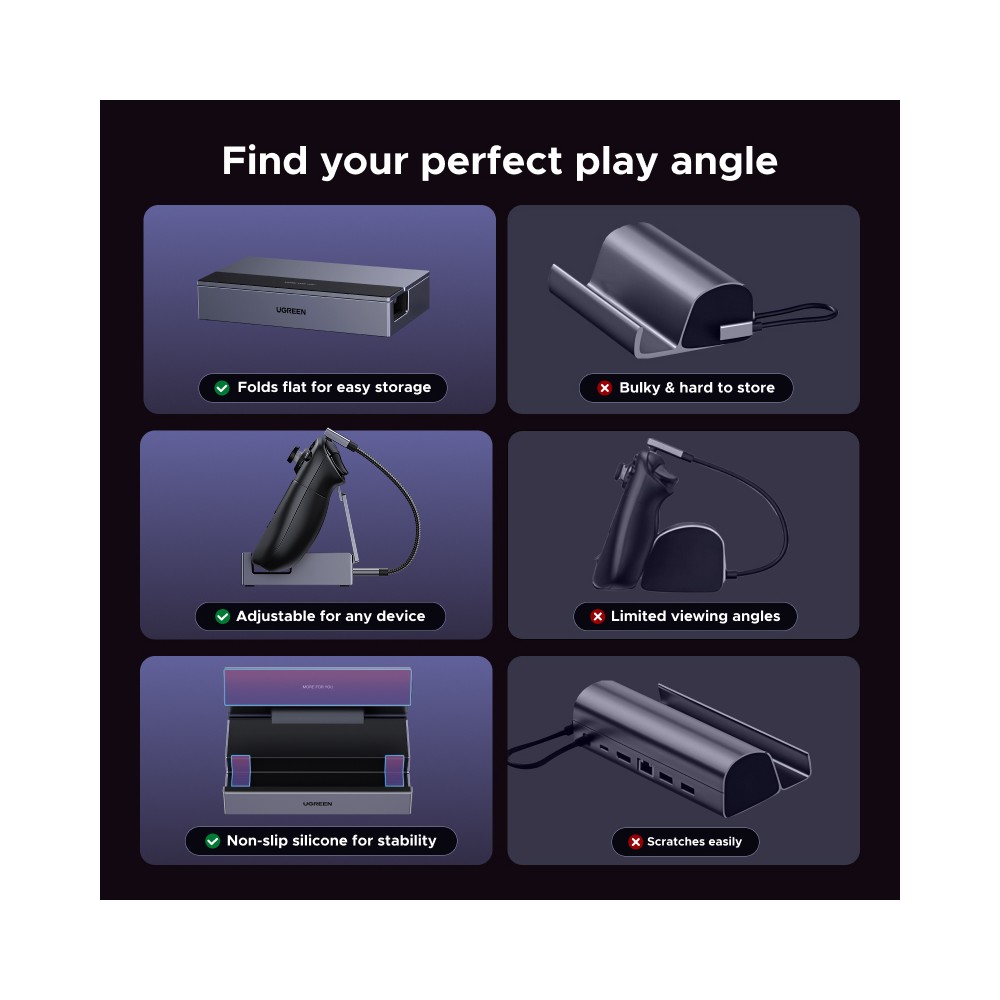
Compact Grey Design That Sits Unobtrusively
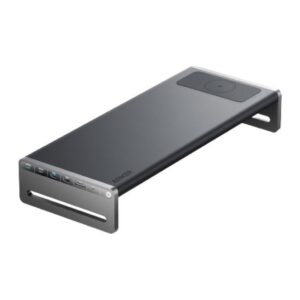
The CM800 uses a grey finish that blends well with most office equipment. Its compact footprint means it will not dominate your desk space. We find that docking stations work best when they stay out of the way, and the CM800 does exactly that. It is easy to slip into a bag if you need a portable setup too.
A Clean Desk Setup Without the Cable Clutter
Because you connect everything through one USB-C cable, you reduce the number of leads running across your desk. Unplug that single cable and your laptop goes with you. Plug back in and your peripherals, network, and power are all restored instantly. This kind of simplicity saves time throughout the working day.
Before You Order
- Confirm your laptop has a USB-C port that supports both data transfer and Power Delivery.
- Check that your device’s USB-C port can deliver at least 60 W if you want full-speed charging through the dock.
- Verify your router or network switch has a free Ethernet port for the wired connection.
- Ensure your operating system supports USB-C docking station driver recognition — most modern Windows, macOS, and ChromeOS devices do.
Frequently Asked Questions
Q: Will the Ugreen CM800 charge my MacBook Pro?
A: Yes, provided your MacBook Pro supports USB-C Power Delivery charging, the dock delivers up to 100 W.
Q: Does this docking station support HDMI or DisplayPort output?
A: The CM800 is a 6-in-1 dock. We recommend checking the full port layout on our product images to confirm which video output it includes.
Q: Can I use the Ethernet port if my laptop already has Wi-Fi?
A: Yes. The Ethernet port provides a wired alternative. You can use either connection or both simultaneously.
Q: Is the dock compatible with Windows laptops?
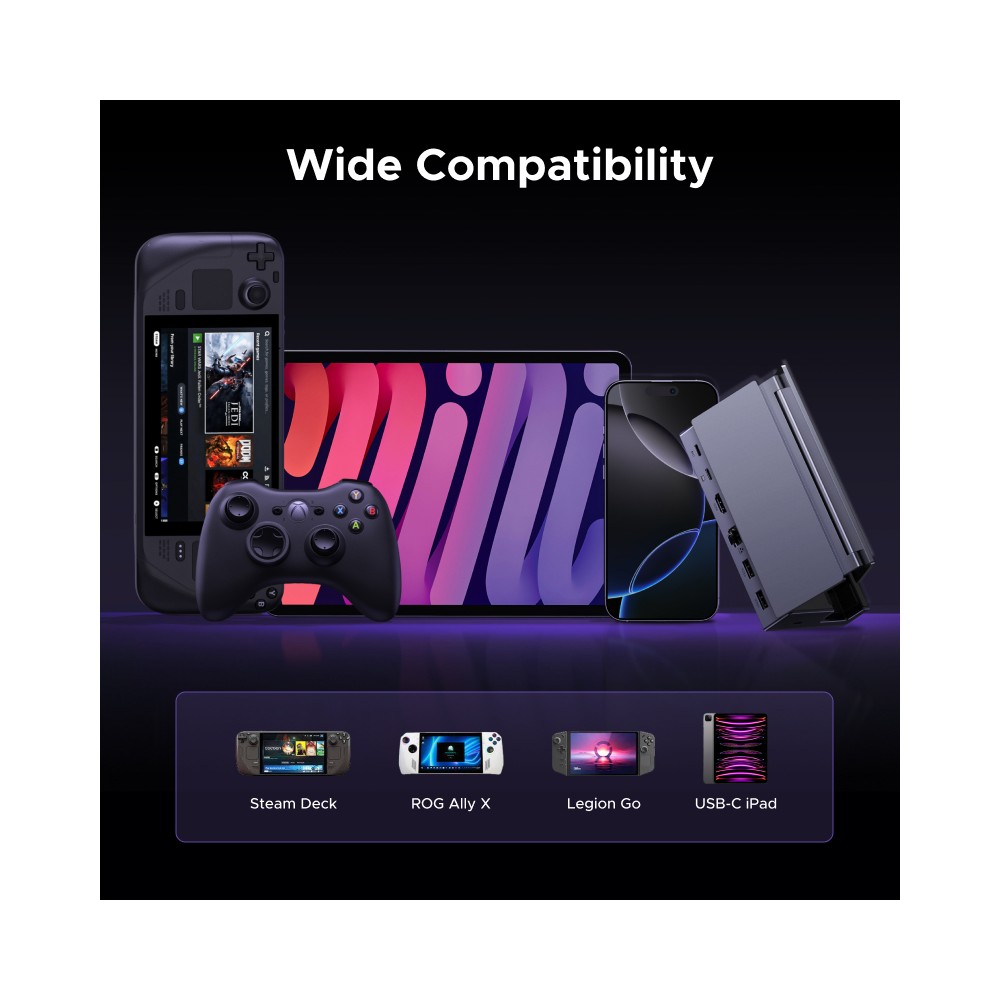
A: It works with any laptop that has a USB-C port supporting data, video, and Power Delivery functions.
Q: Does the dock need a separate power supply?
A: The dock draws power through the USB-C Power Delivery connection, so no additional mains adapter is required in most setups.
Our Verdict
The Ugreen CM800 6-in-1 USB-C Docking Station – 100W Power Delivery, Ethernet, Grey is a solid choice for laptop users who want wired networking, device charging, and extra connectivity from a single cable. It suits home workers, office professionals, and anyone tired of plugging in multiple leads.













Reviews
Clear filtersThere are no reviews yet.