Xerox VersaLink 520-Sheet A3 Paper Tray – expand paper capacity
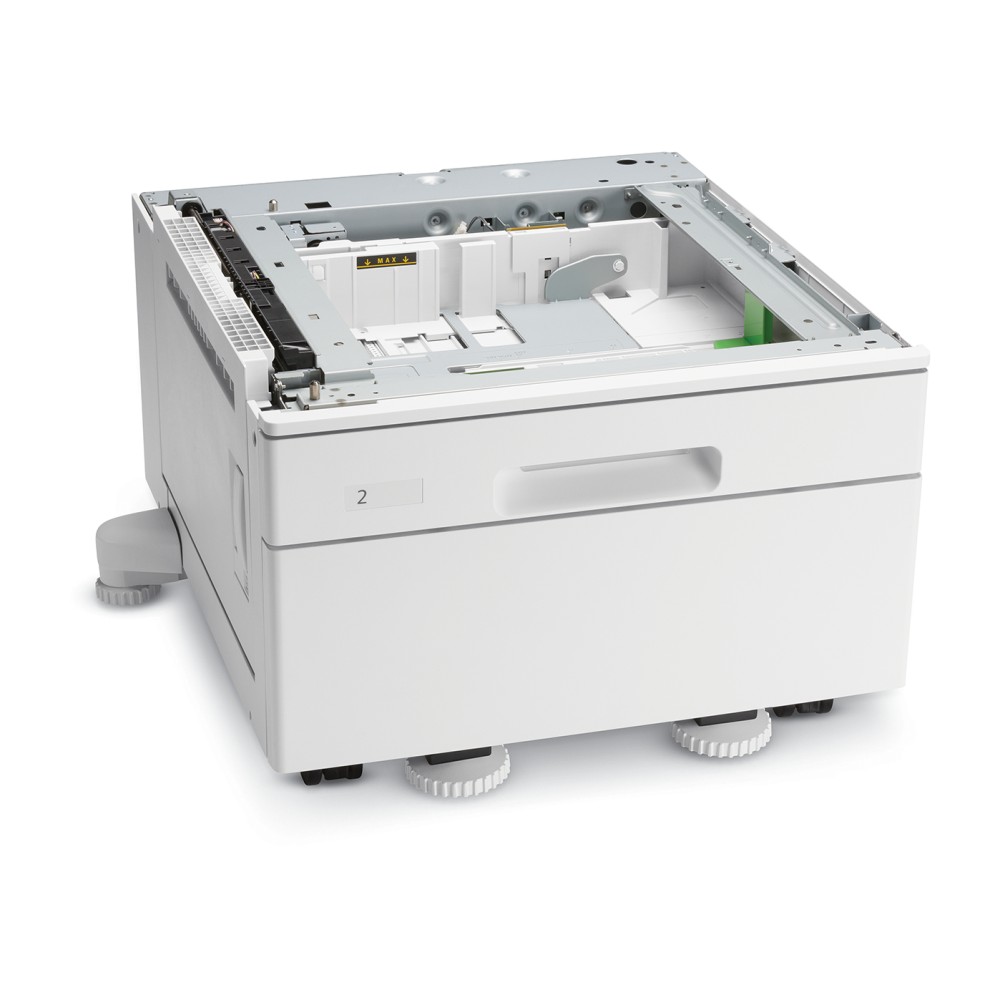
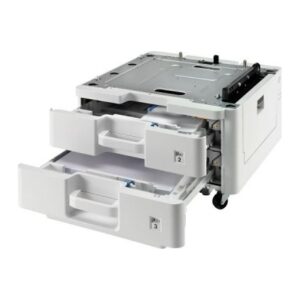
We recommend the Xerox VersaLink 520-Sheet A3 Paper Tray for offices using compatible VersaLink printers and A3 media. Its 520-sheet capacity gives your printer an additional paper supply, and the stand is included.
Key details for your printer setup
| Metric |
Specification |
| Tray capacity |
Up to 520 sheets |
| Supported media |
A3 |
| Compatible brand |
Xerox |
| Colour |
White |
| Supplied configuration |
Paper tray with stand |
| Compatible series |
VersaLink B7000, B7100, C7000 and C7100 |
Keep A3 paper ready to use
This tray supports A3 media and holds up to 520 sheets. So, it suits offices that regularly print larger documents and want a sizeable paper supply ready at the printer.
The added capacity can also reduce how often staff need to reload this tray. Choose it when A3 printing is part of your regular workflow.
Check your VersaLink series
The tray is compatible with Xerox VersaLink B7000 and B7100 Series multifunction printers. It also suits C7000 Series colour printers and multifunction printers, plus C7100 Series colour multifunction printers.
Check the exact series name on your printer before ordering. This helps ensure the tray matches your equipment.
Before you order
- Confirm your printer belongs to the compatible VersaLink B7000, B7100, C7000 or C7100 Series.
- Check that A3 media suits the documents you print.
- Confirm a 520-sheet capacity matches your paper-handling needs.
- Check that the white tray and stand suit your printer setup.
Frequently Asked Questions
Q: How many sheets can the tray hold?
A: It has a maximum capacity of 520 sheets.
Q: Which paper size does it support?
A: The tray supports A3 media.
Q: Is a stand included?
A: Yes, this is a paper tray supplied with a stand.
Q: Which Xerox VersaLink series are compatible?
A: It is compatible with B7000, B7100, C7000 and C7100 Series printers.
A practical addition for A3 workflows
Choose the Xerox VersaLink 520-Sheet A3 Paper Tray if you use a compatible VersaLink printer and need more A3 paper capacity. The included stand completes the tray configuration.


 DPD tracked delivery
 Buy now, pay later with Klarna at checkout
 Pay in 3 instalments with PayPal at checkout


Reviews
Clear filtersThere are no reviews yet.