
Brand


Save £16
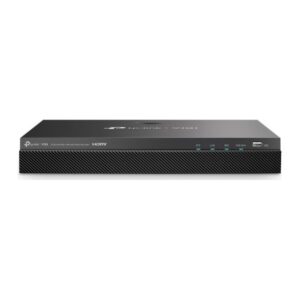
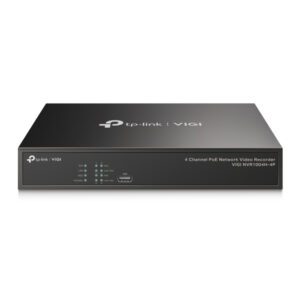
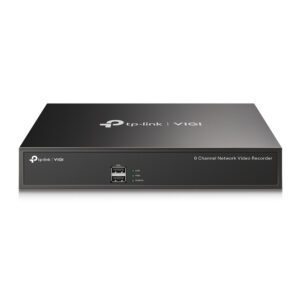
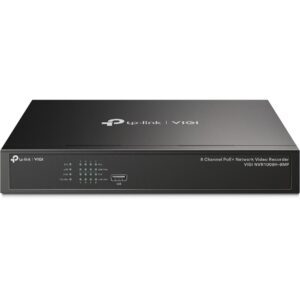
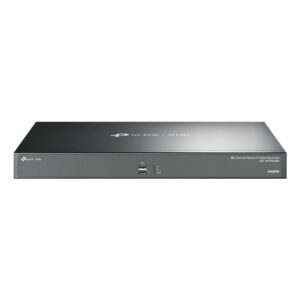
TP-Link VIGI 4-Channel PoE+ NVR
In stock
Original price was: £298.79.£283.25Current price is: £283.25.
In stock
A network video recorder stores footage from IP cameras on its own hard disks, so recording continues if the internet drops and nothing depends on a cloud subscription.
Two numbers decide which one you need.
Channels — how many cameras it will accept. The range here covers 4, 8 and 16 channel units. Buy for the system you expect to grow into, since adding cameras later is far easier than replacing the recorder.
PoE ports — whether the recorder powers the cameras itself. A PoE+ NVR sends both data and power down one Ethernet cable per camera, which removes the need for a power socket at every camera position and is usually the difference between an easy install and a difficult one. A non-PoE NVR expects a separate PoE switch or power supply.
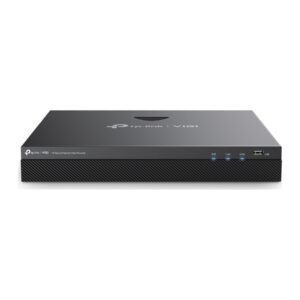
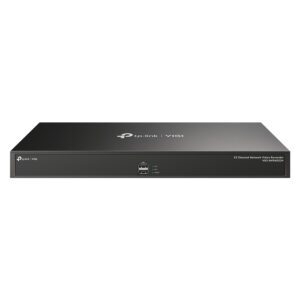
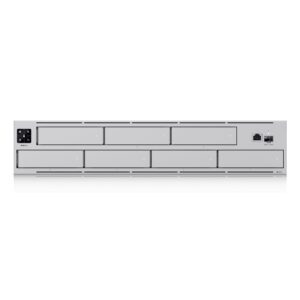
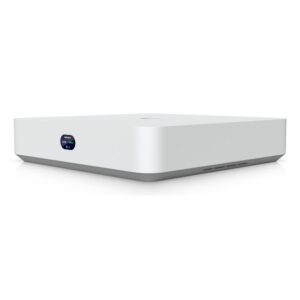
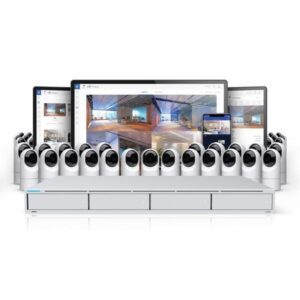
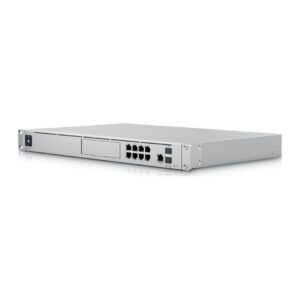
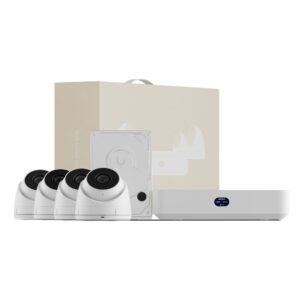
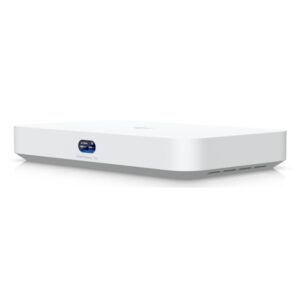
TP-Link’s VIGI units are the value option and pair with VIGI cameras; Ubiquiti’s UNVR and UNVR-Pro are the rack-mount professional tier.
Hard disks are usually bought separately — check what the unit takes and its maximum capacity.
This NVRs range covers networking gear. Below are the common questions.
This category covers nvrs that help you build a faster, more reliable home or office network. The right choice depends on your setup, so match it to your broadband, the number of devices and the coverage you need.
Most networking gear connects to a standard home network by cable or Wi-Fi. Check the standards and speeds it supports so it keeps up with your broadband and devices, and that it fits how your network is set up.
Wire your main devices where you can for speed and stability, use up-to-date Wi-Fi (Wi-Fi 6 or 7) for wireless, and place hardware to give even coverage. Gigabit ports are the sensible baseline.
No account yet?
Create an Account