Cables Direct CDL 2m DisplayPort (M) to DVI (M) | AV Connection Cable
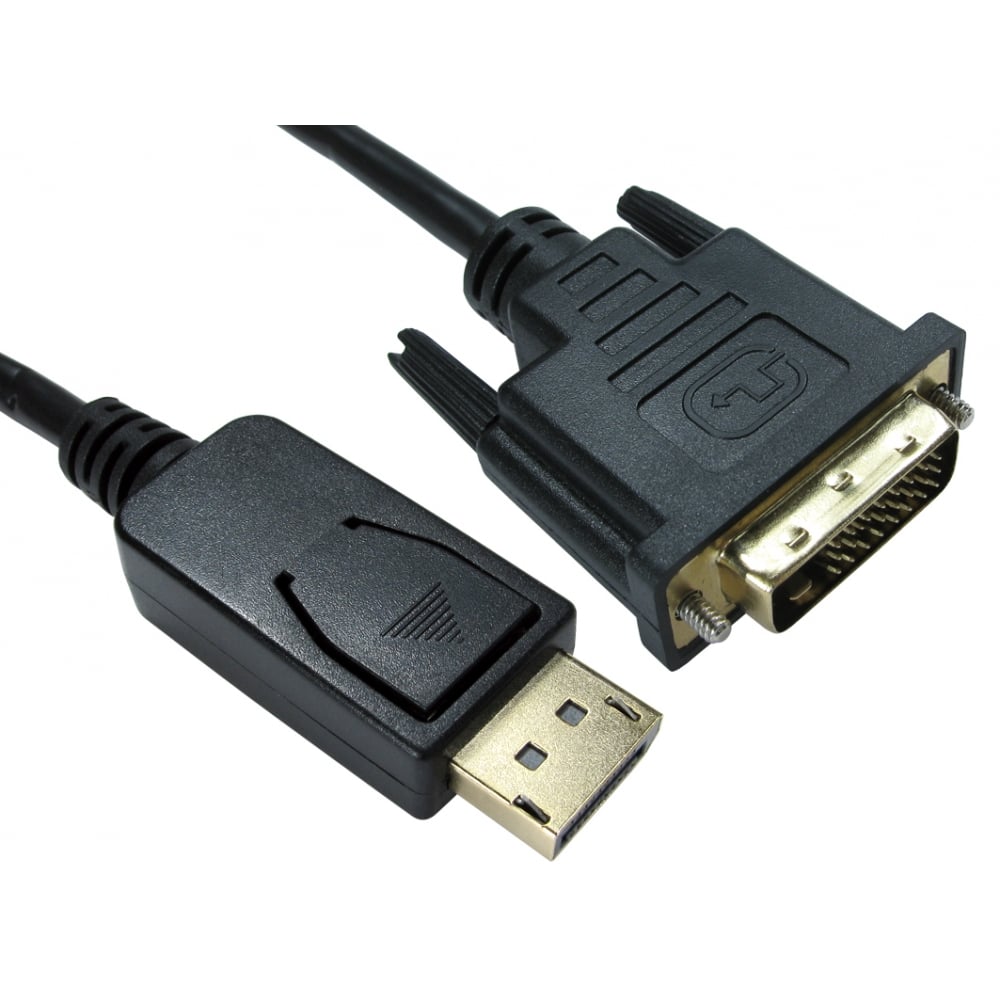
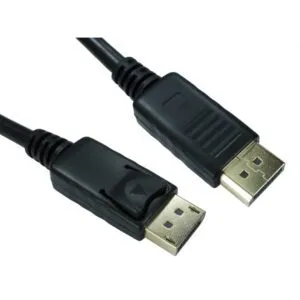
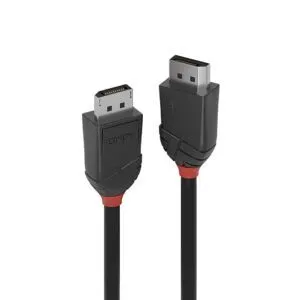
The Cables Direct CDL 2m DisplayPort (M) to DVI (M) is a direct-connection cable for UK AV setups. It links a DisplayPort source, such as a modern laptop or desktop GPU, to a DVI monitor or projector. This 2-metre cable suits office workstations and home offices requiring a reliable digital link. It is a practical choice for legacy display integration.
Slim Specs
| Metric |
Spec. |
| Brand |
Cables Direct |
| Model |
CDL |
| Length |
2 metres |
| Connectors |
DisplayPort (M) to DVI (M) |
| Direction |
Source (DisplayPort) to Display (DVI) |
| Colour |
Not specified |
Reliable Digital Link
This cable provides a direct digital pathway from DisplayPort to DVI. It avoids the need for active converters in many setups. In practice, this reduces points of failure in your video chain. You can connect a DisplayPort-equipped PC to a DVI-only monitor with one cable.
2-Metre Reach
The 2-metre length offers flexible desk placement. It helps you route cables neatly behind monitors or across a desk. Also, it reduces strain on ports when devices are spaced apart. This length is common in UK office environments.
Connector Fit and Finish
The cable uses male DisplayPort and male DVI connectors. This provides a secure, push-in fit for fixed installations. However, the specific DVI variant is not listed here. You should confirm whether your display uses DVI-D (digital) or DVI-I (integrated). The cable is designed for digital signals.
Compatibility Guidance
Use this cable when your source has DisplayPort and your display has DVI. It does not convert HDMI or VGA signals. Also, it does not carry audio if your DVI display lacks audio support. Check your device manuals for signal compatibility.
Installation and Handling
Route the cable away from power adapters to reduce interference. Avoid tight bends near the connectors to protect the pins. Because this is a passive cable, it relies on the source and display supporting the same resolution. Confirm your target resolution before deployment.
Package contents
- Not specified in our records.
Things to check first
- Confirm your source device has a standard DisplayPort output.
- Verify your display accepts DVI input and note the DVI variant (DVI-D or DVI-I).
- Check the required cable length for your desk or mounting setup.
- Confirm the cable meets any organisational procurement standards.
Frequently Asked Questions
Does the Cables Direct CDL 2m DisplayPort (M) to DVI (M) support audio?
DVI does not carry audio by design. Use an audio cable for sound.
Can I connect this cable to a VGA monitor?
No. You would need an active converter, which this cable does not provide.
Is this cable bidirectional?
No. It connects a DisplayPort source to a DVI display only.
What resolution is supported?
The maximum resolution depends on your DVI variant and source support. Confirm device capabilities.
Does this cable require drivers or software?
No. It is a passive cable and uses OS-level display support.
Our verdict
Choose this cable if you need a straightforward 2-metre link from a DisplayPort source to a DVI display in a UK office or home setup. It suits users replacing legacy monitors or integrating modern PCs with DVI-only displays. Covered by the applicable manufacturer warranty.






Reviews
Clear filtersThere are no reviews yet.