Acer ASA410 | Multi-Protocol Active Stylus
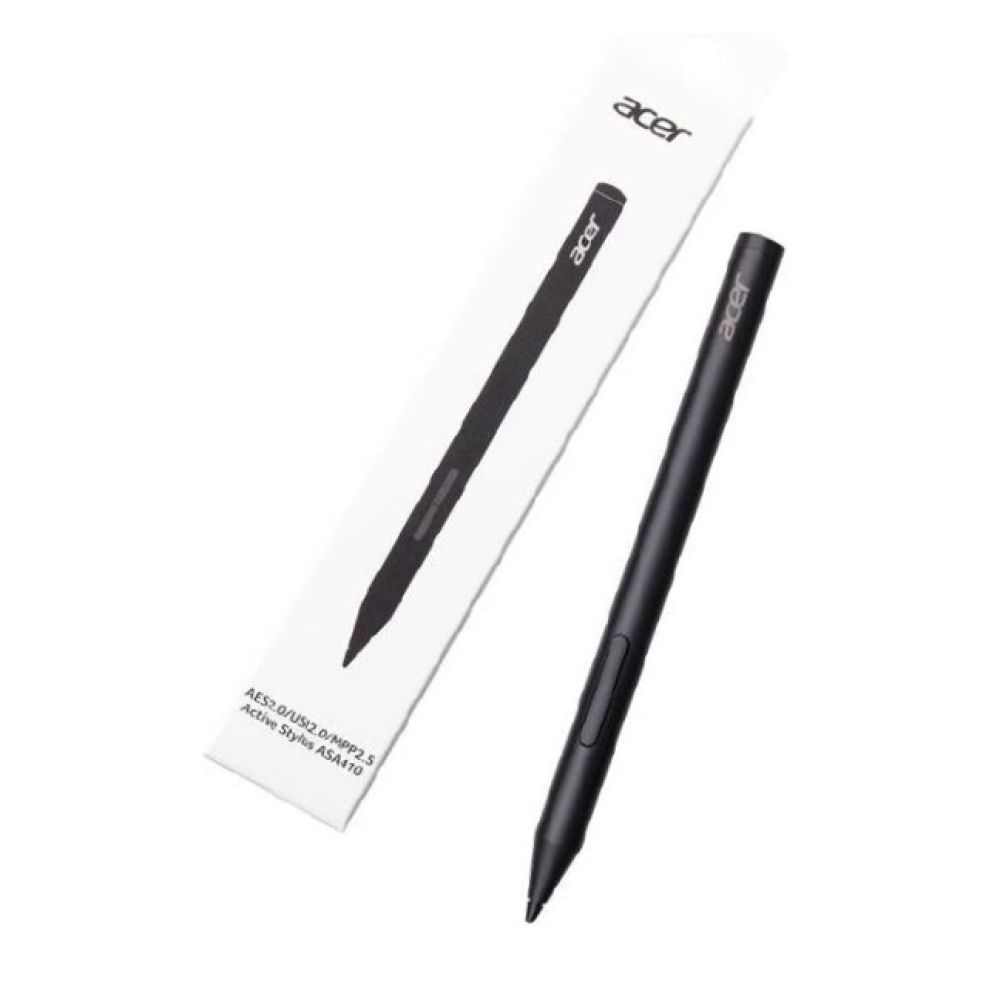
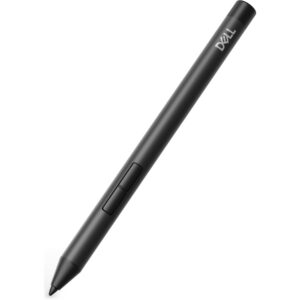
This guide reviews the Acer AES 2.0/ USI 2.0/ MPP2.5 Active ASA410 stylus pen 16.5 g Black. It is designed for professionals and students using Acer touchscreens. The standout USP is its triple-protocol support. This allows one pen to work across different devices without complex pairing. It delivers a natural writing feel for note-taking and sketching.
Key Specifications
| Metric |
Spec. |
| Weight |
16.5 g |
| Height |
140 mm |
| Pressure Levels |
4096 |
| Battery Type |
AAAA (Alkaline) |
| Battery Life |
96 hours (standby) |
| Tip Colour |
Black |
Protocol Switching and Compatibility
This stylus supports AES 2.0, USI 2.0, and MPP 2.5 standards. It is also backward compatible with older versions. You can switch protocols by pressing and holding the buttons. This feature ensures broad device support.
However, you must verify your specific device’s active protocol. Acer does not list every compatible model in the specs. Check your tablet or laptop documentation to confirm support. This avoids connection issues.
Precision and Writing Feel
The pen offers 4,096 levels of pressure sensitivity. This allows for precise line variation in drawings and notes. It also supports tilt detection for natural shading. The tip responds to a force range of 10g to 450g.
In practice, this mimics a real pen on paper. It reduces the “float” feeling common in cheaper styluses. The black tip provides a consistent visual point on screen.
Setup and Usability
There is no Bluetooth pairing or software setup required. You simply pick up the pen and start writing. This seamless compatibility saves time for busy users. The active technology handles the connection automatically.
However, always test the pen on your specific device first. Some applications may need calibration for optimal pressure response. This is a device-specific setting, not a pen issue.
Design and Battery Life
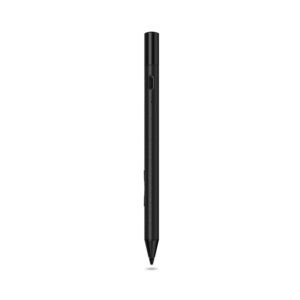
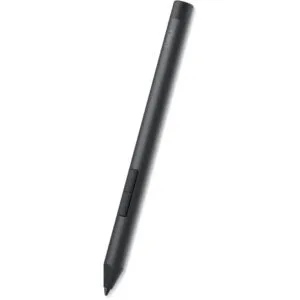
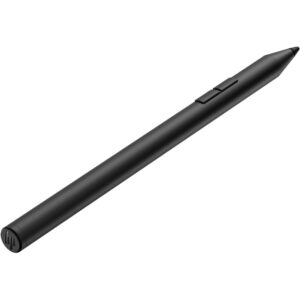
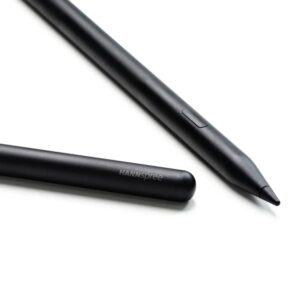
The housing is plastic with a matte black finish. It weighs only 16.5 grams. This lightweight build reduces hand fatigue during long sessions. The dimensions are 140 mm in height and 9.5 mm in diameter.
Power comes from a single AAAA alkaline battery. Acer specifies up to 96 hours of standby time. Actual usage time may vary based on pressure and tilt usage. The battery is user-replaceable.
Box contents
In the box
- Acer ASA410 Active Stylus
- AAAA Alkaline Battery (pre-installed)
Check before you buy
Before you order
- Confirm your device supports AES 2.0, USI 2.0, or MPP 2.5 protocols.
- Verify the physical tip size matches your screen protector thickness.
- Check if your device requires a specific firmware update for active stylus use.
- Confirm the warranty region is valid for the UK.
Buyer FAQs
How do I switch between AES, USI, and MPP modes?
Press and hold the stylus buttons until the LED indicator changes colour. Refer to the manual for specific colour codes.
Is the battery included with the stylus?
Yes, a AAAA alkaline battery is included and pre-installed.
Does this stylus work on non-Acer devices?
It supports universal protocols, but you must confirm your device uses AES 2.0, USI 2.0, or MPP 2.5.
What is the tip material made of?
The tip colour is black, but the material is not specified. Confirm with the manufacturer if needed.
Is there a UKCA or CE mark on the product?
This listing does not state compliance marks.
The short version
This stylus is ideal for users who need one tool for multiple devices. It suits students, designers, and professionals who value flexibility. The triple-protocol support is a strong technical advantage. However, verify your device compatibility before purchase.
Covered by the applicable manufacturer warranty.






Reviews
Clear filtersThere are no reviews yet.