ATEN CE770 – Extend USB KVM access over long distances
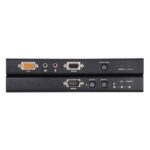
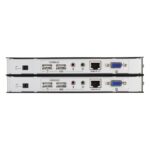
The ATEN CE770 suits installations where you need to operate a computer from a remote USB console. Its wired Cat5 connection reaches up to 300 metres, helping you place the computer away from the keyboard, mouse and display.
Essential details for your setup
| Metric |
Specification |
| Product type |
Transmitter and receiver |
| Maximum transfer distance |
300 m |
| Supported cable |
Cat5 |
| Maximum resolution |
1920 x 1200 pixels |
| USB 2.0 ports |
2 |
| Rack mounting |
Yes |
Reach a remote computer over Cat5
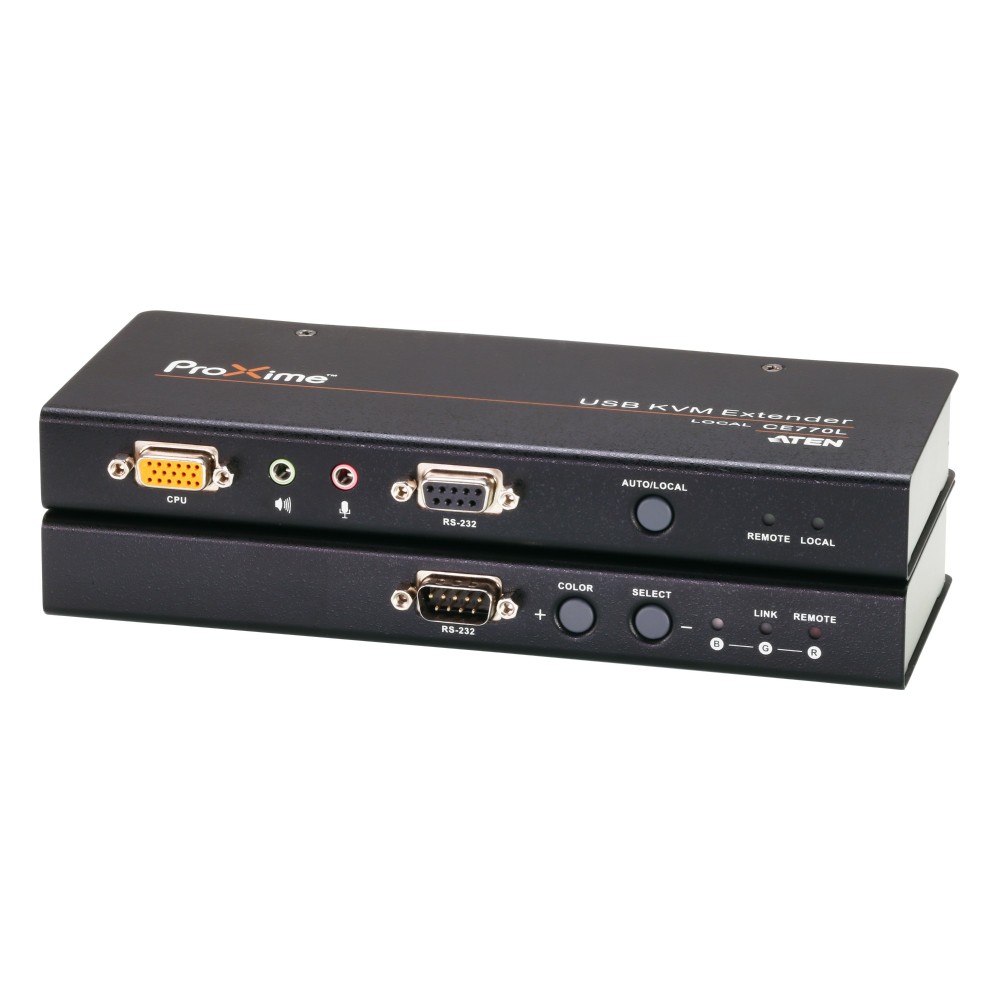
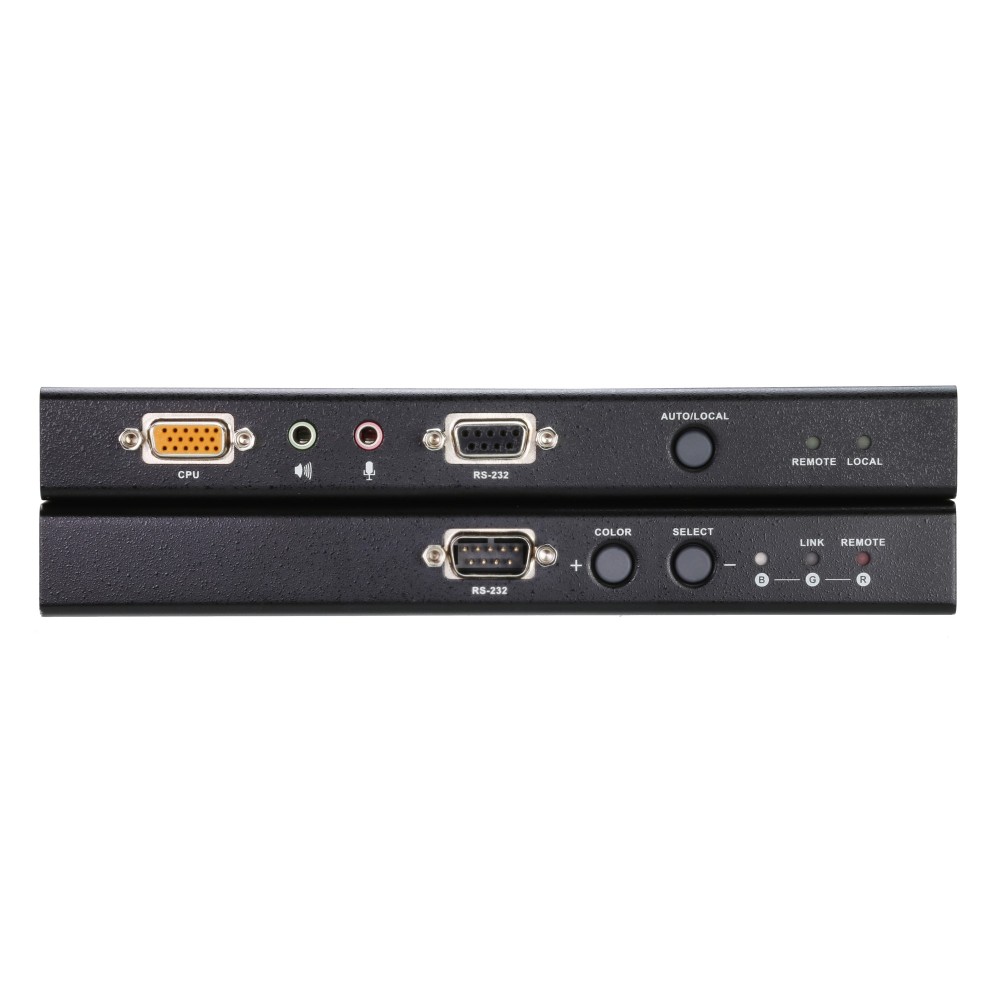
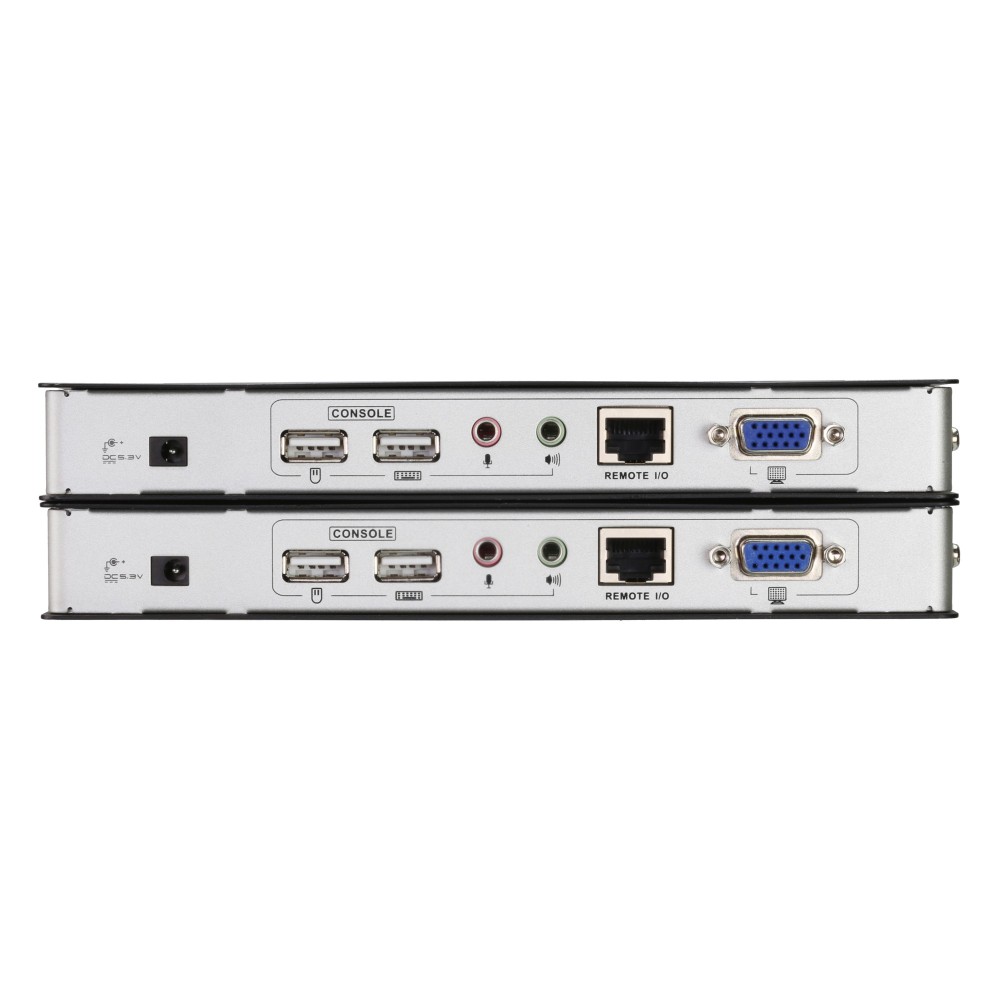
The transmitter and receiver communicate over a wired Cat5 connection, with a maximum transfer distance of 300 metres. This lets you position the computer and the remote USB console separately. The transmitter and receiver both have USB ports for local keyboard and mouse connections.
Tune the picture for a long cable run
Long-distance video transmission can cause colour phase and timing errors. The CE770’s line synchronising function corrects these issues, while its deskew function compensates for signal differences.
You can also adjust the RGB delay tuner manually to synchronise the red, green and blue signals. This gives you control over picture tuning across the extended connection.
Choose the KVM locally
Push-buttons provide KVM port selection. The unit supports resolutions up to 1920 x 1200 pixels, making it suitable for setups that need this level of display detail. Its metal construction and rack-mounting support offer practical options for installation.
Check your installation before ordering
- Confirm your planned Cat5 connection is no longer than 300 metres.
- Check that your required display resolution is 1920 x 1200 pixels or lower.
- Confirm your setup uses USB keyboard and mouse connections.
- Check that push-button KVM selection suits your working setup.
Frequently Asked Questions
Q: How far can the CE770 extend a connection?
A: It supports a maximum transfer distance of 300 metres over Cat5.
Q: What is the maximum supported resolution?
A: The maximum resolution is 1920 x 1200 pixels.
Q: How do I select the KVM port?
A: Use the unit’s push-buttons for KVM port selection.
Q: Can I adjust the picture for a long-distance connection?
A: Yes. Deskew, line synchronising and a manual RGB delay tuner help compensate for signal issues.
A practical choice for remote USB console access
Choose the ATEN CE770 when you need to operate a computer from a USB console up to 300 metres away over Cat5. Its signal-tuning functions also help you manage picture timing and colour across the connection.

 DPD tracked delivery
 Buy now, pay later with Klarna at checkout
 Pay in 3 instalments with PayPal at checkout

Reviews
Clear filtersThere are no reviews yet.