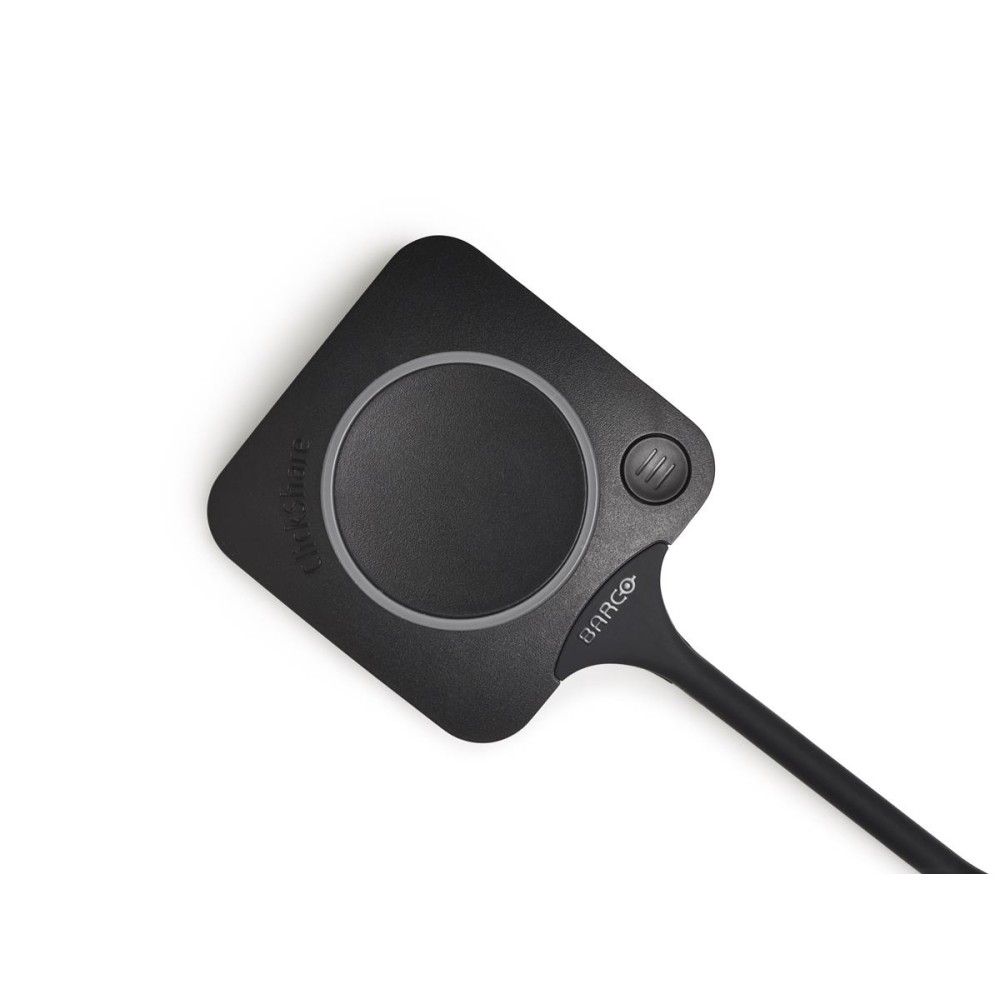
Barco ClickShare USB-C Wireless Presentation Button, Dual-Band Wi-Fi, Black
£323.99 Original price was: £323.99.£307.26Current price is: £307.26.
In stock
In stock
- Free Premium delivery on UK mainland orders
Order now, get it by Tue 17 Nov
-
DPD tracked delivery
-
Buy now, pay later with Klarna at checkout
-

Pay in 3 instalments with PayPal at checkout
About this item
- One-click wireless meetings and content sharing
- Dual-band Wi-Fi: 2.4 GHz and 5 GHz
- USB-C interface for laptop connection
- Wired and wireless connectivity
- USB-powered with 5 V input
- Black design, weighing 60 g
- Measures 59.3 × 161.4 × 14.6 mm
You may also like
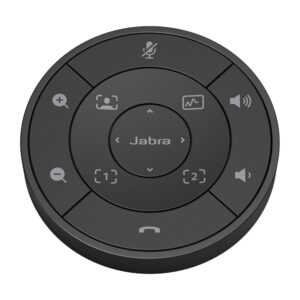
Jabra PanaCast 50 Remote Control with PTZ Controls and Volume, Black
In stock
Jabra PanaCast 50 VESA-Compliant Screen Mount, Desk Placement, Black
In stock
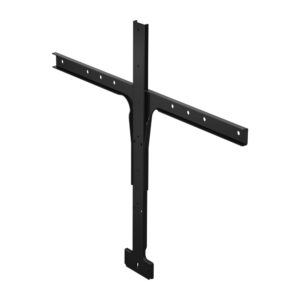
Barco R8788649K Videobar Mount for ClickShare Bar Core, Bar Pro, C-10, C-5, CX-20 and CX-30, Black
In stock
Barco ClickShare USB-C Button – share content with one click
The Barco ClickShare USB-C Button suits meeting room users who present from a laptop. Plug it into your USB-C port to connect wirelessly to the room display and supported AV peripherals.
The essentials for meeting room use
| Metric | Specification |
|---|---|
| Device interface | USB-C |
| Wi-Fi | Dual-band, 2.4 GHz / 5 GHz |
| Connectivity | Wired and wireless |
| Power source | USB |
| Colour | Black |
| Weight | 60 g |
Start presenting without a tangle of cables
Connect the button to your laptop, then use it to share content on the meeting room display. The room setup can also connect with peripherals such as cameras, microphones and soundbars. This keeps presentation control close to hand while reducing cable clutter.
Dual-band Wi-Fi for wireless sharing
The button supports both 2.4 GHz and 5 GHz Wi-Fi bands. It also has a wired USB-C connection to your laptop, combining a direct device connection with wireless presentation in the room.
Check your setup before ordering
- Confirm your laptop has a USB-C port for the button.
- Check that your intended meeting room setup uses ClickShare.
- Confirm you want a USB-powered presentation button for sharing to a room display.
Frequently Asked Questions
Q: Which connector does the button use?
A: It uses a USB-C interface to connect to your laptop.
Q: Which Wi-Fi bands does it support?
A: It supports dual-band Wi-Fi on 2.4 GHz and 5 GHz.
Q: How is the button powered?
A: It uses USB power.
Q: What are its dimensions?
A: It measures 59.3 mm wide, 161.4 mm deep and 14.6 mm high.
A practical choice for ClickShare rooms
Choose the Barco ClickShare USB-C Button if you present from a USB-C laptop and want a simple way to share content wirelessly in a meeting room.
| Features | |
|---|---|
| Product type | Remote control |
| Product colour | Black |
| Wi-Fi | Yes |
| Wi-Fi band | Dual-band (2.4 GHz / 5 GHz) |
| Ports & interfaces | |
| Connectivity technology | Wired & Wireless |
| Device interface | USB-C |
| Power | |
| Power source type | USB |
| DC input voltage | 5 V |
| Weight & dimensions | |
| Width | 59.3 mm |
| Depth | 161.4 mm |
| Height | 14.6 mm |
| Weight | 60 g |
| Technical details | |
| Harmonized System (HS) code | 85299097 |
| Logistics data | |
| Harmonized System (HS) code | 85299097 |
| Packaging content | |
| Quantity | 1 |
| Identifiers | |
| Additional EANs | 8592978572686 |

Reviews
Clear filtersThere are no reviews yet.