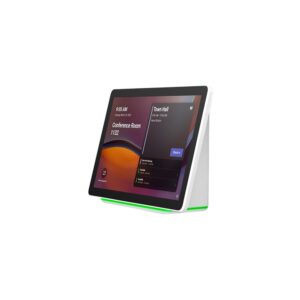
Cisco Room Navigator for Table (First Light) – intuitive meeting-room control
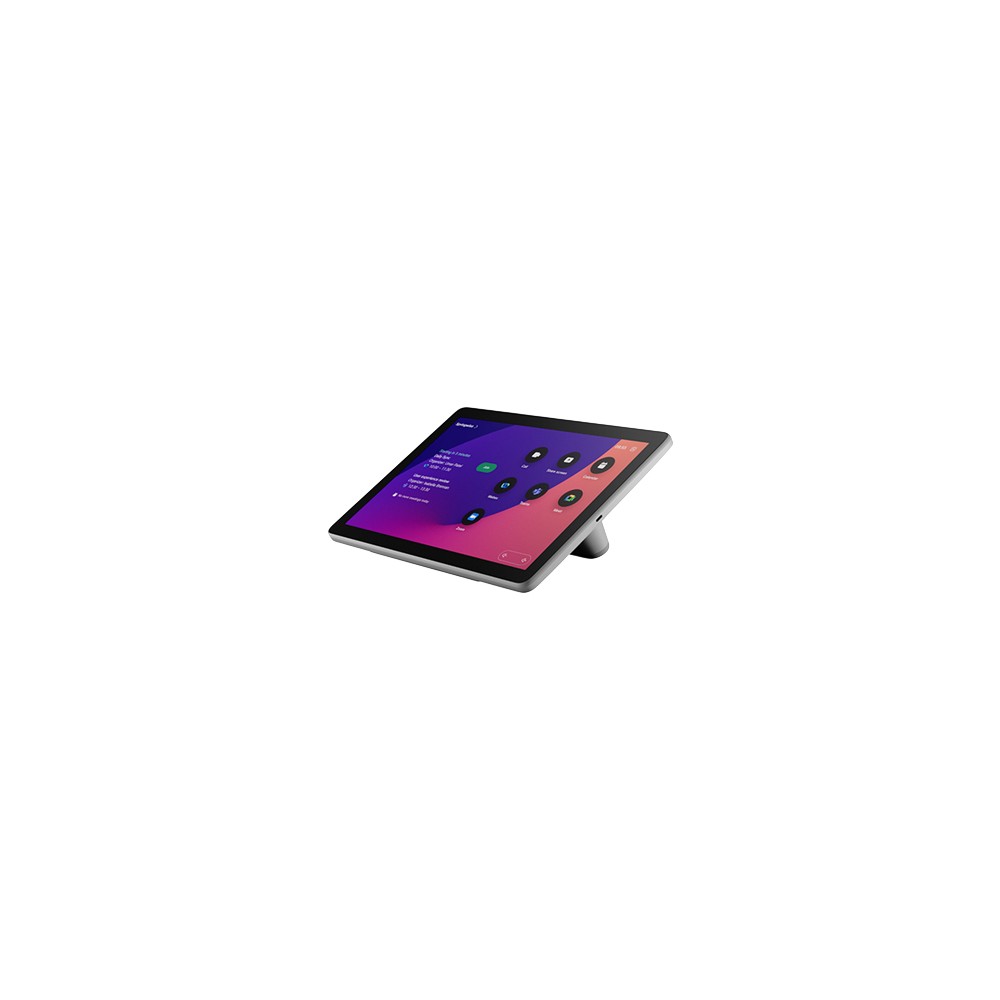
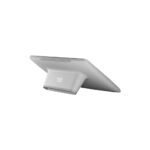
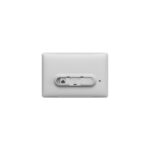
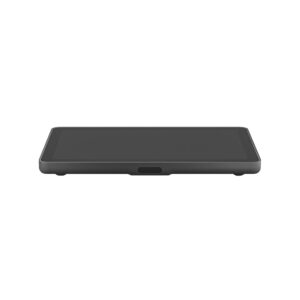
The Cisco Room Navigator for Table suits meeting rooms and shared workspaces built around compatible Cisco systems. Its 10.1-inch touchscreen brings room controls and meeting functions together on a desk-mounted panel.
The key specifications
| Metric |
Specification |
| Display |
10.1-inch LCD touchscreen |
| Resolution |
1920 x 1200 pixels |
| Connection |
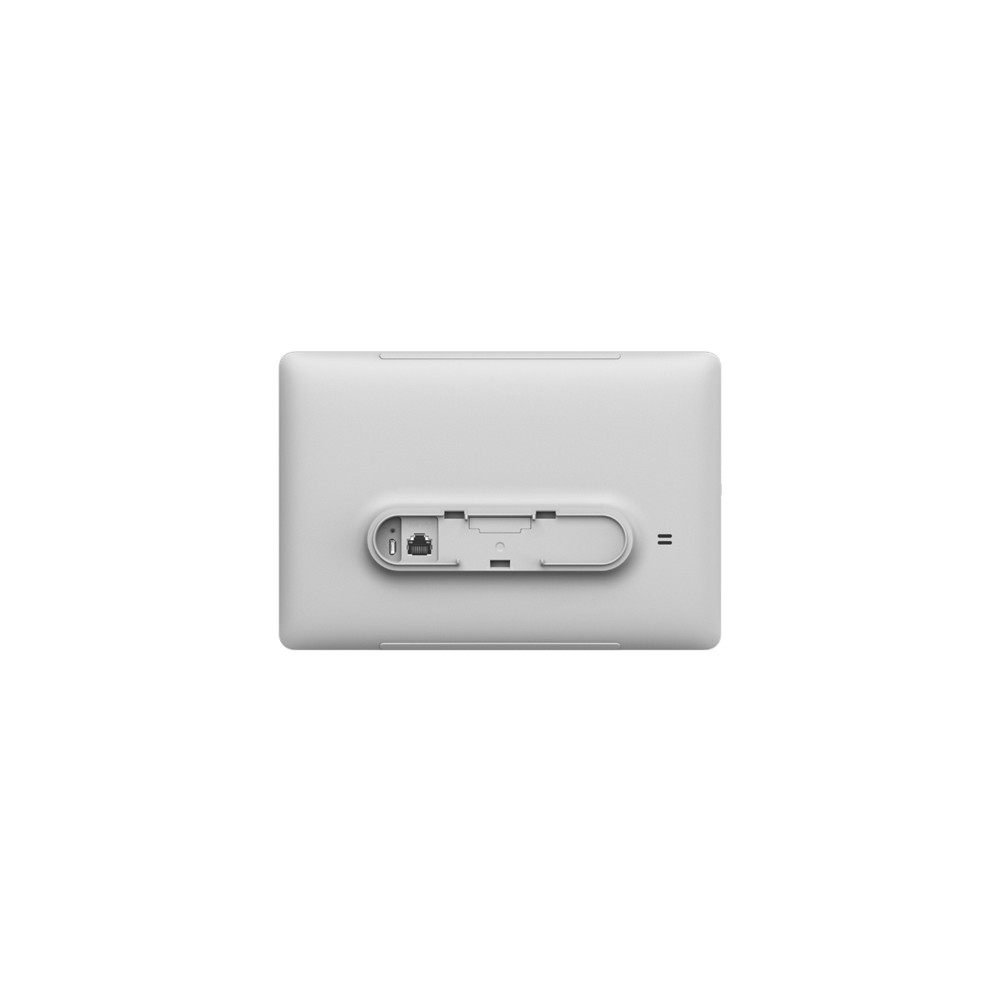
Wired Ethernet, 1 RJ-45 port |
| Ethernet speeds |
100 or 1000 Mbit/s |
| Power |
Power over Ethernet (PoE) |
| Placement |
Desk |
Put room controls within easy reach
The touchscreen gives users access to meeting and device controls when connected with a Cisco video device. Depending on its configuration, it can also support room booking, room controls or workspace applications.
We can configure the panel for native RoomOS use, Microsoft Teams Rooms or persistent web app mode. Supported workspace apps include UMA and Appspace. This lets organisations choose a setup suited to their room workflows.
One cable for power and network
PoE supplies power through the Ethernet connection, so the panel needs one Ethernet cable for power and network access. It can connect directly to a Cisco video device or pair remotely through a PoE network.
The wired connection supports 100 and 1000 Mbit/s Ethernet. This makes it suitable for installations planned around a networked room-control panel.
Adjust the viewing position
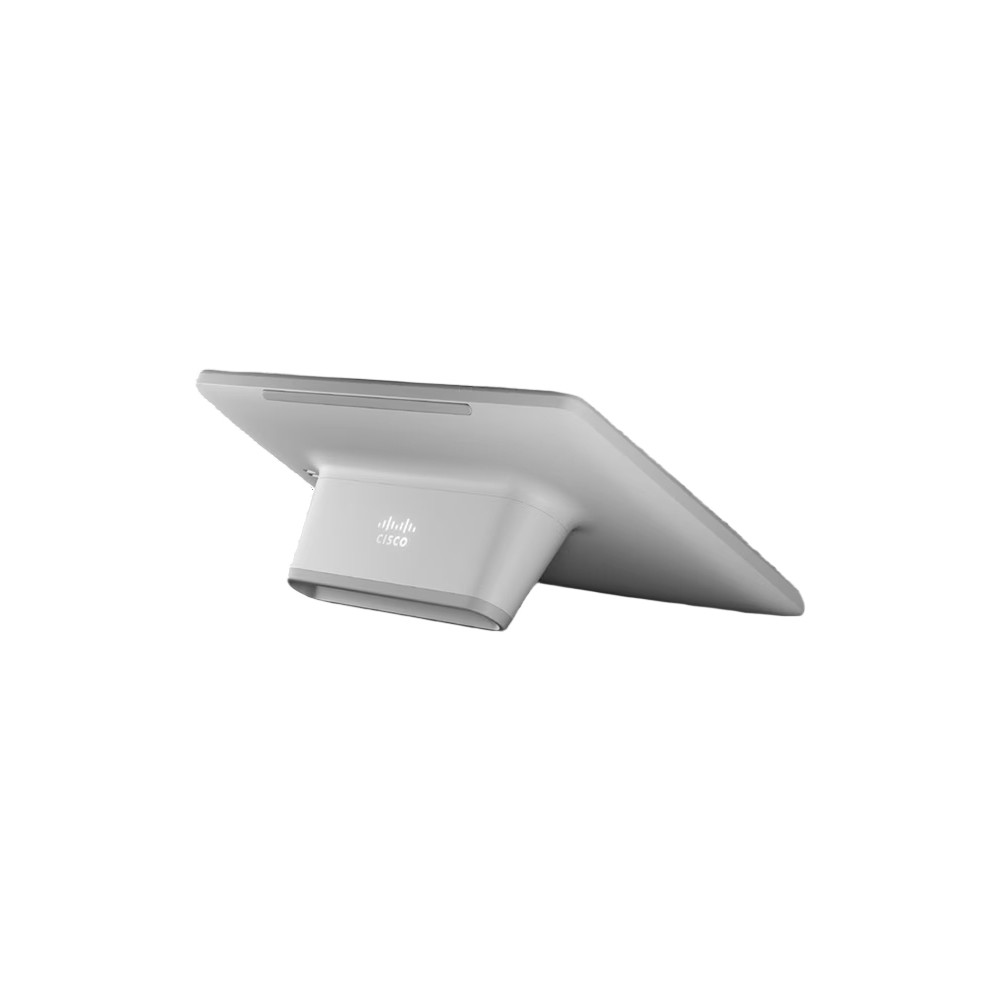
The panel supports two table positions with different viewing angles. When tilted, its interface can rotate through 180 degrees, helping users view the controls from either position.
Check compatibility and fit
- Confirm your setup uses a compatible Cisco Room Kit, Room, Room Panorama or Board Series device.
- Check that your desk layout suits a table-placed controller.
- Confirm you have an Ethernet connection for power and network access.
- Check that your preferred deployment mode matches your room-control or workspace-app requirements.
Frequently Asked Questions
Q: Which Cisco product families are compatible?
A: It supports Cisco Room Kit Series, Room Series, Room Panorama Series and Board Series, including Board S and Board Pro.
Q: What size and resolution is the touchscreen?
A: It has a 10.1-inch LCD touchscreen with a resolution of 1920 x 1200 pixels.
Q: How does the controller receive power?
A: It uses Power over Ethernet through its wired Ethernet connection.
Q: Can it be configured for Microsoft Teams Rooms?
A: Yes. It can be configured to run natively on Microsoft Teams Rooms.
A practical choice for Cisco-equipped rooms
We recommend the Cisco Room Navigator for Table for teams that want accessible meeting and room controls on a desk-mounted touchscreen. Its PoE connection and flexible deployment options make it a considered fit for compatible Cisco workspaces.

 DPD tracked delivery
 Buy now, pay later with Klarna at checkout
 Pay in 3 instalments with PayPal at checkout

Reviews
Clear filtersThere are no reviews yet.