C2G HDMI to VGA Adapter – connect an HDMI laptop to a VGA display
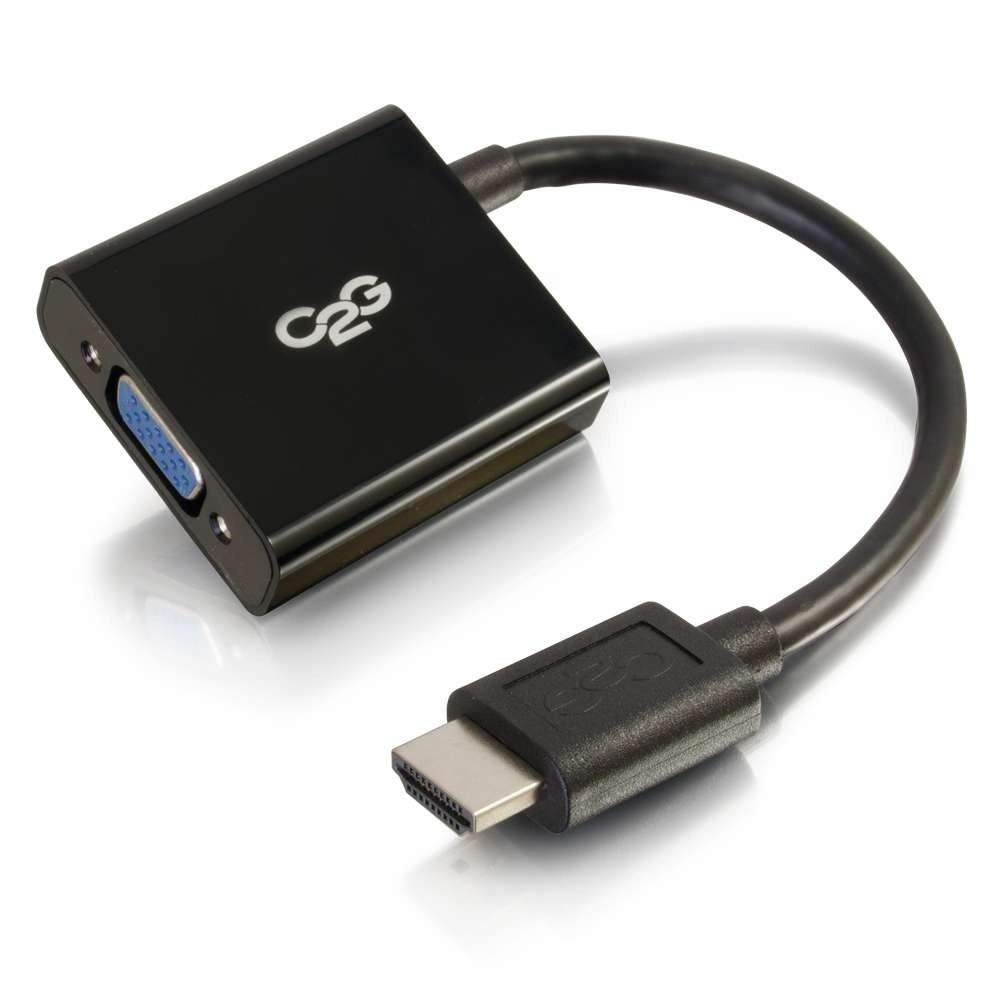
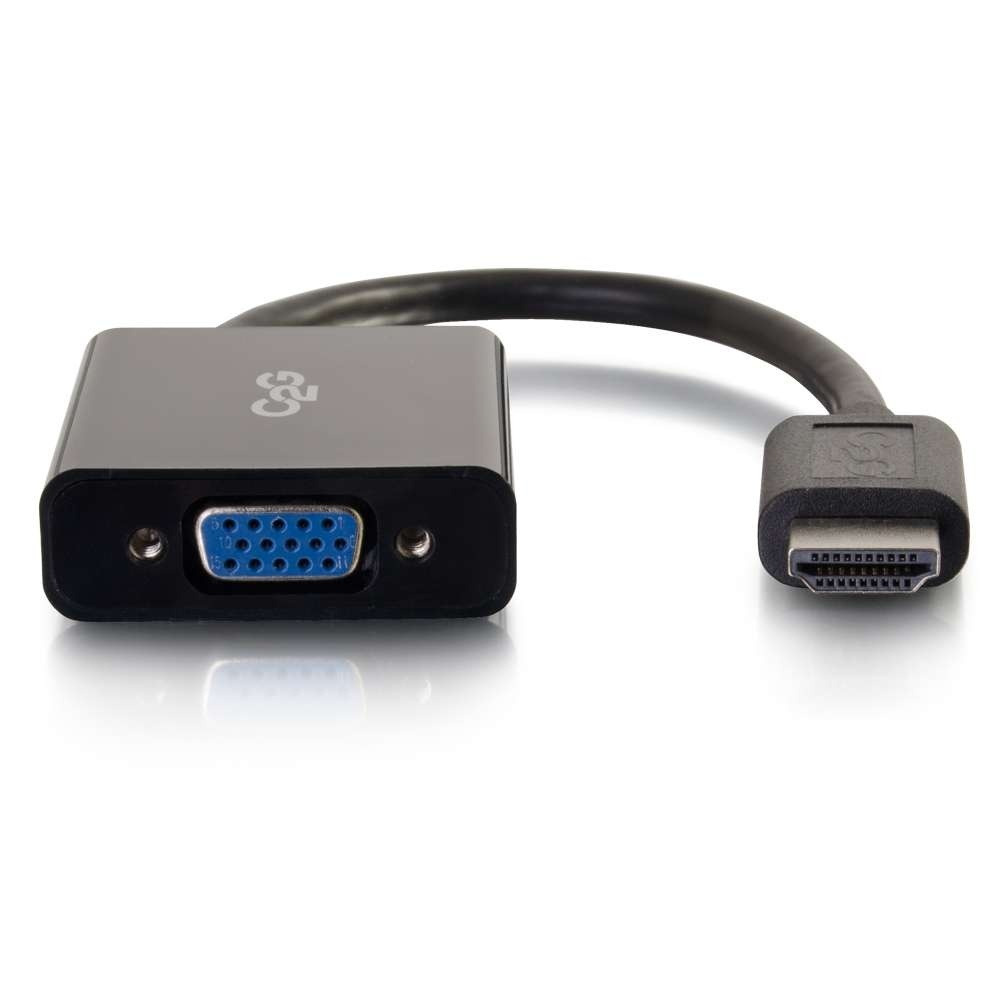
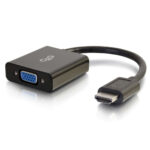
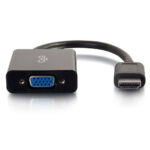
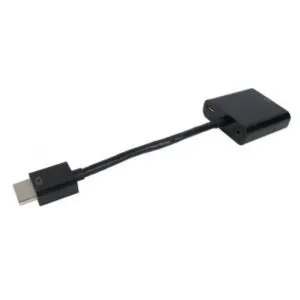
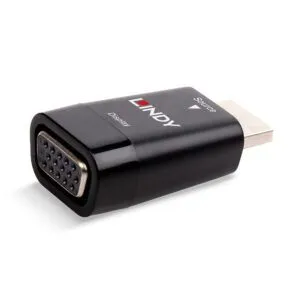
The C2G HDMI to VGA Adapter suits Chromebook and laptop users who need to connect an HDMI video output to a VGA display. It supports resolutions up to 1920 × 1080, making it a practical choice for Full HD display setups.
Key details at a glance
| Metric |
Specification |
| HDMI connection |
Male |
| VGA connection |
Female |
| Maximum resolution |
Up to 1920 × 1080 |
| Colour |
Black |
| Certification |
CE |
A simple connection for VGA displays
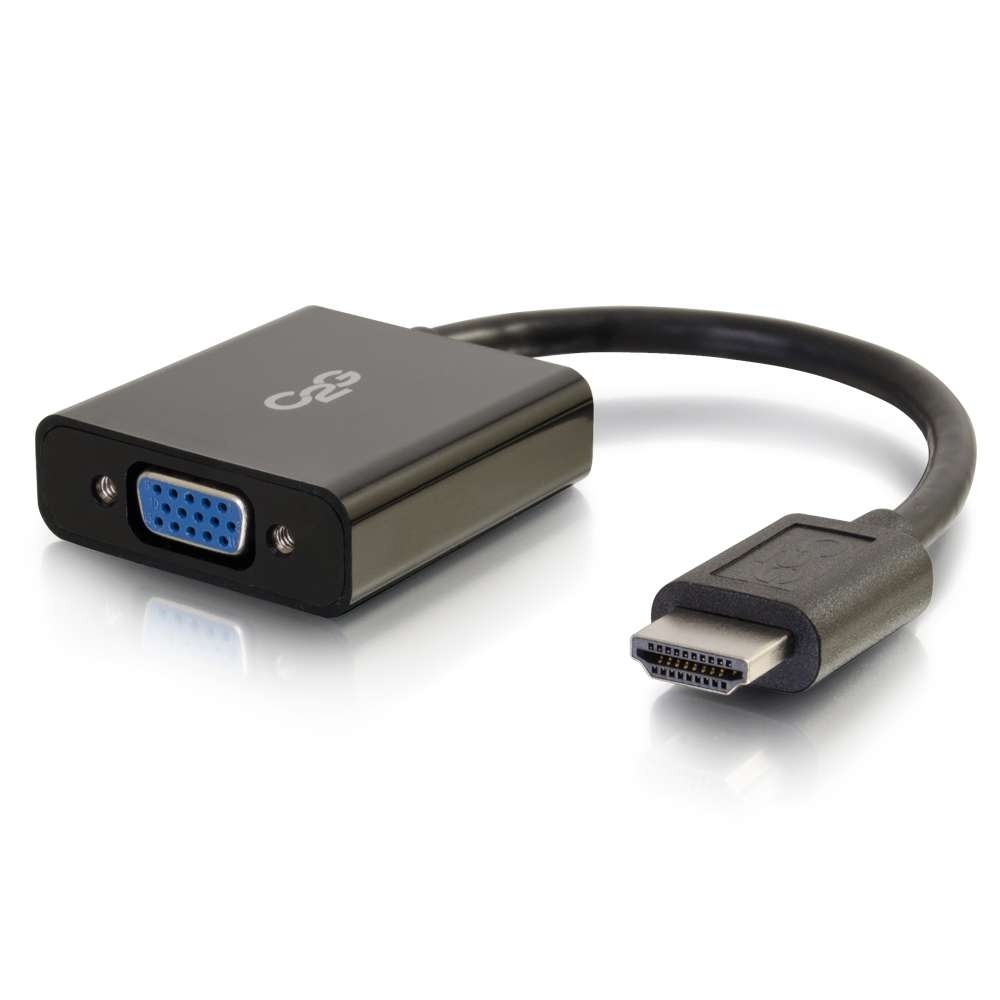
Connect the adapter to your laptop’s HDMI video output, then use a VGA cable to connect it to the display. This gives you a straightforward way to use a VGA screen with an HDMI-enabled Chromebook or laptop.
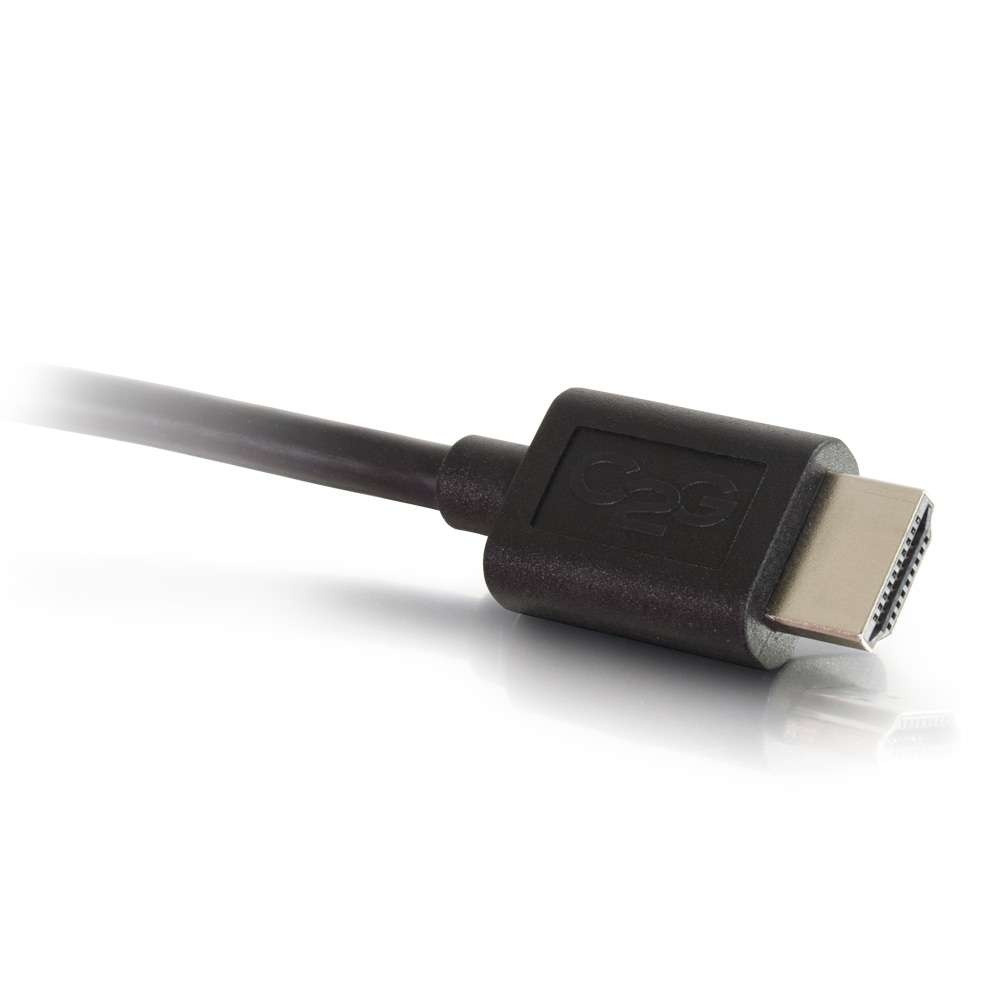
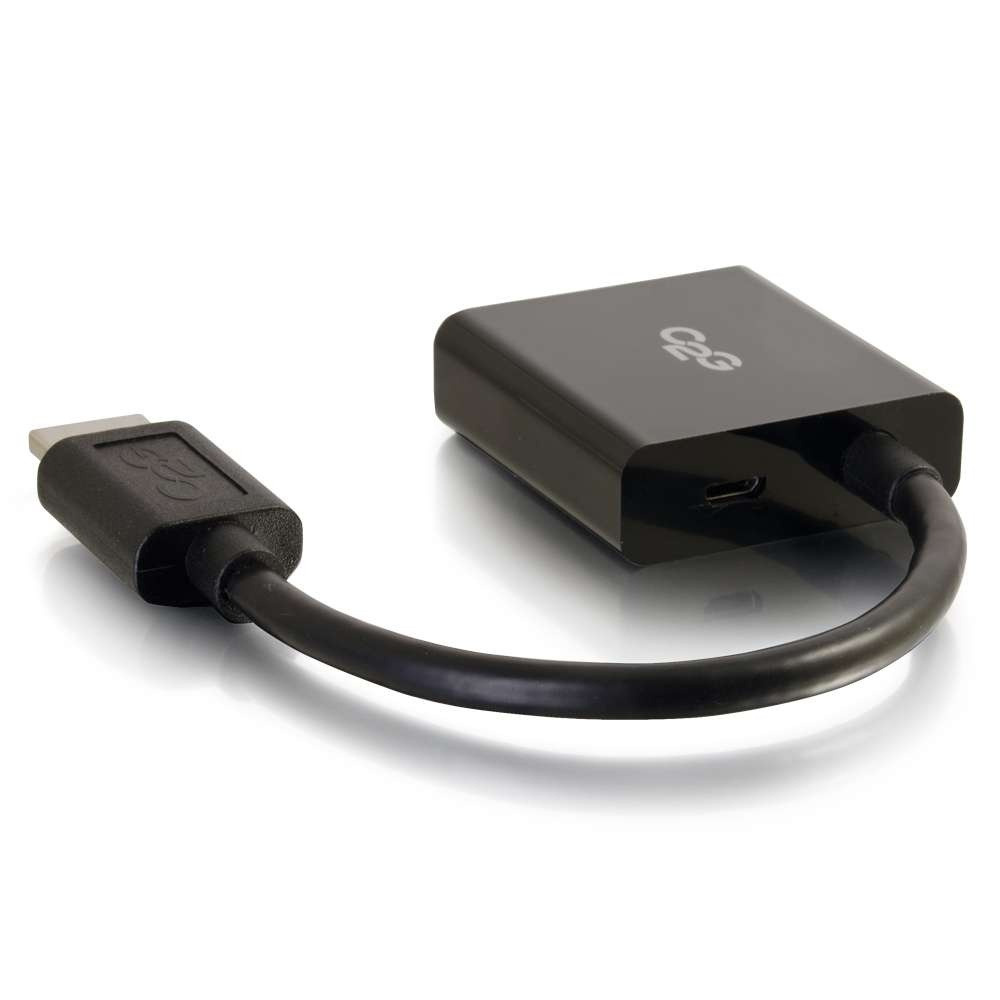
The adapter has a dongle design. In practice, this helps avoid undue stress on the port of a small laptop compared with a box-style adapter.
Full HD support for everyday display setups
Support for resolutions up to 1920 × 1080 suits display setups that need Full HD output. Check that your display and intended setup are suitable for this resolution.
You will need a VGA cable to complete the connection between the adapter and your display. The adapter provides the HDMI-to-VGA link.
Check your setup before ordering
- Confirm your Chromebook or laptop has an HDMI video output.
- Check that your display accepts a VGA connection.
- Confirm you have a VGA cable to connect the adapter to the display.
- Check that a maximum resolution of 1920 × 1080 suits your display setup.
Frequently Asked Questions
Q: Which devices can use this adapter?
A: It adapts the video output of an HDMI-enabled Chromebook or laptop for connection to a VGA display.
Q: What is the maximum supported resolution?
A: The adapter supports resolutions up to 1920 × 1080.
Q: Do I need a VGA cable?
A: Yes. Use a VGA cable to connect the adapter to your display.
A good fit for HDMI-to-VGA connections
Choose the C2G HDMI to VGA Adapter if your laptop has HDMI video output and you need to connect a VGA display. Its dongle design and support for up to 1920 × 1080 make it a useful option for a simple display connection.

 DPD tracked delivery
 Buy now, pay later with Klarna at checkout
 Pay in 3 instalments with PayPal at checkout

Reviews
Clear filtersThere are no reviews yet.