DELL MDS26 | Dual Monitor Desk Stand
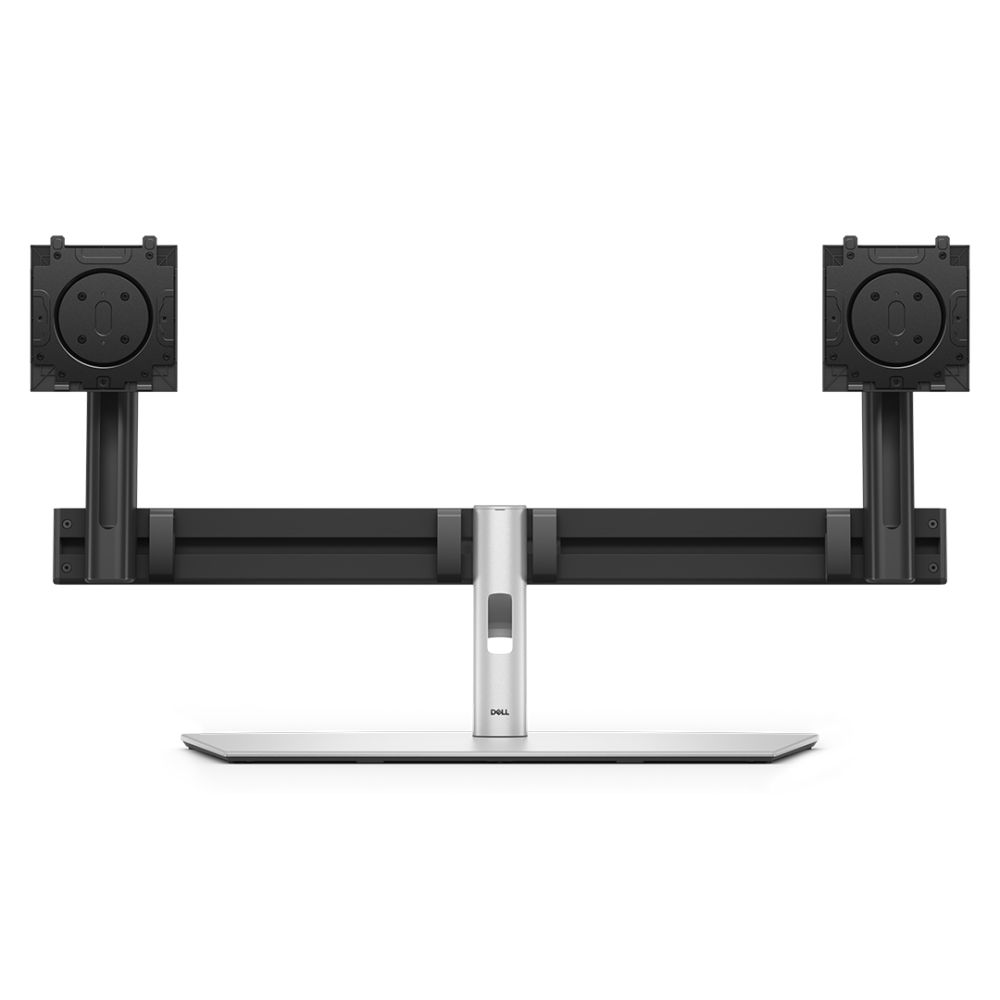
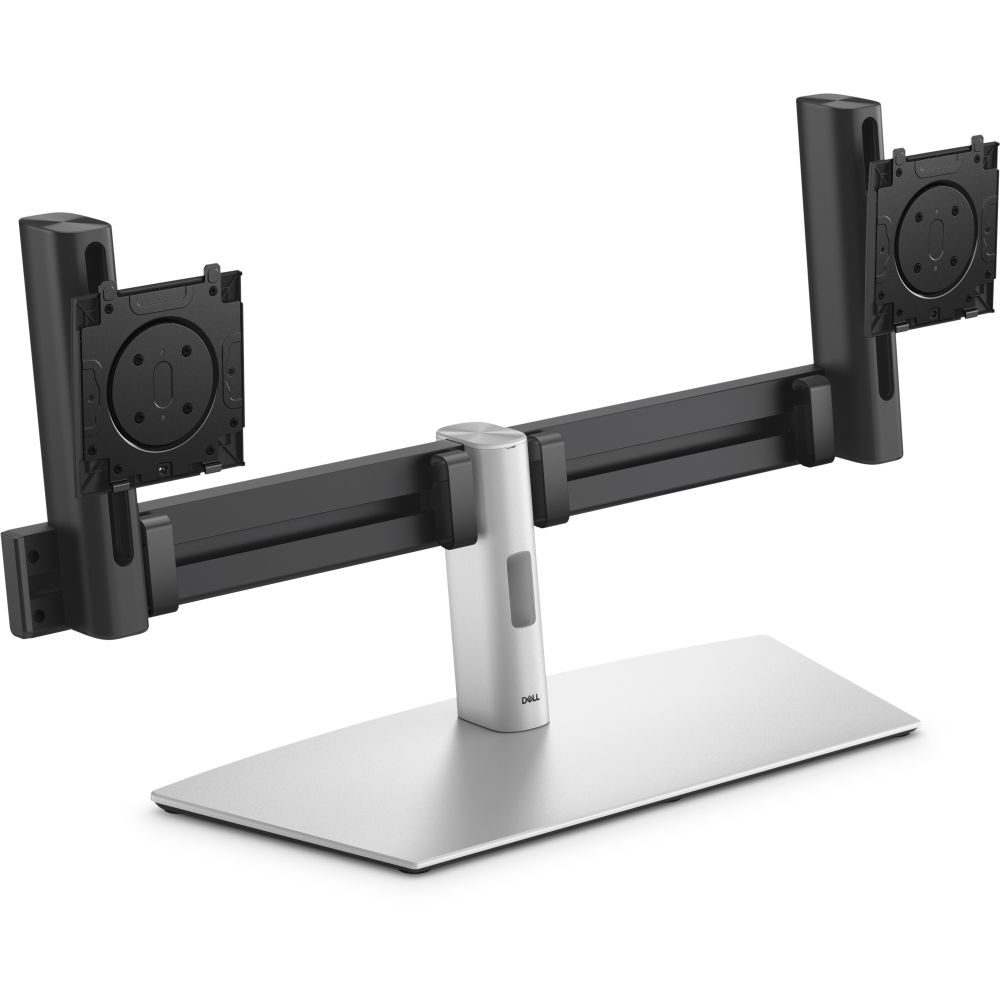
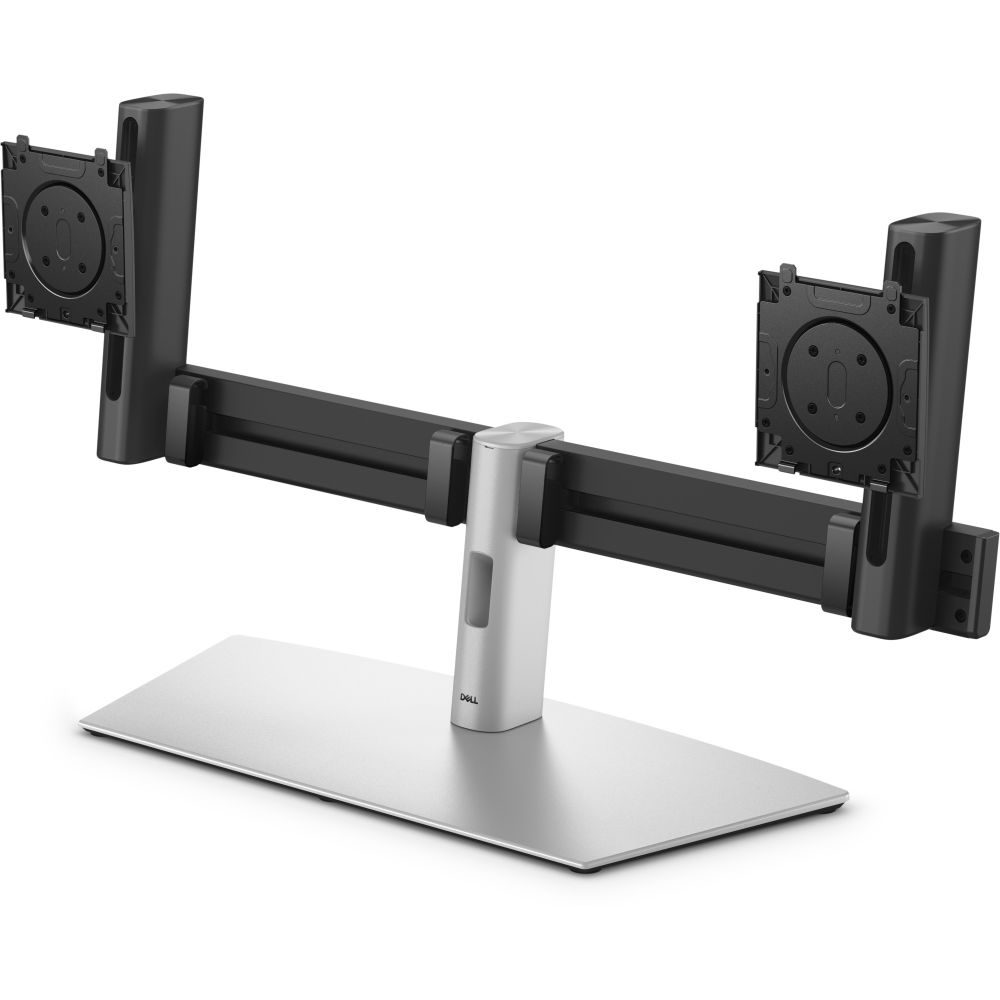
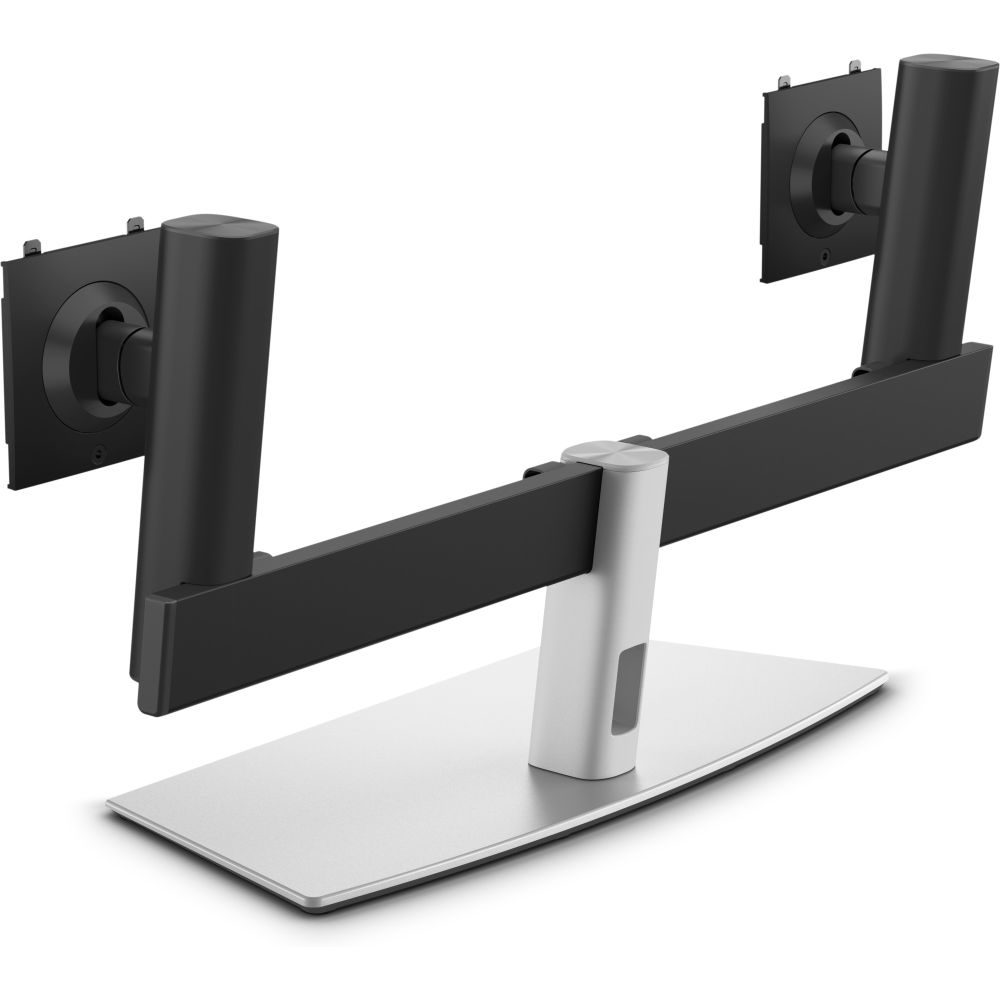
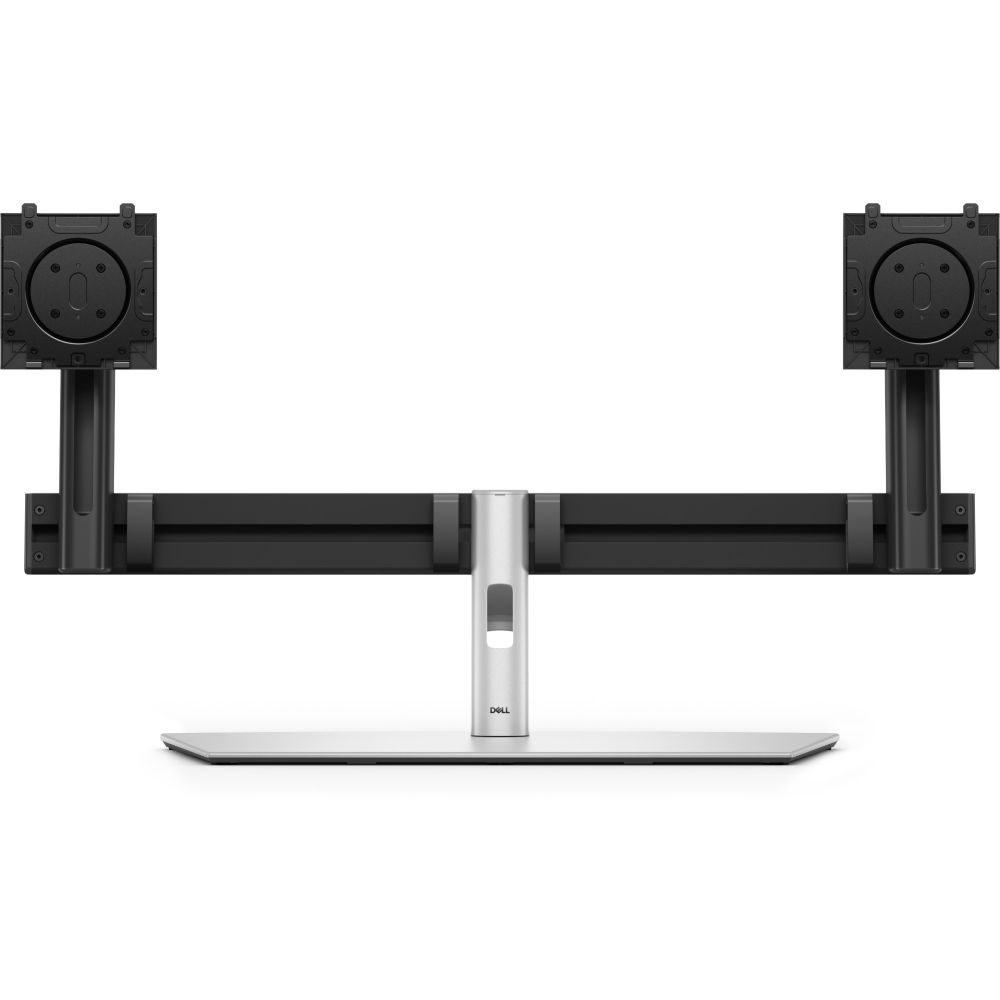
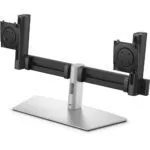
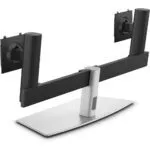
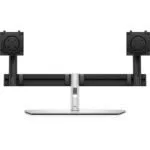
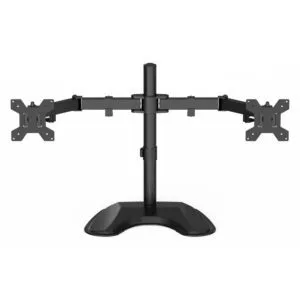
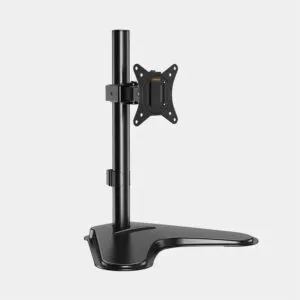
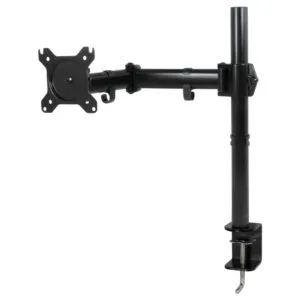
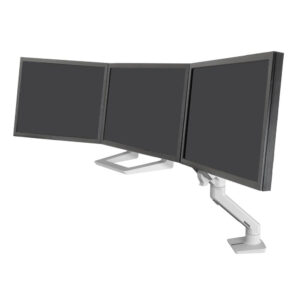
The DELL MDS26 68.6 cm (27″) Desk Black, Silver is designed to clear your workspace. It replaces two separate stands with a single, unified base. This freestanding mount supports two screens up to 27 inches. Because it uses a desk clamp design, it is ideal for office environments where permanent mounting is not possible. It helps you reclaim desk real estate immediately.
Slim Profile, Heavy Duty Support
This stand holds up to 11.97 kg total weight. That capacity accommodates two 27-inch displays easily. The unit itself weighs 6.5 kg, providing a sturdy, non-tipping foundation. It is compatible with UltraSharp P-series and E-series monitors. However, you must ensure your specific monitor model is supported. The footprint is minimal, pushing your screens back to free up typing space.
| Metric |
Spec. |
| Displays Supported |
2 |
| Max Screen Size |
68.6 cm (27″) |
| Max Weight Capacity |
11.97 kg |
| VESA Mount |
100 x 100 mm |
| Height Adjustment |
Manual |
| Product Colour |
Black, Silver |
Precision Ergonomics
Improve your posture with integrated adjustment options. The stand offers -5° to 21° tilt. You can also swivel the screens -15° to 15°. For vertical workflows, the pivot angle ranges from -90° to 90°. The height adjustment is manual. These features allow you to align the screens perfectly with your eye line. So, you reduce neck strain during long sessions.
Integrated Cable Management
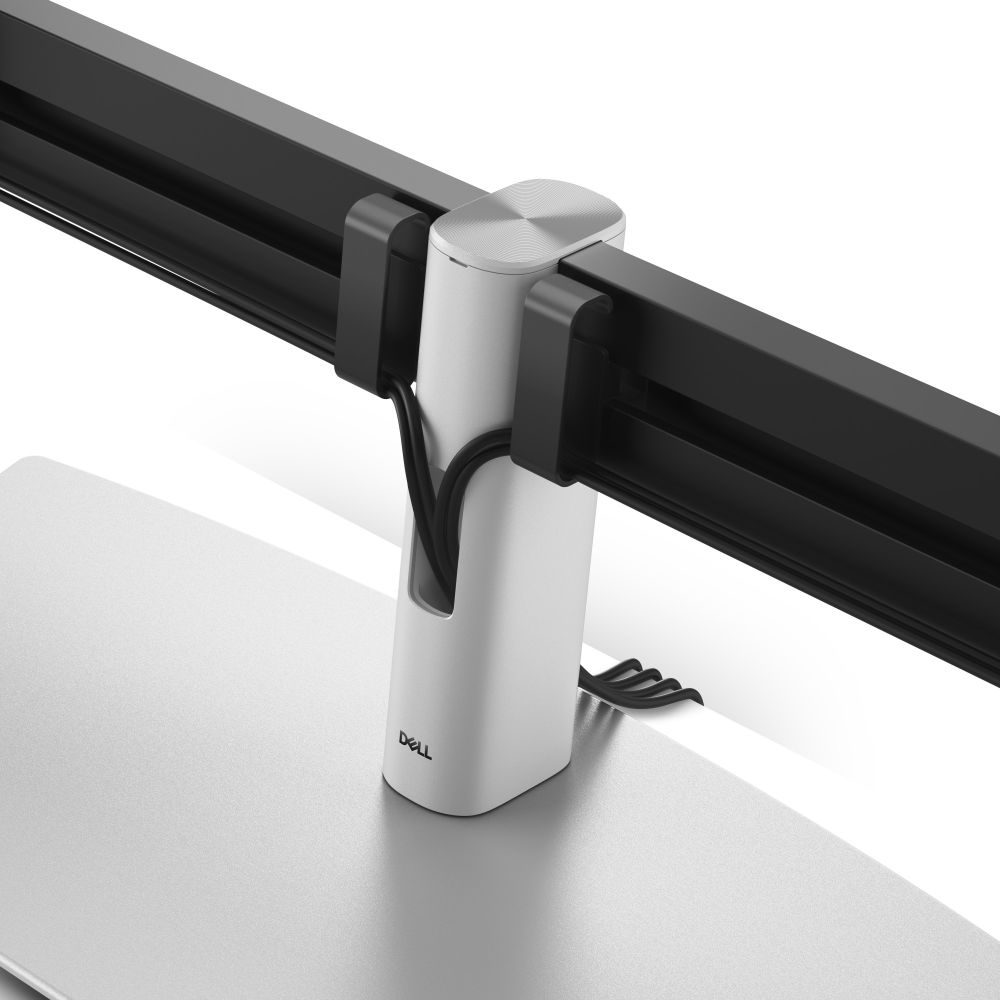
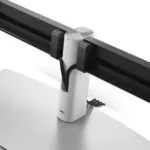
Tangled wires ruin a clean setup. This stand includes built-in cable management features. You can route your DisplayPort and power cables through the stand structure. This keeps the visual clutter to a minimum. A tidy desk promotes focus. It also makes cleaning your workspace much easier.
Compatibility and Fit
This stand is specifically designed for the DELL UltraSharp P-series and E-series lines. It requires a VESA mount of 100 x 100 mm. The maximum weight per display is 2.18 kg. If you have heavier screens, this stand will not support them. Always verify your monitor’s VESA pattern and weight before purchase.
In the box
- DELL MDS26 Desk Stand
- Clamp mechanism
- Adjustment tools
- Documentation
Before you order
- Confirm VESA Pattern: Ensure your monitors have a 100 x 100 mm VESA mount.
- Verify Weight: Check that each monitor weighs 2.18 kg or less.
- Check Desk Thickness: Verify the clamp fits your specific desk depth.
- Screen Size: Ensure monitors are 27 inches or smaller.
Buyer FAQs
Is this stand compatible with non-DELL monitors?
It fits any monitor with a 100 x 100 mm VESA mount, provided the weight is under 2.18 kg.
Does the height adjustment use a gas spring?
No, the height adjustment is manual.
Can I rotate the monitors to portrait mode?
Yes, the pivot angle supports -90° to 90° rotation.
What is the maximum width of the two monitors combined?
The total width of the stand is 775 mm. The total width of your two monitors plus the gap should not exceed this significantly for aesthetic balance.
Buying advice
Choose the DELL MDS26 if you want to upgrade from a dual-stand setup to a clean, unified desk environment. It is best suited for users of DELL UltraSharp monitors who need basic tilt, swivel, and pivot adjustments. It offers a solid, professional look without the complexity of a full articulation arm. Covered by the applicable manufacturer warranty.






Reviews
Clear filtersThere are no reviews yet.