
Save £2.40





You may also like
Save £6.00
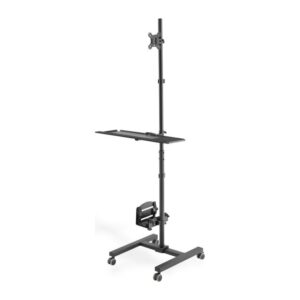
Digitus Mobile Workstation Floor Stand for 17-32″ Monitor, 8kg Max Weight, VESA 75×75/100×100, Black
In stock
Original price was: £100.79.£94.79Current price is: £94.79.
Save £9.60
Save £1.73
Save £1.95
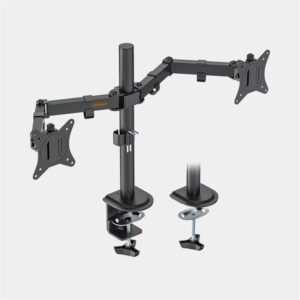
VONHAUS Dual Monitor Stand – Height Adjustable Twin Mount
In stock
Original price was: £32.39.£30.44Current price is: £30.44.
Save £3.60
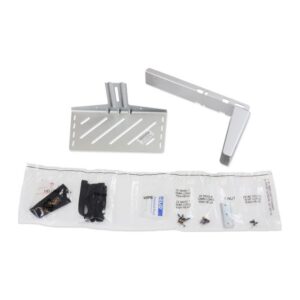
Ergotron StyleView Wireless Scanner Base Shelf for Carts or Wall Track, 10.4kg Capacity, Silver
In stock
Original price was: £55.19.£51.59Current price is: £51.59.
Save £1.85
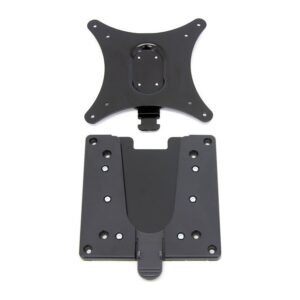
Ergotron Quick Release LCD Bracket for Ergotron Arms/Stands/Wall Mounts – 15.9 kg Max Weight – Black
In stock
Original price was: £26.39.£24.54Current price is: £24.54.
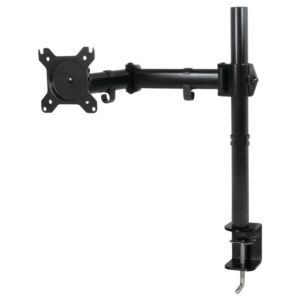
Save £1.20
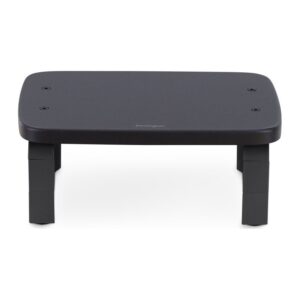
Save £2.40
Kensington SmartFit Monitor Stand – Black
In stock
Original price was: £45.59.£43.19Current price is: £43.19.
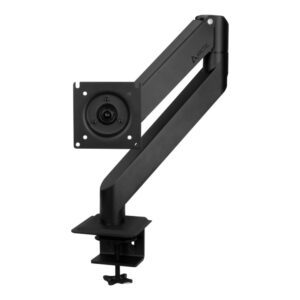
Save £2.40
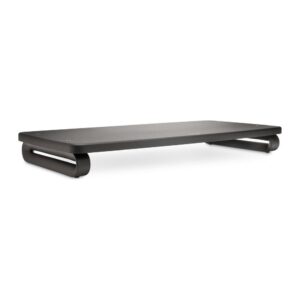
Save £3.60
Kensington Extra Wide Monitor Stand
In stock
Original price was: £65.99.£62.39Current price is: £62.39.
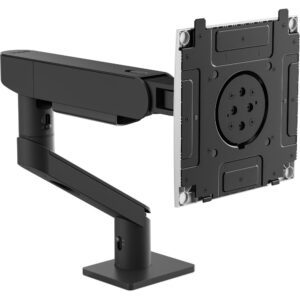
Save £18
DELL HDA26 52″ Black White Monitor
In stock
Original price was: £299.99.£281.99Current price is: £281.99.
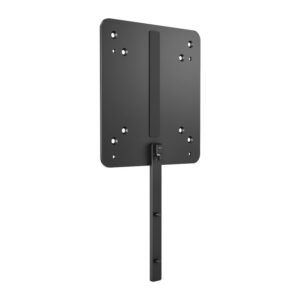
Save £3.60
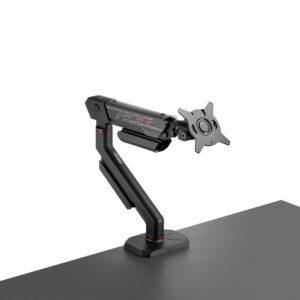
Save £13
ASUS ROG Ergo Monitor Arm AAS01R, Desk Mount for One Screen up to 49″, 13.5kg, Black
In stock
Original price was: £203.99.£190.79Current price is: £190.79.
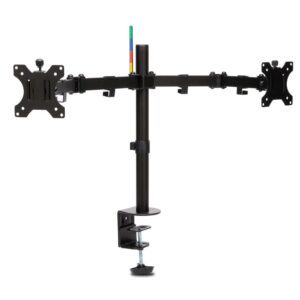
Save £3.60
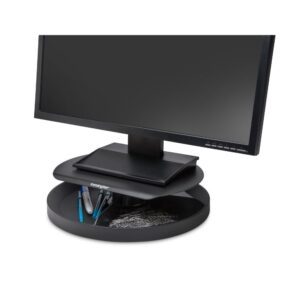
Save £2.46
Kensington SmartFit Monitor Stand
In stock
Original price was: £49.19.£46.73Current price is: £46.73.
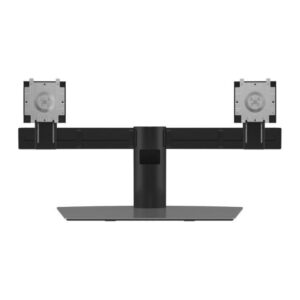
Save £11
DELL Pro Dual Monitor Stand – MDS19
In stock
Original price was: £155.99.£145.19Current price is: £145.19.
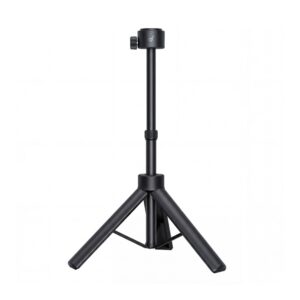
Save £3.60
Nebula Quick-Mount Projector Stand for P-Series – 697mm Height, 3.3kg Max Load, 360° Rotation
In stock
Original price was: £63.59.£59.99Current price is: £59.99.
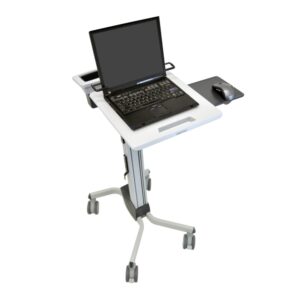
Save £43
Ergotron Neo-Flex Laptop Cart Grey Multimedia Trolley, 12″-17.3″ Screen, 6.8kg Max Weight, Height Adjustable
In stock
Original price was: £778.79.£735.59Current price is: £735.59.
Save £1.80
Save £2.40
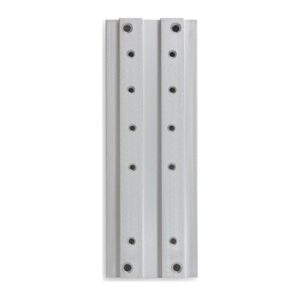
Ergotron Track Mount Bracket Kit for LX, MX, 400, 200, 100 Series Aluminium
In stock
Original price was: £45.59.£43.19Current price is: £43.19.
Save £1.38
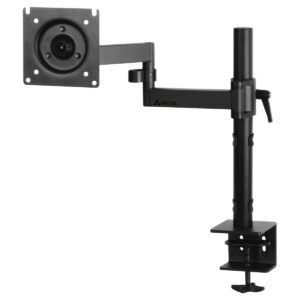
ARCTIC X1 Desk Mount Monitor Arm
In stock
Original price was: £27.59.£26.21Current price is: £26.21.
Save £7.20
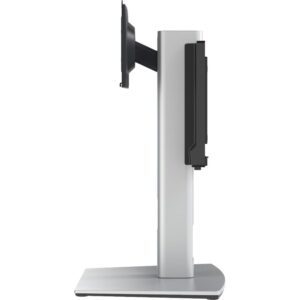
Dell Precision Compact AIO Stand – CFS22
In stock
Original price was: £122.39.£115.19Current price is: £115.19.
Save £0.54
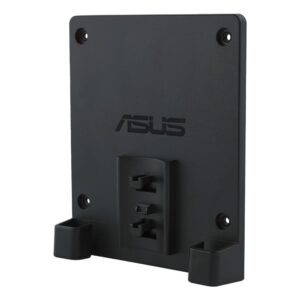
ASUS 90LA00S0-B01170 Black 144.8 x 120.8 x 27 mm
In stock
Original price was: £10.79.£10.25Current price is: £10.25.
Reviews
Clear filtersThere are no reviews yet.