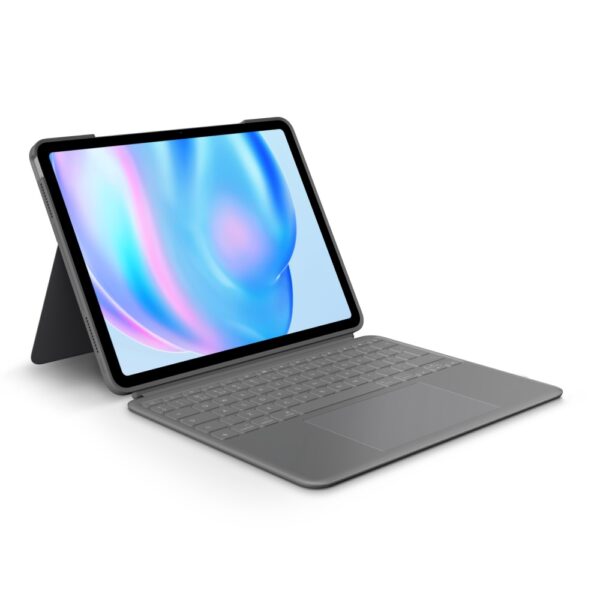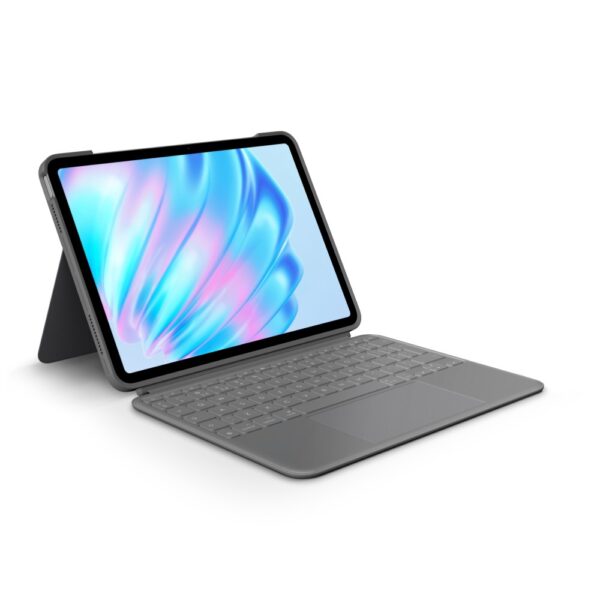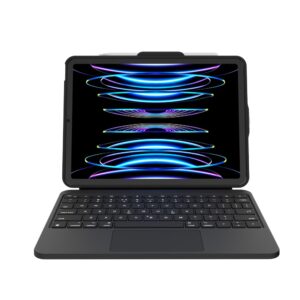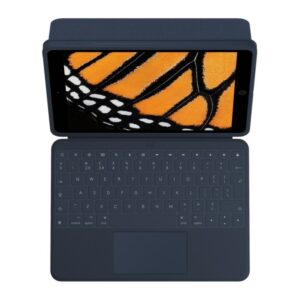




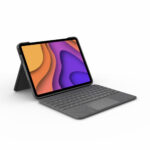
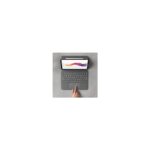



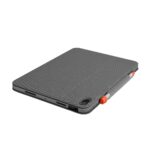


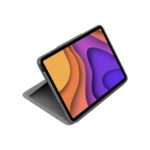
Logitech Folio Touch Wireless Keyboard Case for iPad Air 10.9″ (4th/5th Gen), Trackpad, UK Layout, Oxford Grey

SKU: 920-009968

£194.42

Out of stock

Out of stock

  • Free Premium delivery on UK mainland orders

Order today, get it by Fri 20 Nov

  • DPD DPD tracked delivery
  • Klarna Buy now, pay later with Klarna at checkout
  • PayPal Pay in 3 instalments with PayPal at checkout

About this item

  • Compatible with iPad Air 4th and 5th generation
  • Backlit QWERTY keyboard with adjustable illumination
  • UK International keyboard layout
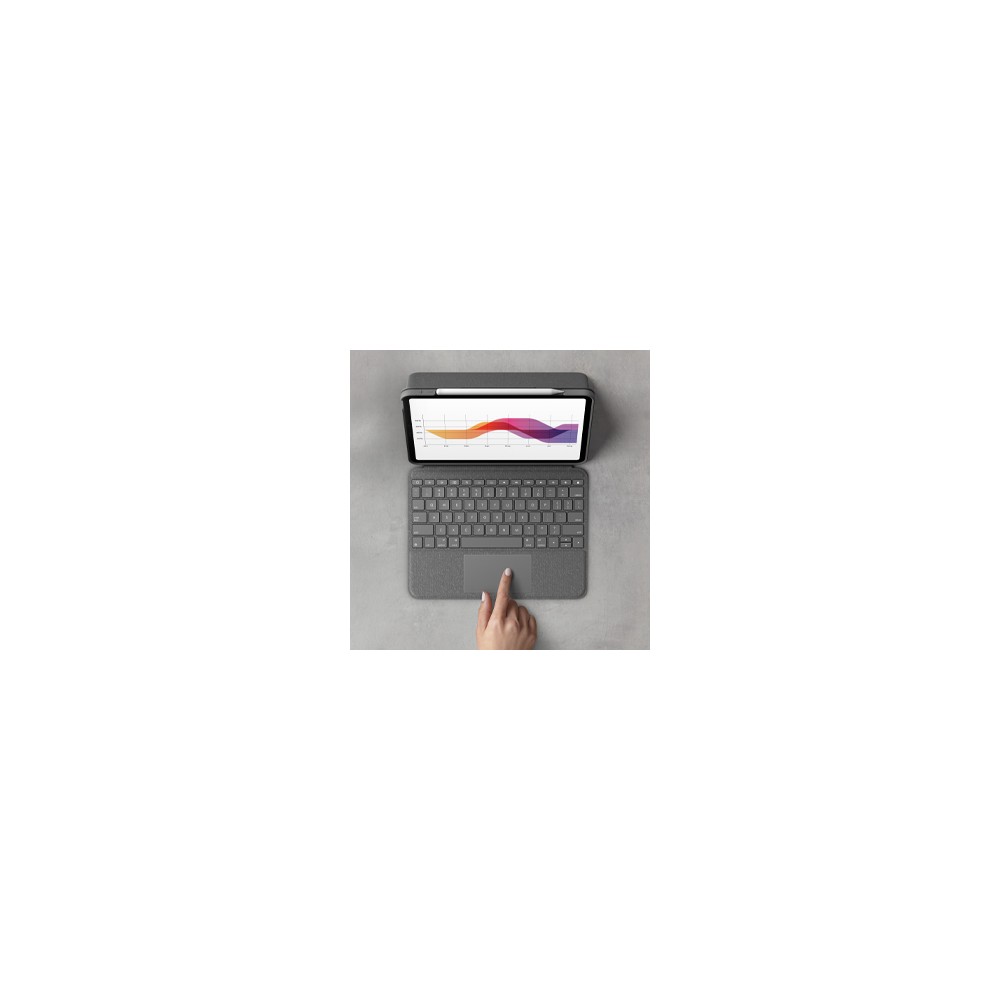
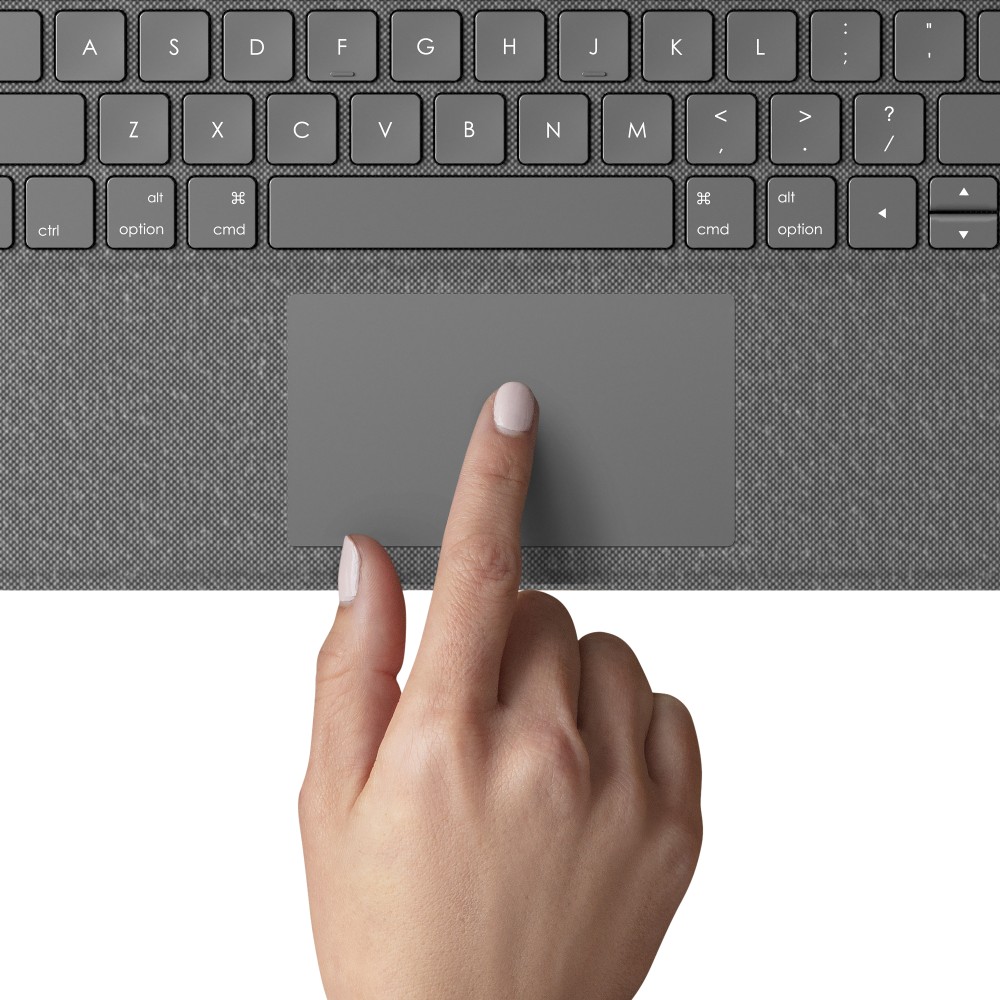
  • Trackpad supports familiar Multi-Touch gestures
  • Smart Connector provides wireless connection and power
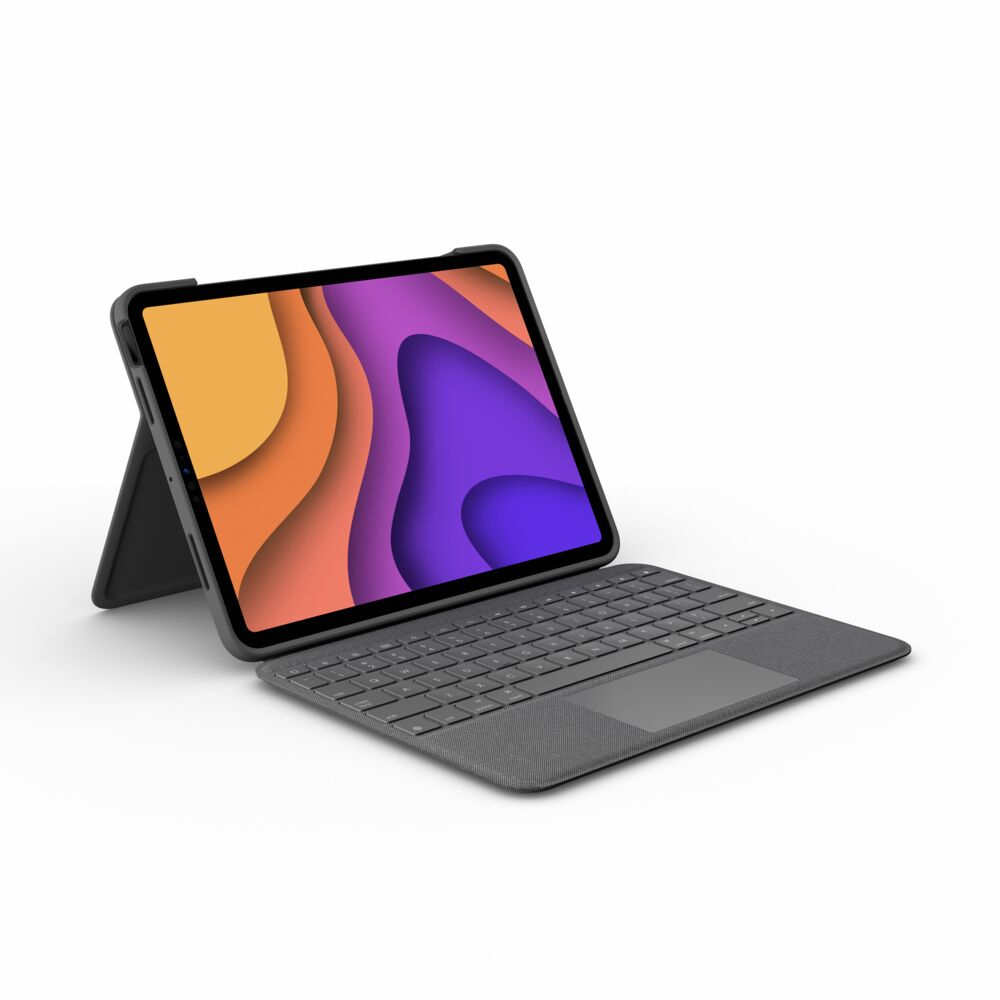
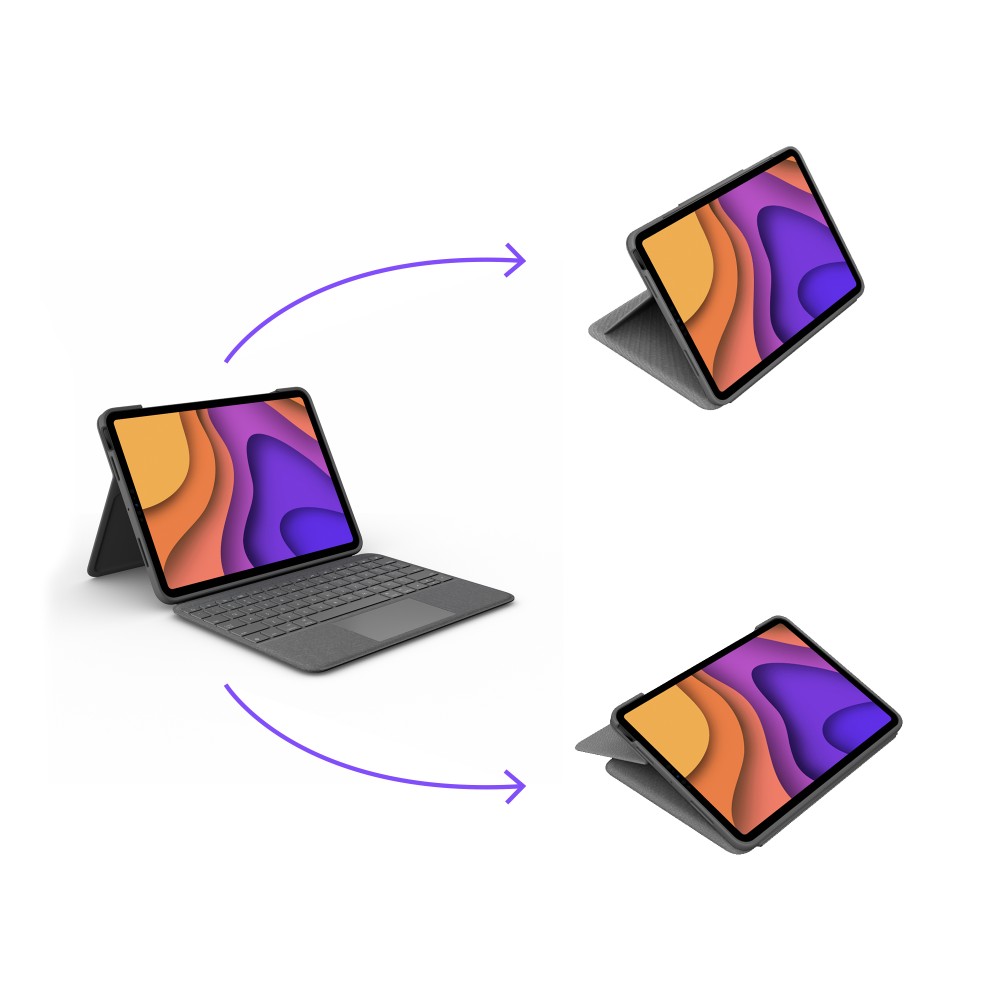
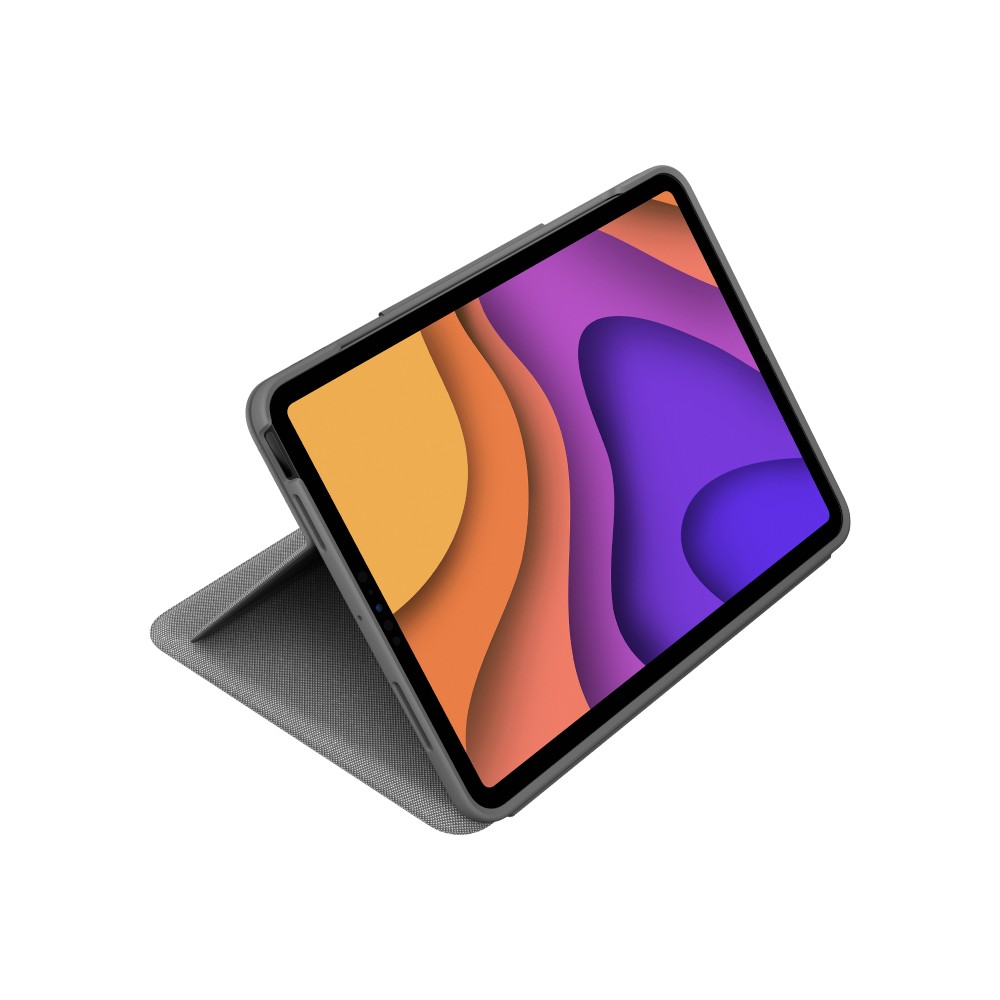
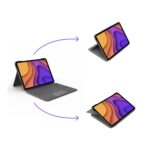
  • Protective case with pen holder and 20°–60° viewing angles
Description

Logitech Folio Touch – type and navigate on iPad Air

The Logitech Folio Touch suits iPad Air owners who want a keyboard, trackpad and protective cover in one accessory. Its Smart Connector provides a simple way to connect and power the keyboard, without separate wireless pairing.

Key details for your iPad Air

Metric Specification
Compatible models iPad Air (4th and 5th generation)
Maximum screen size 27.7 cm (10.9 inches)
Connection Smart Connector
Keyboard QWERTY, UK International
Pointing device Trackpad
Backlighting Adjustable

Switch between work and leisure

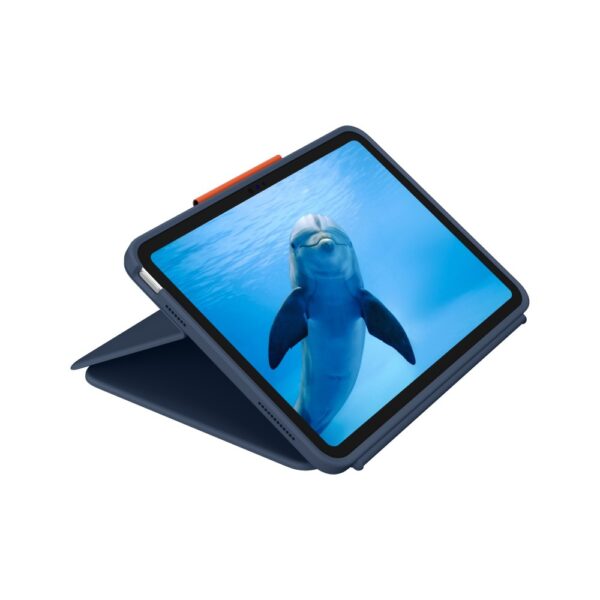
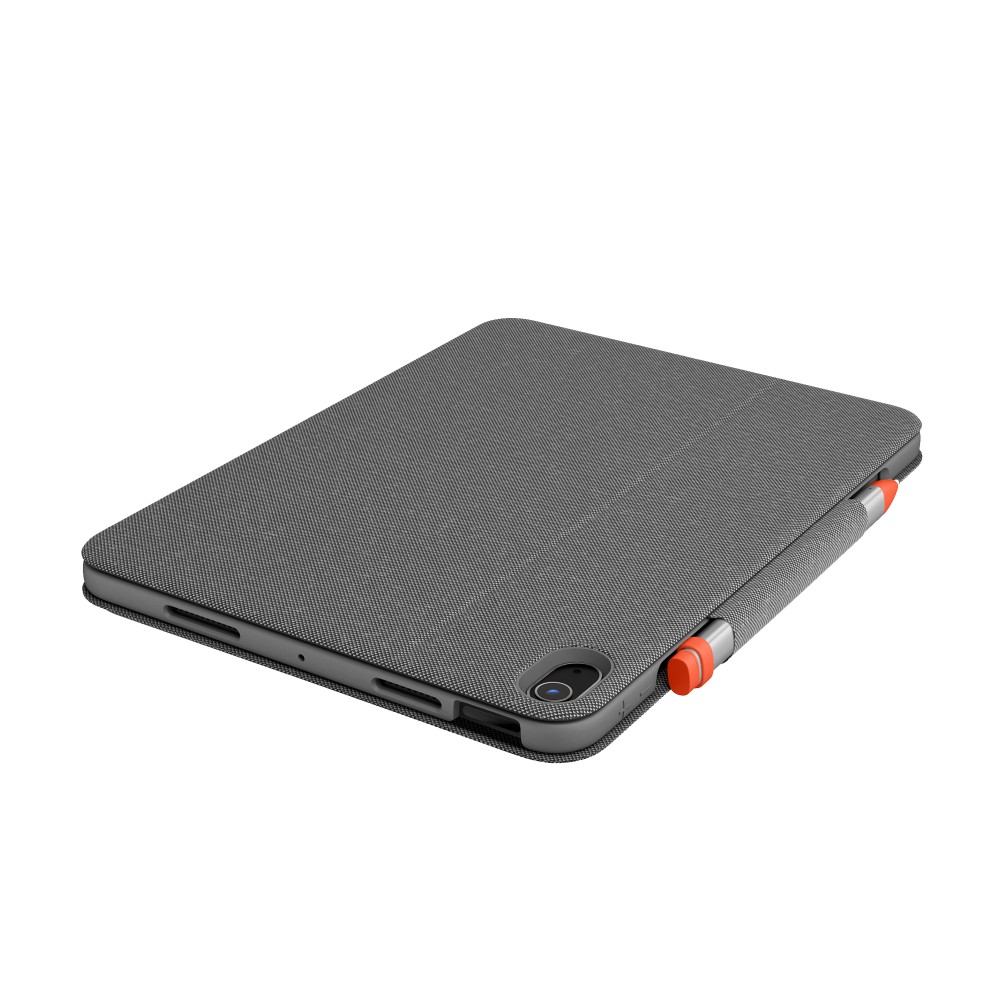
Use the adjustable kickstand to set a viewing angle between 20° and 60°. The keyboard folds back, so you can type, view, sketch or read in different modes. A built-in pen holder keeps a compatible writing tool close at hand.

Comfortable typing and trackpad control

The backlit keyboard has hot keys and multimedia keys for convenient control. Its 1 mm key travel supports comfortable typing, while the trackpad lets you navigate iPadOS with familiar touch gestures. There is no numeric keypad.

Check your iPad before ordering

  • Confirm your iPad Air is the 4th or 5th generation.
  • Check that your iPad has a 10.9-inch screen.
  • Confirm you want a UK International QWERTY keyboard layout.
  • Check that a dock-powered keyboard case suits your setup.

Frequently Asked Questions

Q: Which iPad models does the Folio Touch fit?

A: It is compatible with the iPad Air 4th and 5th generations.

Q: Does it have a trackpad?

A: Yes. The trackpad supports navigation on iPadOS.

Q: Is the keyboard backlit?

A: Yes. Its backlighting is adjustable.

A practical choice for iPad Air

Choose the Logitech Folio Touch if you want to type, navigate and adjust your iPad Air’s viewing angle with one keyboard case.

Specifications
Keyboard
Pointing deviceTrackpad
Multimedia keysYes
Key travel distance1 mm
Key pitch1.8 cm
Hot keysYes
Keyboard layoutQWERTY
Keyboard languageUK International
Numeric keypadNo
Performance
CoverYes
Adjustable backlightYes
BacklightYes
Brand compatibilityApple
CompatibilityiPad Air (4th gen, 5th gen)
Product colourGrey
Maximum screen size27.7 cm (10.9")
Pen holderYes
Colour nameOxford Grey
Angle adjustment (min)20°
Angle adjustment (max)60°
Pointing deviceTrackpad
Multimedia keysYes
Key travel distance1 mm
Key pitch1.8 cm
Hot keysYes
Mobile operating systems supportediPadOS
Keyboard layoutQWERTY
Keyboard languageUK International
Numeric keypadNo
Ports & interfaces
Connectivity technologyWireless
Device interfaceSmart Connector
Design
CoverYes
Product colourGrey
Pen holderYes
Colour nameOxford Grey
Power
Power sourceDock
System requirements
Mobile operating systems supportediPadOS
Weight & dimensions
Width21 mm
Depth188.9 mm
Height256 mm
Weight906 g
Package width29.5 mm
Package depth202 mm
Package height263 mm
Package weight860 g
Packaging data
Package width29.5 mm
Package depth202 mm
Package height263 mm
Package weight860 g
Packaging content
Quick start guideYes
Technical details
Languages supportEnglish
Harmonized System (HS) code84716060
Logistics data
Master (outer) case width217 mm
Master (outer) case length255 mm
Master (outer) case height293.5 mm
Master (outer) case gross weight7.66 kg
Harmonized System (HS) code84716060

Reviews

0 reviews
0
0
0
0
0

There are no reviews yet.

Write a review

Your email is never published.

You have to be logged in to be able to add photos to your review.