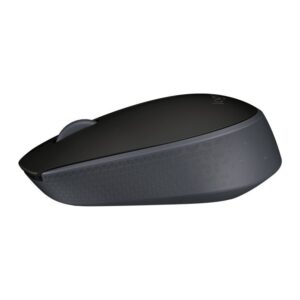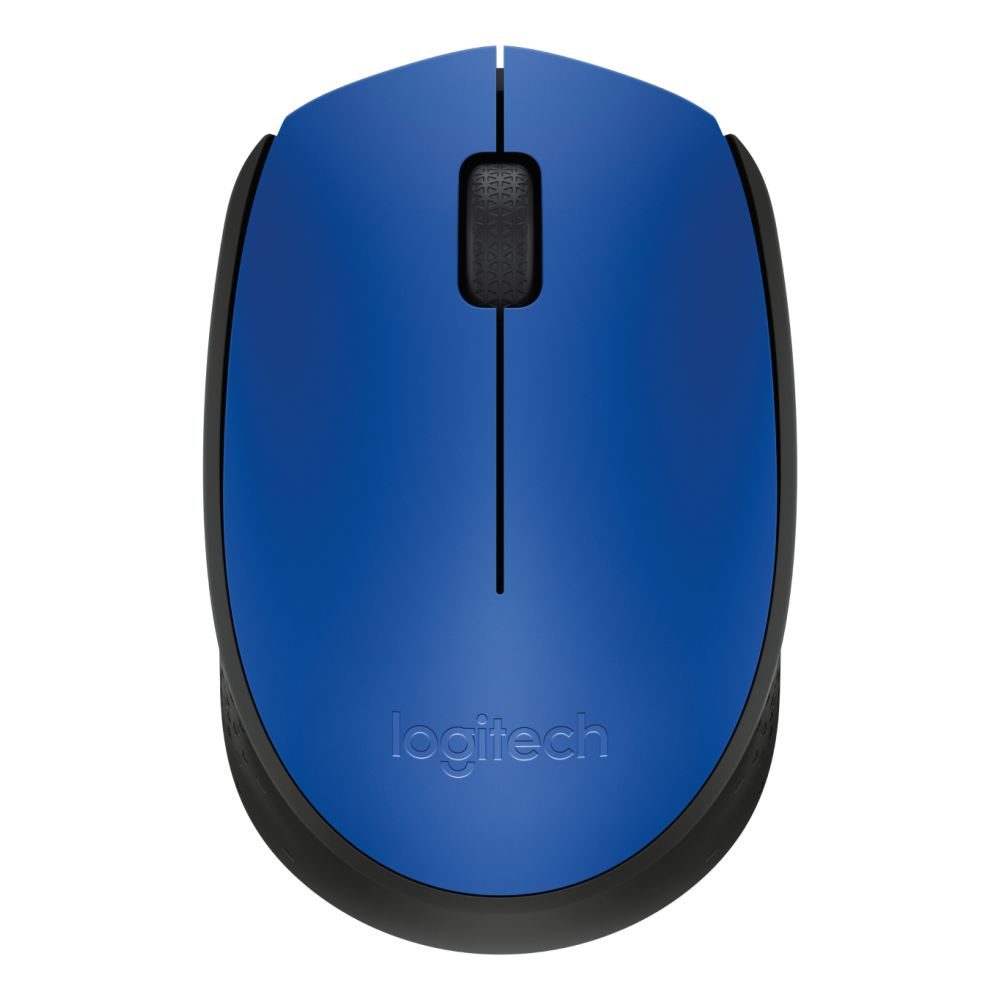
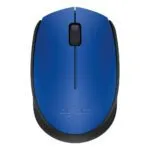
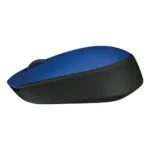

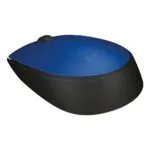


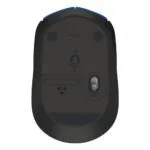

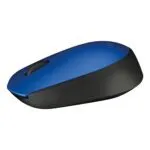


Logitech M170 Wireless Mouse
Out of stock
Out of stock
More Ways to Pay
-
Buy now, pay later with Klarna
-
Pay in 3 interest-free payments with PayPal
About This Item
- 2.4 GHz RF Wireless connectivity with 10 m range
- 1000 DPI optical movement resolution for precise tracking
- Ambidextrous form factor with 2 pressed buttons and scroll wheel
- 12-month battery life with 1 AA alkaline battery (included)
- Plug and Play nano USB Type-A receiver (included)
- Compatible with Windows, macOS, Linux and ChromeOS
- Office-focused design for PC and laptop use
Payment Methods:
You may also like
Logitech M170 Wireless Mouse | Reliable Office Peripheral
The Logitech M170 Wireless Mouse offers a reliable cable-free experience for office tasks. It is designed for PC and laptop users who need basic, dependable navigation. This model uses a 2.4 GHz wireless connection for a stable link up to 10 metres away. You get plug-and-play simplicity without complex software. It works with Windows, Mac, and Chrome OS systems.
Simple Wireless Freedom for Daily Tasks
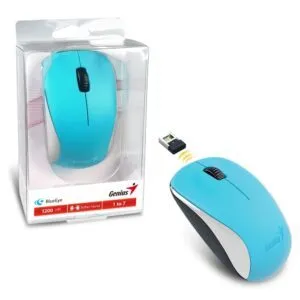
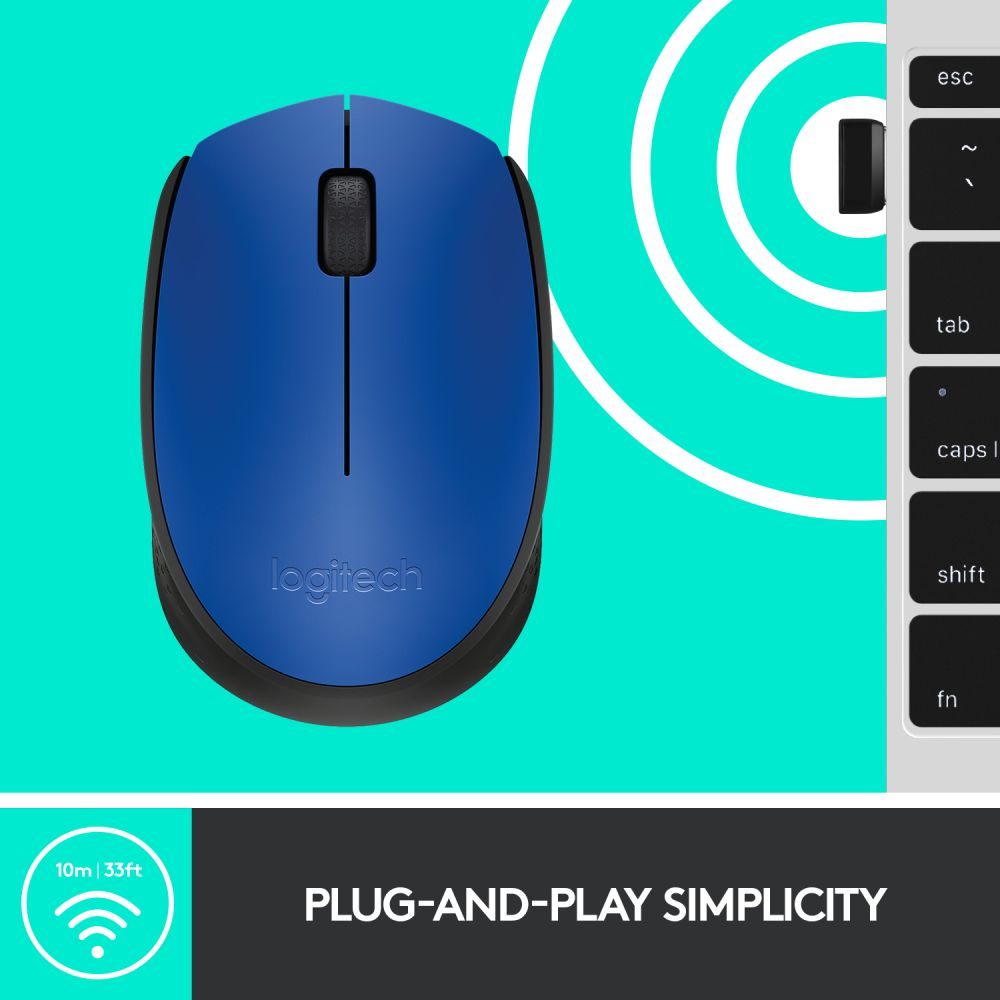
This mouse uses a tiny nano receiver that plugs into a USB-A port. There is no pairing process or software installation needed. The 2.4 GHz frequency band helps avoid interference from other devices. You can work up to 10 metres away from your computer. This gives you more flexibility at your desk.
Designed for Comfort and Durability
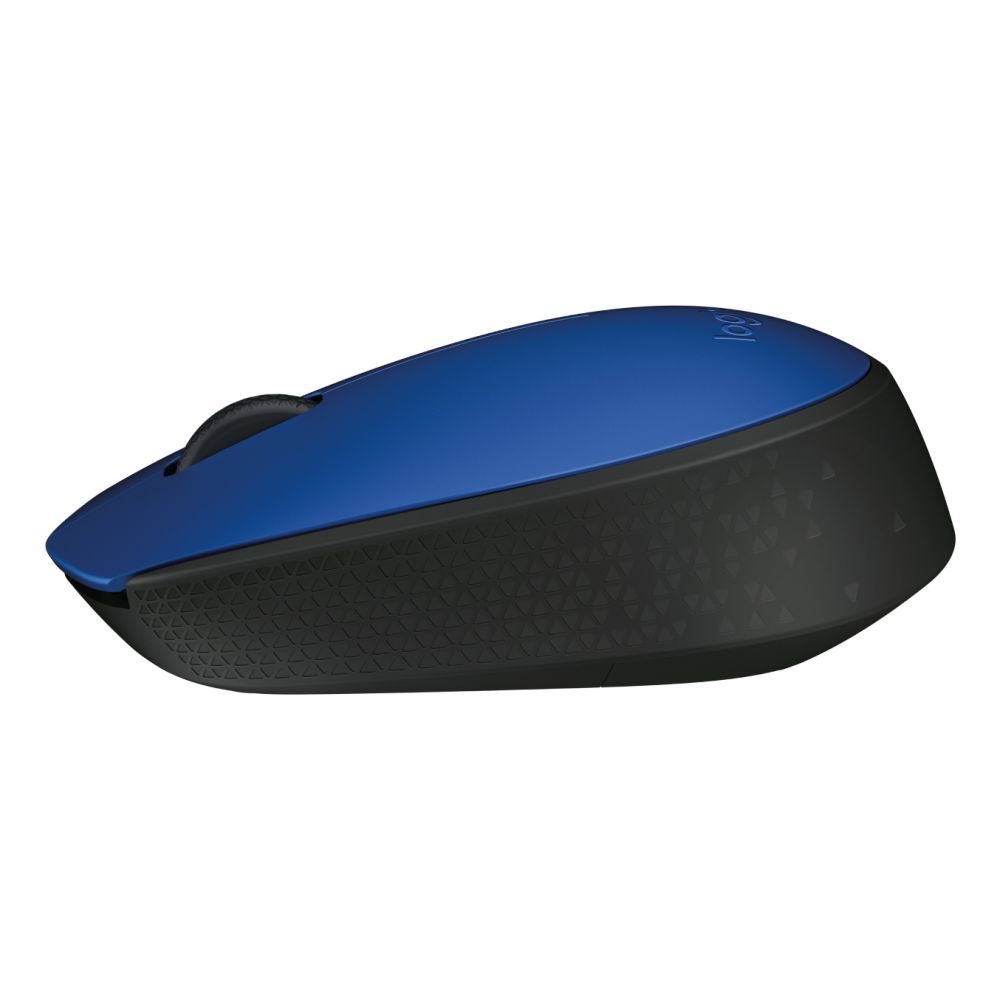
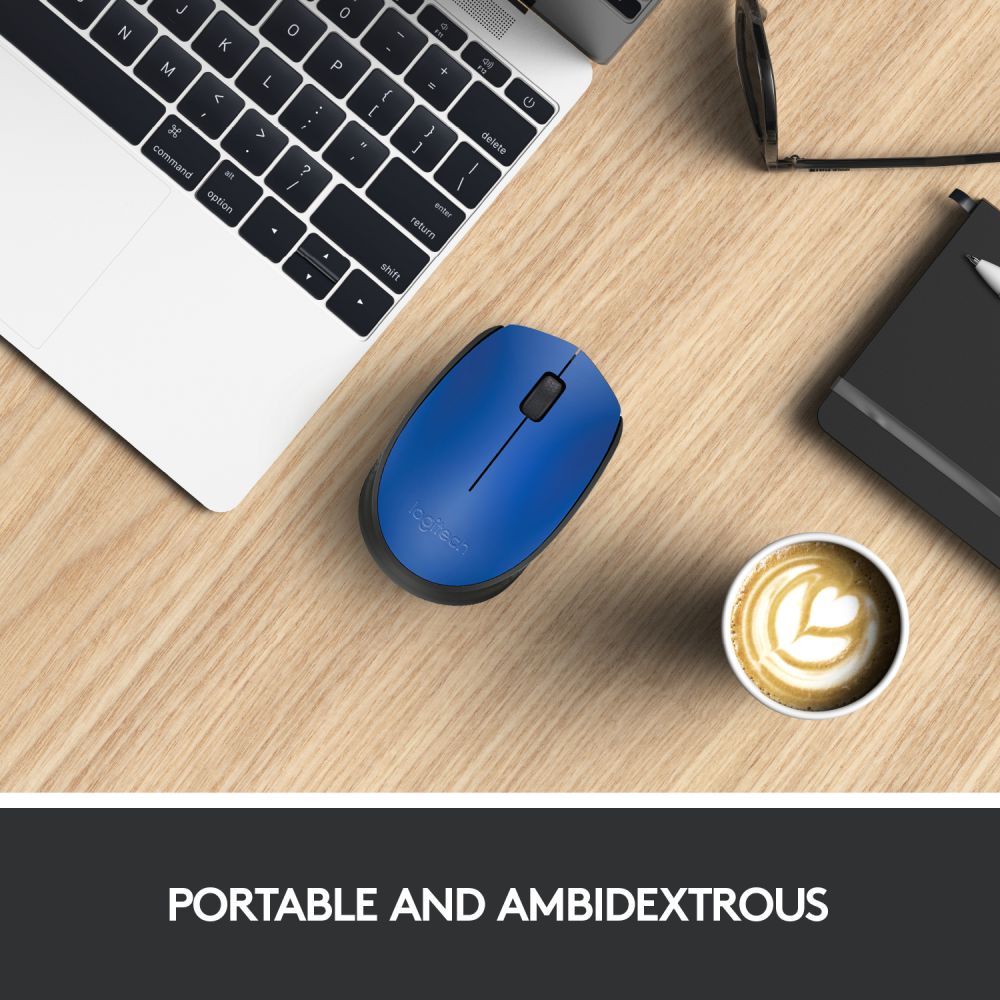
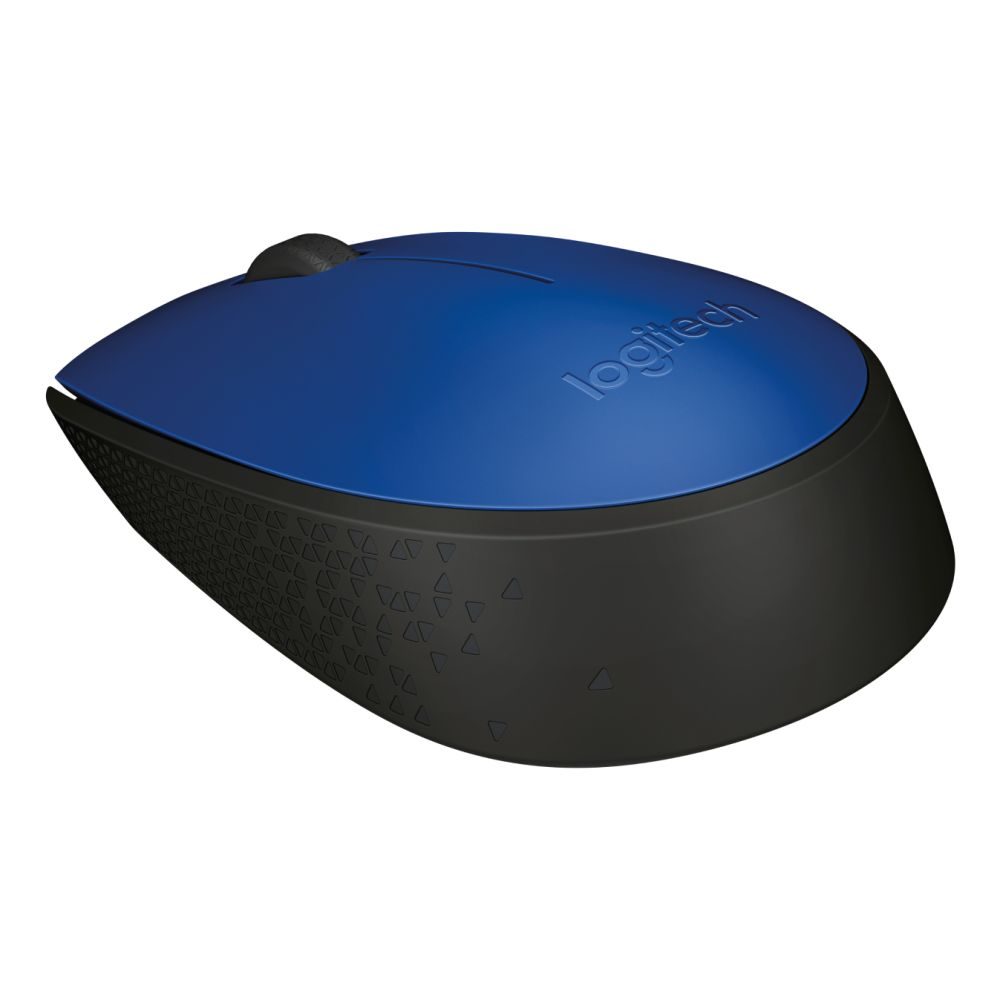
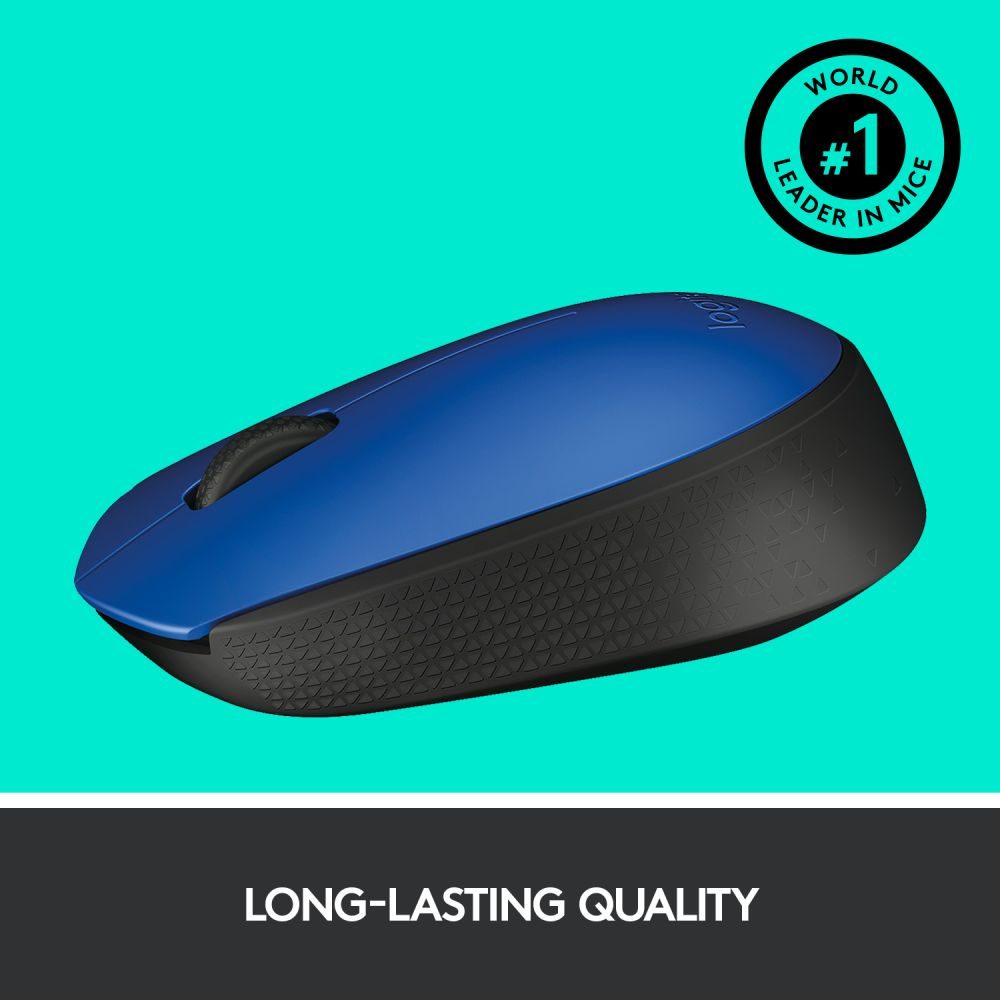
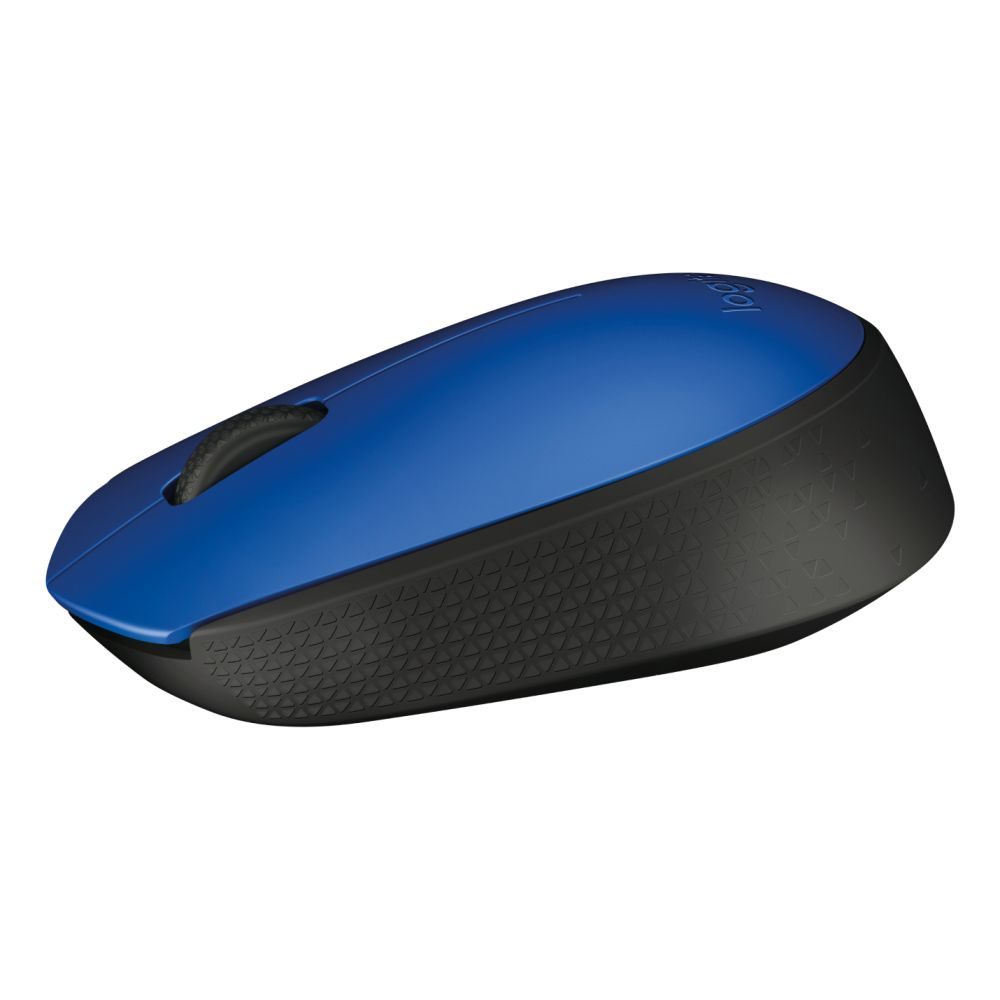
The ambidextrous shape suits both left and right-handed users. It has a low weight of 70.5 g, which reduces fatigue over long sessions. The black or blue colour options fit standard office environments. Its compact size works well with laptops and compact keyboards.
Consistent Optical Tracking
The mouse uses optical movement detection for accuracy on most surfaces. It offers a 1000 DPI movement resolution. This provides precise control for spreadsheets and documents. The single scroll wheel lets you move through pages quickly.
Long Battery Life and Efficiency
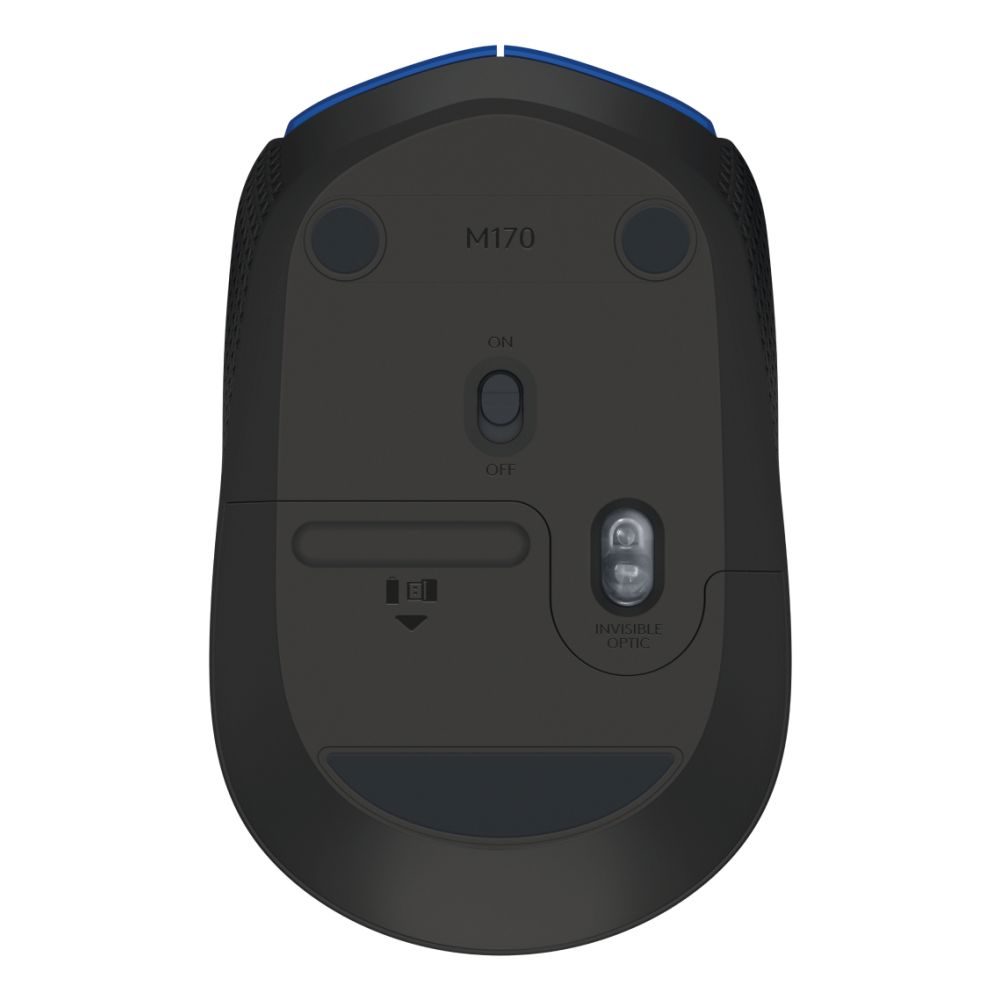
It runs on one AA alkaline battery, which is included. The service life is up to 12 months depending on use. There is no USB-C charging port; the battery is replaceable. This keeps the running cost low and maintenance simple.
Slim Specifications Table
| Metric | Spec. |
|---|---|
| Wireless Range | 10 m |
| Movement Resolution | 1000 DPI |
| Battery Life | 12 months |
| Weight | 70.5 g |
| Interface | RF Wireless (USB-A) |
Broad System Compatibility
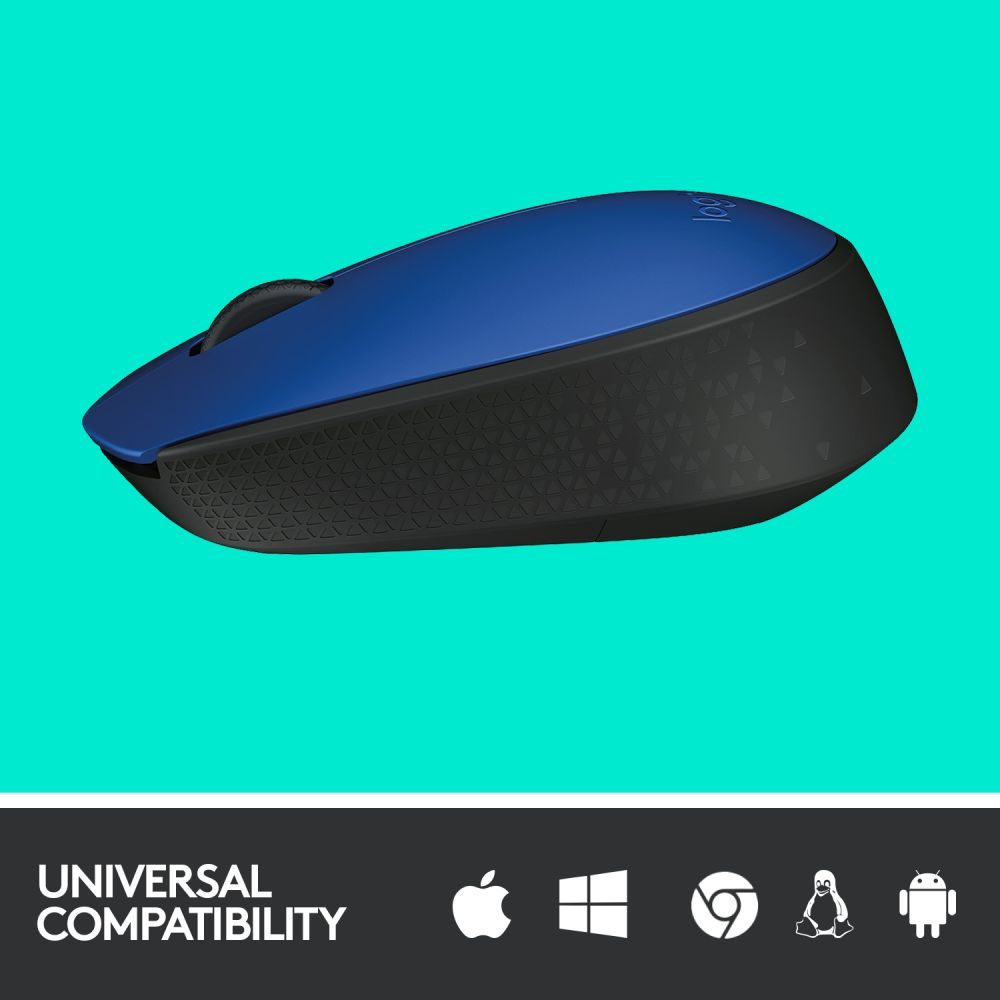
The mouse supports Windows 10 or later, Windows 8, and Windows 7. It also works with Mac OS X 10.8 or later and Chrome OS. A USB port is required on your device. Linux is supported, but specific driver support may vary. Always check your OS version against the minimum requirements.
Box contents
- Wireless Mouse
- USB receiver
- 1 AA battery (pre-installed)
- User documentation
Check before you buy
- Confirm your device has a free USB Type-A port for the receiver.
- Verify your operating system meets the minimum version requirements.
- Check if you need a specific colour (Black or Blue) for your setup.
- Confirm warranty region support for UK purchases.
Frequently Asked Questions
Q: Does the Logitech M170 Wireless Mouse require software installation?
A: No, it is plug-and-play. You just insert the USB receiver and start using it.
Q: Can I use this mouse with a Mac?
A: Yes, it supports Mac OS X 10.8 or later via the USB-A receiver.
Q: How long does the battery last?
A: The included AA battery lasts up to 12 months, though usage may vary.
Q: Is the receiver stored inside the mouse?
A: No, the input does not specify internal storage for the nano receiver.
Q: Is this mouse suitable for gaming?
A: It is designed for office use with 1000 DPI; it is not intended for high-performance gaming.
The Consultant’s verdict & warranty
This mouse is ideal for office professionals and students who need a simple, reliable pointing device. It suits users who prefer a clutter-free desk without cables. It is a cost-effective choice for basic computing tasks. Covered by the standard Manufacturer Warranty.
| Packaging content | Wireless Mouse USB receiver 1 AA battery (pre-installed) User documentation |
|---|---|
| Minimum system requirements | Windows10 or later, Windows 8, Windows 7 Mac OS X 10.8 or later Chrome OS USB port |

Reviews
Clear filtersThere are no reviews yet.