Vision VFM-DAD/4 – clear space for two screens
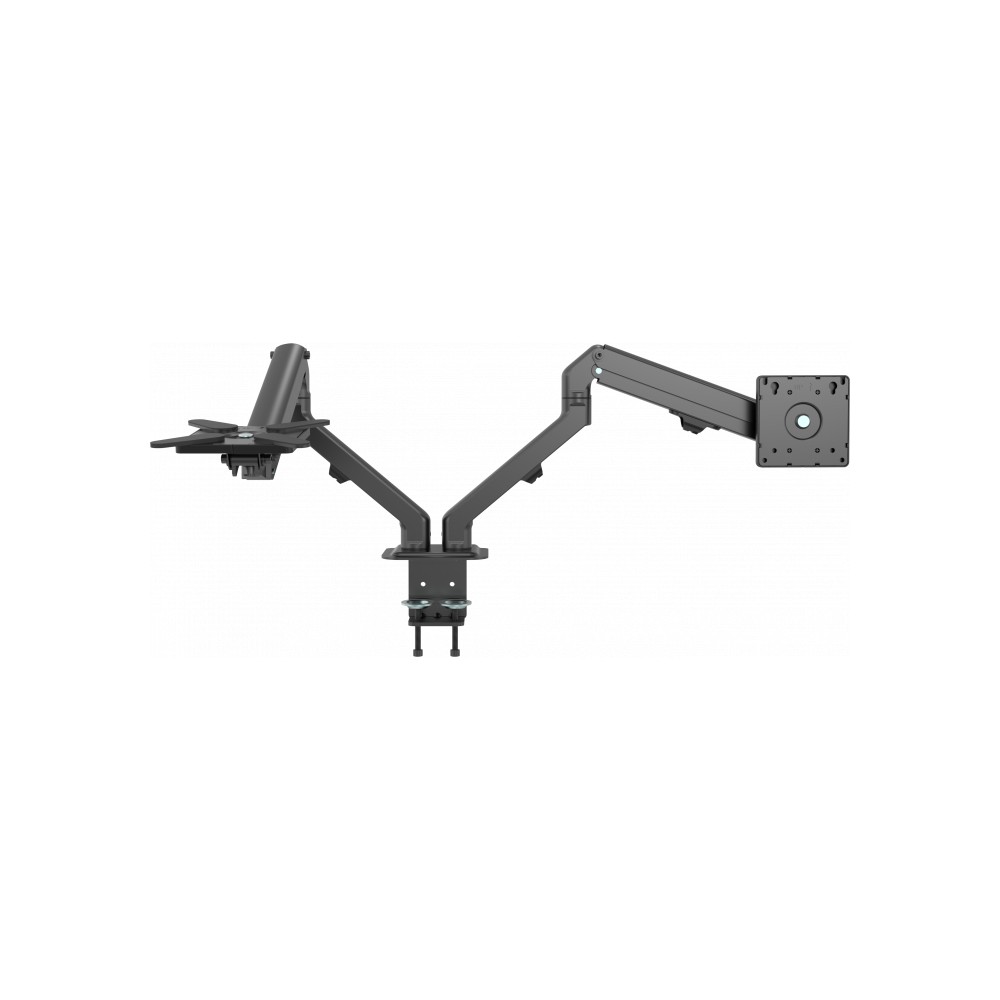
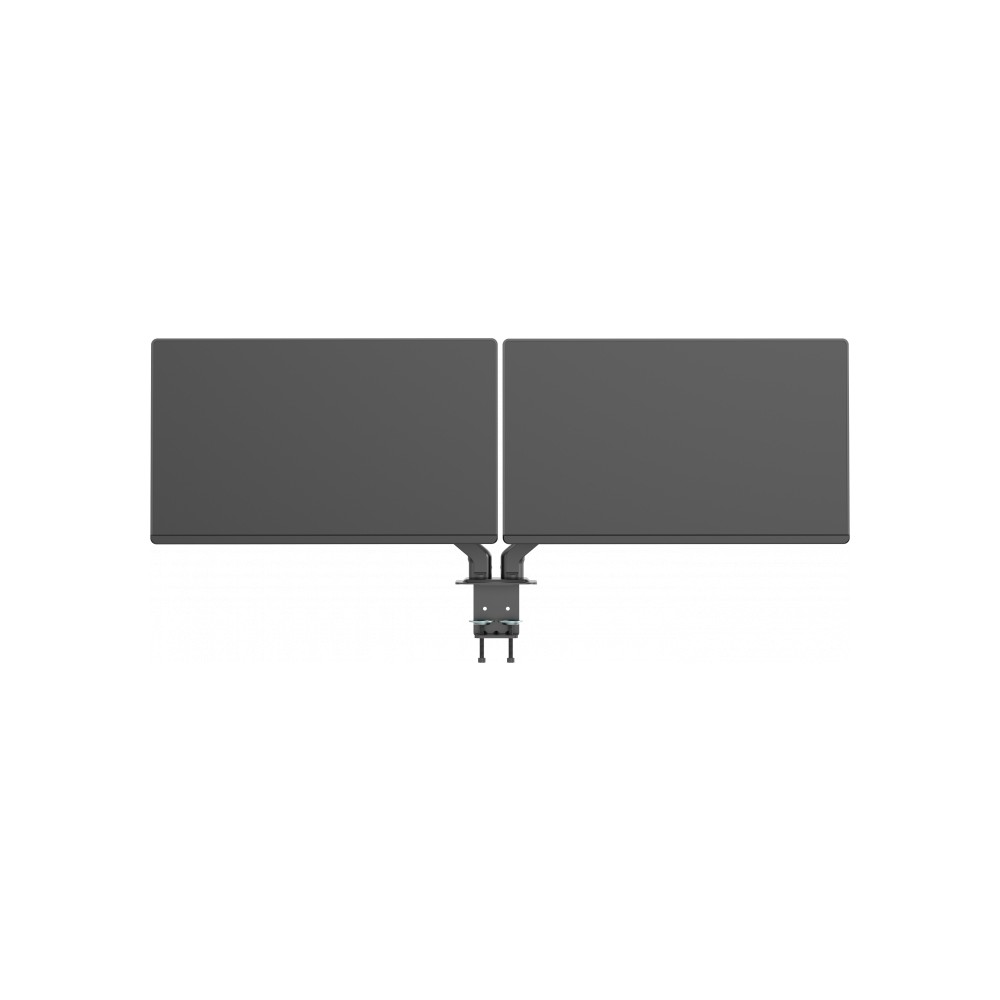
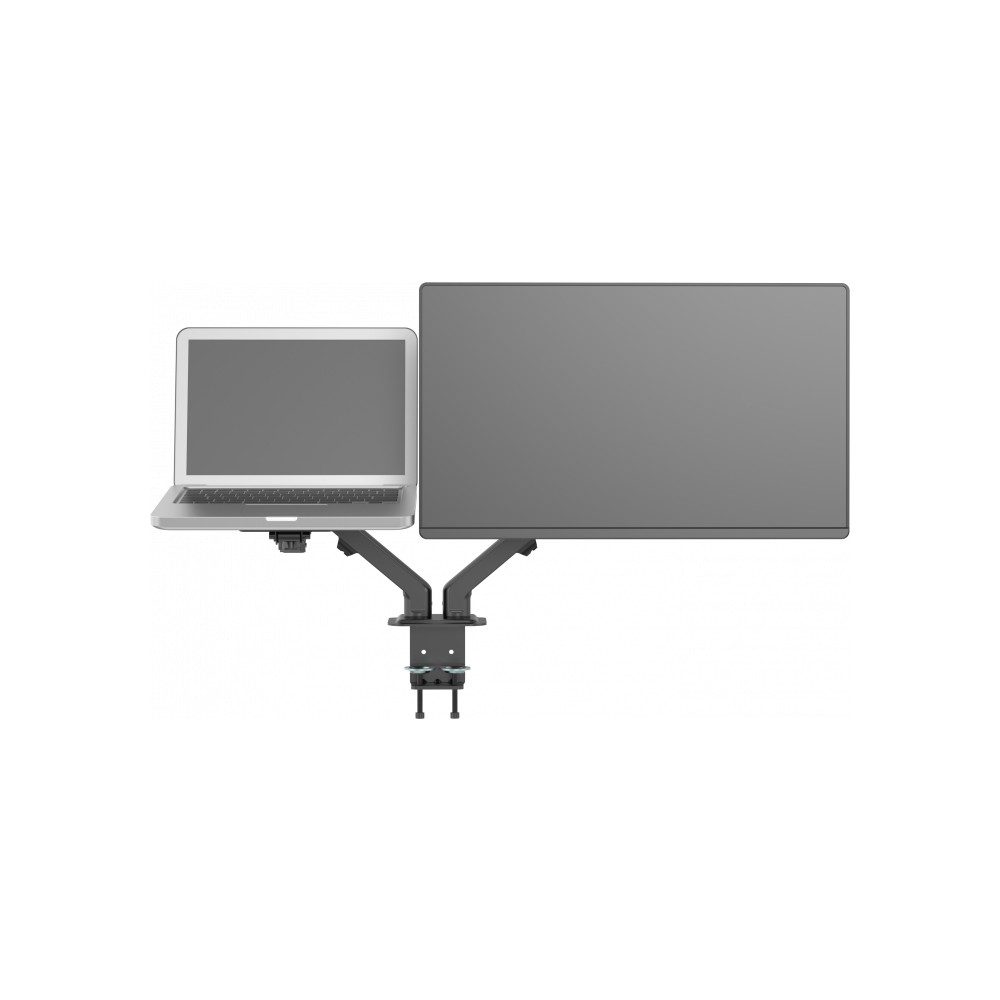
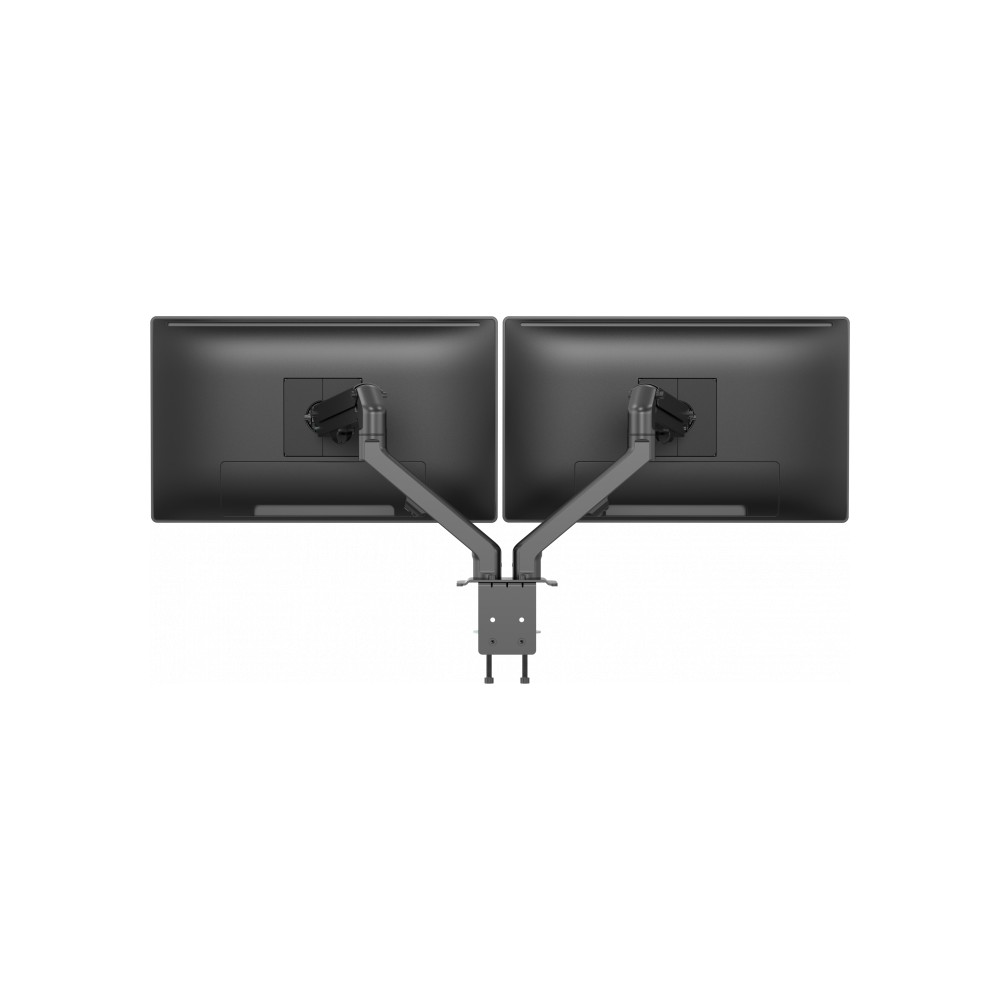
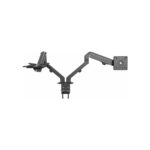
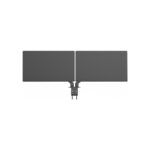
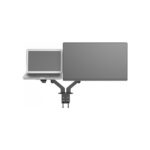
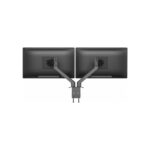
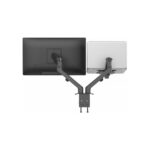
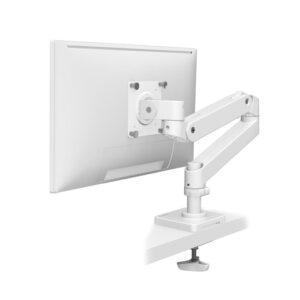
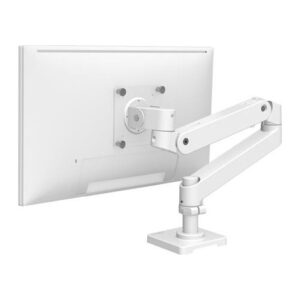
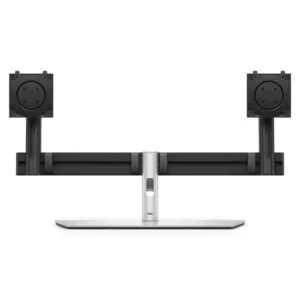
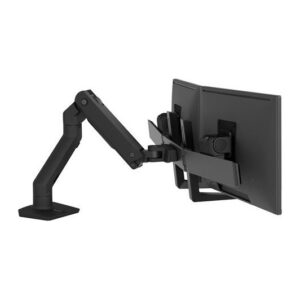
The Vision VFM-DAD/4 suits desk setups that need two monitors without using the full desk surface. Its independently adjustable arms lift both displays and help you position them for a more comfortable working posture.
Key specs for your desk setup
| Metric |
Specification |
| Displays supported |
2 |
| Screen size |
17–27 inches |
| Maximum load |
7 kg per screen |
| VESA mounting |
75 x 75 mm or 100 x 100 mm |
| Adjustment |
Height, tilt, swivel and rotation |
| Desk mounting |
Clamp or bolt-through |
Position each screen independently
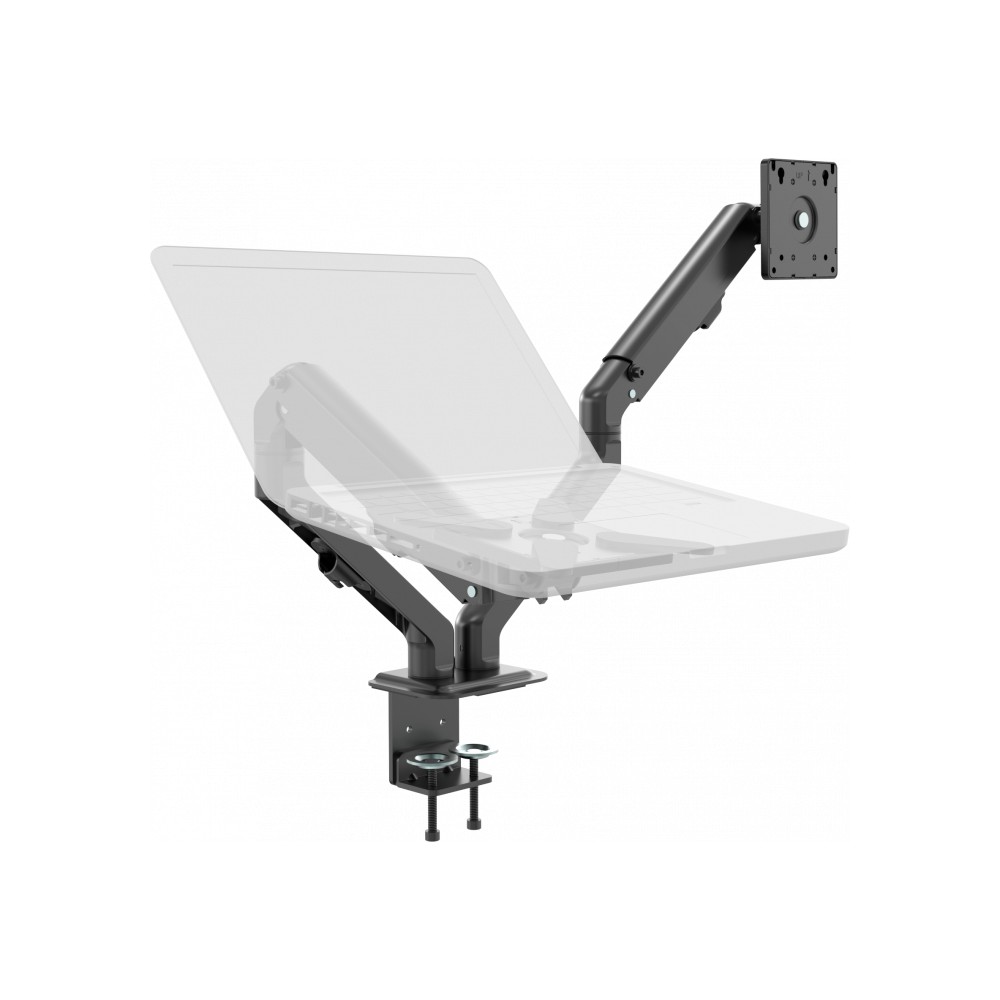
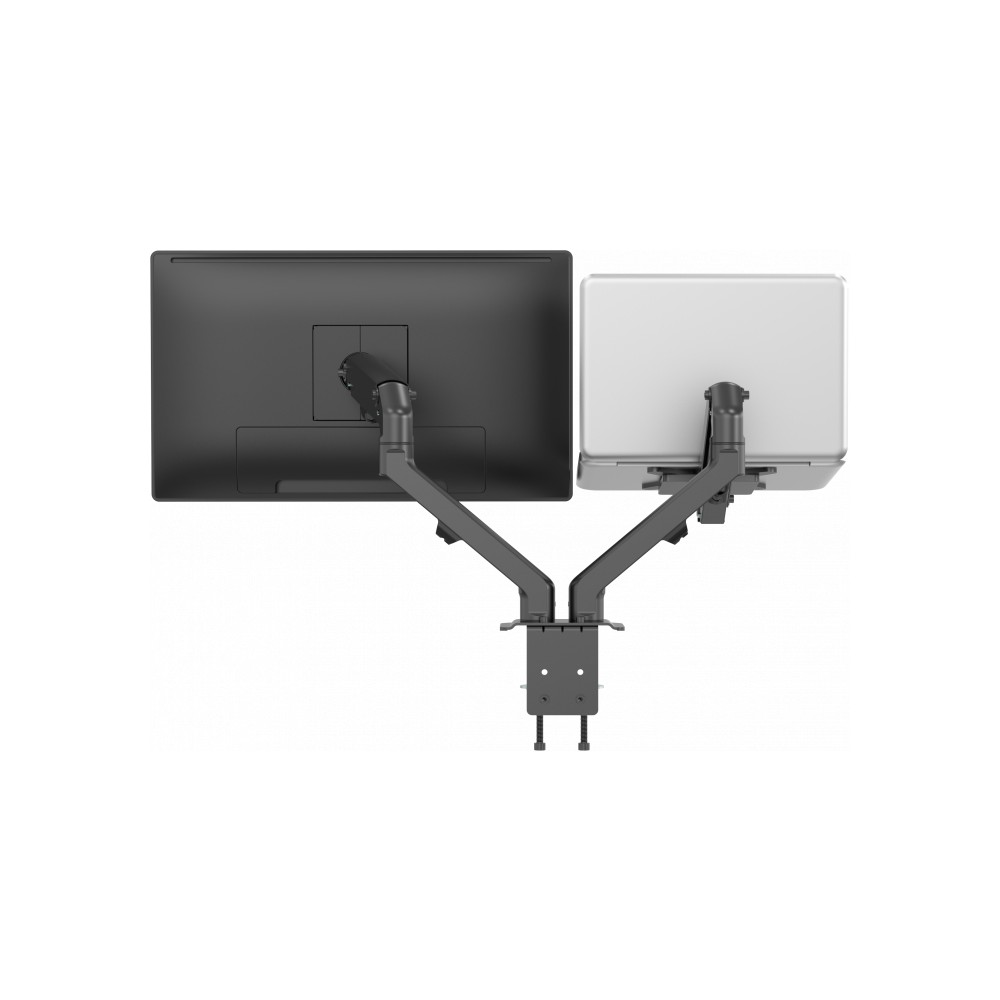
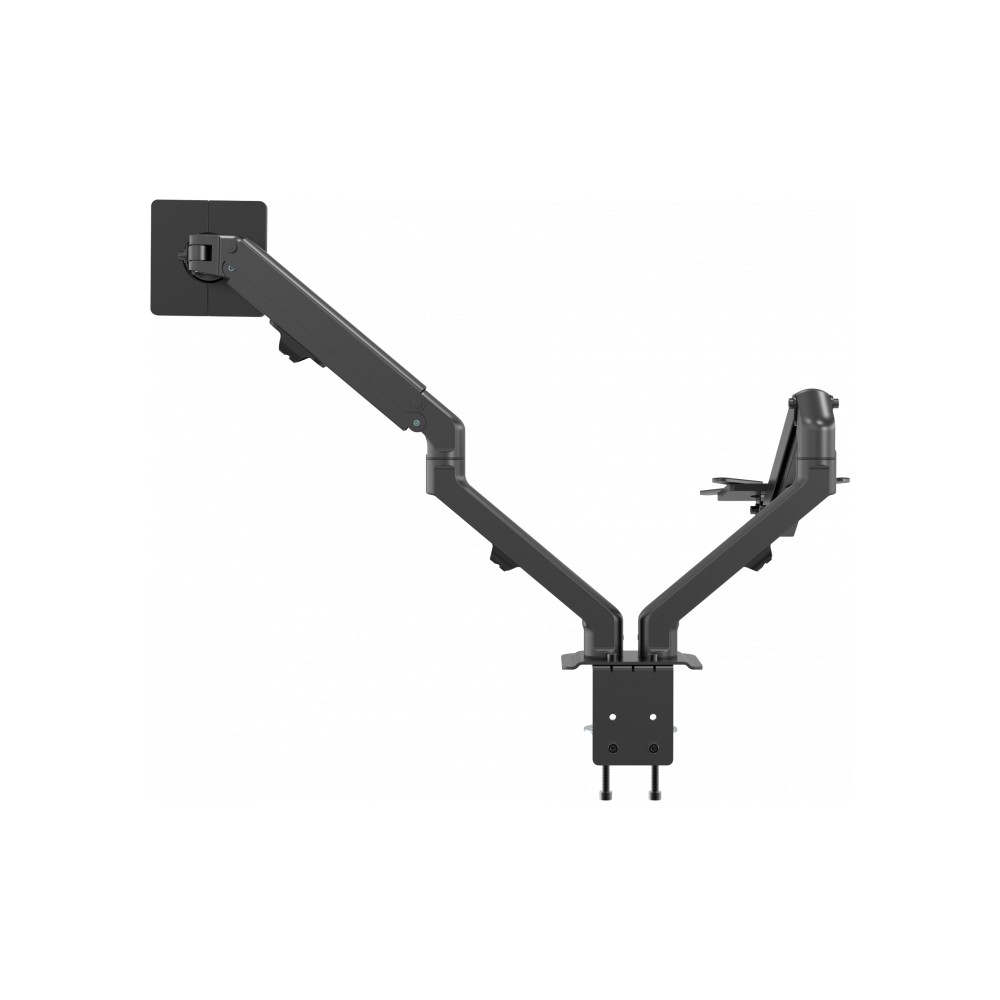
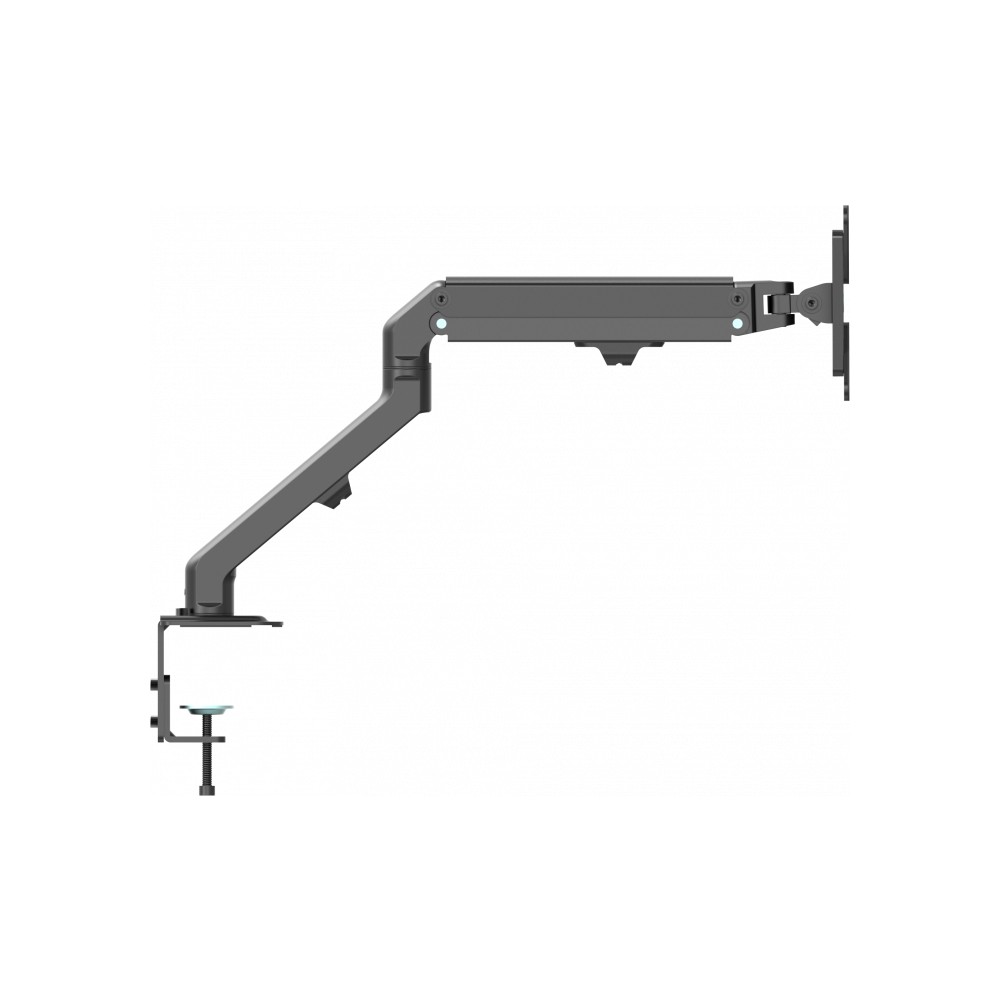
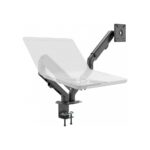
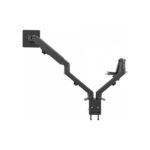
Move each arm up or down to suit your workspace, then adjust the height, tilt, swivel and rotation. You can also turn a compatible display to portrait orientation. This flexibility helps you arrange both screens around your preferred working position.
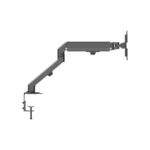
A counter-balancing spring supports loads from 2 kg to 7 kg. For lighter items, such as a tablet, you can tighten the arm’s side bolts to limit upward movement.
Keep your desk tidy
The arm raises your displays off the desk, leaving more surface space for other work. Cable clips help route monitor cables neatly along the mount.
You can attach the arm with a desk-edge clamp or use the bolt-through fitting. Bolt-through installation requires a hole in the desk. VESA covers help give the rear of the mount a tidier finish when it is visible.
Check compatibility before ordering
- Confirm each screen measures 17–27 inches and weighs no more than 7 kg.
- Check that each display has 75 x 75 mm or 100 x 100 mm VESA mounting holes.
- Confirm your desk can take a clamp or a bolt-through fitting.
- Check that a bolt-through installation suits your desk, as it requires a drilled hole.
Frequently Asked Questions
Q: How many monitors can this arm hold?
A: It supports two displays, with a maximum weight of 7 kg per screen.
Q: Which VESA fittings are compatible?
A: The arm fits displays with 75 x 75 mm or 100 x 100 mm VESA mounting holes.
Q: Can I rotate a monitor to portrait orientation?
A: Yes. The arm provides rotation, alongside height, tilt and swivel adjustment.
Q: How does the arm attach to a desk?
A: Use the desk-edge clamp or bolt it through the desk. Bolt-through installation requires a hole.
A practical choice for dual-screen desks
Choose the Vision VFM-DAD/4 if you want two adjustable monitors on a single desk arm. Its independent movement, cable clips and flexible desk mounting make it a useful fit for a workspace where clear desk space matters.

 DPD tracked delivery
 Buy now, pay later with Klarna at checkout
 Pay in 3 instalments with PayPal at checkout

Reviews
Clear filtersThere are no reviews yet.