Vision Dual Monitor Desk Stand – position two screens on one base
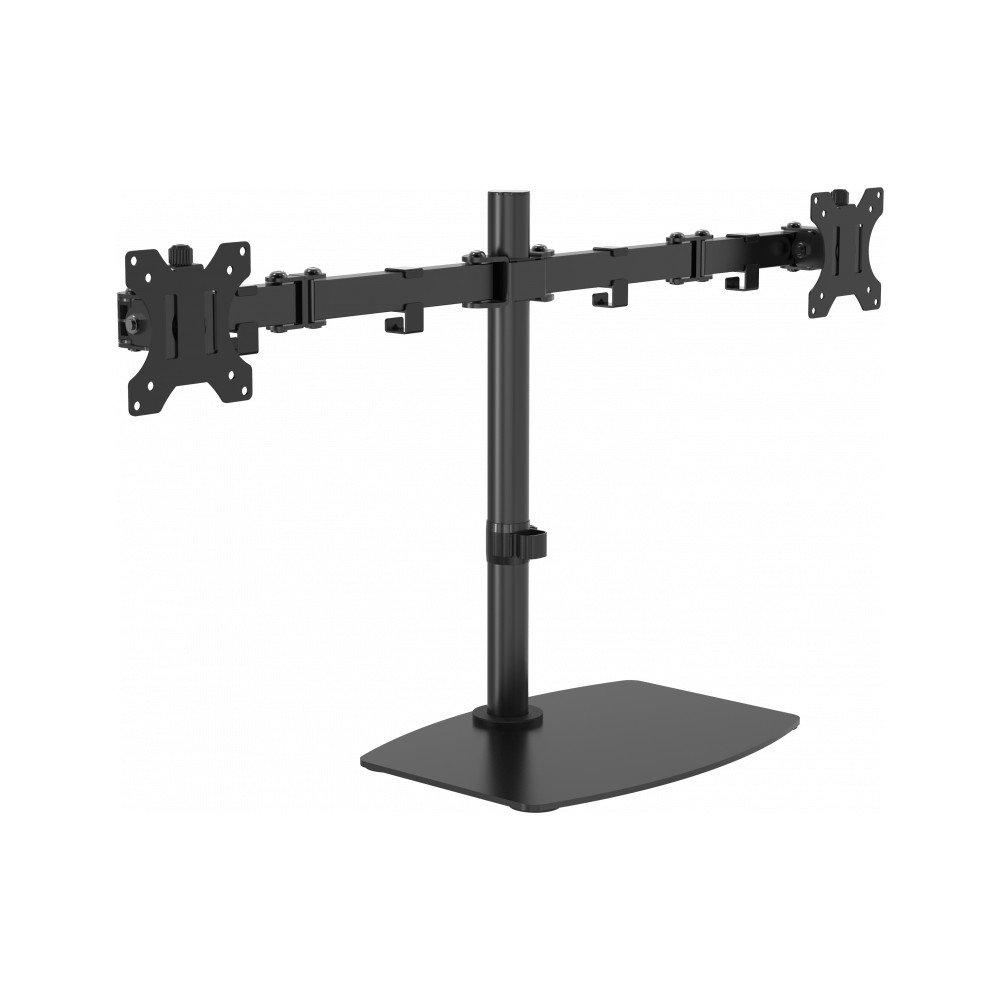
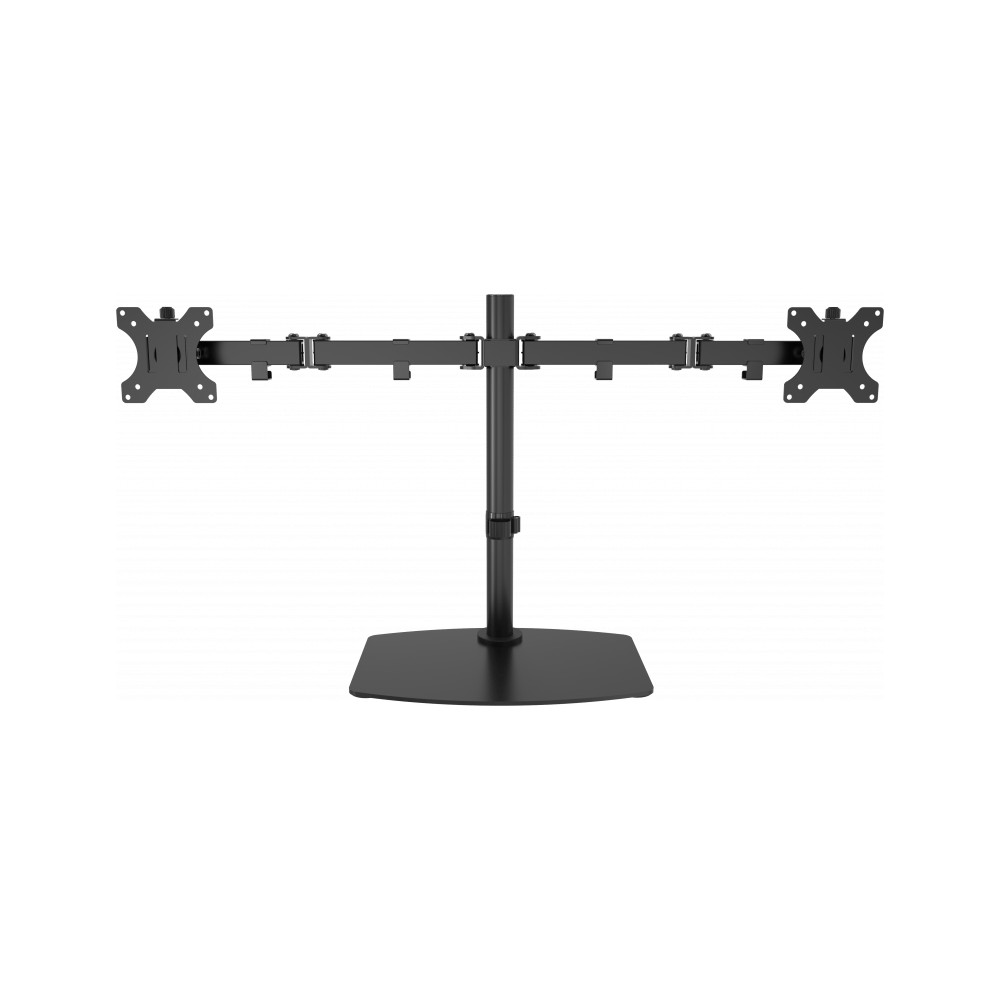
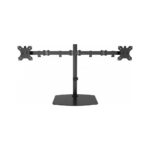
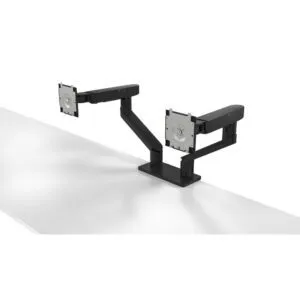
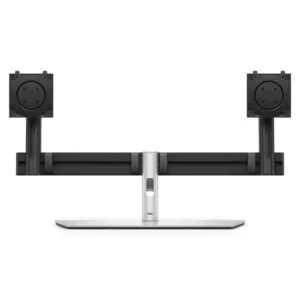
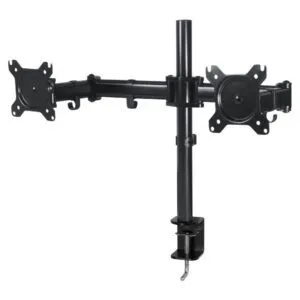
The Vision dual monitor desk stand suits anyone who wants to position two monitors without using a desk-edge clamp. Its flat base keeps the mounting post on the desk, while the two arms support screens from 13 to 32 inches.
The fit and movement essentials
| Metric |
Specification |
| Displays supported |
2 |
| Screen size |
13–32 inches |
| Maximum capacity |
8 kg per display; 16 kg total |
| VESA compatibility |
75 x 75 mm or 100 x 100 mm |
| Movement |
Height adjustment, 180° swivel and -45° to 45° tilt |
| Construction |
Steel, black |
A flat base instead of a desk clamp
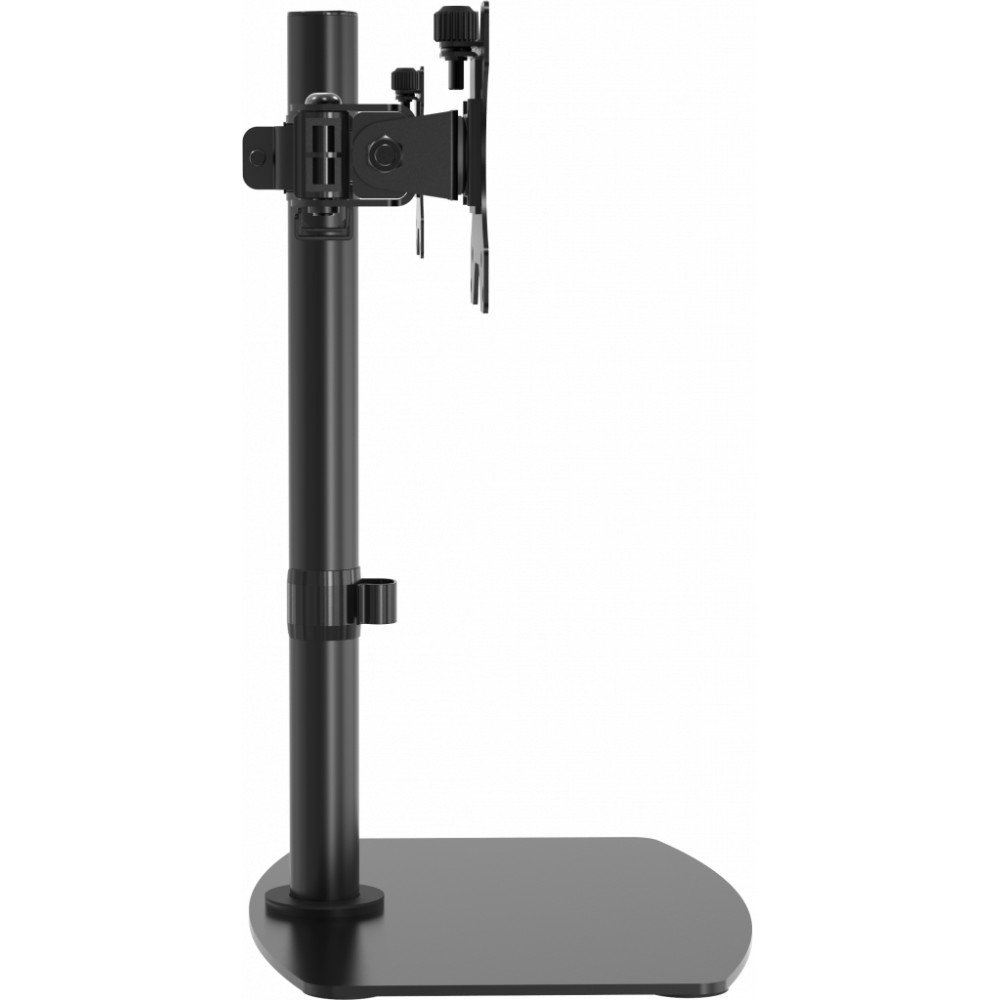
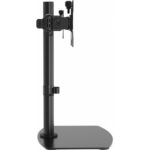
The stand uses a flat base, so you do not need to attach a clamp to the desk edge. This gives you another way to mount two compatible screens at your workstation. The stand measures 913 mm wide and 148 mm deep, so check your available desk space before ordering.
Position each display to suit your setup
Height adjustment, swivel and tilt let you change the position of your displays. The stand swivels through 180° and tilts from -45° to 45°. It also supports screen rotation, giving you more flexibility when arranging your workspace.
Check screen weight and mounting holes
Each display must weigh no more than 8 kg, with both screens together staying within the 16 kg total capacity. The rear mounting holes must match either the 75 x 75 mm or 100 x 100 mm VESA pattern. The steel construction provides the support for a two-screen desk setup.
Before you order
- Confirm each screen measures between 13 and 32 inches.
- Check that each display weighs 8 kg or less and both together weigh no more than 16 kg.
- Confirm your screens have 75 x 75 mm or 100 x 100 mm VESA mounting holes.
- Check your desk has room for the stand’s 913 mm width and 148 mm depth.
Frequently Asked Questions
Q: How many monitors does the stand support?
A: It supports two displays.
Q: What screen sizes are compatible?
A: It supports screens measuring from 13 to 32 inches.
Q: What is the maximum weight capacity?
A: Each display can weigh up to 8 kg, with a combined maximum of 16 kg.
Q: Which VESA mounting patterns fit?
A: The stand fits 75 x 75 mm and 100 x 100 mm VESA patterns.
A practical choice for a two-screen desk
Choose the Vision dual monitor desk stand if you want to mount two compatible displays on a flat-base stand. Its adjustable height, swivel and tilt give you useful options for arranging both screens.

 DPD tracked delivery
 Buy now, pay later with Klarna at checkout
 Pay in 3 instalments with PayPal at checkout

Reviews
Clear filtersThere are no reviews yet.