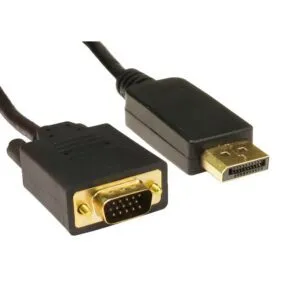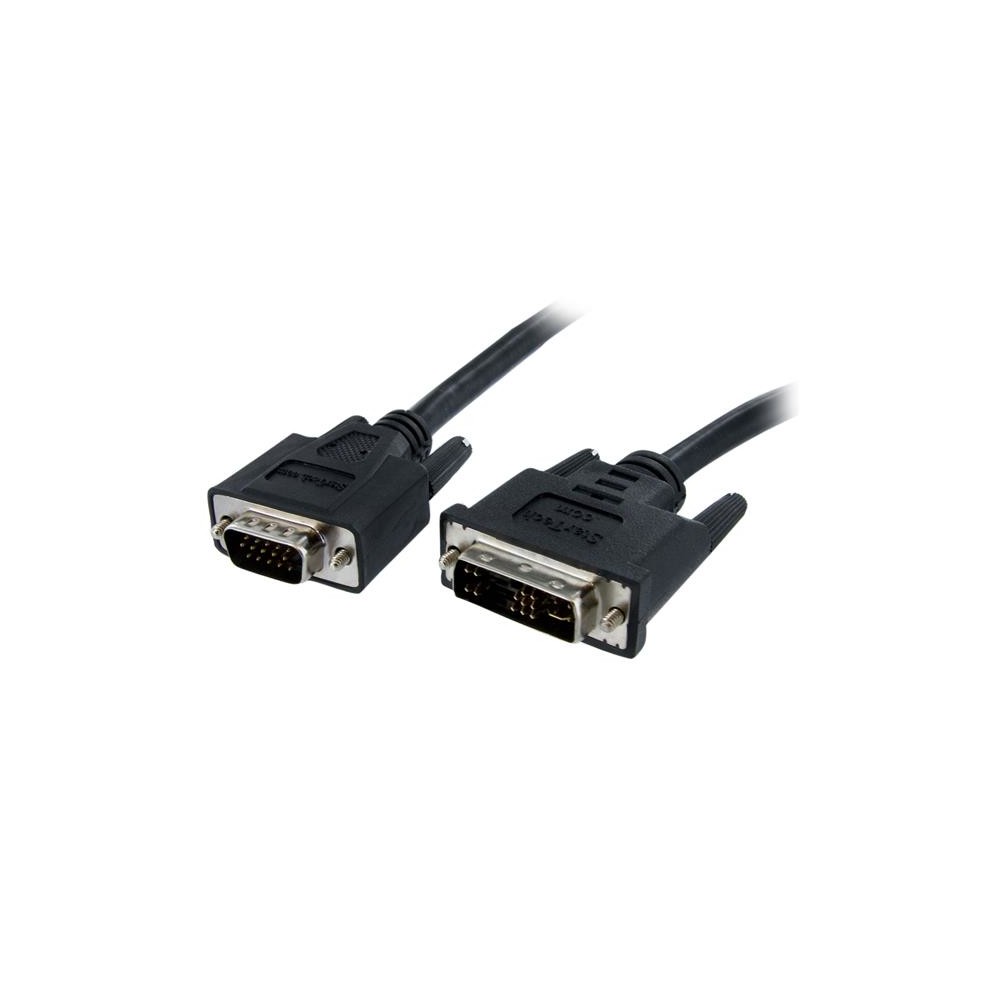
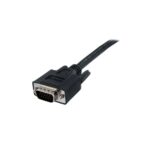
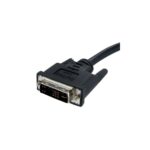
StarTech.com DVIVGAMM2M DVI-A to VGA Display Cable, 2 m, Male to Male, Black
£18.47
In stock
In stock
- Free Premium delivery on UK mainland orders
Order now, get it by Fri 20 Nov
-
DPD tracked delivery
-

Buy now, pay later with Klarna at checkout
-

Pay in 3 instalments with PayPal at checkout
About this item
- 2 m cable length
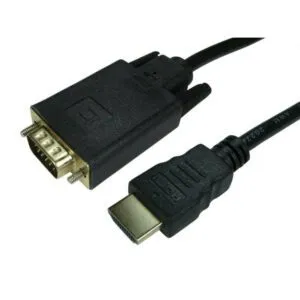
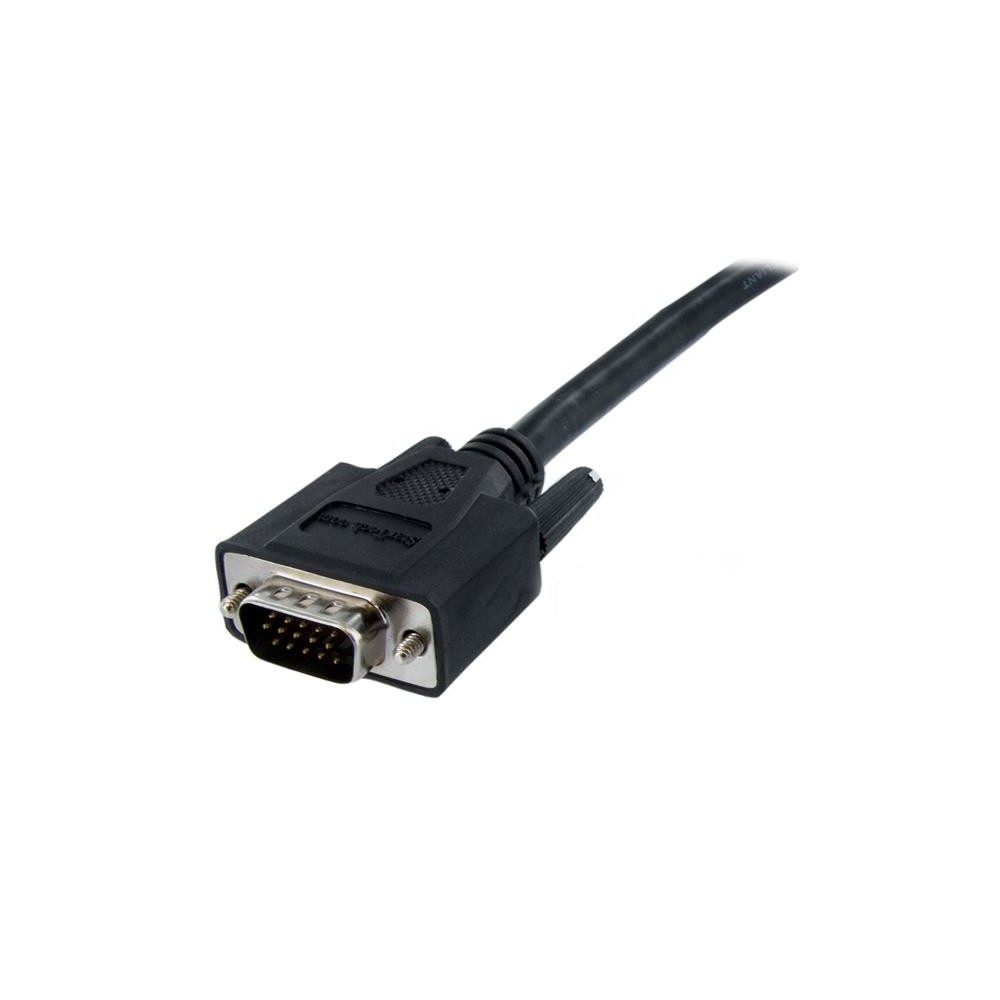
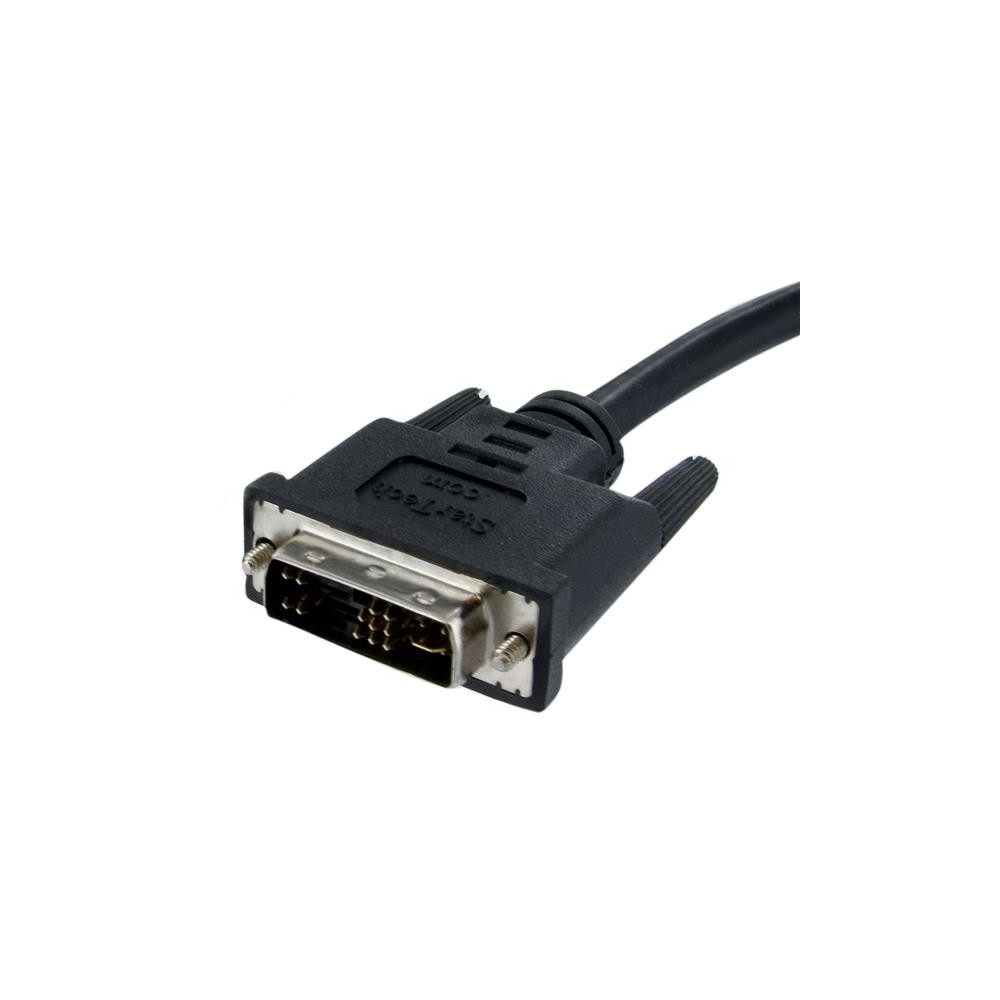
- DVI-A male to VGA male connectors
- Connects VGA displays to DVI-I analogue outputs
- Black cable colour
- Nickel-plated connector contacts
- RoHS-compliant cable
You may also like
Apple Lightning Digital AV Adapter
In stock
StarTech.com 2-Port HDMI 2.0 Splitter 4K 60Hz 1×2 HDR/HDCP 20in Cable
In stock
Lindy VGA to DisplayPort Converter
In stock
StarTech.com DVIVGAMM2M – Connect a VGA display
The StarTech.com DVIVGAMM2M suits anyone connecting a VGA display to a PC or Mac with a DVI-I analog output. Its direct DVI-A to VGA connection provides a straightforward way to link compatible equipment.
Key details at a glance
| Metric | Specification |
|---|---|
| Cable length | 2 m |
| Connector 1 | DVI-A male |
| Connector 2 | VGA (D-Sub) male |
| Connector contacts | Nickel-plated |
| Colour | Black |
| Compliance | RoHS |
Connect compatible DVI and VGA equipment
One end has a DVI-A male connector, and the other has a VGA male connector. Connect the DVI-A end to a computer with a DVI-I analog output, then connect the VGA end to your display. Both devices need matching ports for this cable to fit.
Choose a practical two-metre length
At 2 m long, the cable gives you room to position your display near your computer. Check the distance between the two devices before ordering, so the cable can reach your intended setup.
Check compatibility before ordering
- Confirm your computer has a DVI-I analog output.
- Check that your display has a VGA input.
- Confirm both devices accept male connectors.
- Check that 2 m suits the distance between your computer and display.
Frequently Asked Questions
Q: What connectors does this cable have?
A: It has a DVI-A male connector at one end and a VGA male connector at the other.
Q: How long is the cable?
A: The cable is 2 m long.
Q: What computer output is needed?
A: Your PC or Mac needs a DVI-I analog output to connect to a VGA display.
A straightforward VGA connection
The StarTech.com DVIVGAMM2M is a practical choice when your computer has a DVI-I analog output and your display uses VGA. Check those connections and the cable length to make sure it suits your setup.
| Features | |
|---|---|
| Product colour | Black |
| Cable length | 2 m |
| Connector 1 | DVI-A |
| Connector 2 | VGA (D-Sub) |
| Connector contacts plating | Nickel |
| Connector gender | Male/Male |
| Certificates | |
| Compliance certificates | RoHS |
| Weight & dimensions | |
| Weight | 200 g |
| Package width | 200 mm |
| Package depth | 220 mm |
| Package height | 35 mm |
| Package weight | 197 g |
| Packaging data | |
| Package width | 200 mm |
| Package depth | 220 mm |
| Package height | 35 mm |
| Package weight | 197 g |
| Technical details | |
| Harmonized System (HS) code | 84733080 |
| Compliance certificates | RoHS |
| Logistics data | |
| Master (outer) case width | 372 mm |
| Master (outer) case length | 422 mm |
| Master (outer) case height | 278 mm |
| Products per master (outer) case | 60 pcs |
| Harmonized System (HS) code | 84733080 |

Reviews
Clear filtersThere are no reviews yet.