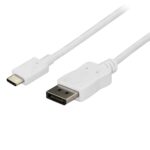
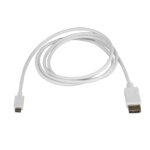
StarTech.com CDP2DPMM6W – connect USB-C to DisplayPort
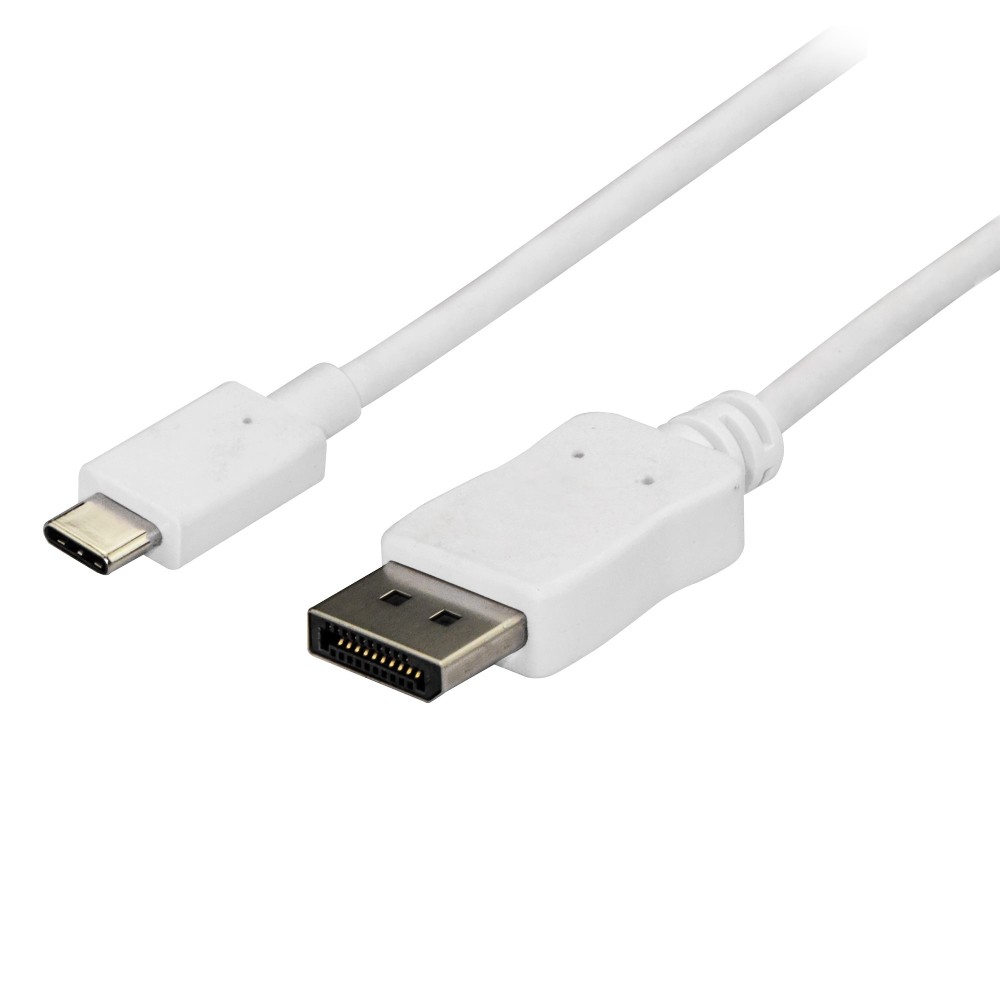
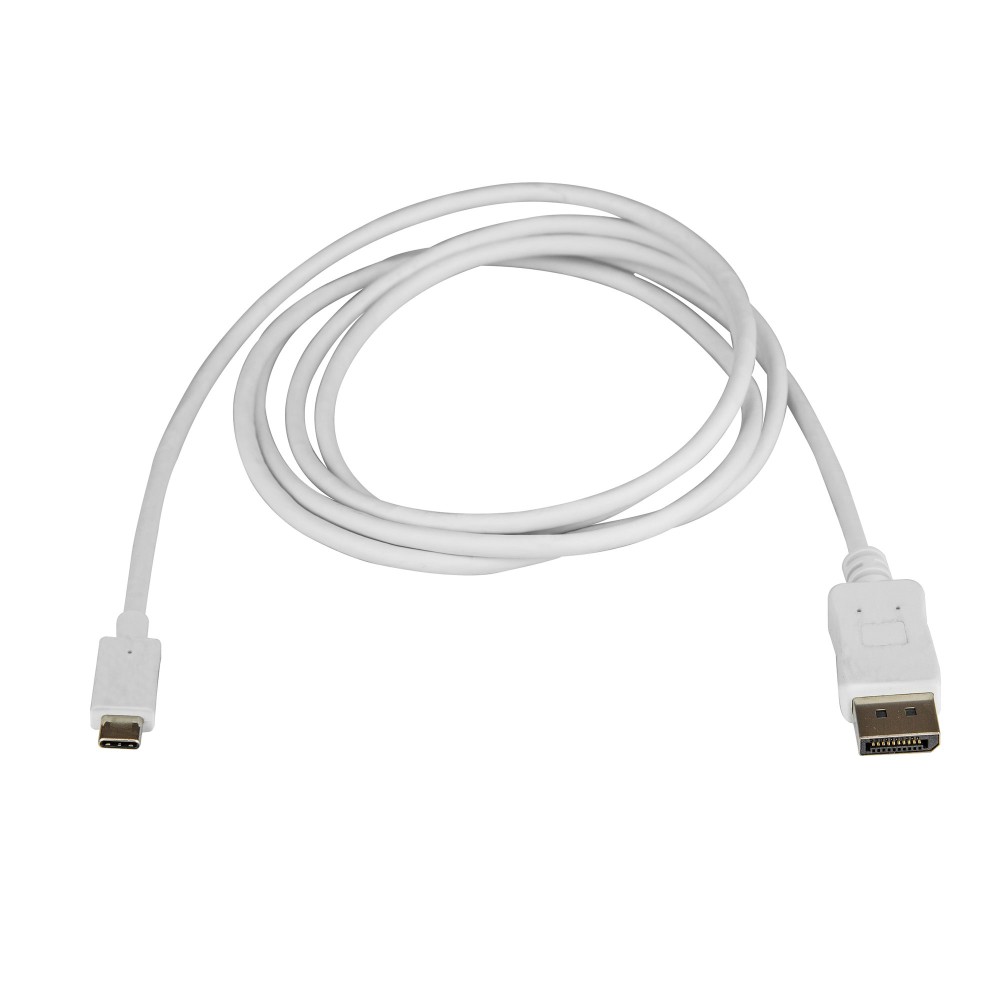
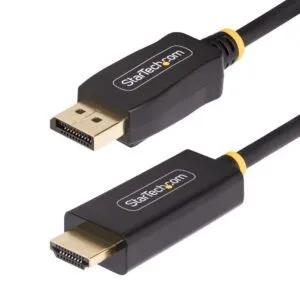
The StarTech.com CDP2DPMM6W suits anyone connecting a compatible USB-C computer to a DisplayPort monitor. It carries video up to 4K at 60Hz through one 1.8 m cable.
Key specifications at a glance
| Metric |
Specification |
| Connectors |
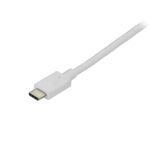
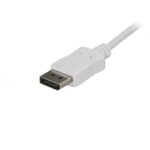
USB Type-C male to DisplayPort male |
| Cable length |
1.8 m |
| DisplayPort version |
1.2 |
| Maximum resolution |
3840 × 2160 |
| Maximum refresh rate |
60Hz |
| USB-C requirement |
DisplayPort Alternate Mode |
Connect directly to a 4K display
The cable supports resolutions up to 3840 × 2160 at 60Hz. It also supports 1080p displays, making it suitable for different monitor setups.
USB-C DisplayPort Alternate Mode is required on your computer. The cable is also compatible with Thunderbolt 3 devices that support video output.
Keep installation simple
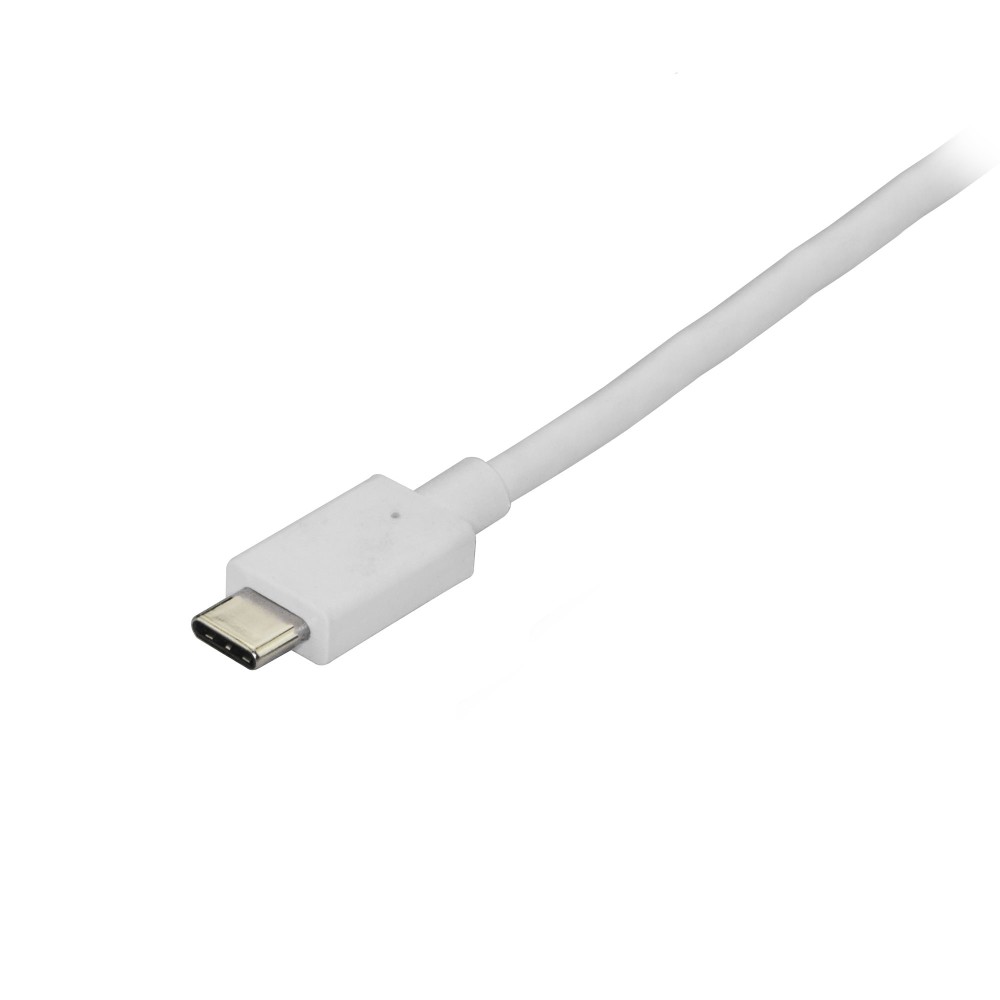
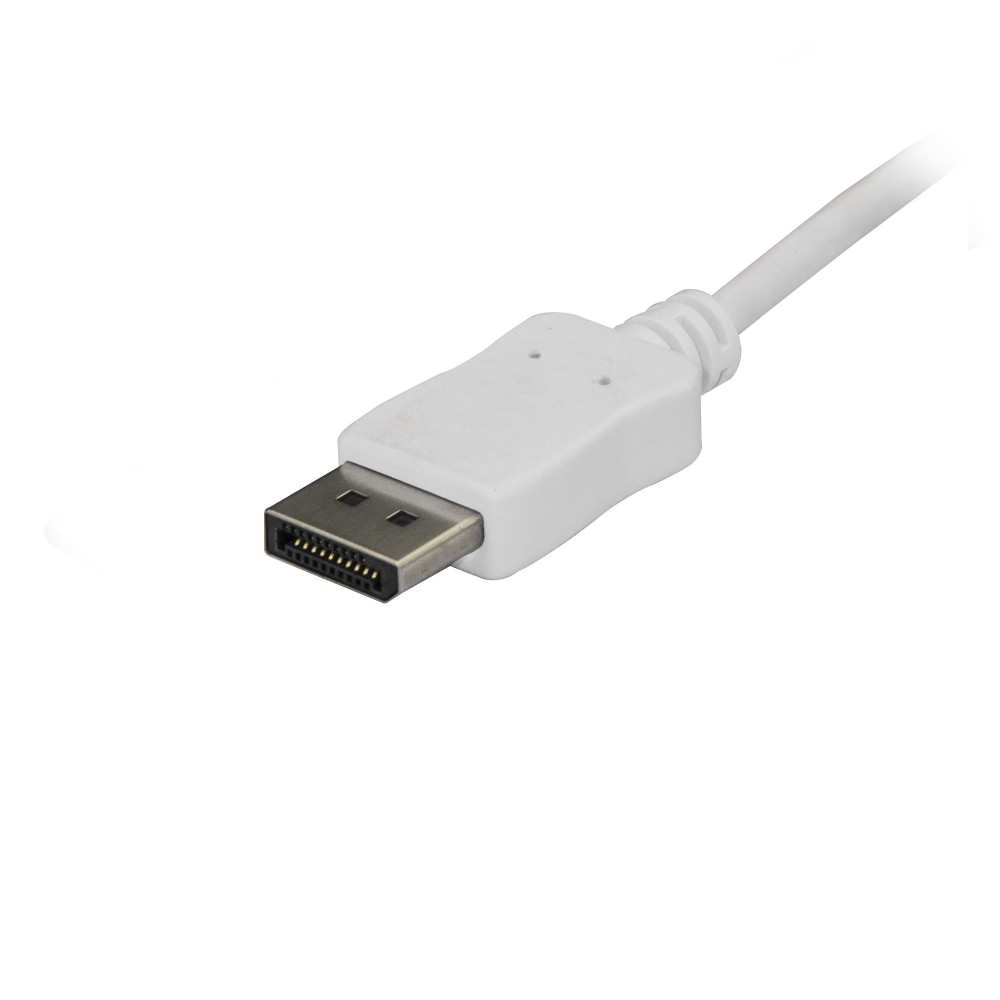
With male connectors at both ends, this cable connects a USB-C device directly to a DisplayPort monitor. Plug-and-play operation means no additional software or drivers are required.
At 1.8 m long, it gives you flexibility when positioning your computer and display. Supported audio includes up to 5.1 channels.
Check compatibility before ordering
- Confirm your computer’s USB-C port supports DisplayPort Alternate Mode.
- Check that your monitor has a DisplayPort input.
- Confirm 1.8 m gives you enough reach between your devices.
- Check that your display setup supports your intended resolution and refresh rate.
Frequently Asked Questions
Q: What is the maximum resolution?
A: It supports resolutions up to 3840 × 2160 at 60Hz.
Q: Does this cable work with every USB-C port?
A: No. The USB-C port must support DisplayPort Alternate Mode for video output.
Q: Does it need software or drivers?
A: No. It supports plug-and-play installation without additional software or drivers.
A straightforward choice for USB-C video
Choose the StarTech.com CDP2DPMM6W for a direct connection from a compatible USB-C computer to a DisplayPort monitor, with 4K at 60Hz support.


 DPD tracked delivery
 Buy now, pay later with Klarna at checkout
 Pay in 3 instalments with PayPal at checkout

Reviews
Clear filtersThere are no reviews yet.