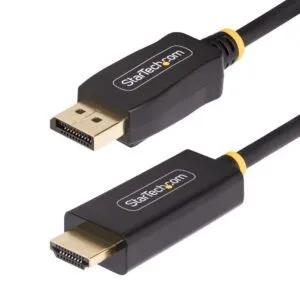
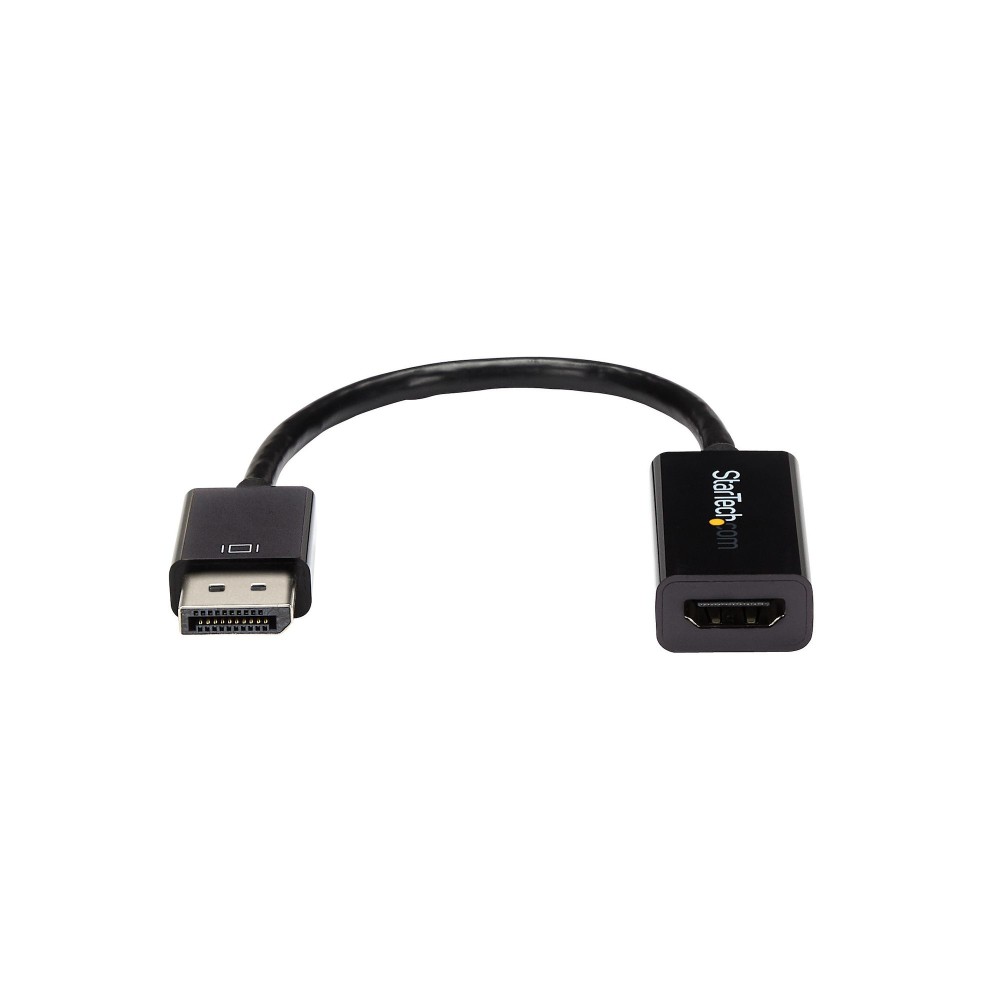
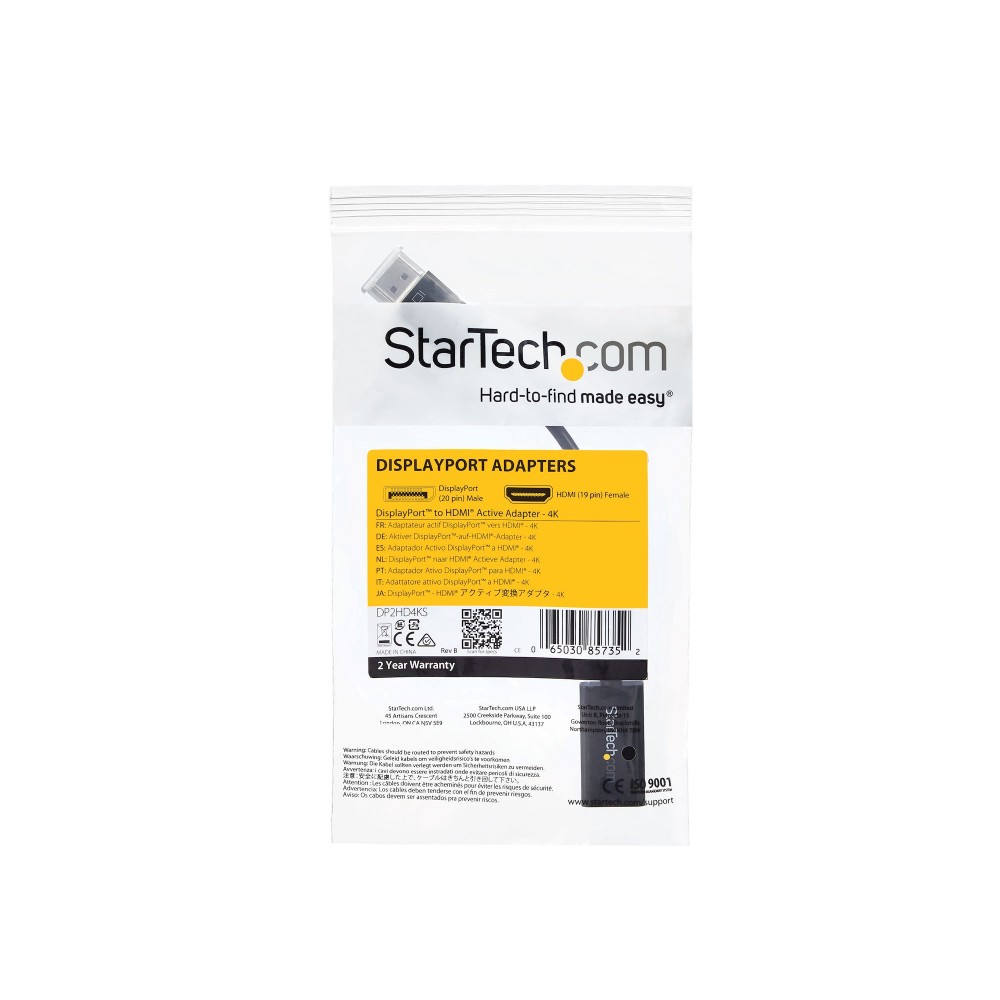
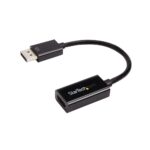

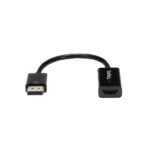
StarTech.com DP2HD4KS Active DisplayPort Male to HDMI Female Adapter, 0.15 m, 4K 30Hz, Black

SKU: DP2HD4KS

£40.01

In stock

In stock

  • Free Premium delivery on UK mainland orders

Order today, get it by Fri 20 Nov

  • DPD DPD tracked delivery
  • Klarna Buy now, pay later with Klarna at checkout
  • PayPal Pay in 3 instalments with PayPal at checkout

About this item

  • Active DisplayPort to HDMI video conversion
  • Supports resolutions up to 4096 × 2048 at 30 Hz
  • DisplayPort 1.2 input and HDMI 1.4 output
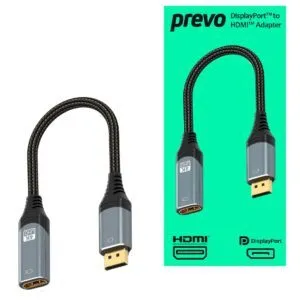
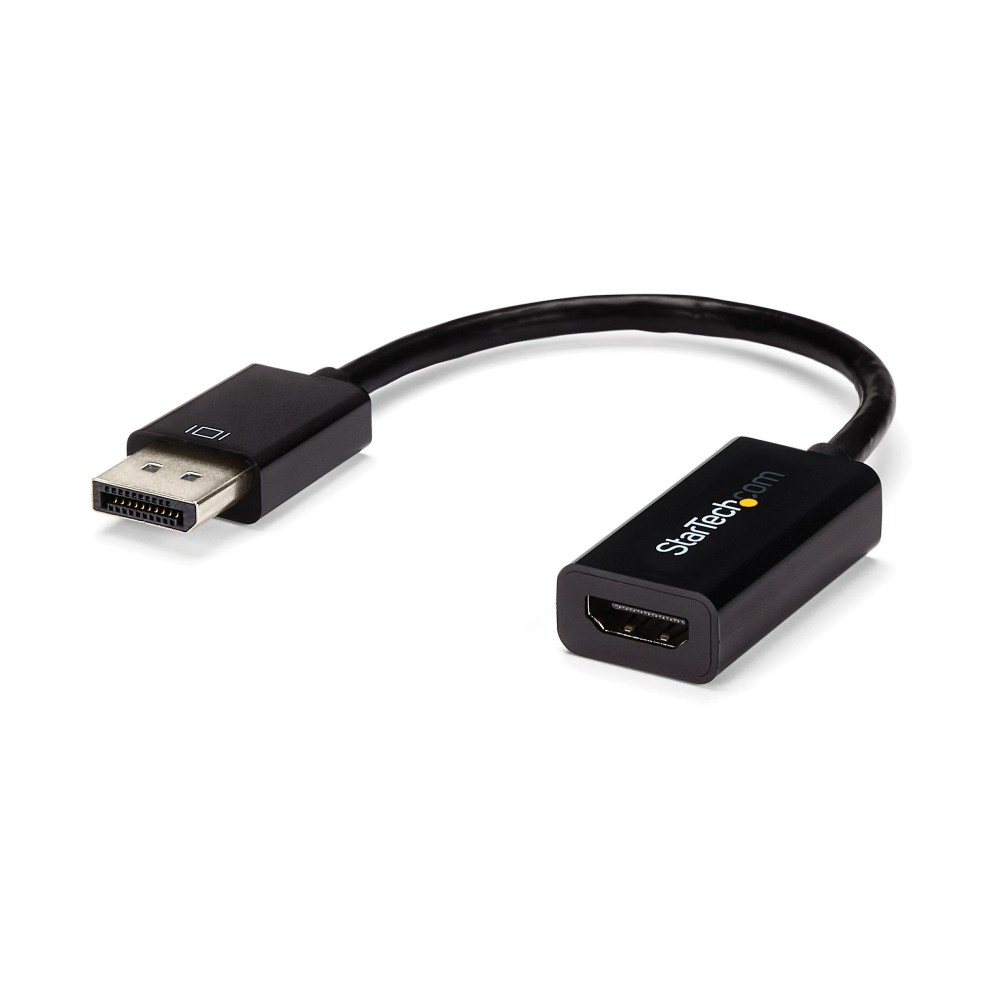
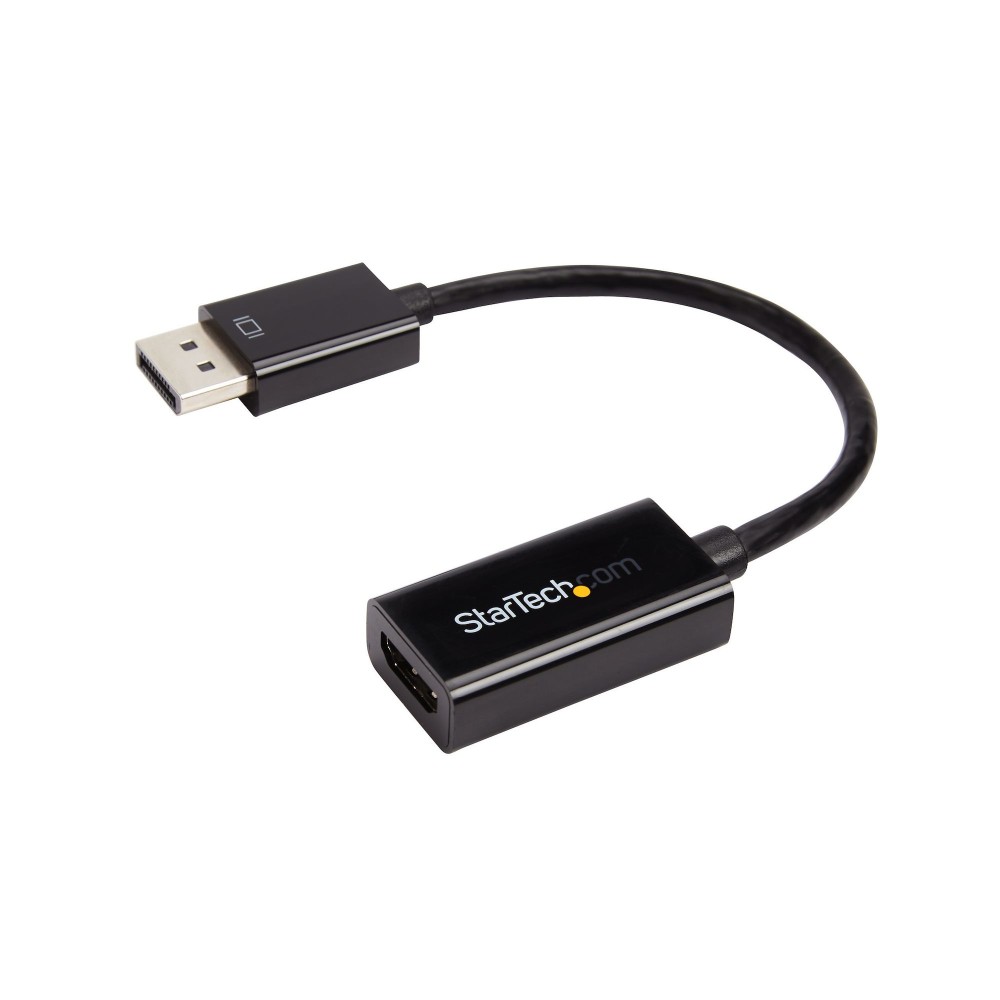
  • Male DisplayPort connector to female HDMI Type A
  • Supports digital audio up to 7.1 channels
  • Compact 0.15 m cable in black
Description

StarTech.com DP2HD4KS – Connect DisplayPort to HDMI

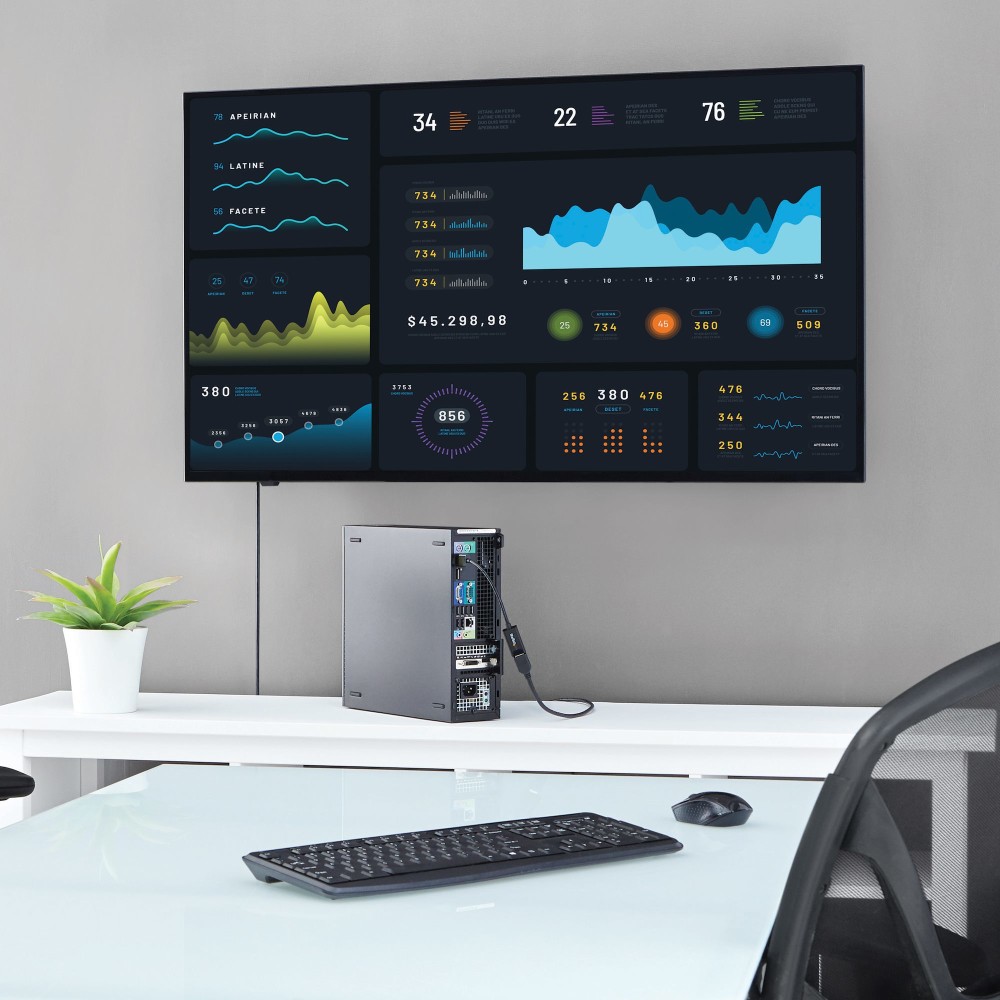
The StarTech.com DP2HD4KS suits anyone connecting a DisplayPort computer to an HDMI monitor or TV. Its active conversion supports resolutions up to 4096 x 2048 at 30 Hz, helping maintain compatibility across DisplayPort outputs.

Key specifications at a glance

Metric Specification
Connection DisplayPort male to HDMI Type A female
Maximum resolution 4096 x 2048 pixels
Maximum refresh rate 30 Hz
DisplayPort and HDMI versions DisplayPort 1.2, HDMI 1.4
Audio Up to 7.1 channels
Cable length 0.15 m

Active conversion for wider compatibility

Active conversion changes the DisplayPort signal into HDMI. This can help when your graphics card does not output multi-mode DP++ signals. The adapter supports HDCP 1.4 and DisplayPort Content Protection.

A simple connection for video and audio

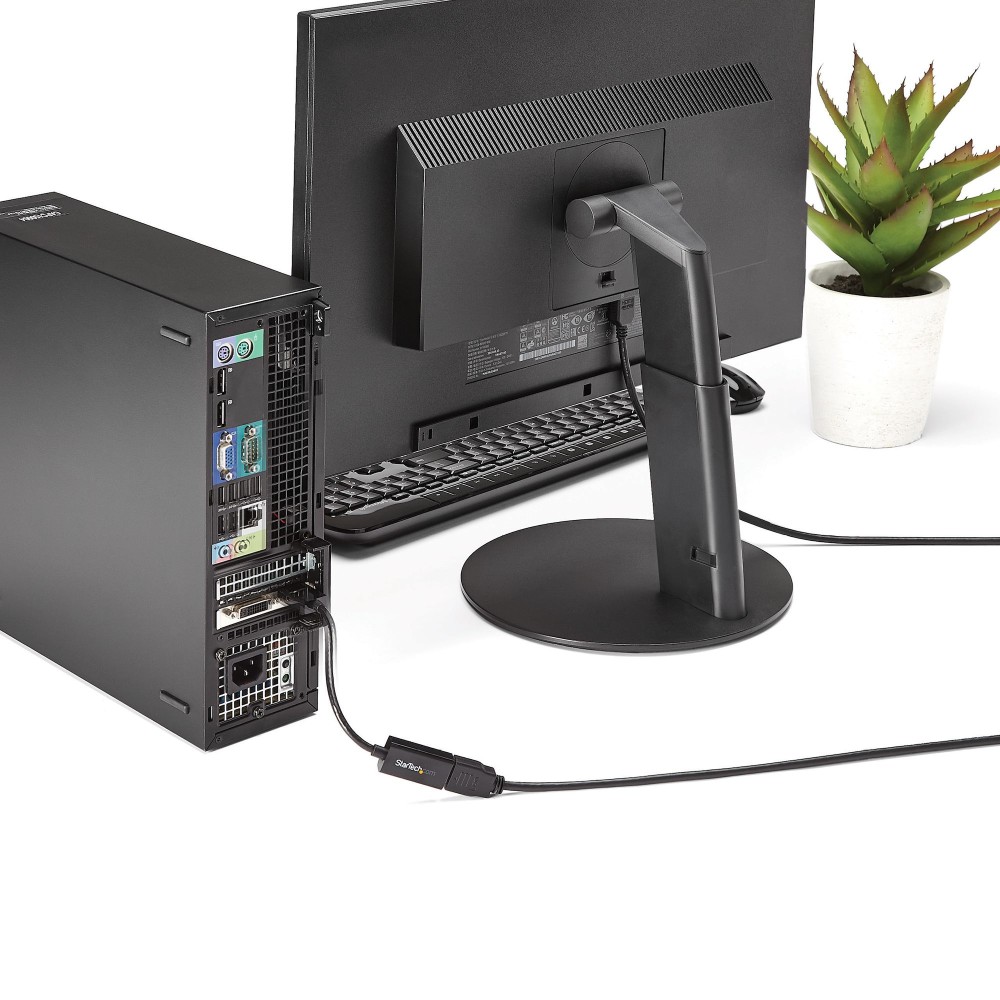
Connect the adapter’s DisplayPort plug to your computer, then attach an HDMI cable to its female HDMI socket. It supports digital audio alongside video, with up to 7.1 channels. Plug-and-play installation means no additional software or drivers are needed.

Check your setup before ordering

  • Confirm your computer has a DisplayPort video output.
  • Check your monitor or TV accepts HDMI through a standard HDMI Type A connection.
  • Confirm 30 Hz meets your requirements if you plan to use the maximum resolution.

Frequently Asked Questions

Q: Which way does the adapter convert video?

A: It converts a DisplayPort output to an HDMI display connection.

Q: What is the maximum supported resolution and refresh rate?

A: It supports up to 4096 x 2048 pixels at 30 Hz.

Q: Does the adapter carry audio?

A: Yes. It supports digital audio with up to 7.1 channels.

A practical choice for DisplayPort computers

Choose the StarTech.com DP2HD4KS when you need active DisplayPort-to-HDMI conversion for a compatible monitor or TV. Its compact 0.15 m cable and plug-and-play setup suit straightforward desk connections.

Specifications
Features
HDMI version1.4
DisplayPort version1.2
Product colourBlack
Cable length0.15 m
Connector 1DisplayPort
Connector 2HDMI Type A (Standard)
Connector 1 genderMale
Connector 2 genderFemale
Maximum resolution4096 x 2048 pixels
Supported graphics resolutions1280 x 720 (HD 720), 1920 x 1080 (HD 1080), 1920 x 1200 (WUXGA)
HDCPYes
Connector 1 form factorStraight
Connector 2 form factorStraight
Maximum refresh rate30 Hz
HDCP version1.4
DisplayPort Content Protection (DPCP)Yes
Supported audio channels7.1
Operational conditions
Operating temperature0 - 45 °C
Storage temperature-10 - 70 °C
Operating relative humidity10 - 85%
Certificates
Compliance certificatesCE, RoHS
Other features
Width21 mm
Height11 mm
Depth64 mm
Weight & dimensions
Width21 mm
Height11 mm
Depth64 mm
Weight22 g
Package width122 mm
Package depth133 mm
Package height16 mm
Package weight27 g
Packaging data
Package width122 mm
Package depth133 mm
Package height16 mm
Package weight27 g
Quantity per pack1 pc
Packaging content
Quantity per pack1 pc
Technical details
Harmonized System (HS) code84733080
Compliance certificatesCE, RoHS
Logistics data
Master (outer) case width517 mm
Master (outer) case length337 mm
Master (outer) case height223 mm
Products per master (outer) case320 pcs
Harmonized System (HS) code84733080
Identifiers
Additional EANs4139052067412

Reviews

0 reviews
0
0
0
0
0

There are no reviews yet.

Write a review

Your email is never published.

You have to be logged in to be able to add photos to your review.