StarTech.com DisplayPort to DVI-D cable – connect a DVI display directly
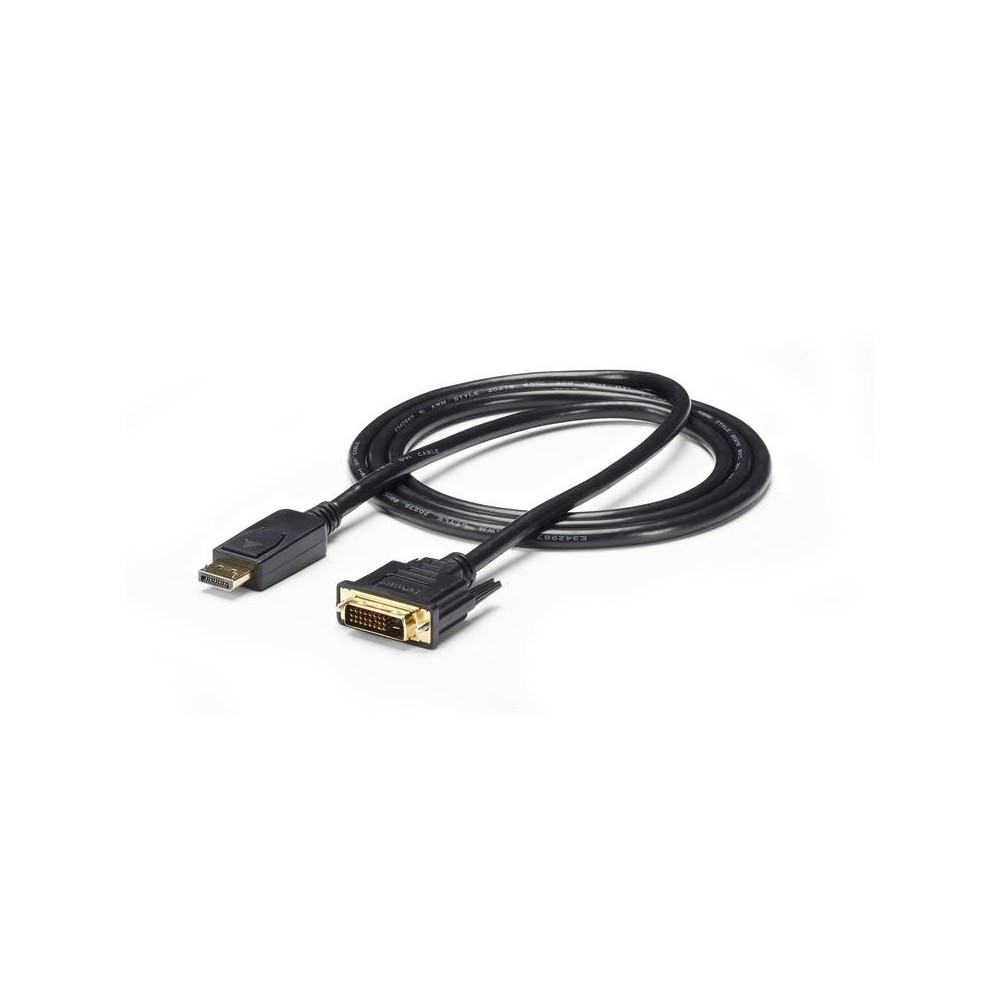
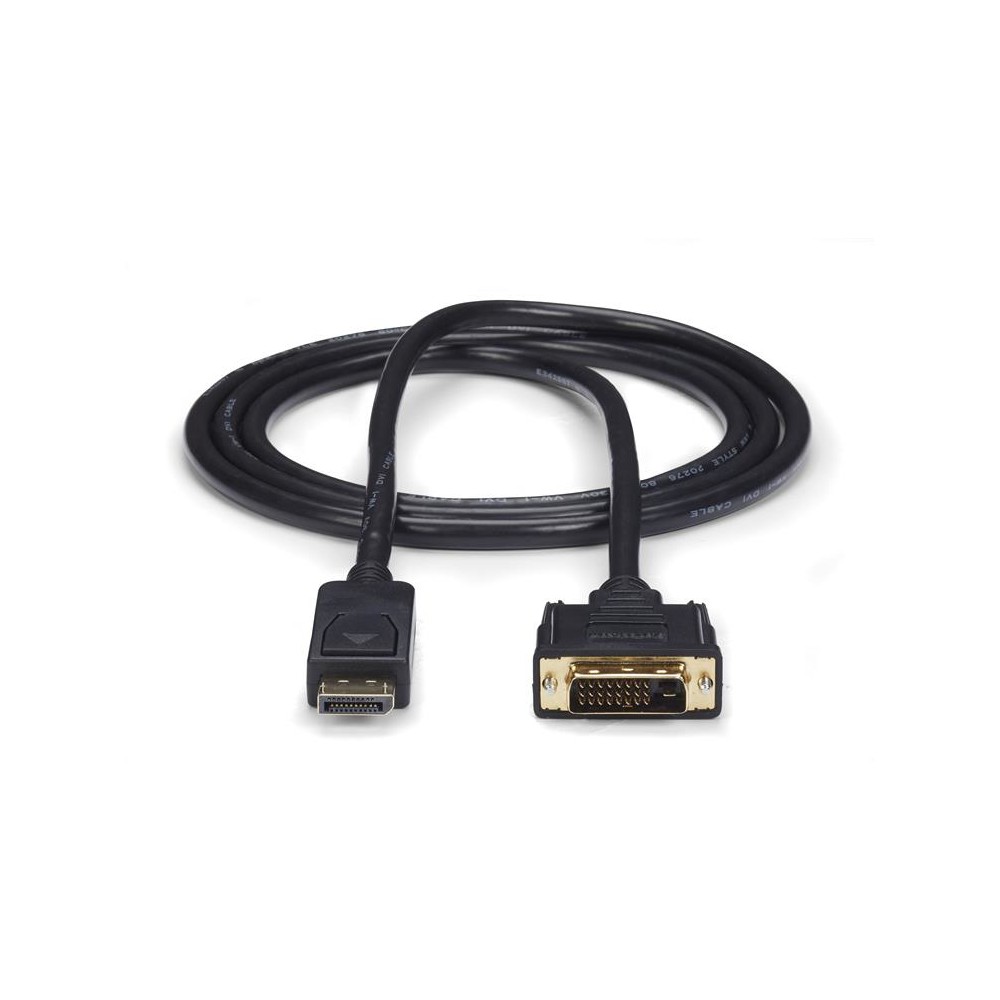
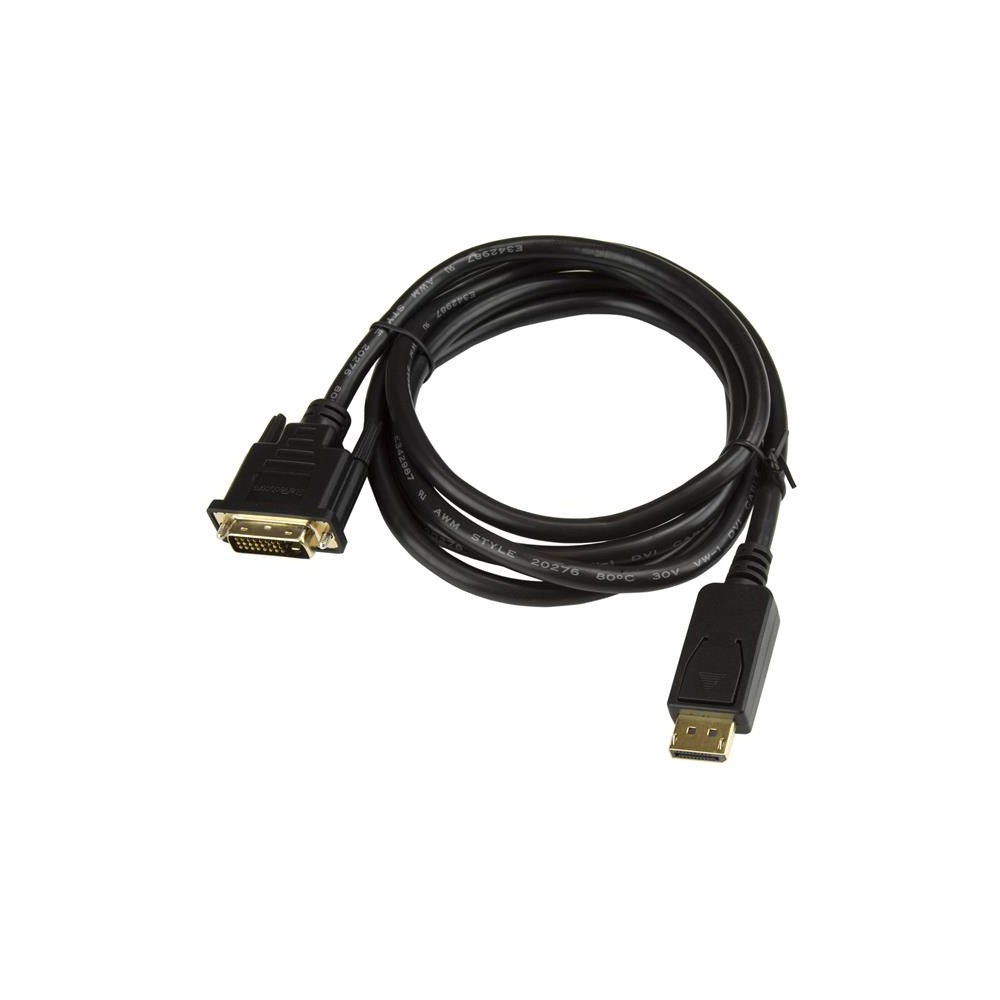
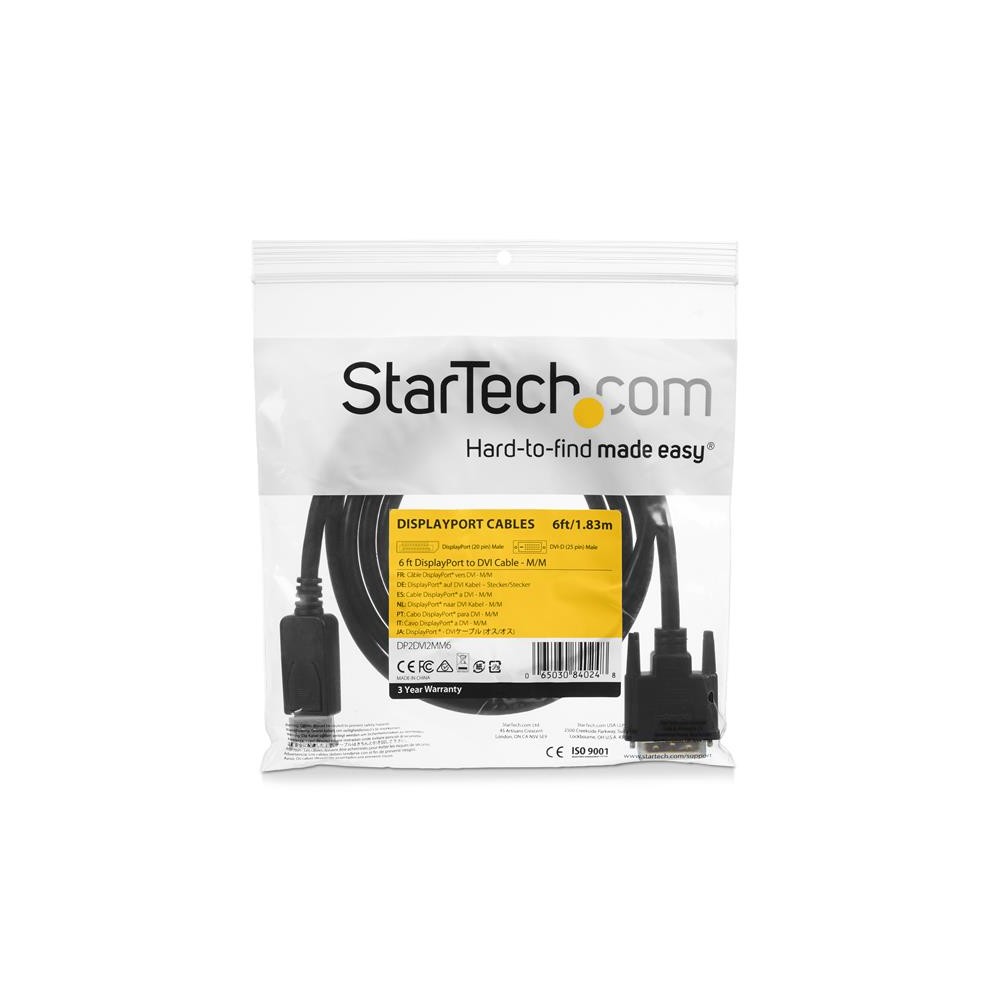
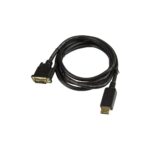
The StarTech.com DisplayPort to DVI-D cable suits anyone connecting a DisplayPort computer to a DVI-D monitor or projector. Its direct 1.8m cable connection avoids the need for a separate adapter and display cable.
Key specs at a glance
| Metric |
Specification |
| Connectors |
DisplayPort male to DVI-D male |
| Cable length |
1.8m |
| Maximum resolution |
1920 x 1200 |
| Supported video mode |
1080p |
| Converter type |
Passive |
| Audio |
Not supported |
Check your DisplayPort connection
This is a passive converter, so your computer’s DisplayPort output must support DP++. Check this before ordering. The cable carries video only, with no audio connection.
Get a direct display connection
Both connectors are male, making it possible to connect a DisplayPort video source directly to a DVI-D display. Plug and Play support means no separate setup software is needed.
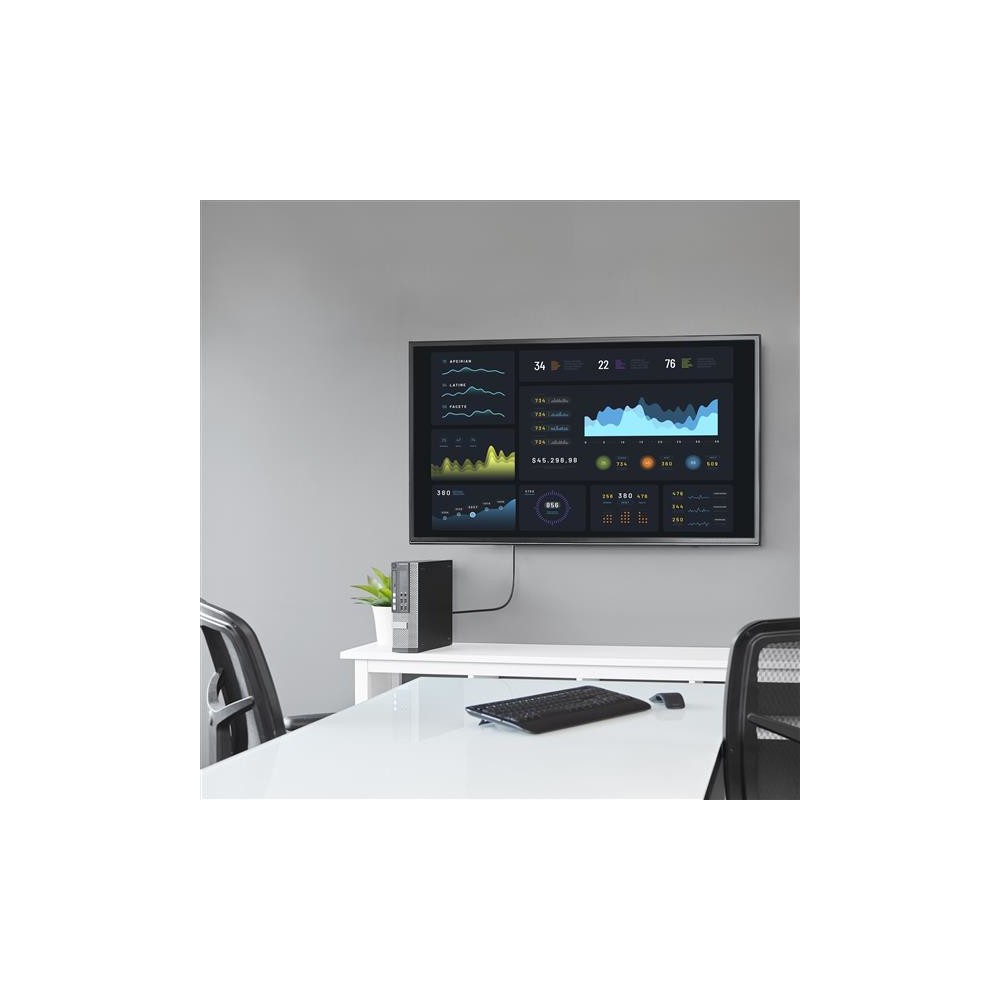
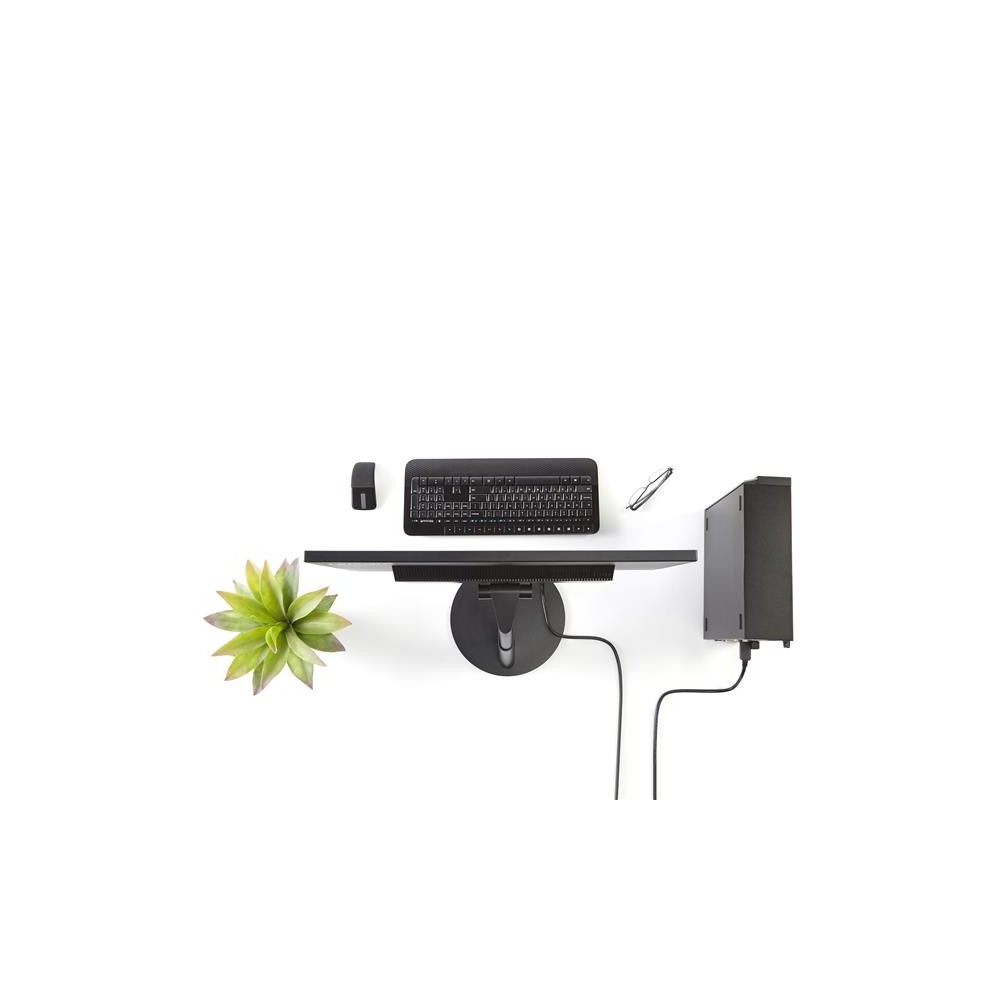
At 1.8m long, the cable gives you some flexibility when positioning your screen or projector. It supports resolutions up to 1920 x 1200, as well as 1080p video.
Before you order
- Confirm your computer or graphics card has a DisplayPort output that supports DP++.
- Check that your monitor or projector accepts a DVI-D connection.
- Confirm that 1.8m provides enough reach for your setup.
- Check that video-only connectivity meets your needs.
Frequently Asked Questions
Q: What devices does this cable connect?
A: It connects a DisplayPort video source to a DVI-D monitor or projector.
Q: Does it work with any DisplayPort output?
A: It requires a DP++ DisplayPort output because it uses passive conversion.
Q: What is the maximum resolution?
A: It supports up to 1920 x 1200 and also supports 1080p video.
Q: Does the cable carry audio?
A: No. This cable provides video connectivity only.
A practical choice for DVI displays
Choose the StarTech.com DisplayPort to DVI-D cable if your computer has a DP++ output and you want a straightforward connection to a DVI-D screen. Its 1.8m length and support for resolutions up to 1920 x 1200 suit many desk and projector setups.


 DPD tracked delivery
 Buy now, pay later with Klarna at checkout
 Pay in 3 instalments with PayPal at checkout

Reviews
Clear filtersThere are no reviews yet.