StarTech.com DP2DVI2MM3 – Connect DisplayPort to DVI-D
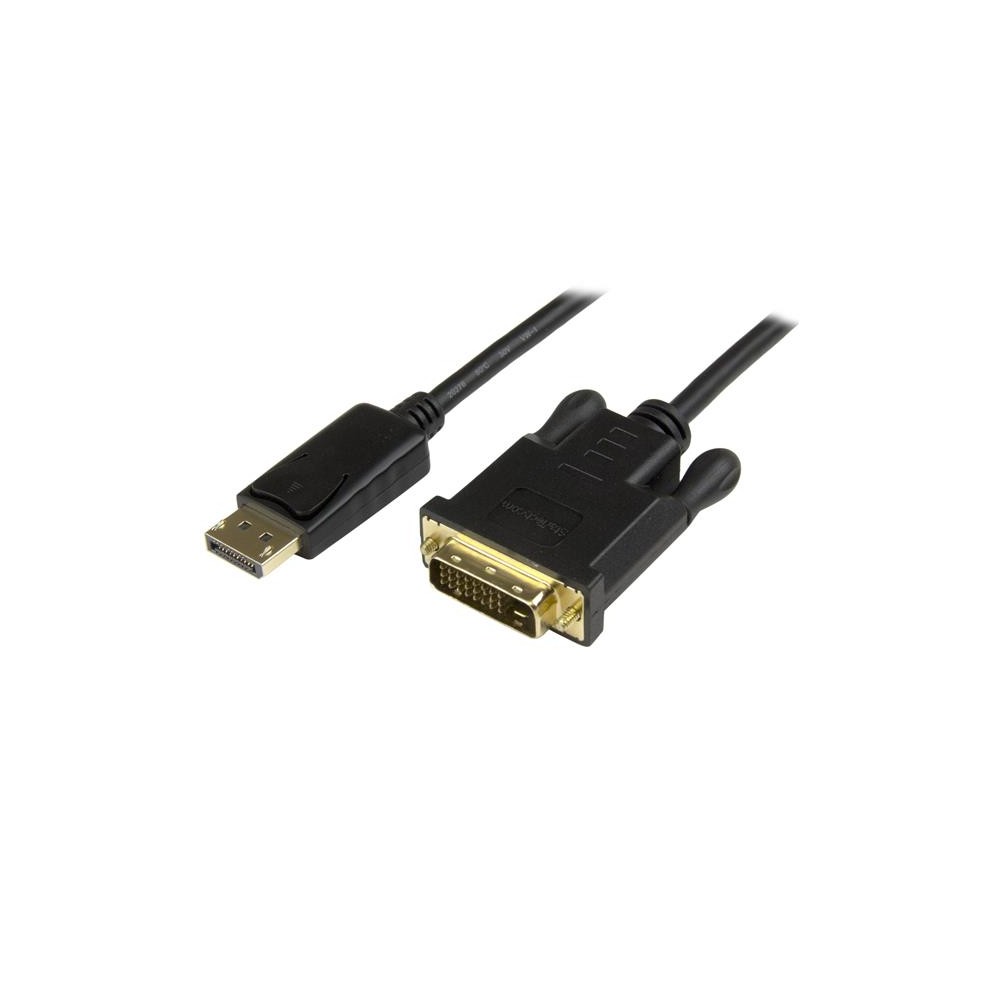
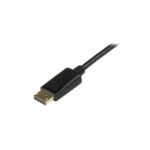
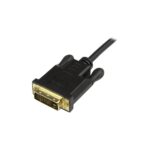
The StarTech.com DP2DVI2MM3 suits desktop and laptop users who want to connect a DisplayPort output directly to a DVI-D display. Its short cable gives you a simple connection without a separate adapter.
Key specs at a glance
| Metric |
Specification |
| Converter type |
Passive |
| Source connector |
DisplayPort male |
| Display connector |
DVI-D male |
| Cable length |
0.914 m |
| Maximum resolution |
1920 × 1200 |
| Dual Link DVI |
No |
A direct connection for existing displays
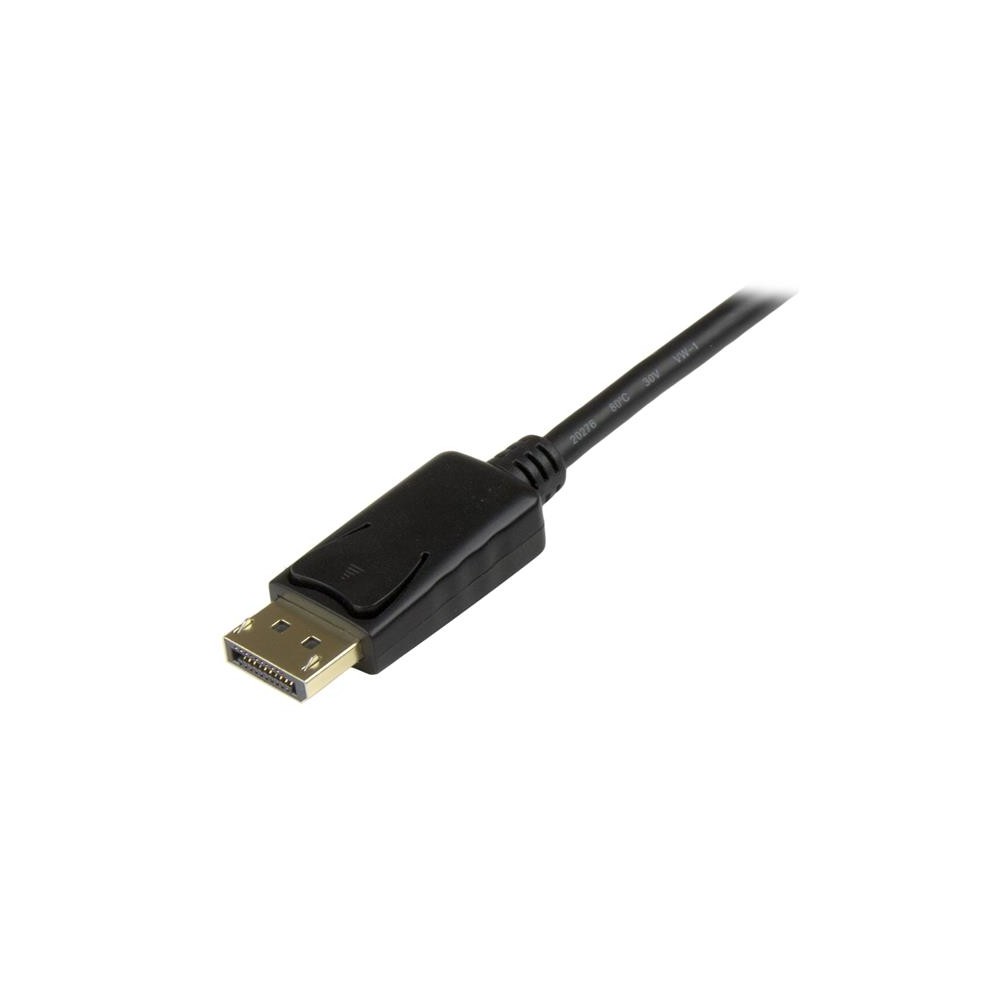
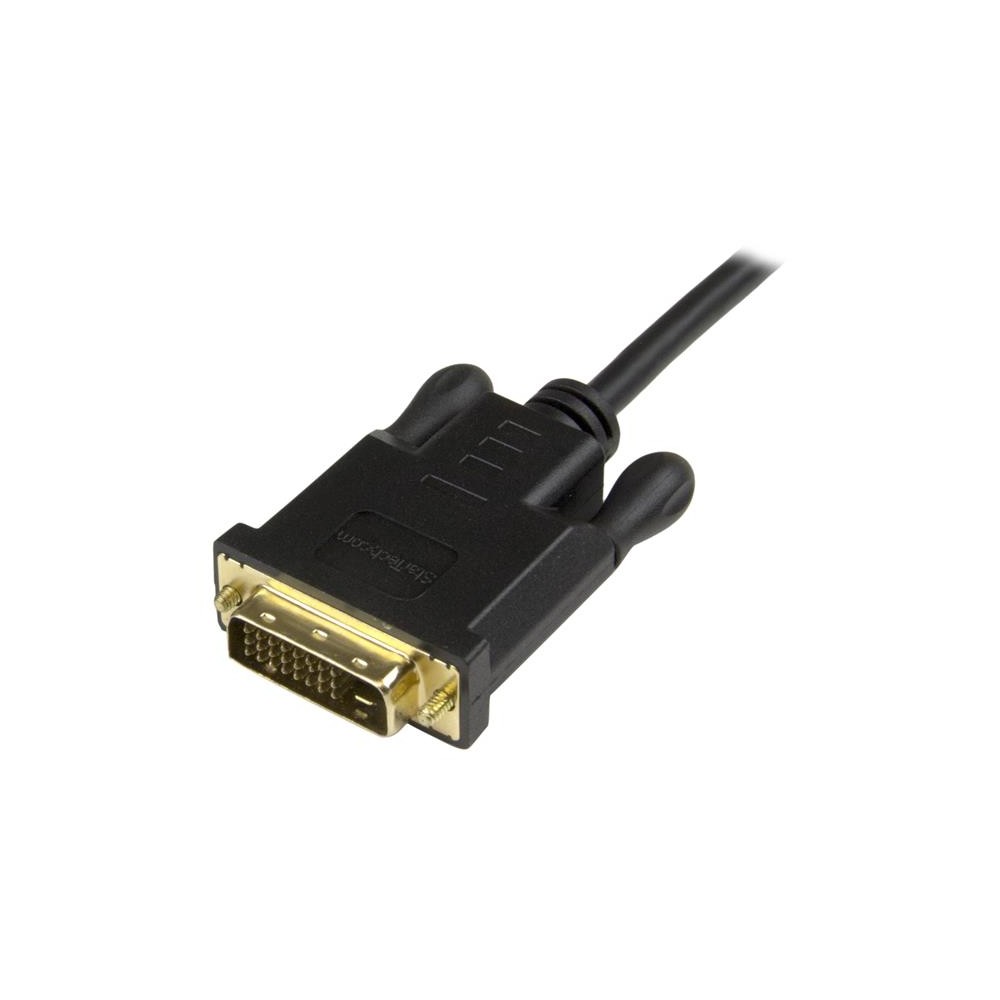
Connect the DisplayPort plug to your computer and the DVI-D plug to your monitor or projector. Because the cable is passive, it does not need a separate power source.
The 0.914 m length keeps the connection compact. Check that it will reach between your equipment before ordering.
Resolution for everyday display use
The cable supports resolutions up to 1920 × 1200 and includes 1080p video mode support. This lets you keep using a compatible DVI-D display with a DisplayPort-equipped computer.
It does not support Dual Link DVI. Check your display’s connection and resolution requirements before choosing it.
Before you order
- Confirm your computer has a DisplayPort video output.
- Check that your display or projector accepts DVI-D.
- Confirm that a maximum resolution of 1920 × 1200 meets your needs.
- Check that the 0.914 m cable length suits your setup.
Frequently Asked Questions
Q: Which devices does this cable connect?
A: It connects a DisplayPort-equipped computer to a DVI-D monitor or projector.
Q: Does it need a separate power source?
A: No. This passive converter cable does not need a separate power source.
Q: Does it support Dual Link DVI?
A: No. Dual Link DVI is not supported.
Q: What is its maximum supported resolution?
A: It supports resolutions up to 1920 × 1200.
A practical choice for a DVI-D display
Choose the StarTech.com DP2DVI2MM3 if you need a short, direct link from a DisplayPort computer to a DVI-D display. Check the connector types, resolution and cable reach to make sure it fits your setup.


 DPD tracked delivery
 Buy now, pay later with Klarna at checkout
 Pay in 3 instalments with PayPal at checkout

Reviews
Clear filtersThere are no reviews yet.