StarTech.com MDP2DPDVHD – connect to three display types
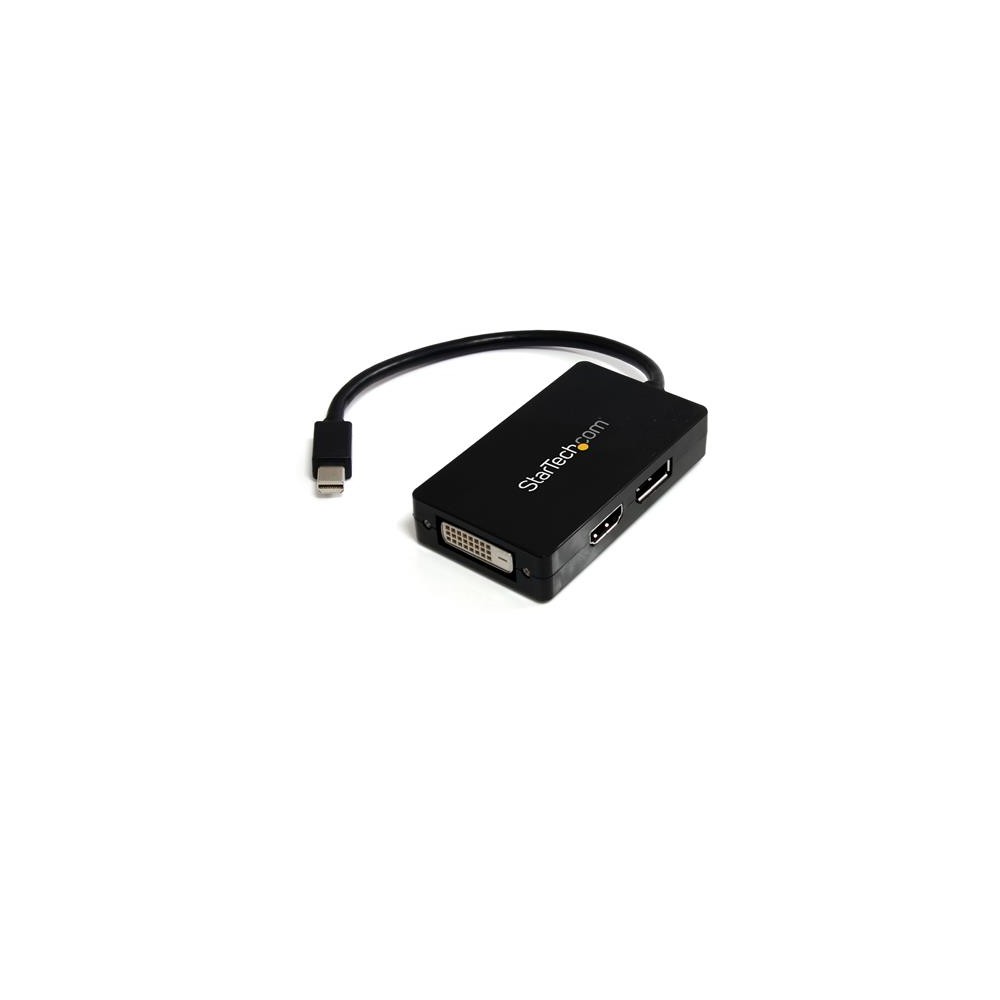
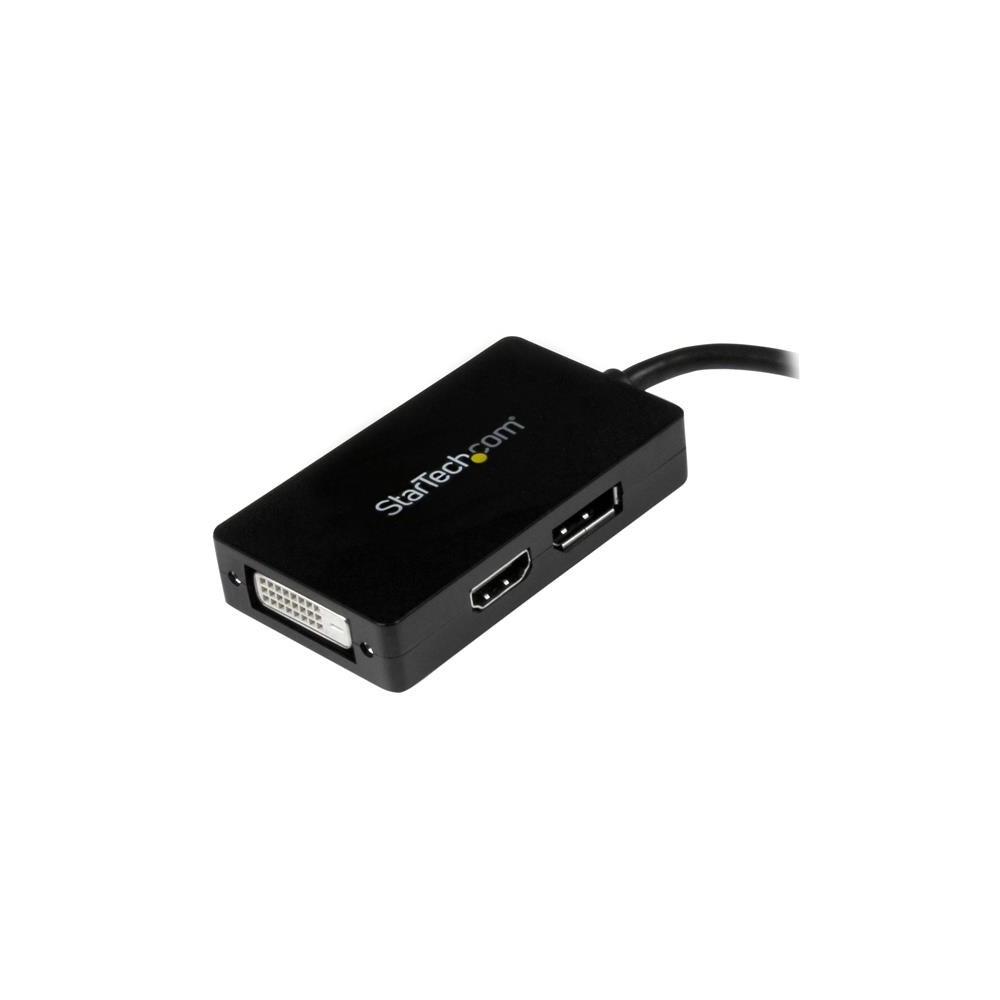
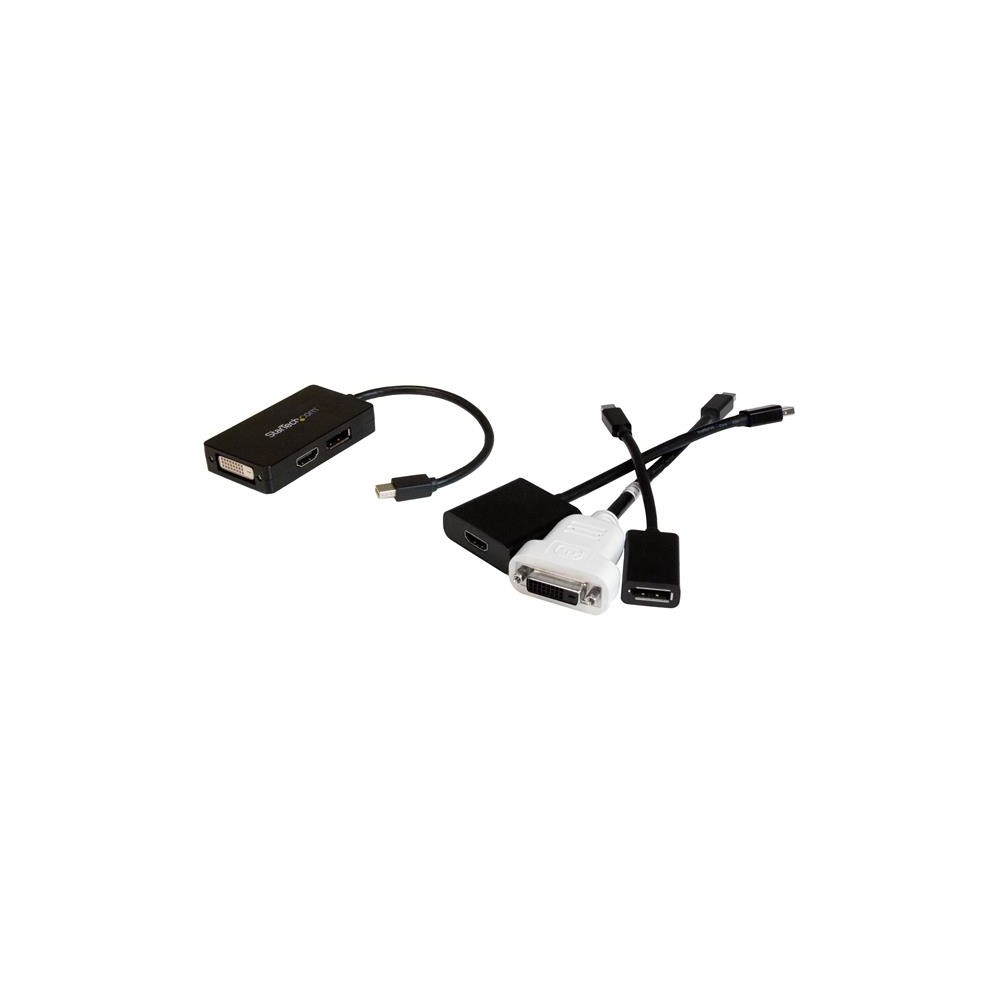
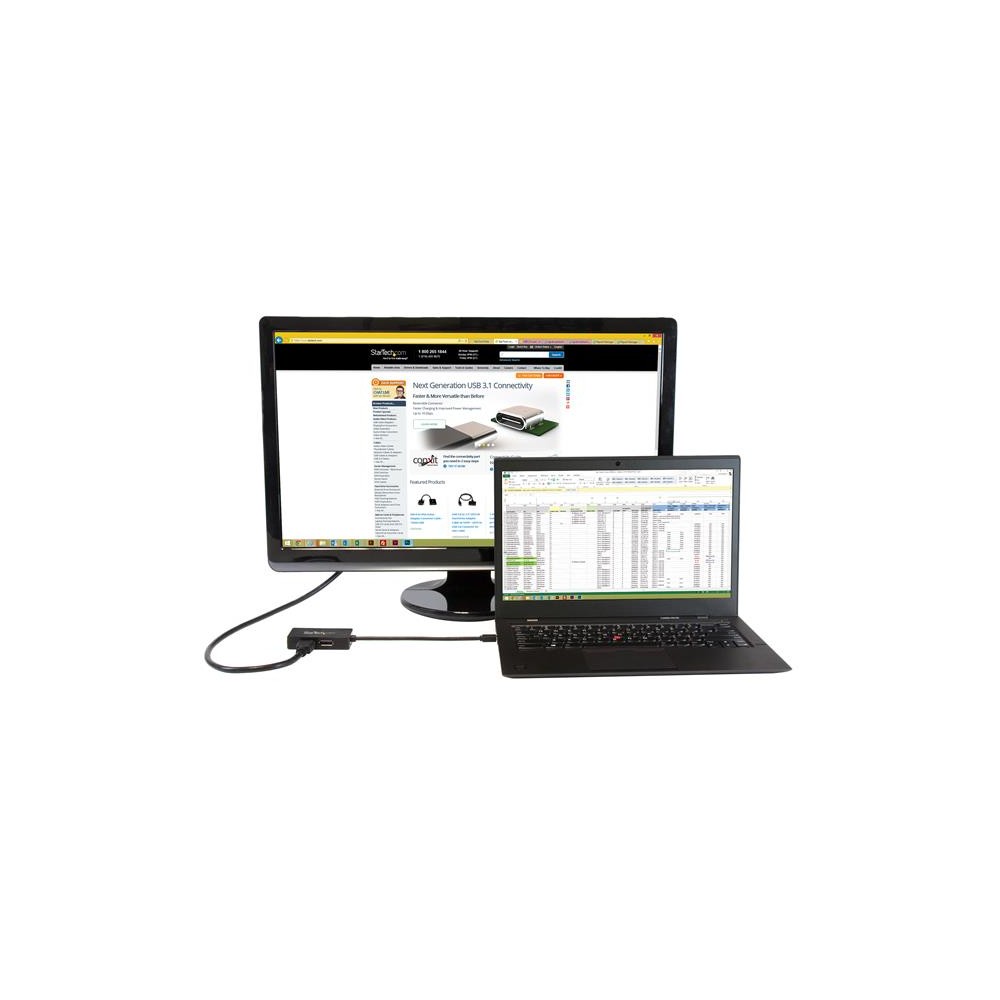
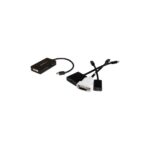
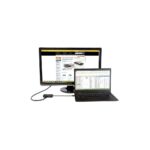
We recommend the StarTech.com MDP2DPDVHD for PCs and Macs with Mini DisplayPort. It connects your computer to a DisplayPort, DVI-D or HDMI display, helping you work with different screens using one compact adapter.
Connection and resolution at a glance
| Metric |
Specification |
| Input connector |
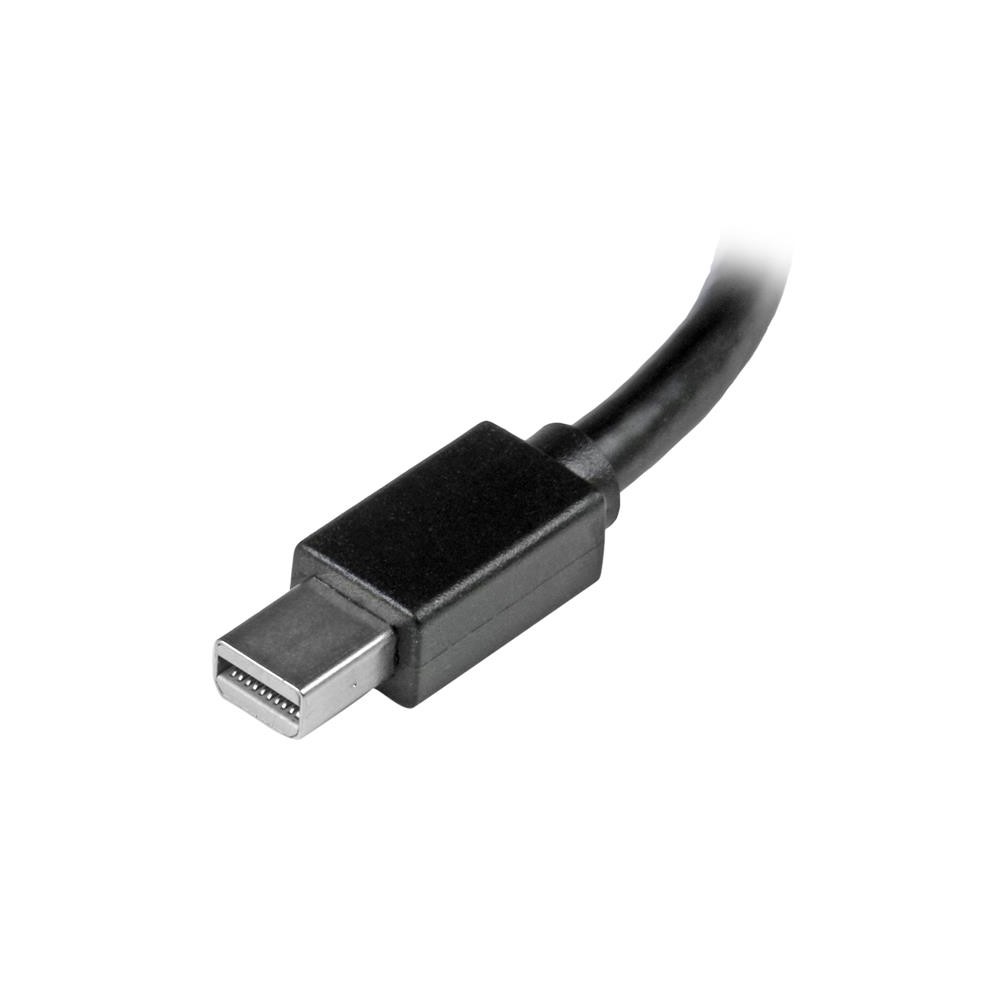
Mini DisplayPort male |
| Display connectors |
DisplayPort, DVI-D and HDMI female |
| Maximum resolution |
2560 x 1600 pixels |
| DisplayPort version |
1.2 |
| Cable length |
0.15 m |
| Plug and Play |
Yes |
One adapter for mixed display connections
The three display connector types make this adapter useful in workplaces with varied screens. Choose the output that matches your display’s input. Its Mini DisplayPort plug connects to a compatible computer.
Straightforward setup and audio support
Plug and Play operation means you can connect the adapter without installing software or drivers. It supports audio pass-through when the video source supports it, including up to 5.1 channels.
Check before ordering
- Confirm your computer has a Mini DisplayPort output.
- Check which input your display uses: DisplayPort, DVI-D or HDMI.
- Confirm your display supports the resolution you plan to use, up to 2560 x 1600.
- Check your video source’s manual for audio pass-through support.
Frequently Asked Questions
Q: What is the maximum supported resolution?
A: It supports resolutions up to 2560 x 1600 pixels.
Q: Which displays can I connect?
A: You can connect a DisplayPort, DVI-D or HDMI display.
Q: Does it need software or drivers?
A: No. It is a Plug and Play adapter.
Q: Does it pass through audio?
A: Yes, when supported by the video source. Audio support extends to 5.1 channels.
A practical choice for varied screens
Choose the StarTech.com MDP2DPDVHD if your Mini DisplayPort computer needs to connect with different display types. Its three output options and simple setup make it a useful fit for mixed-screen environments.


 DPD tracked delivery
 Buy now, pay later with Klarna at checkout
 Pay in 3 instalments with PayPal at checkout

Reviews
Clear filtersThere are no reviews yet.