StarTech.com CDP2HD – Connect to a 4K HDMI display
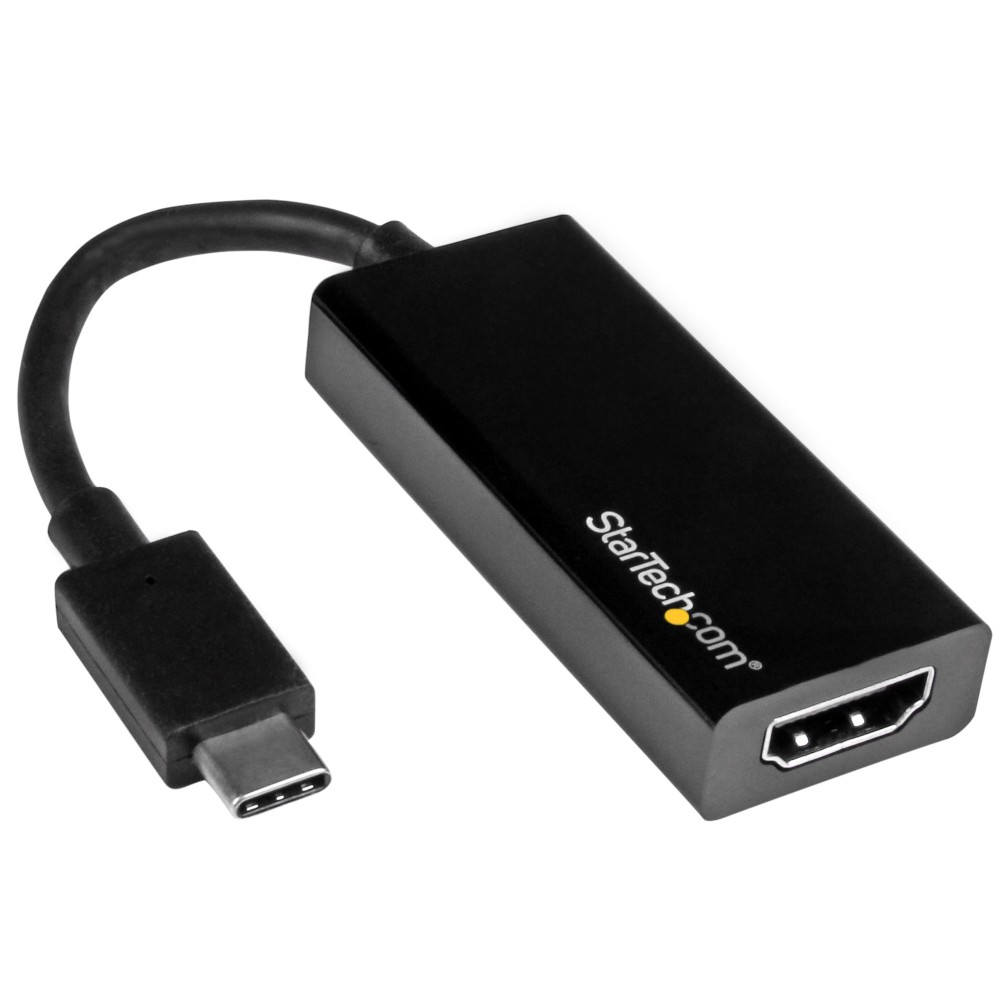
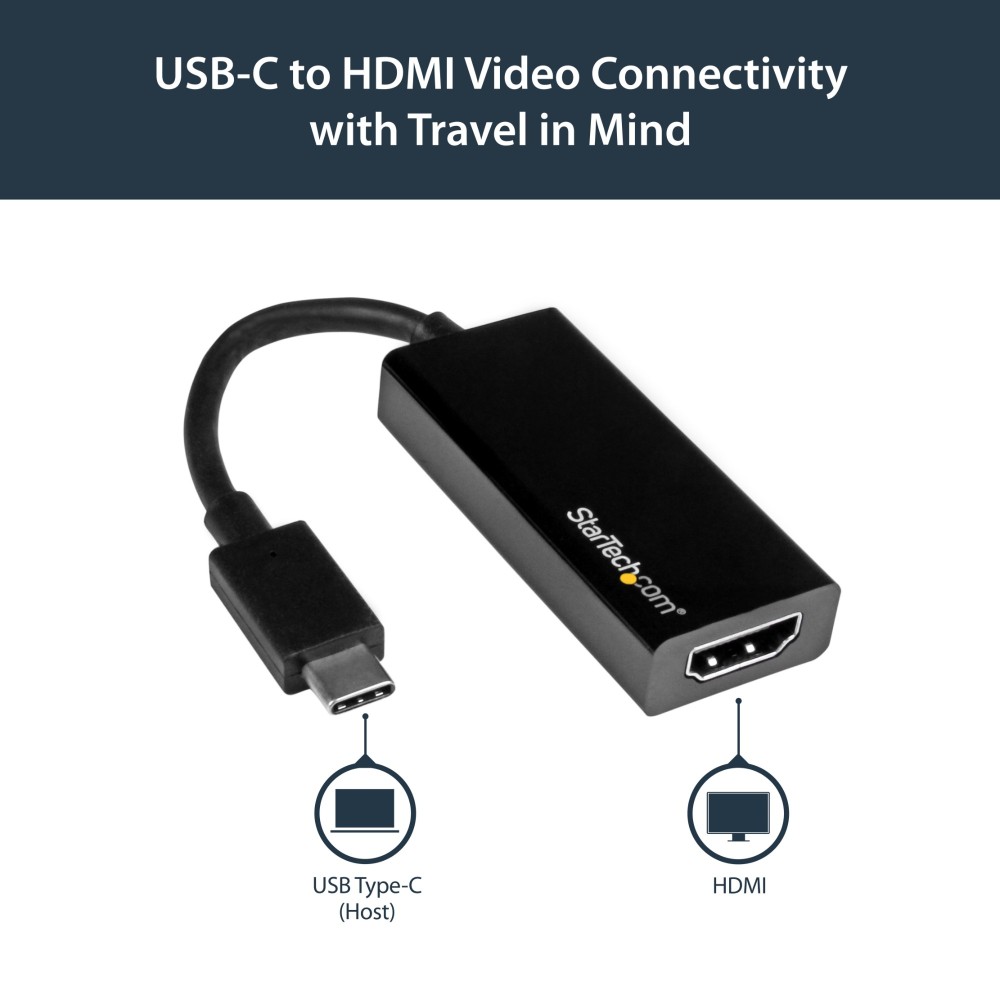
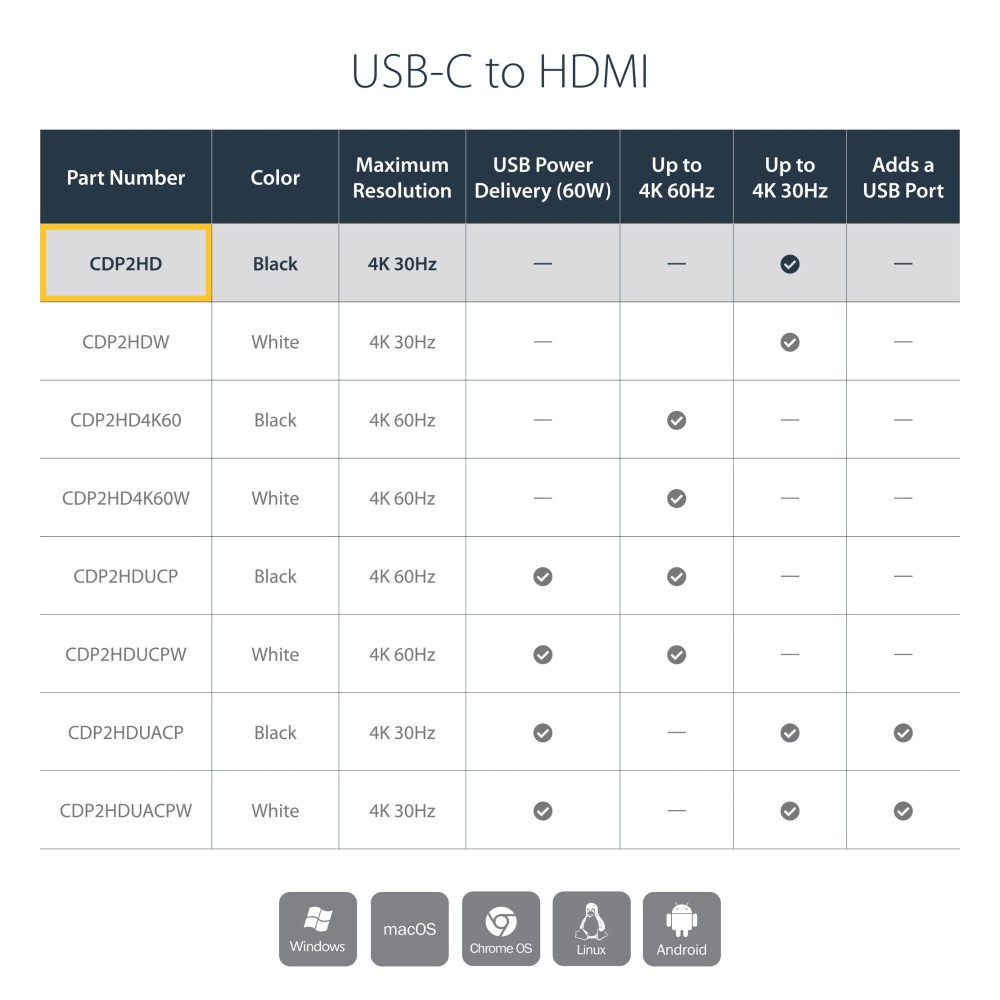
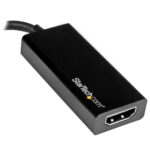
The StarTech.com CDP2HD suits laptop users who need to connect a USB-C device to an HDMI monitor or projector. It can output up to 4K resolution at 30Hz, giving you a straightforward way to use a larger screen.
Key specs for your setup
| Metric |
Specification |
| Connection |
USB Type-C male to HDMI |
| Maximum resolution |
3840 × 2160 at 30Hz |
| HDMI version |
HDMI 1.4 |
| Displays supported |
1 |
| Cable length |
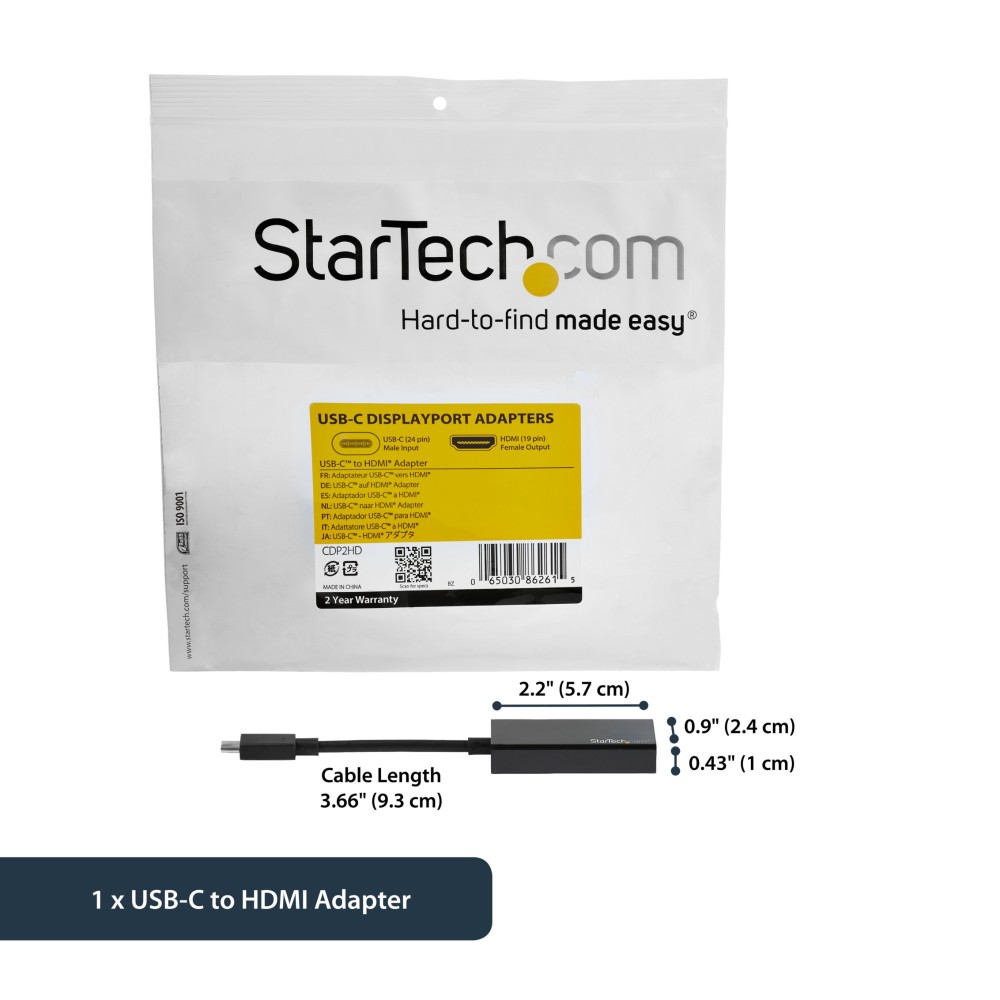
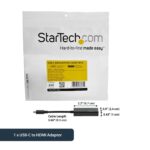
0.12m |
| Audio |
Up to 7.1 channels |
A compact link from USB-C to HDMI
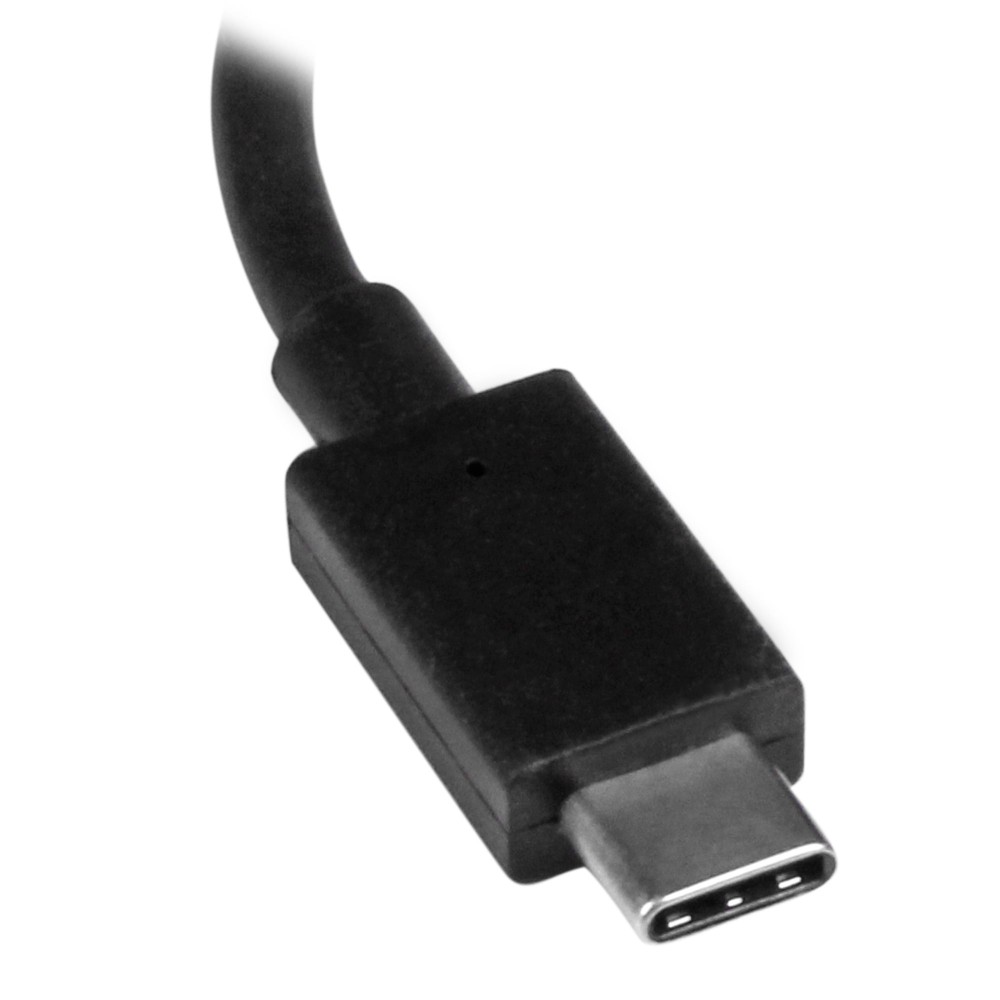
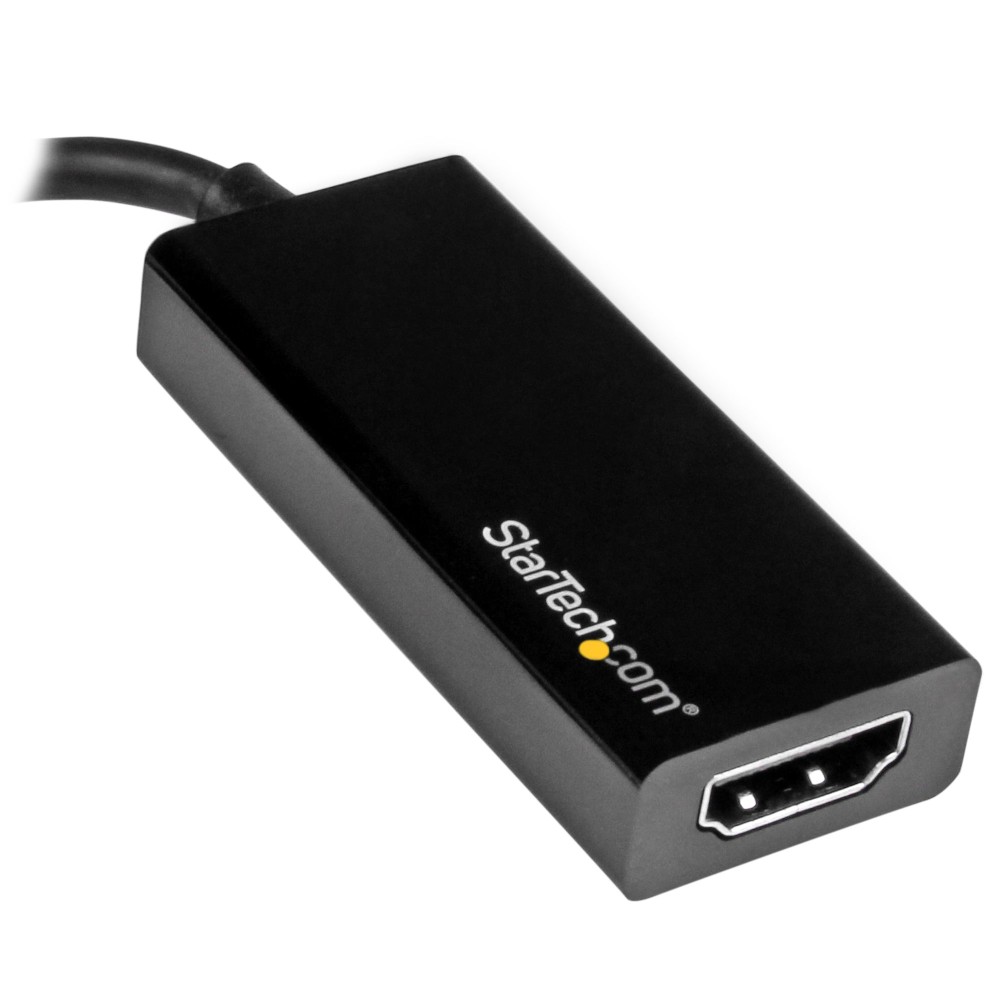
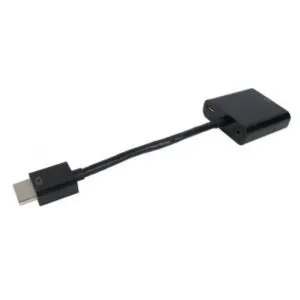
The integrated 0.12m cable keeps the connection short, while the adapter weighs just 22g. Its compact design is handy for carrying with a laptop or using in a desk setup.
The adapter also supports lower resolutions, including 1920 × 1080. So you can connect it to a Full HD display as well as a compatible 4K screen.
Check your device’s video support
The USB-C port on your computer or tablet must support DisplayPort Alt Mode to send video through the adapter. It is also compatible with Thunderbolt 3 devices that support video output.
Before you order
- Confirm your device has a USB-C port with DisplayPort Alt Mode video output.
- Check that your screen or projector has an HDMI input.
- Confirm that 4K at 30Hz suits your display needs.
- Check that a single connected display meets your setup requirements.
Frequently Asked Questions
Q: What is the maximum resolution?
A: It supports up to 3840 × 2160 at 30Hz.
Q: Can I use it with a Full HD monitor?
A: Yes. It supports 1920 × 1080 displays.
Q: Does my USB-C device need a specific video feature?
A: Yes. Its USB-C port needs to support DisplayPort Alt Mode video output.
A practical choice for USB-C video
Choose the StarTech.com CDP2HD if you want a lightweight USB-C to HDMI connection for one display. It supports 4K at 30Hz and works with compatible USB-C devices that provide video output.





 DPD tracked delivery
 Buy now, pay later with Klarna at checkout
 Pay in 3 instalments with PayPal at checkout

Reviews
Clear filtersThere are no reviews yet.