StarTech.com CDP2VGASA – Keep presentations on screen
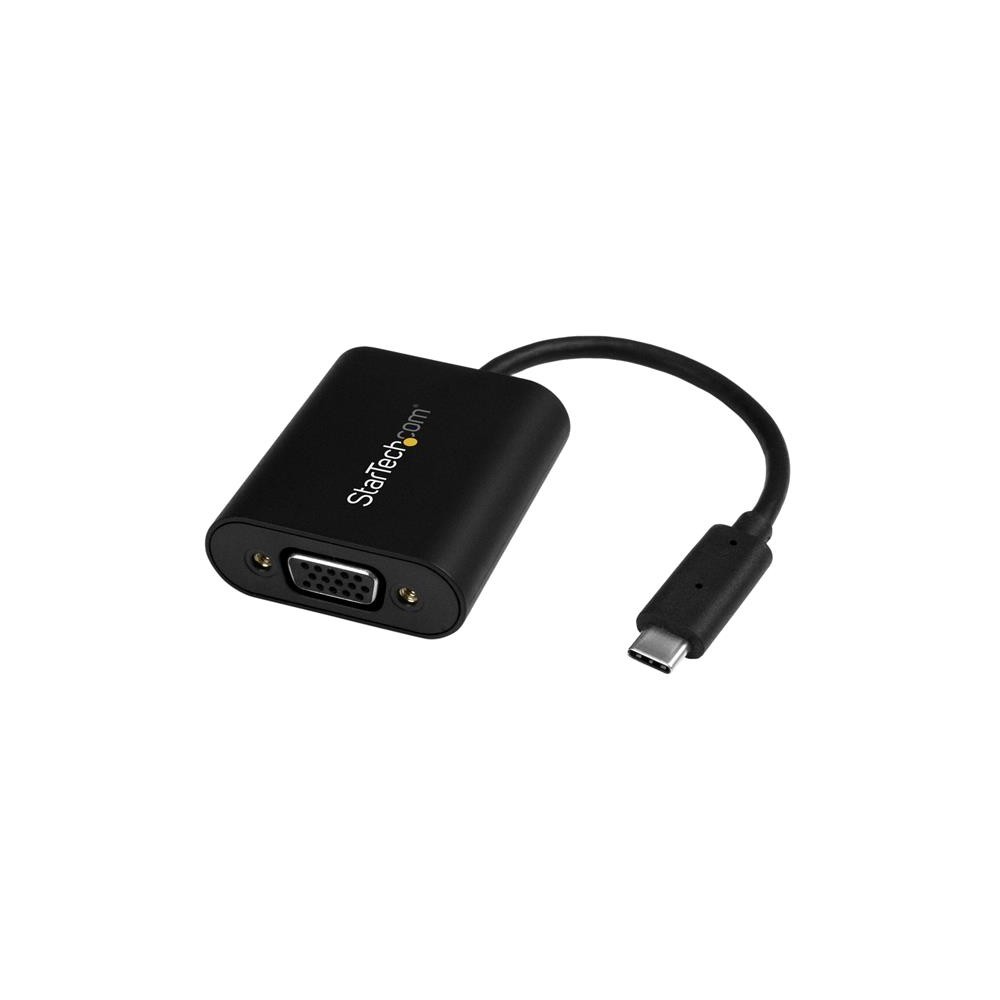
The StarTech.com CDP2VGASA suits anyone connecting a USB-C computer to a VGA projector or display. Its switchable Presentation Mode helps prevent screen interruptions from sleep or power-saving settings during meetings.
Key connection details
| Metric |
Specification |
| Computer connection |
USB Type-C |
| Display output |
VGA |
| Maximum resolution |
2048 x 1280 pixels |
| Refresh rate at maximum resolution |
60 Hz |
| Displays supported |
1 |
| Integrated cable length |
0.095 m |
Stay focused on your presentation
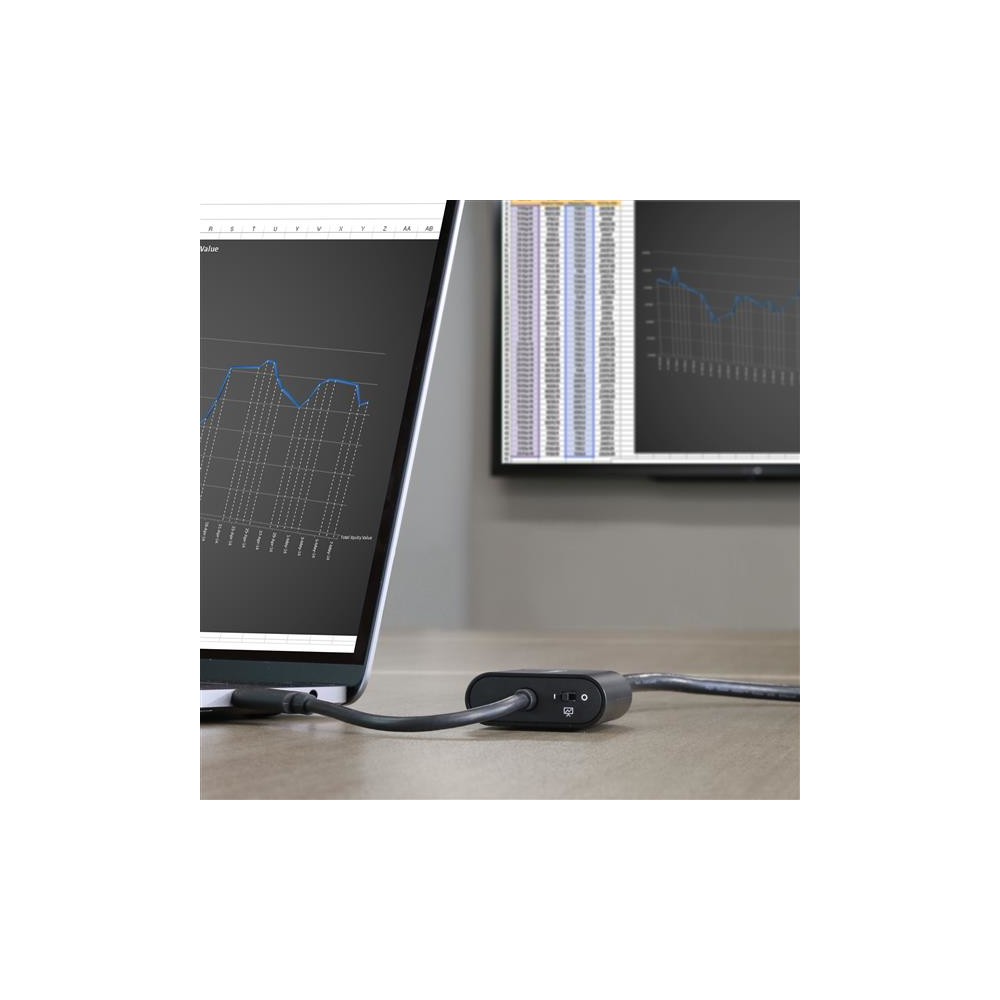
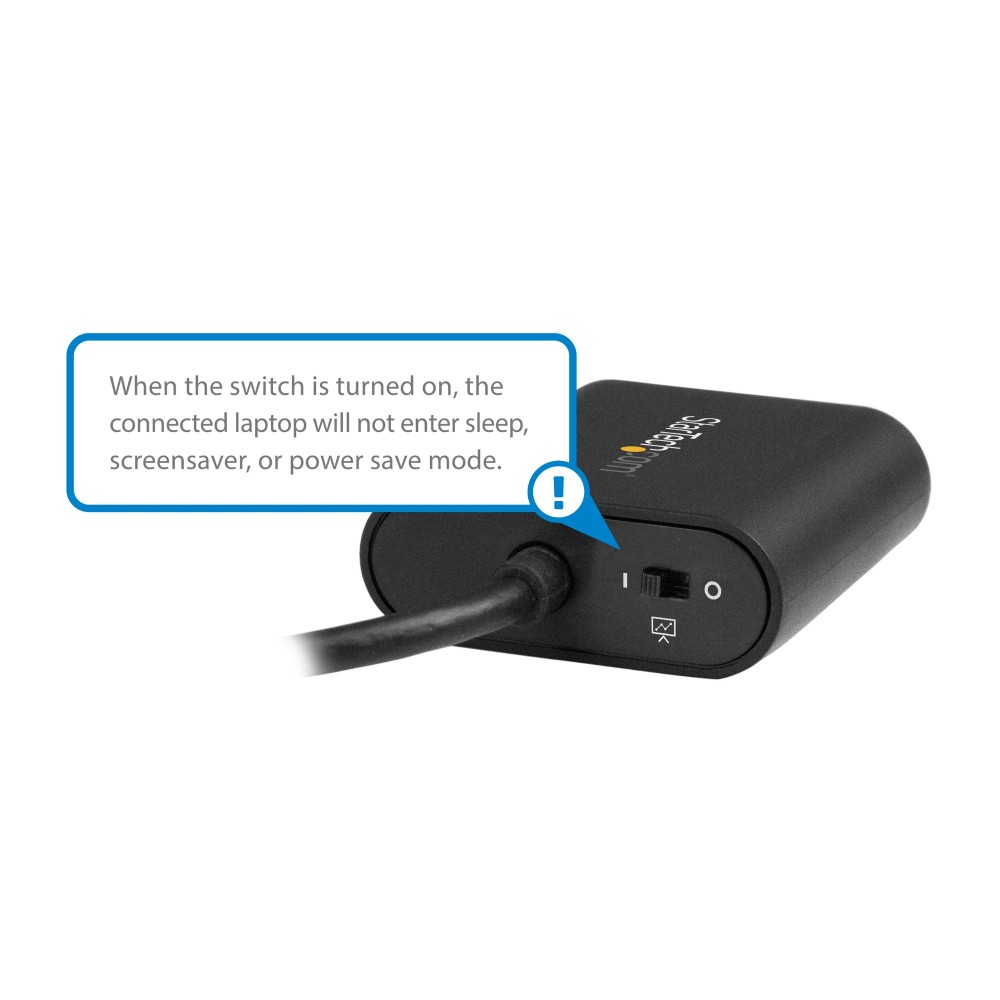
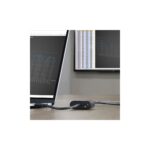
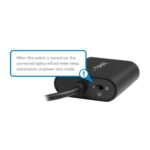
Switch Presentation Mode on when you need your screen to stay active. The adapter initiates occasional cursor movement to help prevent screen savers and power-saving settings from interrupting your presentation.
Turn the mode off at your desk to let your computer’s usual power settings take effect. This makes it easier to switch between presenting and everyday use.
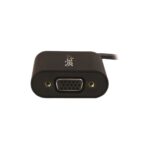
Connect to VGA displays
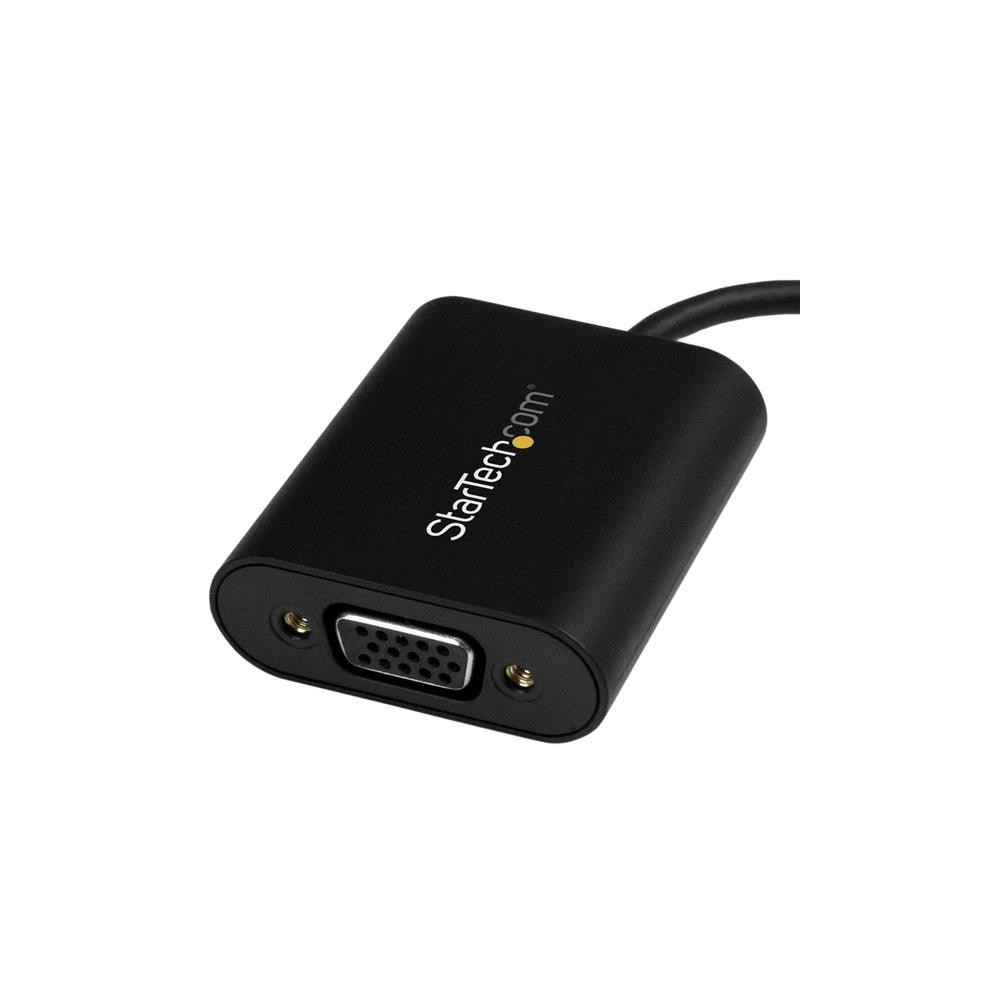
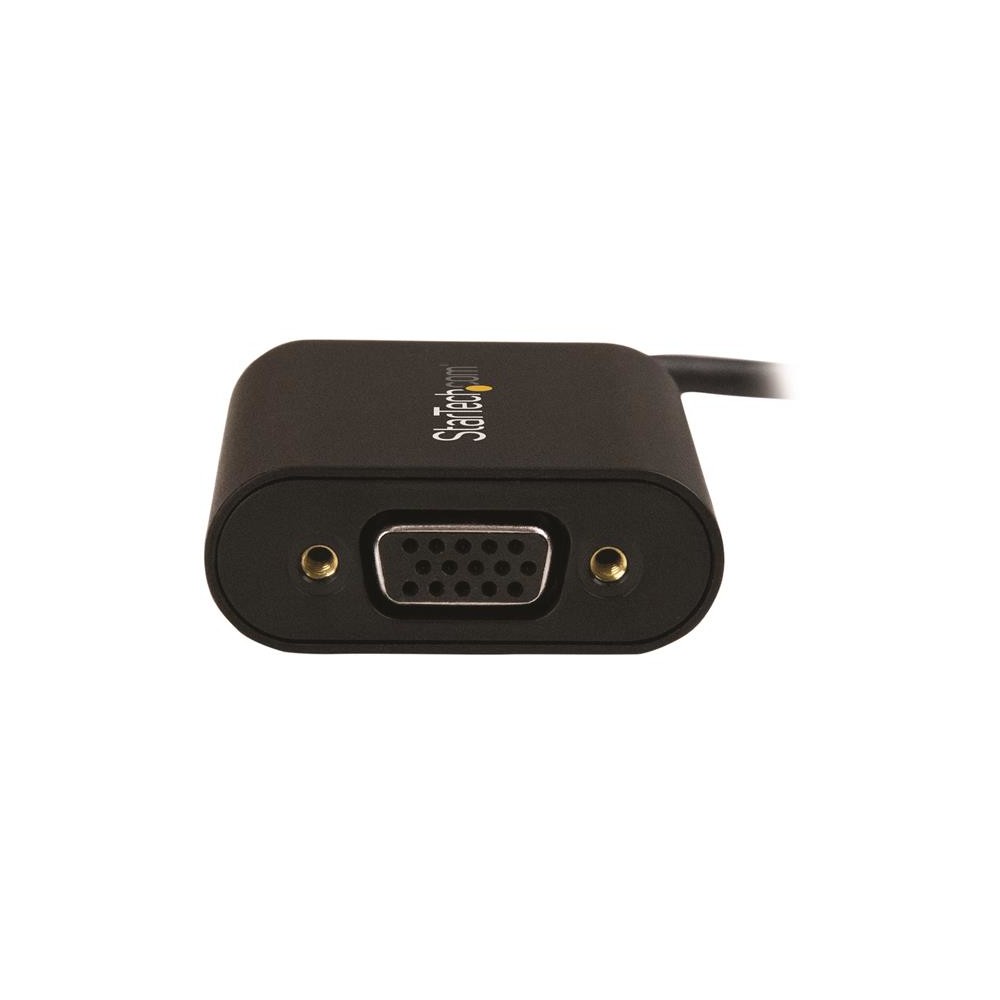
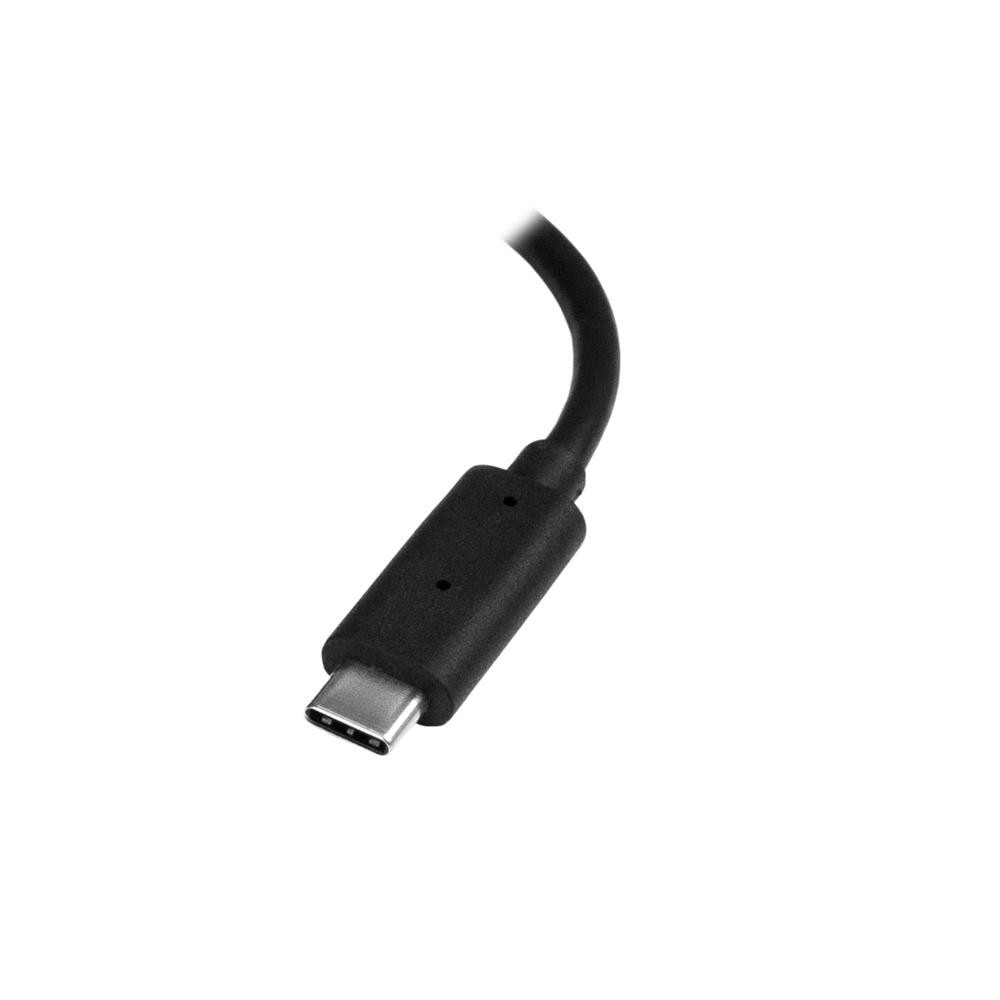
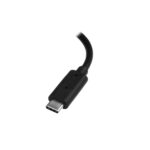
The USB-C connector links your computer to a VGA display or projector. The adapter supports one display, with resolutions up to 2048 x 1280 at 60 Hz.
It works natively with Windows and Mac computers. The integrated 0.095 m cable keeps the connection attached to the adapter.
Check compatibility before ordering
- Confirm your computer has a USB Type-C port.
- Check that your display or projector accepts a VGA connection.
- Confirm the display supports your chosen resolution, up to 2048 x 1280.
- Check that one connected display meets your setup needs.
Frequently Asked Questions
Q: Which display connection does this adapter provide?
A: It provides one VGA output for connecting a compatible display or projector.
Q: What is the maximum supported resolution?
A: The maximum resolution is 2048 x 1280 pixels, with a 60 Hz refresh rate.
Q: Does Presentation Mode stay on permanently?
A: No. Use the switch to turn Presentation Mode on for presentations or off for normal power settings.
Q: Which computer systems does it support?
A: It is natively supported on Windows and Mac computers with a USB Type-C port.
A practical choice for VGA presentations
Choose the StarTech.com CDP2VGASA if you need a USB-C to VGA connection and a simple way to keep your display active during presentations. It includes a three-year warranty.


 DPD tracked delivery
 Buy now, pay later with Klarna at checkout
 Pay in 3 instalments with PayPal at checkout

Reviews
Clear filtersThere are no reviews yet.