StarTech.com CDP2VGAEC – connect USB-C devices to VGA
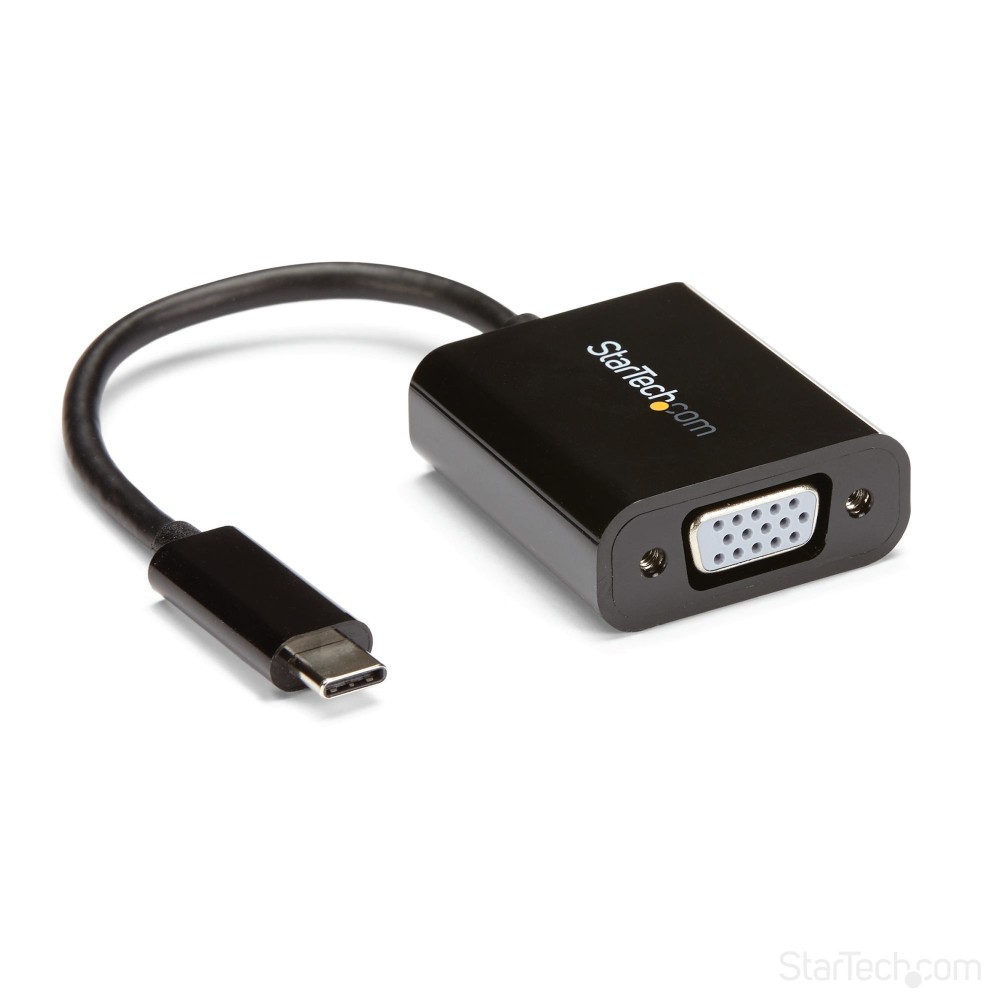
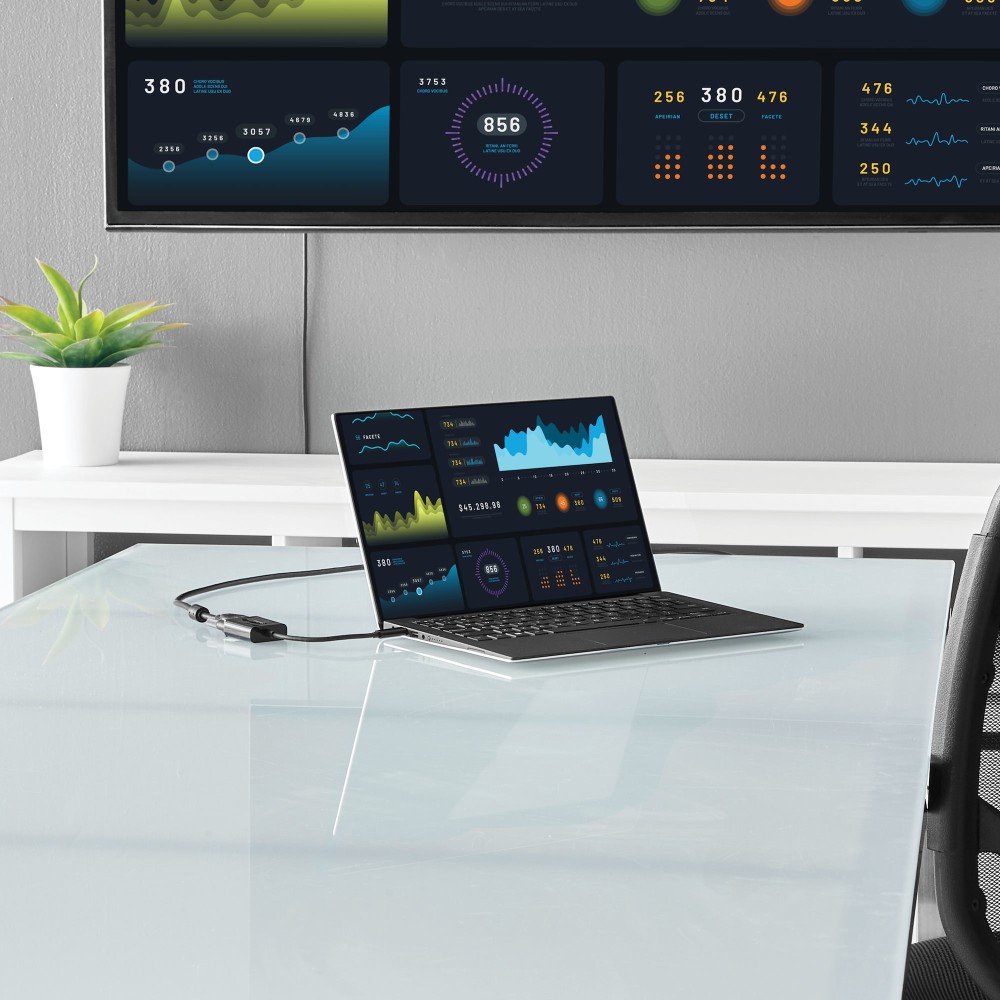
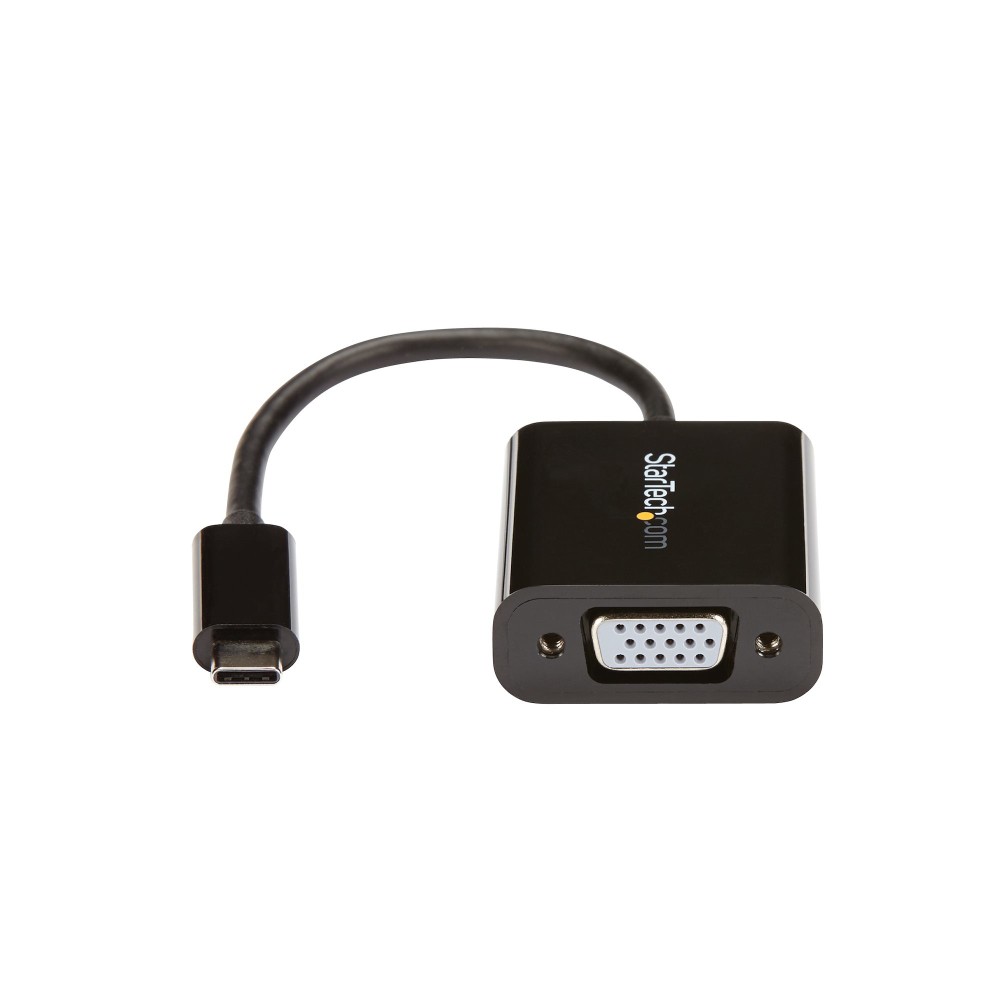
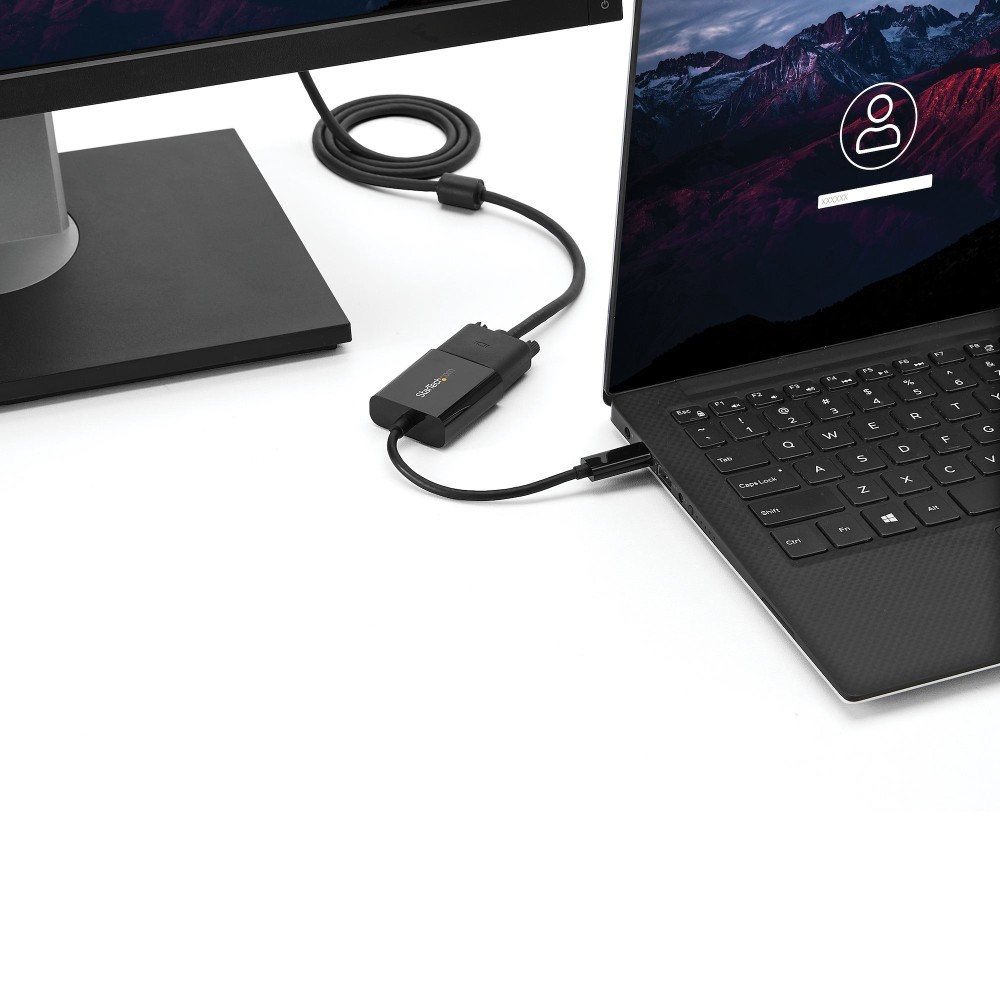
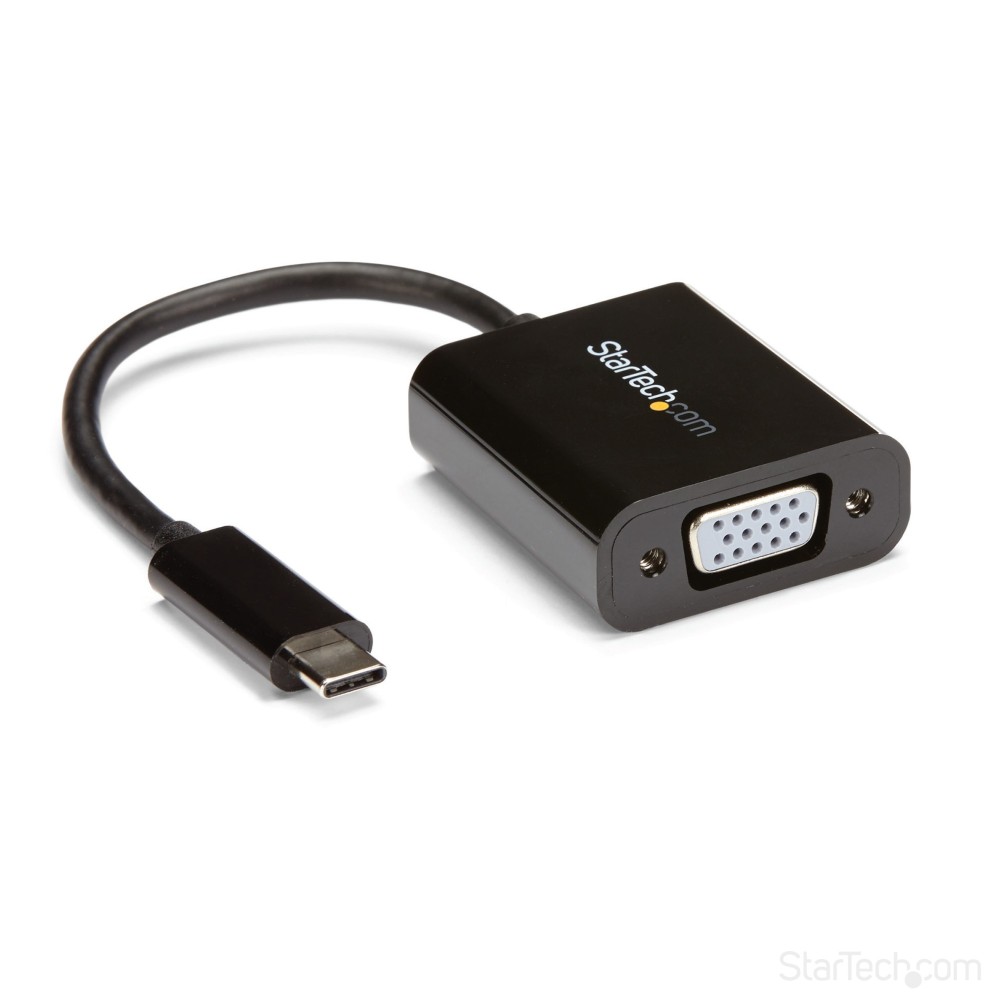
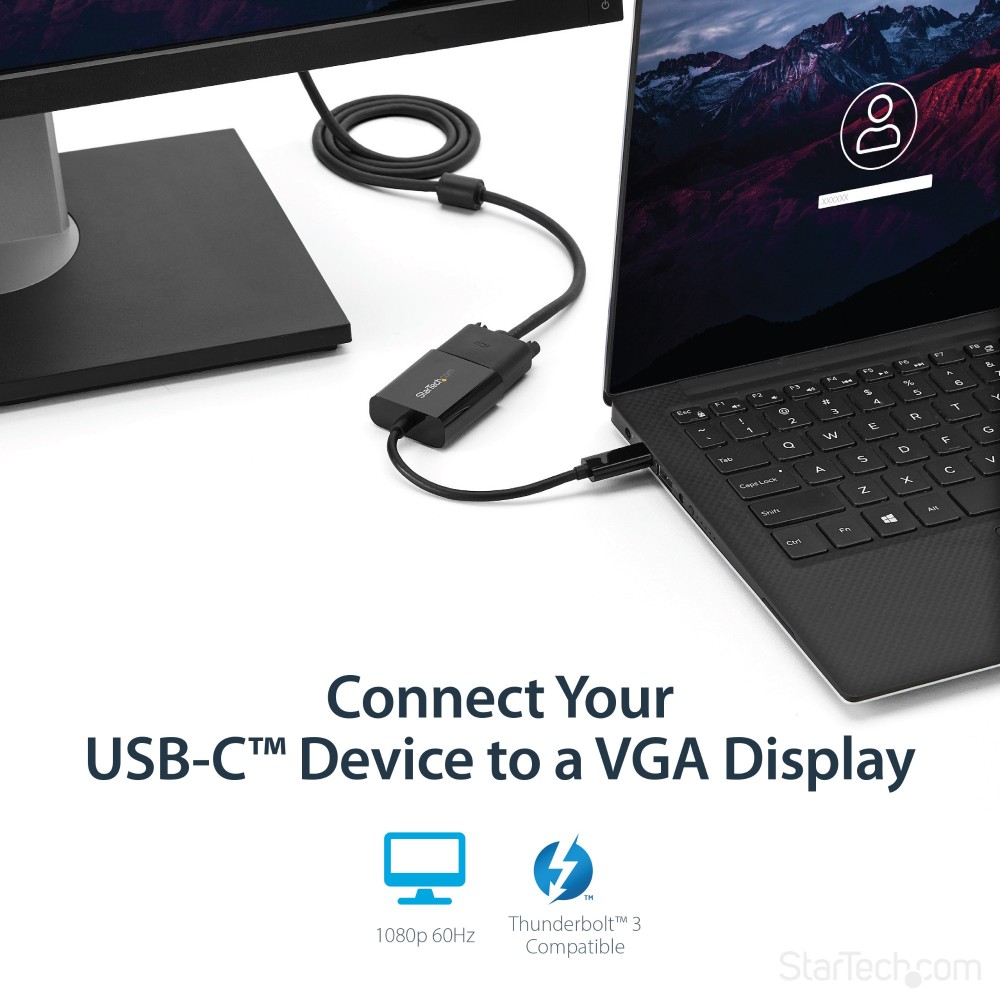
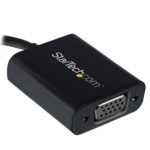
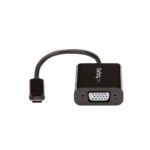
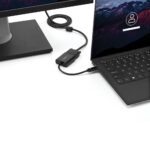
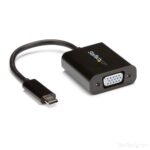
The StarTech.com CDP2VGAEC suits anyone who needs to connect a compatible USB-C laptop to a VGA monitor or projector. It converts video from a USB-C port into VGA, with support for resolutions up to 1920 x 1200.
Key connection details
| Metric |
Specification |
| USB connector |
USB Type-C male |
| Video output |
VGA |
| Maximum resolution |
1920 x 1200 |
| Displays supported |
1 |
| Integrated cable length |
0.14 m |
| Colour |
Black |
Check your device’s video support
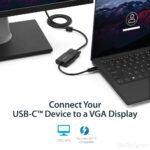
This adapter works with USB-C devices that output a DisplayPort video signal. It is also compatible with Thunderbolt 3 ports. For example, use it with a suitable MacBook, Chromebook or laptop to connect to a VGA display.
A compact option for presentations
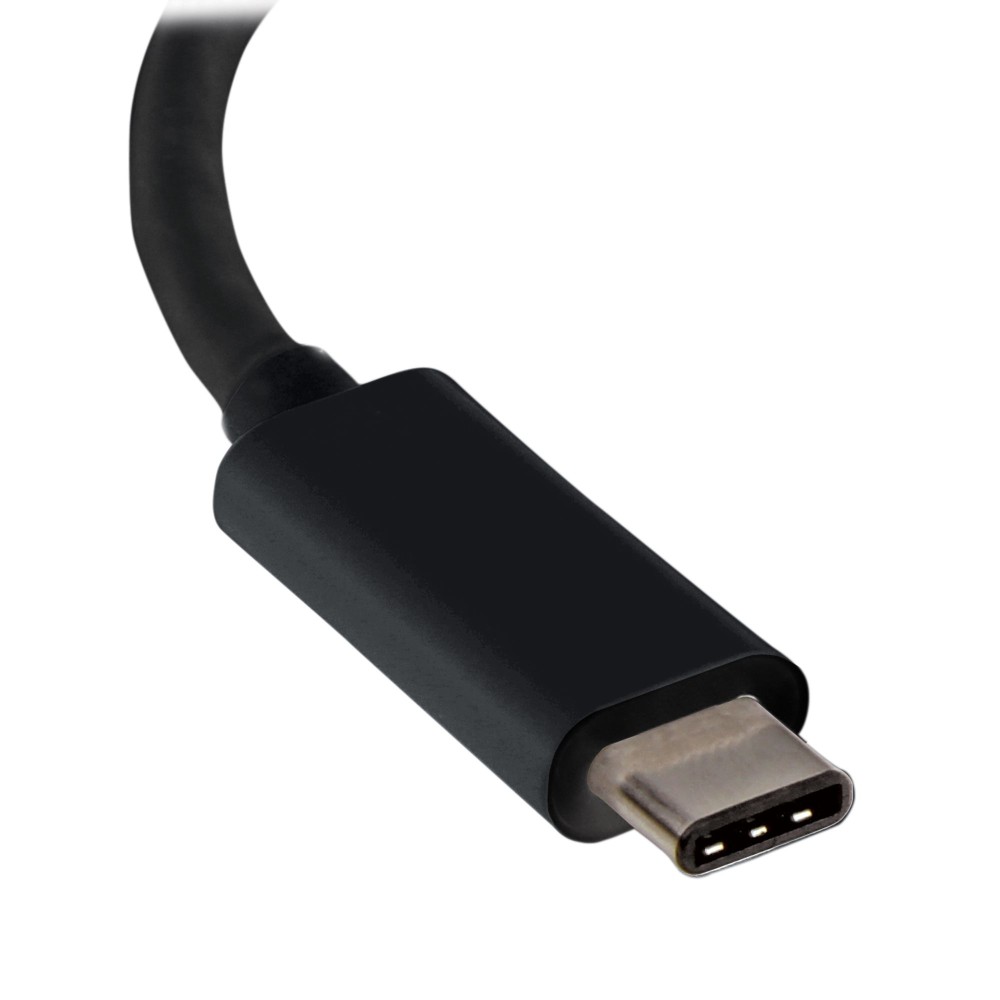
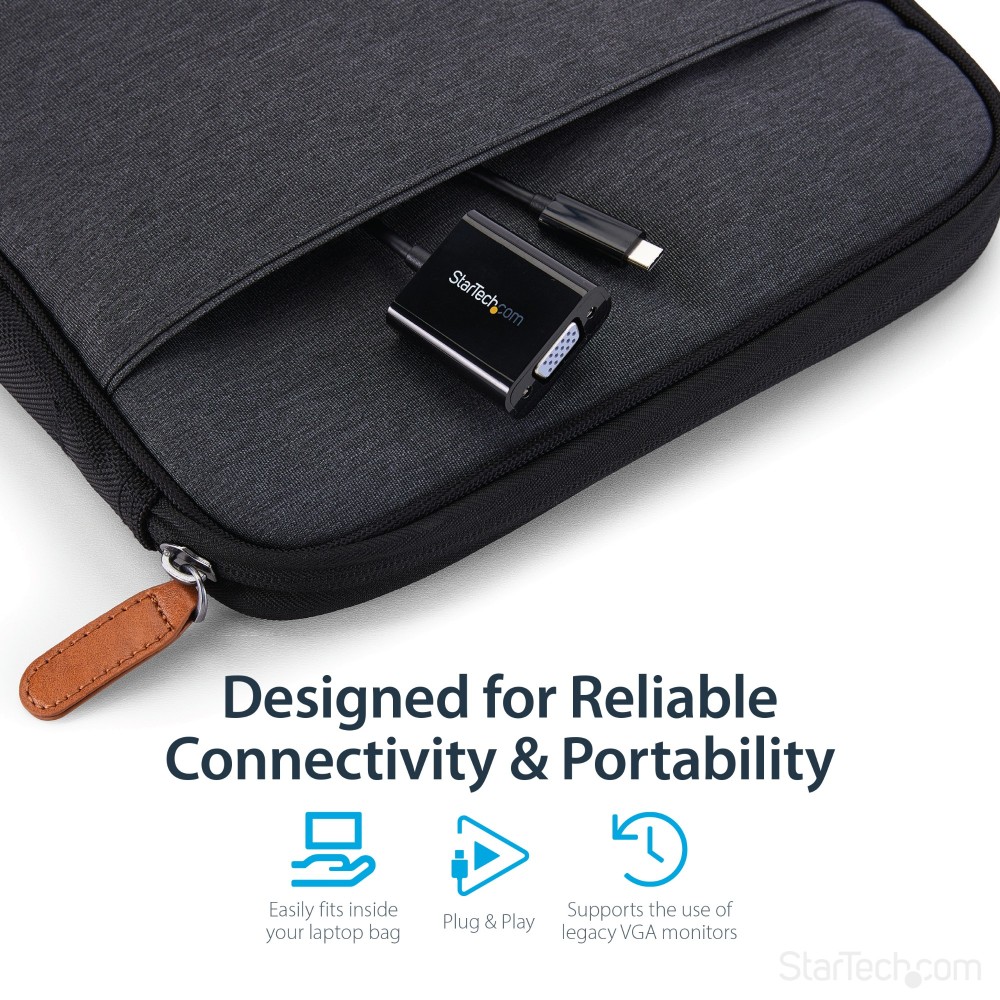
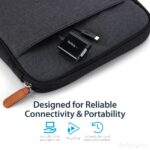
The integrated USB cable measures 0.14 metres, and the adapter weighs 24 g. Its compact, lightweight design makes it easy to carry for work or presentations. The reversible USB Type-C connector also makes plugging it in straightforward.
Before you order
- Confirm your USB-C device supports DisplayPort video output.
- Check that your screen or projector has a VGA input.
- Confirm that one display at up to 1920 x 1200 meets your needs.
- Check that your content is not digitally encrypted, as the adapter will not output it.
Frequently Asked Questions
Q: Which display connection does this adapter provide?
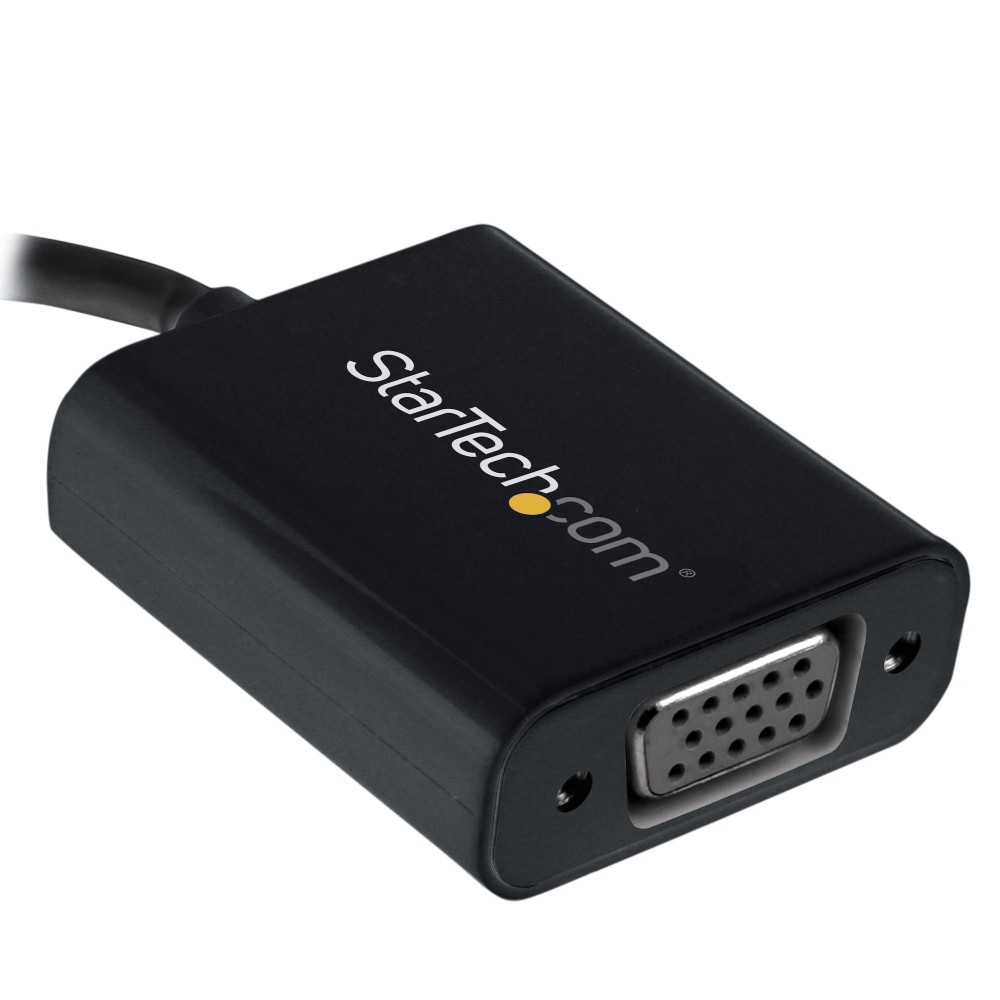
A: It provides one VGA output for connecting a compatible display or projector.
Q: What is the maximum supported resolution?
A: It supports resolutions up to 1920 x 1200, including 1080p.
Q: Will it work with every USB-C device?
A: No. Your device’s USB-C port must support DisplayPort video output.
Q: Can it output digitally encrypted content?
A: No. The adapter will not output digitally encrypted content.
A practical choice for VGA displays
Choose the StarTech.com CDP2VGAEC when you need a lightweight way to connect a video-capable USB-C device to a VGA screen or projector. It offers a simple single-display connection, with support for resolutions up to 1920 x 1200 and a three-year StarTech.com warranty.



 DPD tracked delivery
 Buy now, pay later with Klarna at checkout
 Pay in 3 instalments with PayPal at checkout

Reviews
Clear filtersThere are no reviews yet.