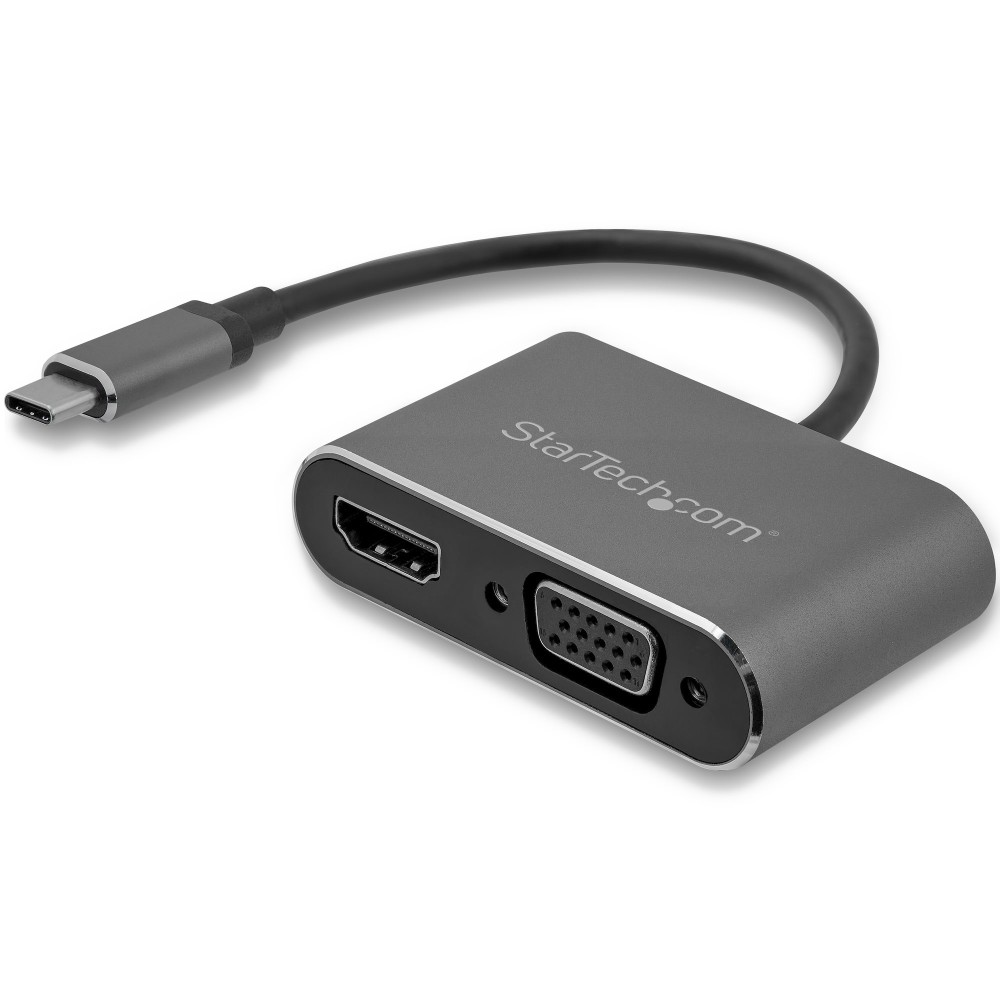
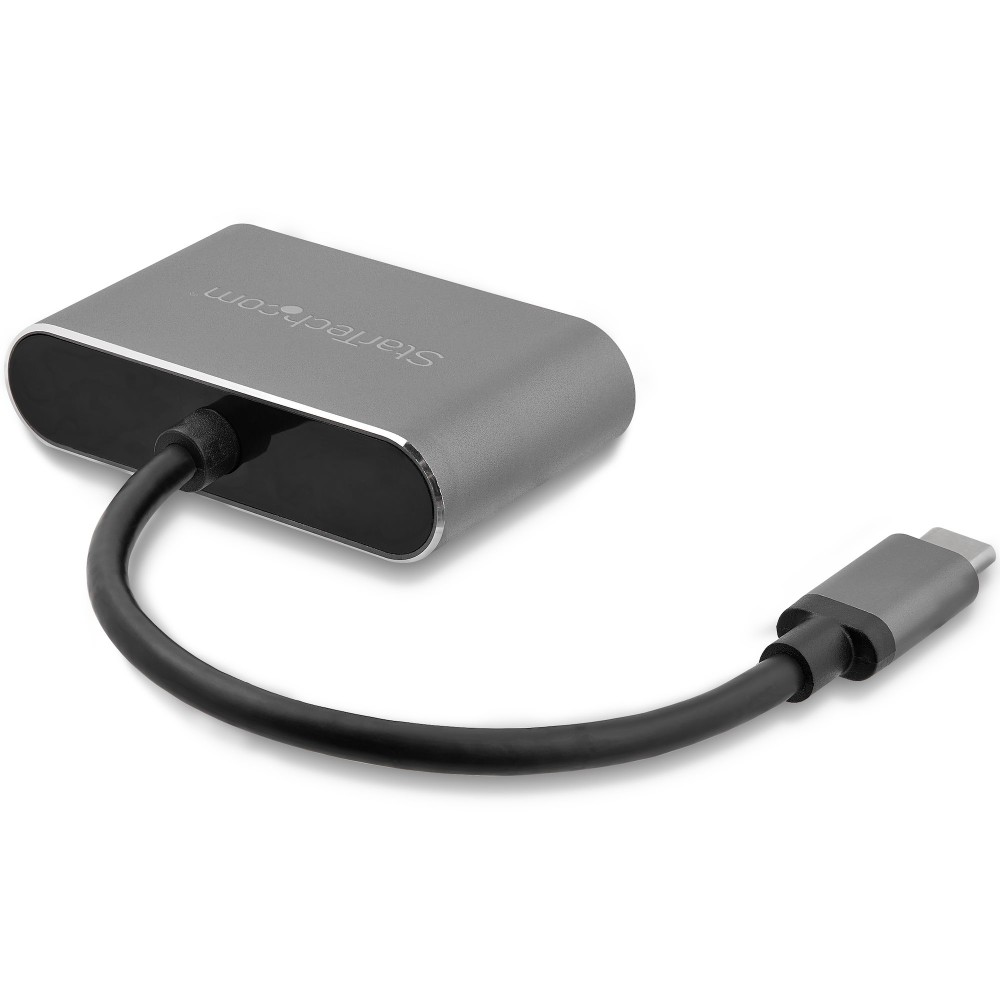
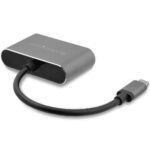
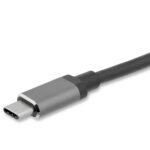
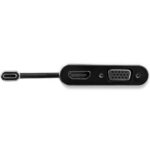
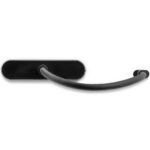
StarTech.com USB-C to VGA and HDMI Adapter, 2-in-1 Dual Display, 4K 30Hz

SKU: CDP2HDVGA

£43.03

In stock

In stock

  • Free Premium delivery on UK mainland orders

Order today, get it by Fri 20 Nov

  • DPD DPD tracked delivery
  • Klarna Buy now, pay later with Klarna at checkout
  • PayPal Pay in 3 instalments with PayPal at checkout

About this item

  • HDMI output supports 4K resolution at 30Hz
  • VGA output supports resolutions up to 1920 × 1200
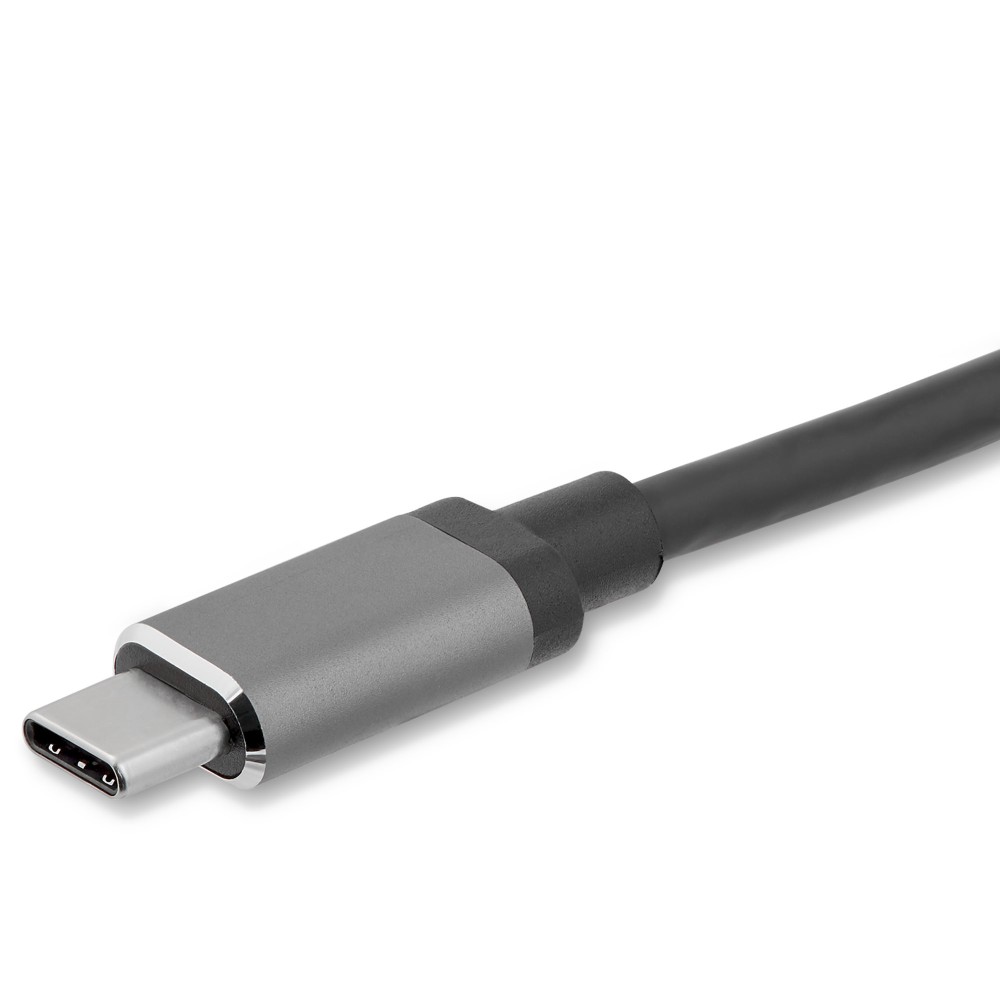
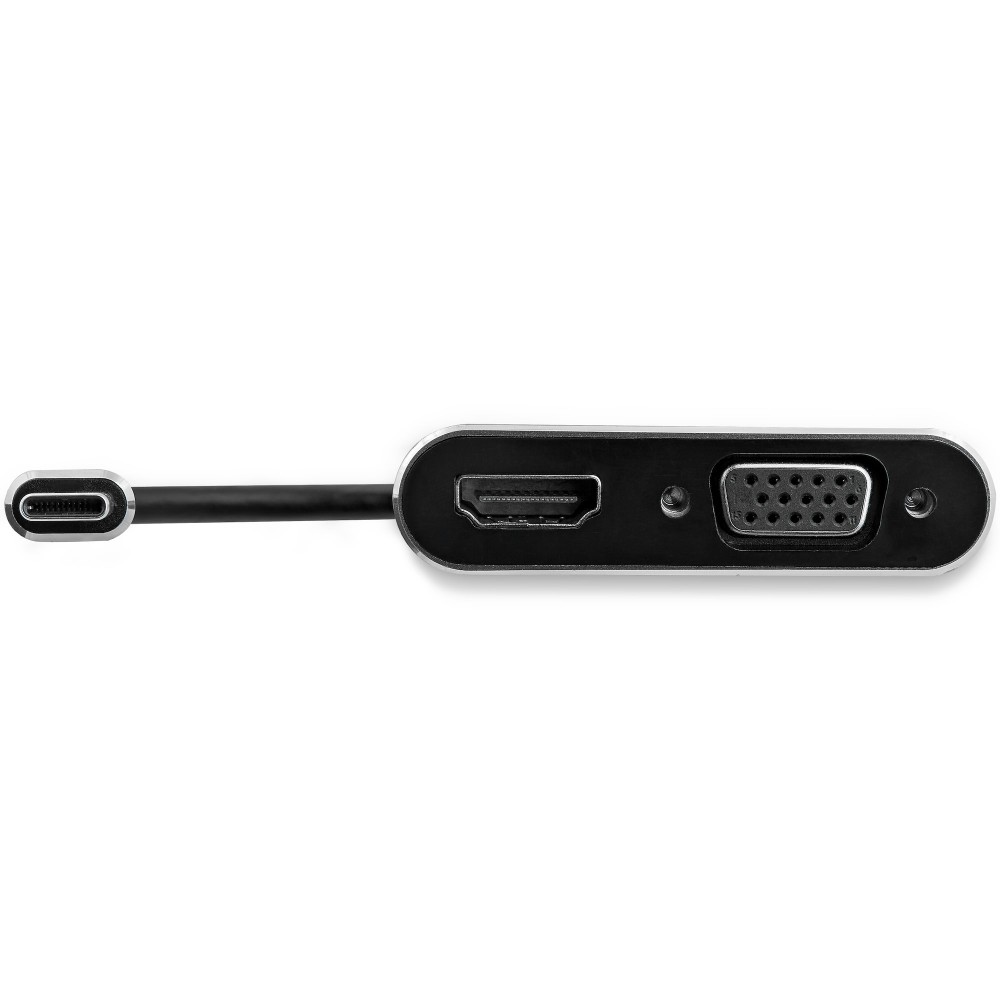
  • USB Type-C male connector with HDMI and VGA outputs
  • Supports identical video output to two displays simultaneously
  • Compatible with USB-C DisplayPort Alt Mode devices
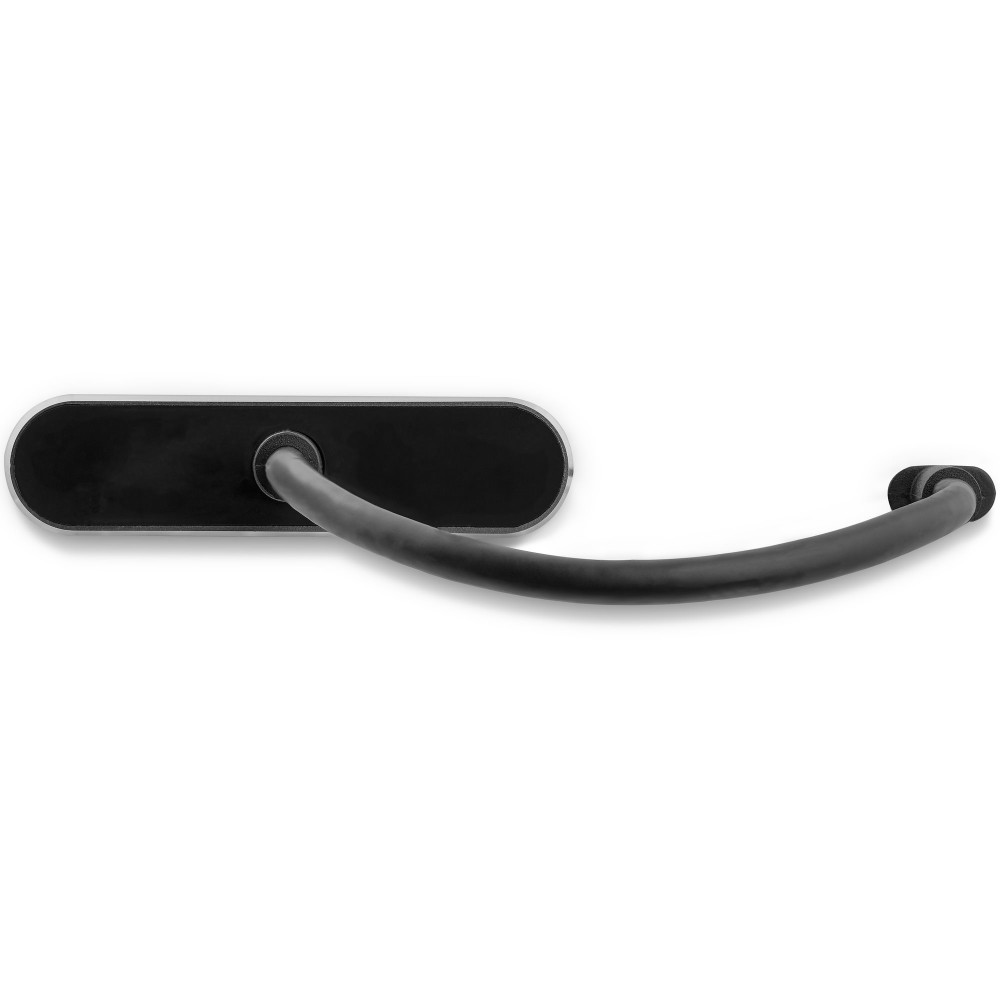
  • Aluminium housing with integrated USB-C cable
Description

StarTech.com USB-C to VGA and HDMI Adapter – connect two display types

The StarTech.com USB-C to VGA and HDMI Adapter suits USB-C laptops with DisplayPort Alt Mode. It can send the same video signal to an HDMI screen and a VGA display at the same time.

Key specifications at a glance

Metric Specification
Host connection USB Type-C, male
Video outputs HDMI and VGA
Displays supported 2, with an identical signal
Maximum HDMI resolution 3840 × 2160 at 30 Hz
Maximum VGA resolution 1920 × 1200
Housing Aluminium

Connect to HDMI and VGA screens

Use the HDMI output with a compatible 4K display at up to 30 Hz. The VGA output supports resolutions up to 1920 × 1200. This gives you a practical option for connecting to newer HDMI screens and VGA-equipped displays.

Mirror one picture across two displays

Both outputs can operate simultaneously, but they show the same video signal. This is useful for presentations or meeting rooms where a laptop needs to feed two screens with matching content. It does not provide two separate desktop images.

Check your laptop and display connections

  • Confirm your USB-C port supports DisplayPort Alt Mode.
  • Check that your displays have HDMI, VGA or both of these inputs.
  • Confirm that 4K at 30 Hz suits your HDMI display needs.

Frequently Asked Questions

Q: Can I connect two displays at once?

A: Yes. The adapter can send an identical video signal to one HDMI display and one VGA display simultaneously.

Q: What is the maximum HDMI resolution?

A: The HDMI output supports up to 3840 × 2160 at 30 Hz.

Q: What is the maximum VGA resolution?

A: The VGA output supports up to 1920 × 1200.

A useful choice for mixed-display setups

Choose the StarTech.com USB-C to VGA and HDMI Adapter if your laptop supports DisplayPort Alt Mode and you need HDMI and VGA connectivity. Its mirrored output suits presentations and shared viewing, while the two connection types help accommodate different screens.

Specifications
Performance
USB connector form factorStraight
ChipsetITE - IT6222
VGA (D-Sub) outputYes
USB connector typeUSB Type-C
USB connector genderMale
DVI outputNo
HDMI outputYes
DisplayPort outputNo
Number of displays supported2
HDMI version2.0
Maximum resolution3840 x 2160 pixels
Refresh rate at maximum resolution30 Hz
Audio output channels7.1 channels
CertificationCE, FCC, REACH
Maximum analog resolution1920 x 1200 pixels
Design
Product colourBlack
Housing materialAluminium
Integrated USB cableYes
USB cable length0.167 m
Weight & dimensions
Width62 mm
Depth205 mm
Height15 mm
Weight43 g
USB cable length0.167 m
Package width80 mm
Package depth179 mm
Package height22 mm
Package weight100 g
Technical details
Products per master (outer) case200 pcs
Master (outer) case width336 mm
Master (outer) case length474 mm
Master (outer) case height446 mm
Harmonized System (HS) code84733020
Compliance certificatesRoHS
Operational conditions
Operating temperature0 - 45 °C
Storage temperature-10 - 70 °C
Operating relative humidity5 - 90%
Packaging data
Package width80 mm
Package depth179 mm
Package height22 mm
Package weight100 g
Logistics data
Products per master (outer) case200 pcs
Master (outer) case width336 mm
Master (outer) case length474 mm
Master (outer) case height446 mm
Harmonized System (HS) code84733020

Reviews

0 reviews
0
0
0
0
0

There are no reviews yet.

Write a review

Your email is never published.

You have to be logged in to be able to add photos to your review.