


Price
Availability
Shop Categories

PoE

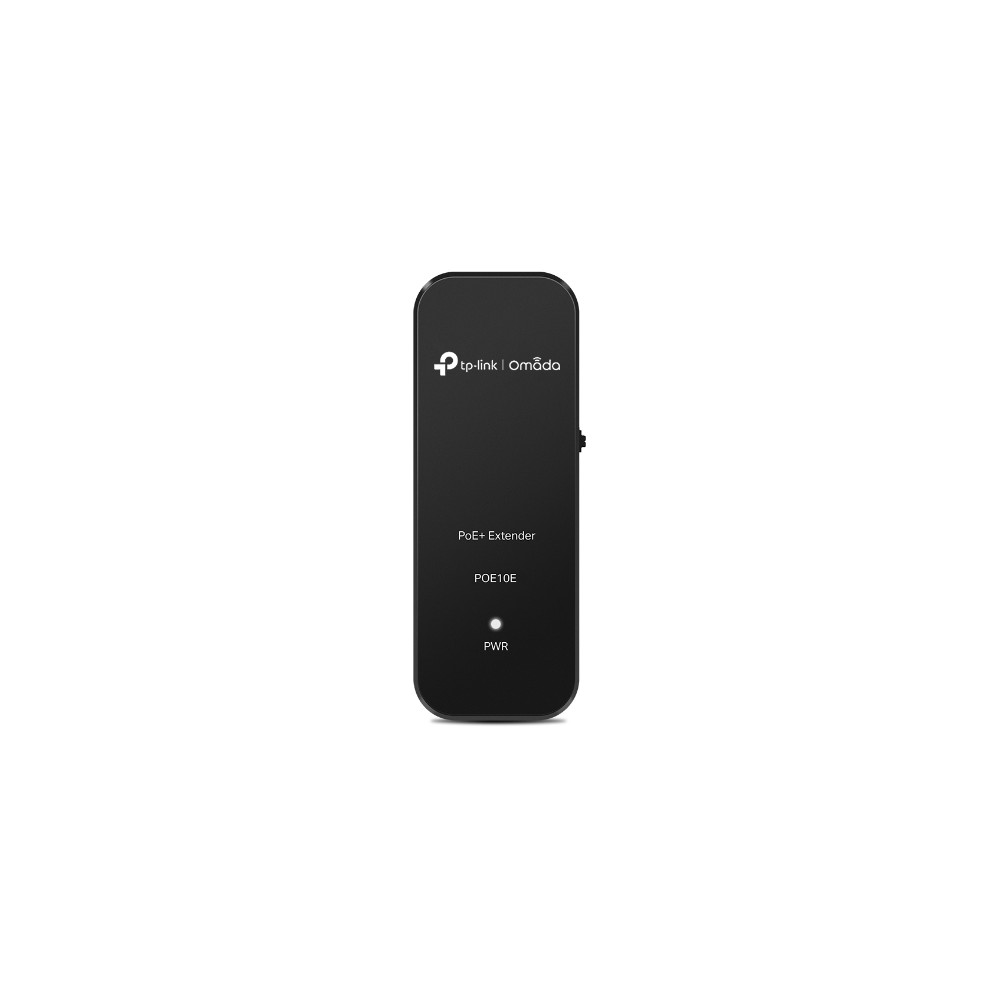
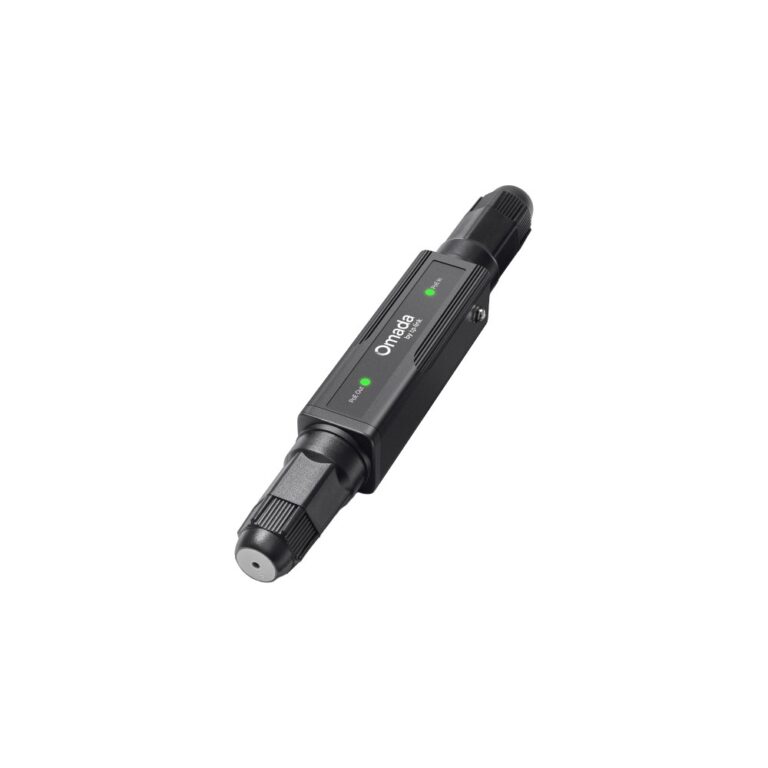
HP Poly Injector 65W 2.5G PoE++ Ethernet Power Supply for Europe Region

In stock

Original price was: £75.59.Current price is: £71.53.

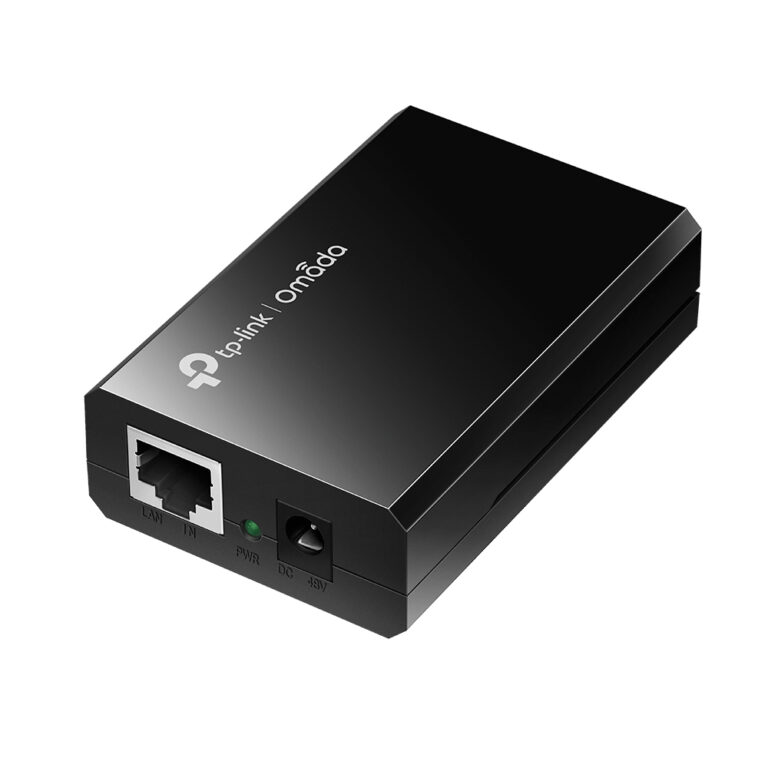
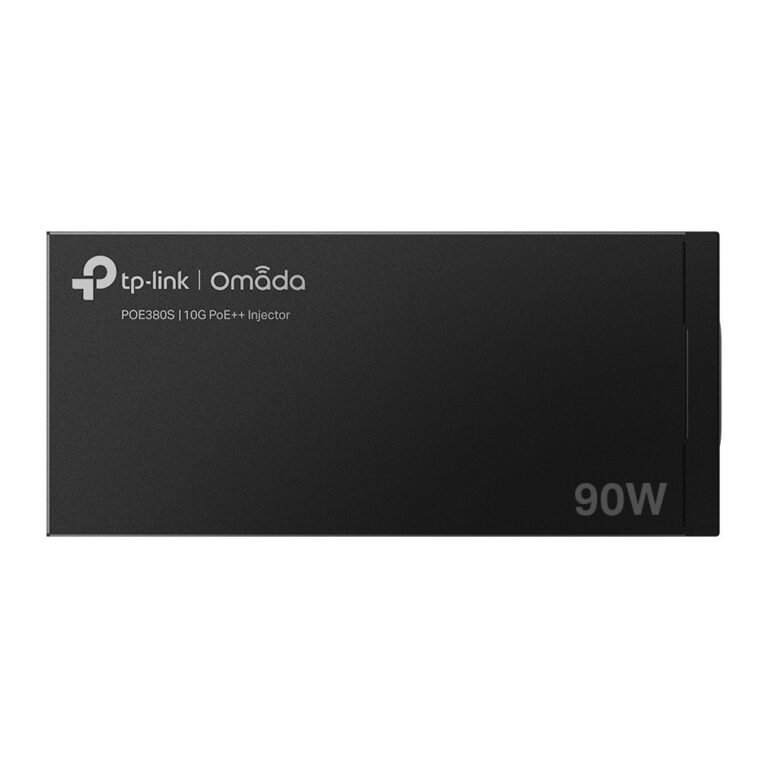
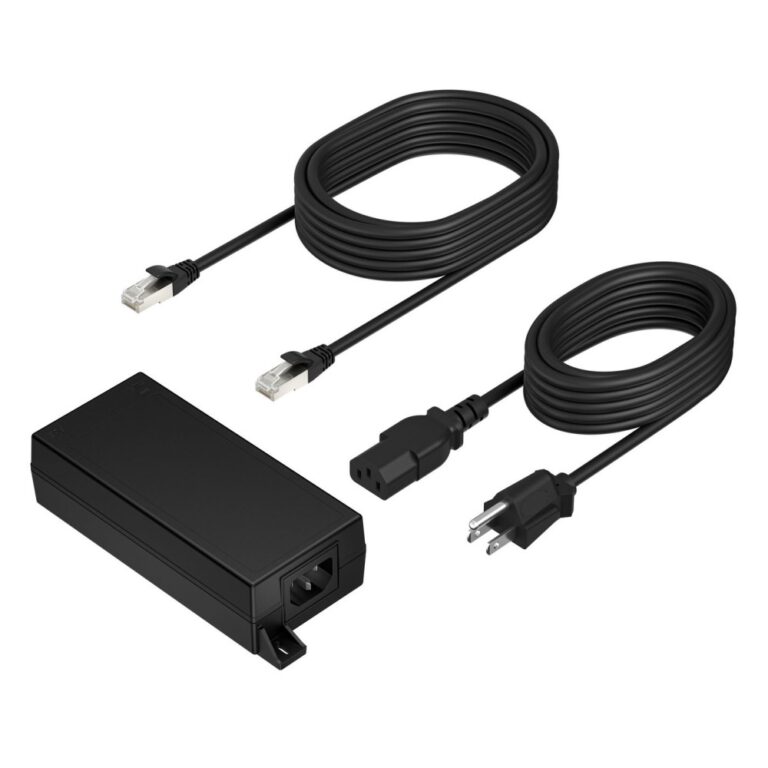
TP-Link Omada PoE++ Injector 90W 10 Gigabit Ethernet Black

In stock

Original price was: £87.59.Current price is: £83.17.

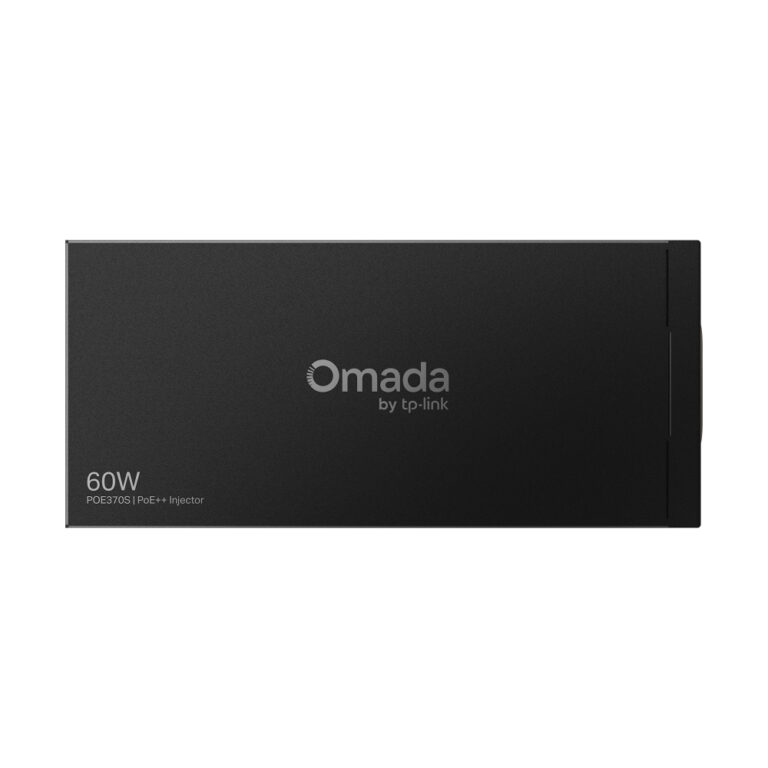
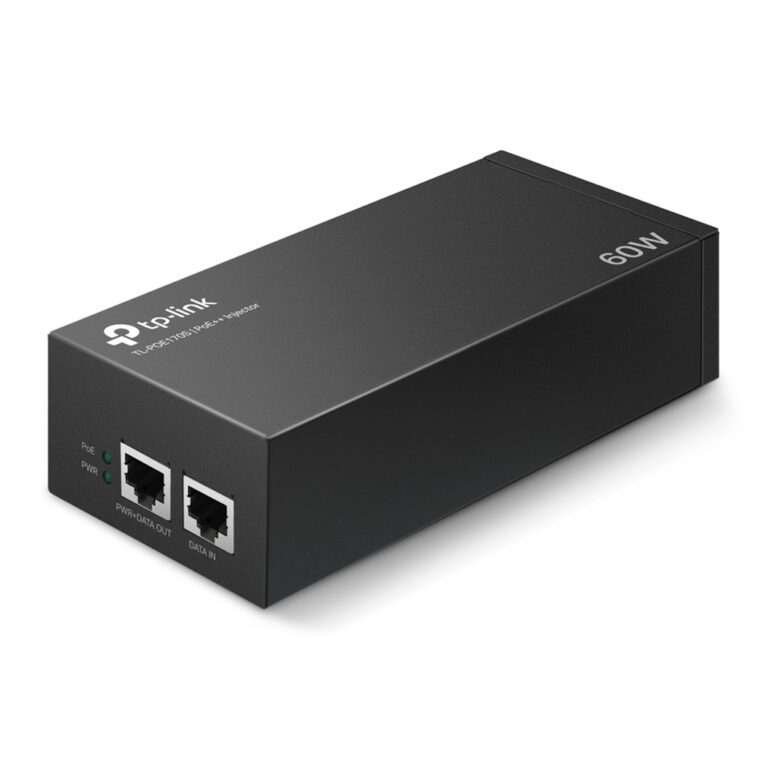
TP-Link POE370S PoE++ Injector Adapter 10 Gigabit Ethernet, 60W, Wall Mountable, Black

In stock

Original price was: £71.99.Current price is: £67.58.
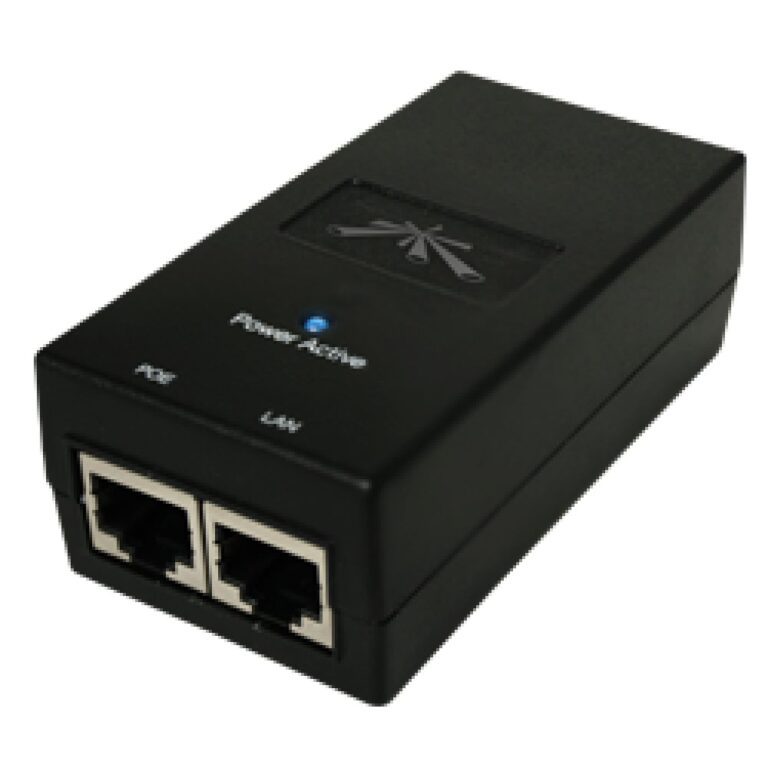
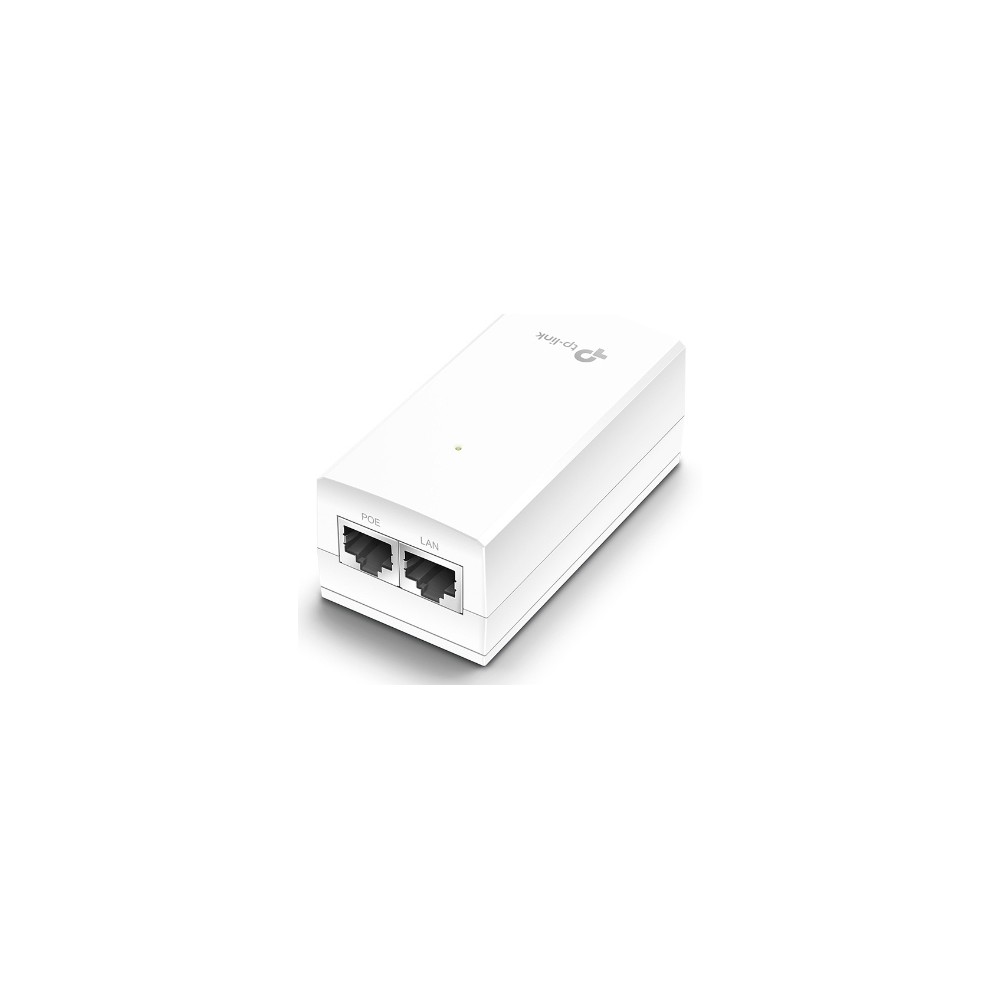
TP-Link PoE++ Injector Adapter

In stock

Original price was: £62.39.Current price is: £58.85.

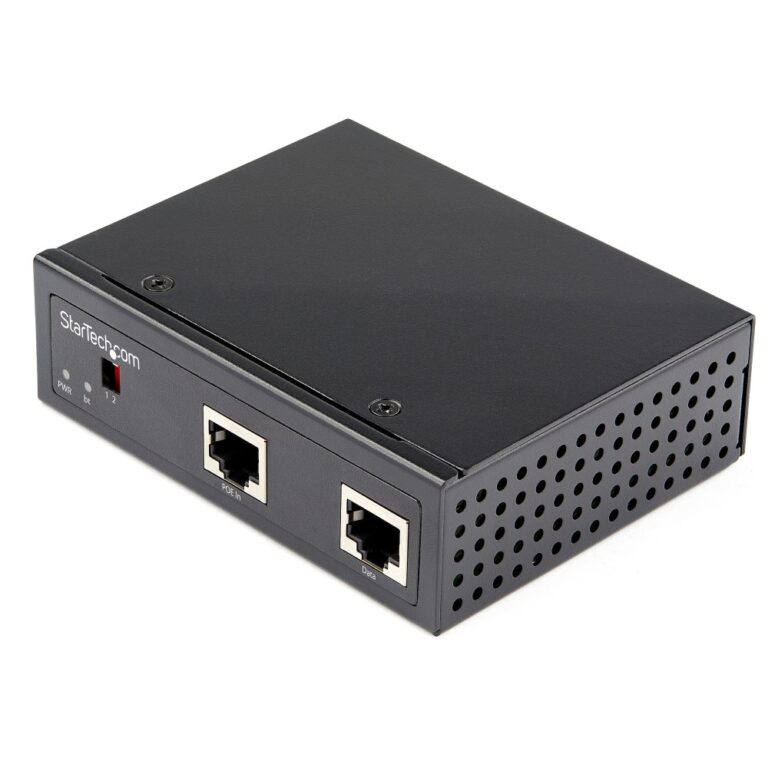
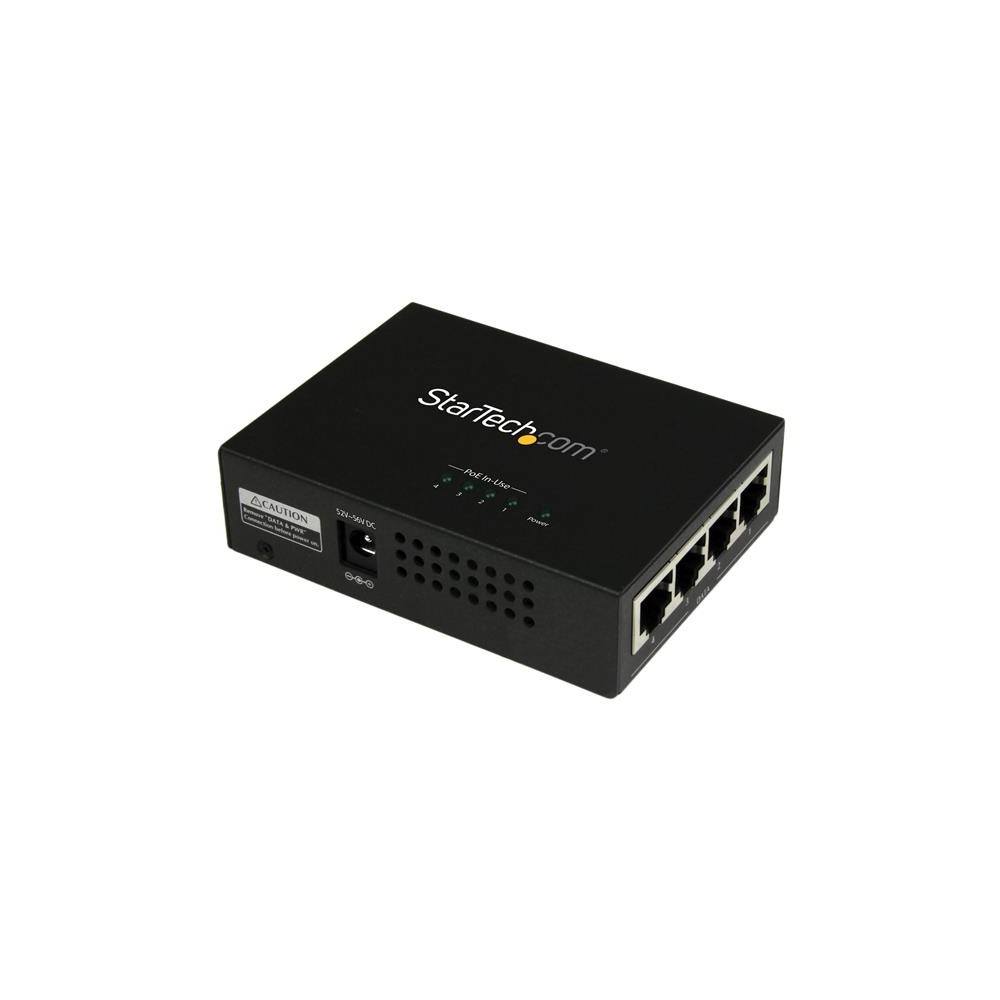
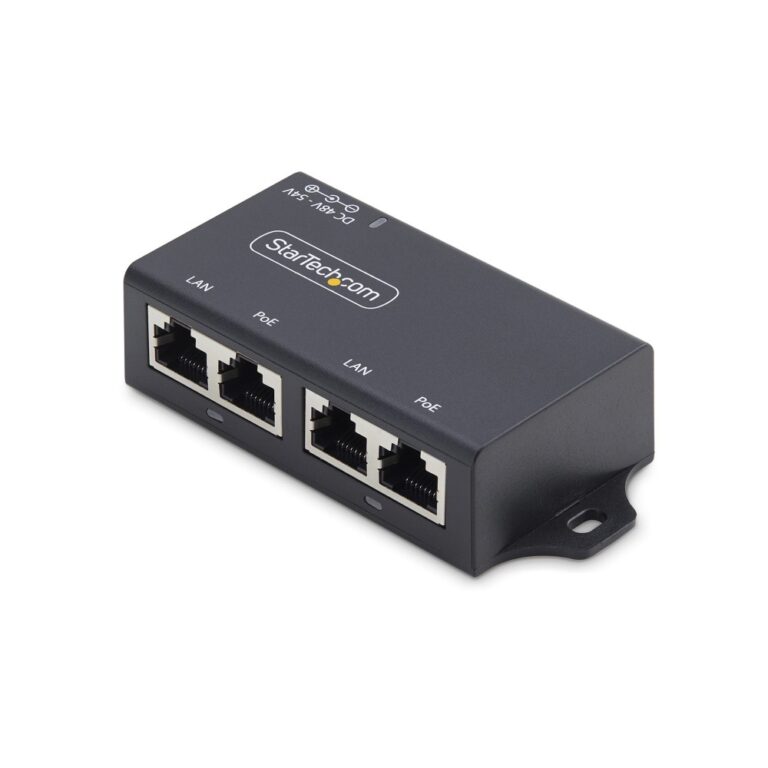
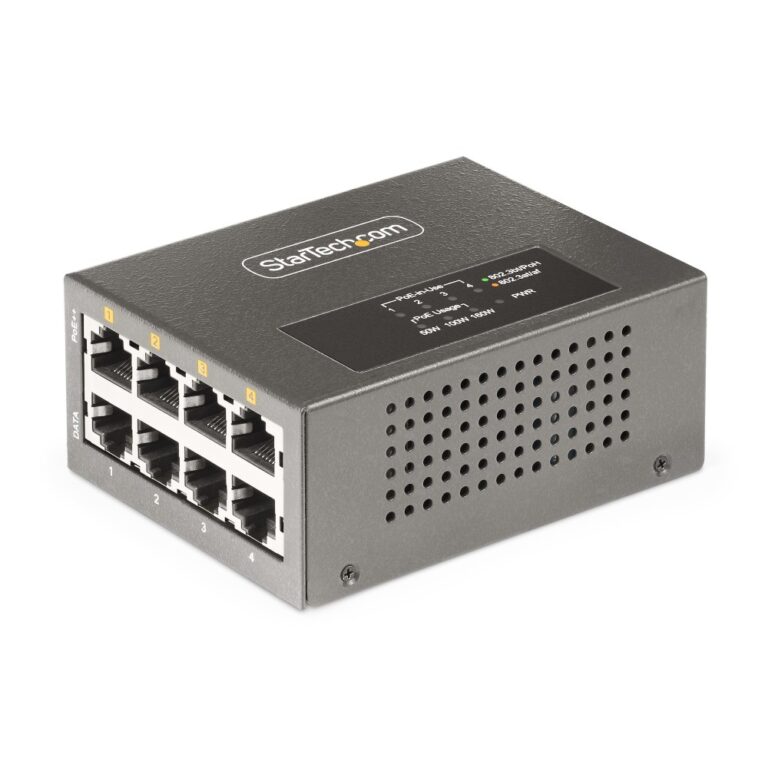
Power over Ethernet sends electrical power down the same cable that carries the network, which removes the need for a socket wherever the device goes. That is what makes ceiling access points, outdoor cameras and doorbells practical to install.

Three kinds of device do the job.

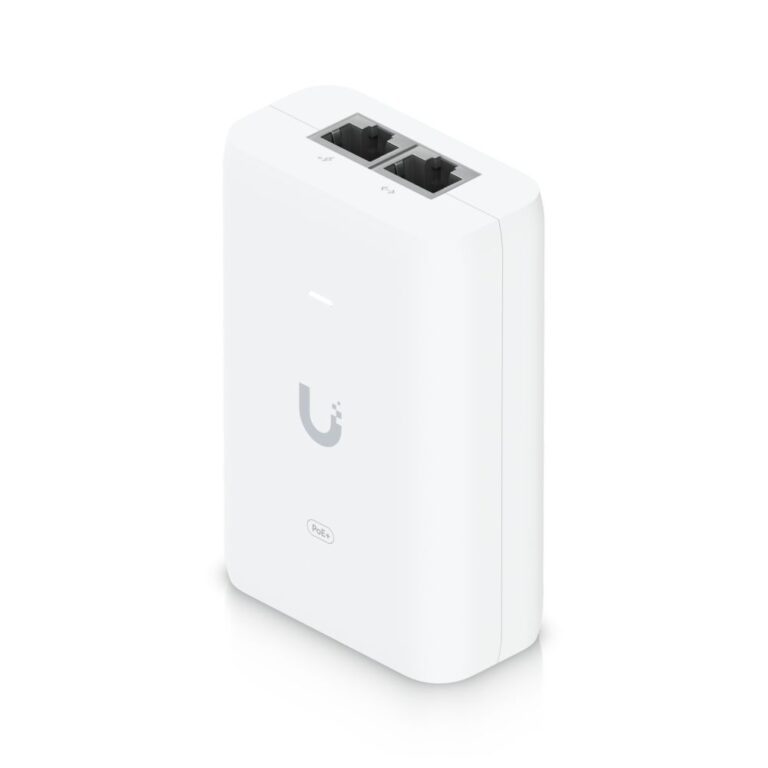
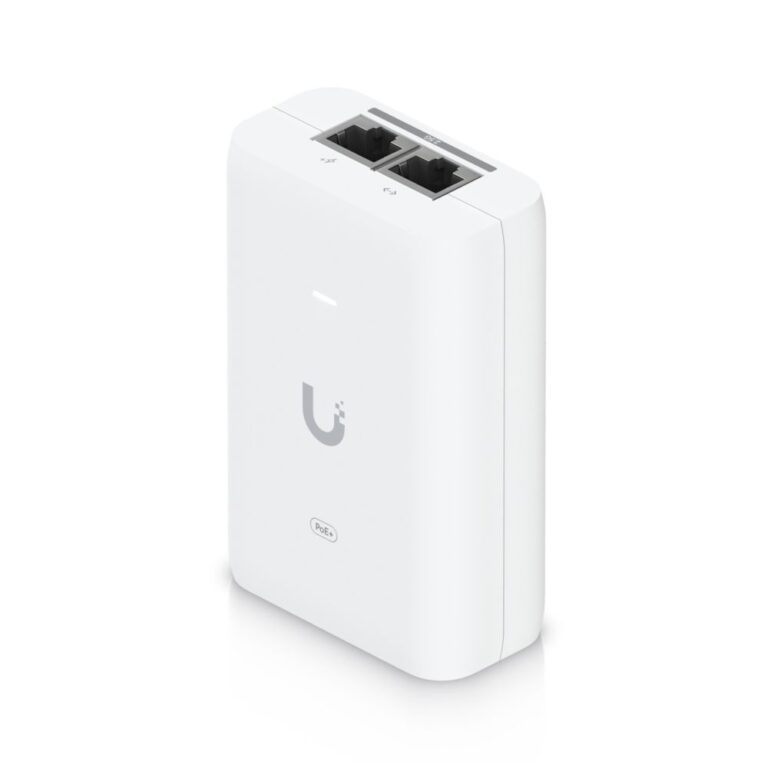
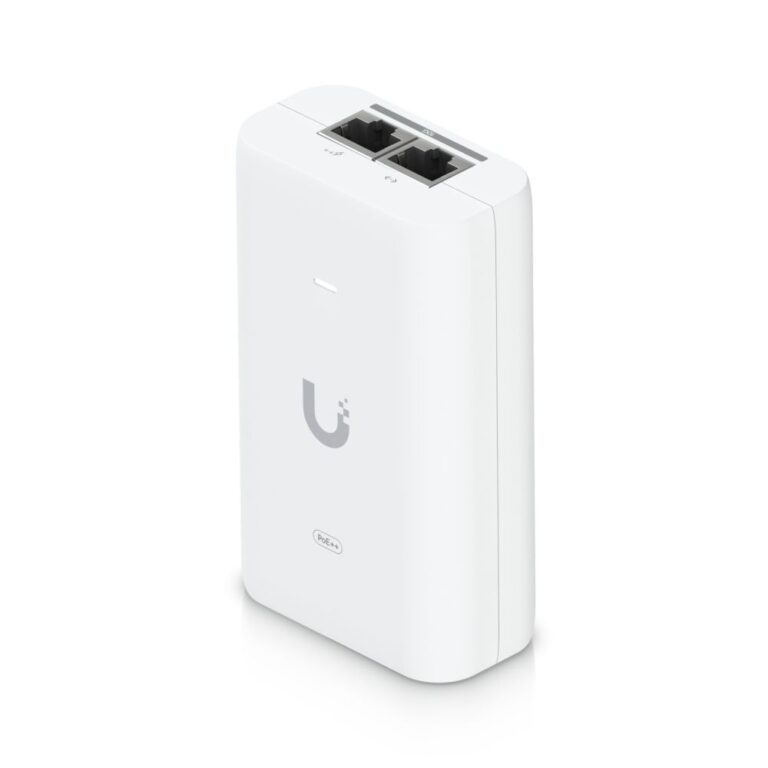
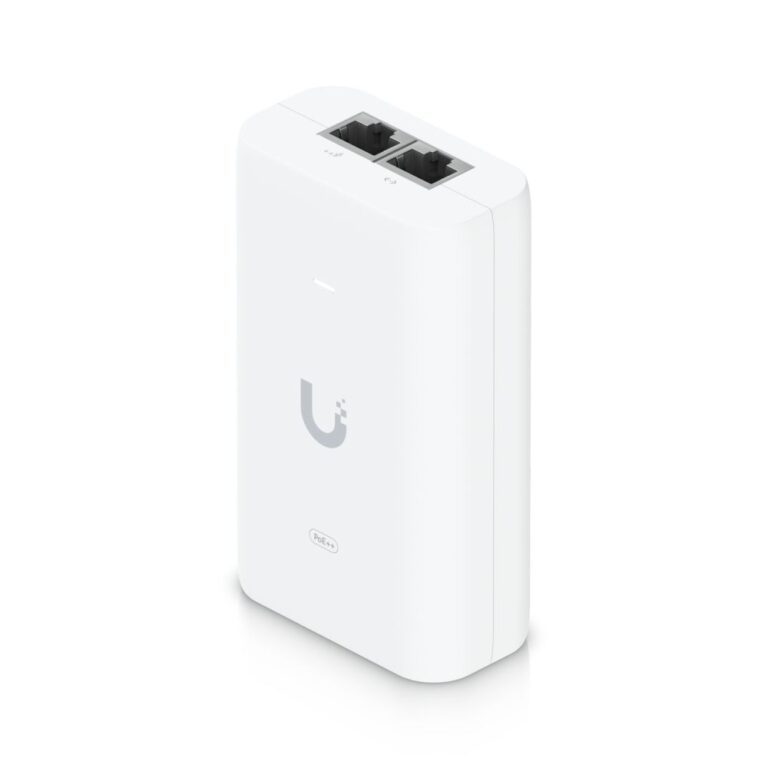
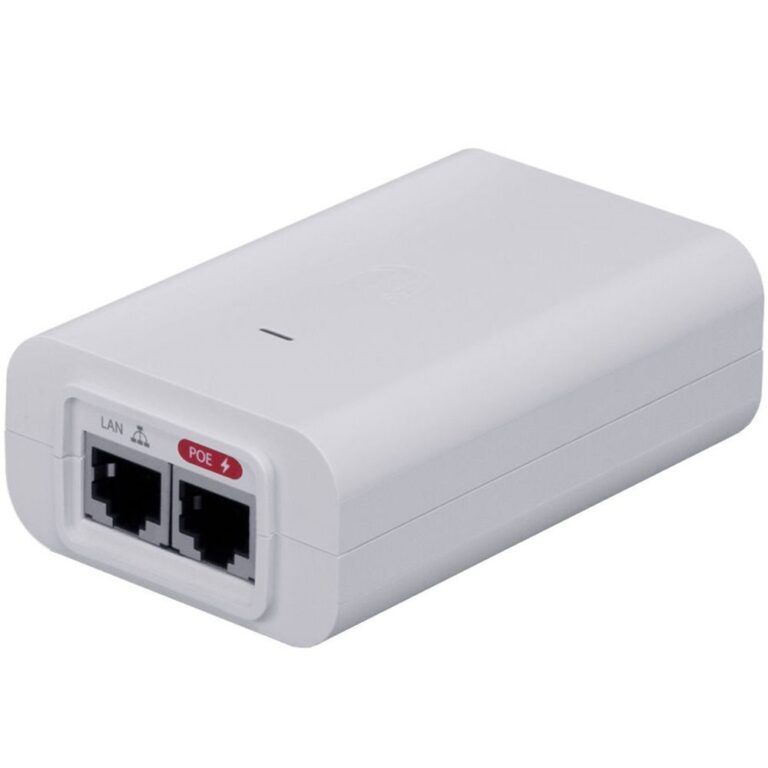
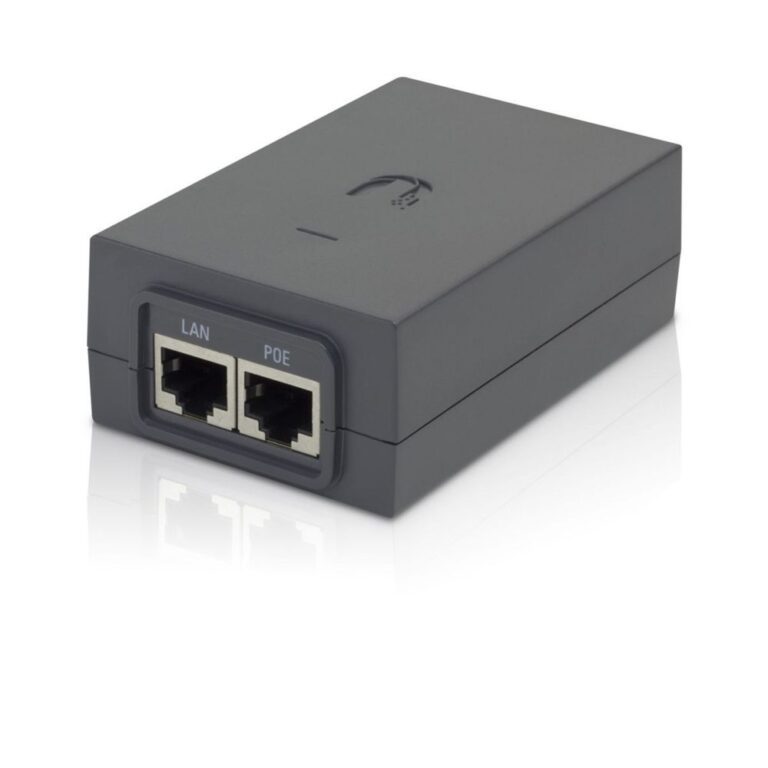
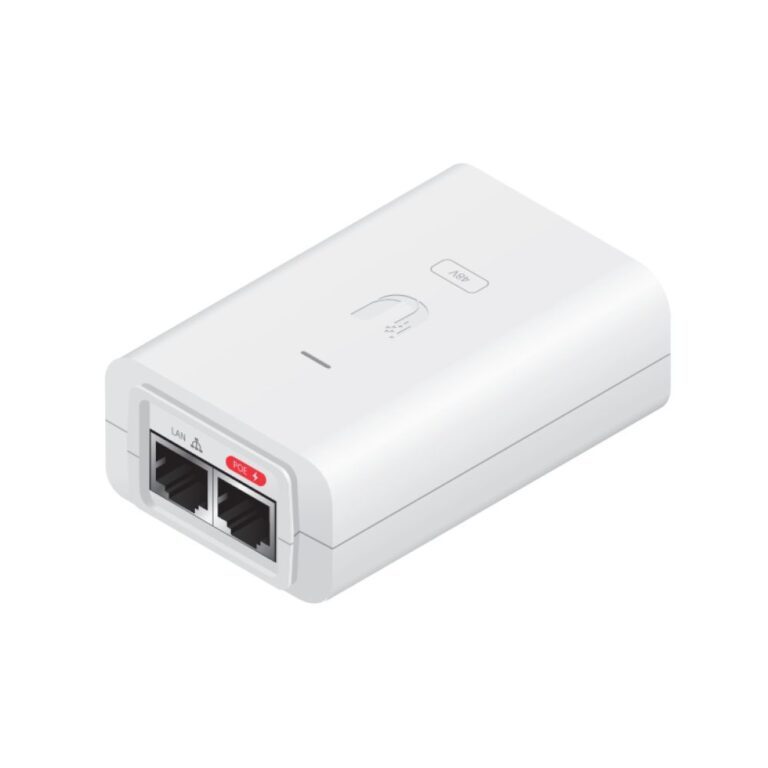
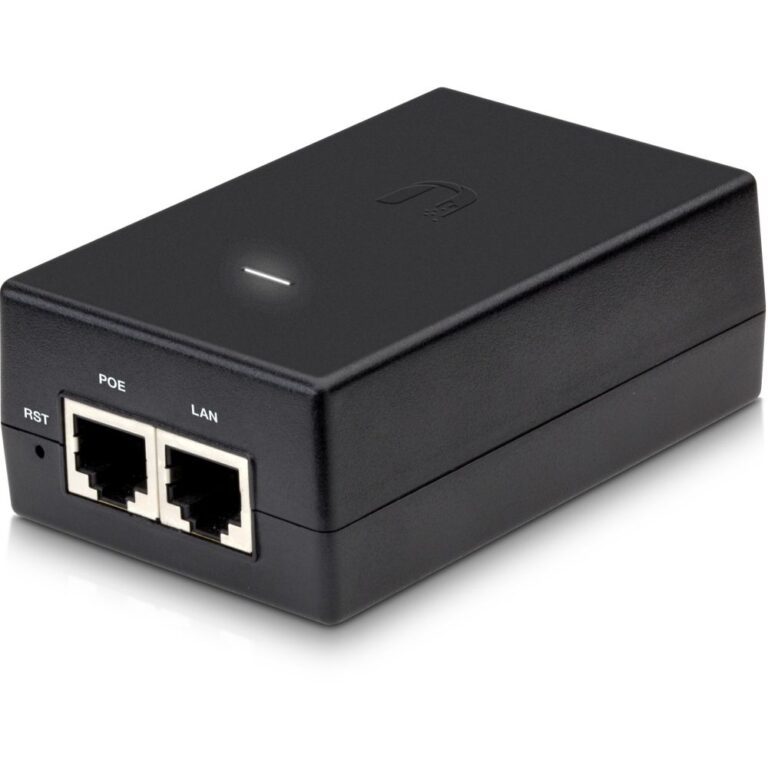
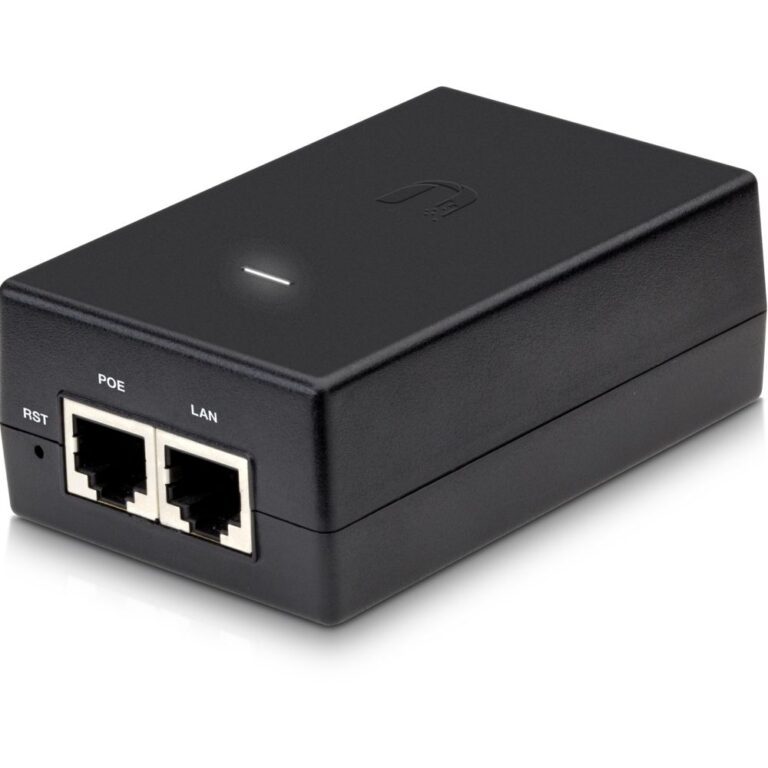
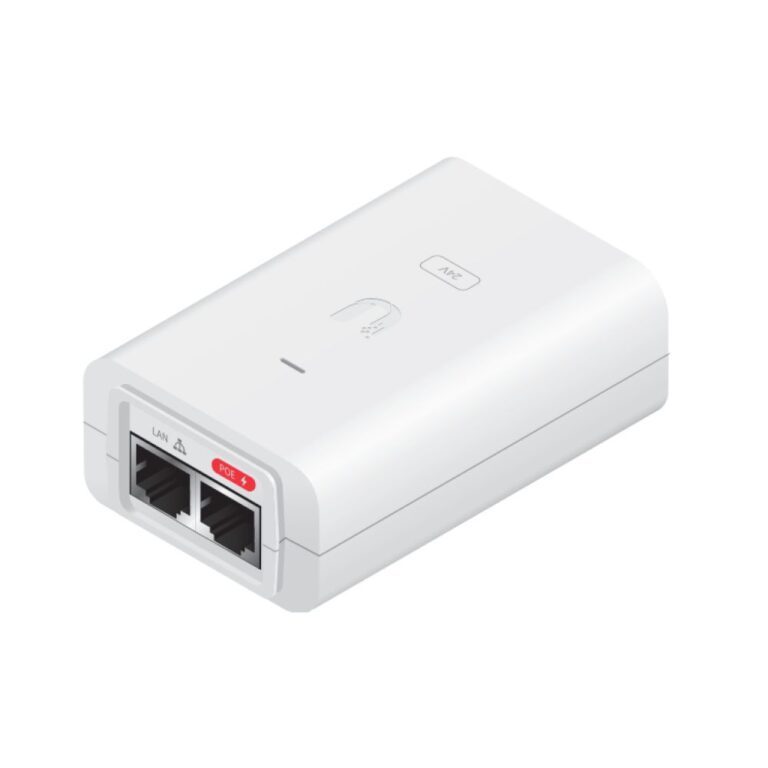
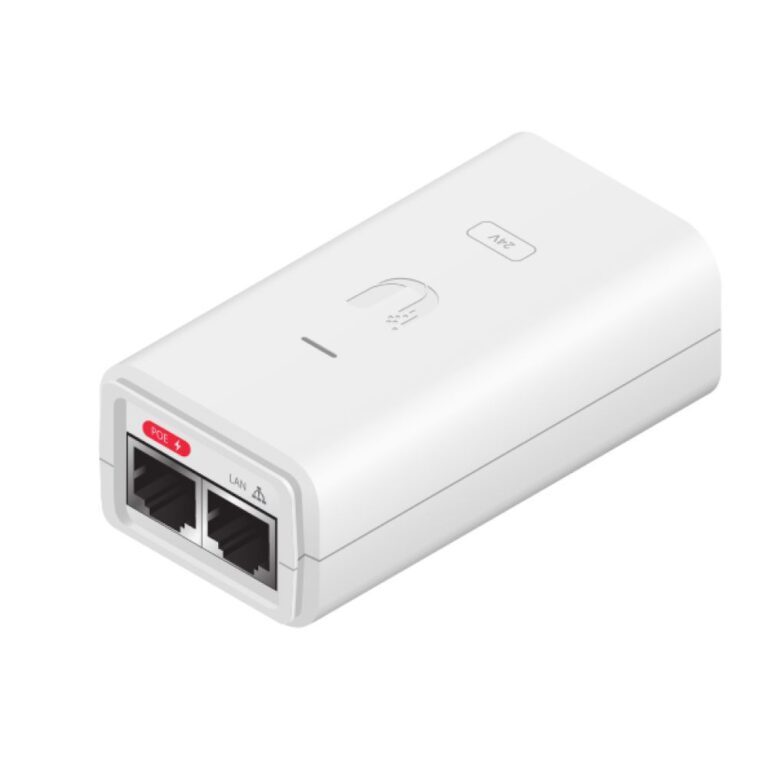
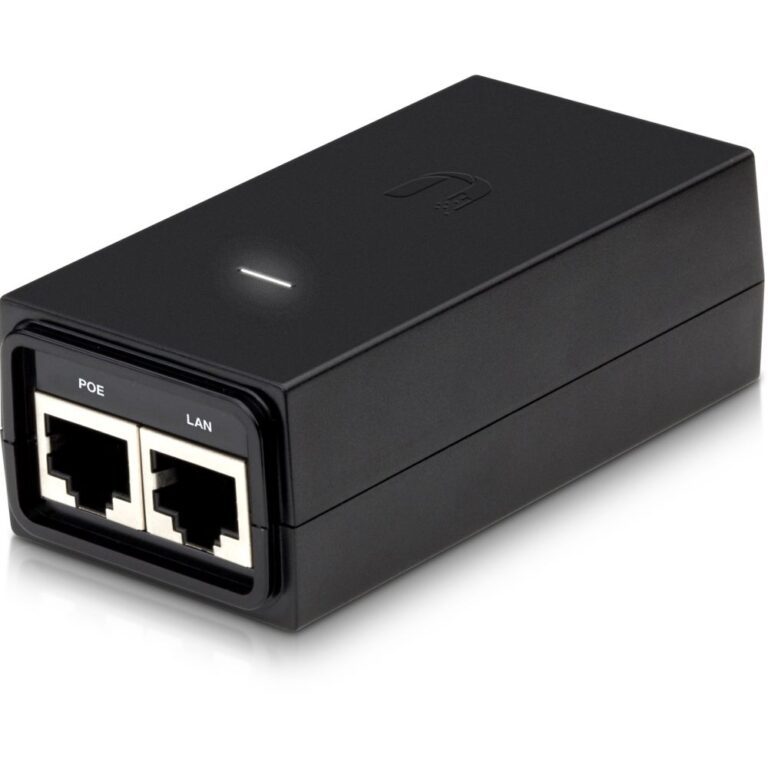
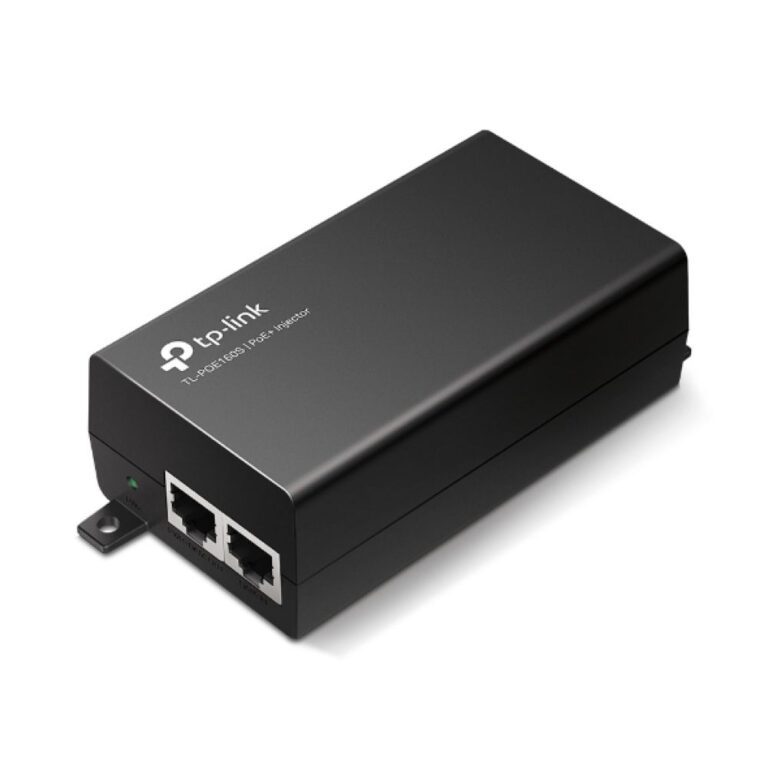
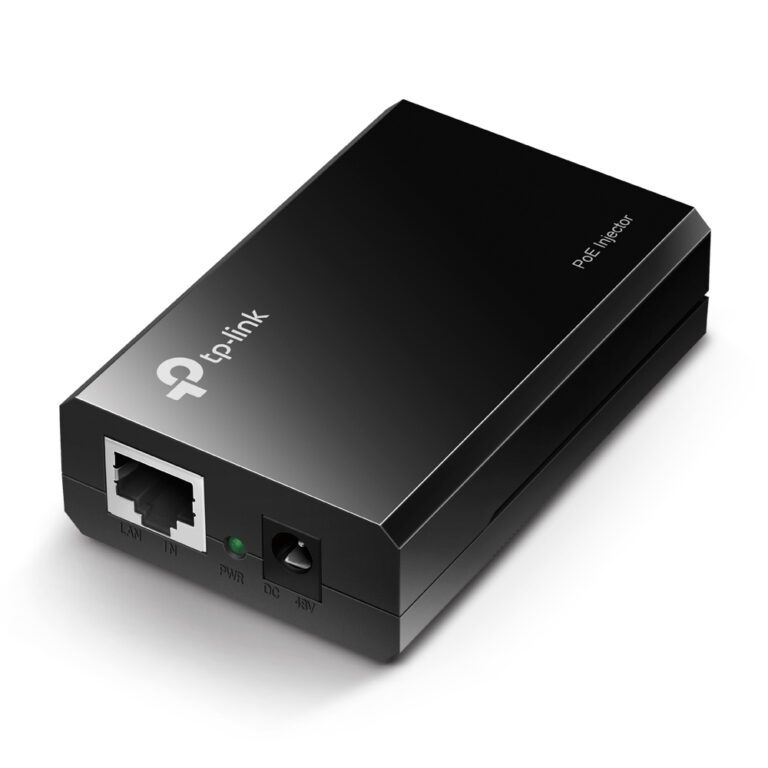
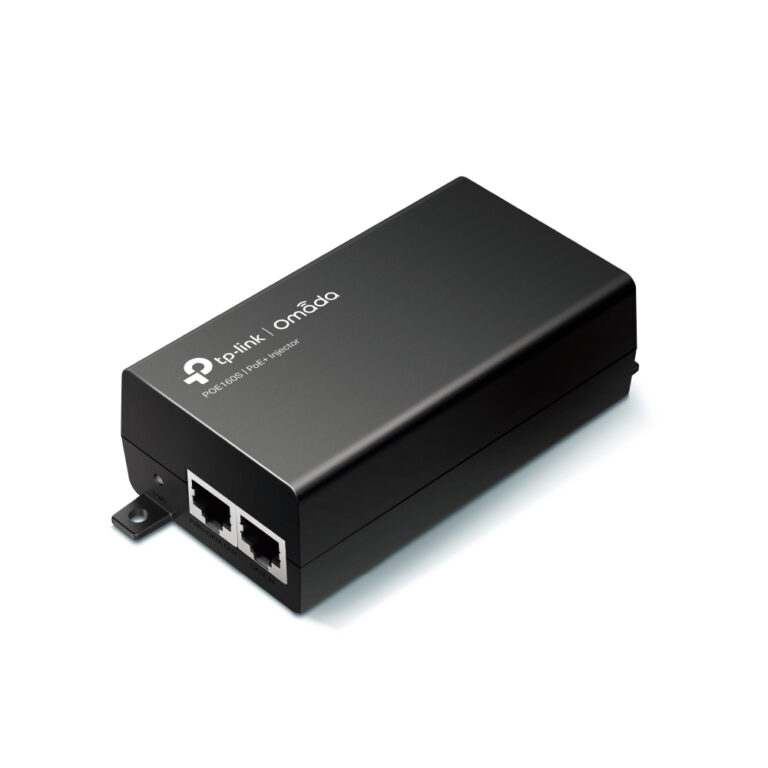
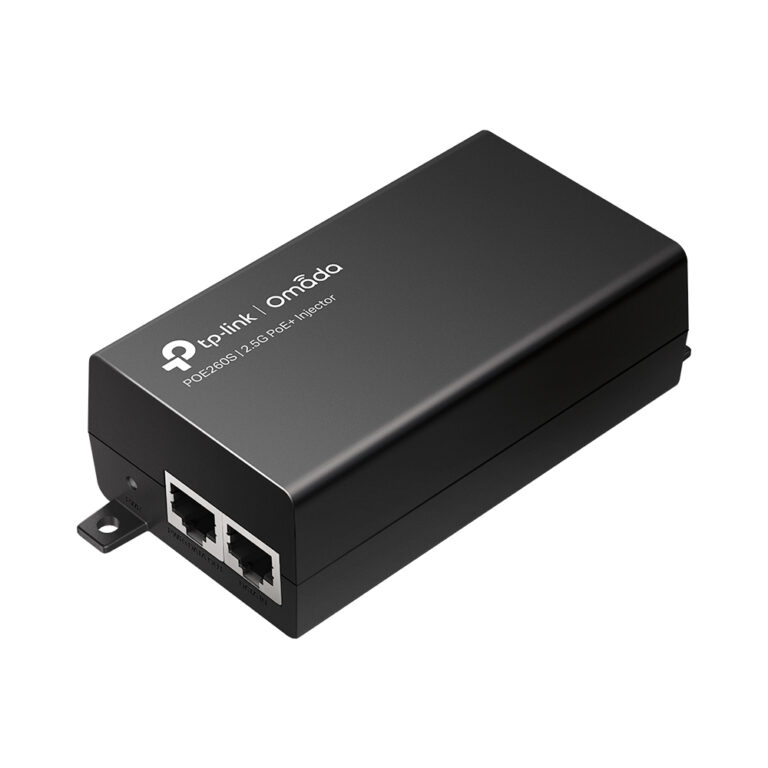
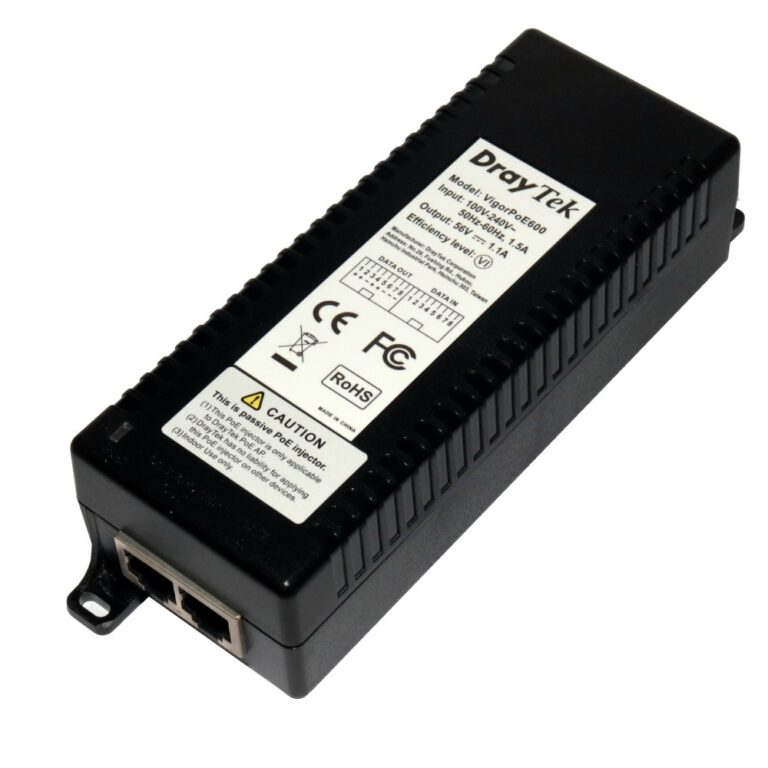
An injector adds power to a normal Ethernet run — the right choice when you have one PoE device and a switch that does not supply power.

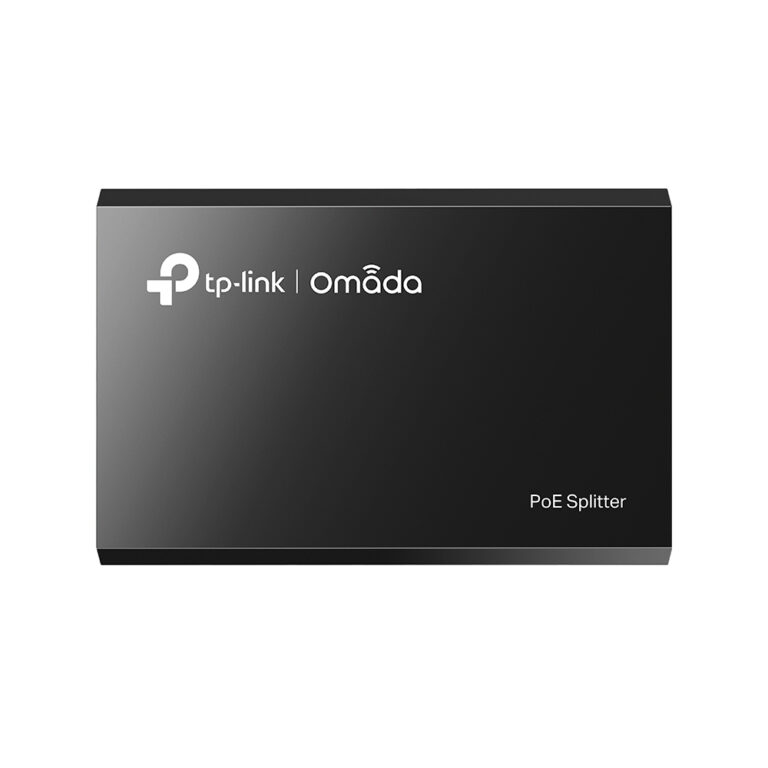
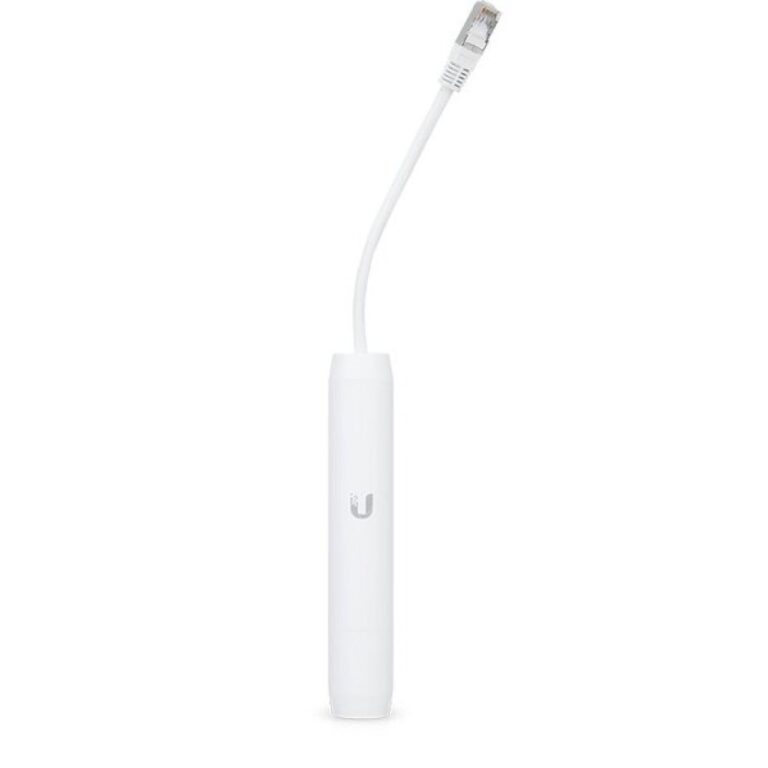
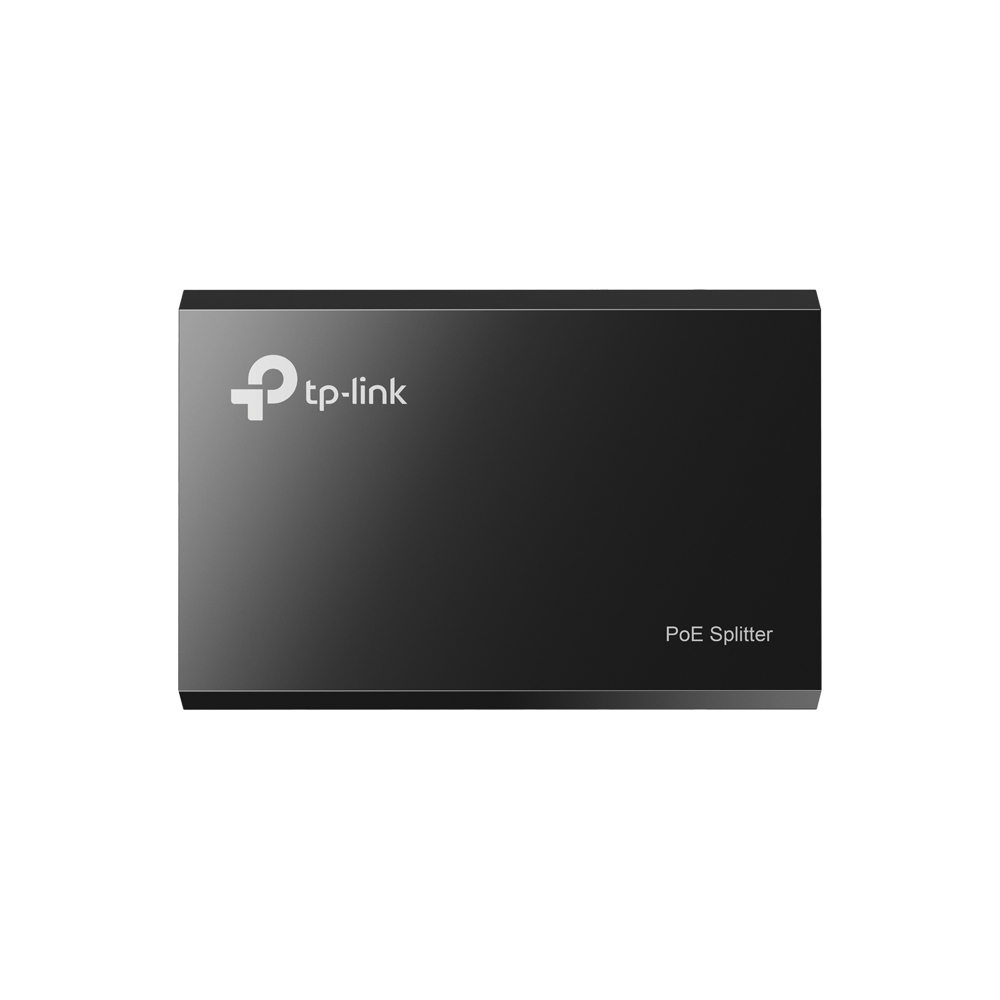
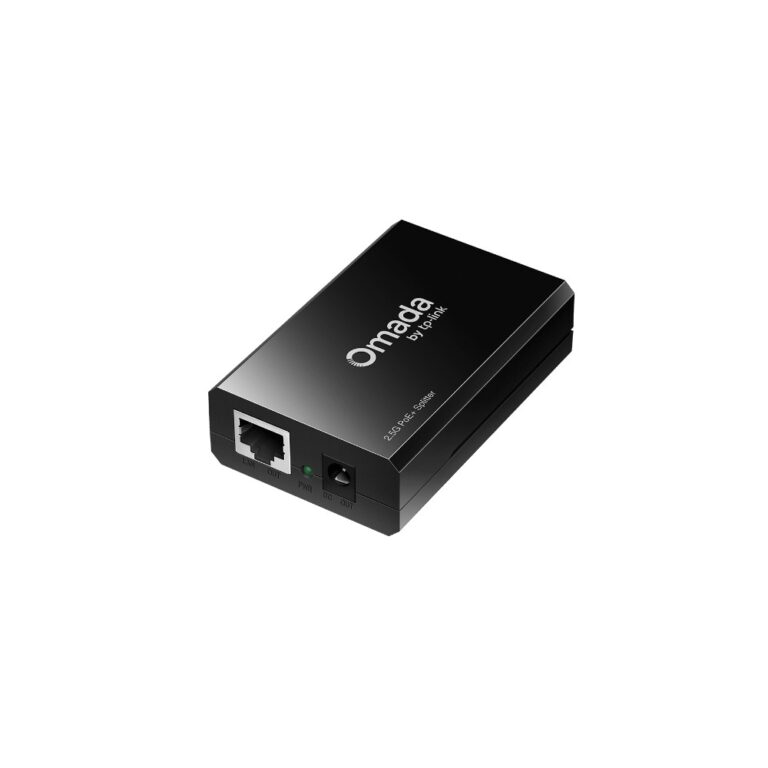
A splitter does the reverse: it takes a PoE cable and separates it into data and a DC power lead, so a device that has no PoE support can still be fed over one cable.

Passive PoE adapters send a fixed voltage. Match the voltage exactly to the device or you risk damaging it.

On standards: 802.3af supplies up to about 15W, 802.3at (PoE+) about 30W, and 802.3bt (PoE++) considerably more. Check what the device requires. On a switch, also check the total power budget — a switch may have eight PoE ports but not enough budget to run eight demanding devices at once.

See also PoE switches.

PoE Buying Guide and FAQ

This PoE range covers networking gear. Below are the common questions.

What does this networking product do?

This category covers poe that help you build a faster, more reliable home or office network. The right choice depends on your setup, so match it to your broadband, the number of devices and the coverage you need.

Will it work with my existing network?

Most networking gear connects to a standard home network by cable or Wi-Fi. Check the standards and speeds it supports so it keeps up with your broadband and devices, and that it fits how your network is set up.

How do I get the best performance?

Wire your main devices where you can for speed and stability, use up-to-date Wi-Fi (Wi-Fi 6 or 7) for wireless, and place hardware to give even coverage. Gigabit ports are the sensible baseline.