ATEN CS22U – Share one console between two computers
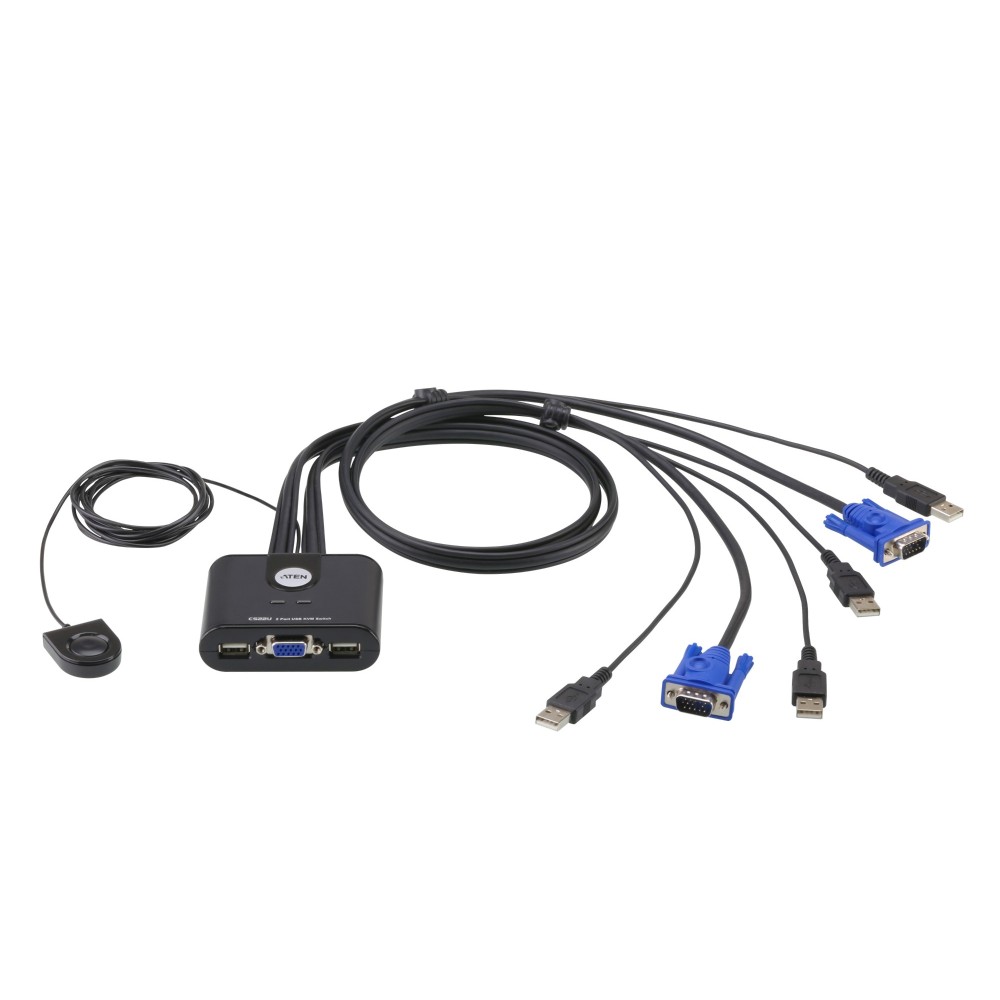
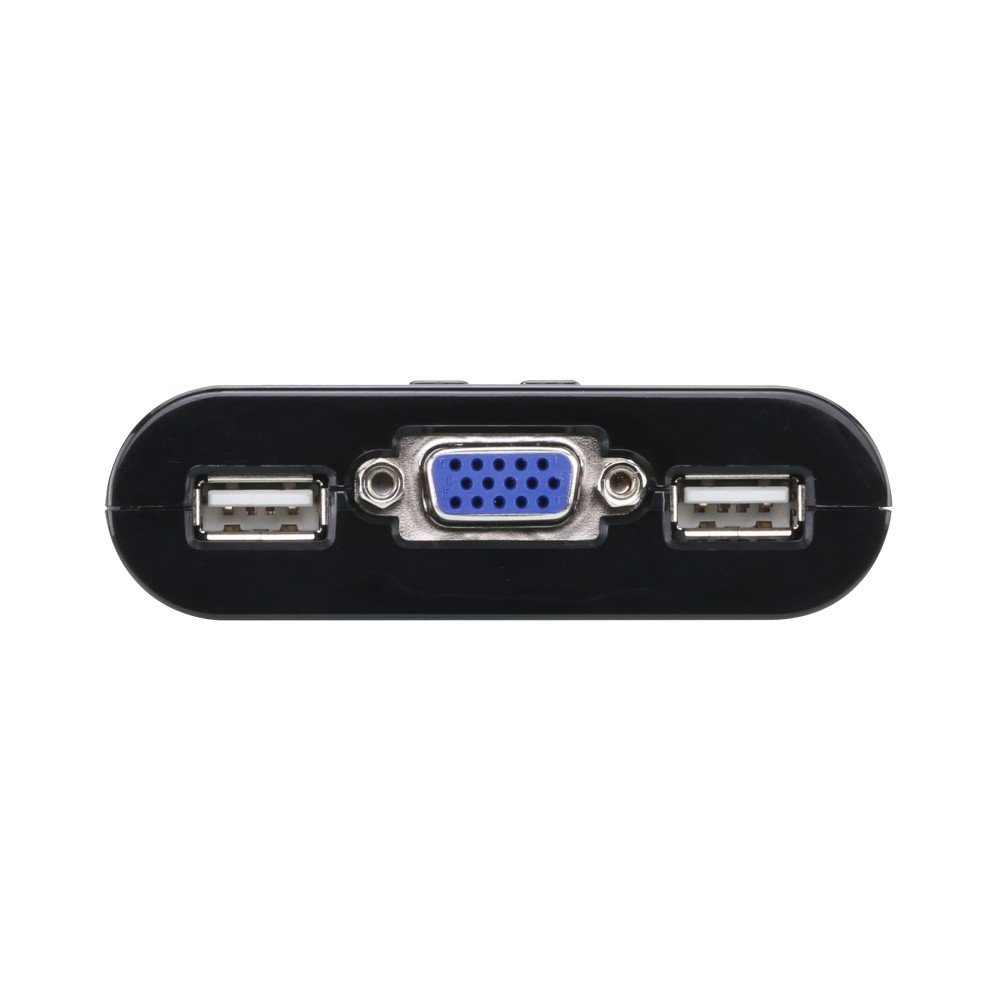
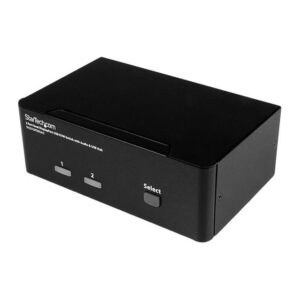
The ATEN CS22U suits anyone who wants to control two VGA computers from one keyboard, mouse and display. This ATEN CS22U KVM switch also provides a four-port USB 2.0 hub for sharing compatible peripherals.
Key specs at a glance
| Metric |
Specification |
| Computers controlled |
2 |
| Video connection |
VGA |
| Maximum resolution |
2048 × 1536 pixels |
| Keyboard and mouse |
USB |
| USB hub |
4-port USB 2.0 Type-A |
| Dimensions |
82.4 × 70.1 × 24.6 mm |
Keep two computer setups tidy
Connect both computers to one KVM console, then switch between them instead of setting up a separate keyboard, mouse and display for each. This can help reduce desktop clutter and make shared workspaces easier to manage.
The CS22U supports Windows, Mac, Linux and Sun systems. It also supports USB hot-plugging, so you can connect compatible USB peripherals while the system is running.
Share USB peripherals and a high-resolution display
The four-port USB 2.0 hub lets you connect compatible peripherals through the console. This is useful when you want to share USB devices between the connected computers.
For VGA displays, the maximum supported resolution is 2048 × 1536 pixels. DDC2B support helps the connected computer identify display information.
Check your setup before ordering
- Confirm both computers have VGA video and USB connections for the keyboard and mouse.
- Check that your display uses VGA and suits your required resolution.
- Confirm your USB peripherals are compatible with a USB 2.0 Type-A hub.
- Check that the 1.8 m remote switch cable can reach your preferred position.
Frequently Asked Questions
Q: How many computers can the CS22U control?
A: It controls two computers from one KVM console.
Q: What is the maximum supported display resolution?
A: The maximum resolution is 2048 × 1536 pixels over VGA.
Q: Which operating systems does it support?
A: It supports Windows, Mac, Linux and Sun systems.
Q: How many USB hub ports does it have?
A: It has four USB 2.0 Type-A hub ports for compatible peripherals.
A practical choice for a shared workstation
Choose the ATEN CS22U if you need to switch between two USB-equipped VGA computers while sharing one console. Its built-in four-port USB hub adds useful peripheral connections without requiring a separate hub.

 DPD tracked delivery
 Buy now, pay later with Klarna at checkout
 Pay in 3 instalments with PayPal at checkout

Reviews
Clear filtersThere are no reviews yet.