WD Elements Portable – compact storage for everyday files
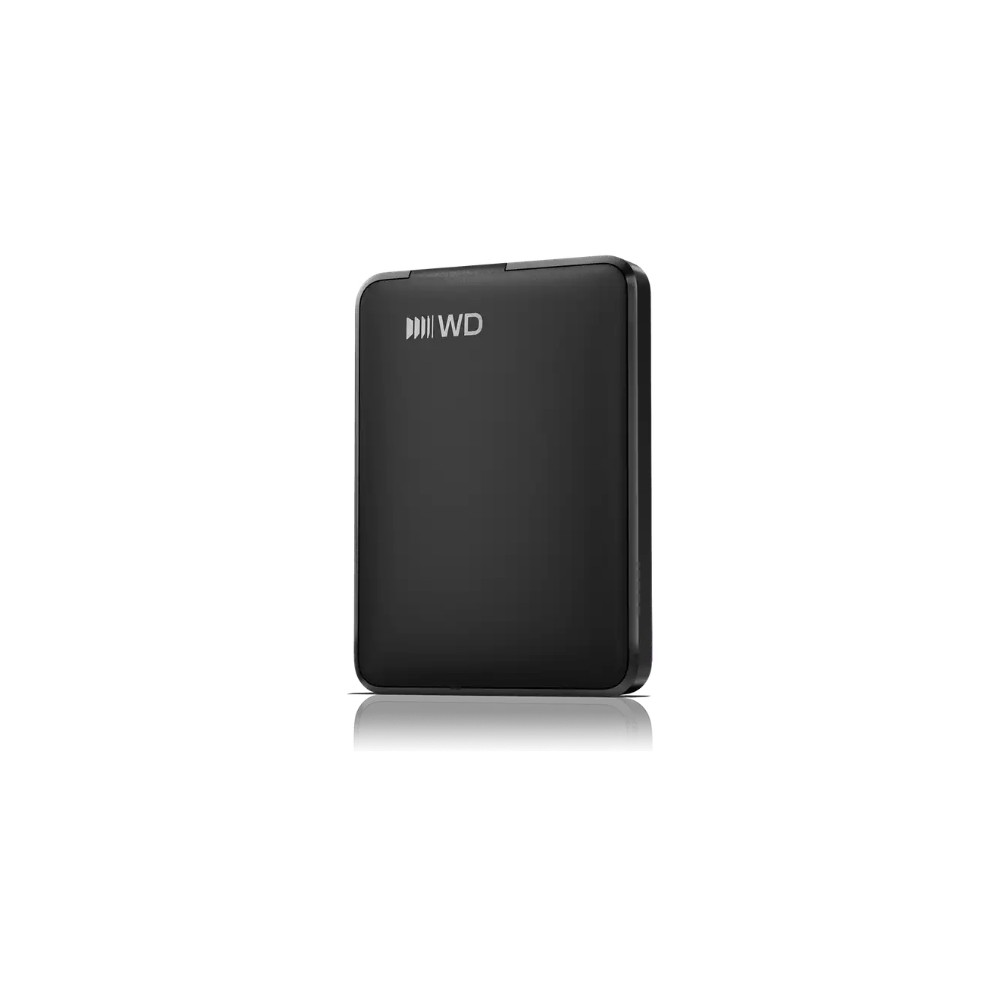
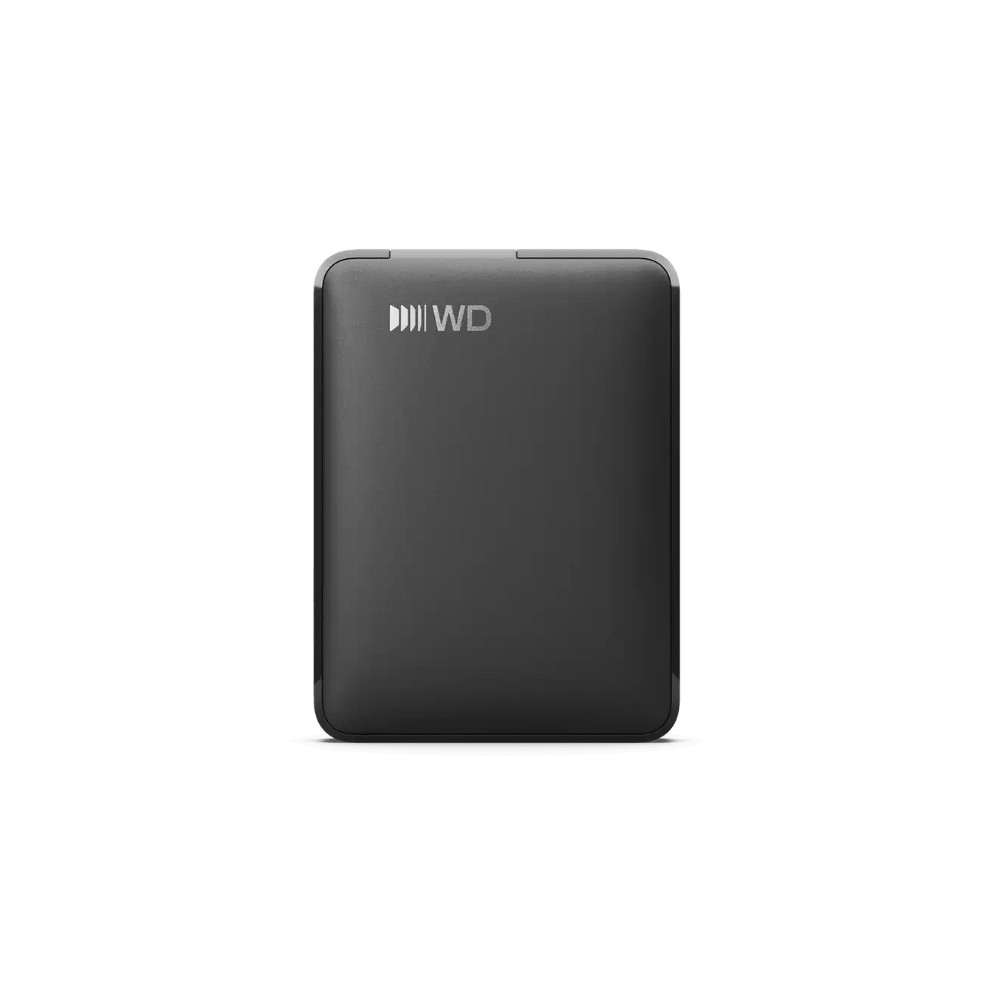
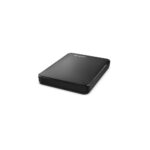
The WD Elements Portable 2TB suits anyone who wants a simple way to keep documents, photos and videos together. Its 2 TB capacity gives you room for a substantial file collection in a drive weighing just 130 g.
WD Elements Portable 2TB: key details
| Metric |
Specification |
| Capacity |
2 TB |
| Drive size |
2.5-inch |
| Connector |
USB Type-C |
| USB version |
USB 3.2 Gen 1 |
| Supported Windows versions |
Windows 10 and Windows 11 |
| Weight |
130 g |
Keep your files close at hand
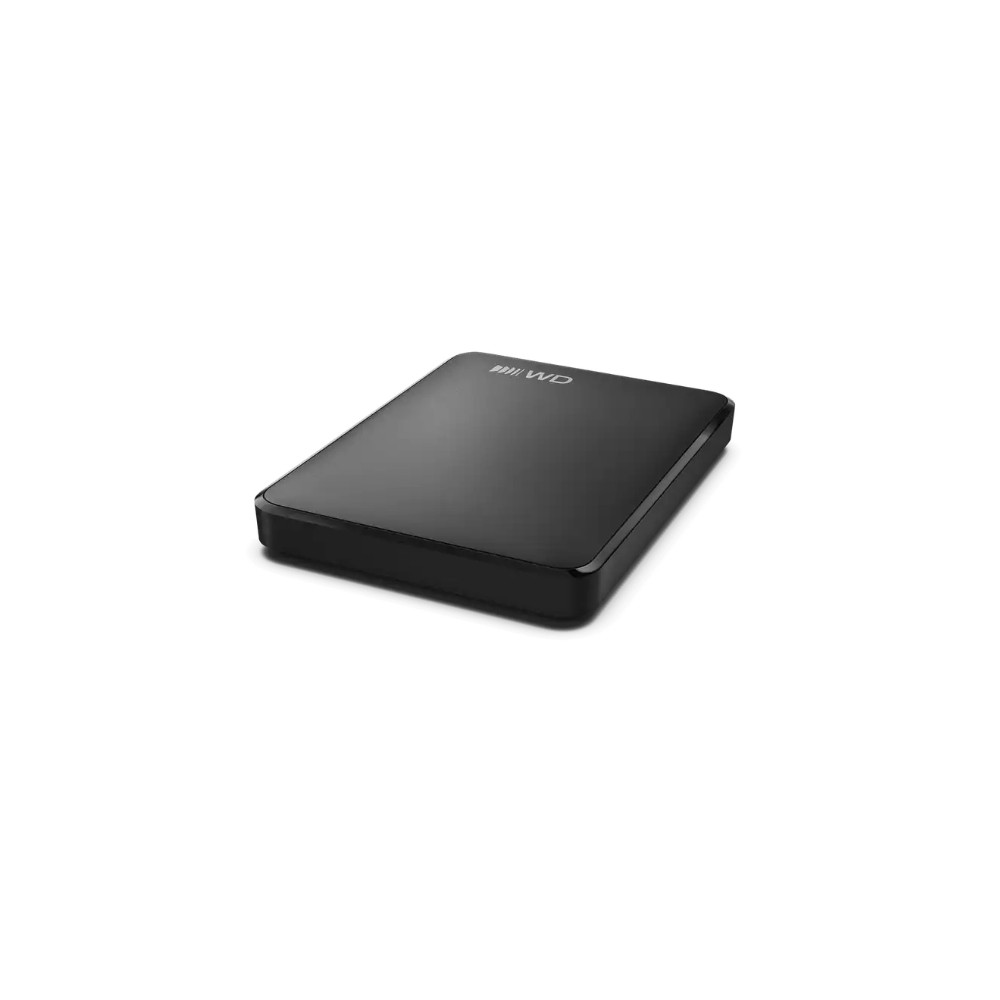
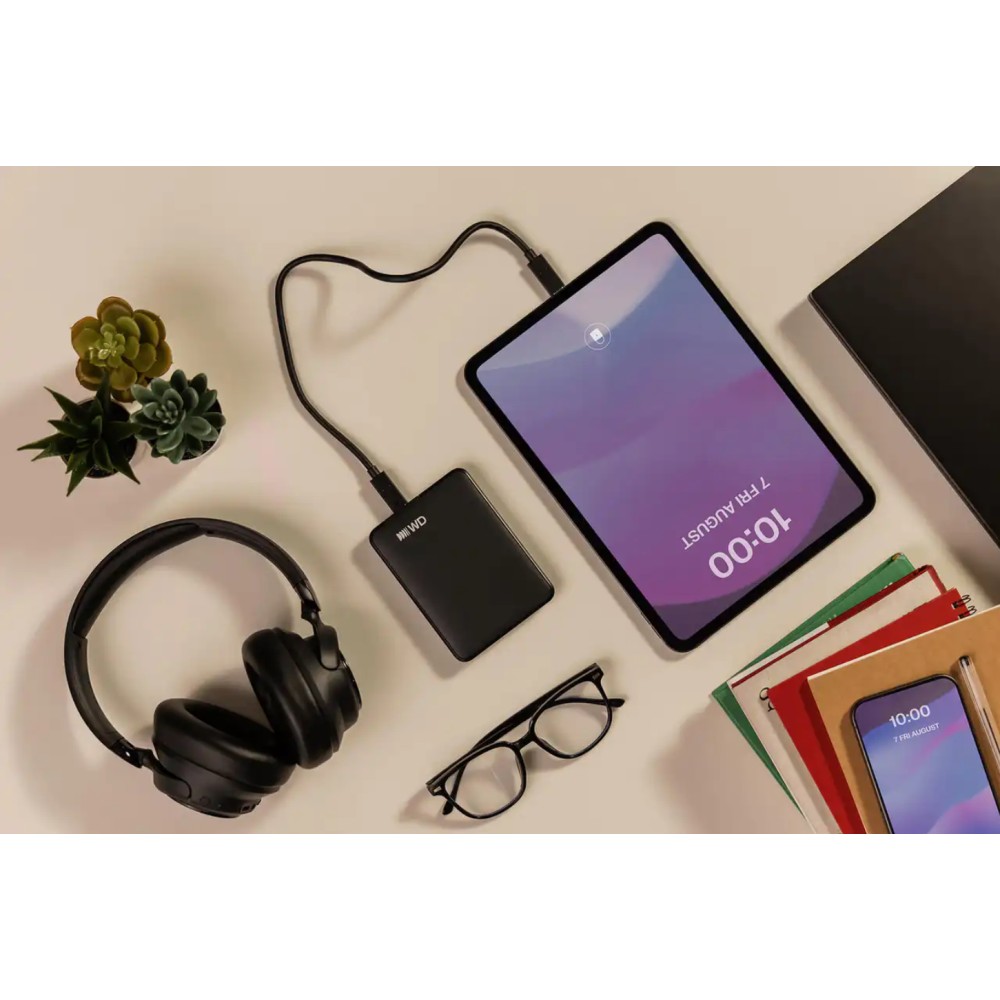
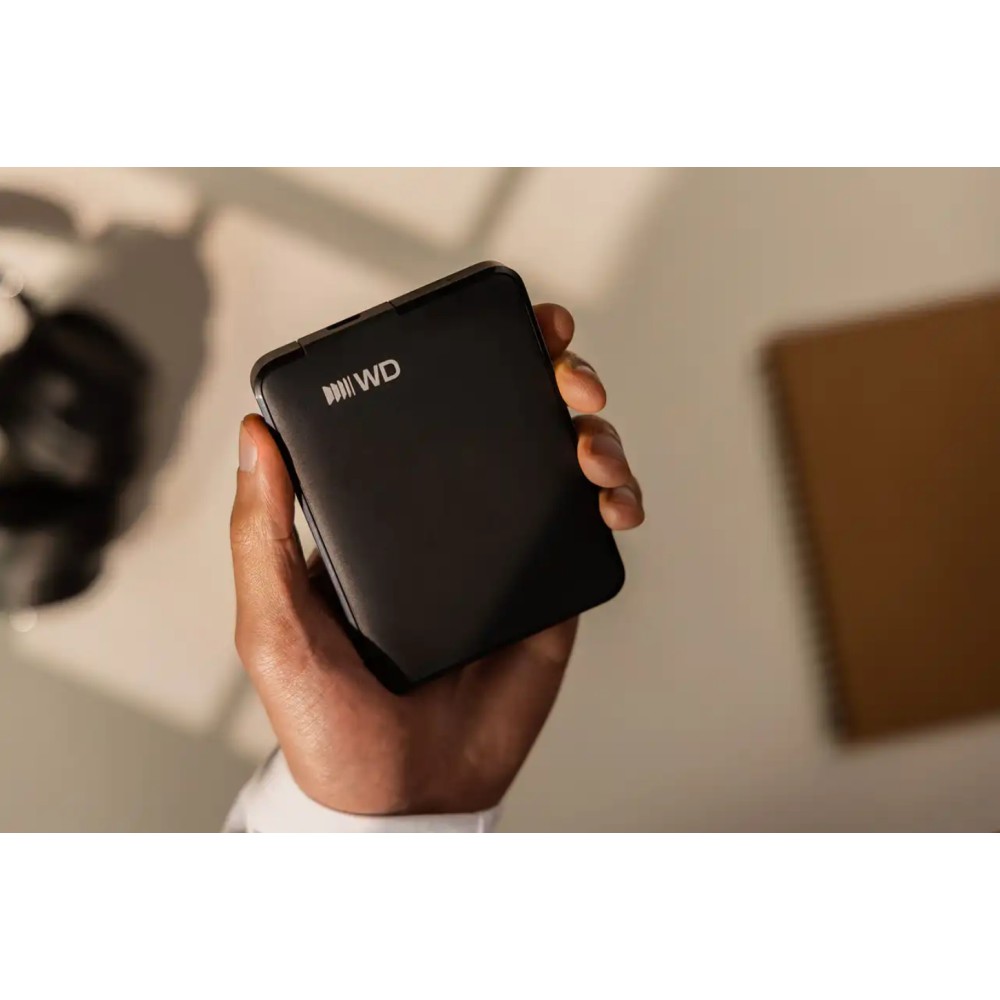
This portable hard drive provides 2 TB of storage for backups and everyday files. Because it weighs 130 g and measures 82.2 × 110.8 × 15 mm, it is easy to carry in a bag alongside your computer.
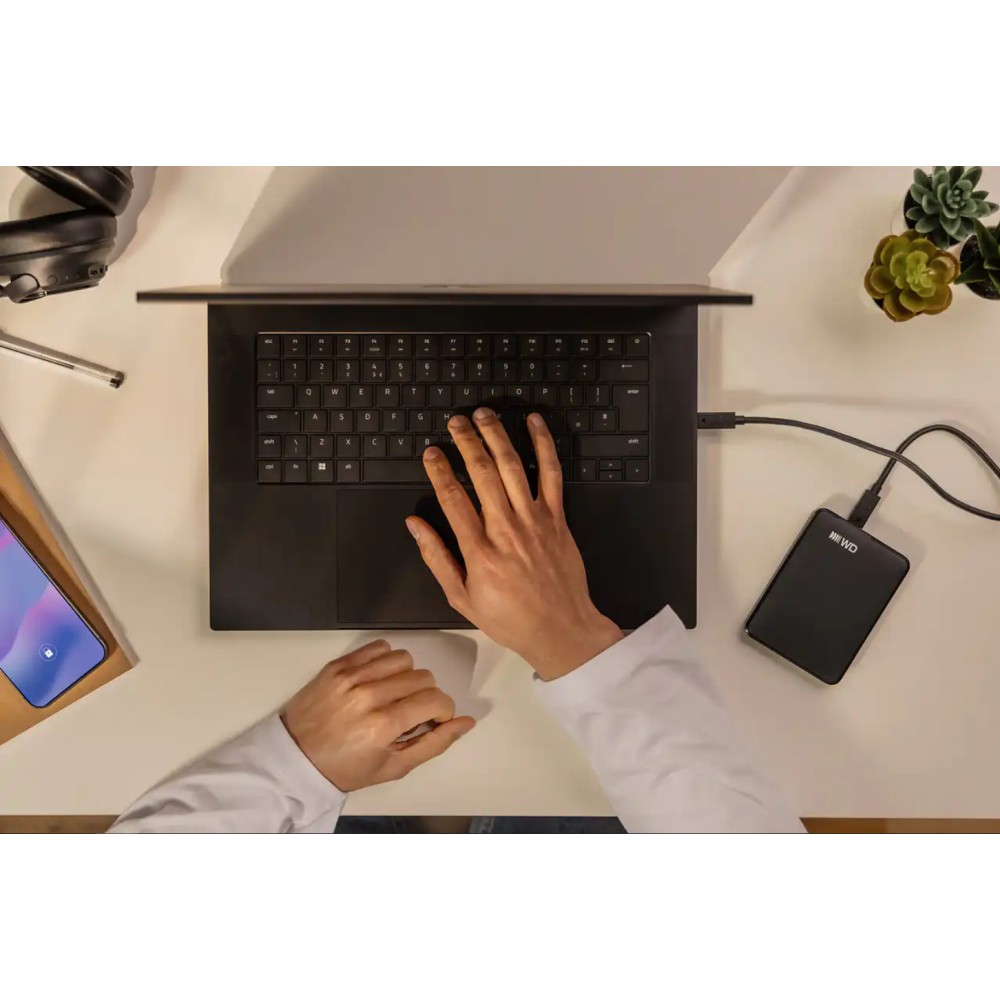
Use it to keep documents, photos and videos in one place, or to create a separate copy of important files. It has no Wi-Fi or Ethernet connection, so access is through its USB connection.
Connect through USB Type-C
The drive uses a USB Type-C connector and USB 3.2 Gen 1. It is plug and play, so you can connect it and get started without a separate setup process on a compatible Windows 10 or Windows 11 computer.
What comes in the box
Check compatibility before ordering
- Confirm your computer has a USB Type-C port for connecting the drive.
- Check that your Windows PC runs Windows 10 or Windows 11.
- Confirm that 2 TB is suitable for the files you want to store or back up.
- Check that the drive’s dimensions suit your workspace or travel bag.
Frequently Asked Questions
Q: How much storage does this drive offer?
A: It has a capacity of 2 TB.
Q: Which Windows versions are supported?
A: It supports Windows 10 and Windows 11.
Q: Does it connect over Wi-Fi?
A: No. It connects through its USB Type-C connector.
Q: Is a USB cable included?
A: Yes, a USB cable is included.
A practical choice for portable backups
Choose the WD Elements Portable 2TB if you want a lightweight, plug-and-play drive for storing and carrying files. Its USB Type-C connection and 2 TB capacity make it a straightforward option for compatible Windows computers.





 DPD tracked delivery
 Buy now, pay later with Klarna at checkout
 Pay in 3 instalments with PayPal at checkout

Reviews
Clear filtersThere are no reviews yet.