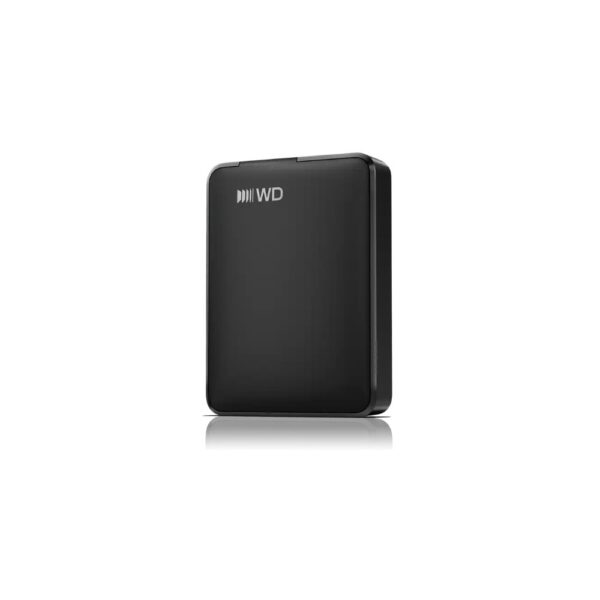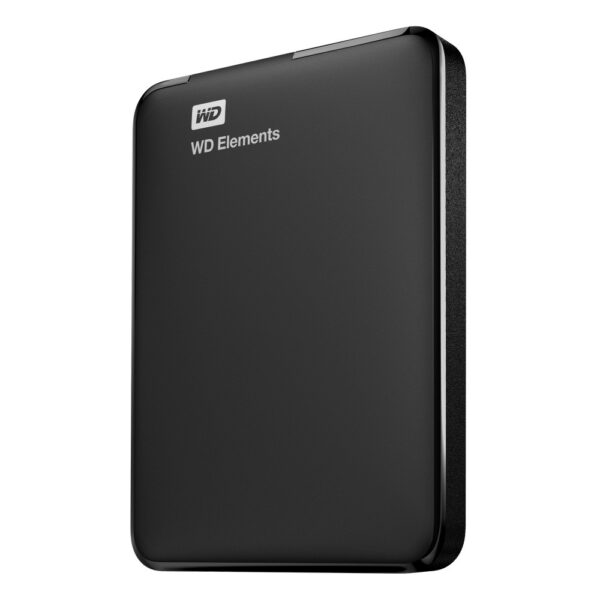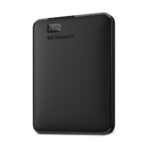
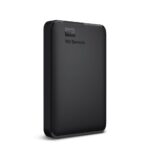
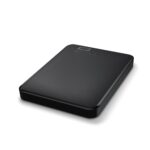
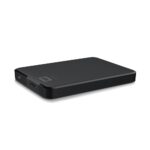
Western Digital Elements Portable External Hard Drive, 5 TB, 2.5″, USB 3.2 Gen 1, Micro-USB B, Black

SKU: WDBU6Y0050BBK-WESN

£228.23

Out of stock

Out of stock

  • Free Premium delivery on UK mainland orders

Order today, get it by Fri 20 Nov

  • DPD DPD tracked delivery
  • Klarna Buy now, pay later with Klarna at checkout
  • PayPal Pay in 3 instalments with PayPal at checkout

About this item

  • 5 TB capacity in a portable 2.5-inch drive
  • USB 3.2 Gen 1 interface with Micro-USB B
  • Compatible with Windows 10, Windows 7 and Windows 8.1
  • Plug-and-play setup
  • Black enclosure, weighing 230 g
  • USB cable and user guide included
Description

WD Elements 5TB – portable space for your files

The WD Elements 5TB suits anyone who needs extra storage for files at home or on the move. Its 5 TB capacity gives you room to move large collections off your computer and keep them accessible.

The essentials at a glance

Metric Specification
Capacity 5 TB
Drive size 2.5-inch
USB version USB 3.2 Gen 1
Drive connector Micro-USB B
Weight 230 g
Dimensions 82 × 111 × 21 mm

Move files with a USB connection

Connect the drive using the included USB cable. USB 3.2 Gen 1 supports fast file transfers, while backward compatibility with USB 2.0 helps it work with older USB devices. Plug and Play support makes it straightforward to connect and start using.

Use the extra space for documents, photos and other files. Moving files from a nearly full internal drive can also help free up room on your computer.

Take extra storage with you

The 2.5-inch drive weighs 230 g and measures 82 × 111 × 21 mm. Its compact black enclosure is easy to pack when you need your files away from your desk.

In the box

  • USB cable
  • User guide

Check compatibility before you order

  • Confirm your Windows computer runs Windows 10, Windows 8.1 or Windows 7.
  • Check that your computer has a compatible USB port for the included cable.
  • Confirm that 5 TB provides the capacity you need for your files.
  • Check that the drive’s compact size suits your storage setup or travel needs.

Frequently Asked Questions

Q: What is the storage capacity?

A: It has a capacity of 5 TB.

Q: Which USB connection does it use?

A: The drive has a Micro-USB B connector and uses USB 3.2 Gen 1.

Q: Which Windows versions are supported?

A: Supported versions are Windows 10, Windows 8.1 and Windows 7.

Q: Is a USB cable included?

A: Yes. A USB cable and user guide are included.

A practical choice for portable storage

Choose the WD Elements 5TB if you want substantial extra space in a compact, 230 g drive. It is suited to keeping files close at hand and connecting to compatible Windows computers through USB.

Specifications
Performance
USB version3.2 Gen 1 (3.1 Gen 1)
Windows operating systems supportedWindows 10, Windows 7, Windows 8.1
Plug and PlayYes
Wi-FiNo
Software
Windows operating systems supportedWindows 10, Windows 7, Windows 8.1
Hard drive
HDD size2.5"
HDD capacity5 TB
Ports & interfaces
USB connectorMicro-USB B
Thunderbolt technologyNo
USB version3.2 Gen 1 (3.1 Gen 1)
Ethernet LANNo
Wi-FiNo
Features
Product colourBlack
Windows operating systems supportedWindows 10, Windows 7, Windows 8.1
Plug and PlayYes
Design
Product colourBlack
Power
External power adapterYes
Operational conditions
Operating temperature5 - 35 °C
Storage temperature-20 - 65 °C
Weight & dimensions
Weight230 g
Width82 mm
Depth111 mm
Height21 mm
Package depth124 mm
Package width140 mm
Package height44 mm
Package weight450 g
Packaging data
User guideYes
Package depth124 mm
Cables includedUSB
Package width140 mm
Package height44 mm
Package weight450 g
Technical details
USB version3.2 Gen 1 (3.1 Gen 1)
Product colourBlack
Plug and PlayYes
Wi-FiNo
Harmonized System (HS) code84717050
Packaging content
User guideYes
Cables includedUSB
Logistics data
Harmonized System (HS) code84717050
Other features
Ethernet LANNo
Identifiers
Additional EANs7180378718998

Reviews

0 reviews
0
0
0
0
0

There are no reviews yet.

Write a review

Your email is never published.

You have to be logged in to be able to add photos to your review.