WD Elements Portable 6TB – generous storage you can take with you
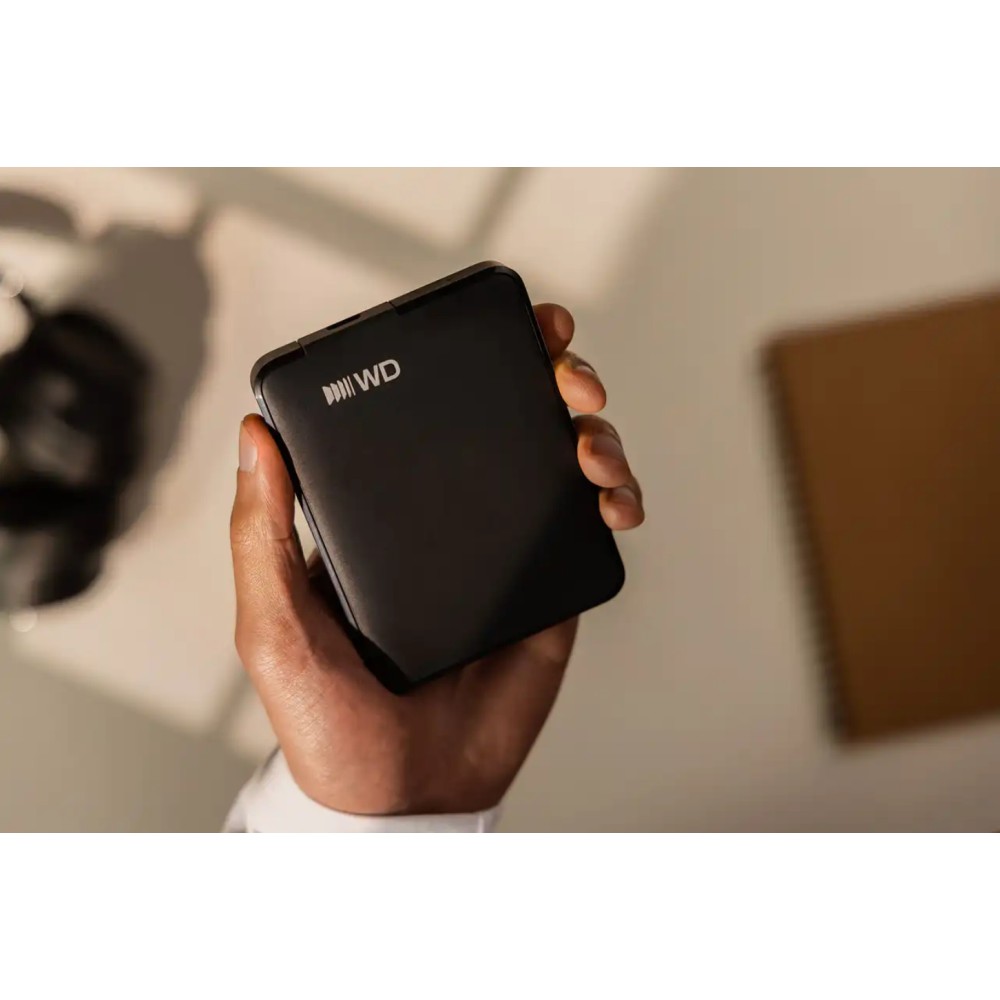
We recommend the WD Elements Portable 6TB for anyone who needs substantial space for documents, photos and videos. Its 6TB capacity gives you room to keep files together on a compact, 240g drive.
The essentials at a glance
| Metric |
Specification |
| Capacity |
6TB |
| Drive size |
2.5-inch |
| Connector |
USB Type-C |
| USB version |
USB 3.2 Gen 1 |
| Weight |
240g |
| Supported Windows versions |
Windows 10 and Windows 11 |
Keep a large file collection close
With 6TB available, this drive suits photo libraries, video collections and regular file backups. It is a straightforward way to add storage without changing your computer’s internal drive.
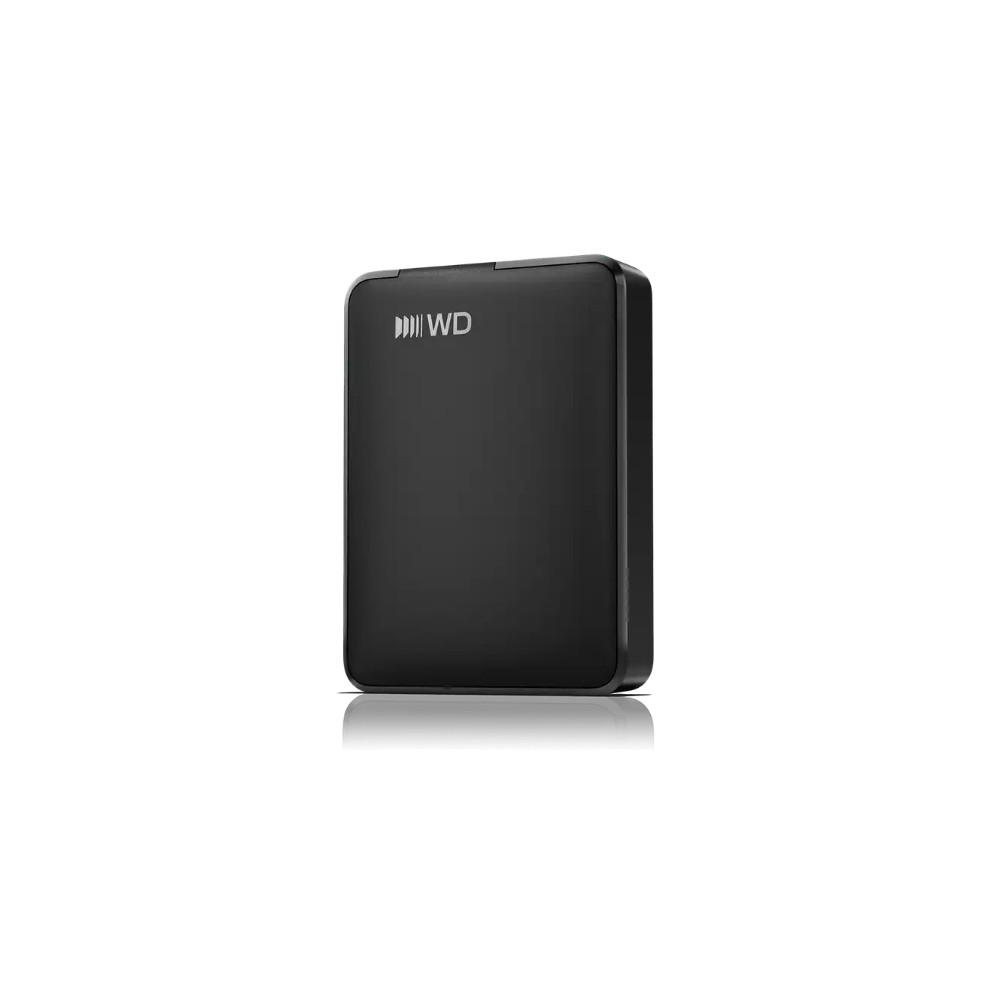
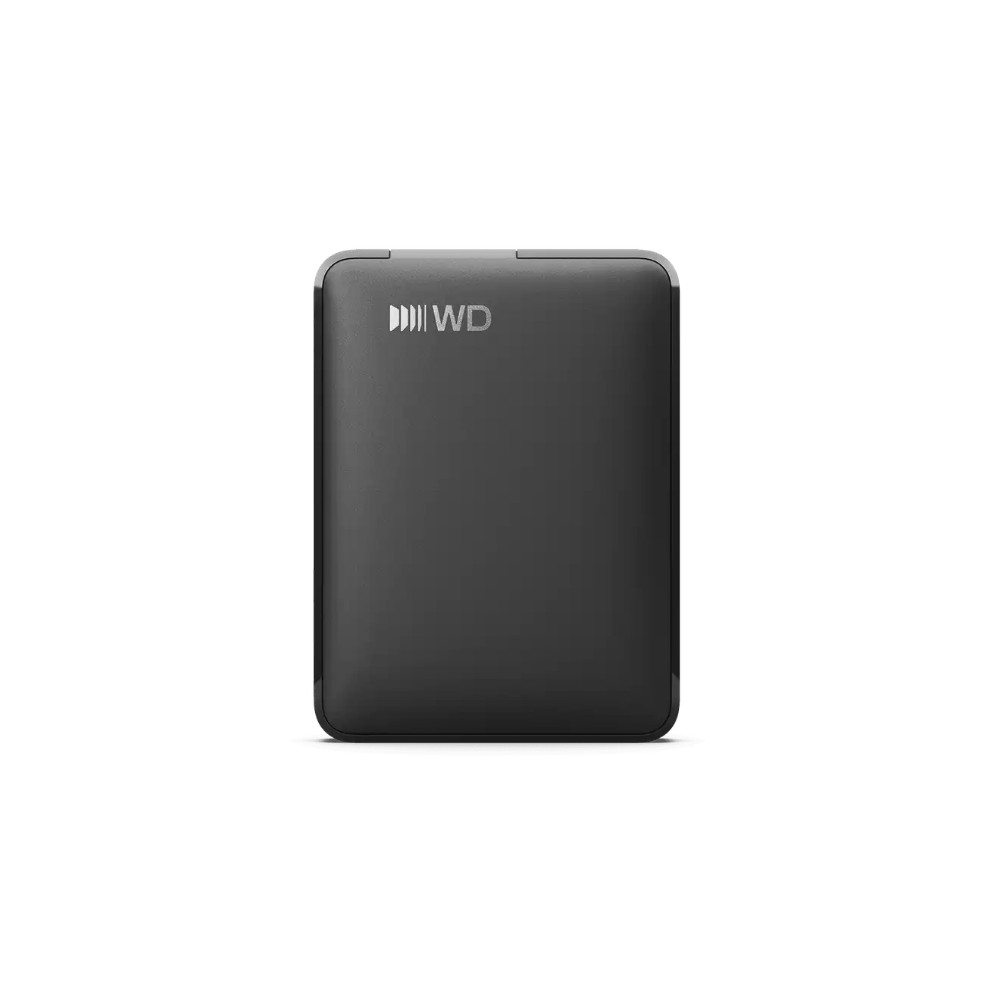
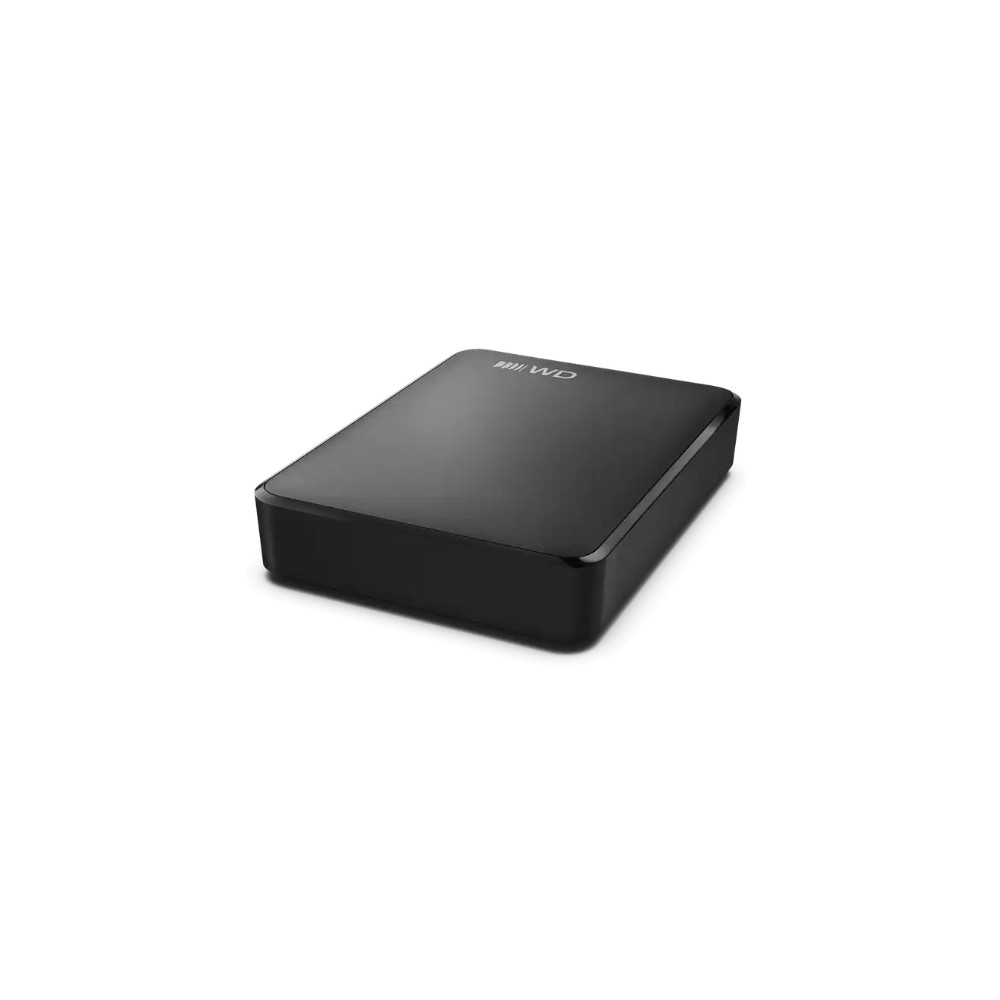
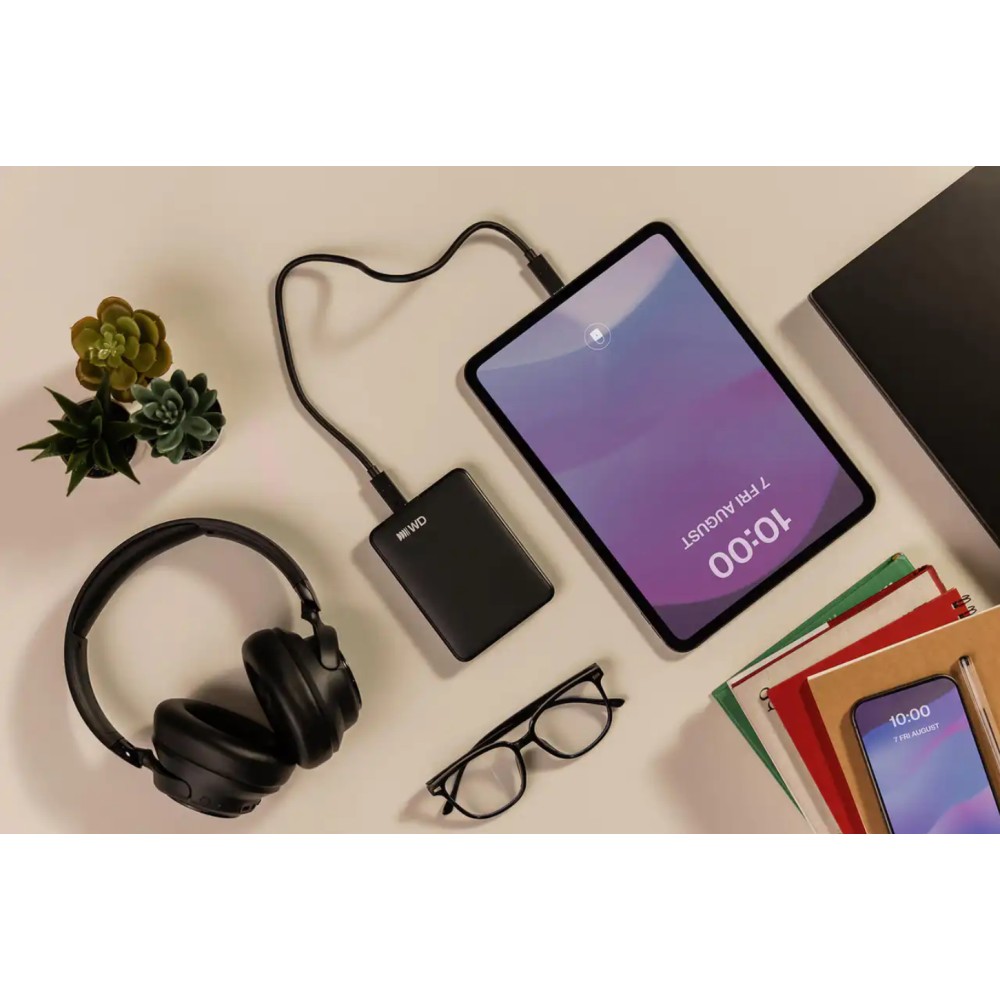
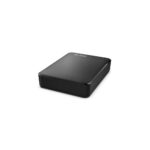
The black enclosure measures 82.2mm wide, 110.8mm deep and 23.7mm high. So it can fit easily into a bag alongside a laptop, while remaining simple to store at home.
Connect with USB-C
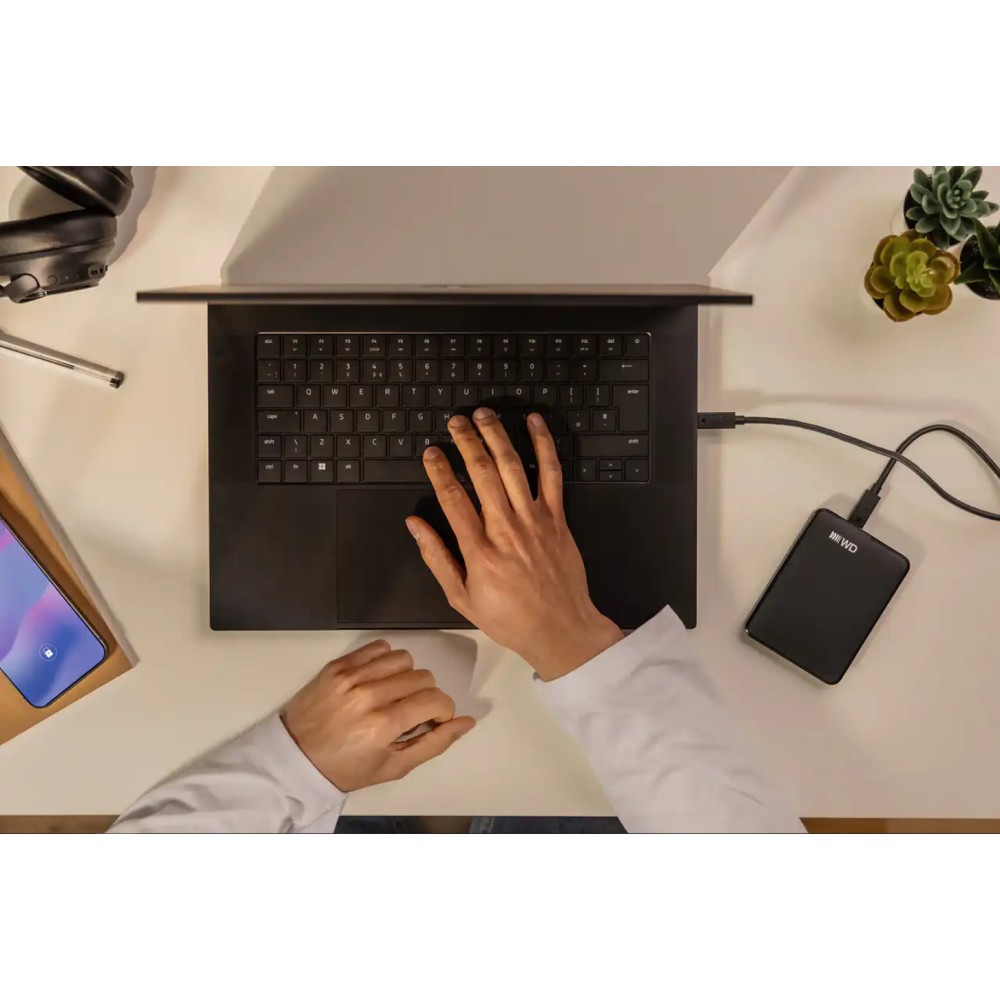
The USB Type-C connection makes the drive suitable for computers and other devices with a compatible USB-C port. Plug and Play support helps you get started without a complicated setup.
It supports Windows 10 and Windows 11. The drive can also work with Mac computers, as well as other compatible devices. Check your device’s USB-C and file-system requirements before transferring files.
What comes in the box
Check compatibility and capacity
- Confirm your computer or compatible device has a USB Type-C port.
- Check that your operating system supports external USB storage.
- Confirm 6TB is suitable for the files you plan to store.
- Check the drive’s dimensions against your storage space or travel bag.
Frequently Asked Questions
Q: How much storage does this drive offer?
A: It has a capacity of 6TB.
Q: Which USB connection does it use?
A: It uses a USB Type-C connector and supports USB 3.2 Gen 1.
Q: Which Windows versions are supported?
A: It supports Windows 10 and Windows 11.
Q: Is the drive plug and play?
A: Yes. It supports plug-and-play use.
A practical choice for portable storage
Choose the WD Elements Portable 6TB if you want a high-capacity external drive for files, photos and videos. Its compact size, USB-C connection and plug-and-play support make it a useful option for everyday storage.



 DPD tracked delivery
 Buy now, pay later with Klarna at checkout
 Pay in 3 instalments with PayPal at checkout

Reviews
Clear filtersThere are no reviews yet.