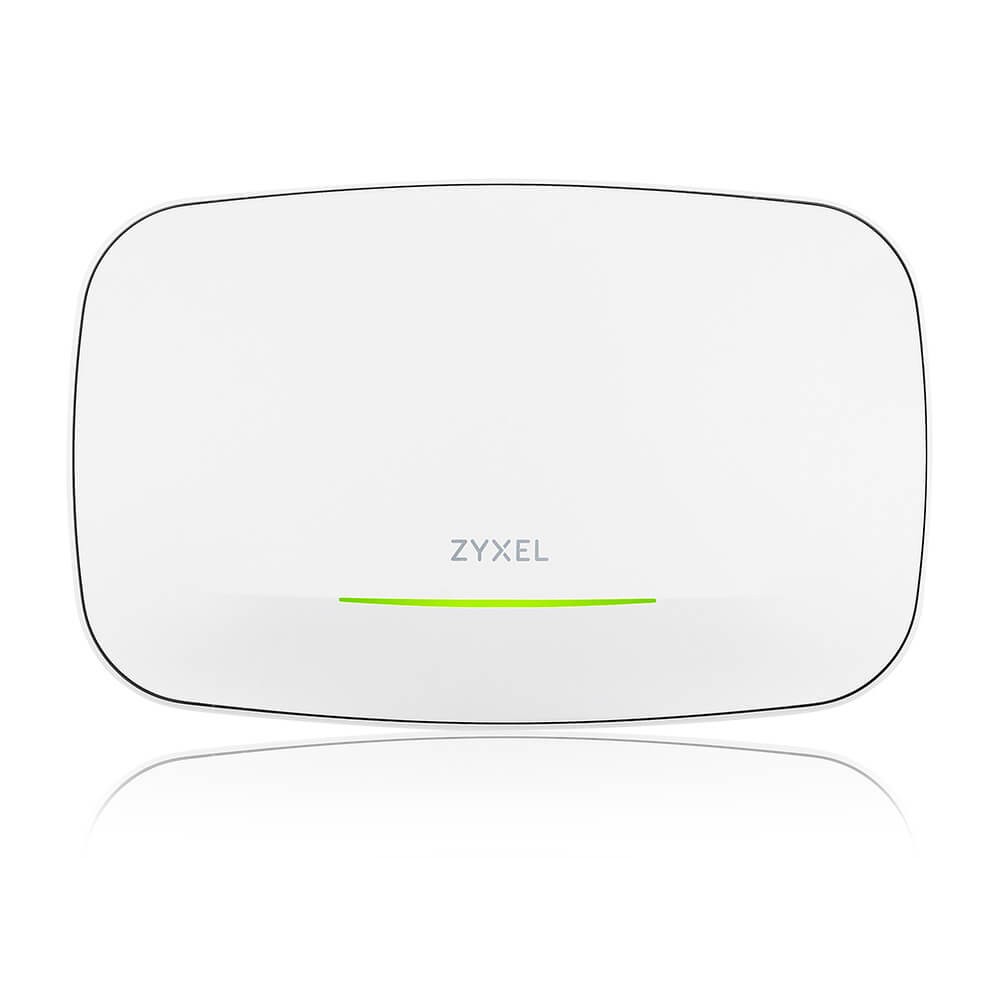
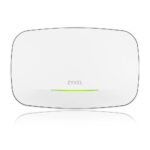
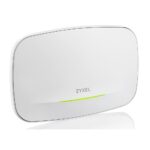
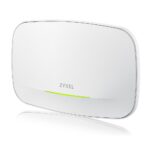
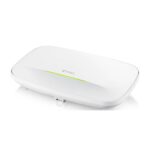
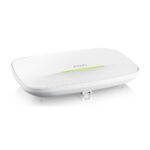
Zyxel NWA240BE Wi-Fi 7 Access Point BE15K 10GbE PoE++ White

SKU: NWA240BE-EU0101F

£264.72

Out of stock

Out of stock

  • Free Premium delivery on UK mainland orders

Order today, get it by Fri 20 Nov

  • DPD DPD tracked delivery
  • Klarna Buy now, pay later with Klarna at checkout
  • PayPal Pay in 3 instalments with PayPal at checkout

About this item

  • Wi-Fi 7 BE15K tri-radio access point
  • Tri-band 2.4, 5 and 6 GHz
  • MU-MIMO with 2×2:2 + 4×4:4 + 2×2:2
  • 10GbE LAN port
  • PoE++ (802.3bt) power
  • Standalone or Nebula cloud managed
  • Ceiling or wall placement, white finish
Description

Zyxel NWA240BE – Wi-Fi 7 with a 10GbE uplink

The Zyxel NWA240BE suits homes and workplaces that need a Wi-Fi 7 access point with a fast wired connection. Its tri-radio design covers the 2.4GHz, 5GHz and 6GHz bands, giving compatible devices more frequency options.

Key specifications at a glance

Metric Specification
Wi-Fi standard Wi-Fi 7 (IEEE 802.11be)
Frequency bands 2.4GHz, 5GHz and 6GHz
Radio configuration Tri-radio MU-MIMO
Ethernet port 1 x 1/2.5/5/10GbE
Power PoE++ (802.3bt)
Mounting Ceiling or wall

A flexible Wi-Fi 7 setup

The NWA240BE supports 2.4GHz, 5GHz and 6GHz, as well as earlier Wi-Fi standards. This makes it a practical choice for networks with a mix of newer and older wireless devices. MU-MIMO helps the access point communicate with multiple compatible devices.

A fast wired connection

The Ethernet port supports 1, 2.5, 5 or 10GbE, so you can match its wired link to your network equipment. For best results, check that your switch or router supports the speed you plan to use.

The access point supports PoE++ using the 802.3bt standard. The power adapter is excluded, so plan to power it through a suitable PoE++ connection.

Ceiling or wall placement

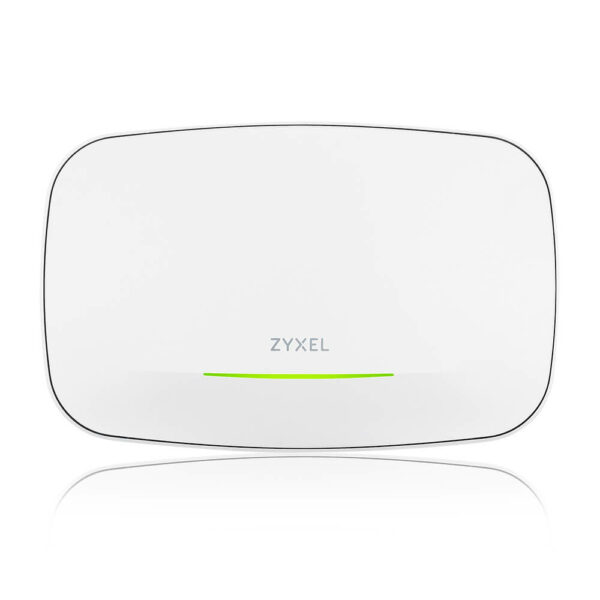
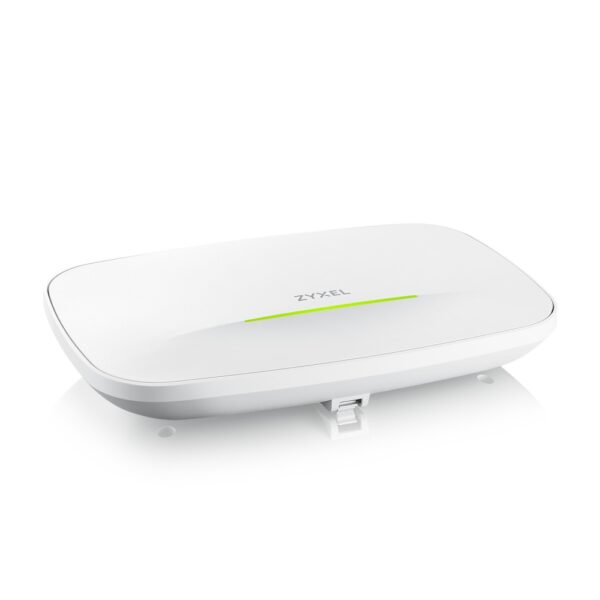
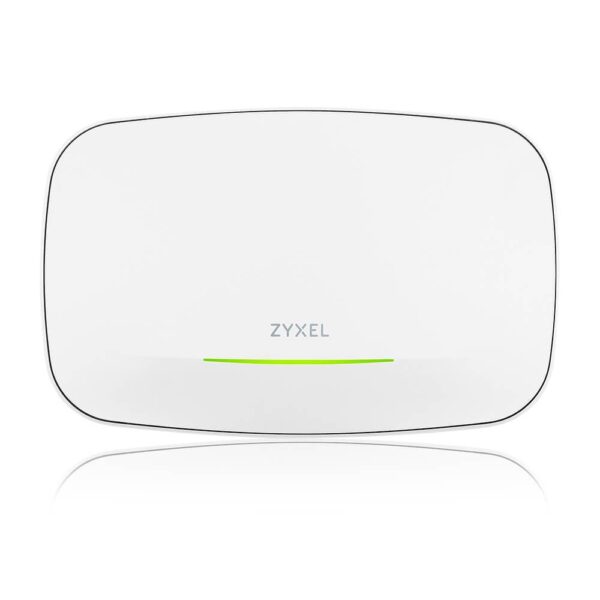
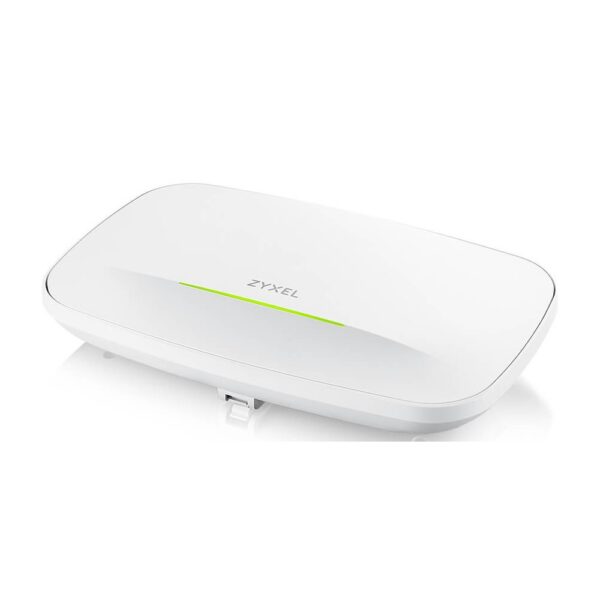
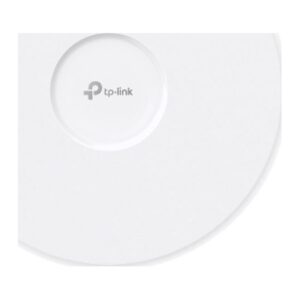
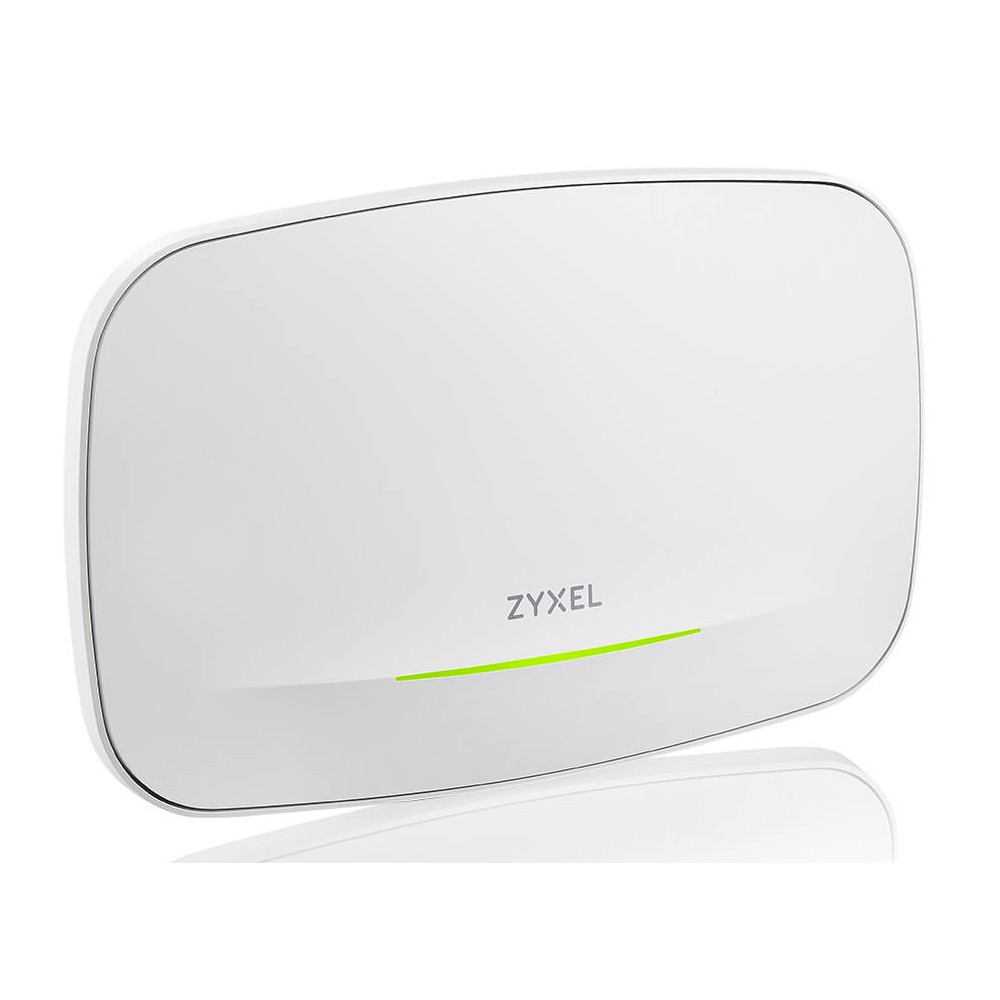
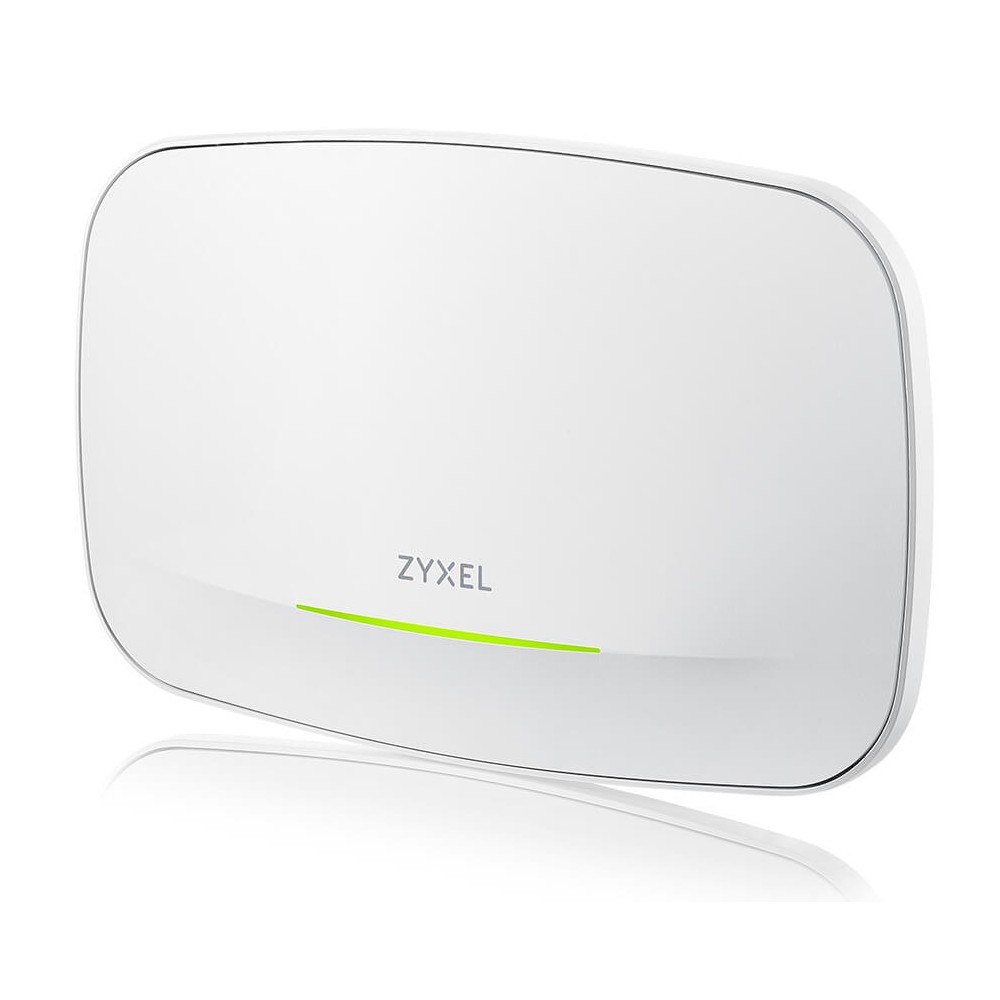
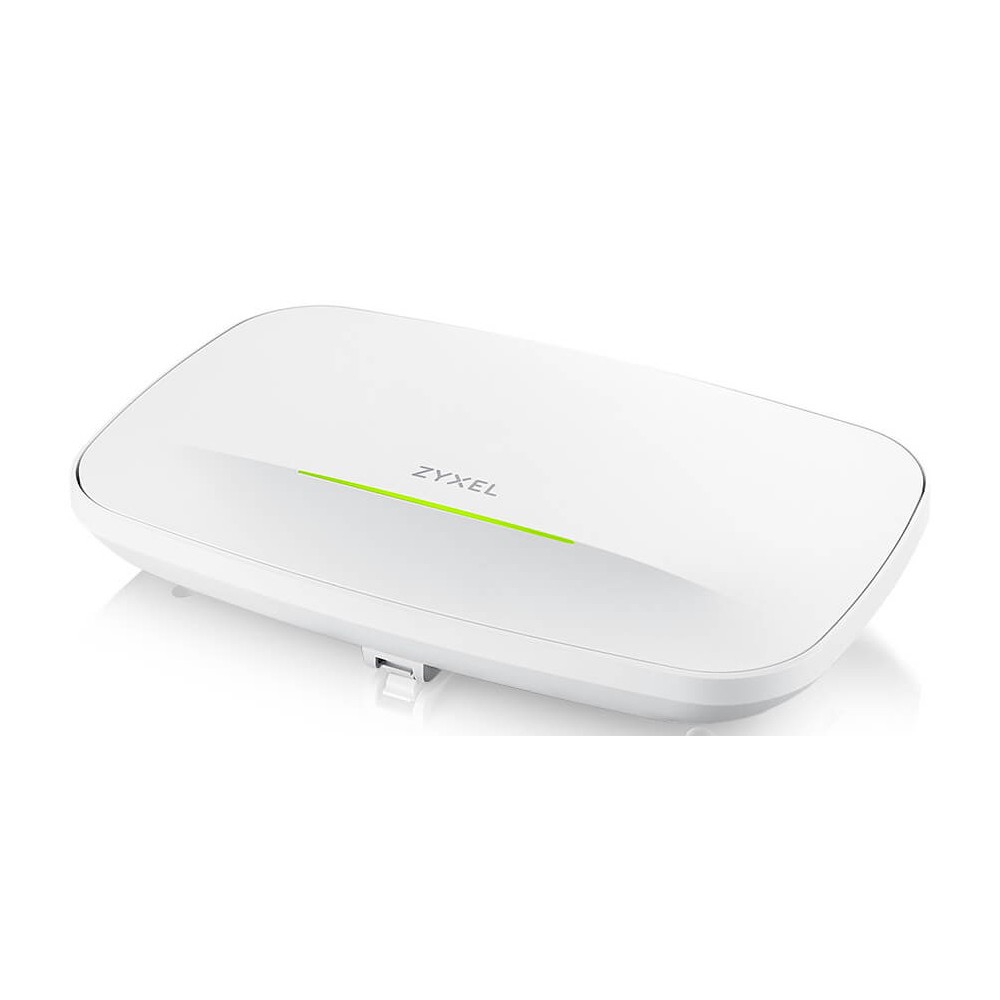
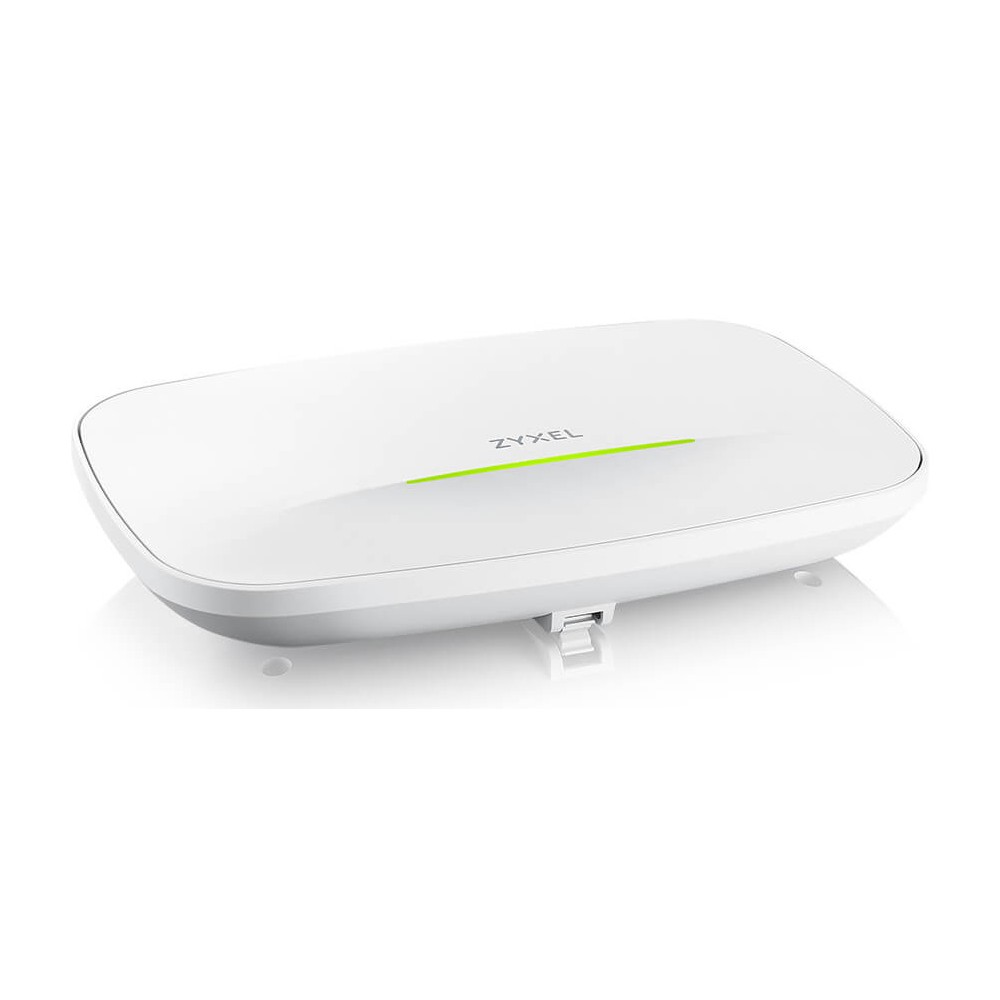
Choose ceiling or wall mounting to suit your installation. The internal antenna design keeps the antennas within the white unit, while LED indicators provide a visual status check.

You can manage the NWA240BE through Nebula cloud management or use it in standalone mode. This gives you a choice of management approach for your network.

Check your setup before ordering

  • Confirm your network equipment supports the Ethernet speed you want to use.
  • Check that your PoE supply supports PoE++ (802.3bt).
  • Confirm that your planned mounting position is on a ceiling or wall.
  • Check that your wireless devices support the bands and Wi-Fi standards you intend to use.

Frequently Asked Questions

Q: Which Wi-Fi bands does the NWA240BE support?

A: It supports 2.4GHz, 5GHz and 6GHz bands.

Q: What is the maximum Ethernet link speed?

A: Its Ethernet port supports link speeds up to 10GbE.

Q: Can I power it over Ethernet?

A: Yes. It supports PoE++ using the 802.3bt standard.

Q: Can I choose how to manage the access point?

A: Yes. It supports Nebula cloud management or standalone operation.

A good fit for Wi-Fi 7 networks

Choose the Zyxel NWA240BE if you want tri-band Wi-Fi 7, MU-MIMO and a multi-gigabit wired port in a ceiling- or wall-mounted access point. Its PoE++ support and choice of management modes give you useful flexibility when planning a new wireless network.

Specifications
Performance
2.4 GHzYes
5 GHzYes
Networking standardsIEEE 802.11a, IEEE 802.11ac, IEEE 802.11ax, IEEE 802.11b, IEEE 802.11be, IEEE 802.11g, IEEE 802.11n
MIMO typeMulti User MIMO
MIMOYes
Network
Networking standardsIEEE 802.11a, IEEE 802.11ac, IEEE 802.11ax, IEEE 802.11b, IEEE 802.11be, IEEE 802.11g, IEEE 802.11n
Features
6 GHzYes
2.4 GHzYes
5 GHzYes
Networking standardsIEEE 802.11a, IEEE 802.11ac, IEEE 802.11ax, IEEE 802.11b, IEEE 802.11be, IEEE 802.11g, IEEE 802.11n
MIMO typeMulti User MIMO
MIMOYes
Ports & interfaces
USB connector typeUSB Type-C
Ethernet LAN (RJ-45) ports1
DC-in jackNo
Power
Output voltage15 V
Output current3 A
Power over Ethernet (PoE)Yes
Design
PlacementCeiling, Wall
Product colourWhite
LED indicatorsYes
Antenna
Antenna typeInternal
Indication
LED indicatorsYes

Reviews

0 reviews
0
0
0
0
0

There are no reviews yet.

Write a review

Your email is never published.

You have to be logged in to be able to add photos to your review.