
Best Gaming Laptop in 2026: The Right Pick at Every Budget, and the Traps to Avoid

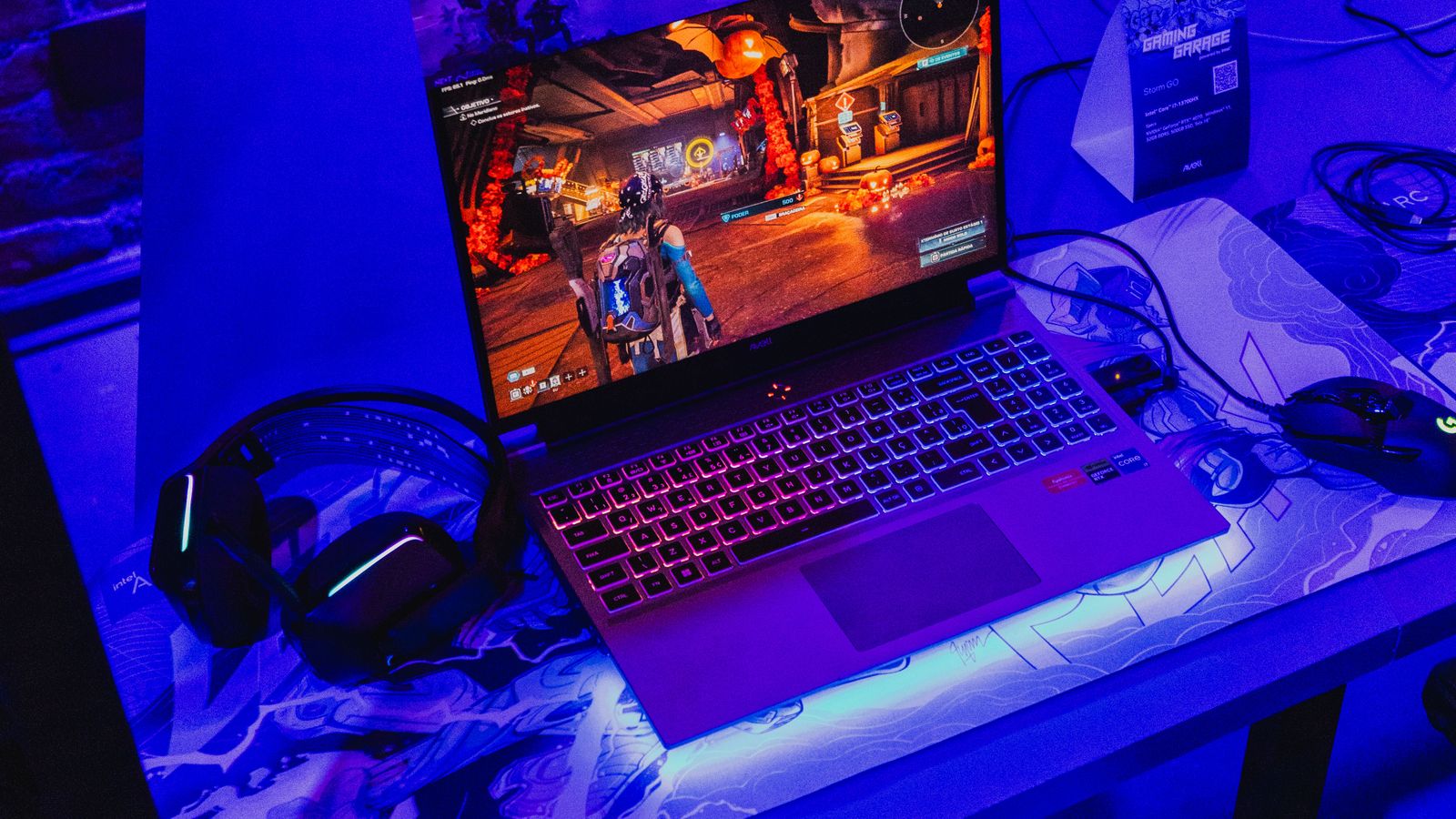
Gaming laptop with RGB keyboard running a game beside a headset and mouse

Gaming laptops are better than they have ever been, and easier to get wrong than they have ever been. Two machines can sit side by side at the same price, with what looks like the same graphics card on the label, and one will run your games far better than the other. The difference hides in details the shop listing rarely explains: the screen’s refresh rate, how the memory is fitted, and how much power the laptop actually feeds its graphics chip.

We sell and set up gaming laptops every week, so this guide is the advice we give across the counter. It covers how much to spend for the games you play, the traps in the spec sheets, and our actual picks at every budget, from the cheapest machine we are happy to recommend up to the heavy hitters. Every pick is in stock in the UK with a live price under it.

For 1080p gaming, expect to spend £800 to £1,200 on a laptop with an RTX 4050 or 5050. The sweet spot for most people is £1,400 to £1,700 with an RTX 5060 and a fast 144Hz-plus screen. Before you buy anything, check three details the listing may not shout about: the screen refresh rate (skip 60Hz), whether the RAM is two sticks rather than one, and the graphics card’s wattage. Those three separate the good buys from the regrets.

How much should you spend on a gaming laptop?

Match the money to the games you actually play, not to the biggest number you can afford. These are realistic UK prices in 2026:

BudgetWhat you getWho it suits
£800 to £1,200RTX 4050 or 5050, 1080p gaming at high settingsEsports players, students, most single-player games
£1,400 to £1,700RTX 5060, fast 144Hz to 180Hz screen, 16GB RAMThe best value for most gamers. Runs everything well
£1,700 to £2,500RTX 5070, better cooling, sharper QHD screensHigh-refresh competitive play and heavy modern titles
£2,500 and upRTX 5070 Ti or 5080, top screens, desktop-class speedPeople who want one machine to replace a desktop

Under £800, be careful. Machines at that price usually carry an old graphics chip, a slow 60Hz screen, or both, and the saving stops feeling clever the first evening you play on it. If the budget is tight, a clean previous-generation model with an RTX 4050 beats a brand-new machine that cut corners everywhere else.

The graphics chip decides everything

One part sets a gaming laptop’s speed above all others: the graphics chip, the GPU. The processor matters, the RAM matters, but the GPU decides which games run smoothly and at what settings. Here is the current NVIDIA laptop range in plain terms:

GPUWhat it handles
RTX 4050 / 50501080p at high settings in most games. The sensible entry point
RTX 50601080p maxed, 1440p at high. The sweet spot for the money
RTX 50701440p at high refresh rates, comfortable with heavy modern titles
RTX 5070 Ti / 5080Everything, at speed. Desktop-class gaming in a bag

One thing the table cannot show: the same GPU name comes at different power levels in different laptops. Makers can run an RTX 5060 anywhere from a modest wattage in a thin chassis to nearly double that in a thick one, and the fast version can be dramatically quicker in games. Thin and quiet costs performance; thick and ventilated delivers it. If a listing shows the TGP (the graphics power in watts), higher is faster. If it does not, the laptop’s thickness is an honest clue.

The spec-sheet traps to avoid

These four catch more buyers than anything else, and every one of them comes up week after week in the machines we see:

  • The 60Hz screen. Some budget gaming laptops pair a decent GPU with a basic 60Hz display, which caps the smoothness you paid for. For gaming you want 144Hz or more; our mid-range picks below all have fast screens.
  • One stick of RAM. A laptop with a single 16GB stick runs its memory in single-channel mode, and that quietly costs you anywhere from 10 to 40 percent of your frame rate depending on the game. Two sticks of 8GB beat one stick of 16GB. If you do buy a single-stick machine, adding a matching second stick is the cheapest big upgrade in all of gaming.
  • 512GB of storage. Modern games are enormous, and a 512GB drive holds four or five big titles alongside Windows. It is workable, but 1TB saves you from constantly uninstalling things, and on most gaming laptops you can add a second SSD later.
  • Battery-life dreams. Every gaming laptop lasts roughly one to two hours in a game on battery, whatever the box promises. The advertised figures are for browsing with the screen dimmed. Plan to play plugged in; that is also when the laptop runs at full speed.
  • Gaming on the move needs quiet too: the best noise cancelling headphones
Row of gaming laptops on a desk under purple lighting
Same shelf, same money, very different gaming machines once you read the details.

Our pick for most people

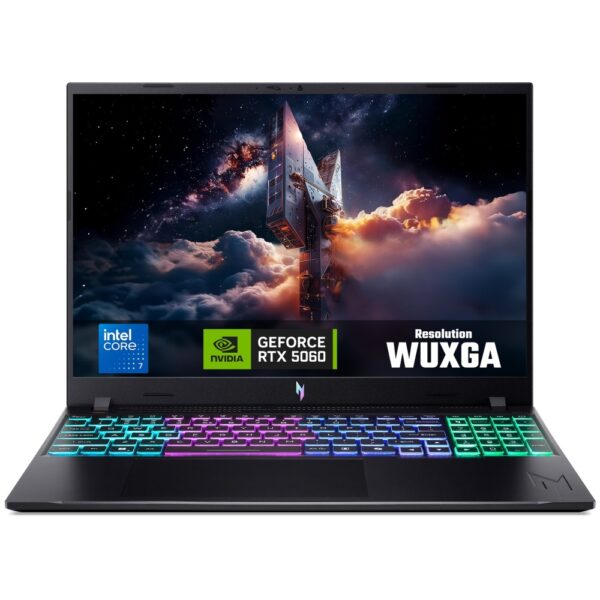
If you want one recommendation without reading another word: a current RTX 5060 machine with a fast screen and two sticks of RAM. That combination runs every modern game well, keeps its value, and avoids every trap above. Right now the pick in our stock is this Acer Nitro: RTX 5060, a quick 165Hz Full HD screen, and sensible cooling in a chassis that does not pretend to be thin.

Acer Nitro V15 ANV15-A31 | Ryzen 5 150 | RTX 5060 | 15.6″ 165Hz FHD | 16GB DDR5 | 512GB NVMe

In stock

£1,458.00 inc VAT
  • 15.6″ Full HD IPS 165Hz display with AMD FreeSync
  • AMD Ryzen 5 150 processor with 6 cores and 12 threads
  • NVIDIA GeForce RTX 5060 discrete graphics with 8GB GDDR7
  • 16GB DDR5-4800 RAM (2x8GB) and 512GB NVMe SSD
  • Tri-band Wi-Fi 6E, Bluetooth 5.4 and Gigabit Ethernet
  • UK English RGB backlit keyboard with numeric keypad
  • Windows 11 Home, 76Wh battery, 2.1kg clamshell design

Best cheap gaming laptops (under about £1,200)

Cheap is fine as long as the compromises are the right ones. At this money you are looking for an RTX 4050 or 5050, 16GB of RAM, and the fastest screen you can find; you are giving up ray-traced settings and some future headroom, not the fun. These three are the budget machines we actually put in front of customers:

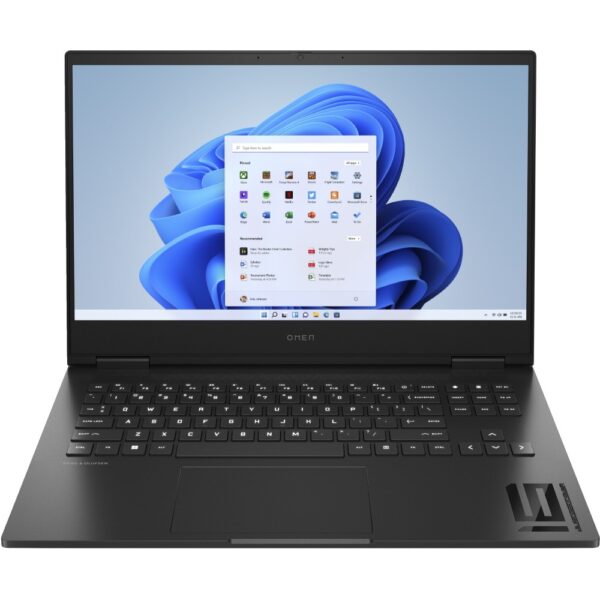
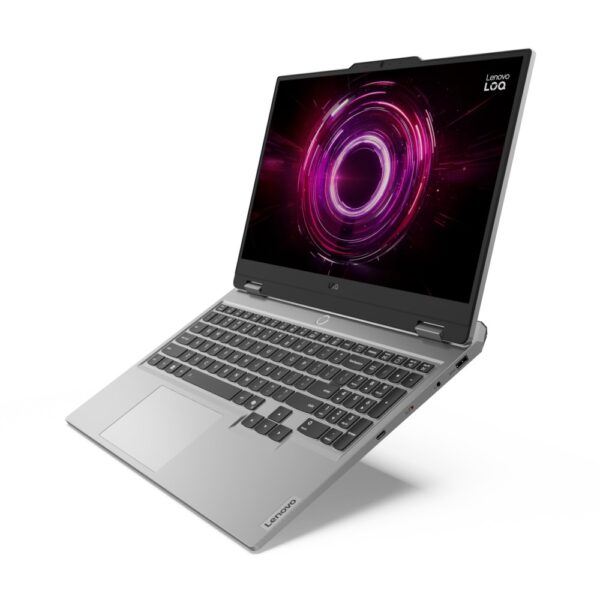
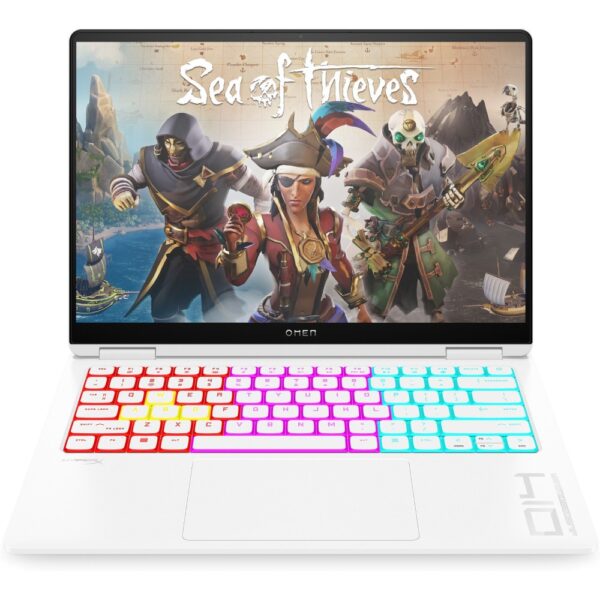
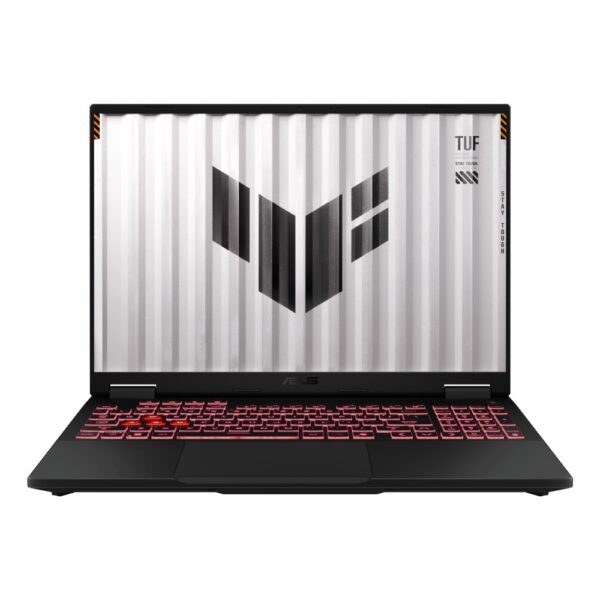
Between them: the ASUS V16 is the value king when the budget is firm, the TUF Gaming A16 adds a tougher build and a stronger processor for a little more, and the MSI Cyborg brings the newer RTX 5050. Whichever you pick at this level, play at 1080p, keep settings at high rather than ultra, and the experience is genuinely good.

Best mid-range gaming laptops (£1,400 to £1,800)

This is where we point most buyers, because this is where the compromises stop. RTX 5060 or better, fast high-refresh screens, and cooling that holds its speed after an hour, not just in the first ten minutes:

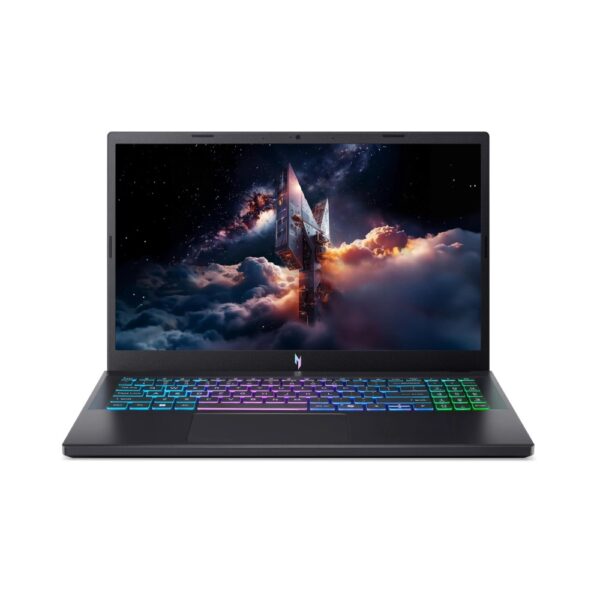
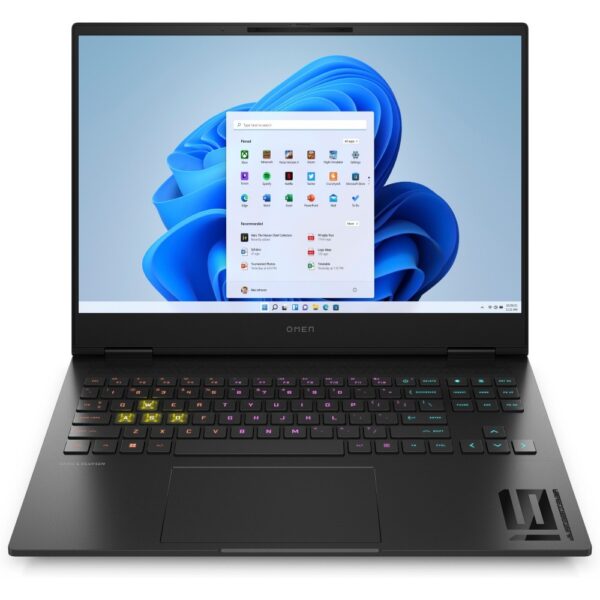
The TUF A16 pairs a very strong Ryzen 9 processor with honest cooling. The Nitro V16 gives you a bigger, faster 180Hz screen. And the MSI Katana is the step up in raw graphics power, with an RTX 5070 for high-refresh 1440p play. Any of the three will still feel quick in four years.

Best high-end gaming laptops (£2,500 and up)

At the top end you are buying three things: an RTX 5070 Ti or 5080, a screen good enough to do it justice, and a cooling system that lets the hardware actually stretch its legs. These are the machines that genuinely replace a desktop:

The Zephyrus G14 is the travel pick: RTX 5070 Ti performance in a 14-inch machine that fits any bag. The Predator Helios Neo 16 is the all-rounder, with an RTX 5080 and a fast 240Hz QHD screen. The ROG Strix G18 is the desktop replacement, all screen and airflow. None of them is cheap; all of them are the real thing.

Laptop or desktop? The honest answer

Pound for pound, a desktop is faster. The same money buys more graphics power in a tower, it cools itself better, and you can upgrade the graphics card later, which no gaming laptop allows. If your machine will live on one desk forever, build or buy a desktop and enjoy the extra speed; our guides on how much to spend on a gaming PC and how to build one yourself cover that path.

The laptop wins on the thing a desktop can never do: it moves. University, the sofa, a friend’s place, work trips. If your gaming has to travel, or space is tight, a gaming laptop is not a compromise, it is the correct tool. Just buy it with the checklist above so the machine you carry is the good kind.

What the brand names actually mean

Every maker runs two tiers, and knowing them decodes the whole market:

  • ASUS: TUF Gaming is the tough, sensible line; ROG (Zephyrus, Strix) is the premium one, and the Zephyrus G14 is the best small gaming laptop being made.
  • Acer: Nitro is the value line and often the best pound-for-pound deal in the shop; Predator is the performance line with the serious cooling.
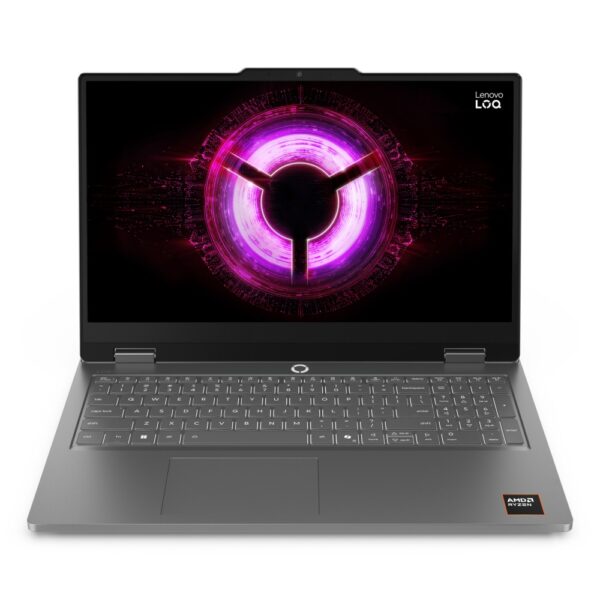
  • Lenovo: LOQ is the budget line, Legion the premium one. Legion keyboards are a quiet highlight.
  • MSI: Cyborg and Katana cover value, Vector and Raider bring the power.
  • Alienware: distinctive design and strong engineering at premium prices.
  • Razer: the MacBook of gaming laptops, beautiful and priced like it.

The honest truth: at the same GPU, wattage and screen spec, the brands are closer than their marketing suggests. Buy the spec first and the badge second.

Questions we get asked about gaming laptops

How much should I spend on a gaming laptop?

For 1080p gaming, £800 to £1,200 buys a genuinely good machine with an RTX 4050 or 5050. The sweet spot for most people is £1,400 to £1,700 for an RTX 5060 with a fast screen. Spending more than £2,500 is for people who want desktop-class speed in a bag.

What is the best cheap gaming laptop?

The best cheap gaming laptop is one that keeps the GPU and screen honest and saves money elsewhere. Look for an RTX 4050 or 5050, 16GB of RAM and at least a 144Hz screen, ideally under £1,000. Our current budget picks are listed above, all in UK stock.

Which spec matters most in a gaming laptop?

The graphics chip, by a distance. Choose the GPU tier for the games and resolution you want first, then check three supporting details: a 144Hz or faster screen, two sticks of RAM rather than one, and a chassis thick enough to cool itself. Those four things decide almost everything you will feel in play.

Is a gaming laptop worth it over a desktop?

If it needs to move, yes. A desktop gives more speed per pound and can be upgraded for years, so it wins for a machine that never leaves a desk. For students, renters and anyone whose gaming travels, the laptop is the right call, and modern ones are far better than their old reputation.

Can I upgrade a gaming laptop later?

Partly. On most models you can add or replace RAM and fit a second SSD, and both are cheap, worthwhile upgrades. The graphics chip and processor are soldered in and can never be changed, which is exactly why this guide says to buy the right GPU tier on day one.

How long does a gaming laptop battery last while gaming?

One to two hours, on almost every model, whatever the advert says. The big battery figures are measured while browsing with the screen dimmed. Gaming laptops are meant to be played plugged in, and they also run at full speed only on mains power.

Do gaming laptops overheat?

They run hot by design, and that is normal. Problems start when the vents are blocked: playing on a bed or sofa smothers the intakes. Use it on a hard surface, clean the vents with compressed air once or twice a year, and a good machine will hold its speed for years.

Is a 60Hz screen good enough for gaming?

It works, but it wastes the point of a gaming laptop. A fast GPU pushing 120 frames per second shows you only half of them on a 60Hz panel. For anything competitive, 144Hz or more is the noticeable, worthwhile upgrade, and it is why we do not recommend 60Hz gaming laptops at any price.

What is the best gaming laptop brand?

There is no single winner. At the same GPU, wattage and screen, ASUS, Acer, Lenovo, MSI and the rest are closer than their adverts admit. Acer Nitro and Lenovo LOQ tend to win on value, ASUS ROG and Acer Predator on high-end cooling, Razer and Alienware on design. Buy the spec first, the badge second.

Every gaming laptop in stock right now

Live UK stock and prices, cheapest first:

How we choose, and sourcesEvery pick above is a machine we stock, set up and hear feedback on from UK customers; nothing is listed because a brand asked. The buying advice matches the consensus you will find in communities like Reddit’s r/buildapc wiki, where the same traps (60Hz panels, single-channel RAM, quiet GPU wattage cuts) come up daily. Prices shown are live and change with the market.

Leave a Reply

Your email address will not be published. Required fields are marked *