Best Webcams in 2026: For Zoom, Streaming, Tight Budgets and Everything Else

Best Webcams in 2026: For Zoom, Streaming, Tight Budgets and Everything Else

Here is a strange fact about webcams: the one built into your laptop probably cost its maker less than a coffee. Laptop lids are thin, budgets go to the screen and the chips, and the camera gets whatever is left. That is why you can own a £1,500 laptop and still look like a potato on Teams.

The fix costs from about £20, plugs into a USB port, and needs no drivers or setup on Windows or Mac. The only real question is which one, and that depends entirely on what you point it at: daily meetings, a Twitch stream, a YouTube channel, or keeping an eye on the front drive (which, spoiler, is not a webcam job at all).

We sell these all year to home workers and streamers across the UK, so rather than a wall of specs, here is the shortcut version first.

Straight to the answer

You want it forBuyRough price
Zoom, Teams and daily meetingsLogitech C920S, the office classicAbout £60
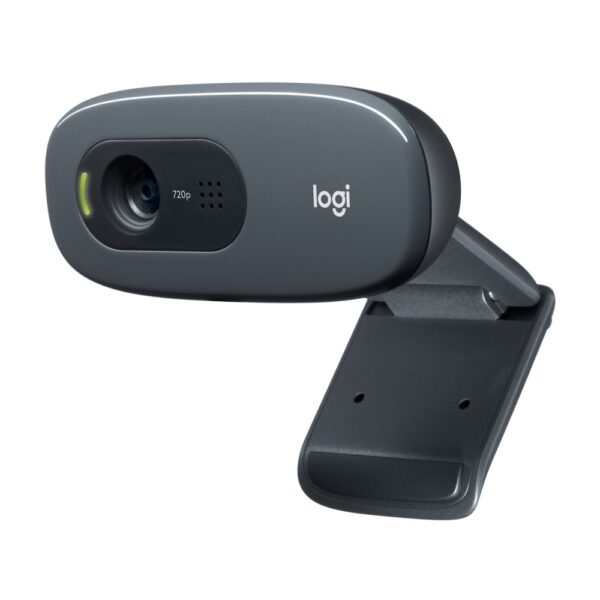
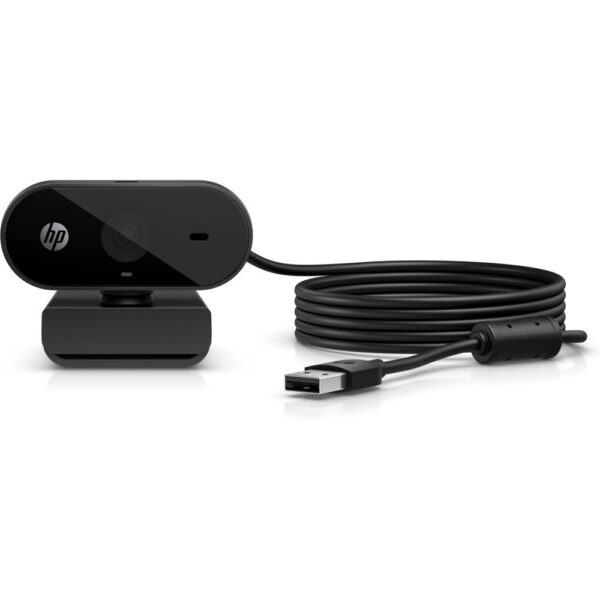
The tightest budgetLogitech C270 or HP 325£20 to £25
Streaming on Twitch or YouTubeASUS ROG Eye SUnder £100
The sharpest possible pictureDell UltraSharp 4K£120
A MacAny pick above, they all just workFrom £20
Watching your home or businessNot a webcam, you want a security cameraSee below

Before you spend anything: why webcams look bad

Most disappointing video calls are not a camera problem. They are a light problem. A webcam sensor is tiny, and in a dim room it compensates by amplifying everything, which is where the grain, smearing and orange skin come from. The same £20 camera can look shockingly good by a window.

So before buying, and definitely after, three free fixes:

  • Face the light. Sit facing a window or a lamp. Light behind you turns you into a silhouette; light above you adds ten years.
  • Raise the camera to eye level. A webcam perched on the monitor already does this. A laptop camera stares up your nose from desk height; even a stack of books helps.
  • Wipe the lens. Obvious, skipped by everyone, and laptop lenses collect fingerprints every time the lid is closed.

Do those three things and then judge whether you still need a better camera. Usually you still will, because of the sensor gap above, but now the new one will actually deliver.

The best webcam for Zoom, Teams and daily work calls

For meetings you want three things: sharp 1080p, autofocus that does not hunt around while you talk, and a decent built-in microphone as a backup. You do not need 4K; Zoom and Teams compress video so hard that a clean 1080p feed looks identical on the other side.

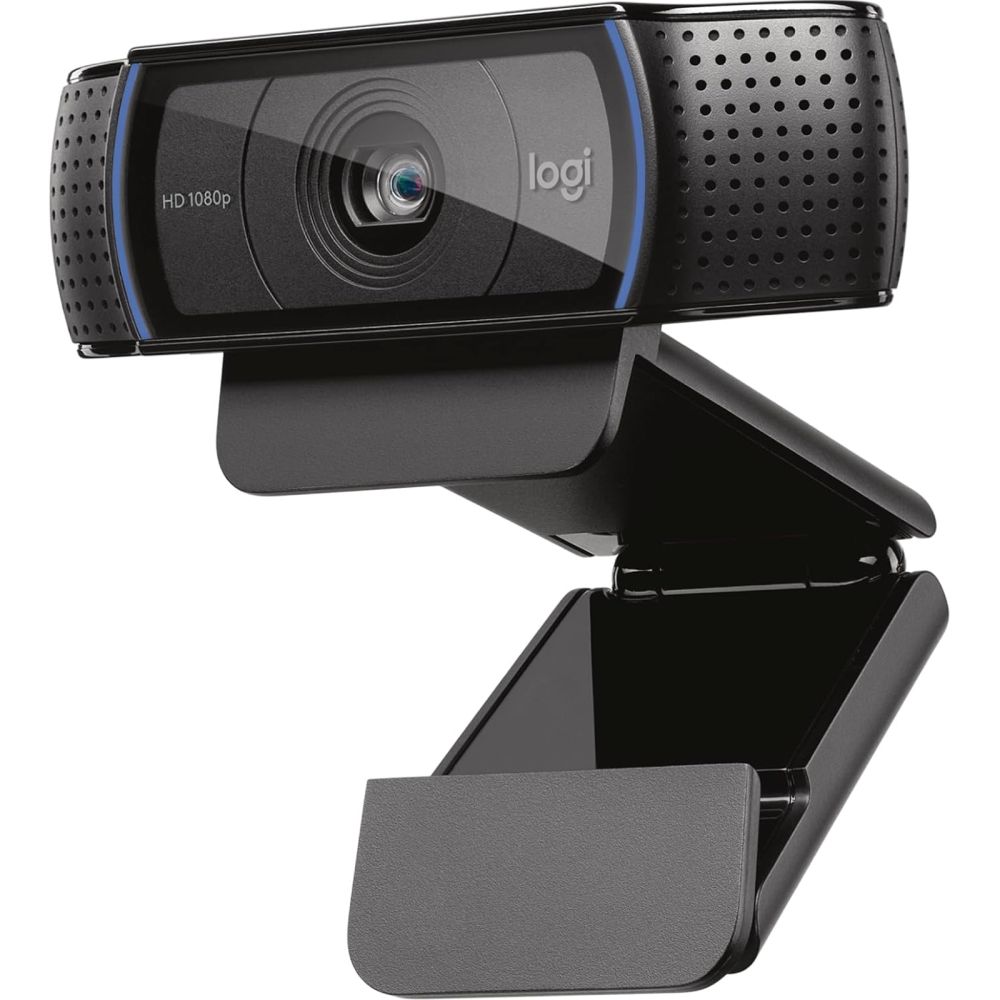
The Logitech C920S has been the answer to this question for years, and there is no shame in a boring answer: glass lens, reliable autofocus, dual microphones and a privacy shutter you can close between calls. It is the camera we quietly point office buyers at because nobody ever brings one back.

Logitech C920S HD Pro Webcam with 1080p Video

In stock

£59.78 inc VAT
  • Manufacturer: Logitech
  • Model: C920S HD Pro
  • Resolution: 1080p Full HD
  • Weight: 0.16 kg
  • EAN: 5099206082199
  • Part Code: 960-001252

Two alternatives worth knowing about at this level. The Dell WB3023 gives you a 2K sensor for about the same money, which adds a little sharpness and lets you crop in while staying at 1080p. And if your whole team needs cameras, the HP 625 adds auto-framing that keeps you centred as you move, a feature that used to cost three times as much.

The best webcams under £100 (and under £25)

Budget webcams are the best-value upgrade in video calling, because the jump from a laptop lid camera to any half-decent external one is bigger than the jump between any two external cameras. Three we stock and stand behind:

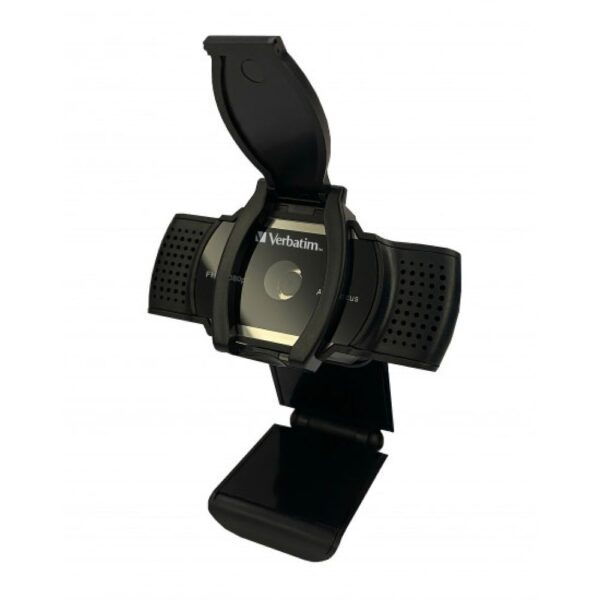
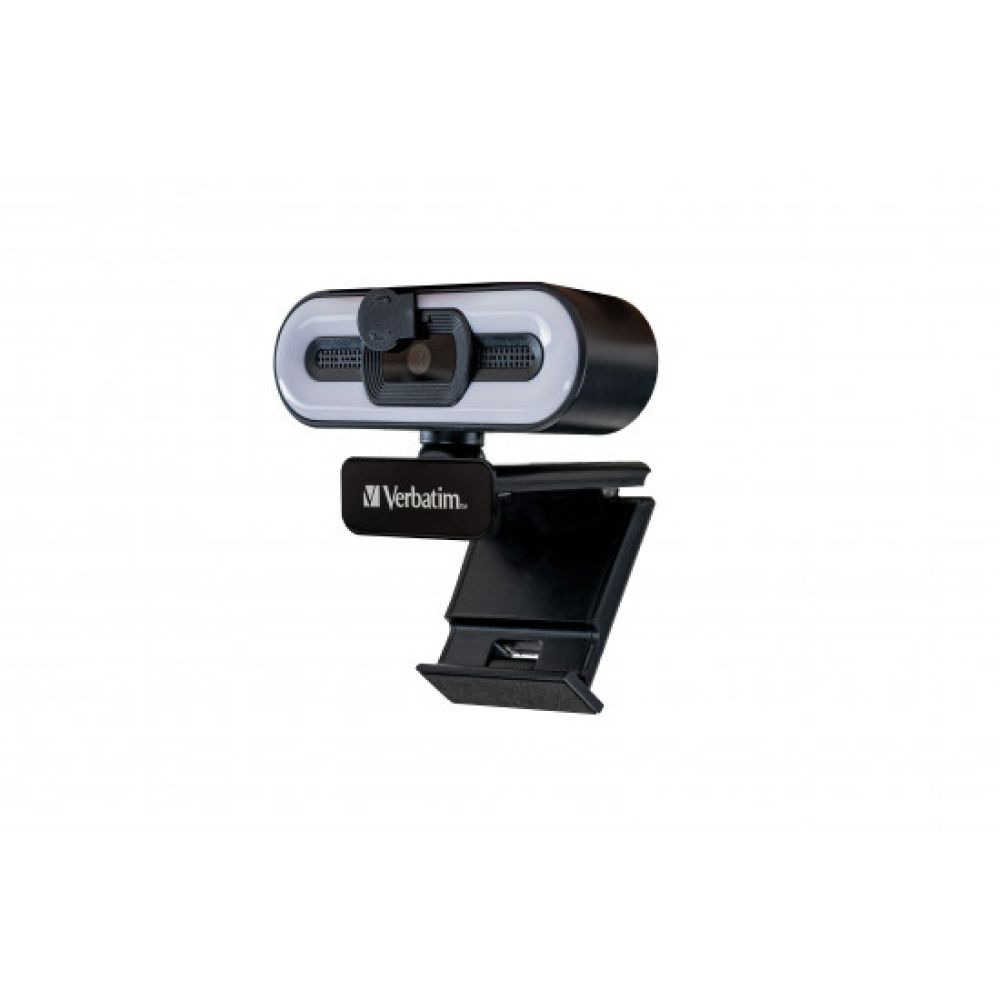
The Logitech C270 is the veteran: 720p only, but a proper lens and sensor that beat most built-in cameras, for the price of a takeaway. The HP 325 gets you Full HD 1080p for barely more. And the Verbatim is the sleeper of the group: a 1440p sensor at £24 gives you sharpness the big brands charge double for, and its picture holds together in a normal-lit room. If your calls matter but your budget does not stretch, start here.

The biggest quality jump in this whole guide is from a laptop lid camera to any external webcam, even a £20 one. Every step after that is refinement.

The best webcam for streaming on Twitch and YouTube

Streaming asks more of a camera than meetings do. You are on screen for hours, often in coloured room lighting, next to game footage that is razor sharp. What actually matters: 60fps at 1080p so your movement looks smooth next to the game, good low-light behaviour because streaming rooms are rarely bright, and ideally a field of view you can tighten so viewers see you rather than your laundry.

Our pick is the ASUS ROG Eye S: a 5-megapixel sensor with 1080p at 60fps, face-tracking autoexposure that copes with RGB-lit rooms, and it is small enough to disappear on top of a monitor. Streamers usually add a proper USB microphone anyway, so we would rather you put money into the sensor and frame rate than into a camera mic you will not use.

ASUS ROG EYE S 5MP Webcam

In stock

£96.52 inc VAT
  • Full HD 1080p video at 60 fps for smooth streaming
  • 5 MP sensor with autofocus and face tracking
  • Compact 17 mm foldable design with clip/stand mounting
  • USB interface with built-in dual microphones
  • AI noise-canceling technology for crystal-clear audio
  • Blue-glass filter to reduce color shifts
  • Armoury Crate software for microphone control
The sharpest picture: do you actually need 4K?

Honest answer: for calls, no. Meeting apps cap or crush anything above 1080p, so 4K webcams mostly earn their keep elsewhere: recorded videos, YouTube pieces to camera, product close-ups, and the digital zoom trick where you crop into a 4K frame and still output crisp 1080p.

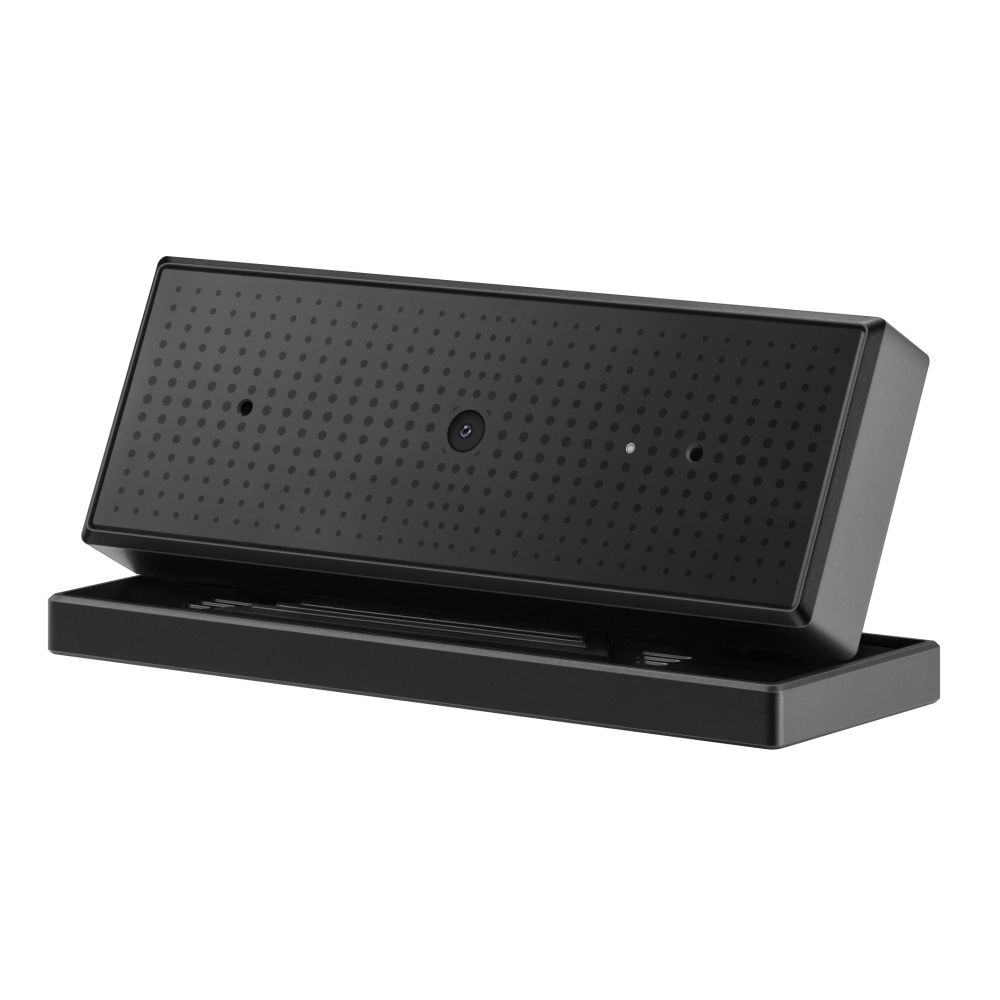
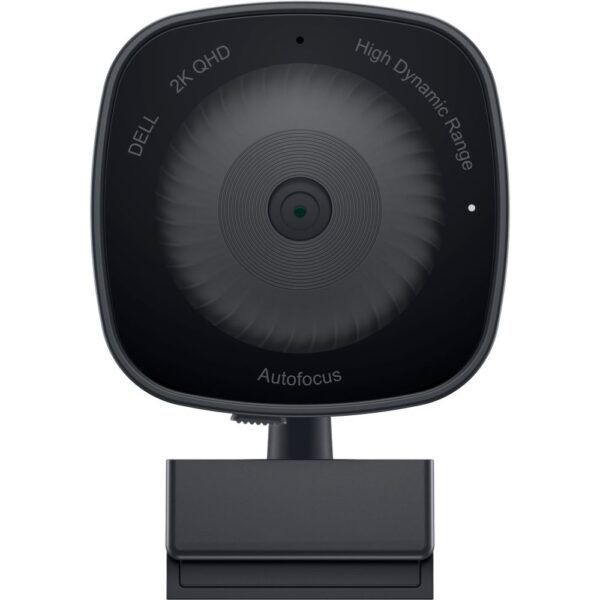
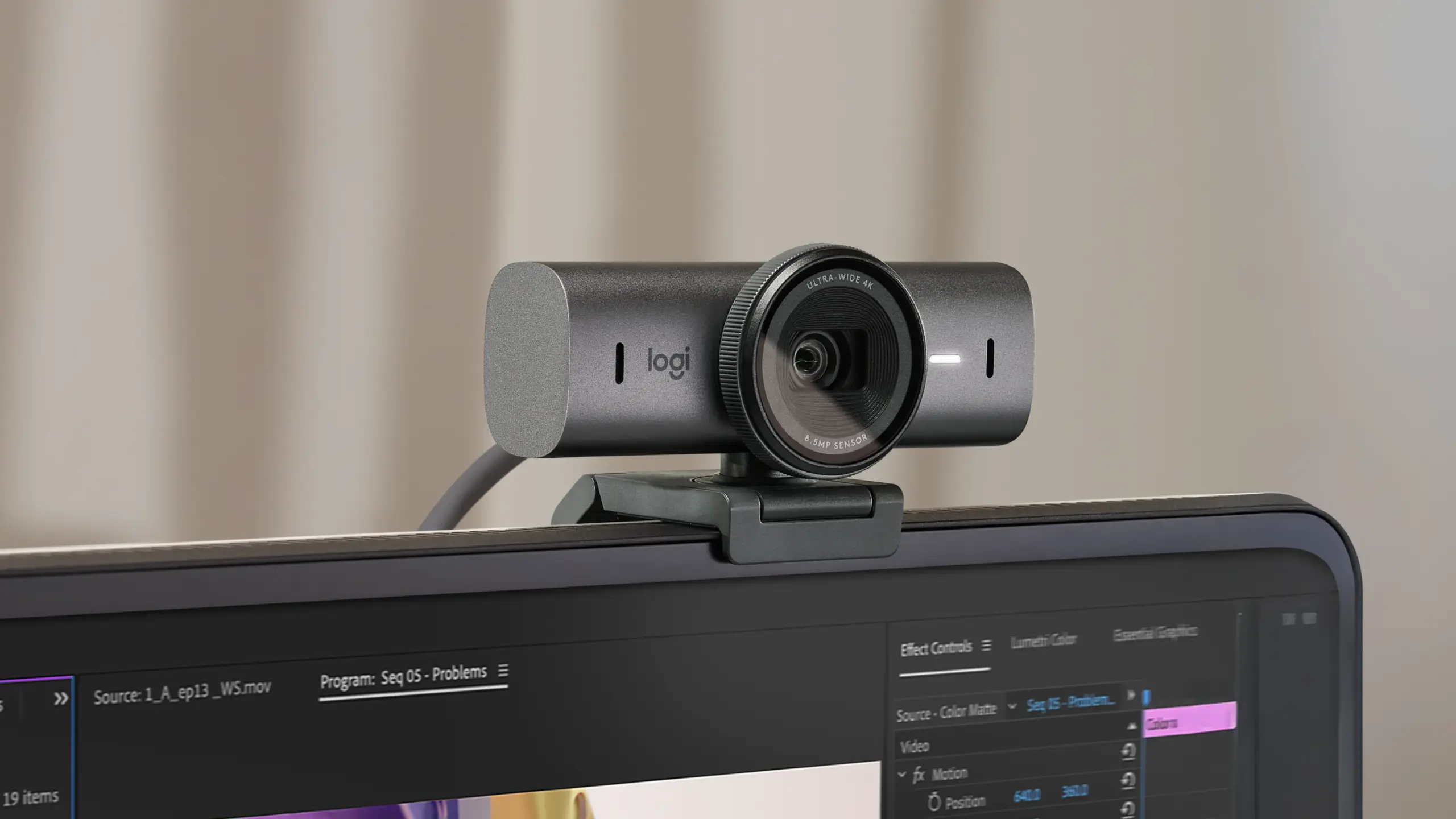
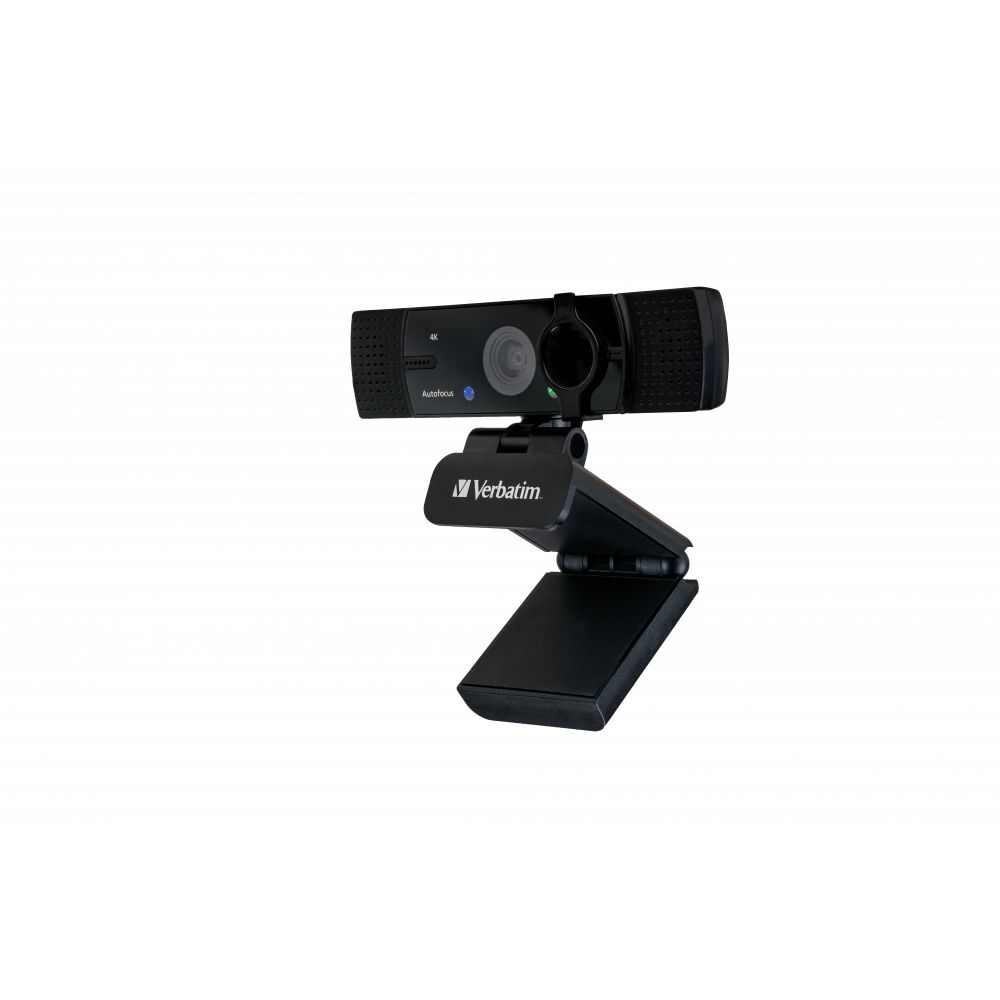
If that is your work, two picks from our shelves. The Verbatim 4K is the value route: a genuine 4K sensor for around £50, which is frankly unusual. The Dell UltraSharp is the premium route: a larger Sony sensor, HDR, and the best low-light image of any webcam we stock; it is the one to buy if the camera is your business.

Verbatim 49580 Webcam 4K USB 2.0 Black

In stock

£52.70 inc VAT
  • 4K Ultra HD resolution at 3840 x 2160 pixels
  • 360° rotation and 120° vertical tilt adjustment
  • 120° wide viewing angle for group coverage
  • Autofocus with auto white balance for lifelike colours
  • Dual omnidirectional microphones with noise reduction
  • USB 2.0 connectivity with privacy lens cover included
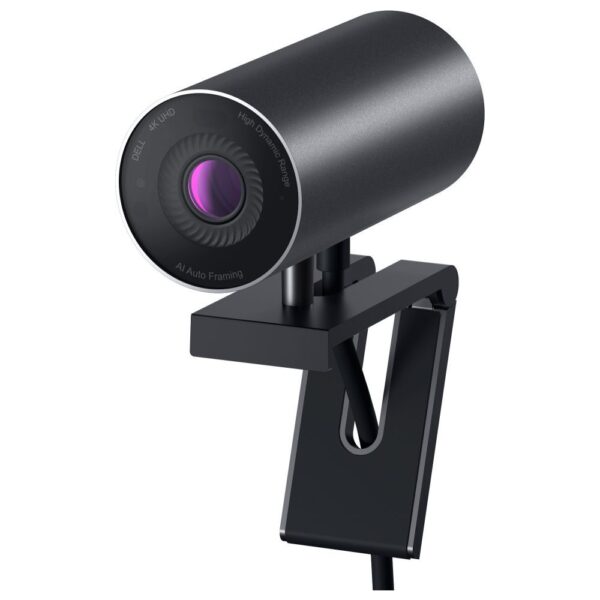
DELL UltraSharp Webcam

In stock

£120.71 inc VAT
  • 8.3 MP CMOS sensor with 3840 x 2160 pixel resolution and 60 fps frame rate
  • 5x digital zoom with auto focus and noise reduction features
  • Automatic light correction for optimal image quality
  • USB interface with clip mounting type
  • Aluminium housing in black colour
  • Compact dimensions: 42 mm width and 90 mm depth
The best webcam for Mac

Short section, good news. Every camera in this guide is a standard UVC device, which means a Mac (or a Windows PC, or most Linux machines) recognises it the moment it is plugged in, no drivers, no app. MacBook cameras have improved lately, but a C920S or the Dell UltraSharp still beats the lid camera clearly, and desktop Mac mini owners need an external camera anyway. If your Mac only has USB-C ports, any £10 USB-A adapter or a hub solves it; the cameras themselves do not care.

“Best webcam for security”: stop, you want a different product

This search is common enough that it deserves a straight answer. A webcam needs a running computer on the other end of the cable, has no night vision, no motion alerts, no weather sealing and no storage. Pointing one out of a window works for about a day before you regret it.

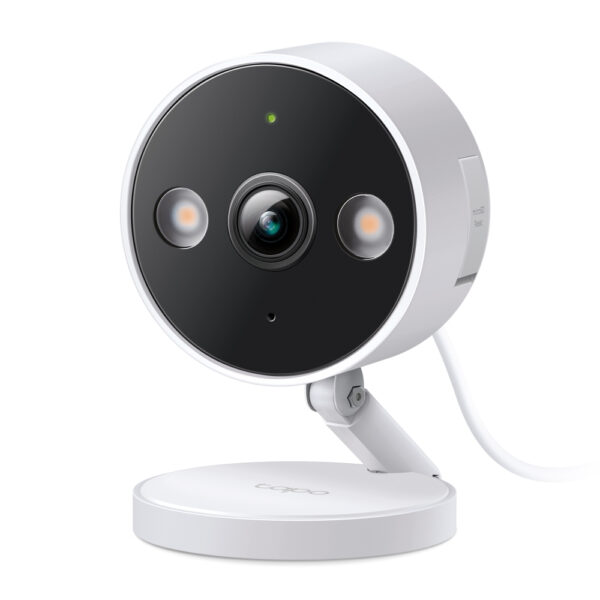
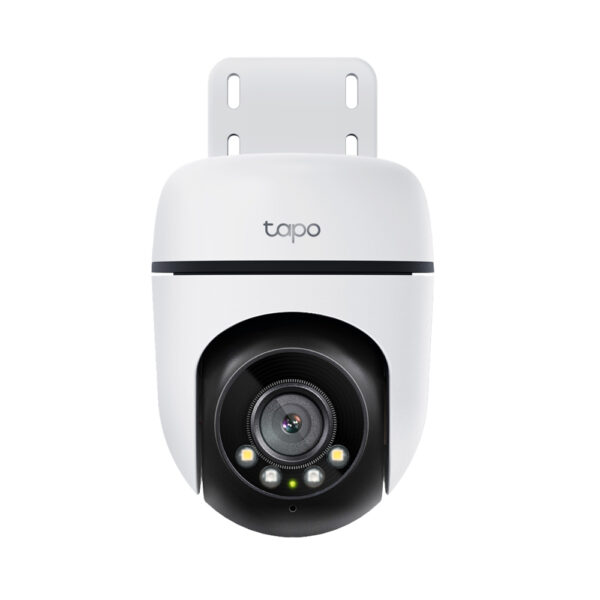
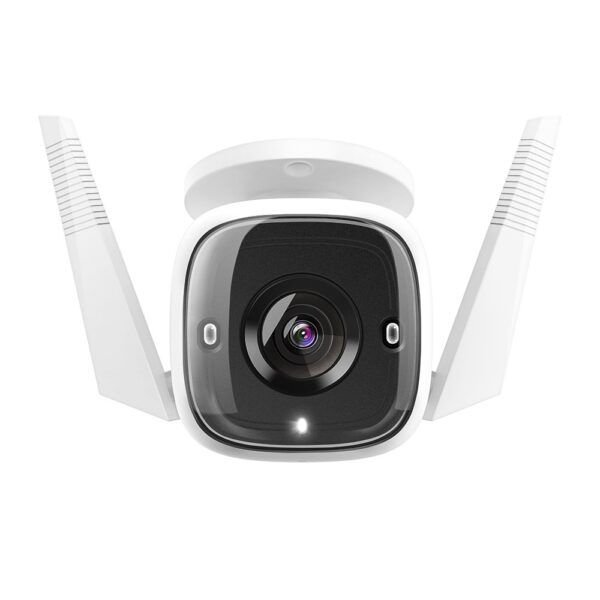
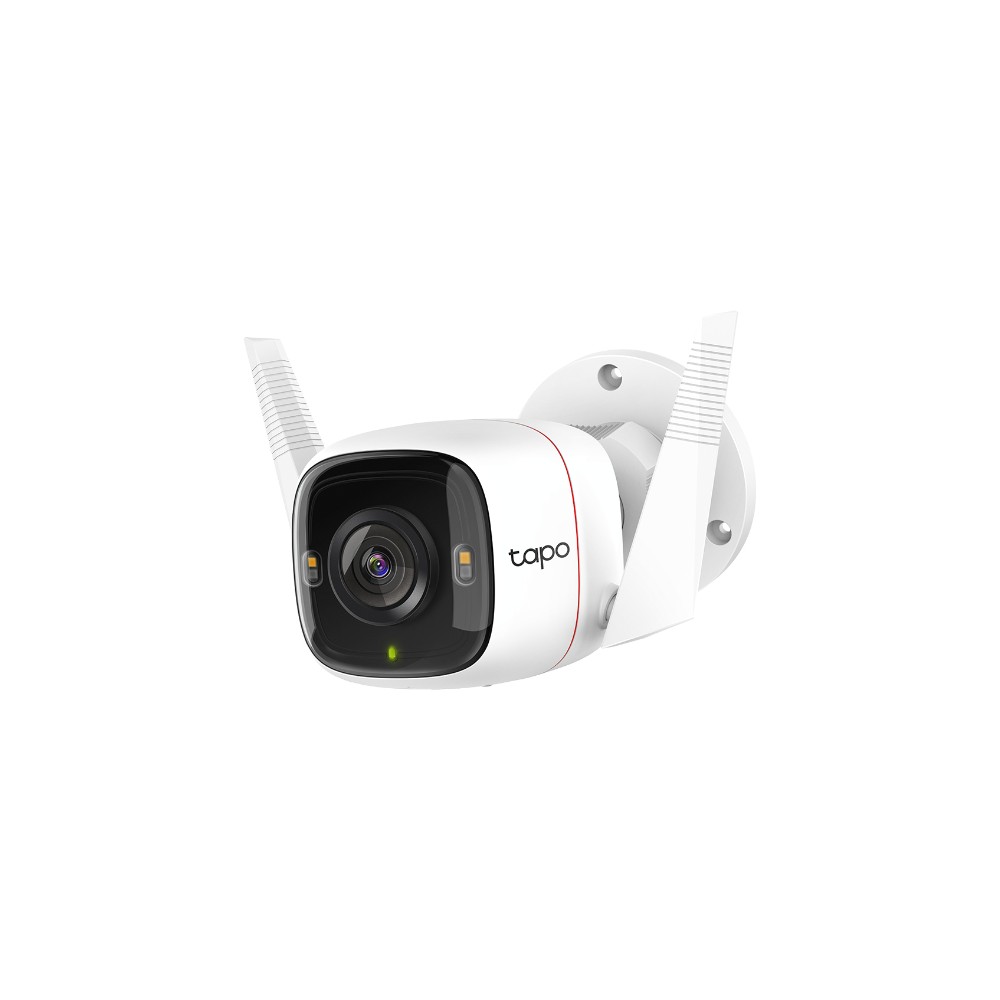
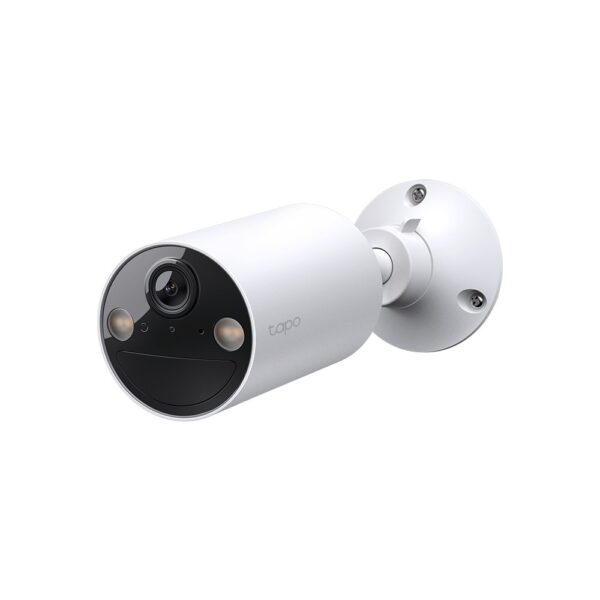
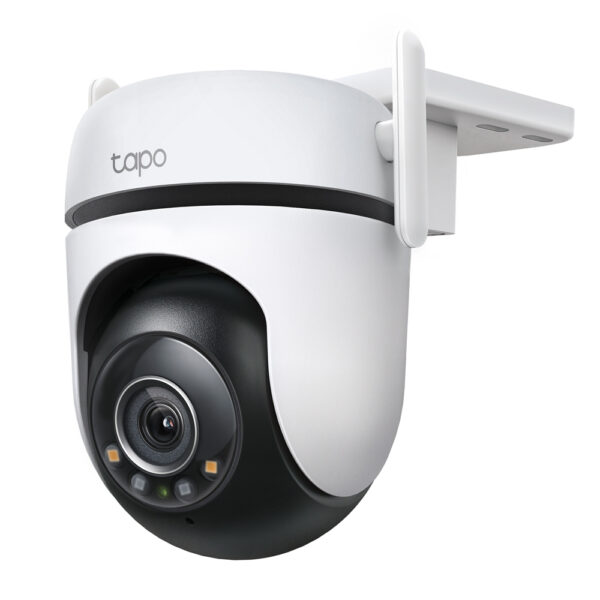
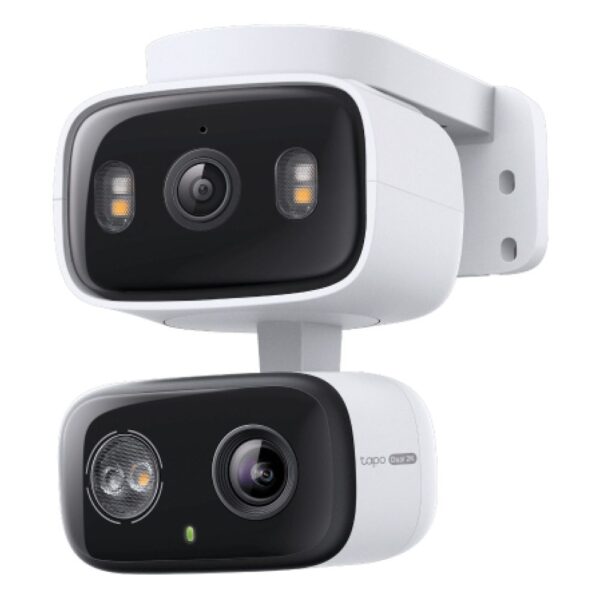
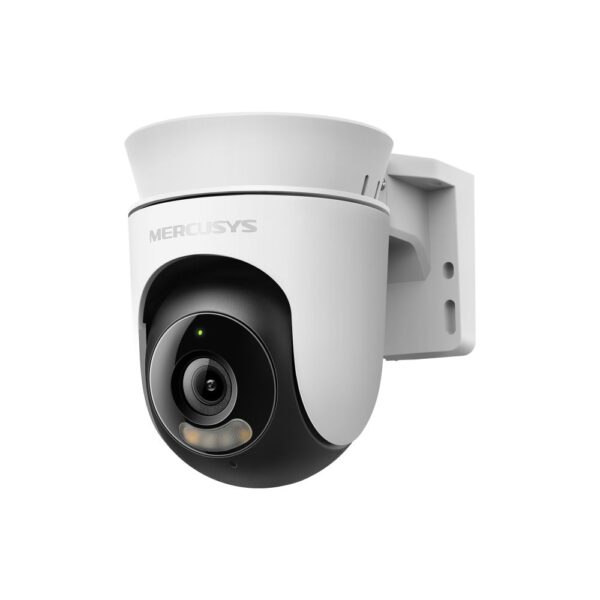
What you actually want is a security camera: it connects to your Wi-Fi or network cable on its own, records day and night, sends motion alerts to your phone, and survives the British weather. They start around the same price as a mid-range webcam. We stock a full range, indoor and outdoor, wired and wireless; a few current ones below, and the full selection lives in our security camera department. If cameras are step one of a bigger home setup, our guide to strong Wi-Fi in every room pairs well with them.

Webcam questions we actually get asked

Are external webcams really better than a laptop camera?

Yes, and it is not close. Laptop lids are a few millimetres thick, so they get tiny sensors and plastic lenses. Even a £20 external webcam carries a bigger sensor and a proper lens, and it sits at eye level instead of staring up at you from the hinge.

Is 1080p enough, or should I buy a 4K webcam?

For Zoom, Teams and Meet, 1080p is enough, because the apps compress video below 4K anyway. 4K earns its money for recorded content, YouTube videos and the trick of cropping into the frame while keeping a sharp image. Spend the difference on light instead; it shows up more.

Do webcam microphones sound good enough?

Good enough for meetings, yes: cameras like the C920S carry dual microphones that beat most laptop mics. For streaming, podcasts or anything recorded, no camera mic competes with even a cheap dedicated USB microphone; treat the webcam mic as a backup.

Will these webcams work with a Mac, Teams and Chromebooks?

Yes. Everything in this guide is a standard plug-and-play USB video device, which macOS, Windows, ChromeOS and Linux all support without drivers. Zoom, Teams, Meet, OBS and the rest simply list the camera once it is plugged in.

Do I need 60fps?

For meetings, no; 30fps is what the apps use. For streaming and recorded video, 60fps is the difference between motion that looks smooth next to game footage and motion that looks like a slideshow. It is the main reason streaming webcams cost more.

Should I cover my webcam?

A cover is a sensible, cheap habit, and several cameras here, like the C920S, include a built-in privacy shutter. One honest note: the little activity light on a good webcam is wired to the sensor, so a lit LED does mean the camera is on. A shutter just means you never have to think about it.

Why does my webcam look grainy?

Almost always: not enough light. Small sensors amplify their signal in dim rooms, and amplification is grain. Face a window or a lamp, avoid light behind you, and the same camera will look dramatically better. If it still disappoints after that, the sensor is the limit and an upgrade will show.

Every webcam in stock right now

Live UK prices, cheapest first:

How we choose, and sourcesEvery pick is a camera we stock and get returns feedback on, which is a blunt and honest quality signal; the C920S’s near-zero return rate is why it keeps its place. For deeper lab testing our recommendations line up with Wirecutter’s long-running webcam testing. Prices are live and move with the market.

Leave a Reply

Your email address will not be published. Required fields are marked *