Gen5 Is Wasted on a PS5 SSD: Best SSD for PS5 Before GTA 6, 1TB to 4TB With Heatsink

0
White DualSense controller lying on top of a PS5 console

Buy a PCIe Gen4 M.2 SSD, ideally 2TB, rated at 5,500MB/s or faster and fitted with a slim heatsink. The XPG GAMMIX S70 Blade comes with its own thin heatsink. A Samsung 990 PRO or Kingston NV3 needs one added. Gen5 drives work too, but the PS5 runs them at Gen4 speed, so the extra money buys you nothing.

What you want, what to buy:

GTA 6 pre-load for digital pre-orders opens on 12 November, a week before launch, so fit the drive before then.

Best SSD for PS5: the picks side by side

Three drives cover almost everyone. Read speed is the number Sony cares about: it recommends 5,500MB/s or faster, and all three clear it.

PickRead speedHeatsinkBest for
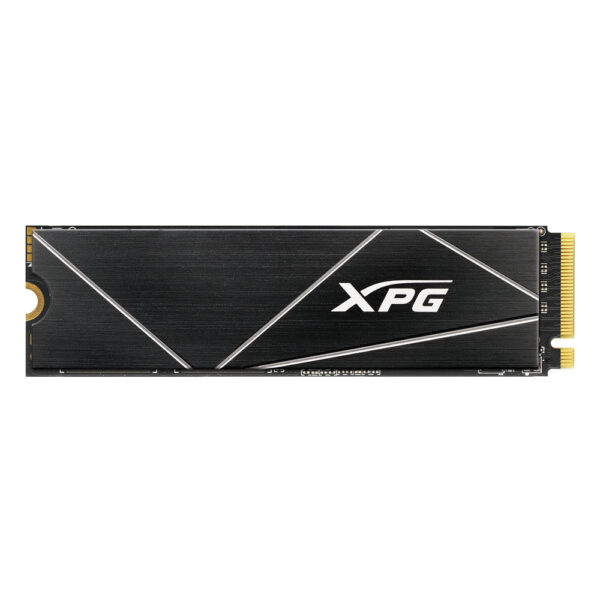
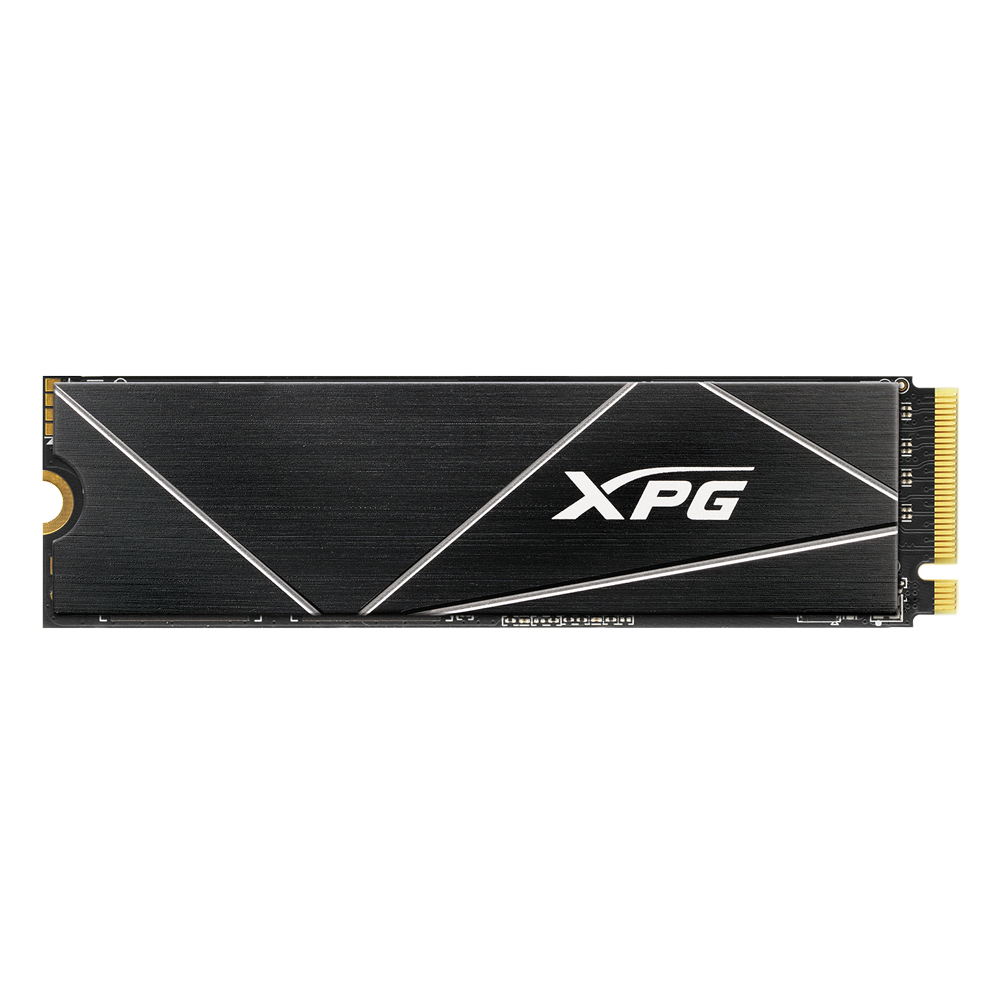
XPG GAMMIX S70 Blade7,400MB/sThin heatsink includedThe simplest upgrade, 4TB of space
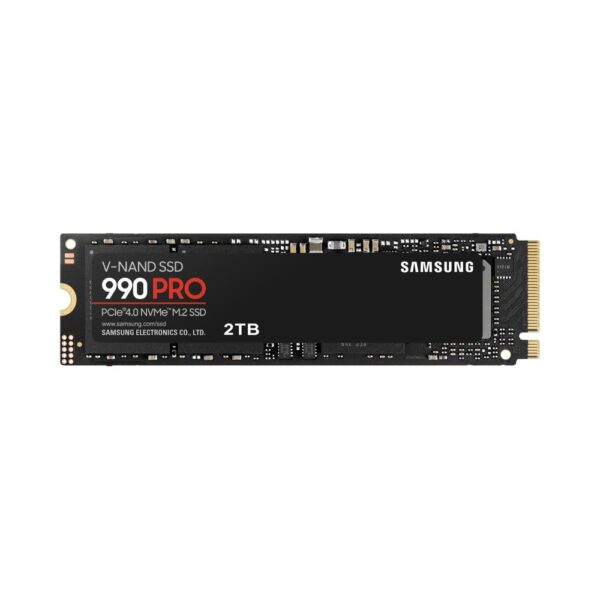
Samsung 990 PRO7,450MB/sAdd oneThe fastest Gen4 drive here
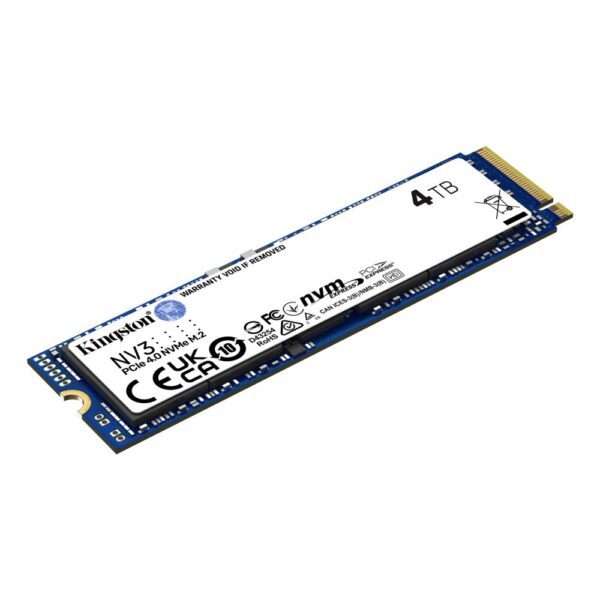
Kingston NV36,000MB/sAdd oneThe most space for the money of the three

Read speed is the maker’s sequential read figure for the 2TB and 4TB drives.

Best PS5 SSD with heatsink: XPG GAMMIX S70 Blade

The simplest PS5 SSD upgrade: a fast Gen4 drive that comes with its own thin heatsink and is sold as PS5 compatible.

  • Read speed7,400MB/s
  • Write speed6,600MB/s
  • InterfacePCIe 4.0 x4 NVMe
  • HeatsinkThin aluminium, in the box
  • Capacity4TB

XPG GAMMIX S70 Blade 4 TB NVMe SSD

In stock

£702.73
  • PCIe 4.0 interface with 7400/6600 MB/s read/write speeds
  • 4 TB capacity with 3D NAND memory technology
  • Compact M.2 2280 form factor for thin devices
  • SLC caching and DRAM cache buffer for enhanced performance
  • 256-bit AES encryption and LDPC error correction
  • High durability with 2 million hour MTBF
  • Good for: you want one box, one screwdriver and no guesswork about heatsink height
  • Good for: you keep a big library: 4TB holds well over a dozen games the size GTA 6 is expected to be
  • Skip it if: you only need room for one or two big games: a 1TB or 2TB drive costs far less

XPG sells the S70 Blade as PS5 compatible. Its heatsink is a flat aluminium strip that PCMag described as about as thick as a thin sheet of cardboard, not one of the tall finned blocks sold for PC motherboards. You put the drive in with its heatsink, close the cover and format it. At 7,400MB/s it is well clear of Sony’s recommended 5,500MB/s.

The other drive sold ready for the console is Kingston’s FURY Renegade with Heatsink. Kingston lists it as PS5 ready, at 7,300MB/s and 10.5mm tall with the heatsink fitted, just under Sony’s 11.25mm limit.

Kingston FURY Renegade 2 TB M.2 NVMe PCIe 4.0 SSD with Heatsink

Out of stock

£267.56
  • 2 TB storage capacity with 3D TLC memory type
  • PCI Express 4.0 interface and NVMe technology
  • 7300 MB/s sequential read speed and 7000 MB/s sequential write speed
  • 1000000 IOPS random read and write performance
  • Phison E18 controller with external DDR cache
  • Integrated aluminium heatsink for thermal dispersion and PS5 compatibility
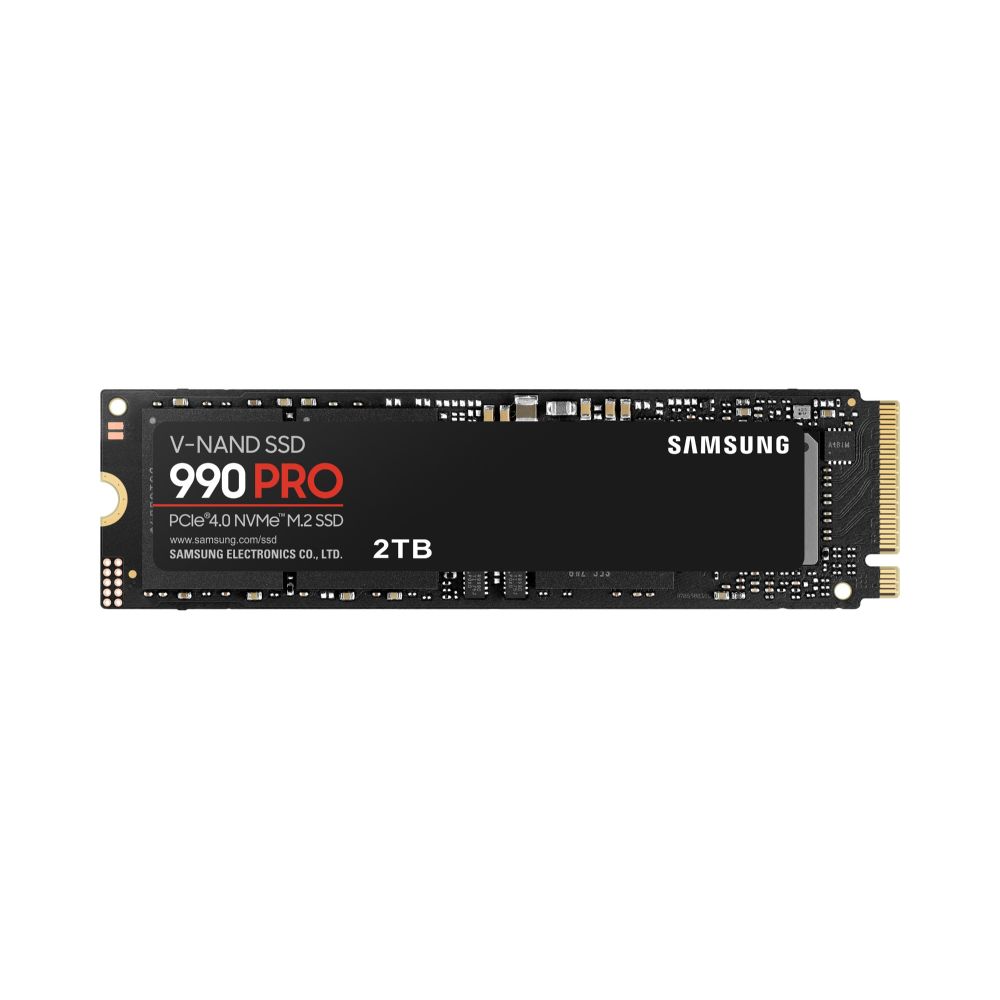
Fastest M.2 SSD for PS5: Samsung 990 PRO

The fastest Gen4 drive on this page, at 7,450MB/s. It ships bare, so you add a slim heatsink.

  • Read speed7,450MB/s
  • Write speed6,900MB/s
  • InterfacePCIe 4.0 x4 NVMe
  • HeatsinkNot included
  • Sizes1TB, 2TB, 4TB

Samsung 990 PRO 2 TB NVMe SSD

Out of stock

£418.86
  • 2 TB PCIe 4.0 NVMe M.2 SSD with V-NAND MLC memory
  • Sequential read speeds up to 7450 MB/s and write speeds up to 6900 MB/s
  • Random read/write speeds of 1400K/1550K IOPS for gaming and creative workloads
  • 256-bit AES hardware encryption and S.M.A.R.T. support for data security
  • Nickel-coated controller with Dynamic Thermal Guard for heat management
  • Compatible with PC and PlayStation 5 for enhanced gaming performance
  • Compact M.2 2280 form factor with low power consumption
  • Good for: you want the quickest drive the PS5 slot can actually use
  • Good for: you may move it to a PC later: it is just as good in a desktop
  • Skip it if: you do not want to fit a heatsink yourself: pick the S70 Blade
  • Skip it if: you want the most terabytes for the money: the NV3 costs less per terabyte

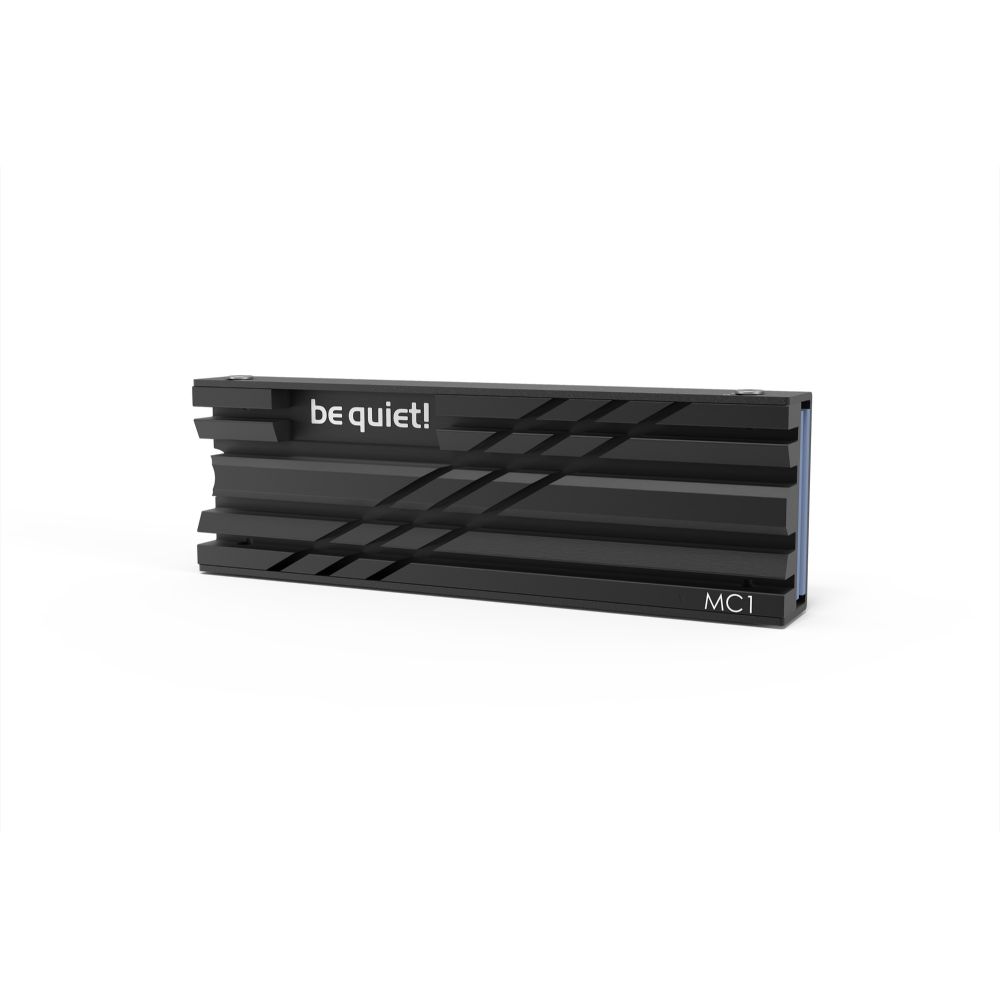
The 990 PRO is the fastest Gen4 drive here: 7,450MB/s reads and 6,900MB/s writes on the 2TB model. Samsung also makes a version with a heatsink fitted. The bare drive needs a slim cooler that meets Sony’s size limit, such as be quiet!’s MC1, which be quiet! sells as compatible with the PS5’s M.2 slot. Our Samsung 990 Pro review covers the drive in depth.

be quiet! MC1 SSD Heatsink Black 1pc

In stock

£12.43
  • Efficient cooling for M.2 2280 SSD modules
  • Maximises read/write speeds
  • Supports single and double-sided SSDs
  • Black heatsink design
  • Includes 4 screws for installation
  • Manual included
  • Made in Germany

Best cheap SSD for PS5: Kingston NV3

The cheapest of the three picks per terabyte, at 6,000MB/s: comfortably above Sony’s recommended 5,500MB/s.

  • Read speed6,000MB/s
  • Write speed5,000MB/s (2TB, 4TB)
  • InterfacePCIe 4.0 x4 NVMe
  • HeatsinkNot included
  • Endurance640TB written (2TB)

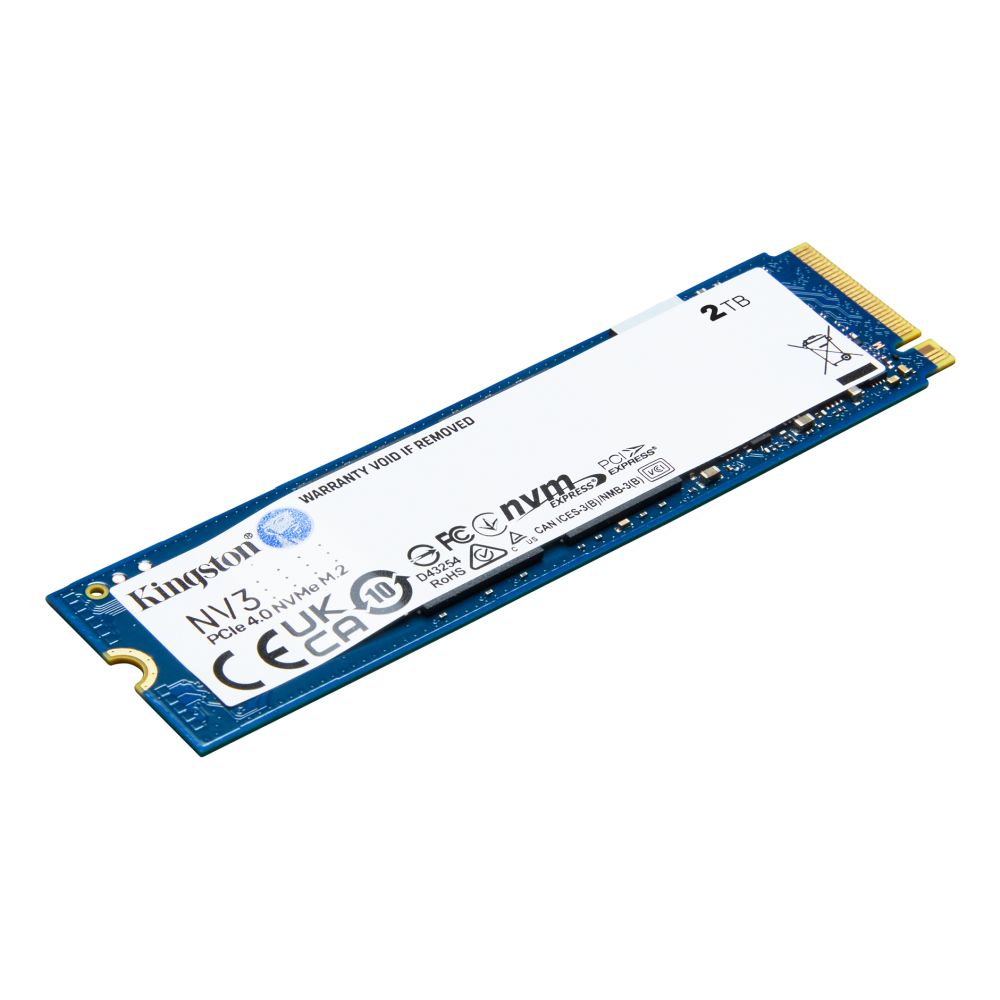
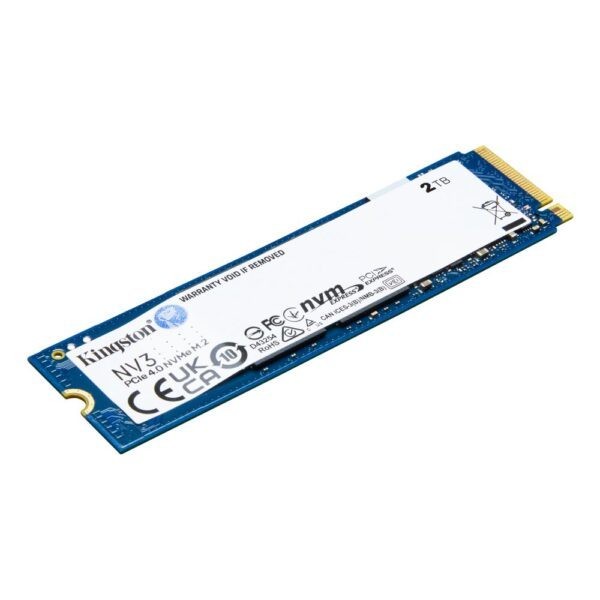
Kingston NV3 NVMe SSD 2000G M.2 2280

In stock

£332.81
  • 2 TB NVMe SSD with PCIe 4.0 interface
  • Read speed up to 6000 MB/s, write speed up to 5000 MB/s
  • 3D NAND memory for improved performance and reliability
  • MTBF of 2 million hours for long-term durability
  • M.2 2280 form factor, ideal for PCs and laptops
  • Good for: you want the most storage for the money of these three
  • Good for: you mostly install, play and delete games, which is light work for any SSD
  • Skip it if: you want a fitted heatsink: pick the S70 Blade
  • Skip it if: you want the fastest writes: the 990 PRO is rated at 6,900MB/s against 5,000MB/s

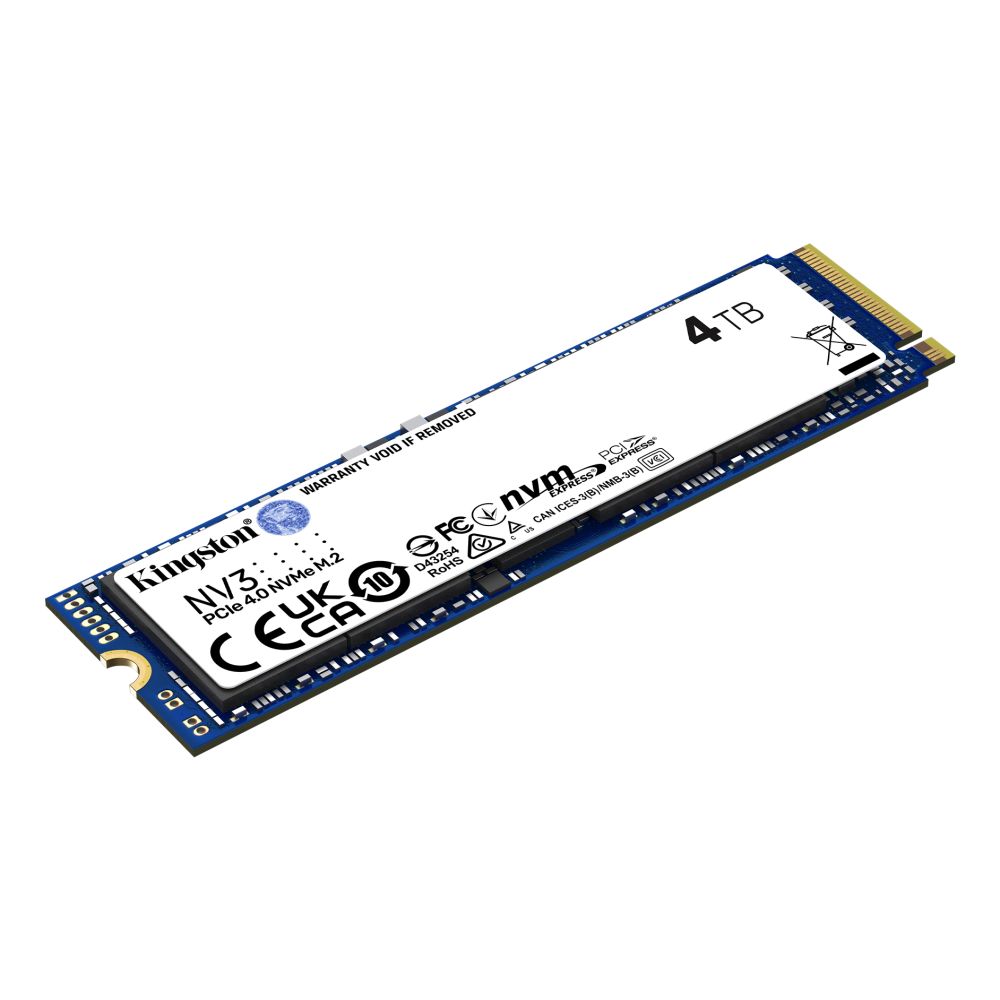
The NV3 gives you the most terabytes for the money of the three picks. The NV3 4TB is the cheapest way to 4TB on this page. Like the 990 PRO, it needs a heatsink added before it goes in the console.

Game speed is not where you will notice the gap. Sony says that even drives faster than 5,500MB/s may not play every game exactly as the built-in SSD does, and that the fix is to move that game back to console storage. That applies to the fastest drive as much as the cheapest.

Kingston NV3 M.2 2280 SSD

In stock

£546.72
  • 4TB capacity for massive storage
  • PCIe 4.0 NVMe interface with 6000/5000MB/s speeds
  • 3D NAND memory with 2M hours MTBF reliability
  • M.2 2280 form factor for compact builds
  • PC/Laptop compatibility with 1280TBW endurance
PS5 SSD 1TB, 2TB or 4TB: how much space GTA 6 needs

Rockstar has not published a download size for GTA 6. Estimates from leaks and gaming sites run from about 150GB for the game to about 250GB once a launch patch lands, so plan for 200GB or more. The real figure will appear on the PlayStation Store before pre-load opens.

Now look at what your console actually has free. A PS5 sold with 825GB of storage leaves about 650GB for games, and a 1TB PS5 Slim about 850GB. Some newer Digital Edition consoles are back to 825GB. So a launch PS5 with three or four big games installed may not have 200GB spare.

Drive sizeGames the size of GTA 6Who it suits
1TBAbout 4 to 6You play a few big games at a time
2TBAbout 8 to 13Most players
4TBAbout 16 to 26You never want to delete a game
8TBAbout 32 to 53The PS5 maximum; rarely worth it

Counts use the 150GB to 250GB estimate, before formatting overhead.

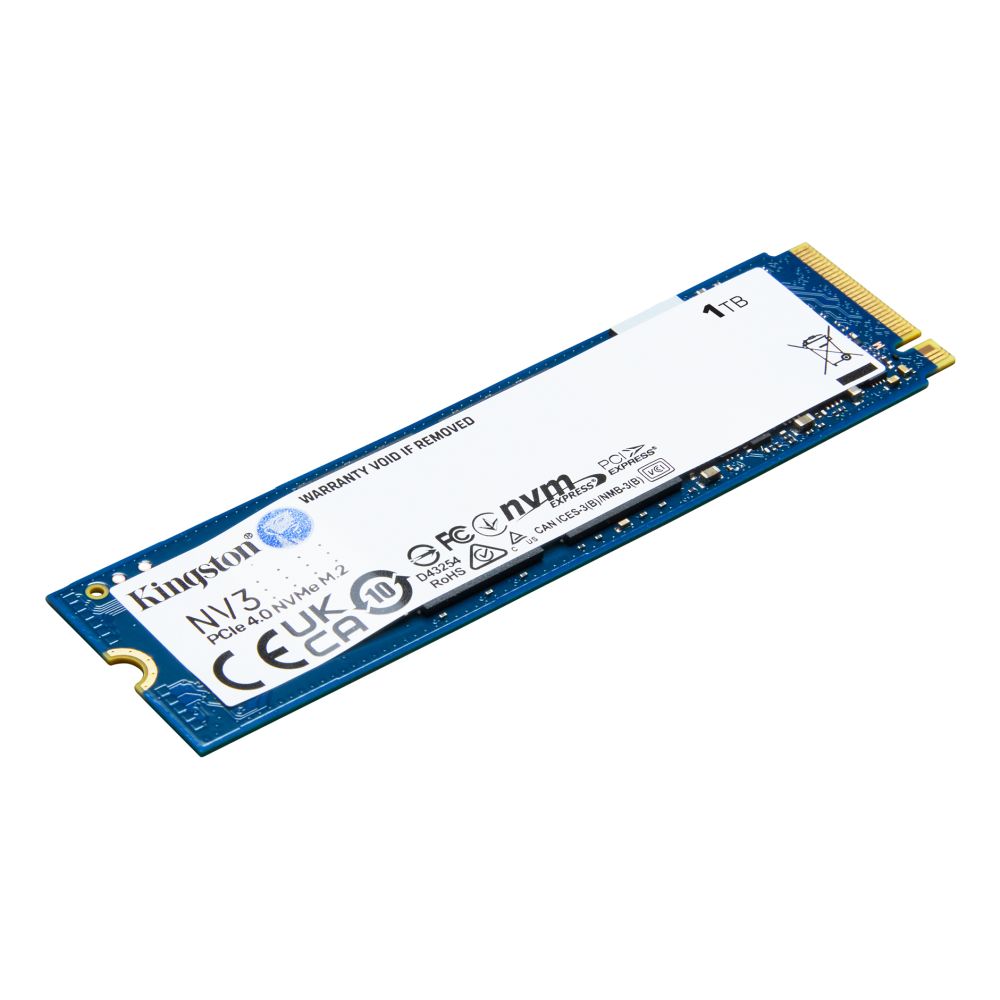
Our advice: buy 2TB. That is about three times the game space a launch PS5 has. A Kingston NV3 1TB is enough if you only want room for GTA 6 and a couple of other big games. You can check your free space in Settings, Storage, Console Storage. If you are still choosing a console, our PS5 vs PS5 Pro guide compares the storage on each, and the GTA 6 pre-order guide covers the editions.

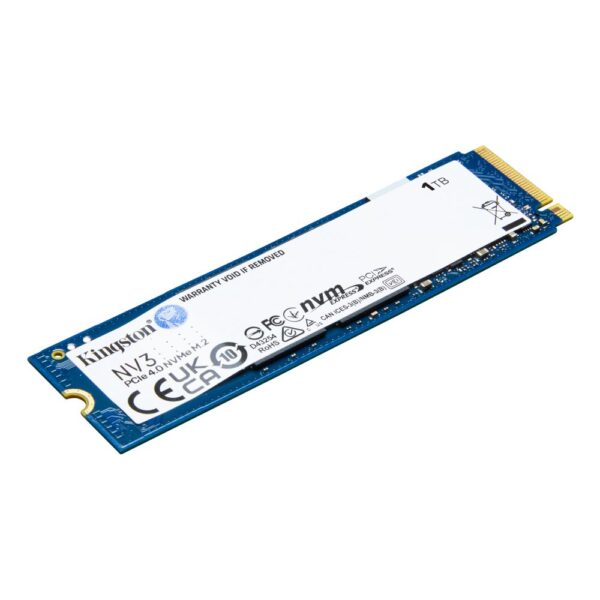
Kingston NV3 1TB NVMe SSD

In stock

£171.43
  • 1TB NVMe SSD with PCIe 4.0 interface
  • 3D NAND memory technology
  • Read speeds up to 6000 MB/s
  • Write speeds up to 4000 MB/s
  • 2280 M.2 form factor for PC/laptop
  • 320 TBW rating
  • 2,000,000 hour MTBF reliability

Which SSD is compatible with PS5? Sony’s checklist

Any drive you buy has to meet Sony’s M.2 requirements. Check these five lines on the spec sheet before you pay.

  • Interface: PCIe Gen4 x4 M.2 NVMe, M key. M.2 SATA drives do not work.
  • Capacity: 250GB to 8TB.
  • Length: 2230, 2242, 2260, 2280 or 22110. Almost every desktop drive is 2280.
  • Size with the heatsink: up to 25mm wide and 11.25mm thick, of which no more than 8mm above the board and 2.45mm below it.
  • Speed: 5,500MB/s sequential read or faster is recommended.

Some shops call it an SSD card for the PS5; it is the same M.2 drive. Single-sided and double-sided drives both work. Update the console’s system software before you fit the drive. The same rules apply to the launch PS5, the Slim and the Pro.

Does a PS5 SSD need a heatsink? Yes

Sony is blunt about it: do not use an M.2 SSD in the PS5 without a heatsink or heat transfer sheet. You have two options.

  • Buy a drive with one built in, like the S70 Blade or the FURY Renegade with Heatsink. Sony says not to add a second heatsink on top of a built-in one.
  • Add one to a bare drive, like the 990 PRO or the NV3. The be quiet! MC1 measures 74 x 24 x 10mm and be quiet! lists it as compatible with the PS5’s M.2 slot.

Height is the trap. The taller coolers sold for PC motherboards, especially those with a heat pipe, are often thicker than Sony’s 11.25mm. If the expansion slot cover will not close, Sony says the cooler is too big. A single-sided cooler, which sits only on top of the drive, is the easier fit.

be quiet! MC1 SSD Heatsink Black 1pc

In stock

£12.43
  • Efficient cooling for M.2 2280 SSD modules
  • Maximises read/write speeds
  • Supports single and double-sided SSDs
  • Black heatsink design
  • Includes 4 screws for installation
  • Manual included
  • Made in Germany

Gen5 is wasted on a PS5 SSD

The PS5’s expansion slot is PCIe Gen4. A Gen5 drive still works there, because PCIe drives fall back to the speed of the slot, but it runs at Gen4 speed. The 14,000MB/s on the box never happens in a PS5.

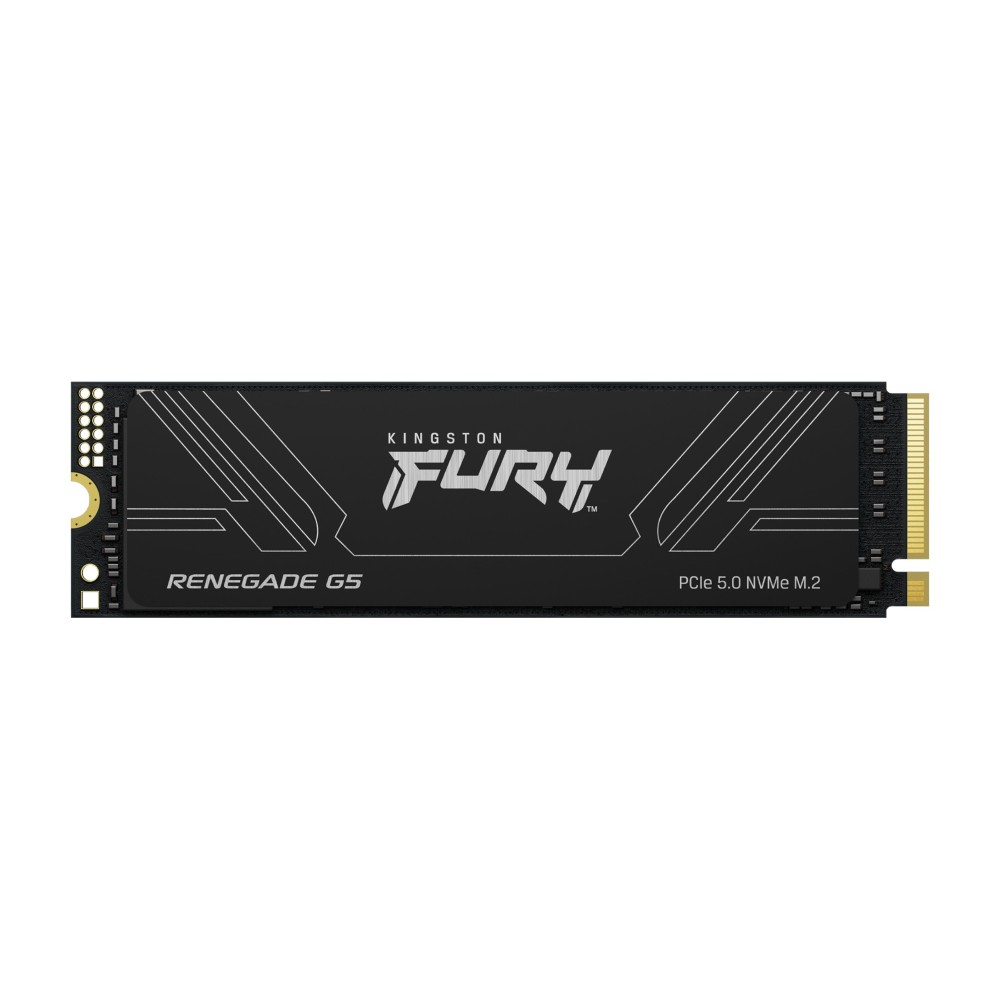
So drives like the Kingston FURY Renegade G5, rated at 14,200MB/s, are the wrong buy for a console. Spend the difference on more terabytes instead. The one case for Gen5 is size: Samsung’s 9100 PRO 8TB reaches the PS5’s 8TB maximum, but in the console you pay for 14,800MB/s and get Gen4 speed, and it still needs a heatsink. For a desktop, our best SSD for gaming guide explains why Gen5 rarely helps there either.

Kingston FURY Renegade G5 1TB NVMe M.2 SSD

In stock

£426.91
  • 1 TB SSD capacity with 3D TLC memory
  • PCI Express 5.0 interface with x4 lanes
  • Sequential read 14200 MB/s and write 11000 MB/s
  • Random 4KB performance up to 2200000 IOPS read and 2150000 IOPS write
  • M.2 2280 form factor for PC and laptop integration
  • Silicon Motion SM2508 controller with external DDR cache
  • 2000000 h MTBF with operating temperatures 0–70 °C

Samsung 9100 PRO 8 TB M.2 NVMe PCIe 5.0 SSD up to 14800 MB/s Read

In stock

£2,043.70
  • PCI Express 5.0 interface with x4 data lanes for next-gen compatibility
  • Massive 8 TB storage capacity using V-NAND TLC memory type
  • Blazing sequential read speeds up to 14800 MB/s and write up to 13400 MB/s
  • M.2 2280 form factor suitable for PC and game console installations
  • Advanced security via 256-bit AES hardware encryption and S.M.A.R.T. support
  • High random performance with up to 2600000 IOPS write and 2200000 IOPS read
  • Includes 5 year warranty and Samsung Magician software for drive management
PS5 SSD upgrade: how to install an SSD in a PS5, Slim or Pro

You need a #1 Phillips screwdriver, a table and good light. Touch something metal first to discharge static, and never switch the console on with the cover off.

PS5 Slim and PS5 Pro (CFI-2000 and CFI-7000 model groups):

  1. Turn the console off, unplug everything and remove the feet.
  2. Take off the triangle cover, then unscrew and lift the expansion slot cover.
  3. Remove the screw and spacer, and move the spacer to your drive’s length (80mm for a 2280 drive).
  4. Hold the drive by its edge, push it into the connector at an angle, tilt it down and fasten the screw.
  5. Refit the slot cover and the triangle cover, plug in and switch on.
  6. The console asks to format the drive. Formatting erases anything on it.

Launch PS5 (CFI-1000 model group): remove the base, lay the console with the PlayStation logo facing down, then lift the side cover from its top corner. The slot cover sits under it with one screw. The rest is the same.

Then set new downloads to go to the M.2 drive in Settings, Storage, Installation Location. To move games you already have, open the Game Library, press Options on a game and choose Move Games and Apps. A drive moved to another PS5 does not need formatting again, as long as you sign in with the same account.

External SSD for PS5 vs the internal M.2 slot

An external USB drive is cheaper and plugs straight in, but it cannot run PS5 games. Sony says you must move a PS5 game back to console storage or the M.2 drive before you play it. PS4 games do run from USB.

So for GTA 6, the internal M.2 slot is the real upgrade. A USB drive is still useful as a parking space: copying a game back is usually quicker than downloading it again. Our external SSD vs hard drive guide covers which kind to buy for that.

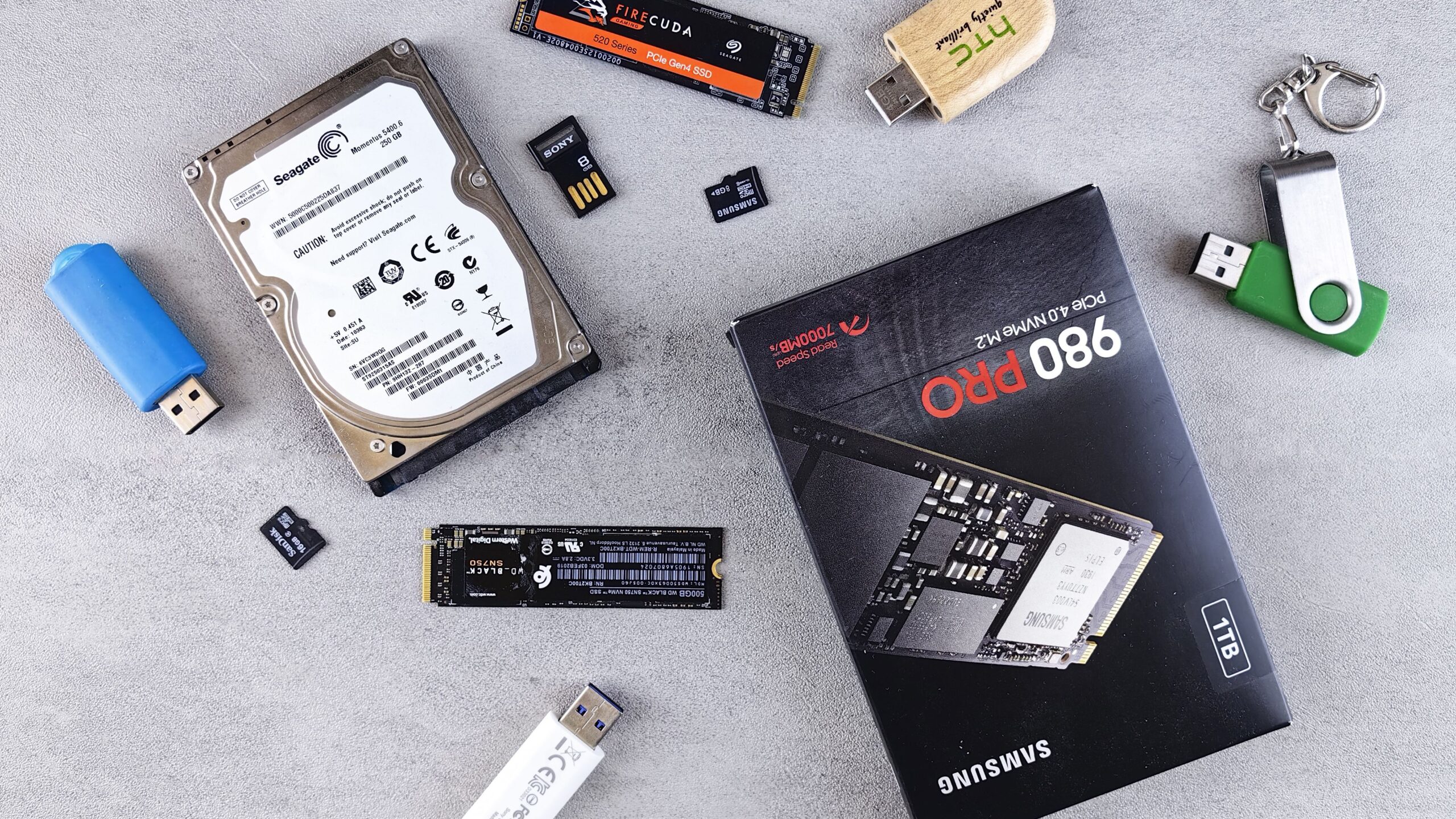
M.2 NVMe SSDs, a laptop hard drive, USB sticks and memory cards laid out on a grey desk
Plenty of storage plugs into a PS5, but only an M.2 NVMe SSD in the expansion slot can run PS5 games. Photo: Andrey Matveev, Pexels, cropped.

What we would actually do

Check your free space today. If it is under 200GB, fit a 2TB Gen4 drive with a slim heatsink before 12 November, then move your older games across and leave room on the built-in drive. If a game behaves oddly on the new drive, move it back, as Sony suggests.

PS5 SSD questions

Does the PS5 have an SSD?

Yes. Every PS5 has a built-in SSD that Sony calls its Ultra-High Speed SSD: 825GB on launch models and some newer Digital Editions, 1TB on the Slim and 2TB on the Pro. The M.2 slot adds a second drive; it does not replace the built-in one.

How can I add memory to my PS5?

Fit an M.2 NVMe SSD in the expansion slot to store and play PS5 games, or plug in a USB drive formatted as extended storage to store games you are not playing. PS5 games must be moved off USB storage before you can play them.

What happens if you put an SSD in your PS5?

On first start the console asks you to format it, which erases anything on the drive. After that you can download games to it, move games across and play them from it like the built-in storage.

What type of SSD does the PS5 use?

A PCIe Gen4 x4 M.2 NVMe SSD with an M key, 2230 to 22110 long, with a heatsink. M.2 SATA SSDs are not supported.

What is the maximum storage for a PS5?

Sony supports M.2 drives from 250GB to 8TB, added to the built-in storage. You can also connect USB extended storage for games you are not playing.

Will a 1TB PS5 be enough for GTA 6?

Probably, if you clear space first. A 1TB PS5 Slim has about 850GB free for games, and GTA 6 is estimated at 150GB to 250GB. If you keep several big games installed, add a 2TB M.2 drive.

Is a 4TB SSD overkill for PS5?

For most players, yes. 4TB holds roughly 16 to 26 games the size GTA 6 is expected to be. It makes sense if you hate deleting games or share the console with a family that plays different things.

Where is the SSD slot on a PS5?

On the Slim and Pro it sits under the small triangle cover. On the launch PS5 it sits under the side cover, beneath a long rectangular plate held by one screw.

Does a faster SSD load PS5 games faster?

Only up to a point. Sony recommends 5,500MB/s and the slot runs at PCIe Gen4, so a Gen5 drive brings no extra speed. Sony also notes that some games may not run exactly as they do on the built-in SSD, even on fast drives.

How long does an SSD last in a PS5?

Endurance is rated in terabytes written: the Kingston NV3 2TB is rated for 640TB, which is roughly 3,200 installs of a 200GB game. Playing a game mostly reads data, which barely wears the drive.

Can I move my M.2 SSD to another PS5?

Yes. Take it out, fit it in the other console and sign in with the same account. It does not need formatting again.

Sources

Leave a Reply

Your email address will not be published. Required fields are marked *