Faster Isn’t Better for Most: External SSD vs Hard Drive, and Which One to Buy
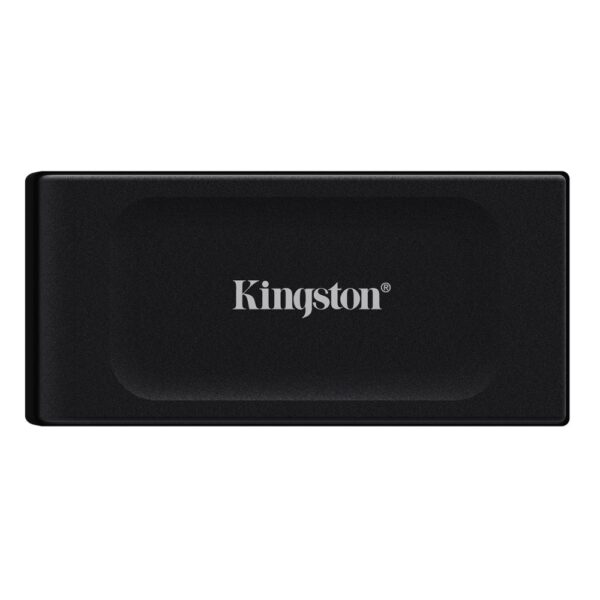
Two drives cover almost everyone. For cheap terabytes you will fill once and shelve, buy an external hard drive: the rugged ADATA HD710 Pro 2TB survives a fall off the desk, and at 2TB or more a portable hard drive costs less than half as much per terabyte as a portable SSD. For anything you plug in daily, edit from, or carry in a bag, pay for a portable SSD: the Kingston XS1000 1TB moves files about seven times faster and has no moving parts to kill. The faster drive is not the one most people should buy, and this page is the why.
Find your exact situation:
- Cheap backup & bulkAn external hard drive. HD710 Pro 2TB or 4TB. At 4TB, a hard drive costs about a third of the price of a portable SSD.
- Carry & edit dailyA portable SSD. XS1000 1TB for value, XS2000 only if your PC has a 20Gbps port, which most laptops lack. See below.
- PS5 or XboxA USB drive stores games and plays your old ones, but current-gen titles only run from the console’s own SSD. Read the console section first.
- Moving files between PCsA USB stick, such as the Kingston Exodia M 128GB. It is not a backup.
- Camera, dashcam, phoneAn SD or microSD card matched to the class. One spec catches everyone, and the Switch 2 quietly breaks the rules. See cards.
- Which one lasts longer?SSD for daily carrying, hard drive for a shelf. That is backwards from what most people assume, and there is a reason.
The console rules, the Mac speed trap and the SD-card promise everyone misreads come next.
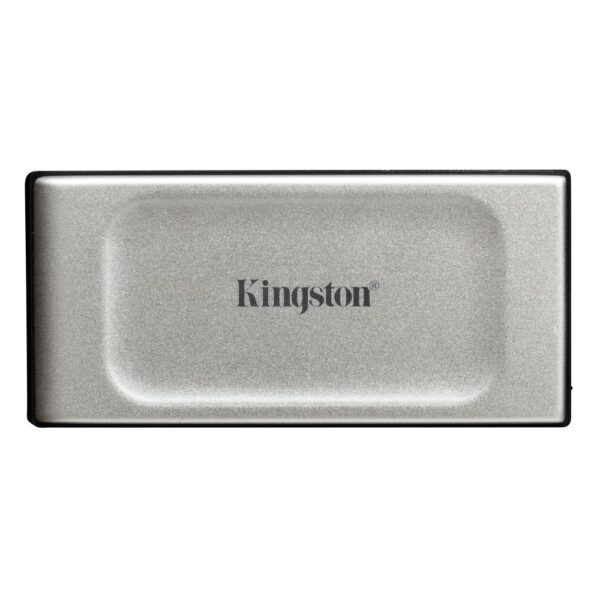
Kingston XS1000 1TB Portable SSD
In stock
£187.78 ex VAT- 1TB SSD capacity for ample storage
- Read speeds up to 1050MB/s
- USB 3.2 Gen 2 interface with Type-C connector
- Compact metal and plastic housing in black
- Compatible with Windows, macOS, Linux, Android and iOS
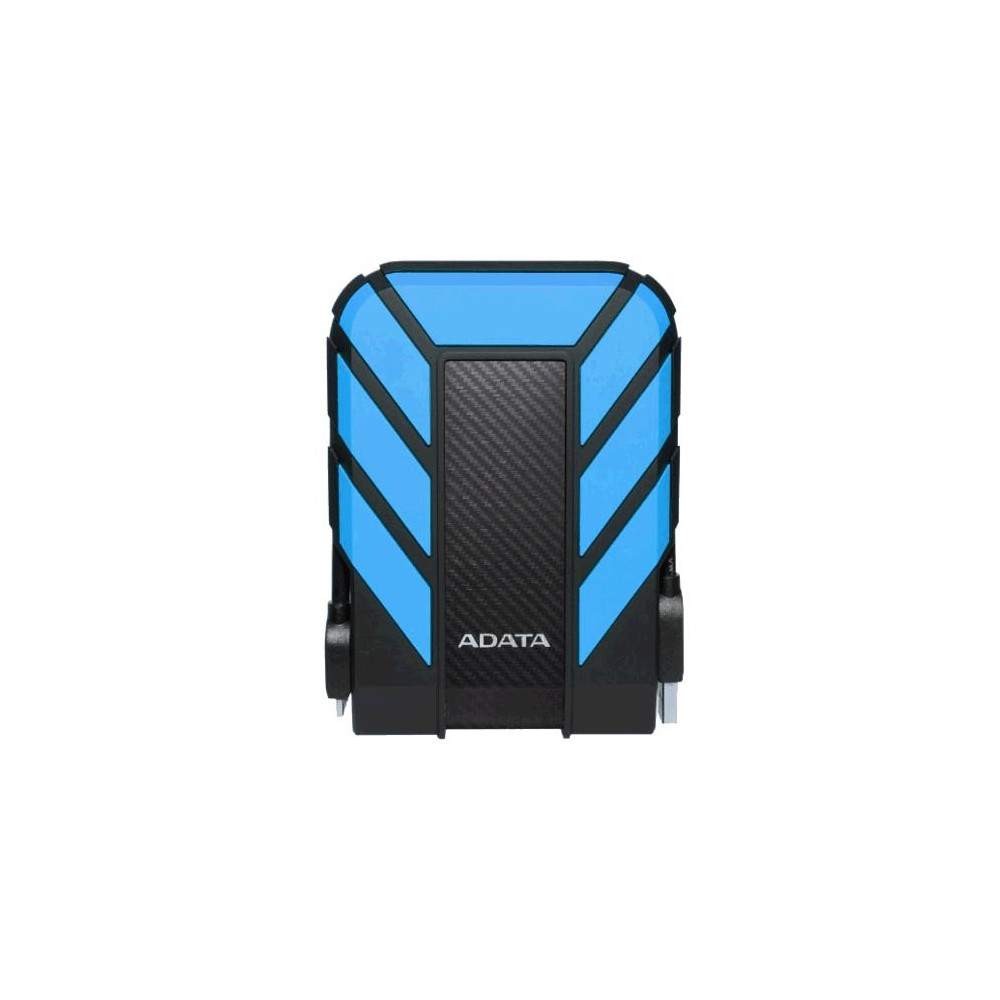
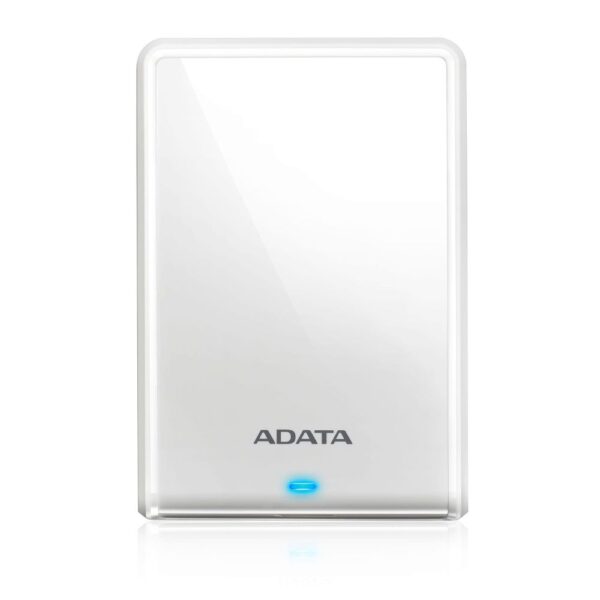
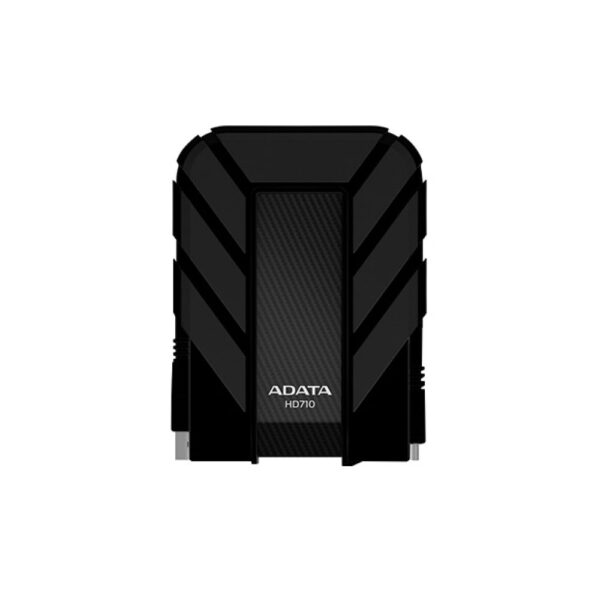
ADATA HD710 Pro 2TB 2.5″ External HDD USB 3.2 Gen 1 Black, Blue
In stock
- 2 TB capacity 2.5″ HDD with USB 3.2 Gen 1 (3.1 Gen 1) Micro-USB B interface
- Beyond IP68 protection against dust and waterproof to 2 m for 60 minutes
- Military-grade MIL-STD-810G 516.6 shock resistance with triple-layer housing
- Shock vibration sensing technology stops activity on impact
- Compatible with Windows, macOS (10.6–10.12), and Linux
- Neat cable management groove and ergonomic waterproof port cover
SSD, hard drive or USB stick: the 30-second decision
Three questions settle it. How often will you actually touch this drive? How much do you need to store? And does it have to survive being carried around? Answer those and the drive picks itself.
Everyday use and travel push you to a solid-state drive, because it is faster and has nothing spinning inside to break when the bag gets dropped. Sheer capacity for the money pushes you back to a mechanical hard drive. A USB stick is a courier, not a home. Here is the whole field in one table.
| Drive type | Real-world speed | £ per TB on Amazon UK* | Buy it for | Watch out for |
|---|---|---|---|---|
| Portable SSD | 1,050–2,000 MB/s | about £120–180 | Daily carry, photo & video editing, a full laptop | Costs 2–3× per TB; poor for years-long cold storage |
| External hard drive | 120–150 MB/s | about £40–90 | Backups, archives, cheap bulk terabytes | Moving parts hate drops; cheap ones crawl on huge writes |
| USB flash drive | 100–400 MB/s | varies | Handing files between machines | Not built to be the only copy of anything |
| SD / microSD | 90–300 MB/s | varies | Cameras, dashcams, phones, handhelds | Class only helps if the device supports it |
*Median prices of new 1TB to 4TB portable drives listed on Amazon UK, tracked by diskprices.com on 13 October 2026. Bigger drives cost less per terabyte.
Sequential read, MB/s. A portable SSD moves a 50GB video project in under a minute; the hard drive takes six. For a nightly backup that runs while you sleep, that gap does not matter at all.
So the SSD wins on paper every time. Then comes the part almost nobody tells you, and it is the reason the hard drive is still the right buy for most people.
An SSD is the better drive to carry and the worse drive to shelve. Flash memory holds data as trapped electrical charge, and that charge slowly leaks away with the power off. The JEDEC standard only asks a consumer SSD to keep your data for about a year unpowered at room temperature, and that window roughly halves for every 10°C warmer it sits. A hard drive stores data as magnetism on a platter, which does not leak. So the drive you fill with photos and drop in a drawer for three years should be the spinning one.
Cheap terabytes: the hard drive still wins for backup and bulk
Four terabytes for under £200 is the number that ends most of these conversations at our counter. On Amazon UK in October 2026, the median 4TB portable hard drive cost about £169, against about £479 for a 4TB portable SSD, nearly three times as much per terabyte. Our pick for that job is the rugged ADATA HD710 Pro 4TB. If the job is “hold a copy of everything and live in a drawer,” you are buying a hard drive and pocketing the difference.
Two cautions. First, most cheap 2.5-inch external drives now use shingled recording (SMR) to pack the platters tighter. It is invisible for a nightly backup, but dump a few hundred gigabytes in one go and the sustained write can collapse to around 25 MB/s once the internal cache fills. For a first full backup of a big library, start it before bed. Second, these drives despise being knocked while they spin.
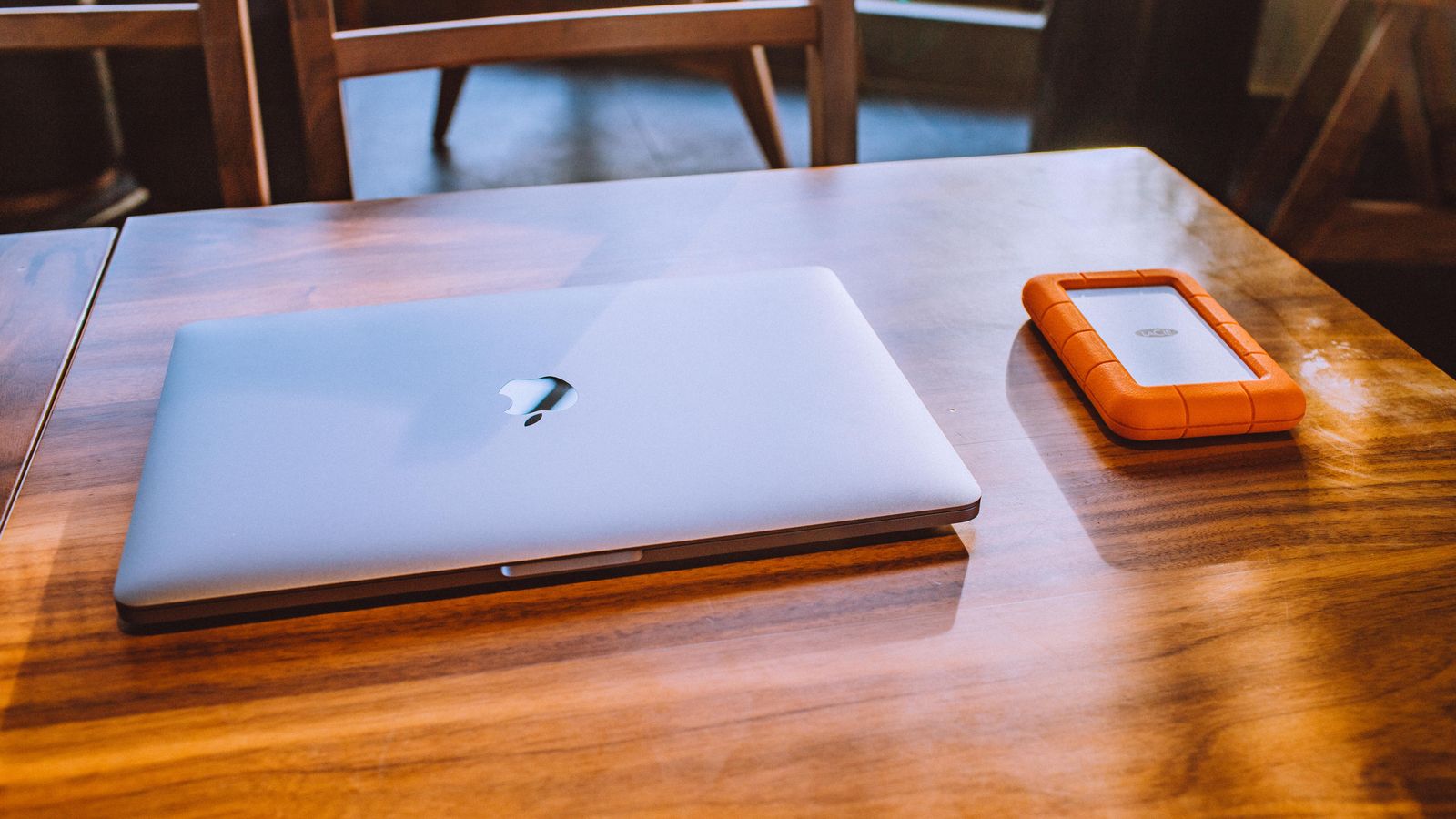
That second point is why we point people to the HD710 Pro rather than a plain slab drive. It is rated IP68 (sealed against dust, and survives two metres of water for an hour with the port cover shut) and meets the MIL-STD-810G drop standard for 1.5-metre falls, with a shock sensor that parks the heads on impact. The genuine benchmark for a rugged drive is the LaCie Rugged; the HD710 Pro does the same job. If you want the slimmest possible drive for a desk that never moves, the ADATA HV620S is the lighter pick. The mainstream names to compare against are the WD My Passport and the Seagate Expansion.
ADATA HD710 Pro 4TB Black External Hard Drive
In stock
ADATA HV620S 1TB External Hard Drive
In stock
ADATA HD710 Pro 2TB 2.5″ External HDD USB 3.2 Gen 1 Black, Blue
In stock
When a portable SSD earns its price
Pay the premium the moment the drive leaves your desk. Editing photos or 4K video straight off the drive, clearing space on a laptop with no room left, carrying a project between home and work: this is where seven-to-fourteen-times the speed and the lack of moving parts are worth every pound. The Kingston XS1000 is the one we hand most people; it is no bigger than a car key fob and reads at 1,050 MB/s.
Now the trap that sells the wrong drive. The fastest pocket SSDs, the Kingston XS2000 and the famous Samsung T9 included, quote 2,000 MB/s. They only hit it over a USB 3.2 Gen 2×2 (20Gbps) port, and here is the catch: no Mac has ever supported Gen 2×2, and most Windows laptops do not either. Plug one into a MacBook or an ordinary laptop and it drops to about 1,050 MB/s, the same as the cheaper XS1000. So only pay for the 2,000 MB/s drive if you have checked your machine actually has a 20Gbps port. On Apple Silicon the genuinely faster route is a Thunderbolt or USB4 drive, which is a different product entirely.
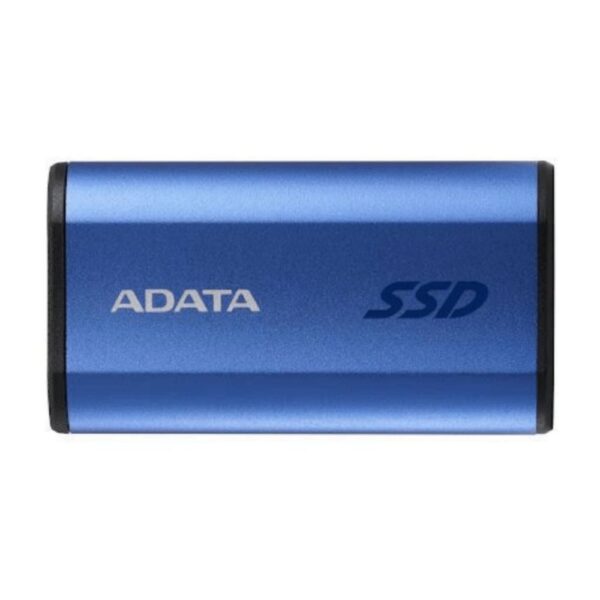
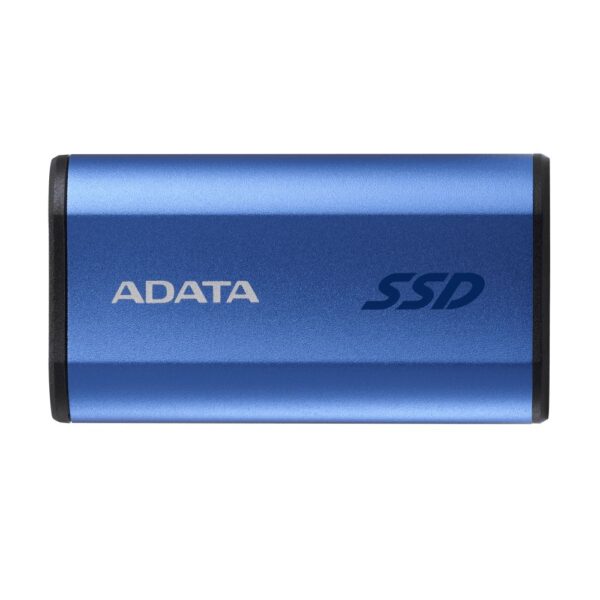
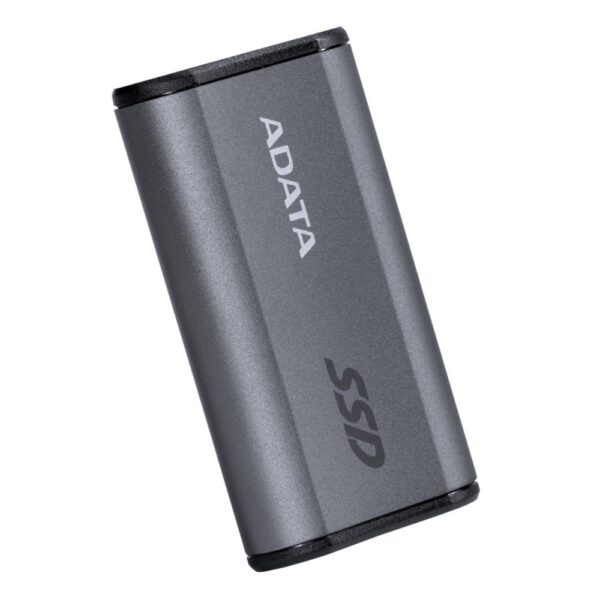
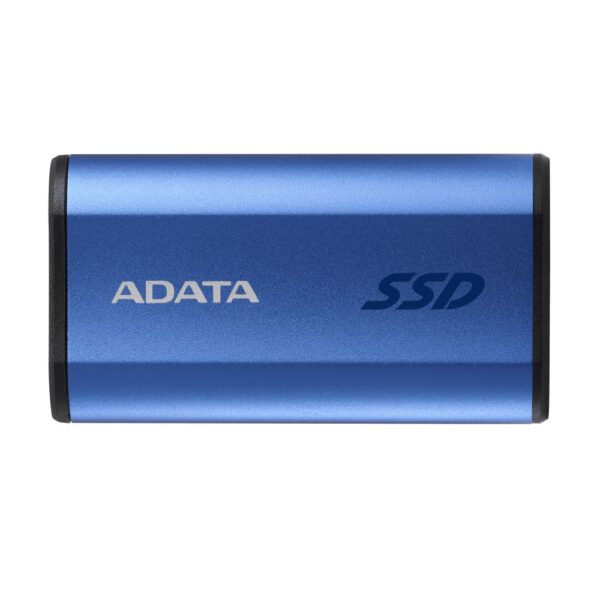
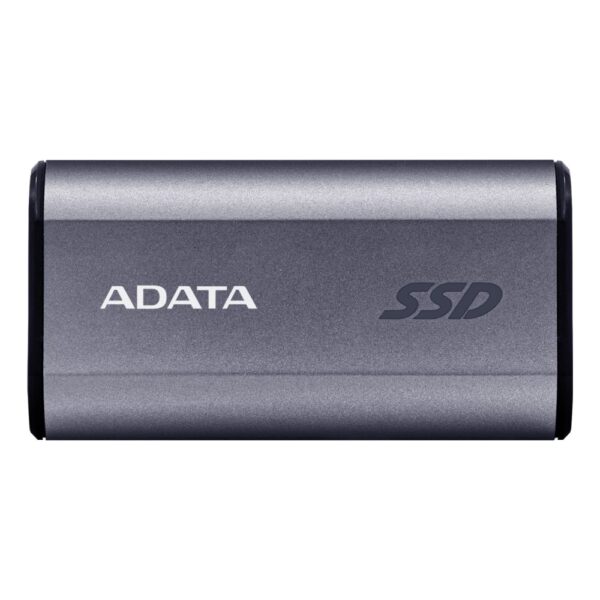
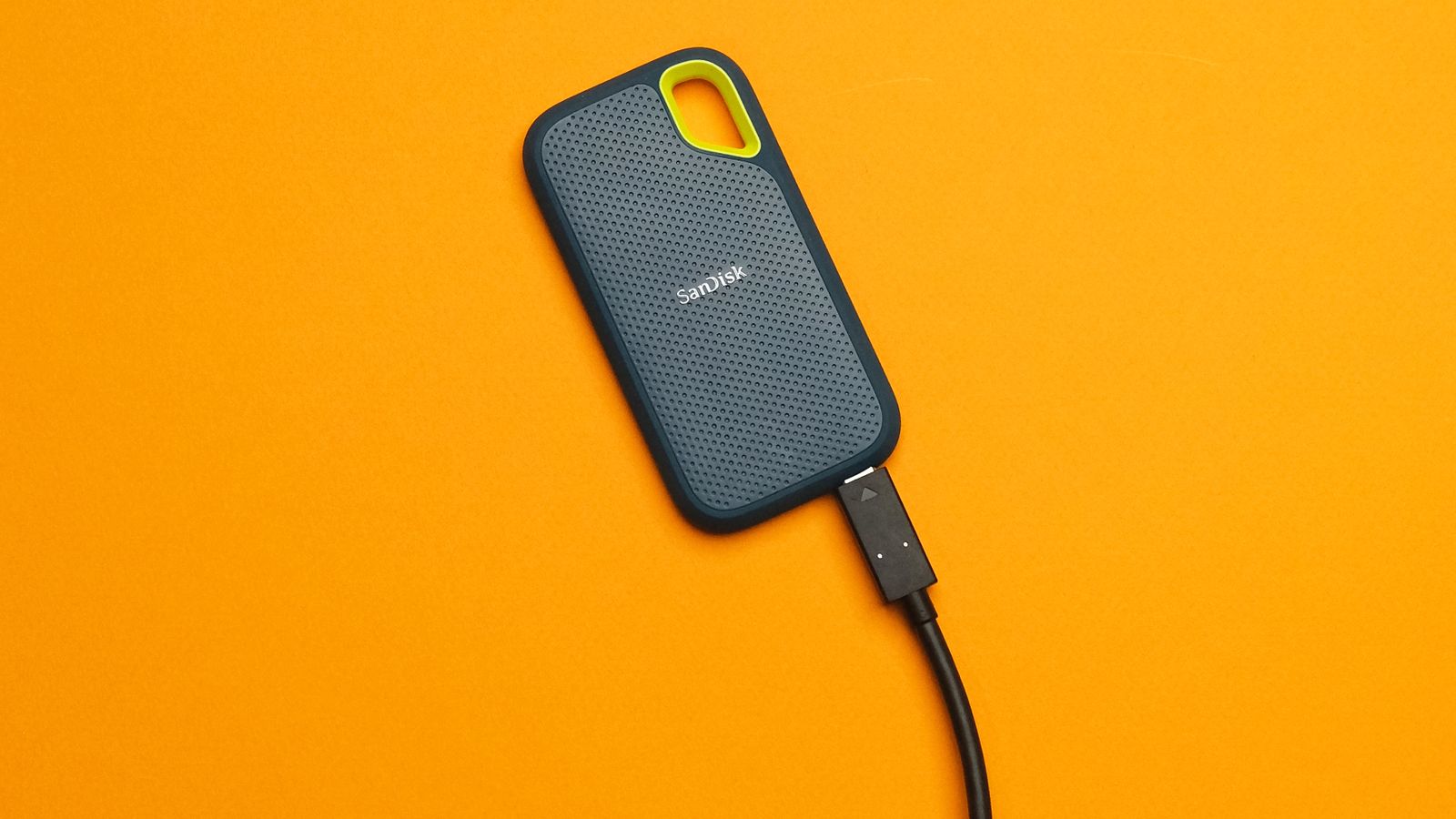
Need the space of a hard drive with the toughness of flash? The ADATA SE880 4TB is smaller than a box of matches. The market leaders here are the Samsung T7 Shield and T9, the SanDisk Extreme, and the Crucial X9. The Kingston XS and ADATA SE lines cover the same ground.
PS5 and Xbox: what an external drive can and cannot do
This is where money gets wasted, so read it before you buy. An external USB drive plugged into a PS5 or an Xbox Series console cannot run current-generation games. Both consoles will happily store those games on the drive, but to actually play one you have to copy it back to the console’s internal SSD first. On a PS5 that copy takes roughly two to five minutes per 100GB, still far quicker than re-downloading.
The useful part: a USB drive plays your old library directly. A PS5 runs PS4 games straight off it, and an Xbox Series runs your Xbox One, 360 and original Xbox titles from it. So the real role of an external drive on a console is a game vault: keep your whole collection on it, shuttle the current-gen ones across when you want to play. For that, the rugged HD710 Pro 2TB is plenty.
To add real space for current-gen games you go internal. A PS5 needs an M.2 2280 Gen4 NVMe drive rated at least 5,500 MB/s read, fitted with a heatsink, inside its expansion bay; browse our PCIe 4.0 NVMe drives and see our PS5 SSD picks for which ones clear that bar. An Xbox Series is stricter still: current-gen space comes only from the official Seagate or WD Storage Expansion Card, and no external drive replaces it.
ADATA HD710 Pro 4TB Black External Hard Drive
In stock
- 4TB capacity for extensive storage needs
- USB 3.2 Gen 1 interface for fast data transfer
- IP68 dust and waterproof protection beyond industry standards
- Military-grade shock resistance to MIL-STD-810G 516.6
- Triple-layered construction with silicone housing
- Compact 2.5″ form factor with integrated cable management
ADATA HD710 Pro 2TB 2.5″ External HDD USB 3.2 Gen 1 Black, Blue
In stock
- 2 TB capacity 2.5″ HDD with USB 3.2 Gen 1 (3.1 Gen 1) Micro-USB B interface
- Beyond IP68 protection against dust and waterproof to 2 m for 60 minutes
- Military-grade MIL-STD-810G 516.6 shock resistance with triple-layer housing
- Shock vibration sensing technology stops activity on impact
- Compatible with Windows, macOS (10.6–10.12), and Linux
- Neat cable management groove and ergonomic waterproof port cover
USB sticks: for moving files, not for trusting them
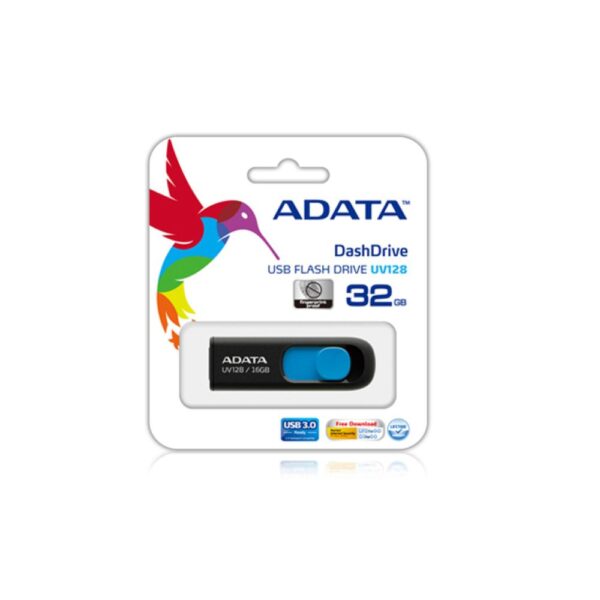
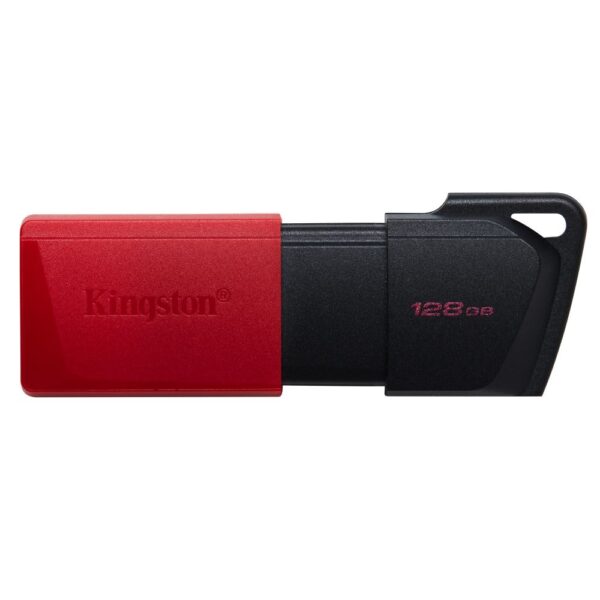
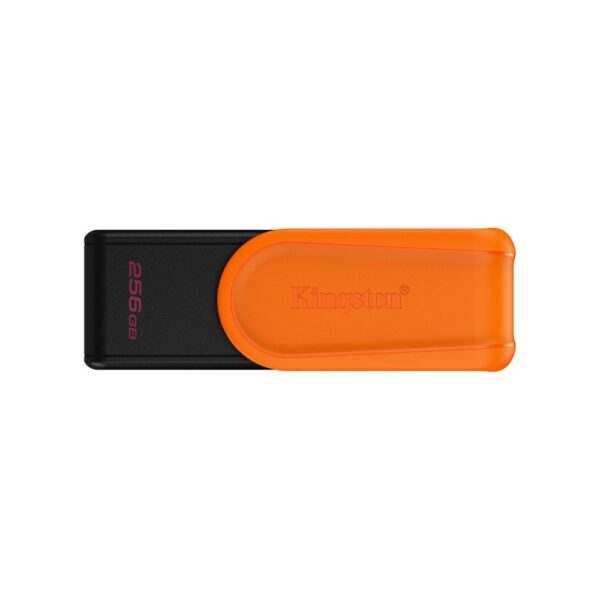
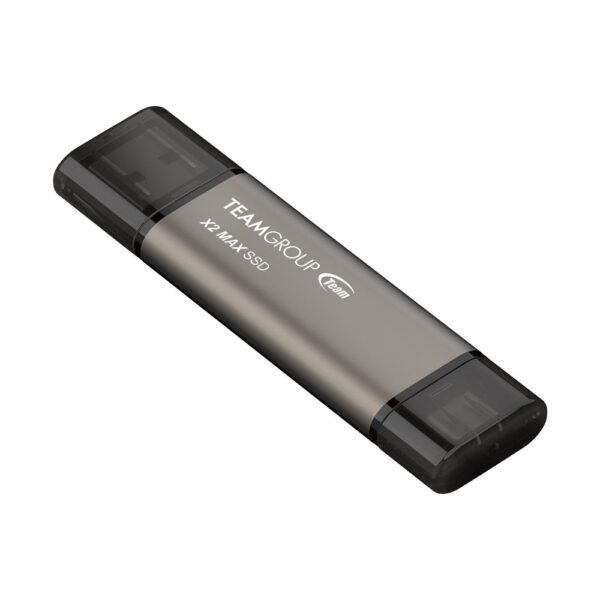
A flash drive is a courier. It is the right tool for handing a presentation to a colleague, carrying installers, or keeping a bootable recovery stick in a drawer. The Kingston Exodia M 128GB does that and fits on a keyring.
What it is not is a backup. Flash drives use cheaper memory and simpler controllers than a real SSD, with none of the wear-management that keeps a proper drive healthy over years of rewrites. They fail without warning, and they fail whole. If a file only exists on a USB stick, it effectively does not exist. Use one to move a copy, never to be the copy.
SD and microSD: the label is a promise, match it to the job
Every symbol on an SD card is a minimum-speed guarantee, and every one of them is useless unless your device can actually use it. That is the spec buyers get wrong: they pay for a V90 card and shoot on a phone that tops out at UHS-I. Here is what the badges mean.
| Badge | What it guarantees | You need it for |
|---|---|---|
| UHS-I | Bus up to 104 MB/s | Phones, dashcams, most consumer cameras |
| UHS-II | Bus up to 312 MB/s (extra pin row) | High-bitrate 4K/6K and burst stills |
| U3 / V30 | 30 MB/s minimum write | Comfortable 4K video on UHS-I |
| V60 / V90 | 60 / 90 MB/s minimum write (UHS-II only) | Cinema cameras, 6K, ProRes |
| A1 / A2 | Random IOPS, not video: 1,500/500 vs 4,000/2,000 | Running apps or a handheld’s games off the card |
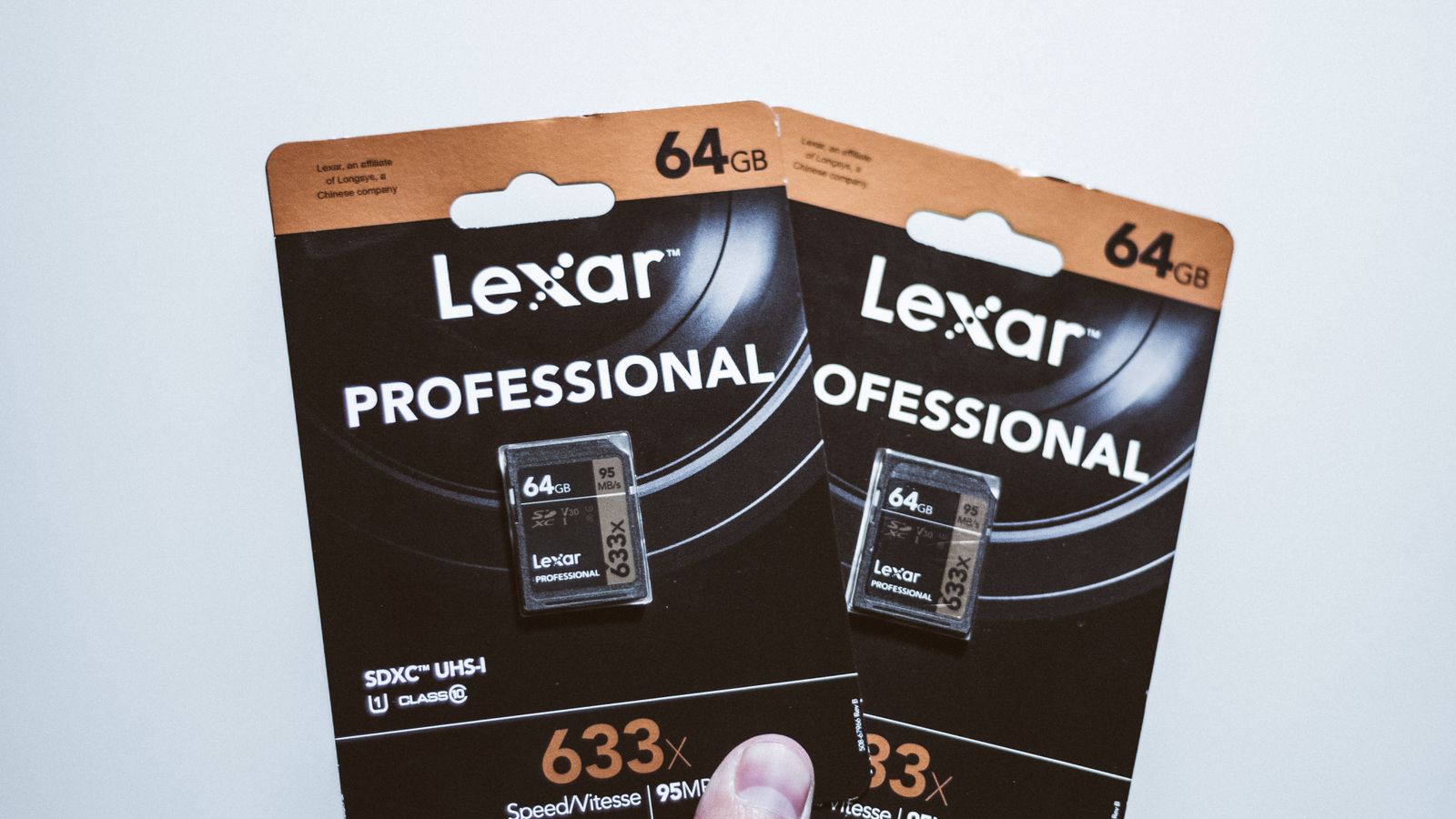
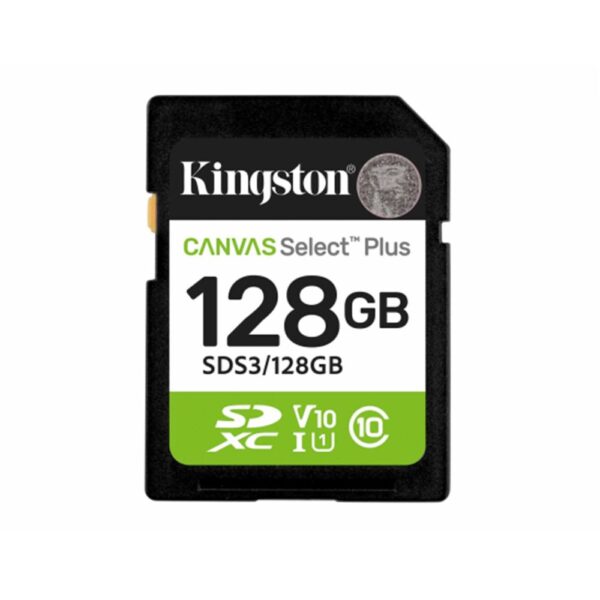
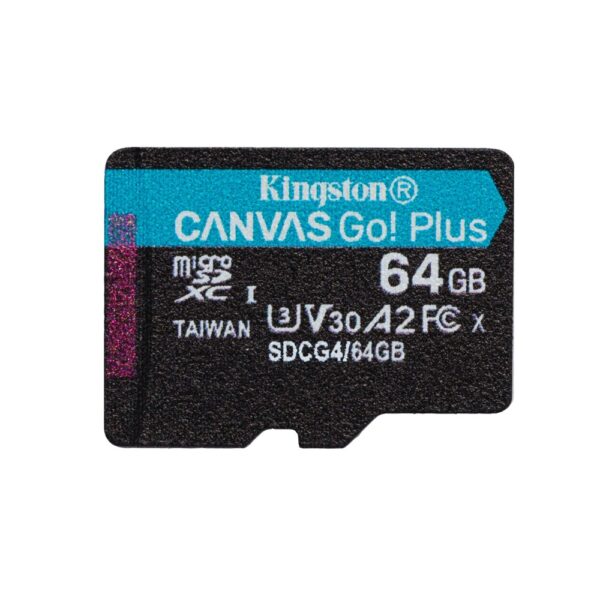
For a phone, a dashcam or 1080p footage, an entry UHS-I card with an A1 badge is plenty and cheap: the Kingston Canvas Select Plus and ADATA Premier lines cover full-size SD and microSD cheaply. Step up to a U3/V30 card the moment you record 4K, because that badge is the guarantee of the 30 MB/s minimum write that 4K needs. The Kingston Canvas Go! Plus is rated A2, U3 and V30, so it handles 4K video and running apps. Only high-bitrate 6K or ProRes on a cinema camera pushes you up to a UHS-II V60/V90 card, which is a specialist buy.
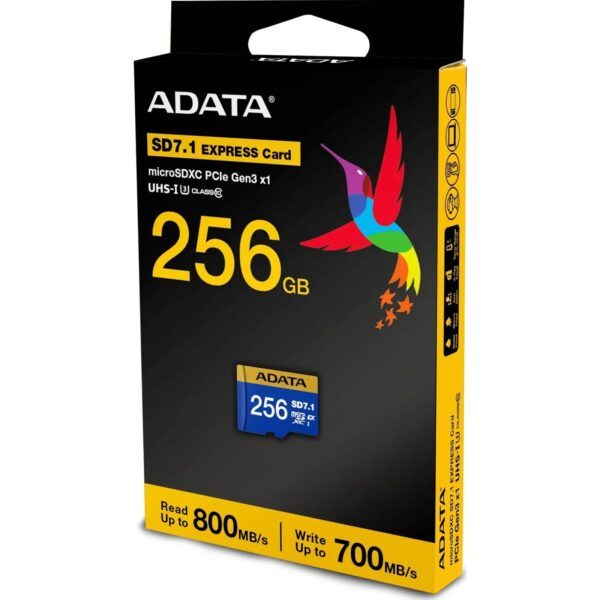
One 2026 change trips people up at the counter every week: the Nintendo Switch 2 only runs games from a microSD Express card, a newer standard built on PCIe that reaches around 800 MB/s. Drop an ordinary microSD into a Switch 2 and it keeps your screenshots but refuses to hold or launch a single game. The good news is you do not have to go hunting: the ADATA Premier Extreme Express is built and validated by ADATA specifically for the Switch 2, and it also fits the ROG Ally.
Adata Premier Extreme 256GB microSDXC SD7.1 Express Card – Nintendo Switch 2 Ready
In stock
How big to buy, and the price-per-terabyte reality
Buy one size up from what you need today; you will not regret the headroom, and the per-terabyte cost drops as the drives get bigger. The gap between the two technologies is the whole story: on Amazon UK in October 2026, a terabyte on a portable hard drive cost about half what it cost on a portable SSD at 1TB, and about a third at 4TB.
| Capacity | Portable hard drive | Portable SSD | £ per TB (HDD → SSD) |
|---|---|---|---|
| 1TB | about £92 | about £178 | ~£92 → ~£178 |
| 2TB | about £115 | about £265 | ~£58 → ~£132 |
| 4TB | about £169 | about £479 | ~£42 → ~£120 |
Median prices of new drives listed on Amazon UK, tracked by diskprices.com on 13 October 2026; they move with the market. The SSD’s cost per terabyte improves at 4TB, which is why a 4TB drive such as the ADATA SE880 4TB is the value buy if you have decided on flash.
The names worth knowing, including the big brands
A guide that only lists its own shelf is a catalogue, so here is the lie of the land. Among portable SSDs the drives to measure everything against are the Samsung T7 Shield and T9, the SanDisk Extreme and Extreme Pro, and the Crucial X9. For external hard drives it is the WD My Passport, the Seagate Expansion and, for rugged, the LaCie Rugged. On memory cards, SanDisk, Samsung and Lexar lead.
Kingston and ADATA are the reliability-per-pound sweet spot for a UK buyer, and they genuinely go toe to toe with those names on everything except the very top of the speed charts. The one exception is the fastest Macs, which need a Thunderbolt or USB4 drive: a different and dearer class of product, as the portable-SSD section explains.
One drive is not a backup
Whatever you buy here, remember what it is: one copy. The rule the professionals use is 3-2-1, which is three copies of anything you cannot lose, on two different kinds of media, with one of them kept somewhere else. An external drive is a brilliant, cheap way to make that second and third copy. It is not, on its own, a backup plan, because a single drive can be lost, stolen or dropped in exactly one unlucky moment. Pair it with a cloud copy for anything irreplaceable.
Browse our external storage
Every external SSD we sell, cheapest first. For spinning drives see the external hard drives, for sticks the USB flash drives, and for cards the memory cards.
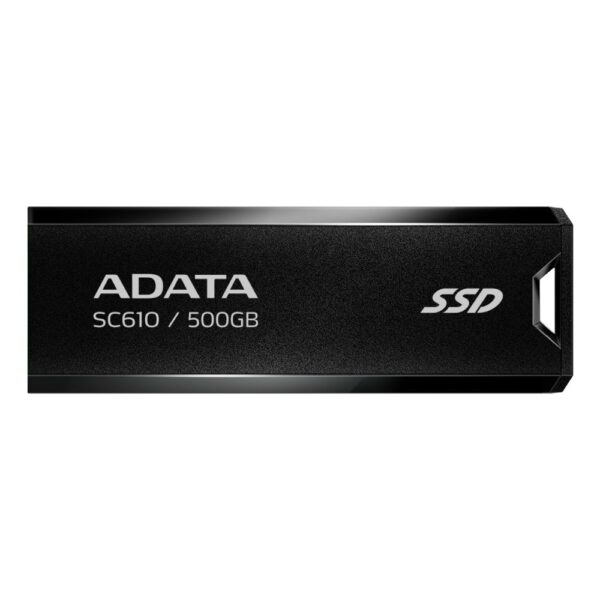
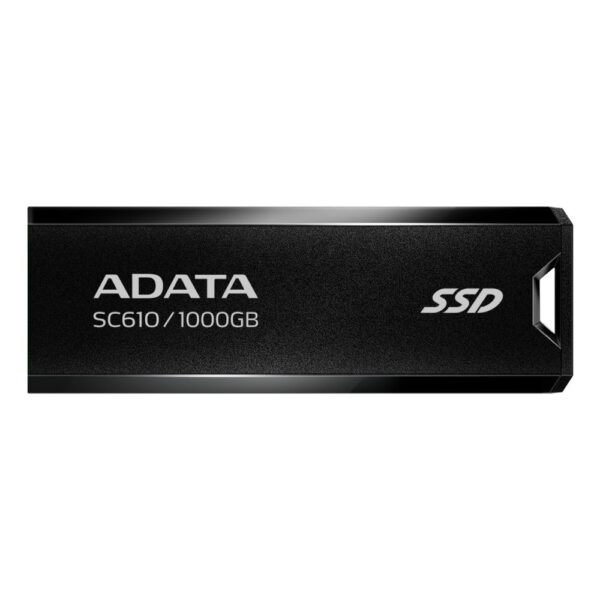
ADATA SC610 500GB USB 3.2 Gen 2 Black
In stock
ADATA SE880 500GB USB-C 3.2 SSD
In stock
ADATA SE880 500GB Wi-Fi Drive
In stock
ADATA SC610 1TB USB 3.2 Gen 2 Black
In stock
ADATA SC750 1TB USB-C 3.2 Gen 2 Black
In stock
Straight answers to common questions
If you carry it, edit from it, or plug it in most days, yes: it is many times faster and has no moving parts to break. If you just want cheap terabytes to back up and shelve, no: a hard drive gives you two to three times the space per pound, and for a drive that sits unpowered for years it is actually the safer choice.
No. A PS5 stores its own games on a USB drive but will not run them from it; you copy a game back to the internal SSD first, which takes about two to five minutes per 100GB. PS4 games, however, do run directly off the external drive. To add space for PS5 games you fit an internal M.2 2280 Gen4 NVMe drive rated 5,500 MB/s or faster with a heatsink.
Not the current-generation ones. Xbox Series optimised games run only from the internal SSD or the official Seagate/WD Storage Expansion Card. A USB drive plays your older Xbox One, 360 and original Xbox games directly, and stores everything else as a library you can move across when needed.
Only on a USB 3.2 Gen 2x2 (20Gbps) port. No Mac supports that mode, and many Windows laptops do not either, so a 2,000 MB/s drive like the Kingston XS2000 or Samsung T9 drops to about 1,050 MB/s on them, the same as a cheaper Gen 2 drive. Check your machine has a 20Gbps port before paying for the faster drive.
Less time than people expect. The JEDEC standard only requires a consumer SSD to retain data for about a year unpowered at room temperature, and that halves roughly every 10°C warmer it is stored. A hard drive stores data magnetically and does not leak charge, so for a backup that lives in a drawer for several years, the hard drive is the more reliable keeper.
No. Treat a flash drive as a courier for moving copies, not as the only home for anything. They use cheaper memory and can fail suddenly and completely. Follow the 3-2-1 rule: three copies, two types of media, one kept off-site.
A card rated U3/V30, which guarantees a 30 MB/s minimum write. The Kingston Canvas Go! Plus (A2, U3, V30) is made for exactly that. Only high-bitrate 6K or ProRes on a cinema camera needs a UHS-II card rated V60 or V90, which is a specialist class. An entry UHS-I card is fine for phones, dashcams and 1080p.
Only a microSD Express card will run its games. A Switch 2 reads screenshots and clips from an ordinary microSD but will not save or launch games from one; it needs the newer, PCIe-based microSD Express standard. The ADATA Premier Extreme Express is built and validated for the Switch 2 (and fits the ROG Ally), at up to around 800 MB/s read.
Yes, with an M.2 2230 NVMe drive, the short form factor those handhelds use. The Kingston NV3 2230 (PCIe 4.0, up to 6,000 MB/s read) is built for exactly that. Do not buy a standard 2280 drive; it will not fit the bay.
Hard drive for cold archives you rarely power on, because magnetic storage holds data stably for years. SSD for anything active or carried, because it is faster and shock-resistant. The two are not rivals so much as tools for different jobs.
Sources
- SSD data retention: JEDEC JESD218 (Alvin Cox), SSD retention; CMR vs SMR explained.
- PS5 external storage: PCWorld; Seagate.
- Xbox Series storage: Windows Central; Seagate support.
- USB 3.2 Gen 2×2 and drive speeds: Samsung T9 announcement; Kingston XS1000 and XS2000 datasheet.
- SD and microSD speed classes: SD Association; Kingston.
- Nintendo Switch 2 microSD Express: Nintendo Support.
- Rugged drive rating: ADATA HD710 Pro (IP68, MIL-STD-810G 516.6).
- Prices per terabyte: diskprices.com UK (Amazon UK listings), read 13 October 2026.
About Hardvance Team
The Hardvance Team is the editorial team at Hardvance, a UK computer and electronics retailer based in Mildenhall, Suffolk. We build and upgrade PCs and sell laptops, phones, networking gear, monitors and printers, and our guides cover the same ground. Every guide names its sources and explains how we checked the figures, and we say plainly when something is our opinion rather than a tested result.
View all posts by Hardvance Team