Best SSD for Gaming in 2026: Is PCIe 5.0 Worth It, or Is Gen4 the Sweet Spot?

0
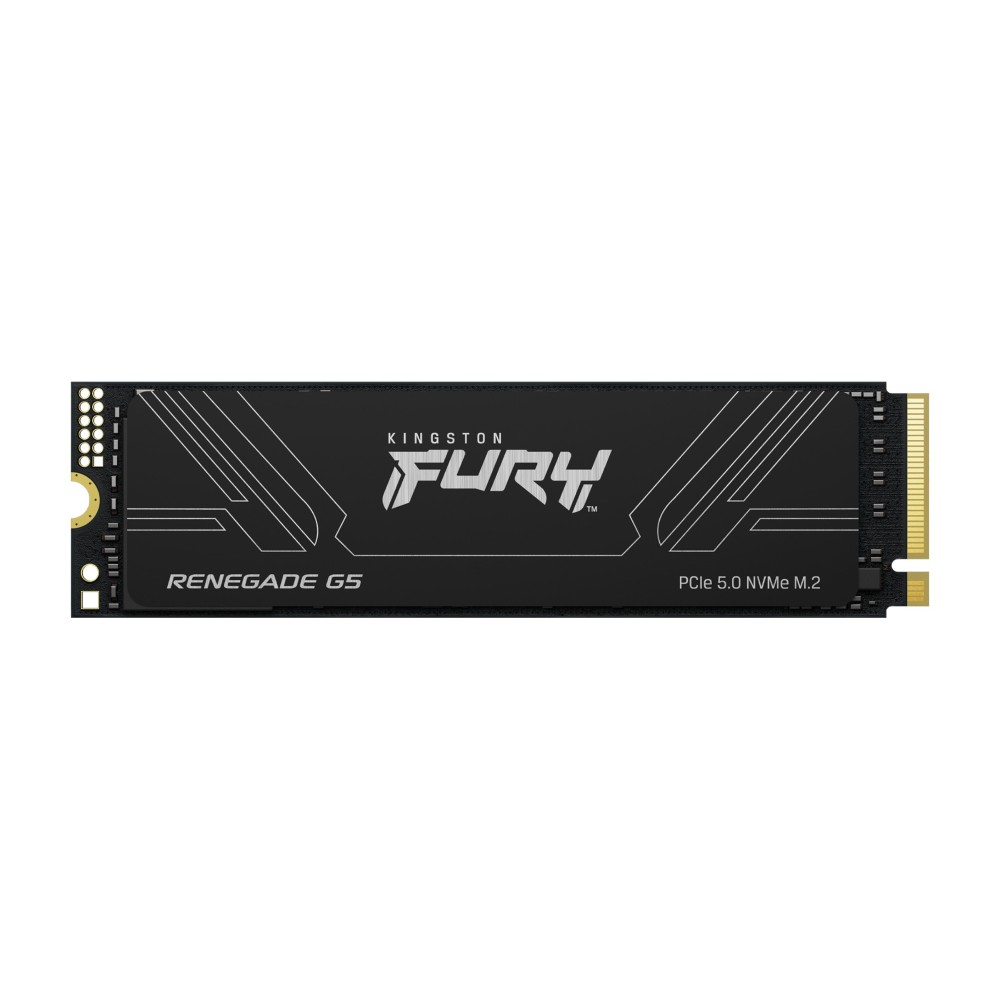
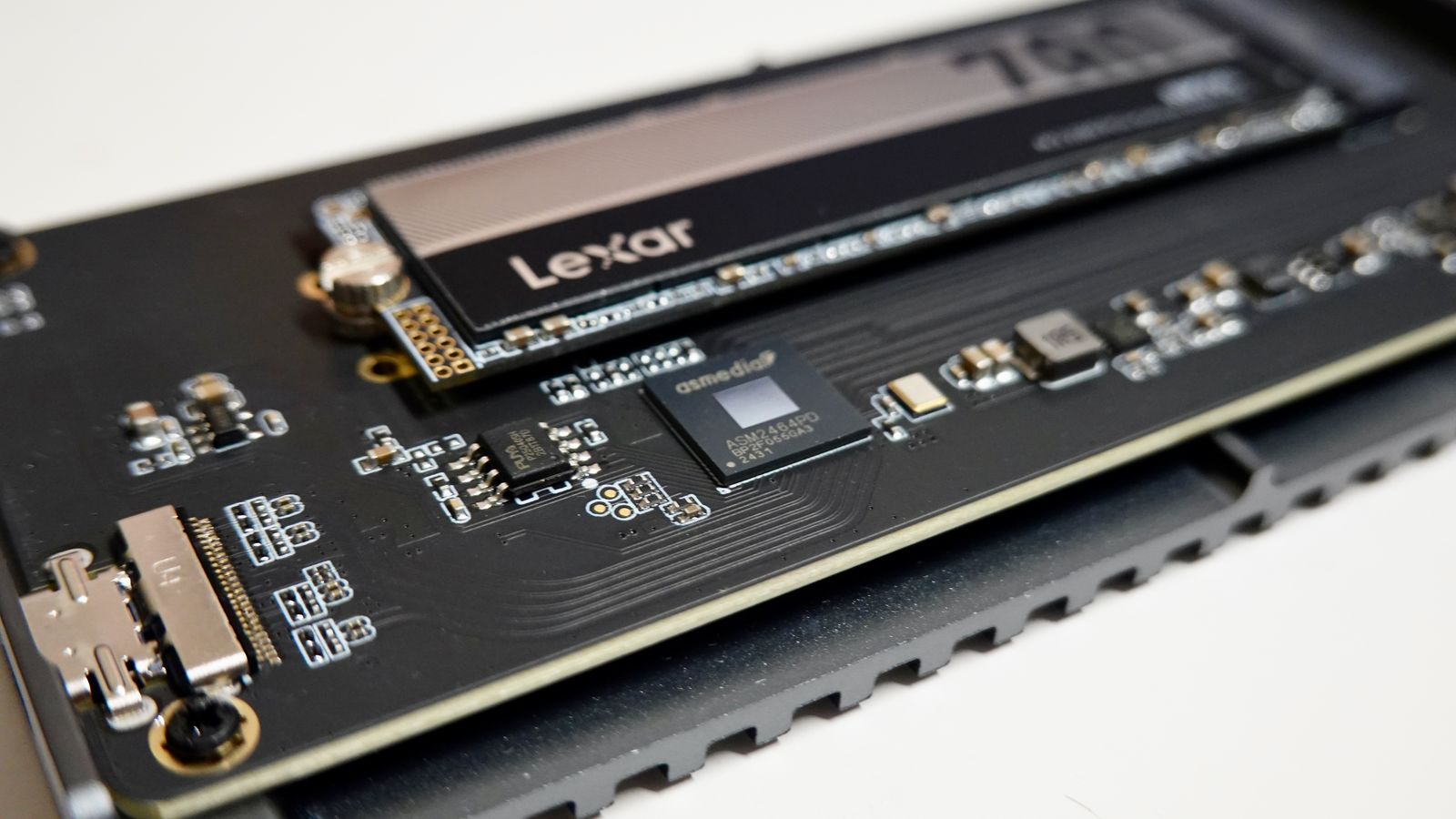
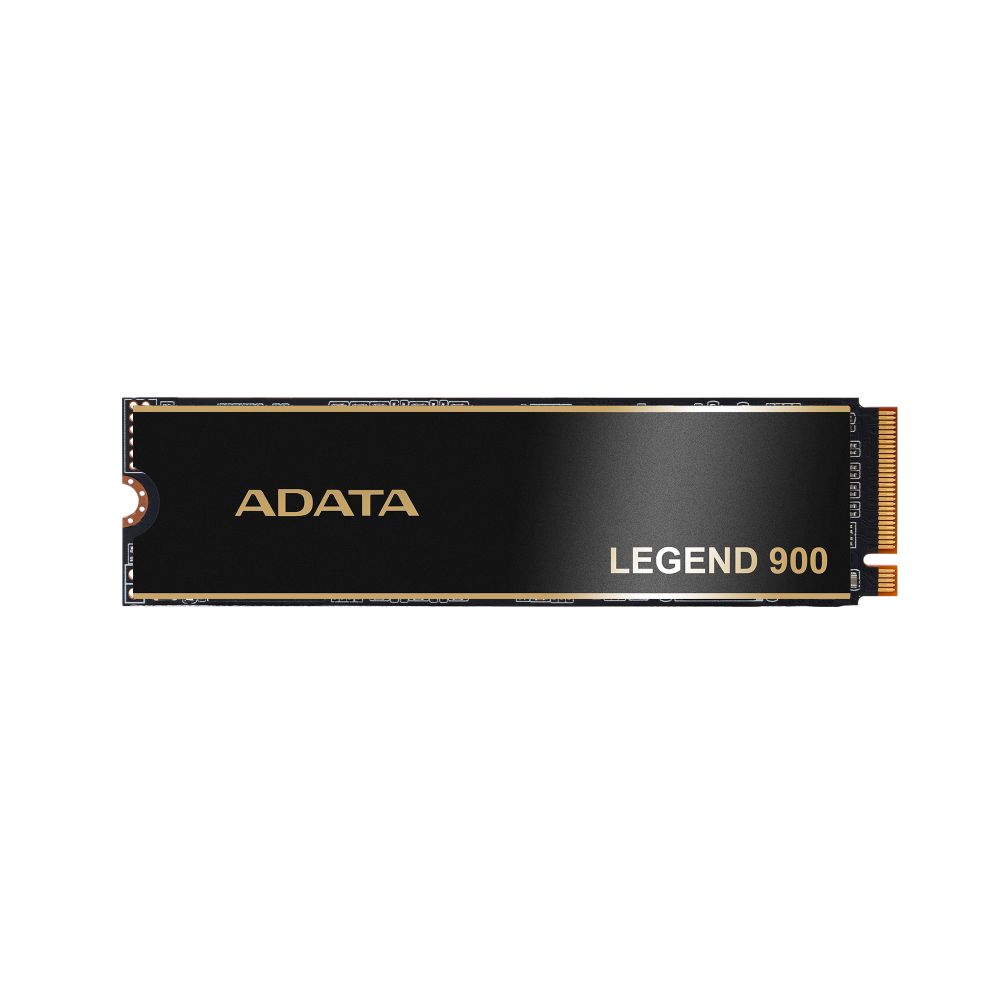
An M.2 NVMe SSD with a heatsink mounted on a circuit board

PCIe 5.0 SSDs promise huge numbers on the box, and that has left a lot of people asking the same thing on Reddit and the forums: is Gen5 actually worth it, or is it a waste of money for gaming? The honest answer surprises people.

This guide cuts through the marketing, explains where the speed really matters, and shows what to buy for a gaming PC in 2026 without overpaying.

By Hardvance Team · Last updated June 2026

Quick verdict: For gaming, a good PCIe 4.0 NVMe drive is the sweet spot. It loads games as fast as you will notice, costs far less than Gen5, and runs cooler. Buy 1TB as a minimum, 2TB if you keep a big library, and only consider PCIe 5.0 if you regularly move very large files for work. Avoid the cheapest DRAM-less QLC drives if you write a lot of data at once.

Is PCIe 5.0 worth it for gaming?

This is the question that fills forum threads, and the testing is clear: for gaming, PCIe 5.0 makes almost no difference you can feel. Games load small chunks of data rather than one giant file, so they rarely get near the limits of even a Gen4 drive, let alone a Gen5 one. The eye-catching 14,000 MB/s figures only show up in synthetic benchmarks and large sequential transfers.

A Gen5 drive will not give you more frames or shorter loads in the vast majority of games. Where it earns its place is heavy content work, such as moving huge video files or large datasets every day. For a gaming build, that money is better spent on the graphics card or more capacity.

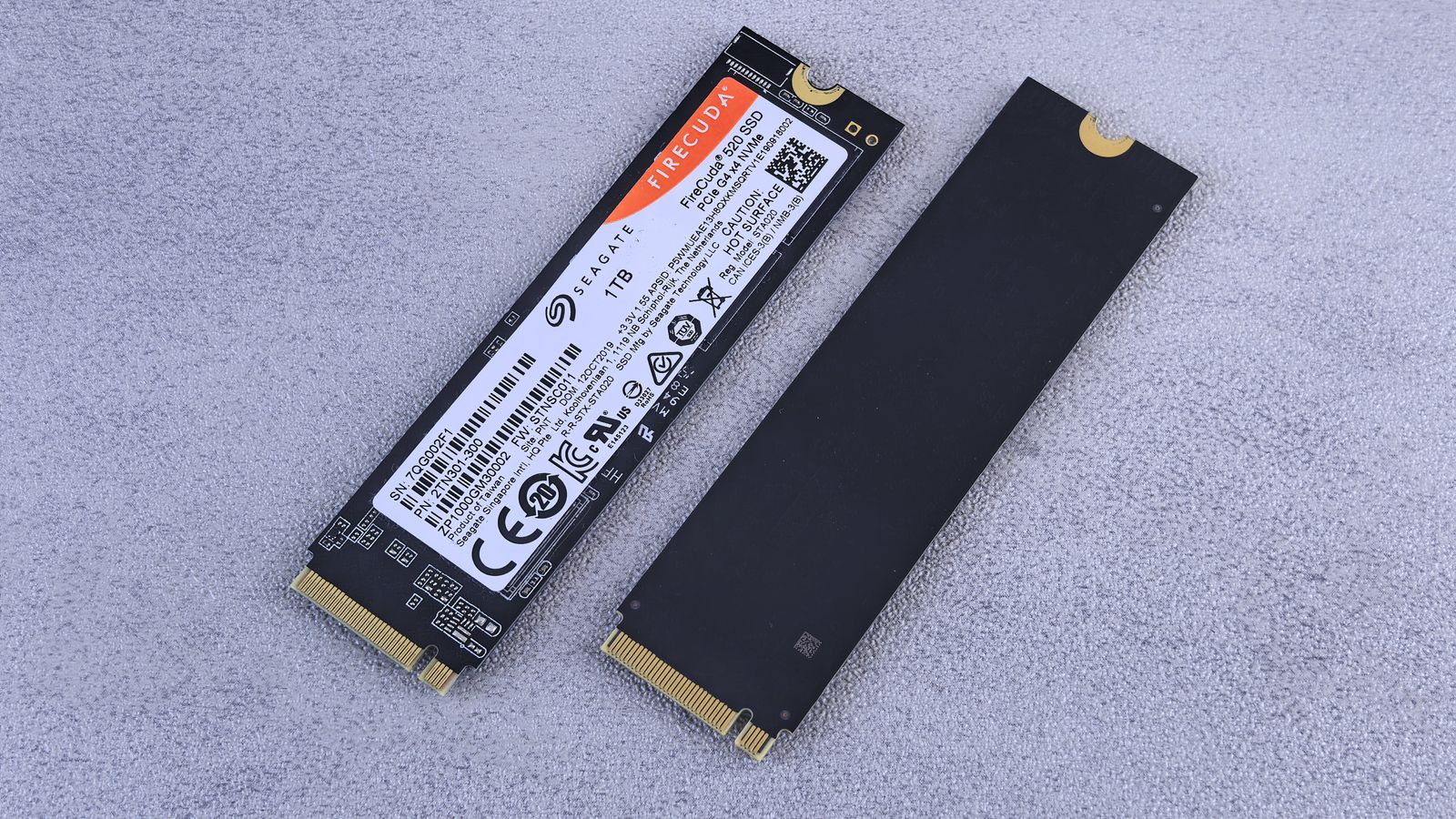
Two M.2 NVMe solid state drives compared side by side
A fast Gen4 drive loads games as quickly as you will notice.

The Gen4 sweet spot: what most people should buy

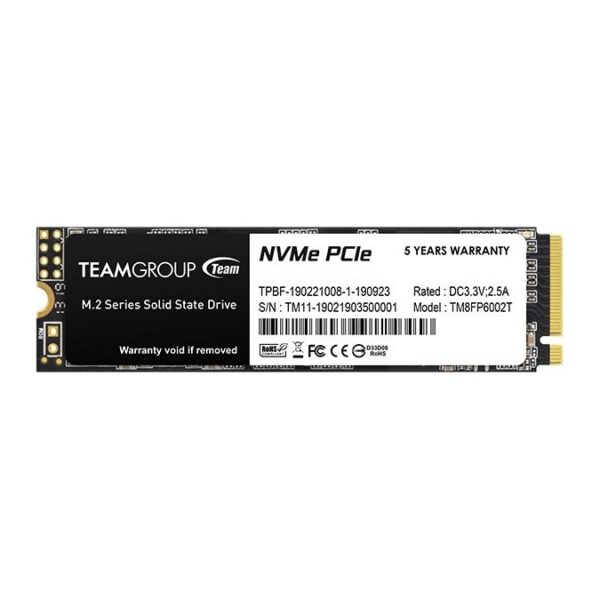
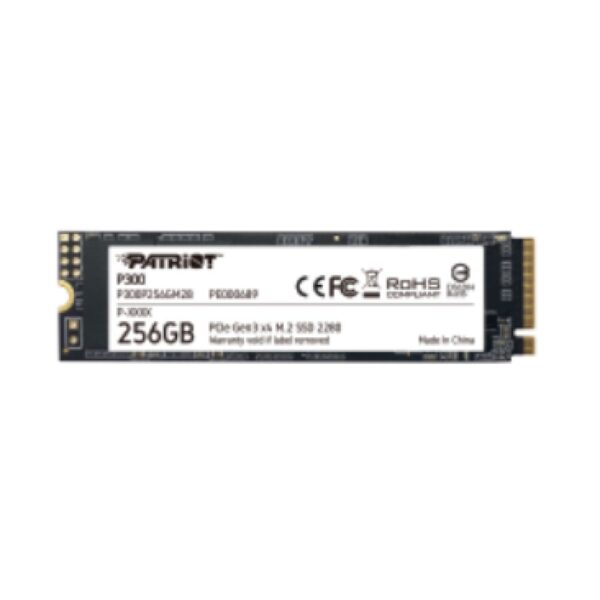
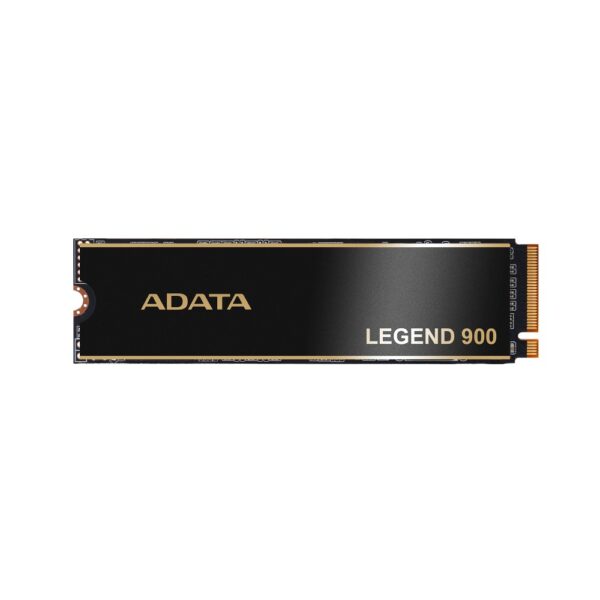
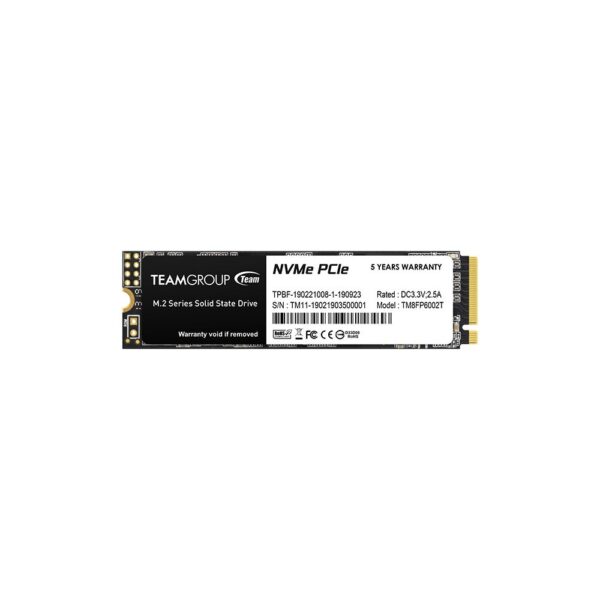
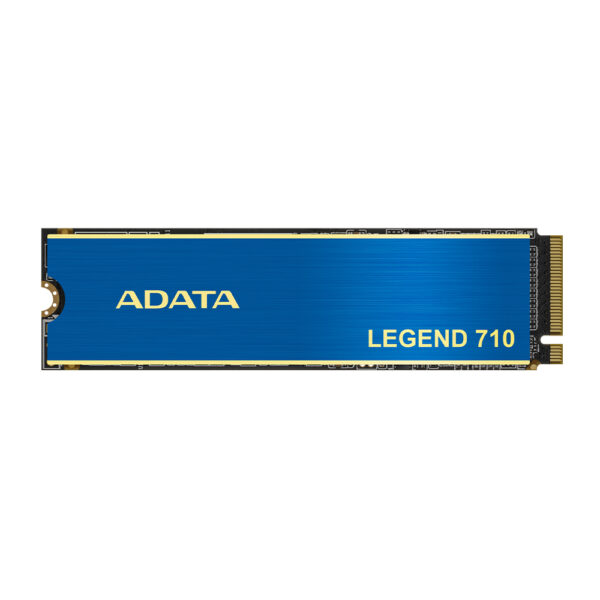
A quality PCIe 4.0 drive is what most gaming builds should use. It is fast enough that loading is limited by the game and the rest of the system rather than the drive, it costs much less per gigabyte than Gen5, and it does not need an elaborate cooler. Look for a drive with its own DRAM cache and TLC memory for consistent speed. The table below shows the kind of drives we stock, with prices pulled live.

SSDs compared

A spread of the drives we stock, from a budget boot drive to a large premium option, with prices pulled live from our store.

SSDInterfaceCapacityBest forPrice
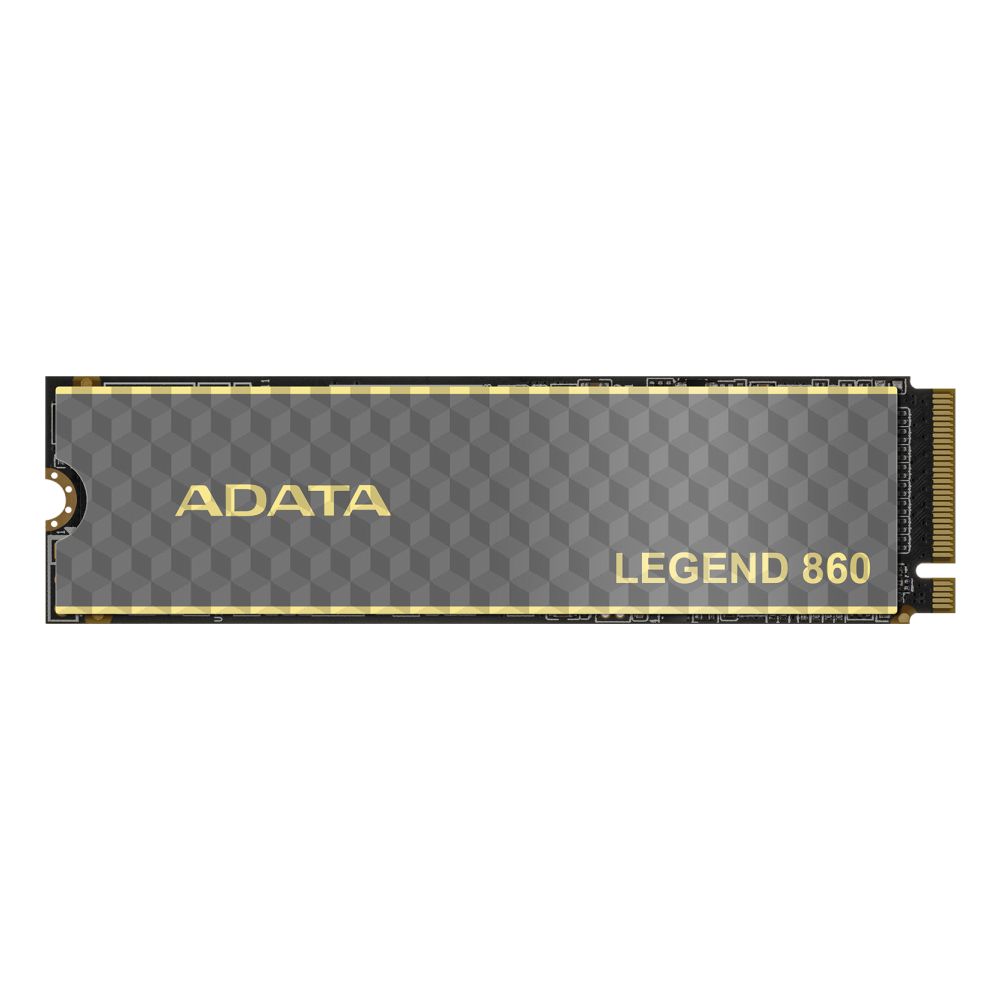
Team Group MP44LPCIe 4.0500GBBudget boot drive£95.03 inc VAT
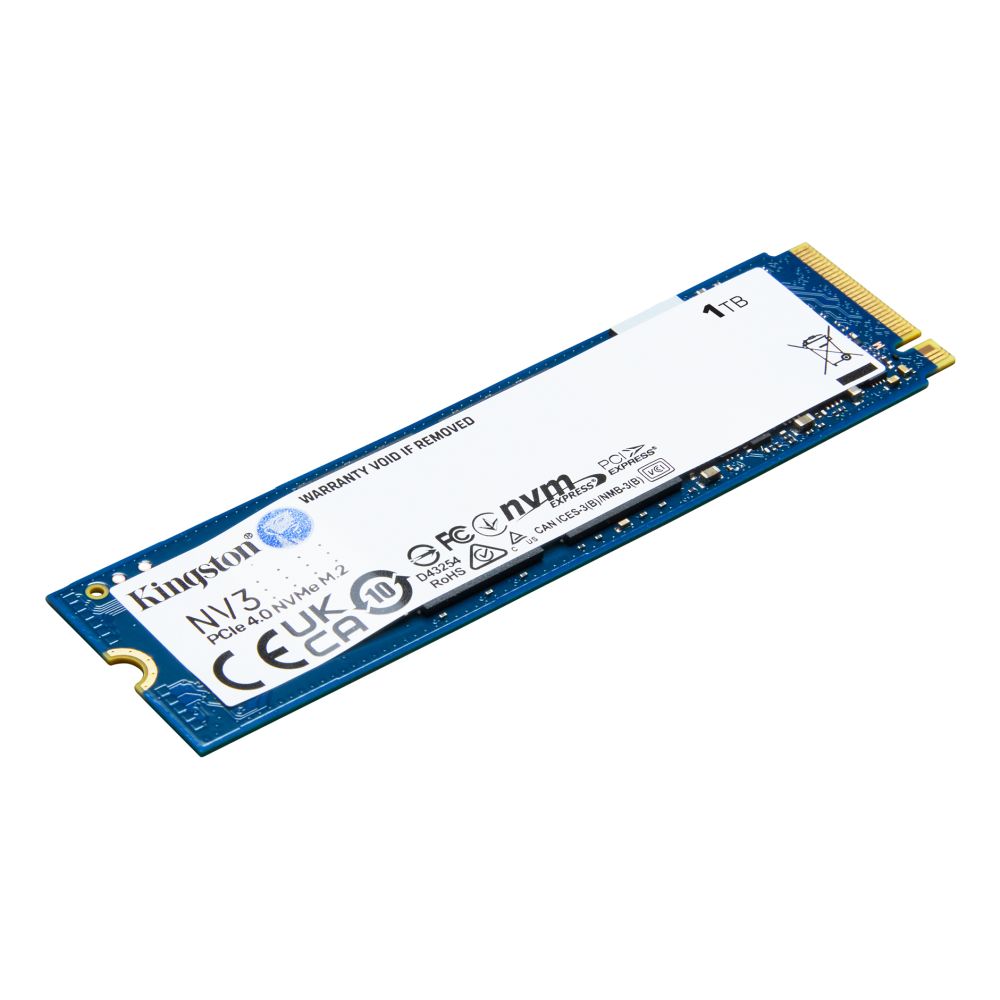
XPG GAMMIX S70 BladePCIe 4.01TBGaming sweet spot£173.48 inc VAT
MSI SPATIUM M571PCIe 5.02TBMaximum sequential speed£350.66 inc VAT
Samsung 990 PROPCIe 4.02TBLarge game library£446.93 inc VAT

Prices and availability above are pulled live from our store, so they always reflect the current figure.

QLC, TLC and DRAM-less: why some cheap SSDs slow down

Here is the other thing that catches people out. The cheapest SSDs cut costs in two ways: they use QLC memory instead of TLC, and they drop the onboard DRAM cache. Both are fine for light use, but they bite when you write a lot of data at once.

These drives keep a small fast cache, and once it fills during a big copy, write speed can fall to hard-drive levels until it catches up. For a boot and game drive this rarely matters, but if you move large files often, pay a little more for a TLC drive with DRAM.

Do you need an M.2 heatsink?

Gen4 drives are usually fine with the heatsink built into your motherboard, or even none at all in a well-ventilated case. Gen5 drives are a different story: they run hot and most need a large heatsink or even a small fan to avoid throttling, which is part of why they are harder to recommend. If your board comes with M.2 heatsinks, use them. They cost nothing and keep speeds steady.

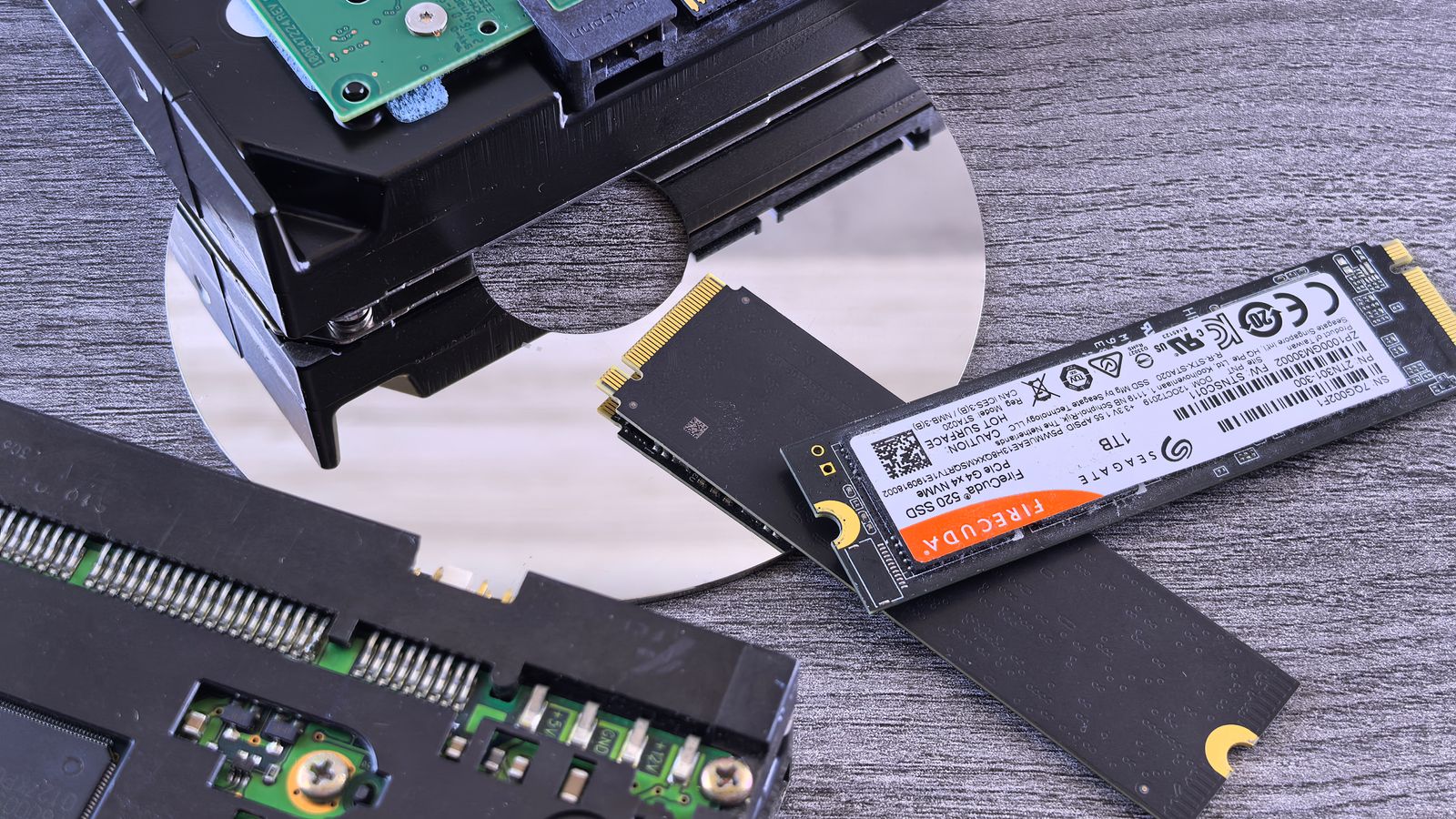
An M.2 NVMe SSD beside an opened mechanical hard drive
Moving from a hard drive to any NVMe SSD is the upgrade you actually feel.

How much storage do you need in 2026?

Game installs keep growing, with some titles now well past 100GB each. 1TB is the sensible minimum for a gaming PC, and it fills faster than you expect. 2TB is the comfortable choice if you keep more than a handful of large games installed, and it often costs only a little more per gigabyte. Rather than buying one enormous drive, many people fit a fast 1TB or 2TB NVMe drive for the system and current games, then add a second drive later for everything else.

Before you buy: quick SSD checklist

  • Interface: a PCIe 4.0 NVMe drive is the gaming sweet spot; Gen5 is niche and runs hot.
  • Memory and cache: TLC with a DRAM cache stays fast under load; the cheapest QLC DRAM-less drives slow down on big writes.
  • Capacity: 1TB minimum, 2TB if you keep a large library.
  • Cooling: use your board’s M.2 heatsink, and budget a proper heatsink for any Gen5 drive.
  • Slots: check your motherboard has a spare M.2 slot of the right type.

Pro tip: the single biggest speed jump is going from a hard drive or SATA SSD to any NVMe drive. After that, paying for Gen5 over Gen4 buys numbers on a benchmark, not a faster gaming experience.

Frequently asked questions

Is a PCIe 5.0 SSD worth it for gaming?

For gaming, no. Games rarely use the extra bandwidth, so a Gen5 drive does not load them faster than a good Gen4 drive in normal use. It only pays off for heavy file work, and it runs hotter and costs more. For a gaming build, a PCIe 4.0 NVMe drive is the better buy.

What is the difference between TLC and QLC SSDs?

TLC stores three bits per cell and QLC stores four, which makes QLC cheaper and a little slower, especially during large sustained writes. For a boot and game drive both are fine, but TLC with a DRAM cache stays faster under heavy load.

Do I need a heatsink for my NVMe SSD?

A PCIe 4.0 drive is usually happy with the heatsink built into the motherboard. PCIe 5.0 drives run much hotter and generally need a large heatsink to avoid throttling.

Is 1TB or 2TB better for gaming?

1TB is the practical minimum and fills quickly with modern games. 2TB is the comfortable choice if you keep several large titles installed, and the price per gigabyte is often similar.

Will an SSD give me more FPS?

Not directly. An SSD shortens load times and makes the whole system feel snappier, but frame rates come from your graphics card and processor. Moving from a hard drive to an SSD is a big improvement; moving from Gen4 to Gen5 is not.

Is a SATA SSD good enough for gaming?

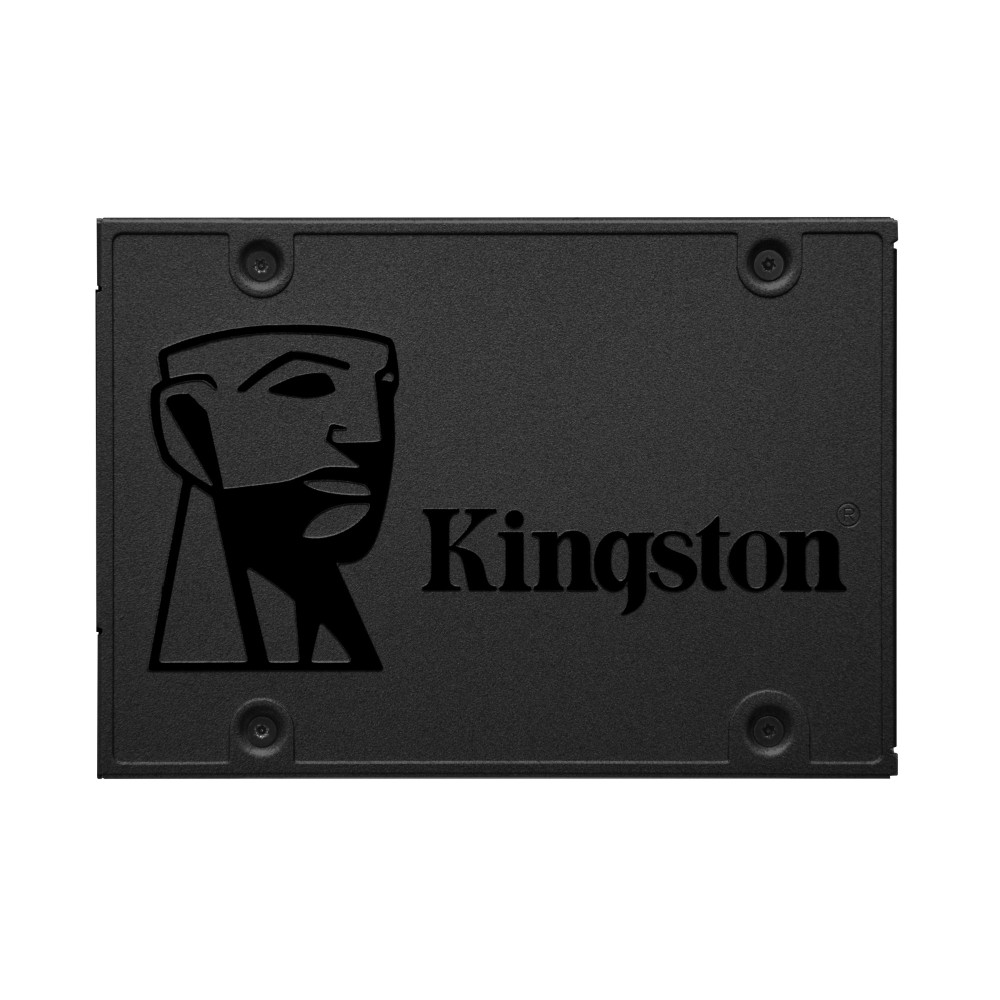
A SATA SSD is far faster than a hard drive and fine for storing games, but an NVMe drive loads quicker and barely costs more, so for a main gaming drive we would fit NVMe. Keep a SATA SSD for extra storage if you already have one.

How long do SSDs last?

A modern SSD will usually outlast the rest of your build. The endurance rating, shown as TBW, is far higher than a typical gamer writes in years of use, so wear-out is rarely why a drive gets replaced. Leaving some free space helps it stay fast and healthy.

How we know: Hardvance is a UK PC parts retailer. We handle, sell, and support these components every day, and stand behind them with our returns and warranty service. Our picks come from that hands-on familiarity and from tracking which parts prove reliable and good value for our customers. We update this guide as new hardware and prices land.

Leave a Reply

Your email address will not be published. Required fields are marked *