What Spec Sheets Hide About the Best Monitor for PS5, and the Gaming Monitors That Pass

0
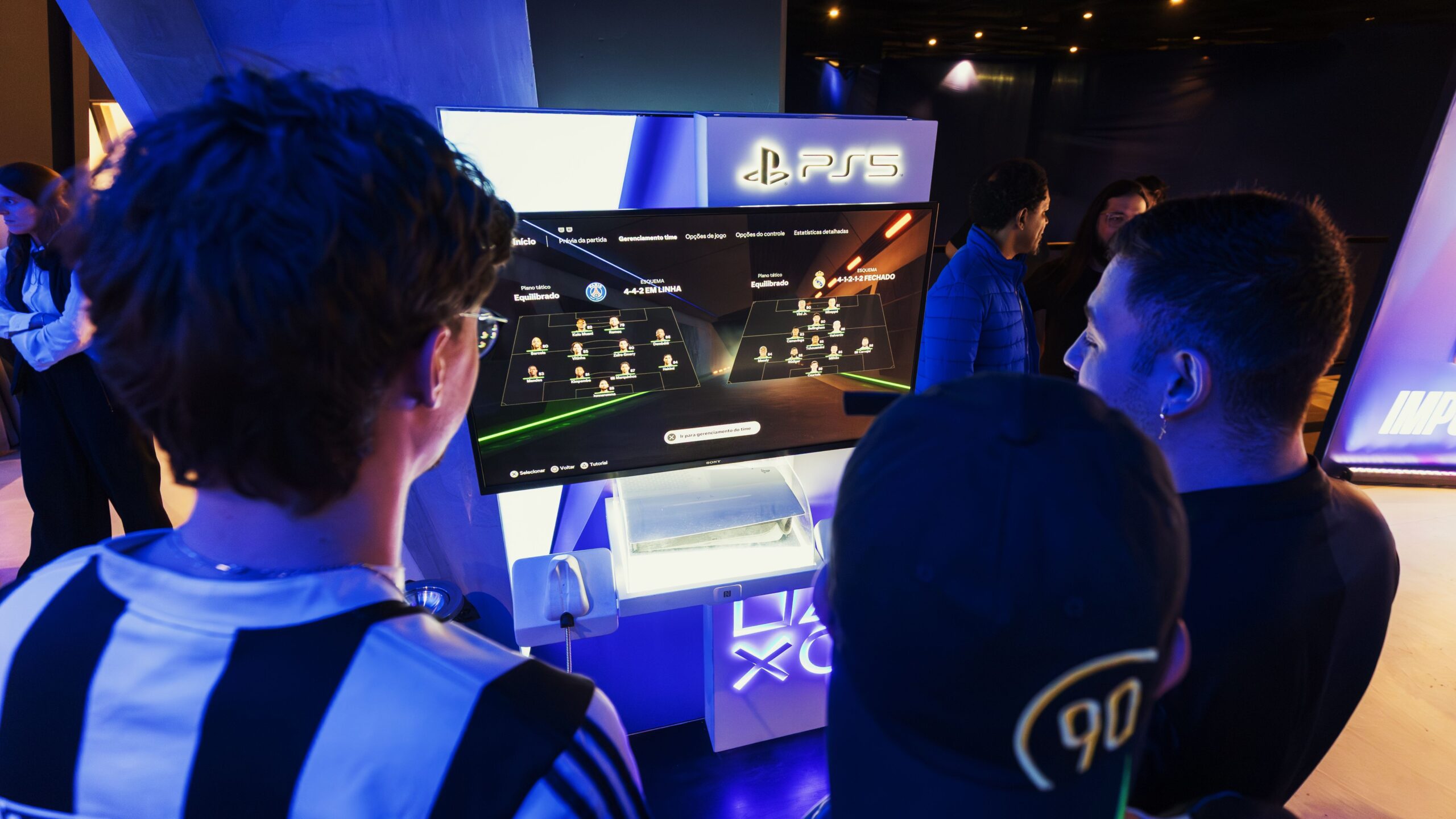
Gamers playing on a monitor at a PlayStation 5 gaming event with the PS5 logo above the screen

The best monitor for PS5 is a 27-inch or 32-inch 4K screen whose HDMI port takes 4K at 120Hz, the fastest signal a PS5 sends at 4K. RTINGS rates the ASUS ROG Swift OLED PG27UCDM the best it has tested for the PS5 and PS5 Pro, and TechRadar and Eurogamer pick the Alienware AW3225QF. Before you buy anything, know the three things spec sheets hide. “HDMI 2.1” on the box does not guarantee 4K at 120Hz. The PS5 uses HDMI VRR, not FreeSync, and listings almost never say which a monitor has. And anything above 120Hz goes unused on a PS5.

Pick by your setup:

  • Best pictureA 4K OLED: the PG27UCDM or AW3225QF. OLED picks
  • PS5 Pro on a budgetA 4K screen whose maker lists PS5 VRR, like the MSI MAG 275UPD E14. PS5 Pro picks
  • Base PS5, tight budgetA 1440p screen that RTINGS confirms does PS5 VRR. Budget picks
  • Buying for GTA 6120Hz will probably not matter for it at launch. Why
  • Xbox Series X or SFreeSync works on Xbox, so more monitors qualify. Xbox picks
  • Monitor has no speakersPlug headphones into the DualSense. Sound options

Hardvance sells monitors, and the cards below show the picks from this guide that we sell. We have not tested these monitors with a PS5 ourselves. The verdicts come from RTINGS, TechRadar, Eurogamer and PCMag, the specifications from Dell, ASUS and MSI, and the PS5 and Xbox facts from Sony and Microsoft, all read on 12 October 2026.

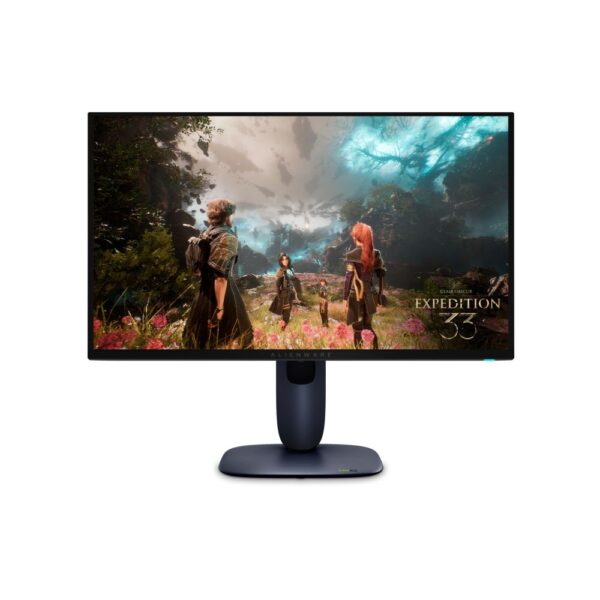
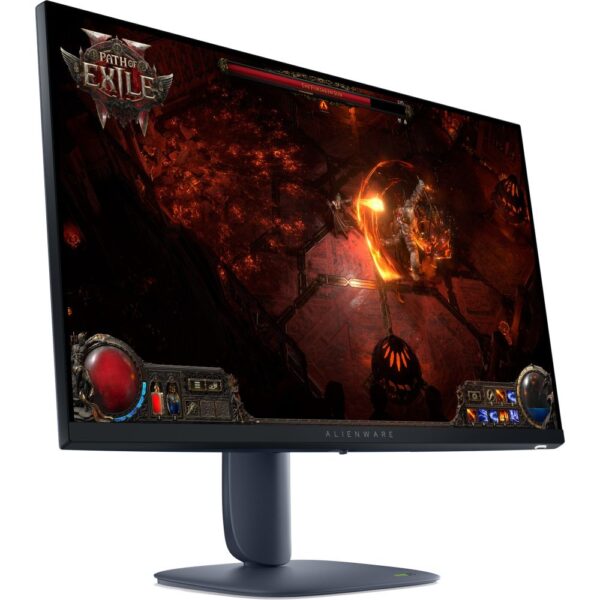
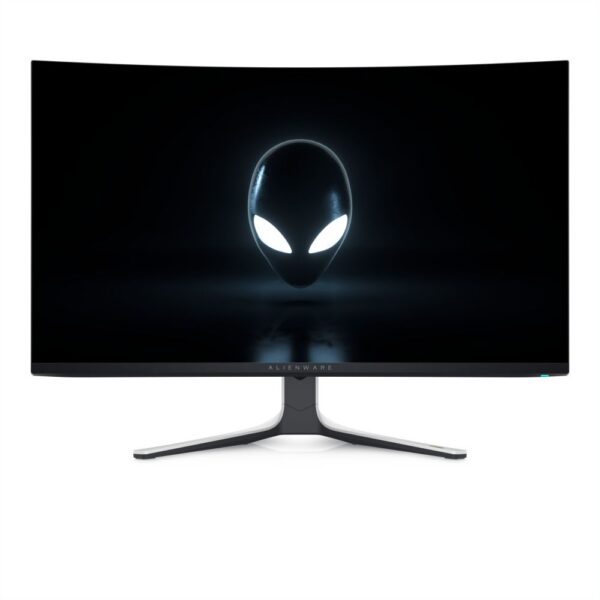
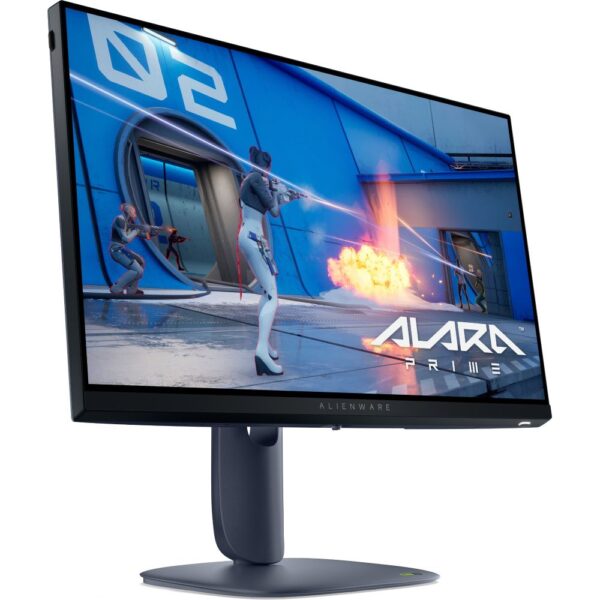
The monitors on this pageASUS ROG Swift OLED PG27UCDM, Alienware AW3225QF, AW2725Q, AW2725DM and AW2525HM, and MSI MAG 275UPD E14. Each product page shows the current price.

Best monitor for PS5 and PS5 Pro: the PS5 monitors testers rate

Some PS5 monitor guides are older than they look. When we searched Google UK for “best monitor for PS5” on 12 October 2026, one guide near the top had 2026 in its title, but the page itself says it was last updated on 26 September 2024 and still calls itself the best monitor for PS5 in 2024. That is before the PS5 Pro went on sale on 7 November 2024. So we went to the testers whose PS5 lists are current: RTINGS, TechRadar, Eurogamer and PCMag.

If you wantMonitorWhat matters for a PS5Who says so
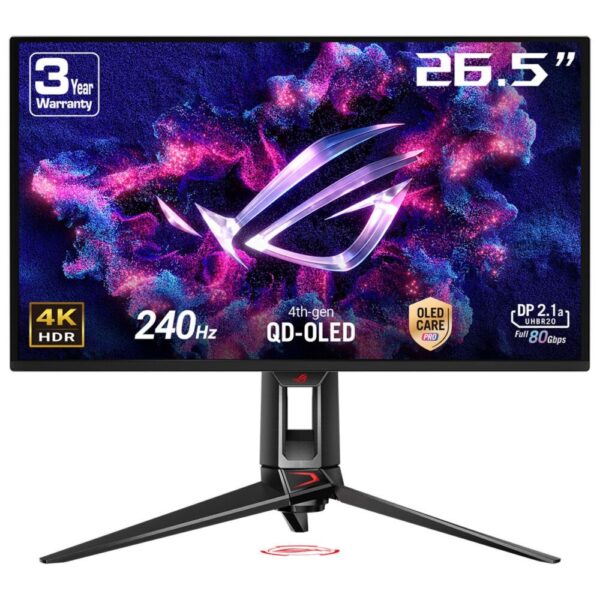
The best, 27-inchASUS ROG Swift OLED PG27UCDM4K QD-OLED, two HDMI 2.1 ports with FRL, takes 4K at 120Hz from a PS5RTINGS’ best for PS5 and PS5 Pro; PCMag’s best premium OLED for PS5
The best, 32-inchAlienware AW3225QF4K QD-OLED, two HDMI 2.1 FRL ports; Dell lists VRR as specified in HDMI 2.1TechRadar’s best monitor for PS5; Eurogamer’s best gaming monitor
A cheaper 4K OLEDAlienware AW2725Q27-inch 4K QD-OLED, HDMI 2.1 FRL with HDMI VRR; no headphone jackRTINGS’ upper mid-range pick for PS5
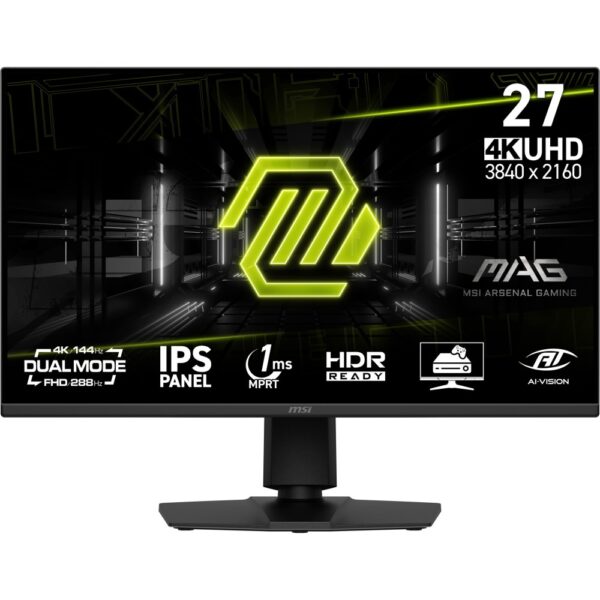
4K for a PS5 Pro on a budgetMSI MAG 275UPD E1427-inch 4K IPS, 48Gbps HDMI 2.1; MSI lists 4K at 120Hz in console mode and VRR on PS5MSI’s own specifications
1440p on a budgetAlienware AW2725DM27-inch 1440p IPS; 1440p at 120Hz and VRR with a PS5RTINGS’ best cheap monitor for PS5
1080p on the tightest budgetAlienware AW2525HM24.5-inch 1080p Fast IPS; its 255Hz over HDMI is far more than a PS5 can usePCMag’s best budget gaming monitor for PS5

Every pick has a 16:9 screen. RTINGS notes that the PS5 does not support ultrawide signals, so 27-inch and 32-inch 16:9 monitors are the better choice. The sections below explain which one suits your console, your budget and your room.

What a gaming monitor for PS5 needs: HDMI 2.1, 4K at 120Hz and HDMI VRR

A PS5 connects over HDMI only. Here is what Sony and the testers say it can use:

  • 4K at 120Hz needs HDMI 2.1. Sony says the PS5 supports the HDMI 2.1 specification and 4K at 120Hz. FlatpanelsHD explains that 4K at 60Hz and HDR work over HDMI 2.0 as well, and that the console only switches to 4K at 120Hz when a game offers a 120fps performance mode.
  • 120Hz is the ceiling. A 144Hz or 240Hz monitor still works, but the extra refresh rate is only useful if you also plug in a PC. RTINGS says the 240Hz of its top pick is too high for the PS5 to use.
  • VRR has to be the HDMI kind. VRR, or variable refresh rate, smooths out stutter when the frame rate moves. Sony switched it on in April 2022 for “HDMI 2.1 VRR-compatible TVs and PC monitors”. RTINGS says the PS5 only supports HDMI Forum VRR, while the Xbox Series X|S supports both that and FreeSync.
  • The cable matters too. For 4K at 120Hz, Sony says to use the HDMI cable that came with the PS5 or an Ultra High Speed HDMI cable rated for 4K 120Hz, plugged into the monitor’s HDMI 2.1 port.

For the wider choice of panel, size and refresh rate, our guide to choosing a gaming monitor covers the specs that decide how a screen looks.

HDMI 2.1 monitor for PS5: what spec sheets hide

Three things are easy to miss on a monitor’s spec sheet, and each one changes what a PS5 can do with it.

1. “HDMI 2.1” is a name, not a speed. Dell lists two HDMI 2.1 ports on the Alienware AW2725DM. The small print says they run up to 1440p at 144Hz over TMDS. FlatpanelsHD explains that TMDS is the HDMI 2.0 way of sending a signal, and that the PS5 only sends 4K at 120Hz over FRL, the faster HDMI 2.1 mode. RTINGS confirms the AW2725DM lacks HDMI 2.1 bandwidth: it takes 1440p at 120Hz and VRR from a PS5, but not 4K at 120Hz. For 4K at 120Hz, look for the maker to state 4K 120Hz over HDMI, FRL, or 40 to 48Gbps, as Dell does for the AW3225QF and MSI does for the MAG 275UPD E14. If the HDMI line says TMDS, do not expect 4K at 120Hz from a PS5.

2. PS5 VRR is a separate tick box. Some monitors without full HDMI 2.1 bandwidth still do VRR with a PS5, and some do not. RTINGS found that the Alienware AW2725DM and the KOORUI S2721PM do, while the AOC Q27G3XMN and Q27G40XMN, which have better local dimming than the KOORUI, do not. You cannot tell from the box.

3. Hardly any listing says. We counted the spec text of the 4K monitors we list:

What 91 4K monitor listings tell a PS5 ownerShare of the 4K monitors listed on hardvance.co.uk whose spec text says each thing.53 of 91 4K monitor listings (58%): names a refresh rate of 120hz or more.Names a refresh rate of 120Hz or more58%53 of 9151 of 91 4K monitor listings (56%): names hdmi 2.1.Names HDMI 2.156%51 of 9146 of 91 4K monitor listings (51%): names both.Names both51%46 of 918 of 91 4K monitor listings (9%): mentions the ps5.Mentions the PS59%8 of 911 of 91 4K monitor listings (1%): says it does vrr with a console.Says it does VRR with a console1%1 of 91Source: spec text of all published 16:9 4K monitor listings on hardvance.co.uk, 12 October 2026.
About half the 4K monitors we list name both HDMI 2.1 and 120Hz, and naming them is not proof of 4K at 120Hz over HDMI. Only one says it does VRR with a console.

So check two places before you buy. The maker’s own spec page sometimes has a console line: MSI lists “VRR: PS5 and Xbox Supported” for the MAG 275UPD E14. And RTINGS tests PS5 compatibility in its monitor reviews.

Do you need a 120Hz monitor for PS5? Probably not for GTA 6

GTA 6 comes out on 19 November 2026 on PS5 and Xbox Series X|S. Neither Sony nor Rockstar has announced a 60fps or 120fps mode for it. In August, Kotaku reported, from a translated interview, that Rockstar North’s Rob Nelson said the consoles run it at 30 frames per second for now, and that this could change, including after launch. Digital Foundry’s analysis says the game targets a fixed 30fps on all platforms and judges a 60fps version “extremely unlikely on console hardware”. We covered the details in our PS5 vs PS5 Pro guide for GTA 6.

Because the PS5 only switches to 120Hz for games that offer a 120fps mode, a 120 fps monitor for PS5 will probably make no difference to GTA 6 at launch. If a 60fps mode does arrive, every monitor in this guide can show it. What will matter for GTA 6 is resolution, HDR and contrast.

That does not make 120Hz pointless. Sony supports 4K at 120Hz output on the PS5, and its first VRR update named Call of Duty: Vanguard, Destiny 2 and Ratchet & Clank: Rift Apart among the games that use VRR. If you play shooters or racing games, 120Hz is worth having. If you mainly want GTA 6 to look its best, spend on picture quality first.

4K or 1440p monitor for PS5?

The PS5 gained 1440p output in September 2022, and Sony added VRR at 1440p in a system update in March 2023. Before that update, Sony’s own note said VRR worked at 1080p and 4K but not at 1440p, so older advice may still say 1440p loses VRR.

  • Choose 4K if you have a PS5 Pro, play on a 27-inch or larger screen, or care most about how games look. RTINGS says the PS5 Pro reaches 4K at 120Hz more easily, so a 4K monitor suits it.
  • Choose 1440p if you have the standard PS5 and a tighter budget. RTINGS says its budget pick, the KOORUI S2721PM, a 1440p monitor without HDMI 2.1 bandwidth, still shows games at 1440p up to 120Hz, or a 4K signal scaled down at 60Hz.
  • 1080p suits a 24-inch screen for fast competitive games, and costs least.

To see whether your monitor accepts 1440p at 120Hz, use the PS5’s own test: Settings, Screen and Video, Video Output, then Test 1440p Output. Sony says it checks SDR and HDR at 60Hz and 120Hz, and VRR. Our guide to QHD vs 4K gaming monitors covers the same choice for a PC.

Best budget monitor for PS5

RTINGS’ advice for a standard PS5 on a budget is to skip 4K at 120Hz and buy a good 1440p screen instead.

  • Alienware AW2725DM: RTINGS’ best cheap monitor for PS5. It takes 4K at 60Hz and 1440p at 120Hz from a PS5, supports VRR with it, and has low input lag. RTINGS warns that its HDR is poor, with grey blacks and haloing, so it is better to game with HDR off.
  • KOORUI S2721PM: RTINGS’ best budget monitor for PS5, a 27-inch 1440p Mini LED screen with decent local dimming and PS5 VRR.
  • Alienware AW2525HM: PCMag’s best budget gaming monitor for PS5, picked mainly for its low price. Dell lists 1080p at up to 255Hz over HDMI, far more than a PS5 can use, so the extra speed only matters if you also game on a PC.

Two to avoid for PS5 VRR: RTINGS notes that the AOC Q27G3XMN and Q27G40XMN have better local dimming than the KOORUI but do not support VRR with the PS5.

Best monitor for PS5 Pro

The PS5 Pro gets more from a 4K monitor than the standard console. RTINGS says it reaches 4K at 120Hz more easily, so its budget pick for the Pro is a 4K screen rather than 1440p.

  • MSI MAG 275UPD E14: a 27-inch 4K IPS monitor with two HDMI 2.1 ports. MSI says they run at the full 48Gbps and lists a console mode with 4K at 120Hz and VRR on PS5 and Xbox. It also has a headphone output.
  • Dell S2725QS: RTINGS’ budget pick for the PS5 Pro, an office monitor with 120Hz, HDMI 2.1 bandwidth and VRR. RTINGS warns of blur behind fast-moving objects.
  • Acer Nitro XV275K P5: RTINGS’ mid-range pick, a 4K Mini LED screen with HDMI 2.1 bandwidth. RTINGS found it gets brighter than its two OLED picks, so it is the better choice for a bright room.

Sony says 8K output is only for the PS5 Pro and needs a screen that supports 8K at 60Hz with Display Stream Compression, so you can ignore it when choosing a monitor. For whether the Pro is worth it at all, see our PS5 vs PS5 Pro comparison.

Best OLED monitor for PS5, and its three catches

OLED gives the best picture for console games: deep blacks next to bright highlights in HDR. Three of the four testers’ top picks for PS5 are OLED.

  • ASUS ROG Swift OLED PG27UCDM: RTINGS’ best monitor for PS5 and PS5 Pro. It takes any signal from the console, including 4K at 120Hz, and RTINGS rates its HDR as very accurate.
  • Alienware AW3225QF: TechRadar’s best monitor for PS5 and Eurogamer’s best gaming monitor. It is the 32-inch choice if you want a bigger screen.
  • Alienware AW2725Q: RTINGS’ cheaper alternative to the ASUS, with the same kind of QD-OLED panel.

The three catches:

  1. Bright rooms. RTINGS says blacks on these QD-OLED panels look purple in a bright room. It suggests the ASUS ROG Strix OLED XG32UCWMG, a glossy WOLED, if you play with the lights on.
  2. VRR flicker. RTINGS found that all six OLED gaming monitors it tested flickered in dark scenes when the frame rate swung around with VRR on. Our monitor flickering guide explains why and how to reduce it.
  3. Sound. RTINGS notes the AW2725Q has no audio jack. See the sound section below.

Our look at owning an OLED monitor covers the wider trade-offs.

Best monitor for Xbox Series X and Series S

The Xbox is easier to please than the PS5.

  • More monitors do VRR. RTINGS says the Xbox Series X|S supports both HDMI Forum VRR and FreeSync, and TFTCentral explains that VRR works over an HDMI 2.0 connection as long as the monitor supports FreeSync over HDMI.
  • Series X at 4K 120Hz needs the same things as a PS5: an Ultra High Speed HDMI cable and an HDMI 2.1 display, says Xbox support.
  • Series S targets 1440p at up to 120fps, according to Microsoft, so a 1440p 120Hz monitor is the natural match.

RTINGS’ best monitor for Xbox Series X is the same ASUS ROG Swift OLED PG27UCDM, and TechRadar’s top Xbox pick is the Gigabyte M32UC. Everything in our PS5 table works with an Xbox too.

PS5 sound on a monitor: speakers, headphone jack or the DualSense

Many gaming monitors have no speakers. ASUS lists no speakers on the PG27UCDM, only an earphone jack. Dell lists no audio line-out on the Alienware AW3225QF, and RTINGS notes the AW2725Q has no audio jack at all. MSI lists two 2W speakers and a headphone output on the MAG 275UPD E14. You have three ways to get sound:

  1. The DualSense controller. Sony’s controller has a 3.5mm headset jack, so any wired headphones work, whatever the monitor.
  2. The monitor’s headphone jack. The PS5 sends sound over HDMI, so headphones or powered speakers plugged into the monitor’s jack play it. The PG27UCDM and the MSI MAG 275UPD E14 both have one.
  3. A headset or speakers connected to the PS5. Choose the output in Settings, Sound, Audio Output, Output Device.

If you want a headset, our gaming headset guide explains why the microphone matters more than most people expect.

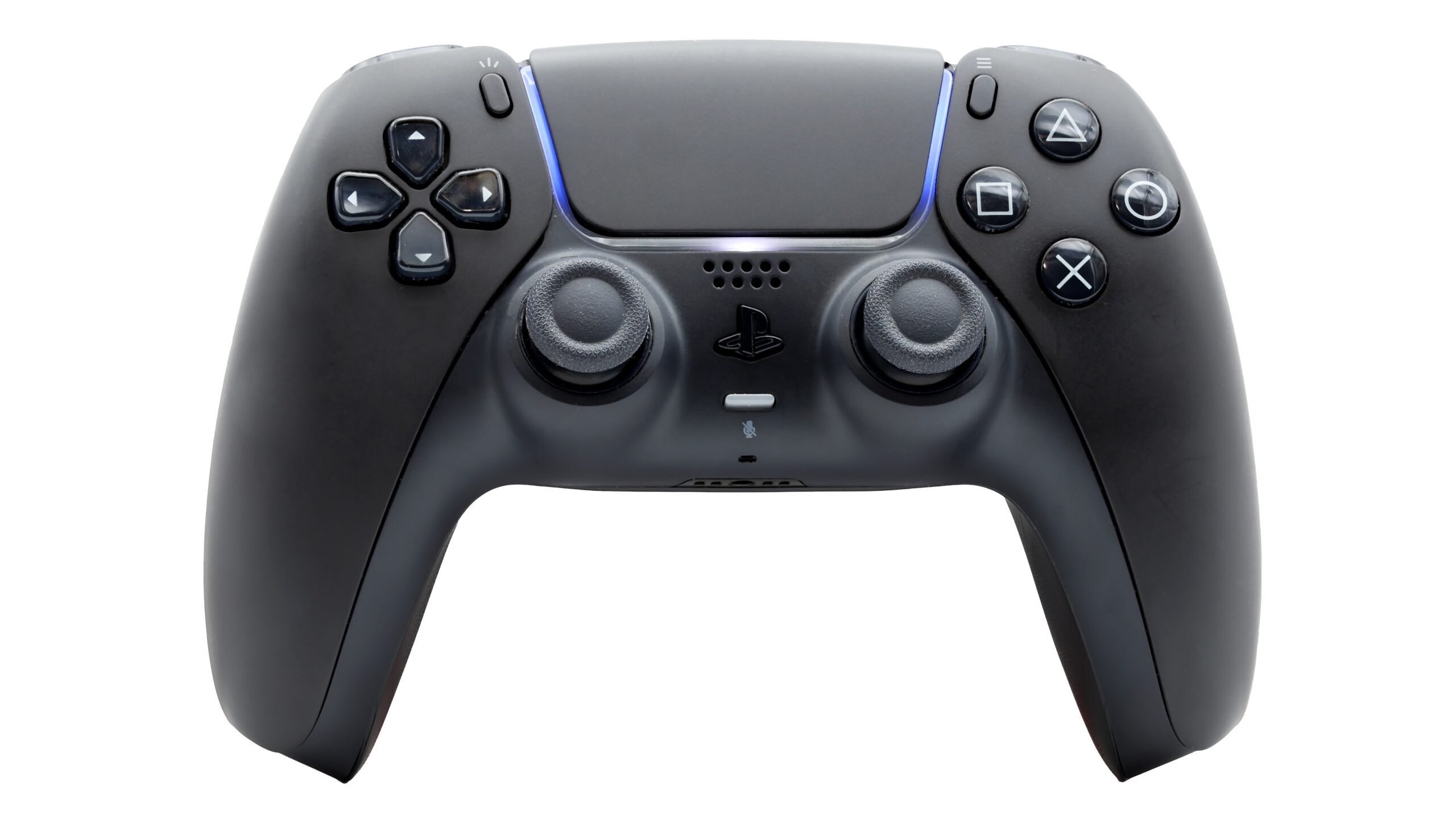
Black DualSense wireless controller for PS5 seen from the front on a white background
The DualSense has a 3.5mm headset jack, so wired headphones work with any monitor, speakers or not. Photo: Chris Woodrich, Wikimedia Commons, CC BY-SA 4.0, placed on a wider background.

How to set up a PS5 on a monitor

  1. Use the right cable and port. The HDMI cable from the PS5 box, or an Ultra High Speed cable, into the monitor’s HDMI 2.1 port.
  2. Turn on the monitor’s console features if it has them, such as MSI’s console mode.
  3. Set the resolution. Settings, Screen and Video, Video Output, Resolution. Automatic picks the highest your screen supports. On a 1440p monitor, choose 1440p, then run Test 1440p Output.
  4. Check VRR. In the same menu, Sony says VRR switches on automatically for supported games on a compatible display, and you can also apply it to games that do not support it.
  5. If 4K at 120Hz shows up as 1080p at 120Hz, Sony’s checklist is: confirm the screen supports 4K at 120Hz, update its firmware, use the right cable, connect directly rather than through a receiver, use the HDMI 2.1 port, and set Resolution to Automatic or 2160p and Video Transfer Rate to Automatic.
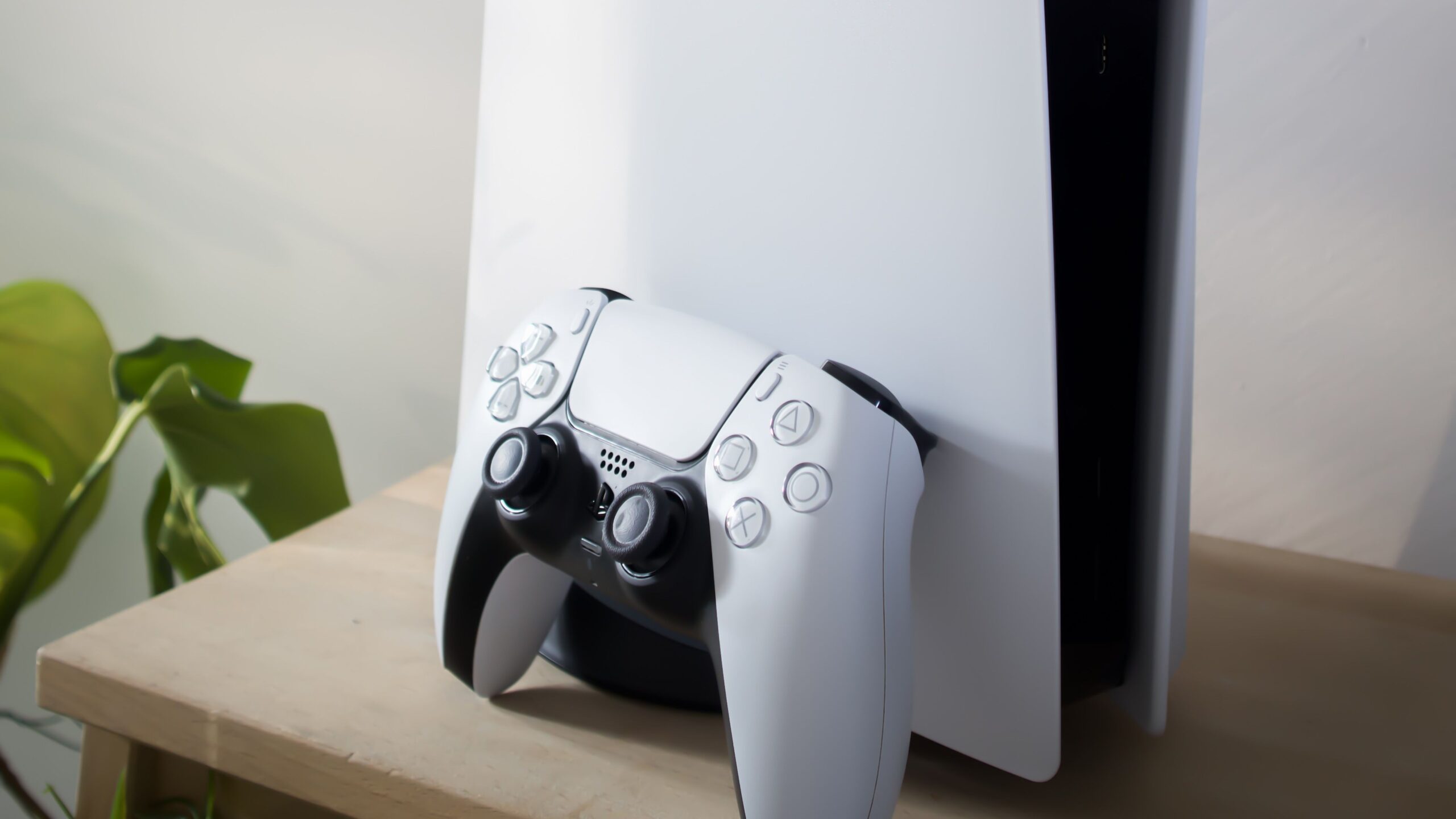
PlayStation 5 console standing upright with a white DualSense controller resting against it on a wooden table
Use the HDMI cable from the PS5 box, or an Ultra High Speed cable, in the monitor’s HDMI 2.1 port. Photo: Pascal, Pexels, cropped.

What we would actually do

  • Standard PS5, mainly GTA 6 and story games: a 4K screen with good HDR beats a fast 1440p one. GTA 6 will probably run at 30fps, so picture quality matters more than refresh rate.
  • Standard PS5, tight budget: a 1440p monitor that RTINGS confirms does PS5 VRR, such as the Alienware AW2725DM.
  • PS5 Pro: 4K with real 4K 120Hz over HDMI. The MSI MAG 275UPD E14 if money is tight, an OLED if not.
  • Best picture, dark room: the ASUS ROG Swift OLED PG27UCDM at 27 inches or the Alienware AW3225QF at 32.
  • Any good monitor for PS5: look for “4K 120Hz over HDMI” and a PS5 VRR result, not just the words HDMI 2.1.

Quick answers

What monitor should I get for a PS5?

A 27-inch or 32-inch 4K monitor with full HDMI 2.1, so the PS5 can send 4K at 120Hz. RTINGS rates the ASUS ROG Swift OLED PG27UCDM its best for PS5. On a budget, a 1440p monitor that supports VRR with a PS5, such as the Alienware AW2725DM, is a good choice.

Can a 144Hz monitor run 120fps on PS5?

Yes, if its HDMI port accepts 120Hz at the resolution you use. The PS5 tops out at 120Hz, so a 144Hz or 240Hz monitor runs at 120Hz with it. RTINGS says its 240Hz top pick still supports every PS5 signal, including 4K at 120Hz.

Is 4K or 1080p better for PS5?

4K looks sharper and suits the PS5 Pro best, which RTINGS says reaches 4K at 120Hz more easily. 1080p costs less and suits a 24-inch screen for fast competitive games. 1440p sits in between and, since a 2023 update, works with VRR on the PS5.

Do I need HDMI 2.1 for a PS5?

For 4K at 120Hz, yes. Sony’s 4K 120Hz checklist asks for an HDMI 2.1 port, and FlatpanelsHD notes that 4K at 60Hz and HDR work over HDMI 2.0. VRR is a separate feature: some monitors without full HDMI 2.1 bandwidth, such as the Alienware AW2725DM, still do VRR with a PS5.

Does the PS5 support 1440p?

Yes. Sony added 1440p output in September 2022 and VRR at 1440p in March 2023. Use Test 1440p Output in the PS5’s video settings to check what your monitor accepts.

Does the PS5 work with an ultrawide monitor?

Not at its full width. RTINGS says the PS5 does not support ultrawide signals, so a 16:9 monitor at 27 or 32 inches is the better choice.

Does the PS5 support FreeSync?

No. RTINGS says the PS5 only supports HDMI Forum VRR. A monitor that only does FreeSync over HDMI will not give you VRR on a PS5, although it will on an Xbox Series X or S.

How do I get sound from a PS5 on a monitor without speakers?

Plug wired headphones into the 3.5mm jack on the DualSense controller, or into the monitor’s headphone jack if it has one. You can also connect a headset or speakers to the PS5 and choose them in Settings, Sound, Audio Output.

Is 60Hz or 120Hz better for Xbox Series X?

120Hz, for games that offer it. Xbox support says 4K at 120Hz needs an Ultra High Speed HDMI cable and an HDMI 2.1 display. A 1440p 120Hz monitor works over HDMI 2.0, according to TFTCentral.

How we know

We have not tested these monitors with a PS5 ourselves. The picks come from RTINGS’ PS5 list (September 2026), TechRadar’s PS5 list (August 2026), Eurogamer’s gaming monitor list (February 2026) and PCMag’s PS5 list (December 2025). The PS5 facts come from Sony’s support pages and the PlayStation Blog, and the Xbox facts from Xbox support and Microsoft’s Series S page. Specifications come from Dell, ASUS and MSI, matched to each product’s part number. The GTA 6 frame rate comes from Digital Foundry’s analysis and Kotaku’s report, both from August 2026. The chart is our own count of the spec text on every published 4K monitor listing on hardvance.co.uk. That text is our own listing copy, generated from supplier and manufacturer data, so the chart shows what the listings say, not what each monitor does. Everything else was read on 12 October 2026.

Sources

Leave a Reply

Your email address will not be published. Required fields are marked *