How to Get Strong WiFi in Every Room (2026): Mesh vs Powerline vs Access Points

Almost every home has that one room. The bedroom at the far end where video calls stutter, the kitchen where a podcast keeps buffering, the garden office that the router pretends does not exist. The good news is that patchy WiFi is almost always fixable, and you rarely need a faster broadband package to do it. You need to get the signal to where you actually use it.
There are four sensible ways to do that: a mesh system, powerline adapters, wired access points, or (the one to mostly avoid) a plug-in range extender. This guide explains how each one works in plain terms, which suits which kind of home, and where the money is well spent. We will be honest about the trade-offs, including the limits that the box and the marketing never mention.
Last updated: June 2026 · Hardvance networking team
Where to start: for most homes a good mesh WiFi system is the best all-round fix, and it is far better than a cheap extender. If you can run a network cable to the problem area, a wired access point gives the fastest, steadiest result of all. If you cannot run a cable and the wireless simply will not reach, powerline adapters push a connection through your mains wiring instead. Match the method to your home, not to the biggest number on the box.
- Why your WiFi is weak in some rooms
- The four ways to fix it, compared
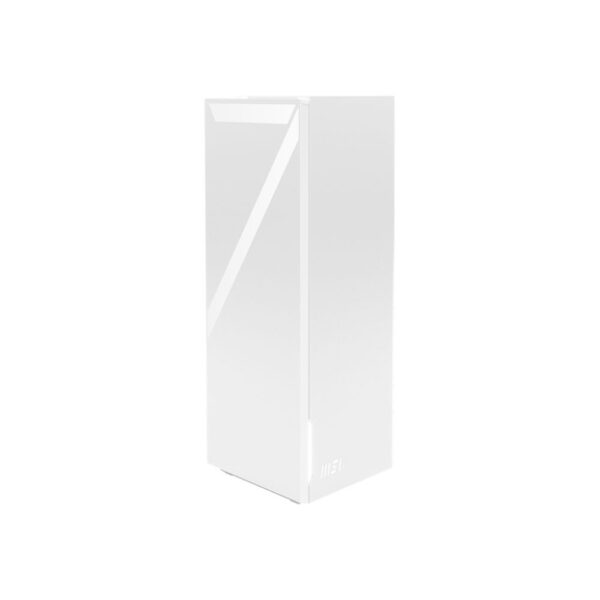
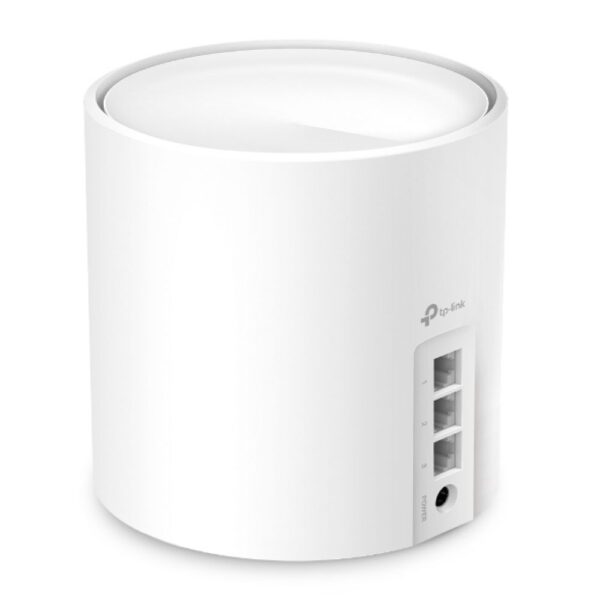
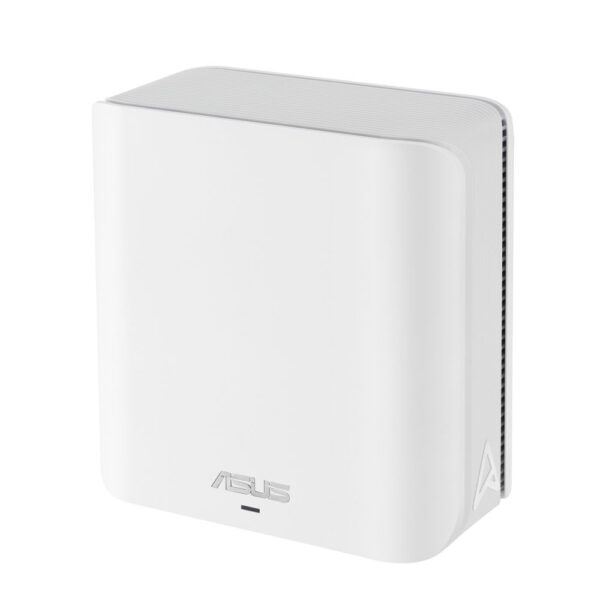
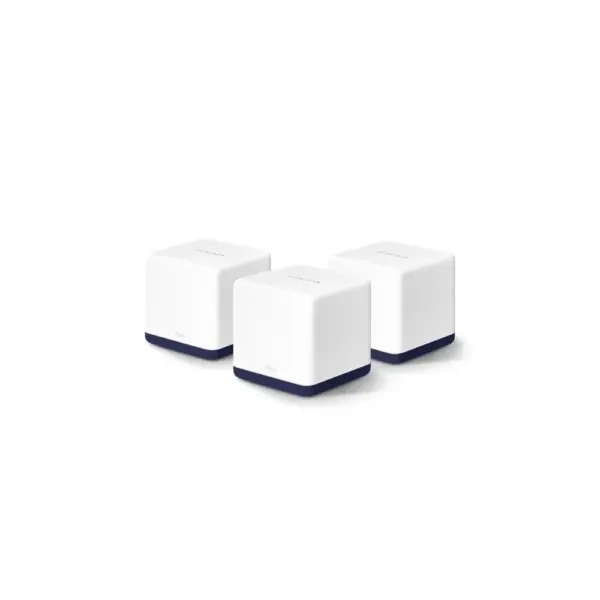
- Mesh WiFi: the all-rounder
- Powerline adapters: when you cannot run a cable
- Wired access points: the best result
- The switch that ties it together
- A word on cheap range extenders
- WiFi 6, 6E or 7?
- How to choose for your home
- Setup tips that actually help
- What we actually see
Why your WiFi is weak in some rooms
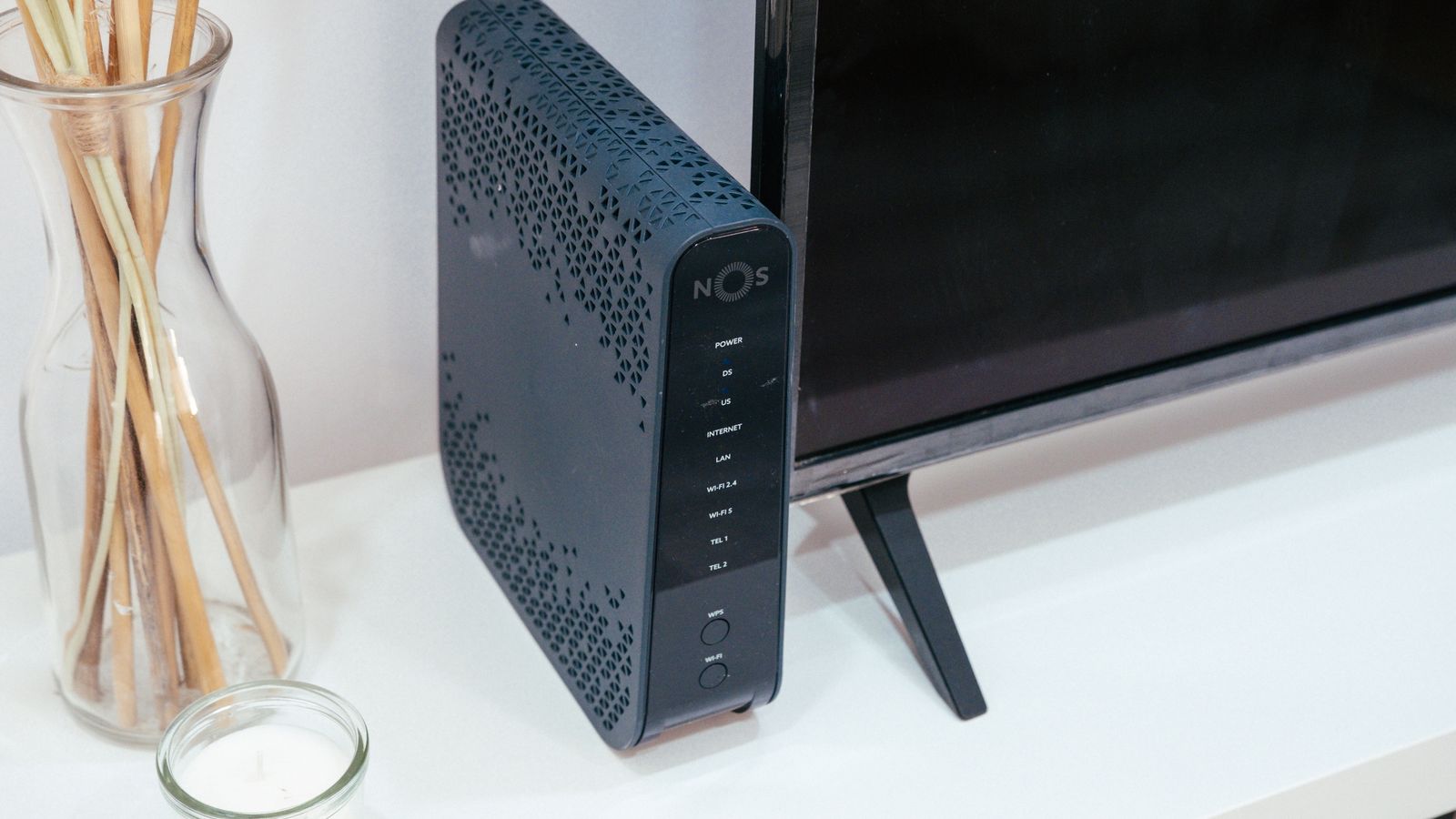
The single router your broadband provider supplied usually sits wherever the cable enters the house, often a hallway or a corner. WiFi spreads out from there in a bubble, and that bubble does not travel well. Thick walls, a chimney breast, foil-backed insulation, underfloor heating, even a large mirror or a fish tank will soak up or bounce the signal. The further a room is from the router, and the more walls in the way, the weaker it gets.
Distance is only half of it. The 5GHz band that carries fast WiFi is quick but short-ranged and poor through walls, while the 2.4GHz band reaches further but is slow and crowded with neighbours, baby monitors and Bluetooth. Add a dozen phones, a TV, a doorbell and a handful of smart plugs all fighting for airtime, and a far room ends up with a faint, contested signal. No setting on the router fixes the laws of physics. You have to move the signal closer to where you need it, and that is what the four options below do.

The four ways to fix it, compared
Here is the quick version before we go into each one. Read it top to bottom: the further down, the more setup effort, but usually the better the result.
| Option | How it gets the signal there | Best for | The catch |
|---|---|---|---|
| Range extender | Rebroadcasts the existing WiFi | One small dead spot, on a tight budget | Usually halves speed and creates a second network; we rarely recommend it |
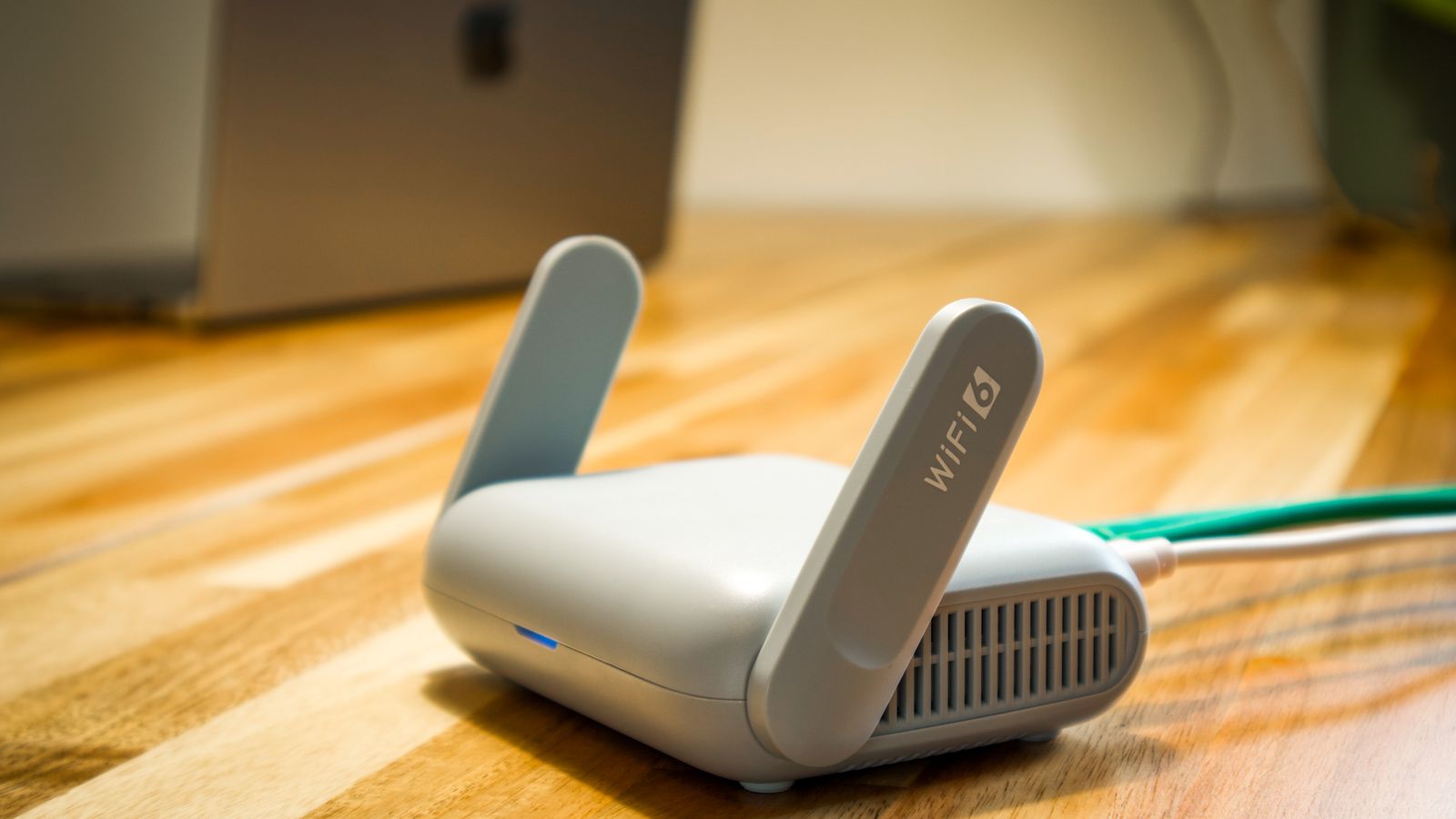
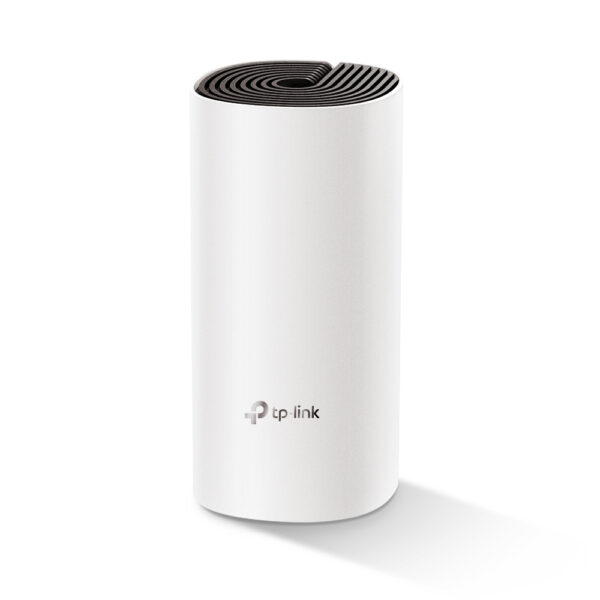
| Mesh system | Several nodes share one network name | Most homes wanting strong coverage everywhere | Costs more than one router; wireless nodes lose some speed |
| Powerline adapters | Sends data through your mains wiring | A far room or floor you cannot cable to | Speed depends heavily on your house wiring |
| Wired access point | An ethernet cable to a second WiFi point | The fastest, steadiest coverage if you can run a cable | Needs a cable run and a little setup |
Mesh WiFi: the all-rounder
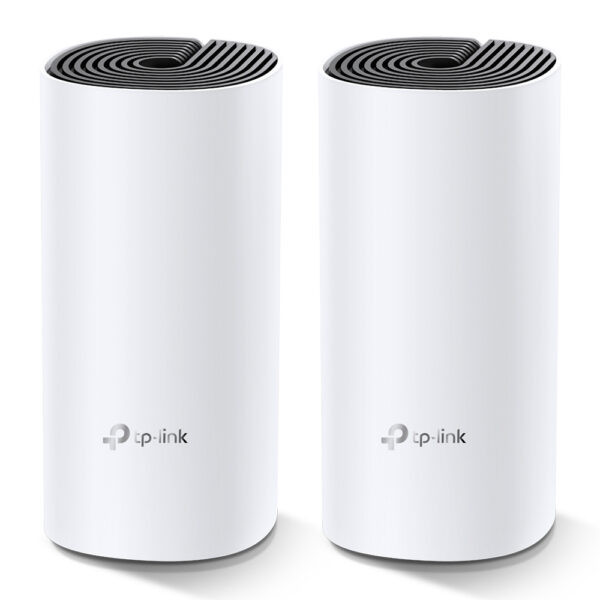
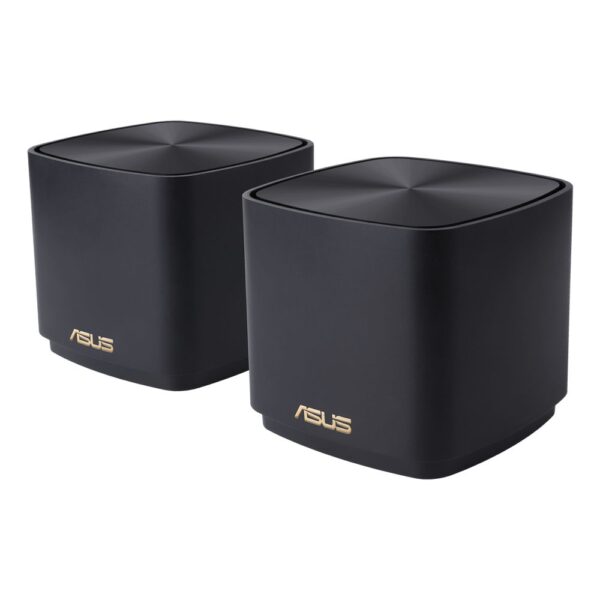
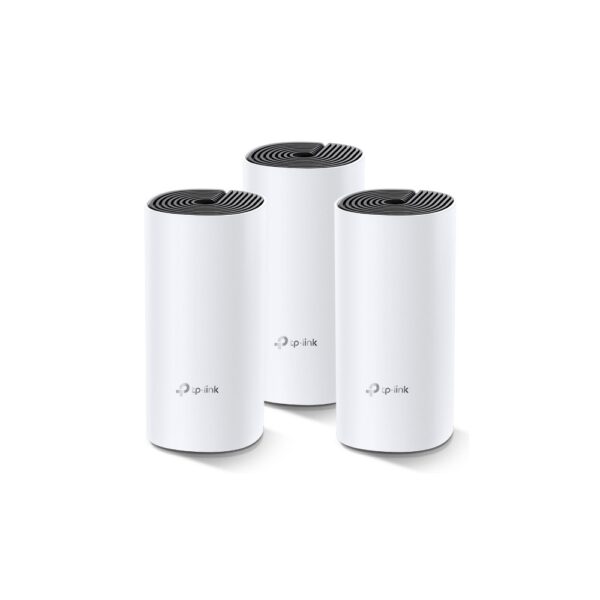
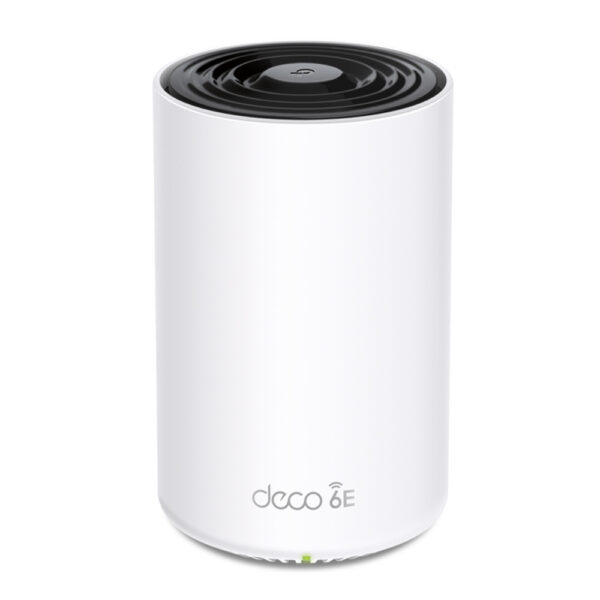
A mesh system replaces your single router with two or three small units, called nodes, that you spread around the house. They all broadcast the same network name, so your phone hops from one to the next as you walk around without dropping the connection or asking you to switch networks. That smooth hand-off is the big difference between mesh and an old-style extender, and it is why mesh has become the default answer for whole-home coverage.
For a typical two-storey home of around 2,000 square feet, a two-pack (one main node plus one satellite) usually does the job; larger or awkward homes over roughly 3,000 square feet are happier with a three-pack. Resist the urge to buy more nodes than you need, as spacing them too far apart or stacking too many can do more harm than good. One trick worth knowing: if any of your nodes can be joined to the main one with an ethernet cable rather than wirelessly, do it. This is called wired backhaul, and it frees up the airwaves for your devices and keeps every node running at full speed. It is the difference between a good mesh setup and a great one.
Mesh suits renters and anyone who does not want to run cables, and modern kits add tidy extras like a single app, automatic updates and WPA3 security. Browse our mesh WiFi systems to see what fits your floor plan.
Powerline adapters: when you cannot run a cable
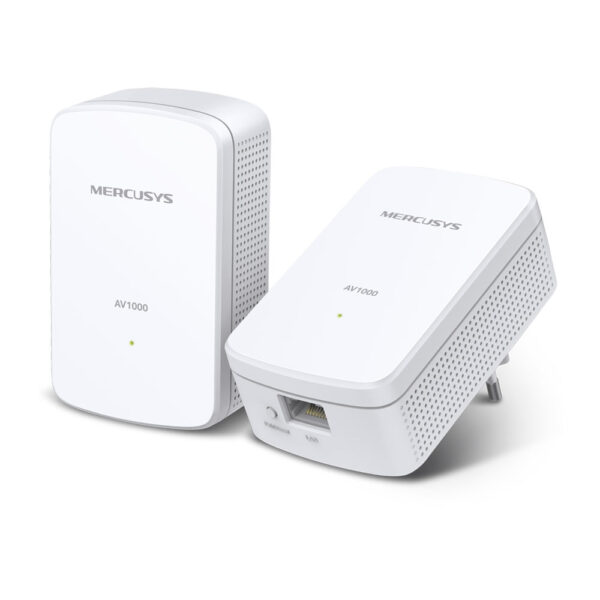
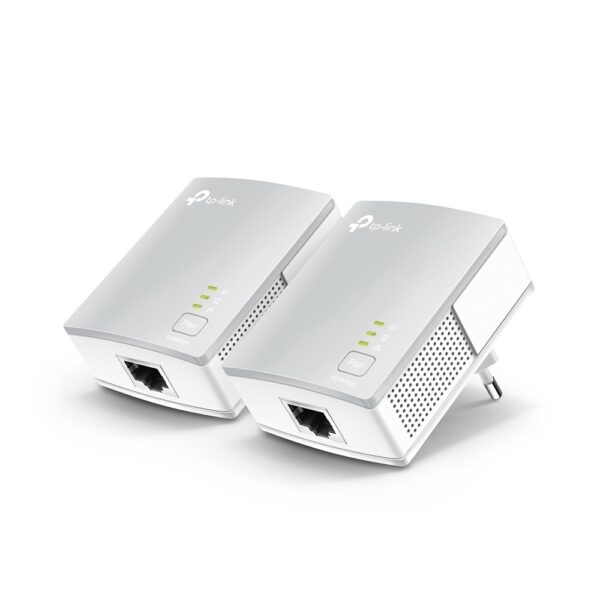
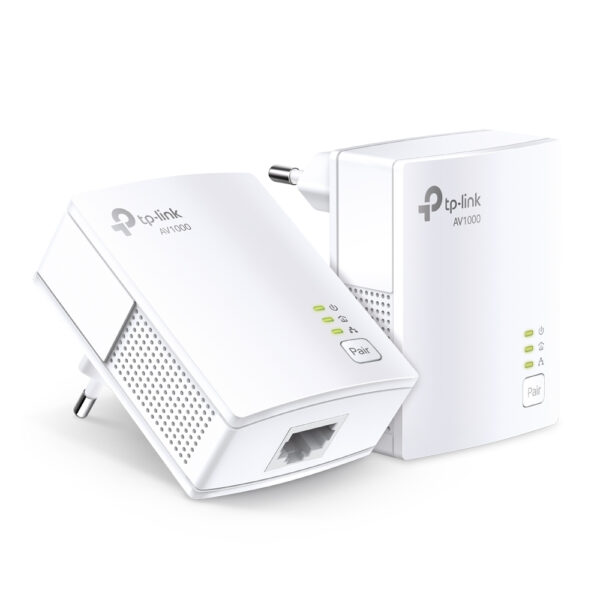
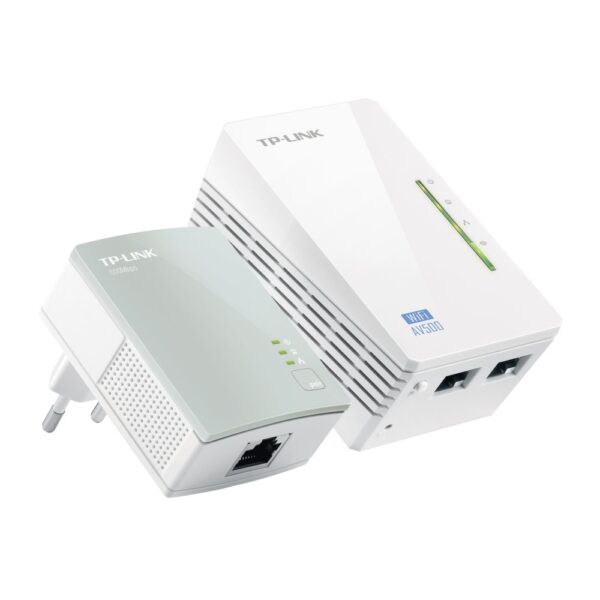
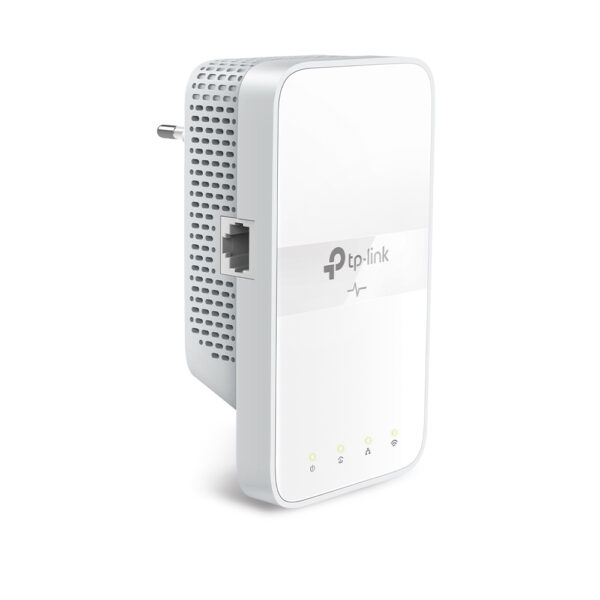
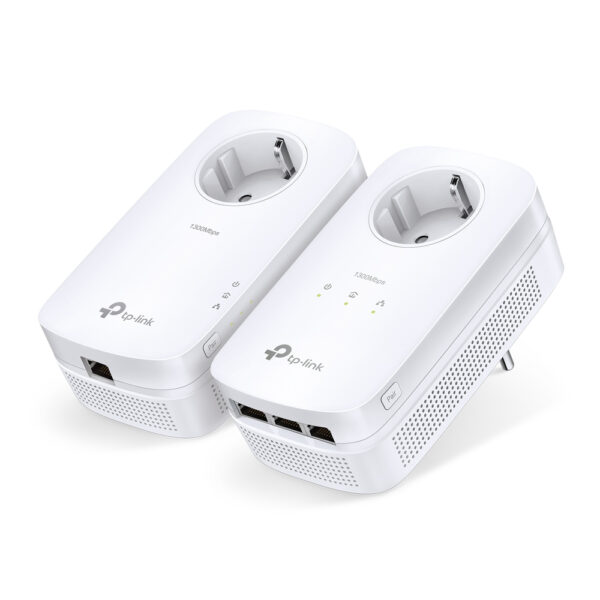
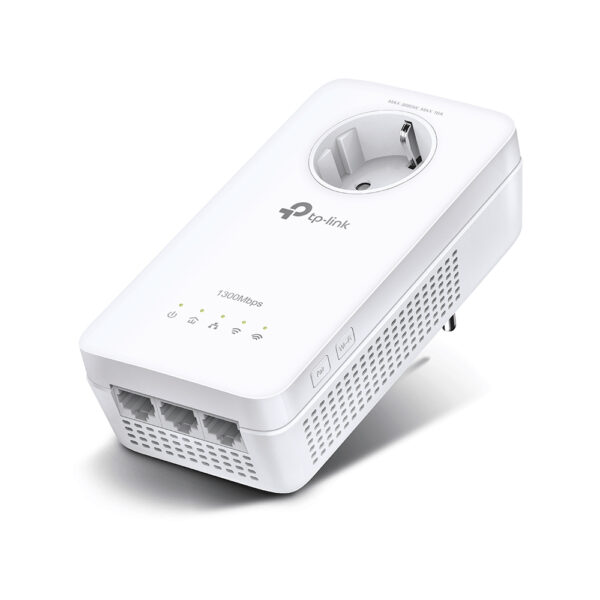
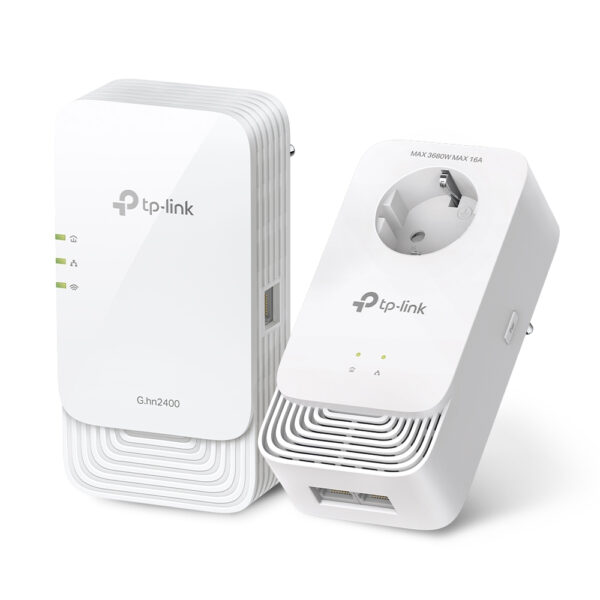
Powerline adapters are a clever fix for the room WiFi simply will not reach. You plug one adapter into a wall socket next to the router and link it with a short ethernet cable; you plug the second adapter into a socket in the far room. Your home’s electrical wiring carries the data between them, and the far adapter gives you an ethernet port (or, on a WiFi model, a fresh WiFi signal) right where you need it. No drilling, no long cable runs.
The honesty bit: powerline performance lives and dies by your house wiring, and you will never see the speed printed on the box. As a rough guide, two adapters on the same circuit might lose around 10% of the link, while sockets on different circuits can drop 40 to 50%. A few things break powerline outright, so it is worth knowing them up front:
- Never plug an adapter into an extension lead or a surge-protected strip. They filter out the high-frequency signal powerline relies on. Use the wall socket directly.
- Adapters work best on the same circuit, and still work across different circuits if they share the same consumer unit, just more slowly. Wiring on separate phases, common in some older or larger properties, may not link at all.
- Old or noisy wiring drags it down, and a fridge or microwave on the same line can cause dropouts.
Used in the right spot, though, powerline is cheap, quick and often steadier than a weak wireless signal. See our powerline adapters, including pass-through models that keep the socket usable.
Wired access points: the best result
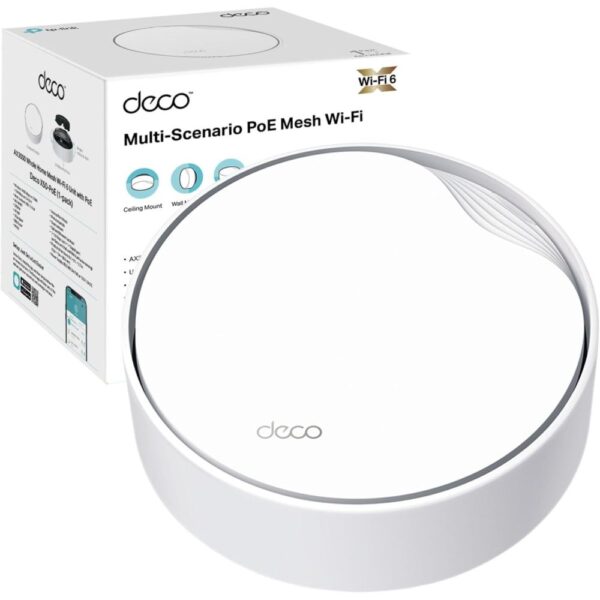
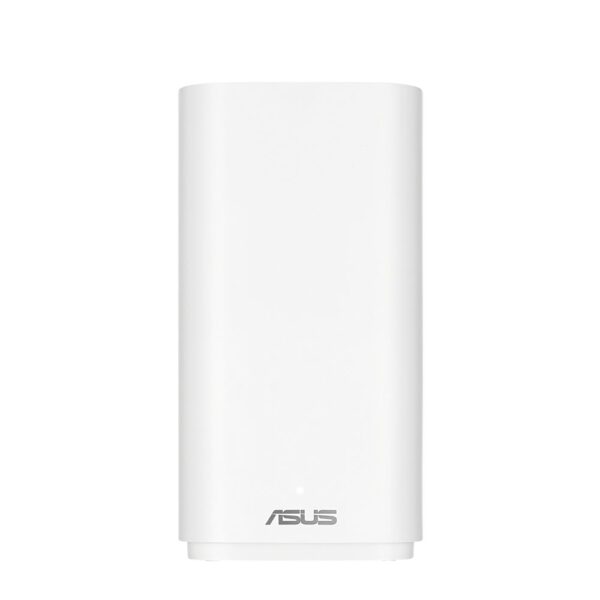
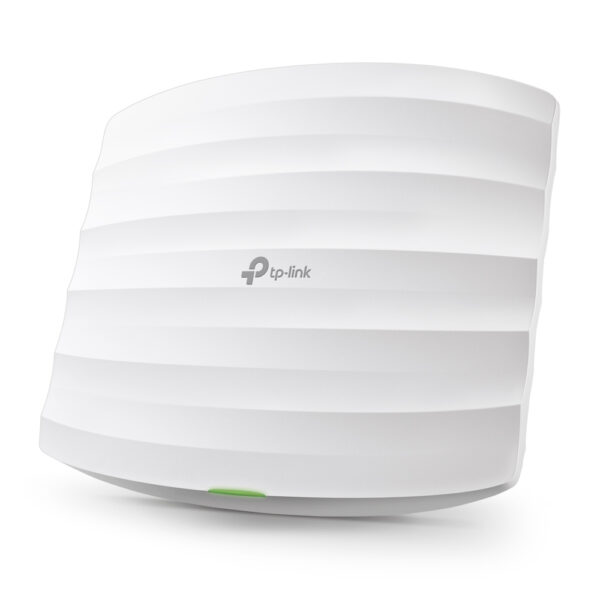
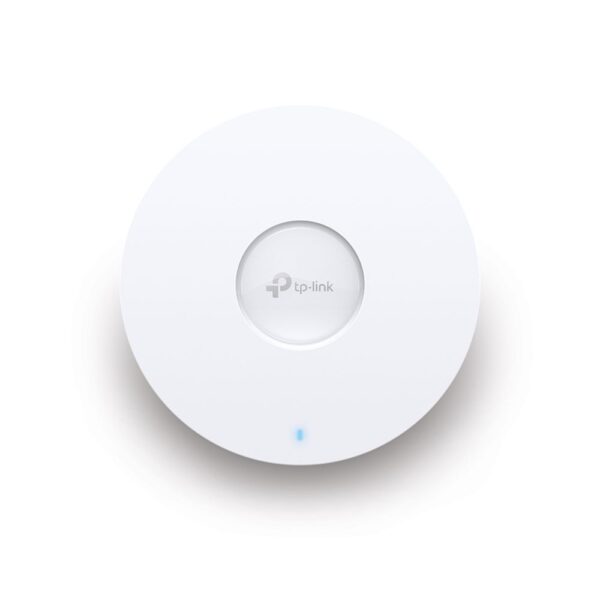
If you are willing to run a single ethernet cable to the trouble area, a wired access point beats everything else. It is a dedicated WiFi point fed by a proper cable, so it does not lose any speed relaying the signal wirelessly, it does not fluctuate with interference, and it stays rock solid under load. This is how offices, cafes and serious home setups get flawless coverage.
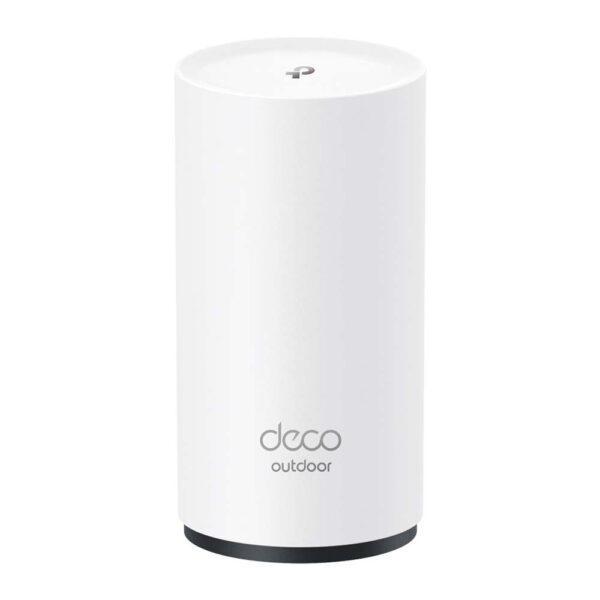
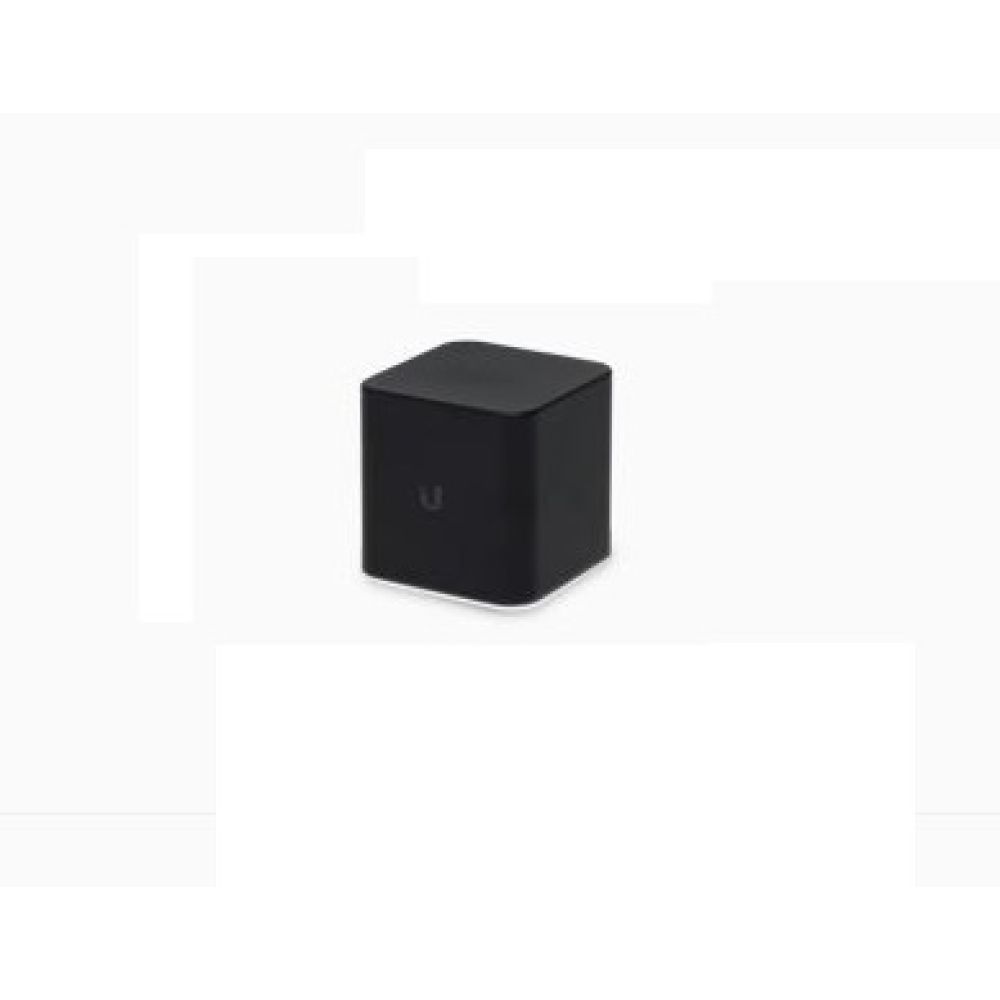
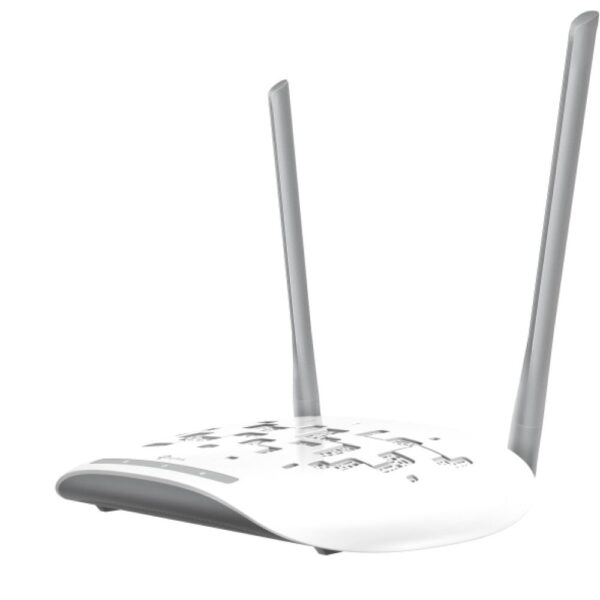
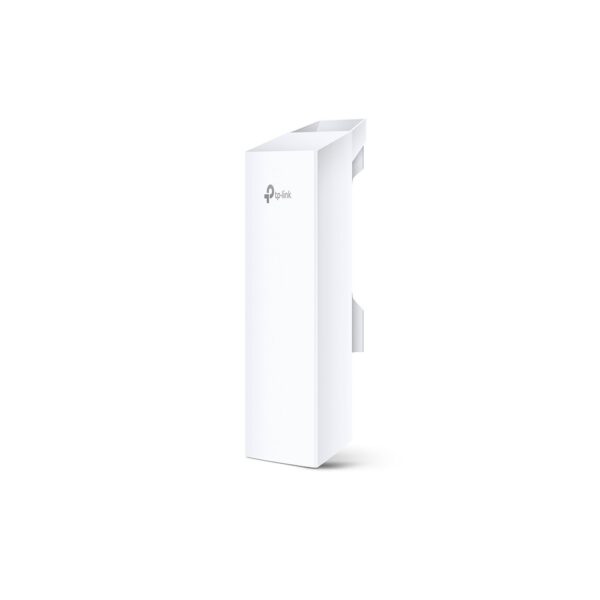
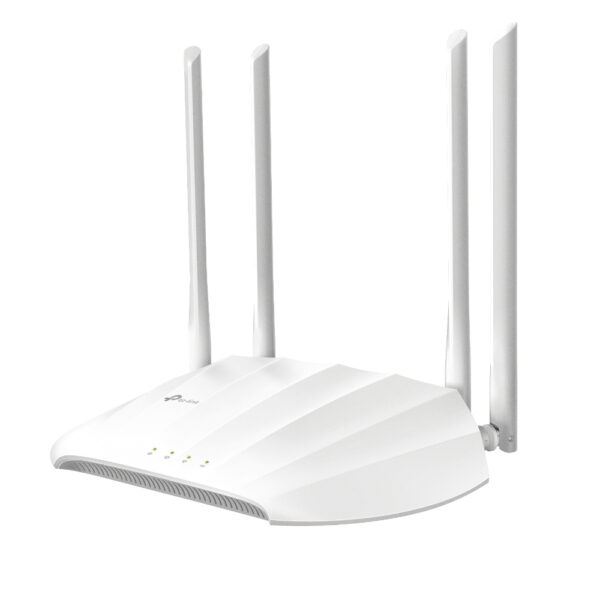
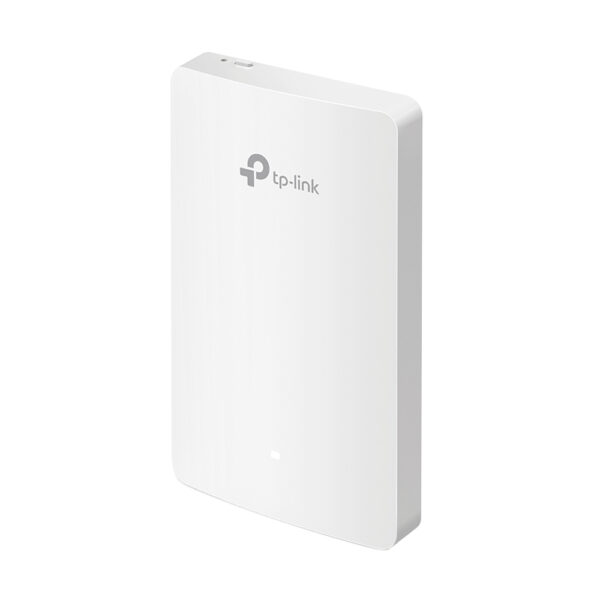
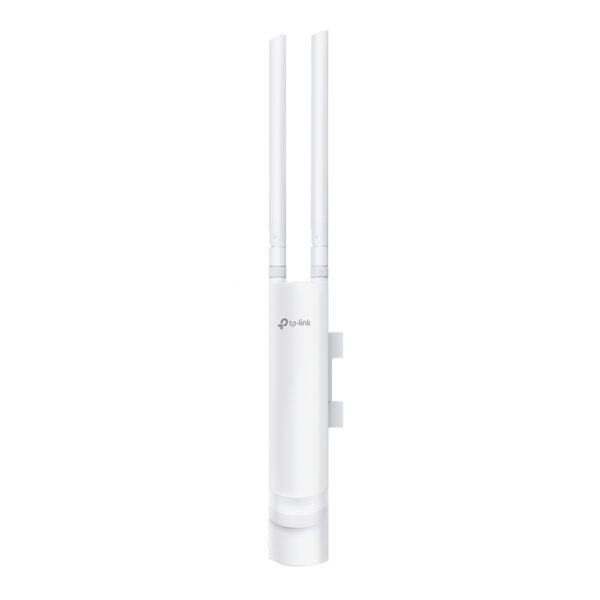
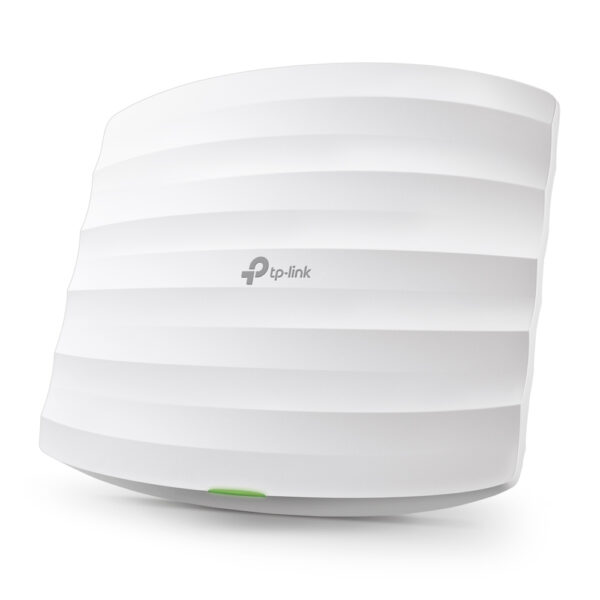
Many access points are powered over the same ethernet cable that carries the data, known as Power over Ethernet (PoE), so you do not even need a socket nearby; you just need a PoE switch or injector at the other end. They mount neatly on a wall or ceiling, and outdoor access points are built to cover a garden, patio or driveway that indoor gear never could. If your home has any ethernet cabling, or you can fish one cable into a loft or under a floor, this is the route we would take ourselves. Explore our wireless access points to start.
The switch that ties it together
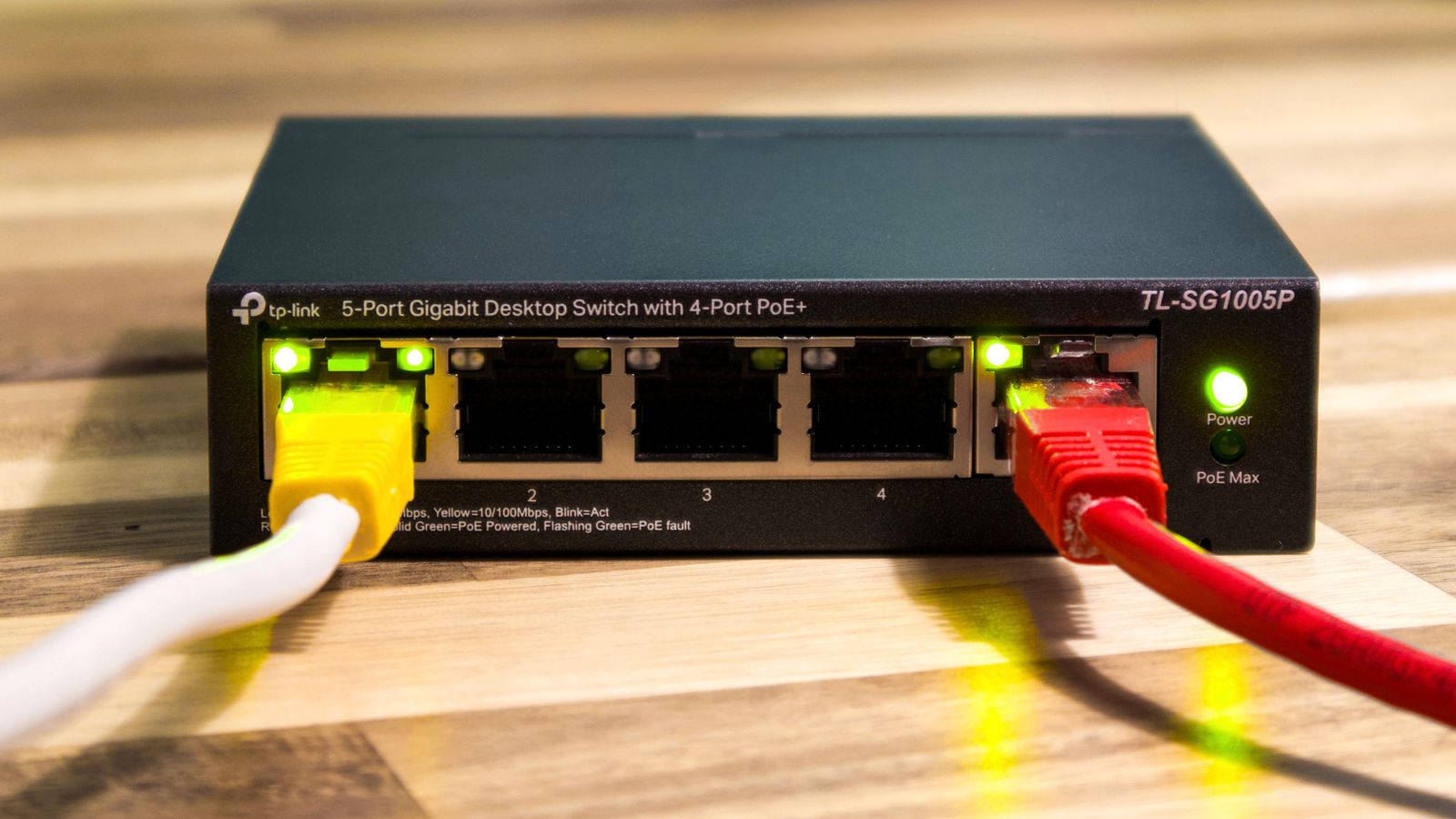
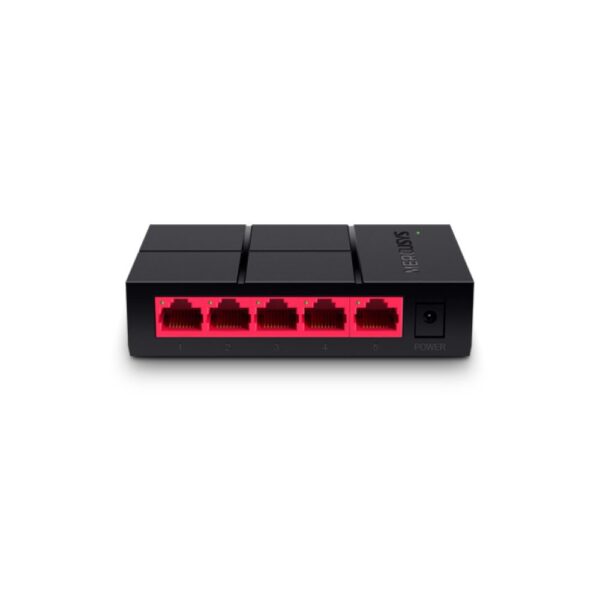
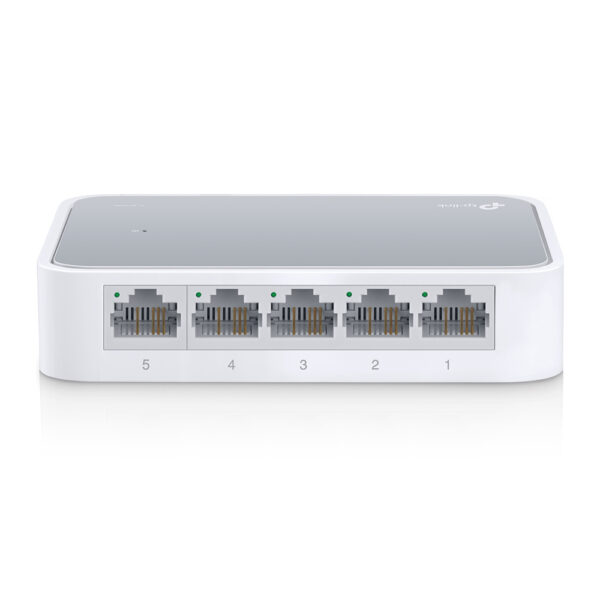
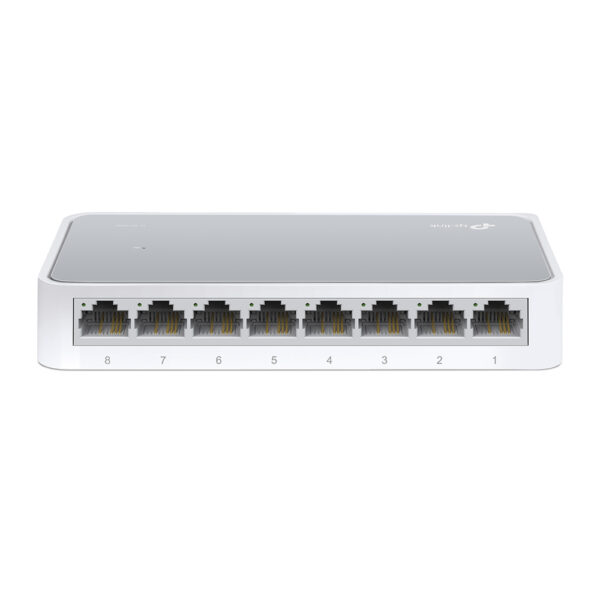
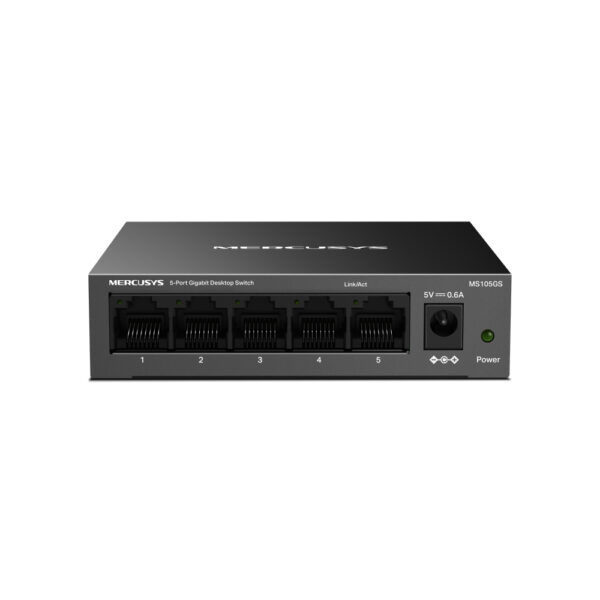
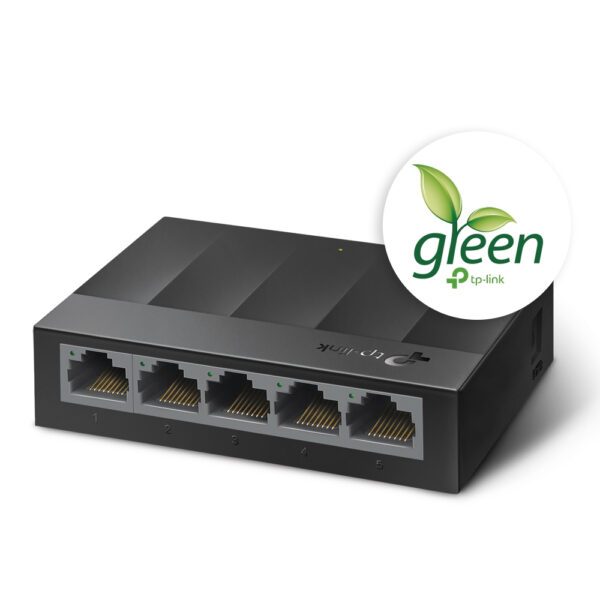
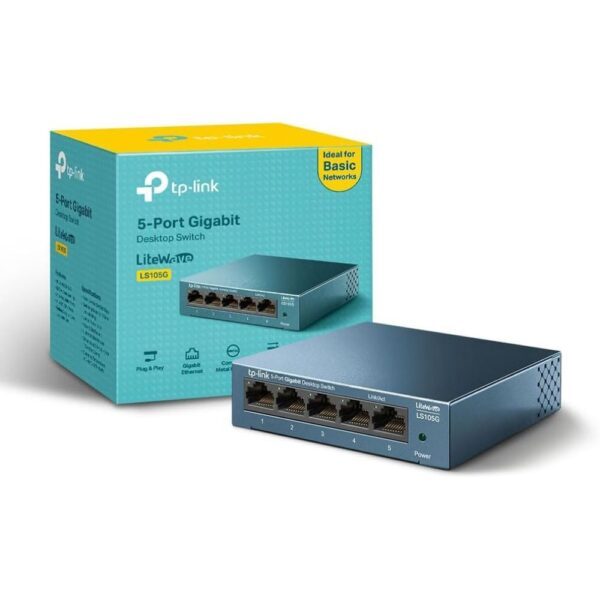
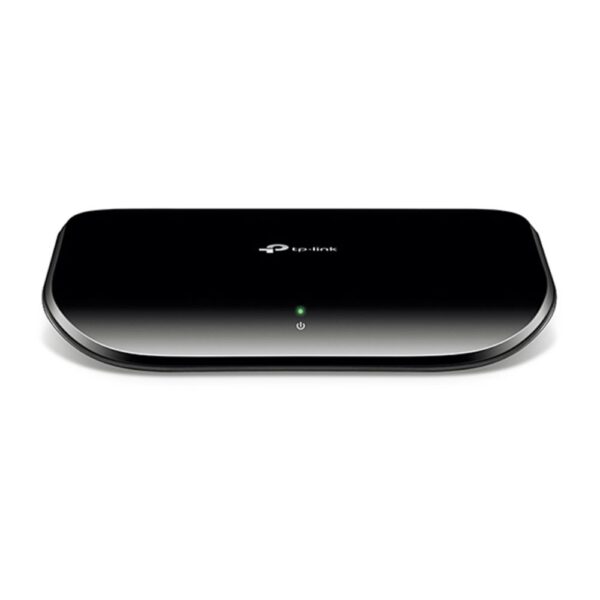
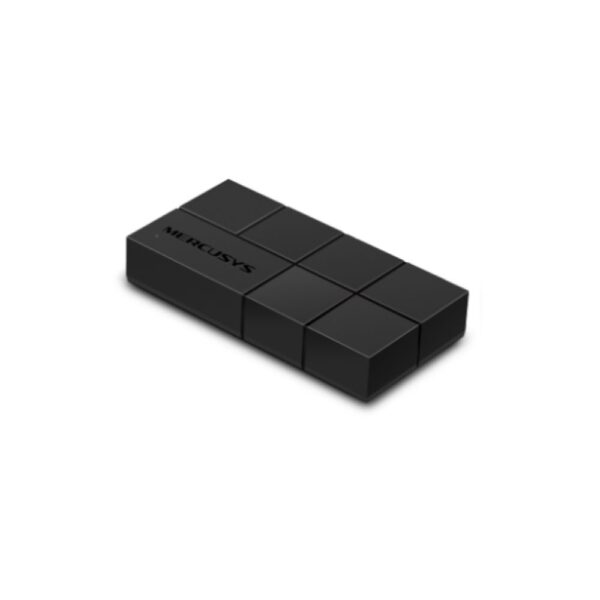
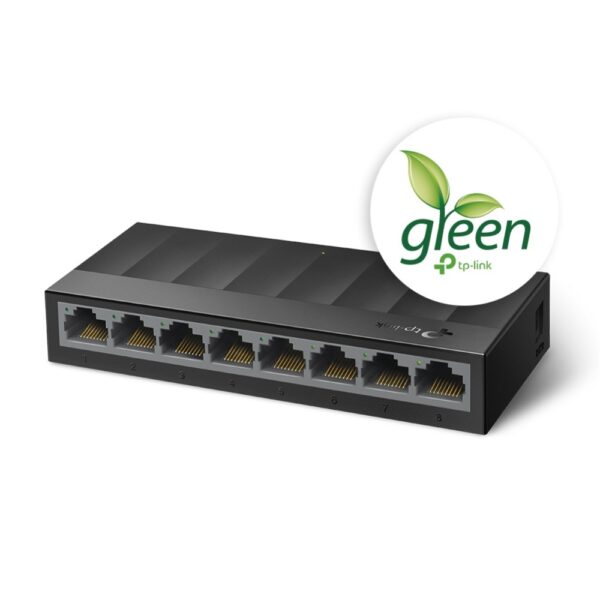
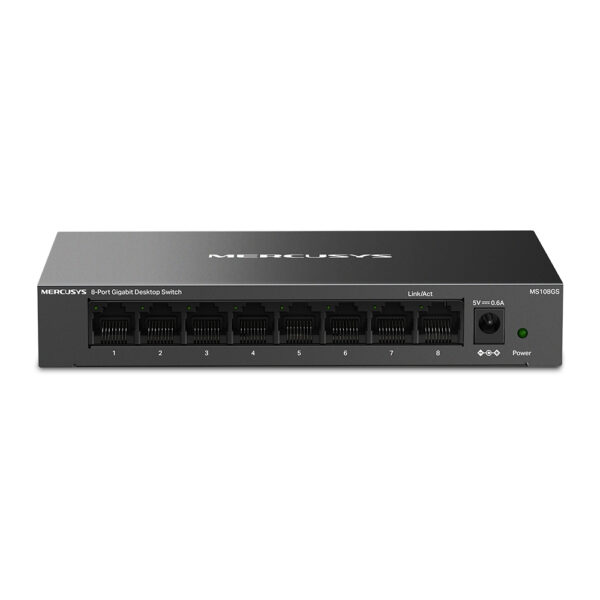
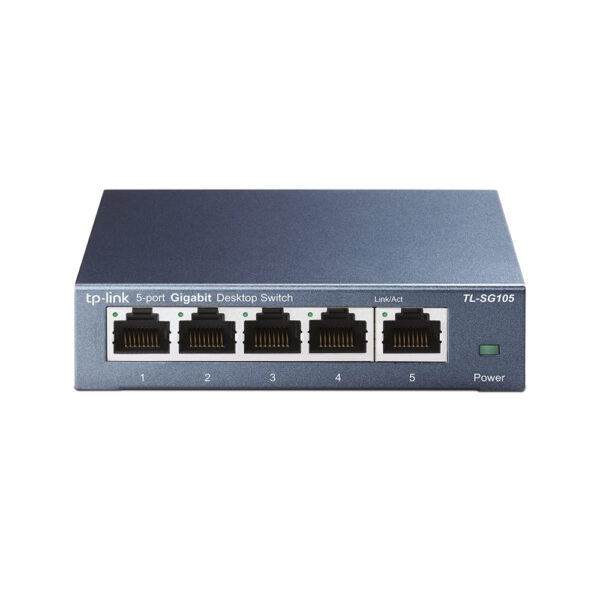
The moment you start wiring things up, whether that is access points, a mesh node with backhaul, a games console or a desktop, you will run out of ethernet ports on the router. A network switch is the simple, cheap answer: plug one cable from the router into the switch, and it gives you a handful more ports to share. For home use an unmanaged gigabit switch is plug-and-play, with nothing to configure. Step up to a 2.5-gigabit model if you have multi-gig broadband or move large files between machines.
If you plan to run PoE access points or cameras, a PoE switch powers them down the same cable, which saves a lot of fuss with sockets. It is the quiet workhorse of a tidy home network. Have a look at our network switches to match the port count and speed you need.

A word on cheap range extenders
You will see plug-in WiFi extenders (sometimes called boosters or repeaters) for under twenty pounds, and the temptation is obvious. They do have a place: one stubborn dead spot, a tight budget, a device or two that just need a usable signal. But know what you are buying. A basic extender talks to the router and to your devices on the same radio at the same time, which roughly halves the speed, and it often creates a second network name you have to switch to by hand as you move around.
For a single corner it can be fine. For whole-home coverage, the money is far better spent on a mesh system or a wired access point, which keep full speed and a single network. If an extender is all you really need for now, our WiFi extenders cover the sensible options.
WiFi 6, 6E or 7?
The standard on the box matters less than people fear. WiFi 6 is plenty for the vast majority of homes on broadband up to about a gigabit, and it handles a houseful of devices well. WiFi 6E adds a clean, uncrowded 6GHz band that is handy in busy flats where everyone’s networks overlap. WiFi 7 is the newest and fastest, and it really shines if (and only if) several things line up: multi-gigabit broadband, devices that actually support WiFi 7, and a use for that extra speed.
Here is the practical call. If your broadband is a gigabit or slower and your phones and laptops are a mixed bag, a solid WiFi 6 or 6E system gives you nearly the same day-to-day experience for less. If you are buying new kit you intend to keep for years, WiFi 7 is worth it now that the price gap has shrunk, and it relays between mesh nodes more efficiently too. Either way, do not pay for WiFi 7 expecting magic on a 100Mbps line. If you do want to future-proof, our WiFi 7 routers and wider router range are the place to look.
How to choose for your home
Strip away the jargon and it comes down to one question: can you get a cable to the problem area?
- You can run an ethernet cable: fit a wired access point (or a mesh node on wired backhaul). Best speed, best stability, no compromise.
- You cannot run a cable, and you want coverage everywhere: get a mesh system, a two-pack for an average home, three for a large one.
- You cannot run a cable, and it is really just one far room or a different floor: try powerline adapters, ideally on the same circuit and straight into the wall.
- You have a garden office, workshop or patio: an outdoor access point is built for it.
- Small flat, one weak corner, tight budget: a single extender will do, with the speed trade-off in mind.
And if your broadband itself is slow at the router, none of this helps; that is a separate problem with your line or package, not your coverage.
Setup tips that actually help
- Place the main router out in the open, not in a cupboard or behind the TV. Higher and more central beats tucked away every time.
- Wire your nodes if you possibly can. Wired backhaul on a mesh, or a cabled access point, is the biggest single upgrade to stability and speed.
- Keep one network name. Let the mesh or access points share a single SSID so devices roam automatically instead of clinging to a distant, weak node.
- Do not bury the 2.4GHz band. It is slow but it reaches; smart plugs and doorbells often need it, so leave it enabled.
- Update the firmware. Networking gear gets real speed and security fixes; turn on automatic updates if the app offers them.
- Reboot the lot after changes, router first, then nodes, then devices, so everything reconnects cleanly.
What we actually see
We sell home networking gear in the UK, and the questions that come up are remarkably consistent. The biggest one is people reaching for a cheap extender first, being disappointed, and only then trying mesh, when starting with mesh would have saved the bother. The second is underestimating how much a single wired cable changes things: customers who grudgingly run one ethernet line to an access point almost always tell us it was the best part of the job. And powerline gets a worse reputation than it deserves, usually because it was plugged into an extension lead rather than the wall. We do not run a test lab or quote numbers we did not measure, but we handle returns and support every week, and the pattern is clear: spend on getting the signal to the right place, not on the highest headline speed.
Whole-home WiFi: common questions
A range extender simply rebroadcasts your existing signal, usually on the same radio, which roughly halves the speed and often creates a separate network you have to switch to by hand. A mesh system uses several nodes that share one network name, so your devices roam between them at full speed without dropping out. For whole-home coverage, mesh is the better buy; an extender only makes sense for one small dead spot on a tight budget.
Yes, in the right situation, but how well depends on your house wiring. Plug them straight into the wall (never an extension lead or surge strip), keep them on the same circuit where you can, and you can get a steady wired link to a room WiFi cannot reach. Old wiring, separate electrical phases or appliances on the same line will slow them down, and you will never get the speed printed on the box.
A wired access point or a mesh system with wired backhaul is fastest and steadiest. Between a wireless mesh and powerline, it depends: good mesh placement usually wins for whole-home use, while powerline can be more consistent for one fixed, distant device, as long as your wiring cooperates. If you can run a single cable, that beats both.
Most homes need two or three. A two-pack covers a typical two-storey house of around 2,000 square feet; go to a three-pack for larger or awkward layouts above roughly 3,000 square feet. More is not always better, since nodes spaced too far apart or piled up too close can actually hurt performance.
For broadband up to about a gigabit and a normal mix of devices, WiFi 6 or 6E gives nearly the same everyday experience for less money. WiFi 7 is worth it if you have multi-gigabit broadband, devices that support it, and you want kit to last for years; the price gap has narrowed a lot. Do not expect WiFi 7 to speed up a slow broadband line, though.
Distance and walls. The fast 5GHz band fades quickly and struggles through thick walls, foil insulation and large metal objects, so far rooms get a weak, contested signal. The fix is to move the signal closer with a mesh node, a powerline link or a wired access point, rather than changing settings on the router.
A better single router helps in a smaller home or flat, and it is worth doing if yours is old. But in a larger or awkward house, no single router can beat the walls and distance, which is exactly the gap that mesh, powerline and access points are designed to fill.
About Hardvance Team
The Hardvance hardware team builds, upgrades and troubleshoots custom PCs every day. Our buying guides are practical and free of hype, drawn from hands-on experience across AMD and Intel platforms, and focused on the parts that genuinely matter for your build and your budget.
View all posts by Hardvance Team