

Save £12
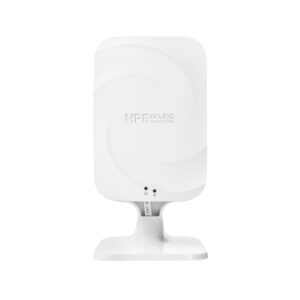
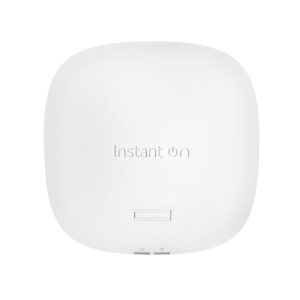
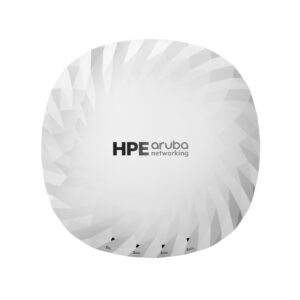
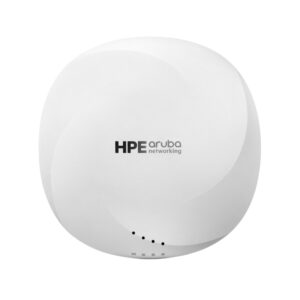
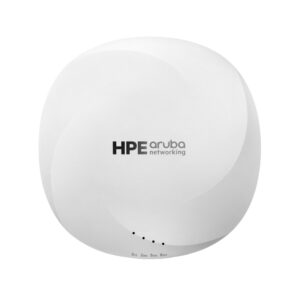
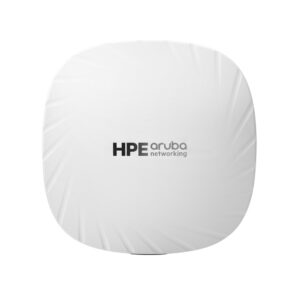
HPE Aruba Networking Instant On AP25 Indoor Access Point Wi-Fi 6 4800 Mbps 2.5 GbE Uplink 100 Users White
In stock
Original price was: £226.79.£215.17Current price is: £215.17.
Save £5.45
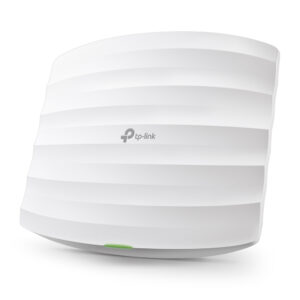
TP-Link Omada EAP225 Wireless Access Point 1350 Mbit/s Power over Ethernet White
In stock
Original price was: £93.59.£88.14Current price is: £88.14.
Save £9.38
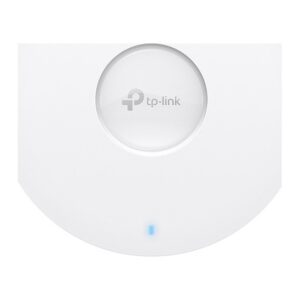
TP-Link Omada EAP673 AX5400 Ceiling Mount WiFi 6 Access Point
In stock
Original price was: £169.38.£160.00Current price is: £160.00.
Save £6.93
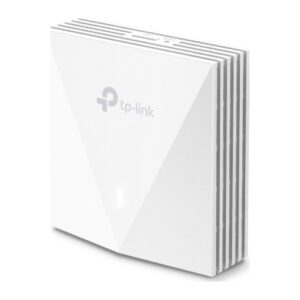
TP-Link Omada AX3000 Wall Plate WiFi 6 Access Point
In stock
Original price was: £124.79.£117.86Current price is: £117.86.
Save £16
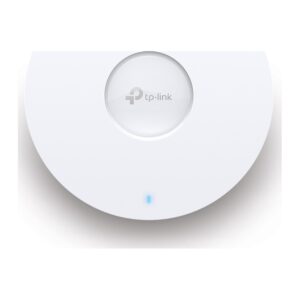
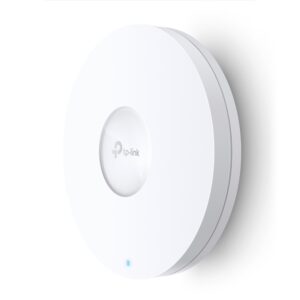
TP-Link Omada AX3600 Multi-Gigabit Ceiling Mount Access Point
In stock
Original price was: £314.39.£298.63Current price is: £298.63.

Save £14
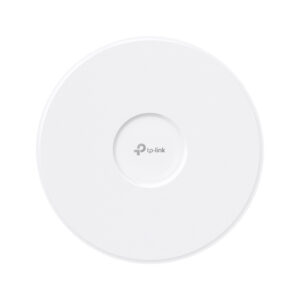
TP-Link Omada BE9300 Wi-Fi 7 Ceiling Mount Access Point
In stock
Original price was: £277.19.£263.04Current price is: £263.04.
Save £10
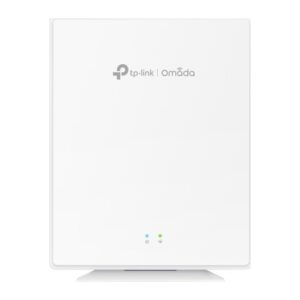
TP-Link Omada AX1800 Wi-Fi 6 GPON Access Point
In stock
Original price was: £185.99.£175.91Current price is: £175.91.
Save £9.94
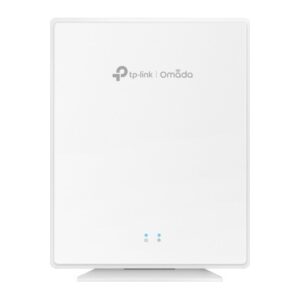
TP-Link Omada EAP650-DESKTOP 2976 Mbps PoE Access Point
In stock
Original price was: £149.99.£140.05Current price is: £140.05.
Save £8.52
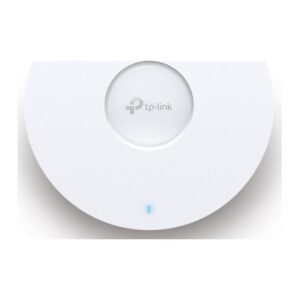
TP-Link Omada EAP653 UR 2976 Mbit/s PoE Wireless Access Point
In stock
Original price was: £129.59.£121.07Current price is: £121.07.
Save £5.45
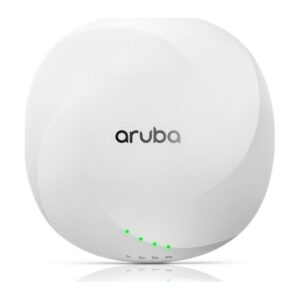
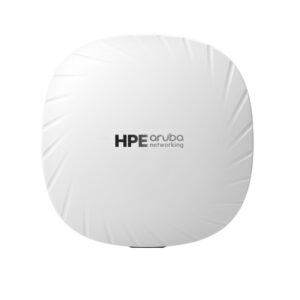
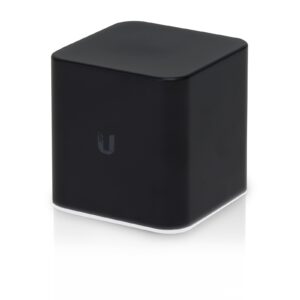
Ubiquiti airCube 867 Mbps PoE Black
In stock
Original price was: £93.59.£88.14Current price is: £88.14.