TP-Link EAP610GP-Desktop — GPON Meets Wi-Fi 6
The TP-Link Omada AX1800 Wi-Fi 6 Desktop GPON Access Point brings fibre-to-the-desk connectivity into one compact unit. We recommend it for hotels, multi-dwelling units, and small offices alike. It handles data, voice, and video over a single fibre drop. Its four Gigabit Ethernet ports connect cameras, PCs, TVs, and IP phones without extra switches. With Wi-Fi 6 OFDMA and MU-MIMO on board, it keeps connections responsive even when dozens of devices connect at once.
Key specs at a glance
| Metric |
Spec |
| Wi-Fi standard |
802.11ax (Wi-Fi 6) |
| Max combined throughput |
1,800 Mbit/s |
| 2.4 GHz / 5 GHz speeds |
574 / 1,201 Mbit/s |
| Ethernet ports |
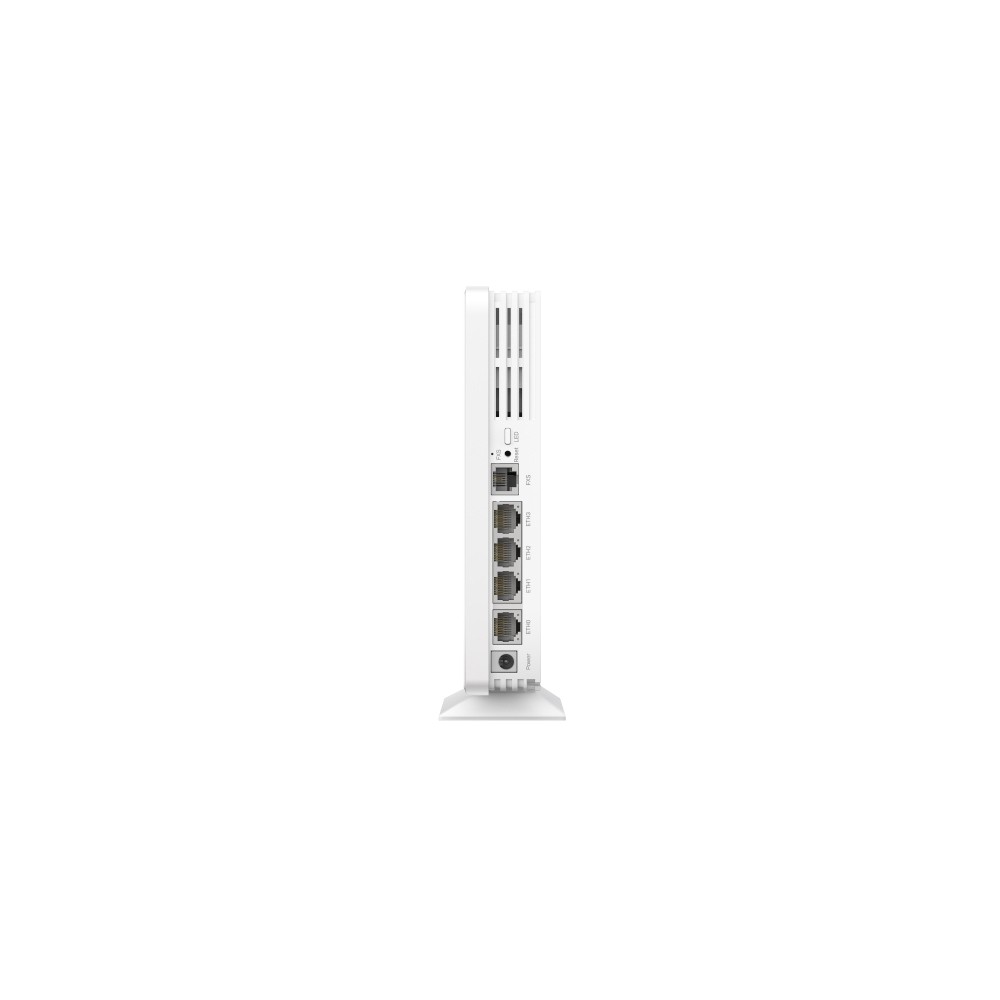
4× Gigabit RJ-45 |
| GPON uplink |
Yes |
| Typical power draw |
17.3 W (PoE) |
One fibre cable, four wired connections
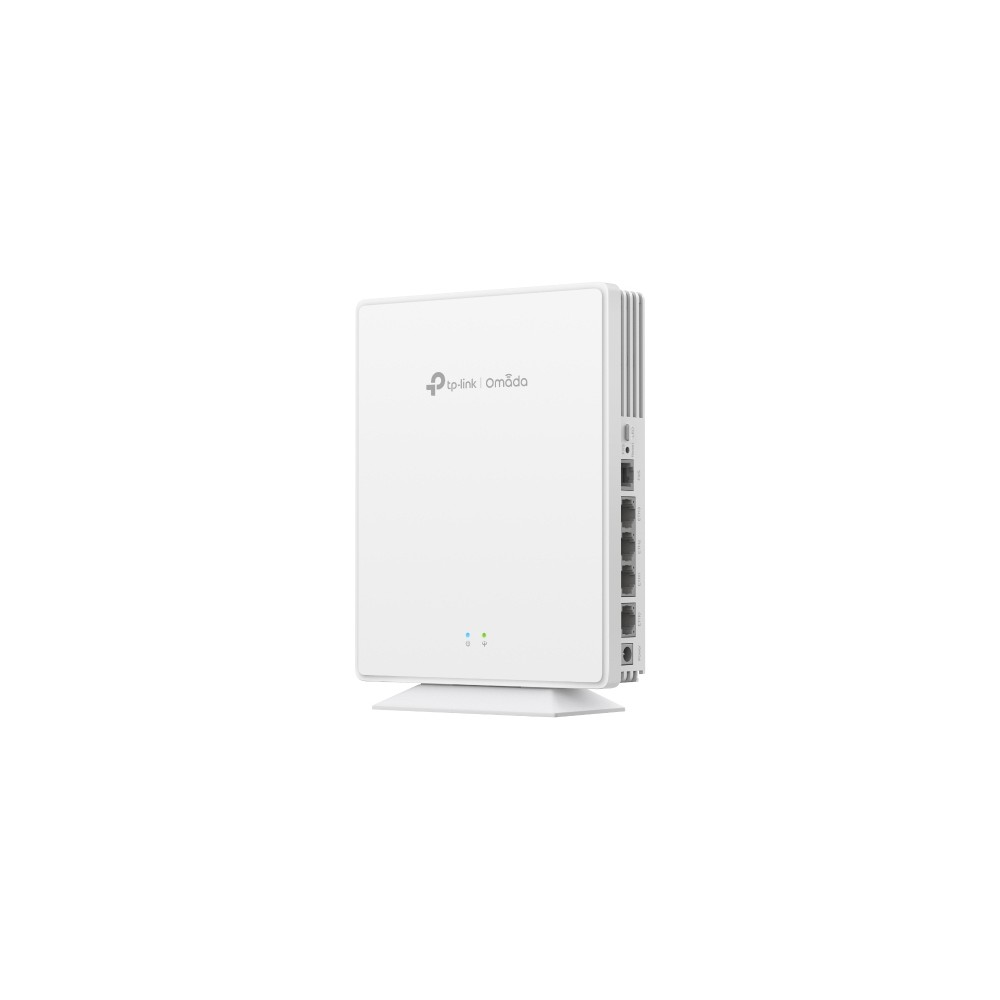
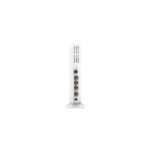
Connect a single fibre optic cable to the GPON port. Then use the four onboard Gigabit RJ-45 ports to connect cameras, PCs, TVs, or IP phones. In practice, this replaces the need for separate ONT and access-point hardware. Because data, voice, and video all travel over one fibre, cabling stays clean and installation stays quick.
Wi-Fi 6 performance for busy environments
This access point delivers up to 1,800 Mbit/s across dual bands. The 5 GHz band handles 1,201 Mbit/s, while the 2.4 GHz band covers 574 Mbit/s. OFDMA and MU-MIMO let the AP serve multiple clients simultaneously rather than queuing them. So even with 120 users connected, each device gets a fair share of airtime. Beamforming focuses the signal toward each client, improving range and stability.
Seamless roaming across your network
When deployed as part of an Omada mesh, this unit supports 802.11k and 802.11v roaming. Band steering pushes capable devices onto the faster 5 GHz band automatically. Airtime Fairness prevents a single slow client from dragging down the rest. The result is a smooth, uninterrupted connection as users move between access points.
VLANs, QoS, and rate limiting built in
VLAN support is on board. We can segment guest traffic from internal network traffic without extra hardware. Quality of Service lets us prioritise voice and video over bulk downloads. Rate limiting ensures no single user monopolises the bandwidth. For businesses handling sensitive data, RADIUS authentication and WPA3-Personal encryption provide an extra layer of control.
Centralised Omada management
We manage this access point through the Omada web interface or the Omada SDN controller. Firmware updates, SSID changes, and security settings can all be applied remotely. Syslog and SNMP support let our team monitor performance and troubleshoot issues from a single dashboard. Up to 16 SSIDs are available, so we can separate staff, guests, and IoT devices with ease.
Compact form factor, flexible mounting
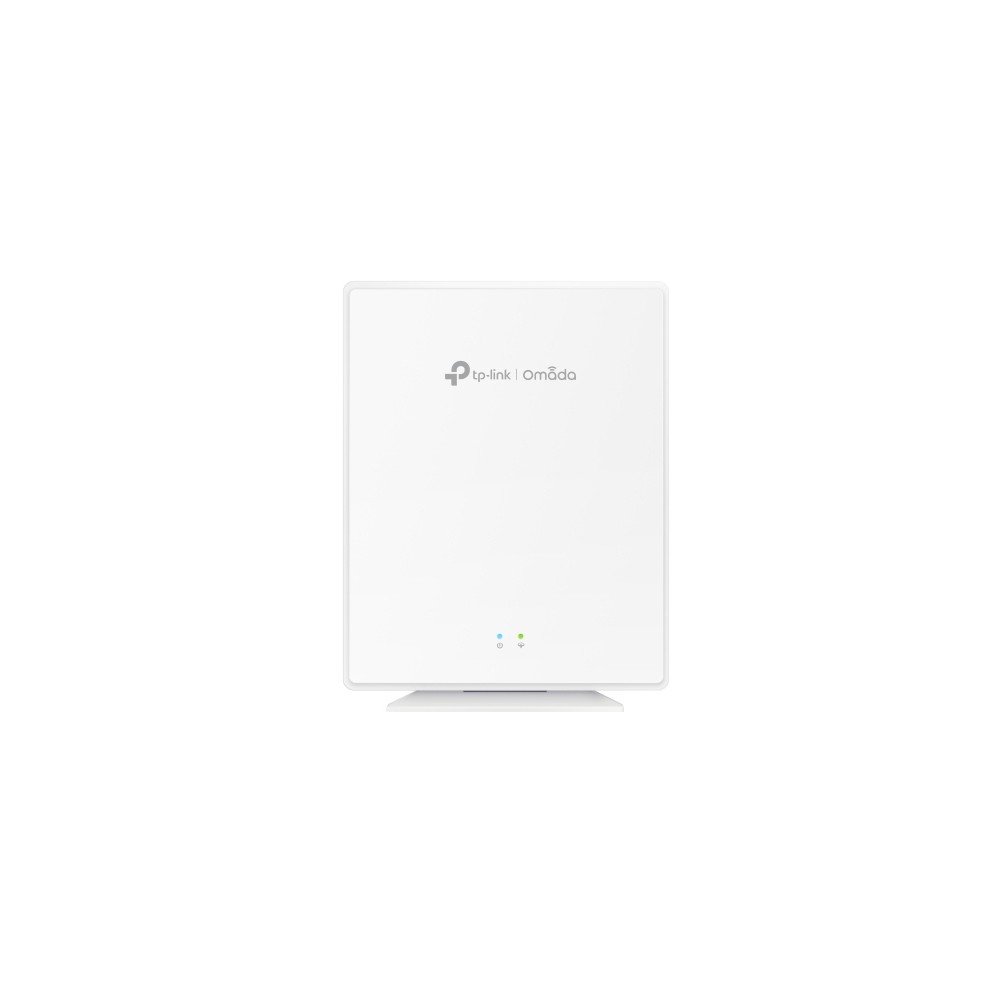
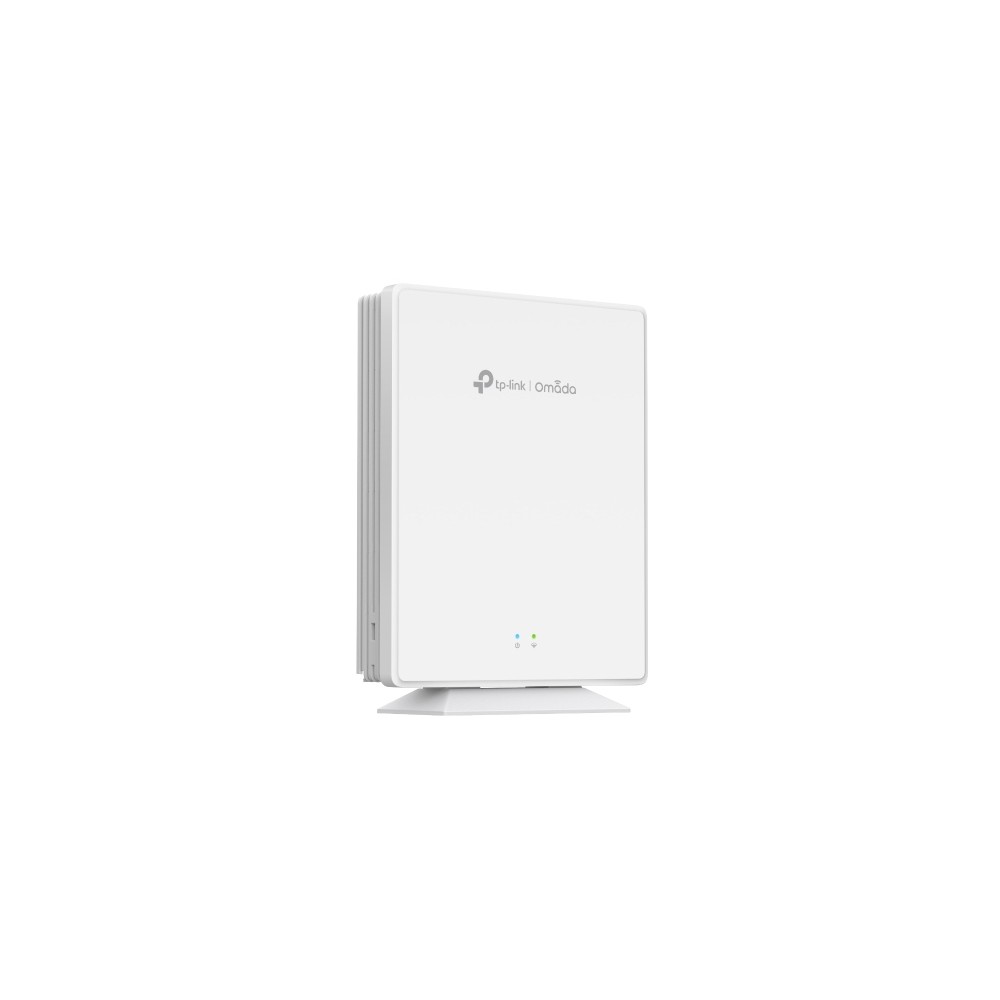
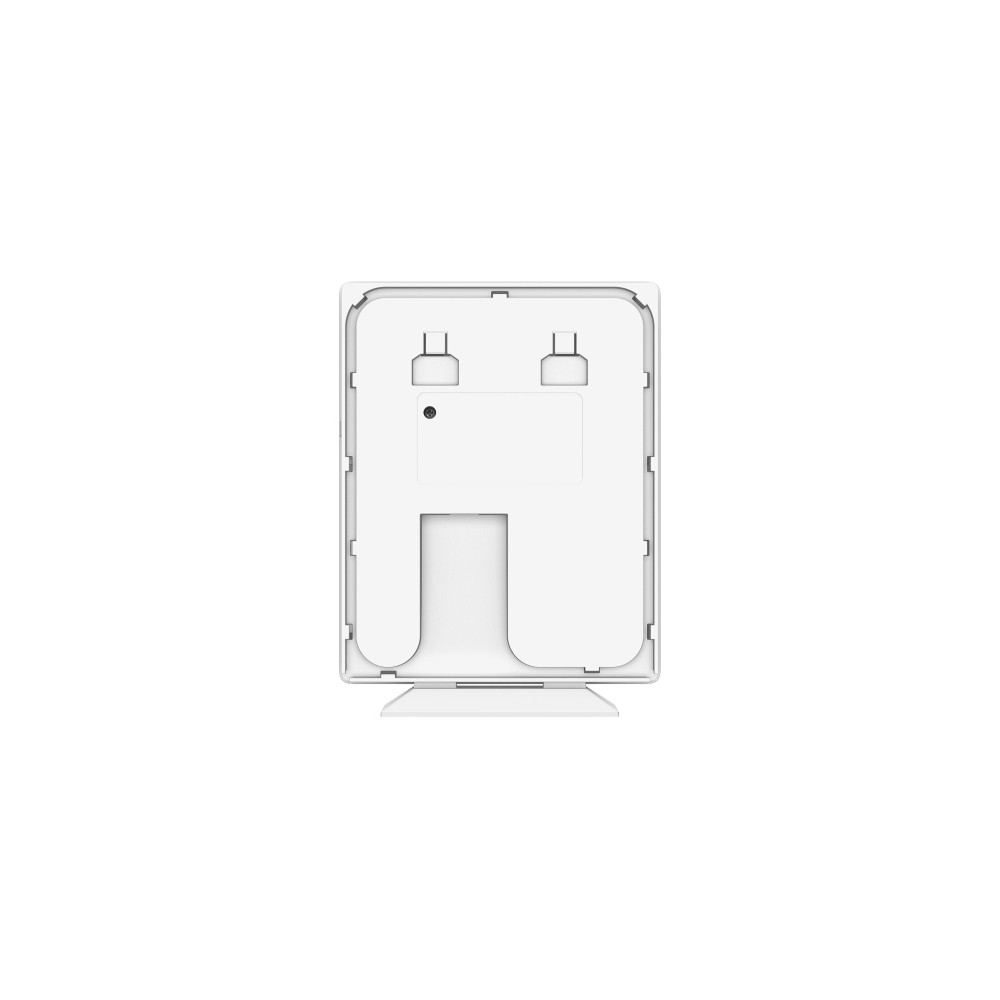
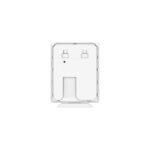
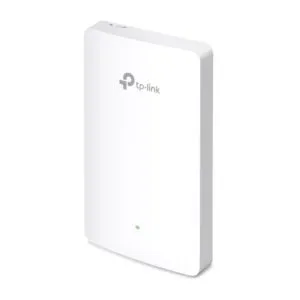
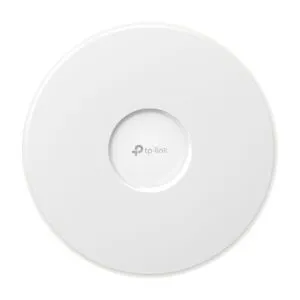
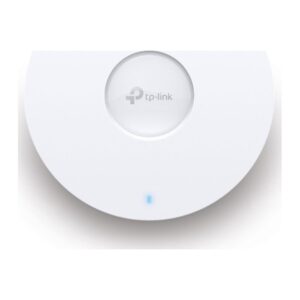
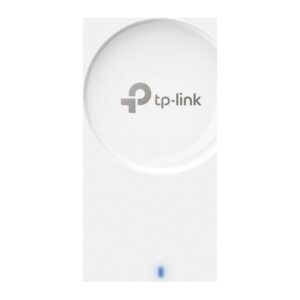
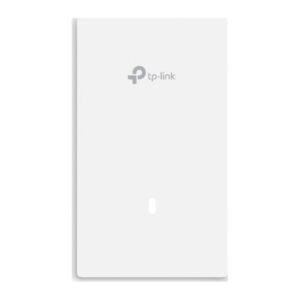
The unit measures just 175 × 140 × 33 mm and weighs 492 g. It sits discreetly on a desk or mounts flush to a wall. The included mounting kit handles both options. Two internal omni-directional antennas (5 dBi peak gain) keep the profile slim while maintaining solid coverage. A single LED shows power status at a glance.
In the box
- 1× TP-Link Omada EAP610GP-Desktop access point
- 1× Quick start guide
- 1× Mounting kit
Before you order
- Confirm your network uses GPON (G.984.x) infrastructure before connecting the fibre uplink.
- Ensure your PoE switch or injector supplies 53.5 V DC at sufficient wattage for the 17.3 W typical draw.
- Check that your cabinet or desk location can accommodate a unit measuring 175 × 140 × 33 mm.
- Verify you have an Omada controller (hardware, software, or cloud) if you plan centralised management.
Frequently Asked Questions
What does GPON mean on this access point?
It has a built-in GPON optical port. One fibre cable provides the network uplink instead of a traditional Ethernet WAN connection.
Can I connect wired devices directly to this access point?
Yes. It has four Gigabit RJ-45 ports for connecting PCs, TVs, cameras, or IP phones.
Does this access point support PoE?
Yes. It is powered via PoE at 53.5 V DC, with a typical power draw of 17.3 W.
How many users can connect at the same time?
It supports up to 120 concurrent users across both the 2.4 GHz and 5 GHz bands.
Is it compatible with the Omada SDN controller?
Yes. We can manage it through the Omada cloud, hardware, or software controller alongside other Omada devices.
Can I mount it on a wall?
Yes. A mounting kit is included, and the compact body suits both desk and wall placement.
Why choose the TP-Link Omada AX1800 Wi-Fi 6 Desktop GPON Access Point
We see this as a strong fit for hospitality venues and student accommodation. It also works well in small-to-medium offices replacing legacy GPON ONTs. It combines a fibre uplink, four Gigabit ports, and dual-band wireless in a single desktop unit. That reduces hardware count, simplifies cabling, and cuts ongoing maintenance.










Reviews
Clear filtersThere are no reviews yet.