ATEN CE100 – extend a USB console over 100 metres
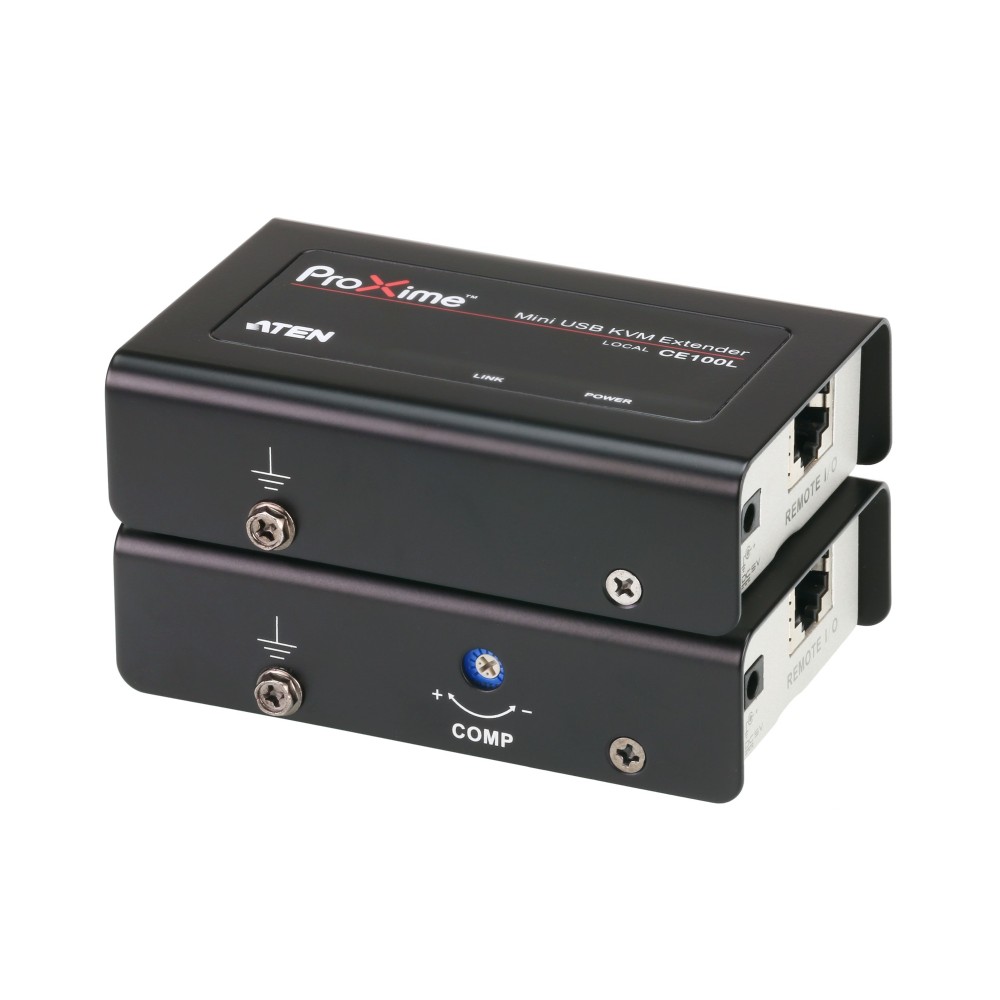
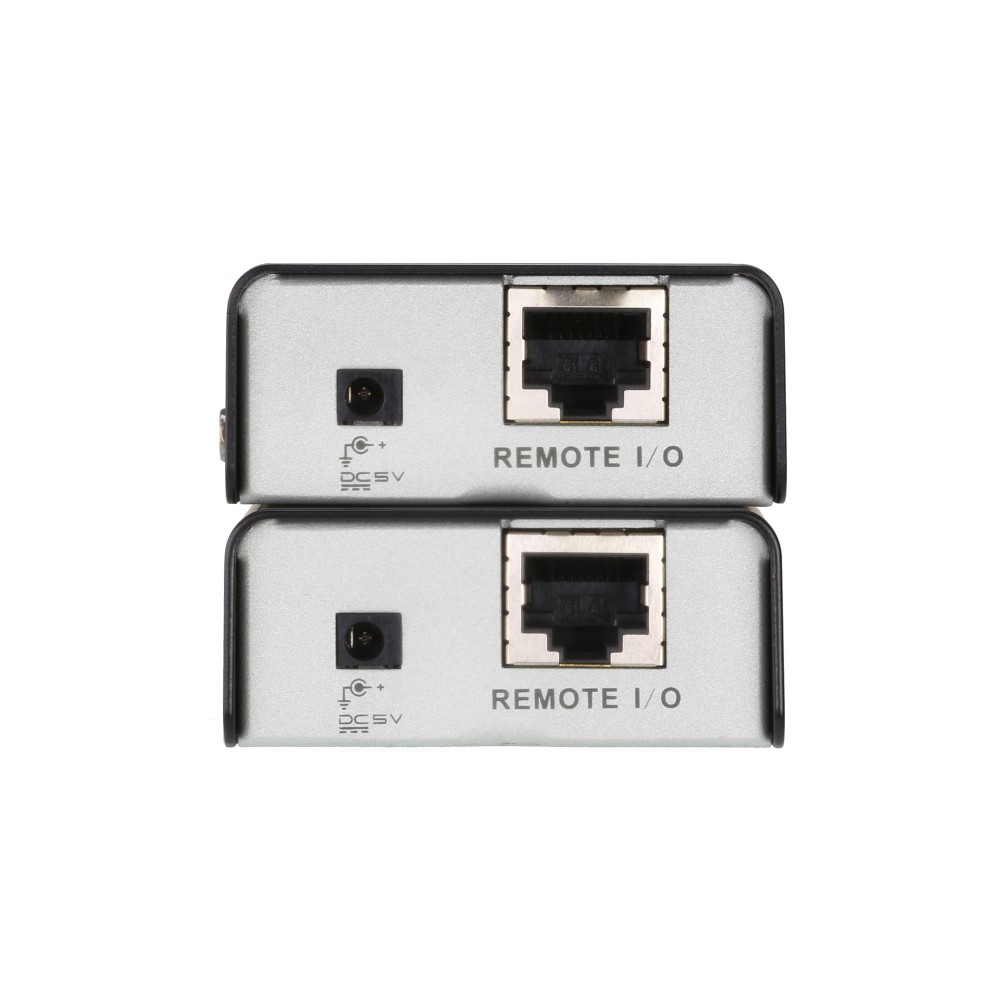
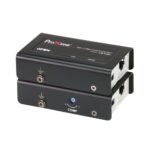
The ATEN CE100 suits anyone who needs to use a computer from a remote USB console. It carries the connection over Cat 5e cable for a neater link, with a maximum transfer distance of 100 metres.
ATEN CE100 key specifications
| Metric |
Specification |
| Maximum transfer distance |
100 metres |
| Cable connection |
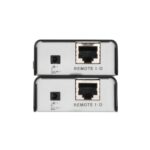
Cat 5e |
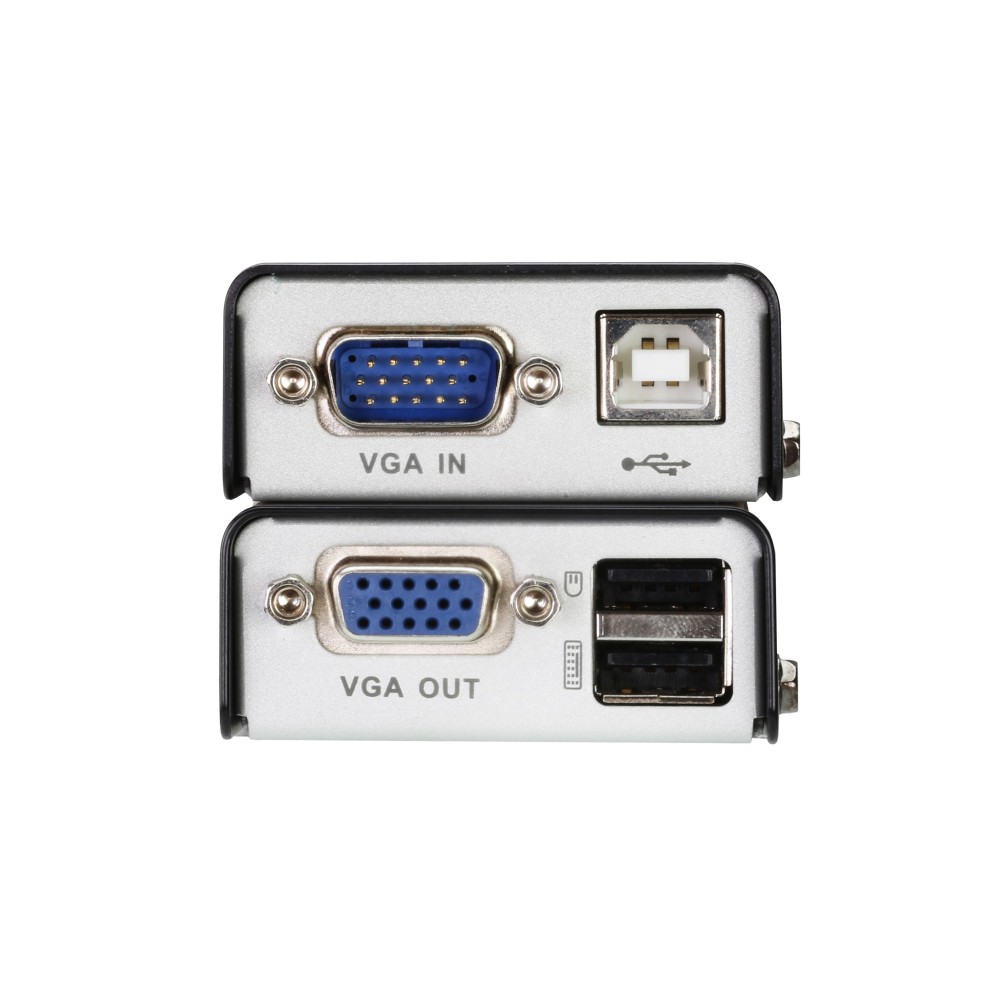
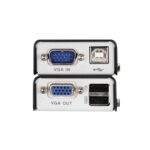
| VGA D-Sub ports |
2 |
| USB ports |
3 × USB 2.0 |
| Colour |
Black |
| Included cables |
USB and VGA |
Keep the computer away from the console
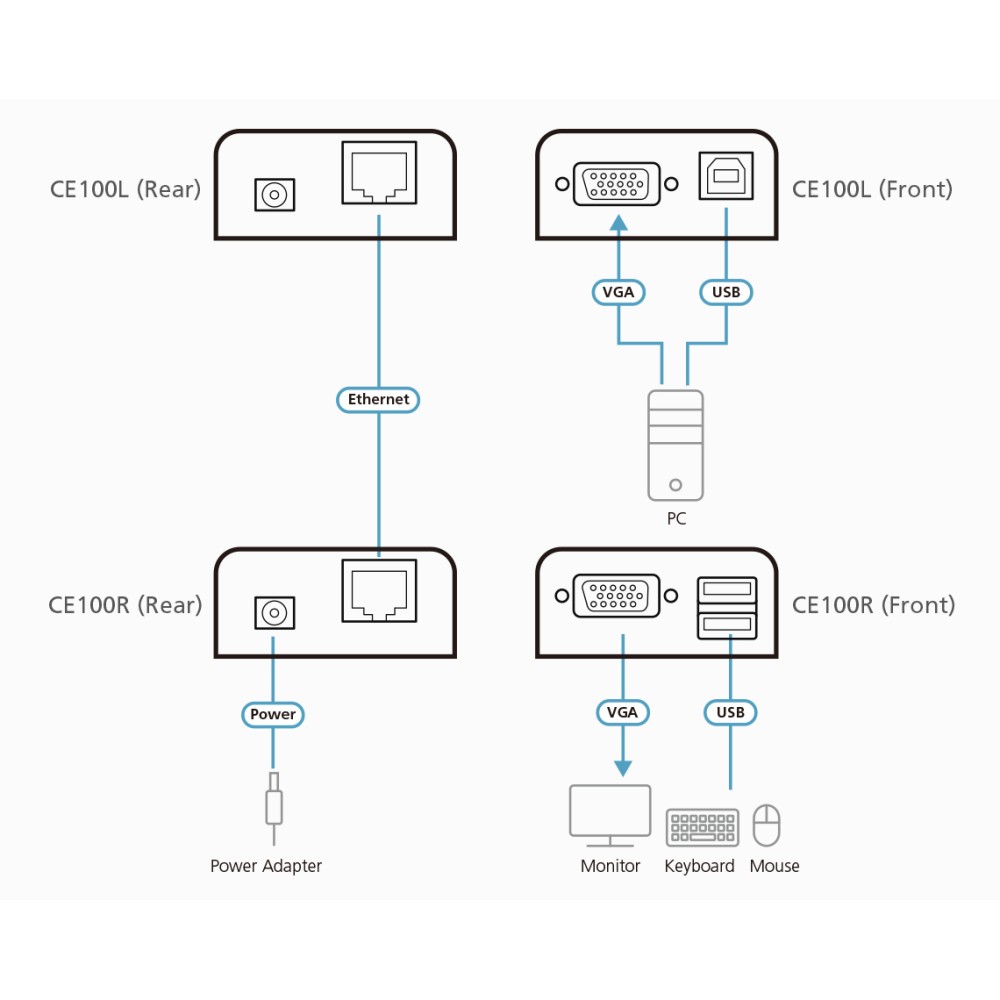
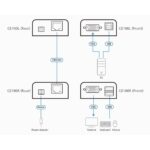
Use the CE100 to access a computer system from a remote console with a USB keyboard, USB mouse and monitor. Cat 5e cabling provides a more convenient connection than bulky standard cables. The maximum transfer distance is 100 metres.
Adjust the picture at the remote end
The remote unit includes a compensation adjustment function to improve video quality. This gives you a way to fine-tune the picture for your setup.
Check your connections before ordering
- Confirm your computer and console setup use VGA and USB connections.
- Check that your remote console includes a VGA monitor and USB keyboard and mouse.
- Confirm your Cat 5e cable route is within the 100-metre maximum distance.
- Check that the installation point suits the included mounting kit.
Included with the CE100
- USB cable
- VGA cable
- Mounting kit
- Quick start guide
Frequently Asked Questions
Q: What is the maximum transfer distance?
A: The maximum transfer distance is 100 metres.
Q: Which cable type does the CE100 use for the link?
A: It uses Cat 5e cable for the connection between the computer and remote console.
Q: Which console devices can I use?
A: The remote USB console can include a USB keyboard, USB mouse and monitor.
Q: Are cables included?
A: Yes. USB and VGA cables are included, along with a mounting kit and quick start guide.
A practical choice for remote console access
Choose the ATEN CE100 if you need to operate a computer from a USB console up to 100 metres away. Its Cat 5e connection and remote video adjustment help make installation and picture setup more manageable.

 DPD tracked delivery
 Buy now, pay later with Klarna at checkout
 Pay in 3 instalments with PayPal at checkout

Reviews
Clear filtersThere are no reviews yet.