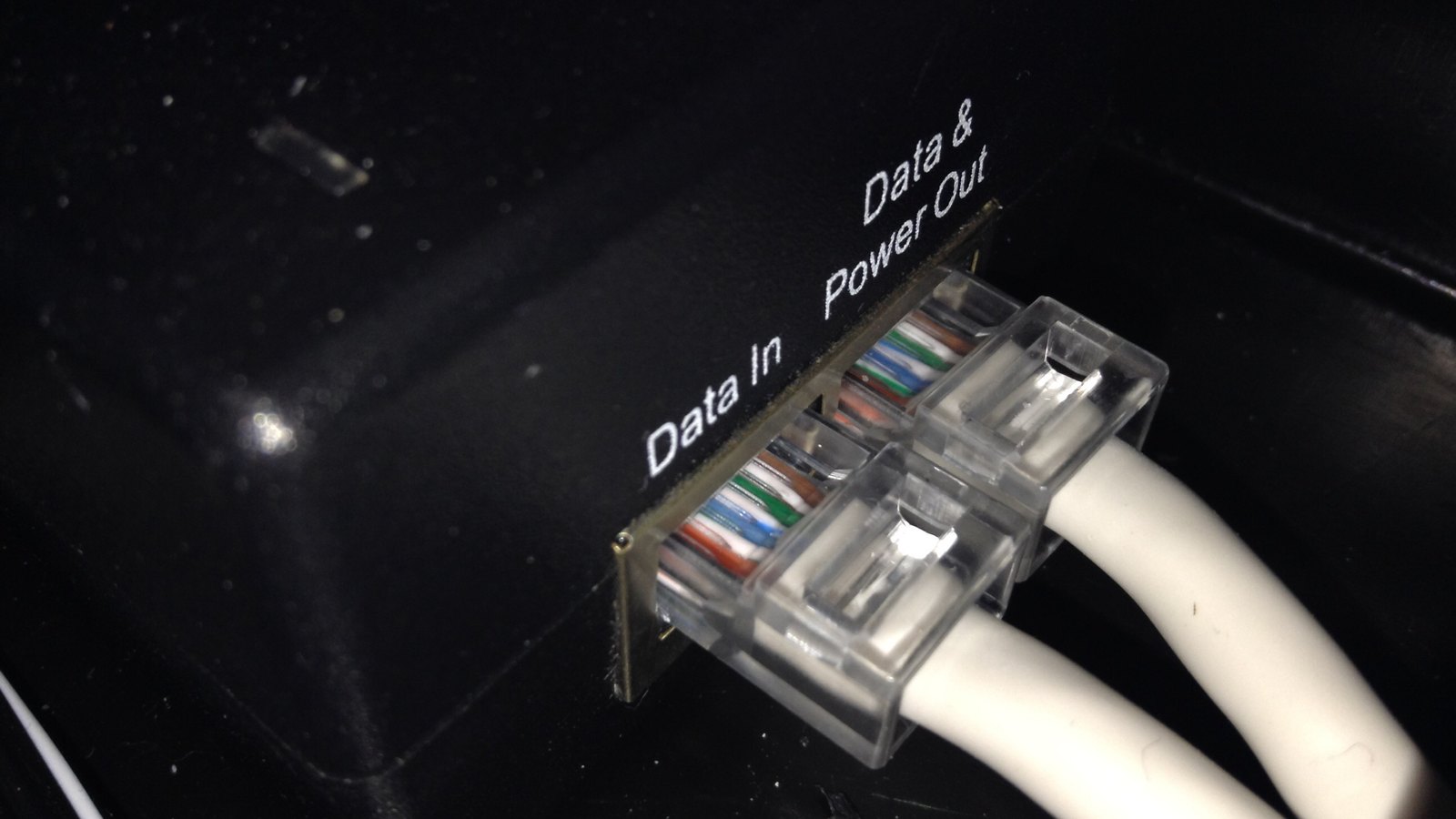
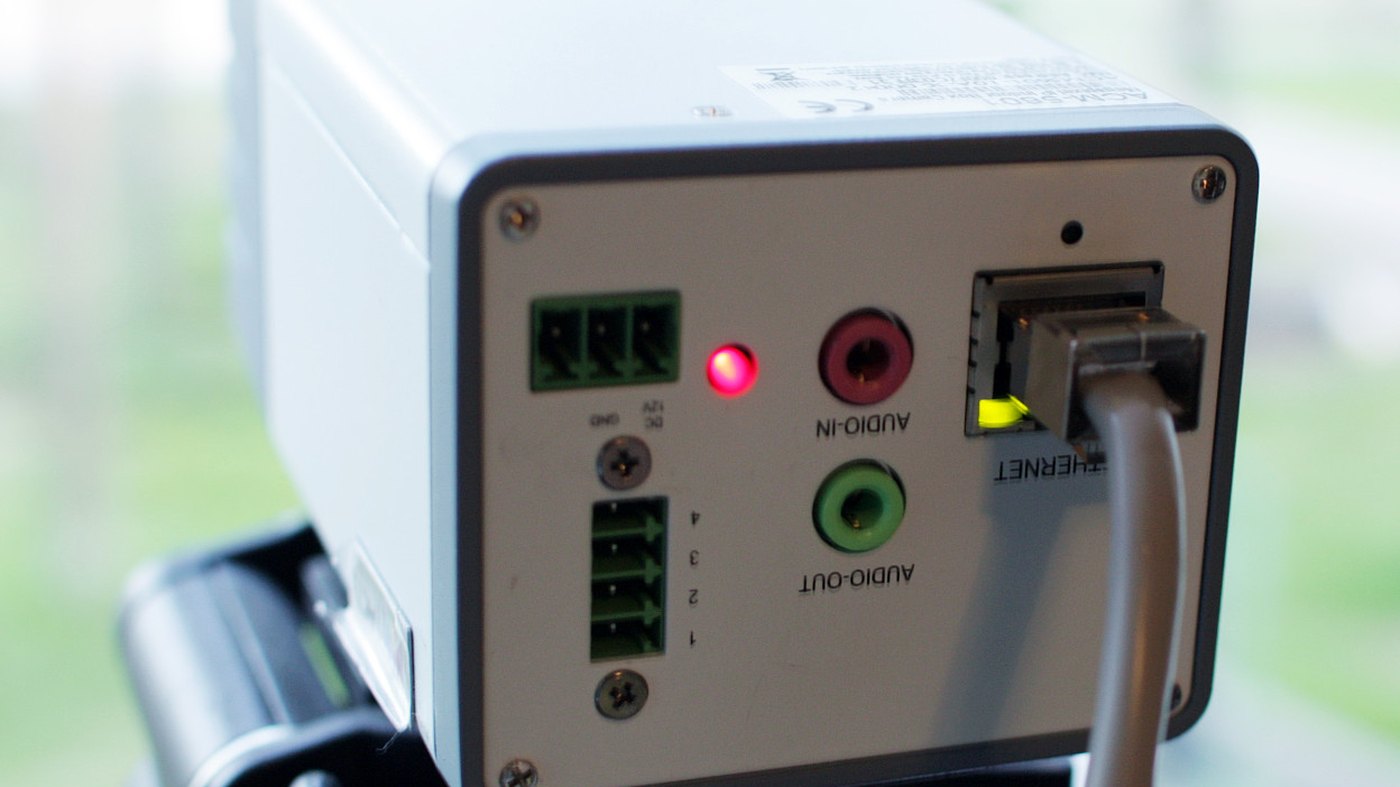
PoE, PoE+ and PoE++ are three power levels carried on the same Ethernet cable, and the difference between them is watts, not speed. The figures printed on a switch, 15.4W, 30W, 60W and 90W, are what the port sends. The figures that decide whether your camera or access point actually runs are lower, because the cable loses some on the way: the IEEE guarantees only 12.95W, 25.5W, 51W and 71.3W at the device itself.
What brought you here?
Power over Ethernet lets one cable carry both the network connection and the electricity. You run a single Ethernet lead to a camera on a wall or an access point on a ceiling, and you do not run a mains lead to it as well. That is the whole idea, and it is why PoE turns up anywhere a socket would be awkward.
Two pieces of jargon are worth learning now, because every spec sheet uses them. The thing supplying the power is the PSE, the power sourcing equipment, and that is your switch or your injector. The thing being powered is the PD, the powered device, and that is your camera, phone or access point.
PoE does not change your network speed. A gigabit port is still a gigabit port whether it is powering something or not. What changes between PoE, PoE+ and PoE++ is only how much power the port is allowed to push.
Here is the comparison you came for, and it has four columns rather than three, because PoE++ is two different things.
| Name | IEEE type | Watts at the port | Watts guaranteed at your device |
|---|---|---|---|
| PoE | Type 1, 802.3af | 15.4W | 12.95W |
| PoE+ | Type 2, 802.3at | 30.0W | 25.5W |
| PoE++ | Type 3, 802.3bt | 60W | 51W |
| PoE++ | Type 4, 802.3bt | 90W | 71.3W |
PoE watts are quoted two ways, and only one of them is a promise. The right-hand column is the one almost nobody prints, and it is the one that matters to you. Some of the power turns into heat in the copper on the way, so the standard sets two numbers: what the port may send, and what the device is guaranteed to receive. A Type 1 port sends up to 15.4W and the device is promised 12.95W of it. That is a sixth of the power gone before it arrives.
So when a camera datasheet says it needs 13W, a plain PoE port is already at its limit, and a marketing page telling you the port gives 15.4W has quietly used the wrong number. Buy against the right-hand column.
This is not a small point of pedantry. You will see PoE quoted online as 15.7W, and that figure appears nowhere in the standard. The correct pair is 15.4W at the port and 12.95W at the device.
The PoE standards have two sets of names. The friendly ones are marketing. The IEEE names are what the hardware is actually built to, and you will find them in the small print of every switch.
802.3af arrived in 2003 and is now called Type 1. It is plain PoE, 15.4W at the port, and it is enough for a desk phone, a door reader or a basic fixed camera.
802.3at arrived in 2009 and is Type 2, sold as PoE+ or PoE plus. It doubles the port figure to 30W. Most Wi-Fi access points and most pan-tilt-zoom cameras sit here.
802.3bt arrived in 2018 and covers both Type 3 and Type 4, which is why PoE++ is ambiguous unless someone tells you the type. Type 3 is 60W, Type 4 is 90W. This is the standard that powers a laptop dock, a small display or a device with a heater in it, and it is also the first to use all four pairs in the cable for power rather than two.
If a product page says only PoE++ and never says Type 3 or Type 4, treat it as Type 3 until proven otherwise. The gap between them is 30W.
A PoE port does not simply push power down the line and hope. Before it powers anything, it talks to the device and asks how much it needs. That handshake is what PoE classes are for.
The class is a number the device declares, and the switch then reserves that much from its budget. Class 0 means the device did not declare properly and the switch has to assume the worst. Classes 1 to 3 sit inside plain PoE, class 4 is PoE+ territory, and classes 5 to 8 were added by 802.3bt for the higher tiers.
PoE types and PoE classes are not the same thing, and spec sheets mix them freely. The type is the tier the hardware supports, 1 to 4. The class is what an individual device asked for. A Type 2 switch can happily power a class 2 device; it just reserves less of its budget.
The practical consequence is worth knowing: a device that declares badly gets treated as class 0, and the switch reserves the full amount for it. On a switch that is already near its limit, one badly behaved device can stop the next one powering on.
People ask what voltage PoE runs at and expect one answer. There is not one. The standard sets a range, and the range is different at each end of the cable.
At the switch, Type 1 sends between 44.0V and 57.0V. Type 2 narrows that to 50.0V to 57.0V, and 802.3bt to 52.0V to 57.0V. At the device the accepted range is wider and starts lower, from 37.0V for Type 1 and 42.5V for Type 2, precisely because the voltage drops on the way.
You will see 48V quoted everywhere as though it were the number. It is a convenient middle of the range, not a rule.
This also explains passive PoE, which you will meet on cheap injectors and some older kit. Passive PoE just puts a fixed voltage on the cable with no handshake at all. It is not an IEEE standard, it does not check what is on the other end, and plugging a standards-based device into the wrong passive injector can damage it. If a product says 24V passive PoE, it is not PoE in the sense this page is about.
Yes, in both directions, and the handshake is why.
Put a PoE device on a PoE+ port and it works. The device asks for its class, the port gives it that much and keeps the rest. Nothing is forced on it.
Put a PoE+ device on a plain PoE port and one of two things happens. Either the device negotiates down and runs in a reduced mode, which for an access point usually means one radio disabled or the USB port switched off, or it refuses to power on at all. Both are normal behaviour and neither damages anything.
That reduced mode is the trap. The device powers up, the lights come on, and you spend an evening wondering why the Wi-Fi is half the speed it should be. If a device behaves oddly on an older switch, check what standard the port is before you check anything else.
An injector adds power to one Ethernet run. It sits between your ordinary switch and the device, takes mains at one end and hands you a powered Ethernet port at the other. A PoE switch does the same job for every port at once.
The rule is simple. One or two devices, use injectors. Three or more, buy the switch, because you will otherwise end up with a mains adapter hanging off every run and no single place to reboot anything.
Two details people get wrong. An injector has to match the standard the device needs, so a PoE injector is not a PoE+ injector. And an injector is a point of failure with its own power supply, sitting in a cupboard where nobody will look when the camera goes dark.
If your devices are access points, our guide to what a wireless access point needs before it works covers the rest of the shopping list.
This is the specification that catches most people, and it is not on the front of the box.
A switch has a total power budget, and it is almost never the per-port figure multiplied by the number of ports. An eight port PoE+ switch would need 240W to give every port its full 30W. Plenty of them ship with a budget nearer 60W or 120W. The ports are all PoE+; the switch simply cannot run them all at once at full tilt.
What happens when you exceed it depends on the switch. Better ones power ports in priority order and leave the lowest priority dark. Cheaper ones cut power to whatever asked last, which is why a camera at the end of a chain is the one that keeps dropping.
So when you compare two switches, read three numbers, not one: the standard each port supports, the number of PoE ports, and the total budget in watts. Add up what your devices actually draw, then leave headroom, because a camera with its heater and its infrared on at three in the morning draws a great deal more than it does in the showroom.
Rough guidance, and you should still read your own device’s datasheet, because the range within each category is wide.
Desk phones and door readers are the easy case. Plain PoE is almost always enough.
Fixed indoor cameras usually sit inside plain PoE. Add a heater, a wiper or a motor and you are into PoE+, which is why pan-tilt-zoom and outdoor models so often specify it.
Wi-Fi access points depend on the generation. Older Wi-Fi 5 units run on plain PoE. Wi-Fi 6 and Wi-Fi 7 access points generally want PoE+, and some of the larger ones list 802.3bt on the datasheet.
Anything with a screen, a dock or a lot of ports is 802.3bt. That is what Type 3 and Type 4 were written for.
When a datasheet gives you a maximum draw, compare it against the guaranteed figure at the device from the table above, not the port figure. That single habit prevents most PoE disappointments.
A fixed indoor camera almost always runs on plain PoE. Add a motor, a heater or a wiper and you are into PoE+, which is why pan-tilt-zoom and outdoor models usually specify it. Read the maximum draw on the datasheet and compare it against the guaranteed figure at the device, 12.95W for PoE and 25.5W for PoE+, not the figure printed on the switch.
You can link them for data, and that is normal. What you cannot generally do is power one switch from another over that link, because a switch is not a powered device in the PoE sense unless its datasheet says it accepts PoE input. A few small switches do accept it and say so plainly. If yours does not say it, give it its own mains supply.
Cat5e and better will carry PoE, and that covers almost everything installed this century. Two things still matter. Copper clad aluminium cable is not suitable, because it heats up under the current. And at the 802.3bt tiers, power runs on all four pairs, so a cable that was terminated with only two pairs connected will pass data and refuse to pass full power.
Only if something on the far end has no mains socket near it. That is usually a ceiling access point, a wall camera or a door reader. If everything you are connecting sits on a desk beside a plug, PoE adds cost you will not use.
At the port, 15.4W against 30W. At the device, which is the number that decides whether it runs, 12.95W against 25.5W. Both pairs are set by the IEEE, and the gap between the two columns is power lost as heat in the cable.
PoE++ is the marketing name for 802.3bt, but 802.3bt contains two tiers and they are 30W apart. Type 3 is 60W at the port and 51W at the device. Type 4 is 90W and 71.3W. If a product says only PoE++, find out which type before you rely on it.
The Hardvance Team is the editorial team at Hardvance, a UK computer and electronics retailer based in Mildenhall, Suffolk. We build and upgrade PCs and sell laptops, phones, networking gear, monitors and printers, and our guides cover the same ground. Every guide names its sources and explains how we checked the figures, and we say plainly when something is our opinion rather than a tested result.
View all posts by Hardvance Team


No account yet?
Create an Account