ATEN CE750A – Keep the computer up to 200 metres from the console
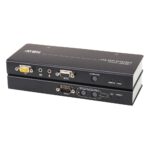
The ATEN CE750A suits installations where the computer needs to sit away from its keyboard, mouse and monitor. This ATEN CE750A KVM extender carries USB and VGA connections over Cat5 cable for a remote console up to 200 metres away.
The important details at a glance
| Metric |
Specification |
| Extender type |
Transmitter and receiver |
| Maximum distance |
200 m |
| Supported cable |
Cat5 |
| Maximum resolution |
1920 x 1200 |
| Local video and input connections |
VGA and USB |
| KVM selection |
Push-buttons |
Separate the console from the computer
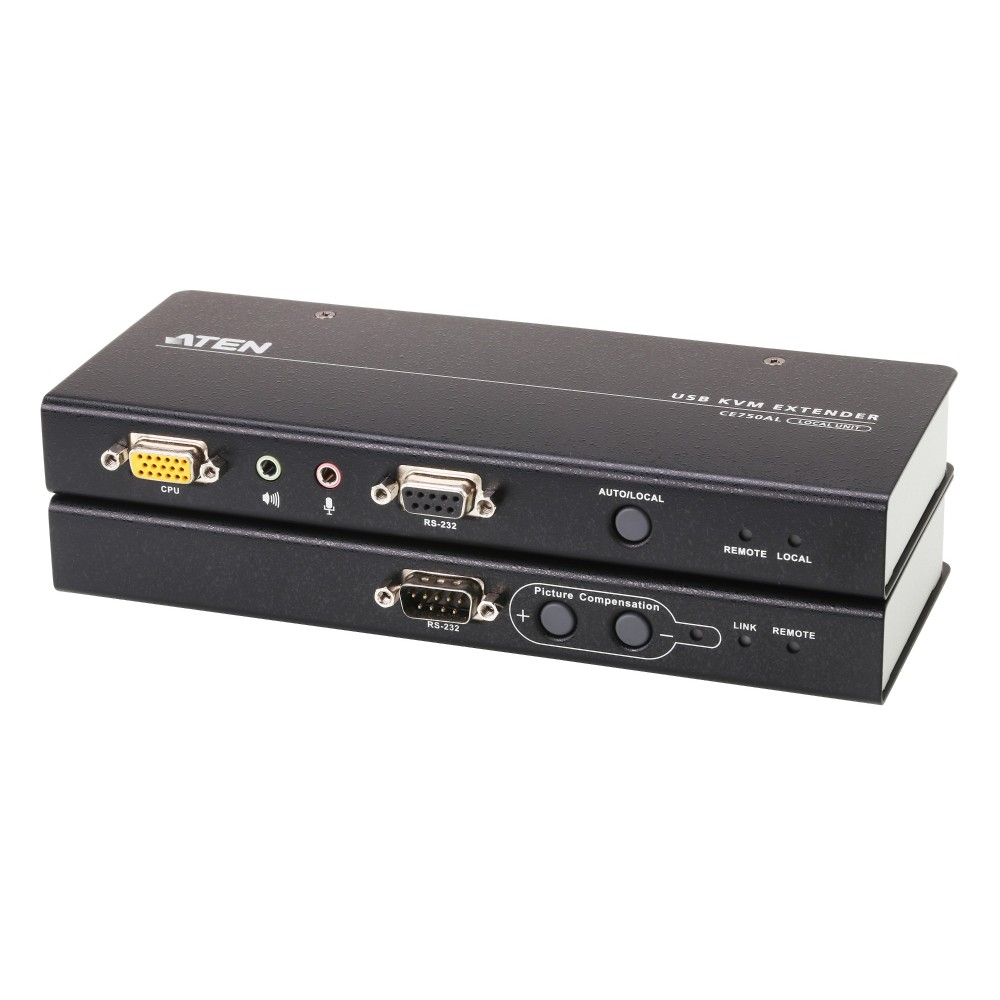
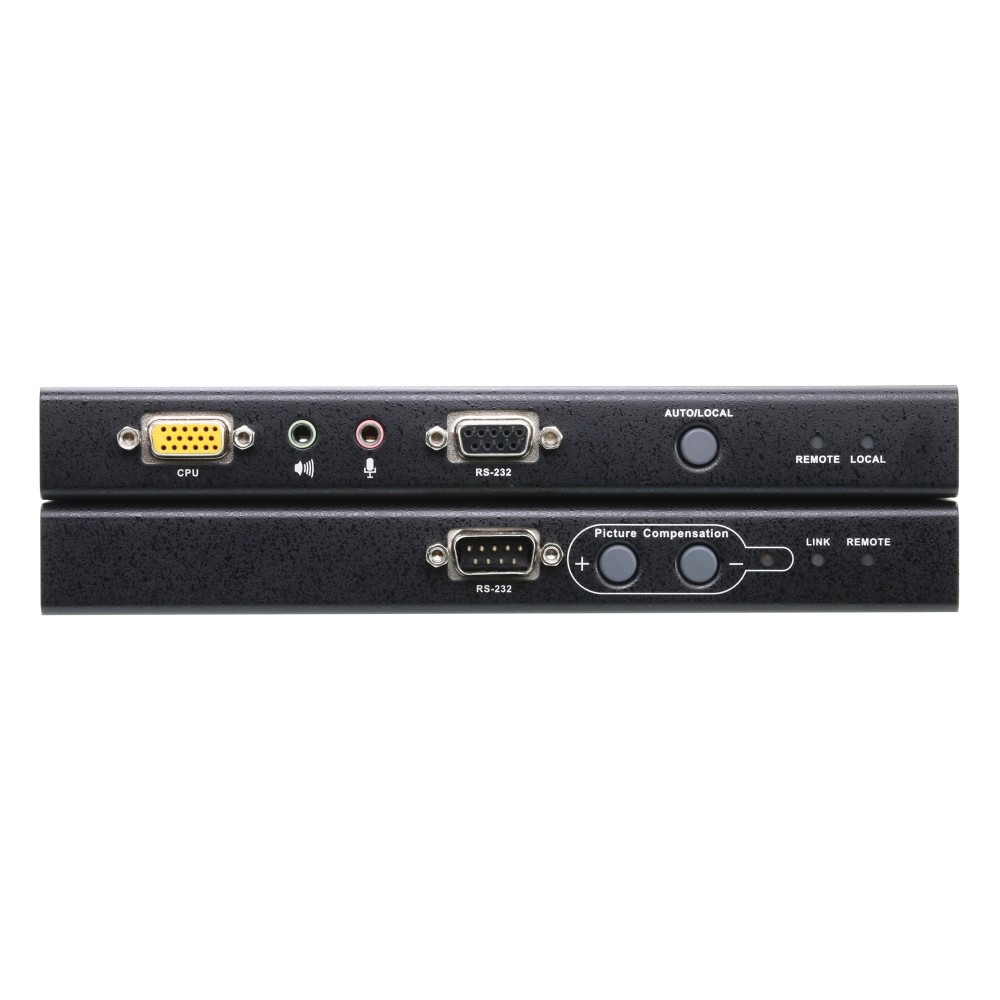
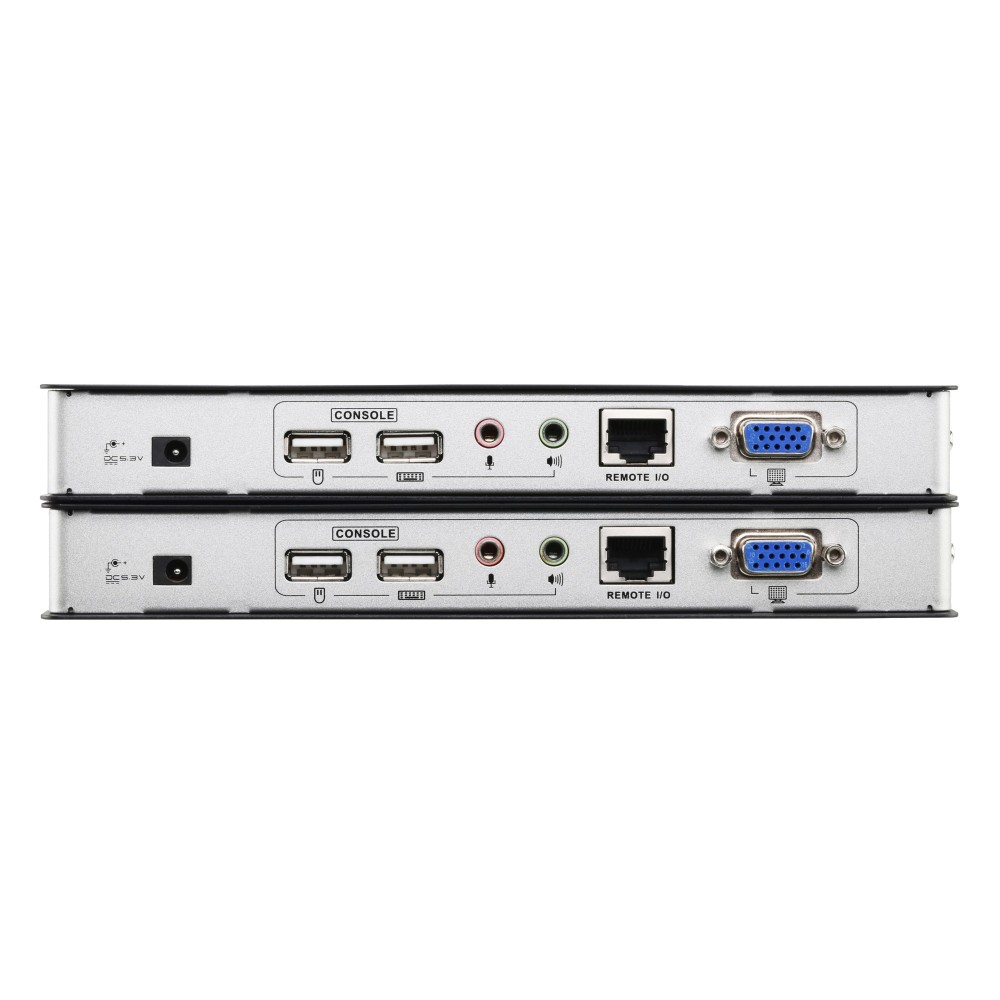
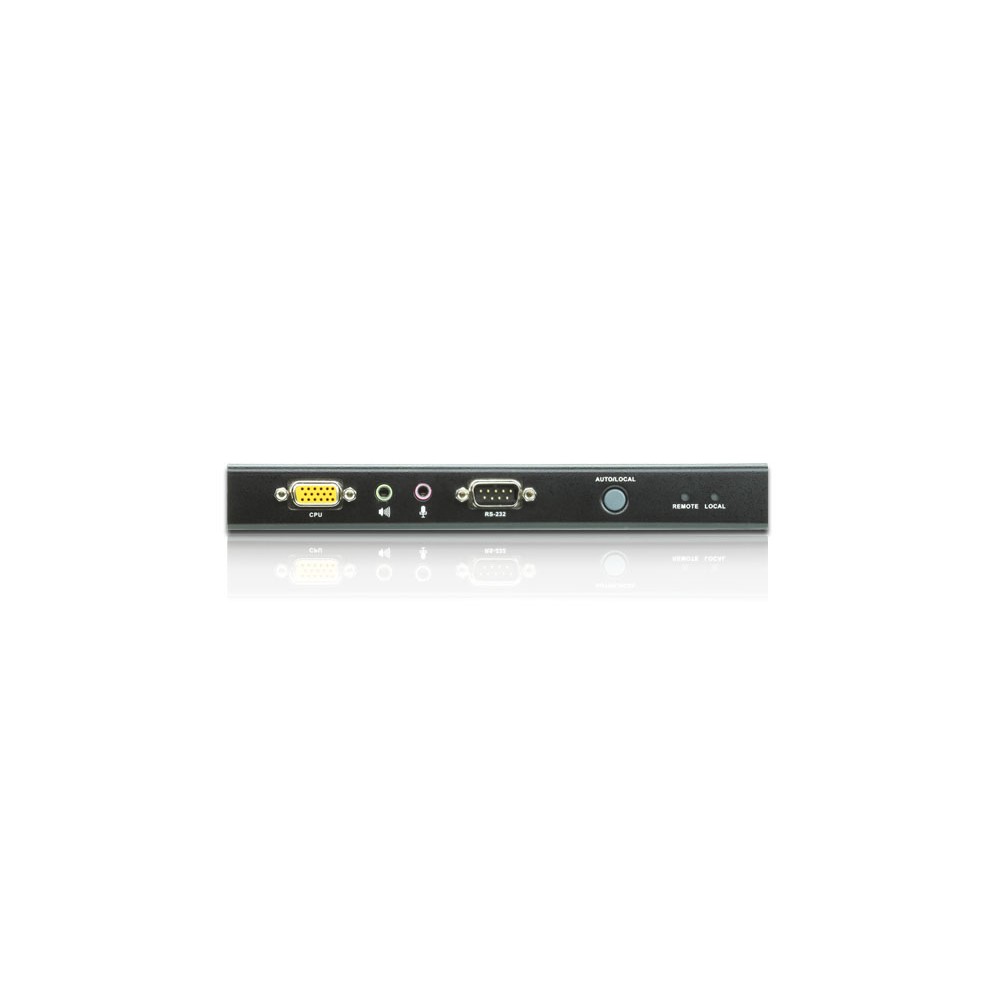
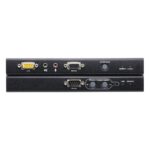
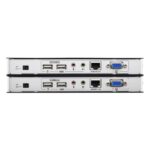
The transmitter connects to the computer, while the receiver serves the remote console. Both units provide VGA video and USB keyboard and mouse connections. This lets you position the console somewhere convenient while keeping the computer in a separate location.
The wired Cat5 link supports a maximum distance of 200 metres. Automatic signal compensation helps maintain the signal across the connection.
Add serial devices at the remote position
RS-232 functionality is available on both the local and remote units. At the local end, connect a serial terminal for configuration. At the remote end, connect serial devices such as a touchscreen or barcode scanner.
This makes the extender useful when a setup needs more than remote keyboard, mouse and monitor access.
Check the connection before ordering
- Confirm the computer has VGA video and USB connections for the local unit.
- Check that your remote console uses a VGA monitor and USB keyboard and mouse.
- Confirm the Cat5 cable route is no longer than 200 metres.
- Check that your required display resolution is 1920 x 1200 or lower.
Frequently Asked Questions
Q: What is the maximum distance?
A: The CE750A supports a maximum transfer distance of 200 metres over Cat5 cable.
Q: What video resolution does it support?
A: Its maximum digital resolution is 1920 x 1200.
Q: Can I use RS-232 devices?
A: Yes. RS-232 is available on both units for local configuration and remote serial devices.
Q: How do I select a KVM connection?
A: Use the push-buttons for KVM port selection.
A practical choice for remote console access
Choose the ATEN CE750A when you need to place a USB and VGA console up to 200 metres from the computer. Its Cat5 connection and RS-232 support suit installations that also use serial devices.

 DPD tracked delivery
 Buy now, pay later with Klarna at checkout
 Pay in 3 instalments with PayPal at checkout

Reviews
Clear filtersThere are no reviews yet.