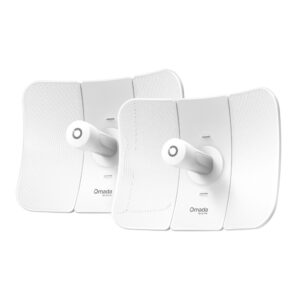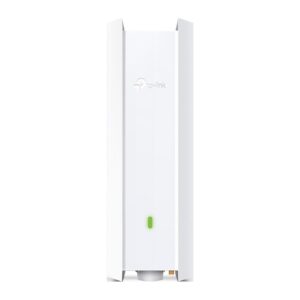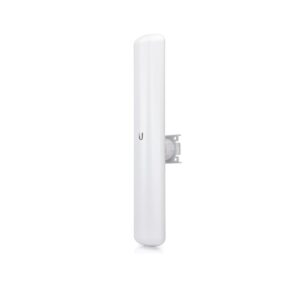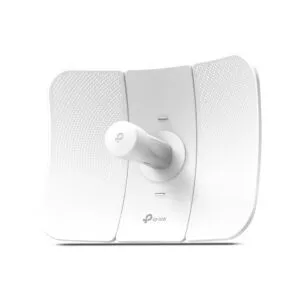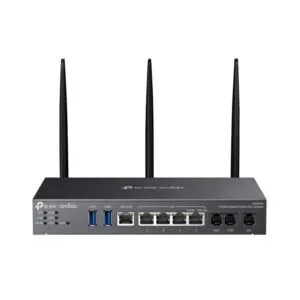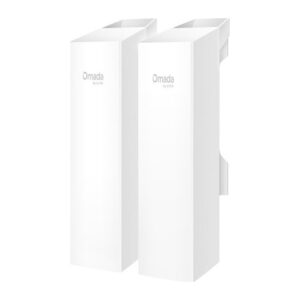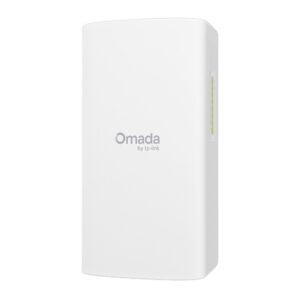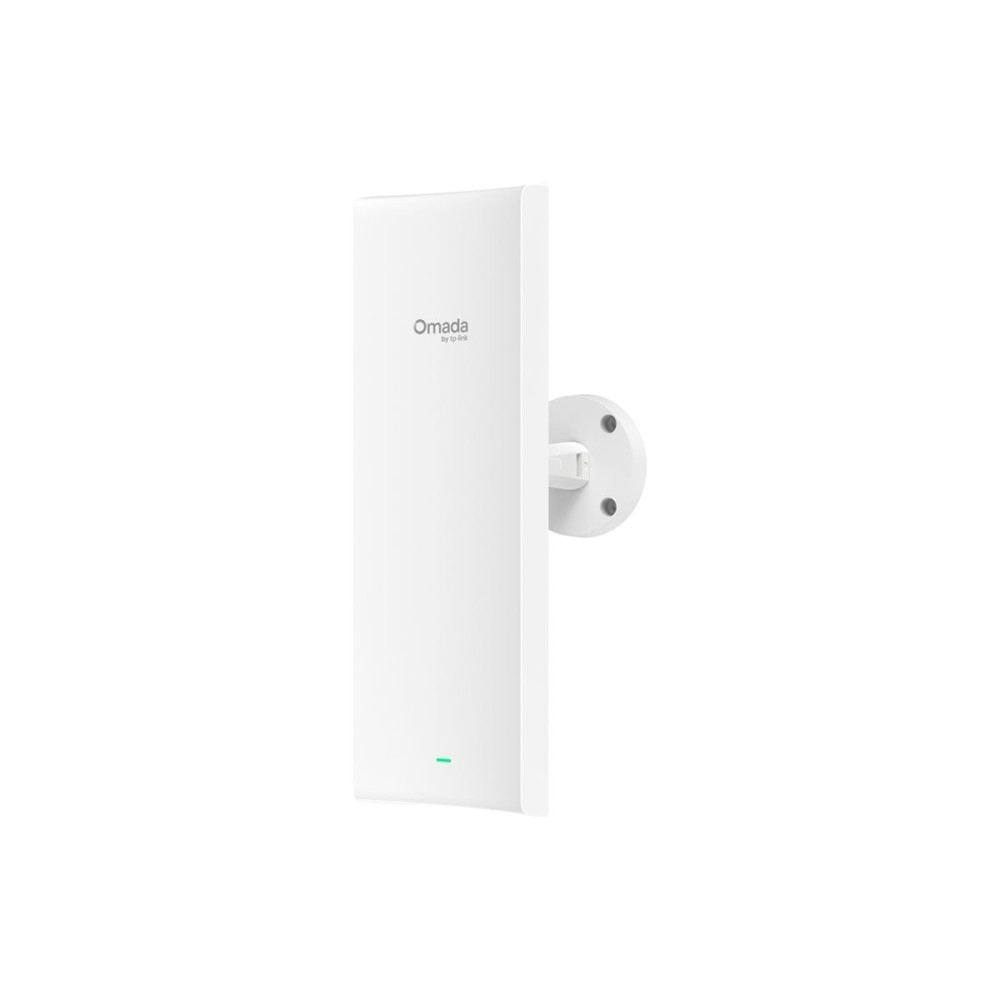
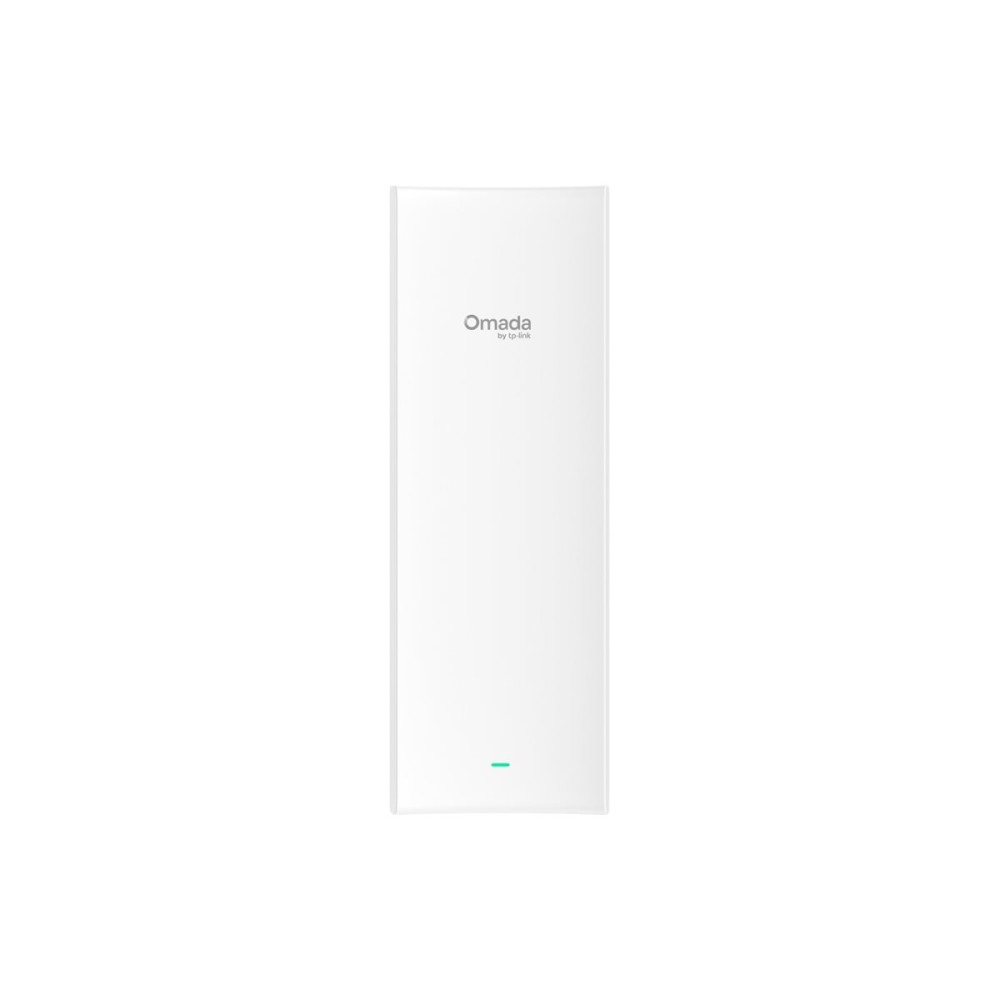
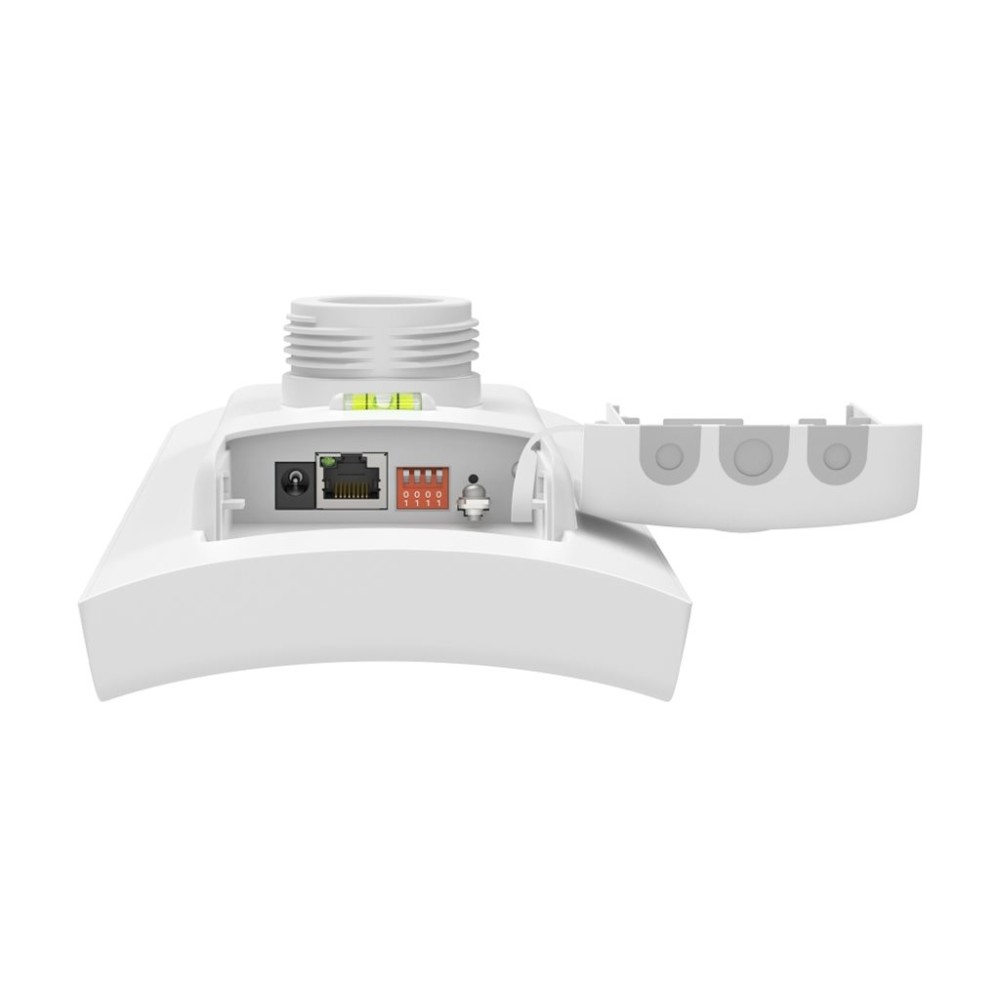
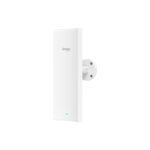
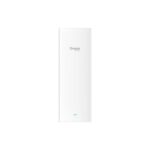
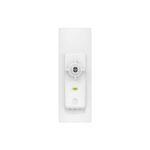
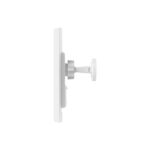
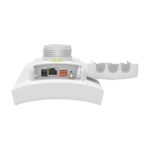
TP-Link Omada Sector Bridge 5 Wi-Fi 5 Bridge, Wall-Mountable and Pole-Mountable
£156.25
In stock
In stock
- Free Premium delivery on UK mainland orders
Order today, get it by Fri 20 Nov
-
DPD tracked delivery
-

Buy now, pay later with Klarna at checkout
-

Pay in 3 instalments with PayPal at checkout
About this item
- TP-Link Omada Sector Bridge 5
- Wi-Fi 5 bridge
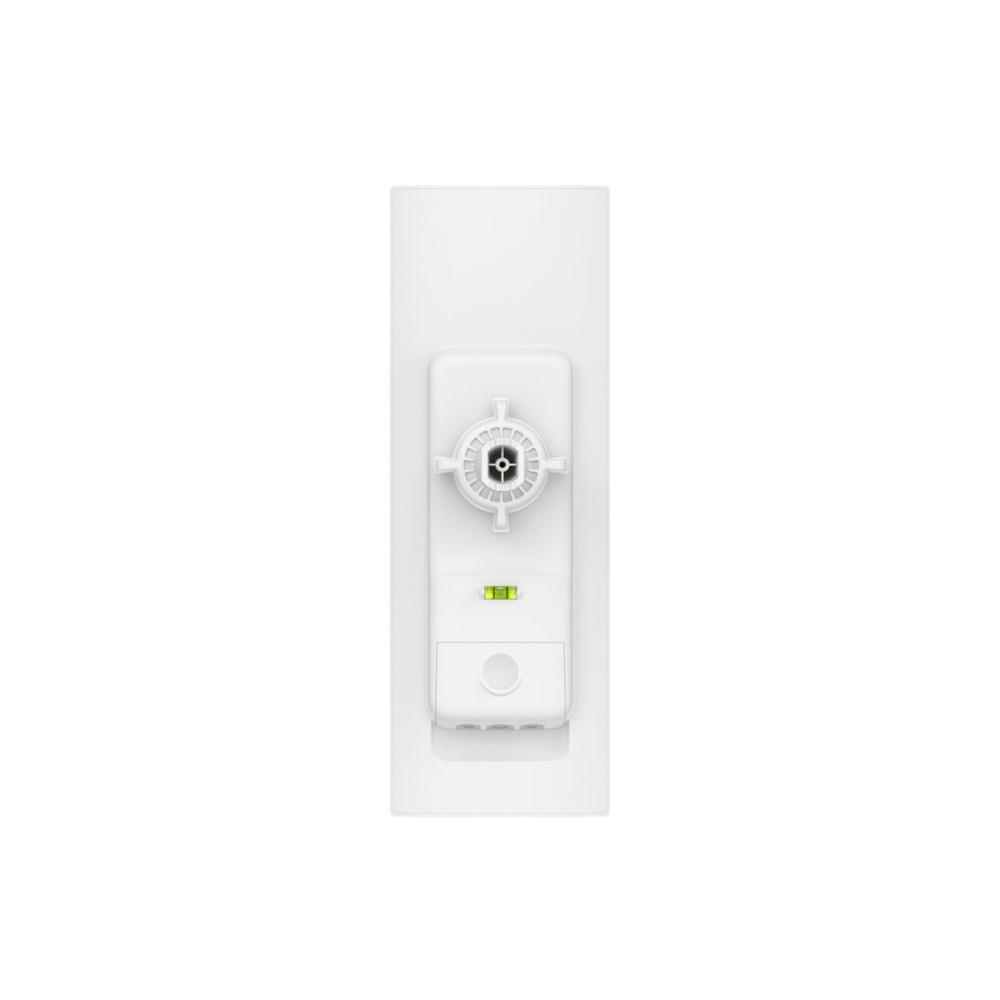
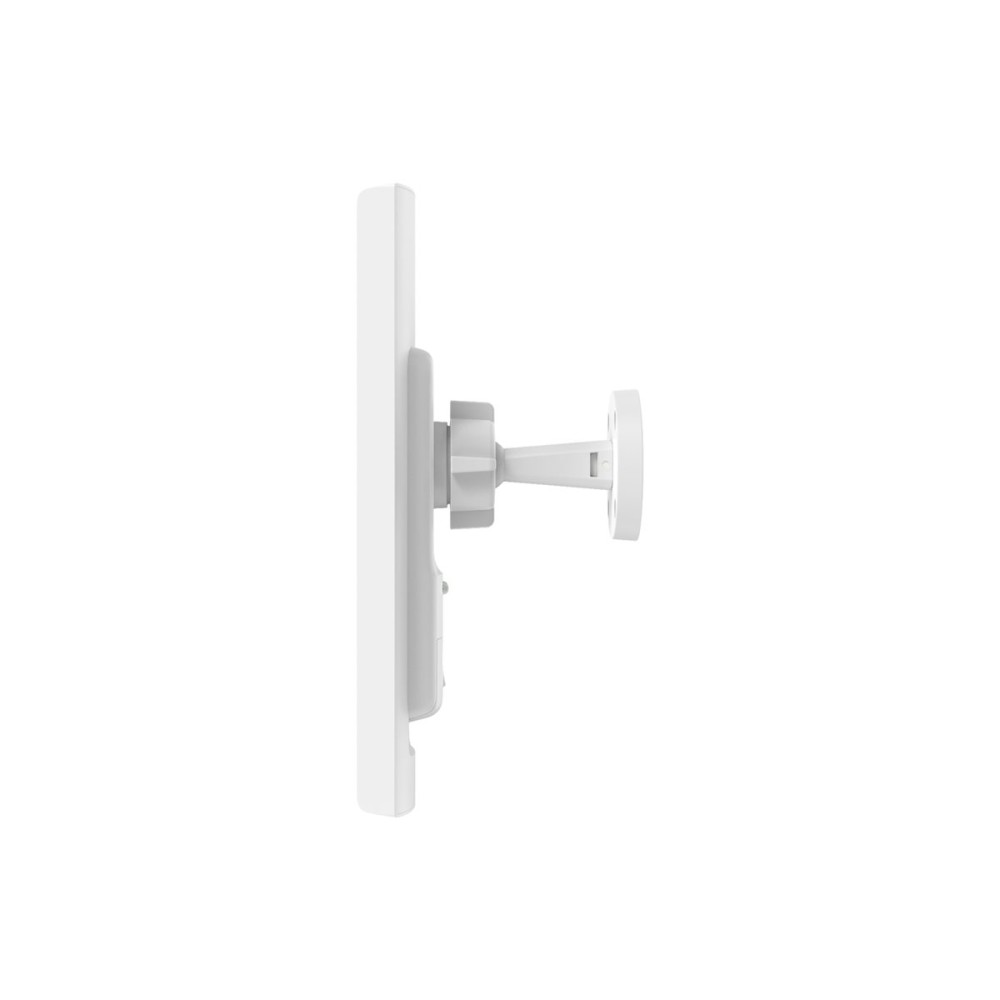
- Wall-mountable bridge design
- Pole-mountable bridge design
- TP-Link brand
You may also like
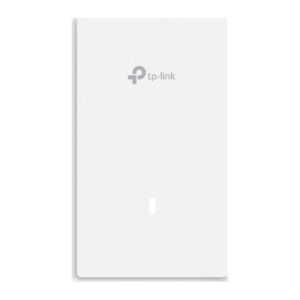
TP-Link Omada EAP725-WALL Wi-Fi 7 Access Point
In stock
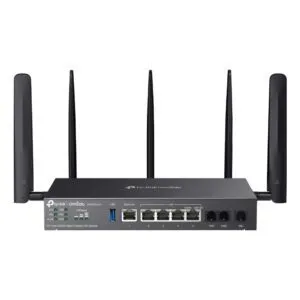
TP-Link Omada DR3650V-4G Gigabit Router
In stock
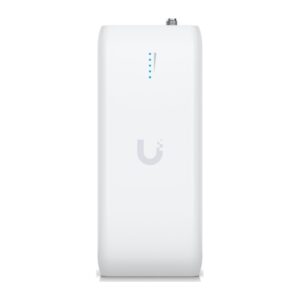
Ubiquiti UDB Wireless Bridge
In stock
TP-Link Omada AX3000 WiFi 6 Access Point
In stock
Ubiquiti LAP-120 MIMO Directional Antenna
In stock
TP-Link CPE710 Directional Antenna 23 dBi PoE/LAN
In stock
Ubiquiti NanoBeam 5AC Gen 2 Network Bridge
In stock
TP-Link Omada 5GHz 867Mbps Indoor/Outdoor Wireless Bridge
In stock
TP-Link Omada Flex Bridge 5 Network Bridge, Wi-Fi 5, 867 Mbps, 3-Port Gigabit Ethernet, PoE, White
In stock
TP-Link Omada Sector Bridge 5 – flexible mounting for bridge installations
The TP-Link Omada Sector Bridge 5 suits network setups that need a Wi-Fi bridge with a choice of mounting position. Its wall- or pole-mountable design gives you flexibility when planning where to install it.
Key details at a glance
| Metric | Specification |
|---|---|
| Brand | TP-Link |
| Model | Omada Sector Bridge 5 |
| Product type | Wi-Fi bridge |
| Wi-Fi generation | Wi-Fi 5 |
| Mounting options | Wall-mountable or pole-mountable |
Choose a mounting position that suits your site
Mount the bridge on a wall or a pole, depending on your installation plan. This choice can help you make better use of the mounting points available at your site.
Before choosing a position, consider which mounting option best fits your setup. That way, you can plan the installation around the bridge’s intended placement.
A clear role in your network
This is a Wi-Fi 5 bridge, so it is intended for setups where a bridge is required. Check that a bridge fits the role you need it to perform in your network.
Before you order
- Confirm your network setup calls for a Wi-Fi bridge.
- Check whether a wall or pole is the better fit for your installation.
- Confirm Wi-Fi 5 suits your network requirements.
- Check that your planned location supports your chosen mounting option.
Frequently Asked Questions
Q: What type of product is the Omada Sector Bridge 5?
A: It is a Wi-Fi bridge.
Q: Which Wi-Fi generation does it use?
A: It uses Wi-Fi 5.
Q: How can it be mounted?
A: It can be wall-mounted or pole-mounted.
A practical choice for bridge setups
Choose the TP-Link Omada Sector Bridge 5 if you need a Wi-Fi 5 bridge and want the option of wall or pole mounting. It is best suited to buyers who have confirmed that a bridge matches their network plan.
| Brand | TPLINK |
|---|---|
| MPN | SECTORBRIDGE5 |

Reviews
Clear filtersThere are no reviews yet.