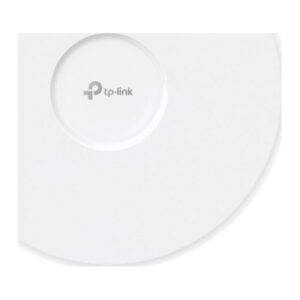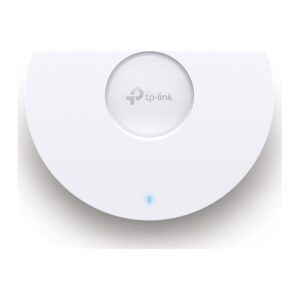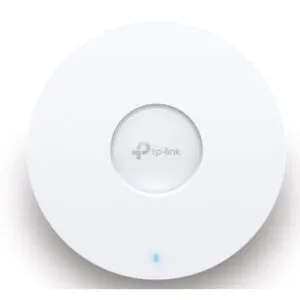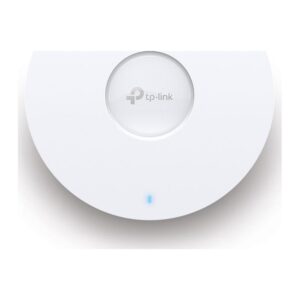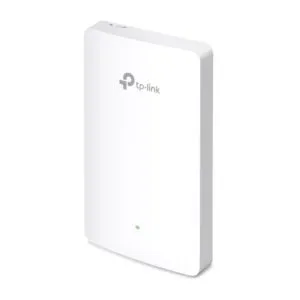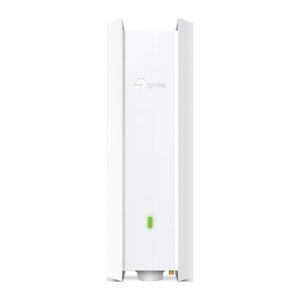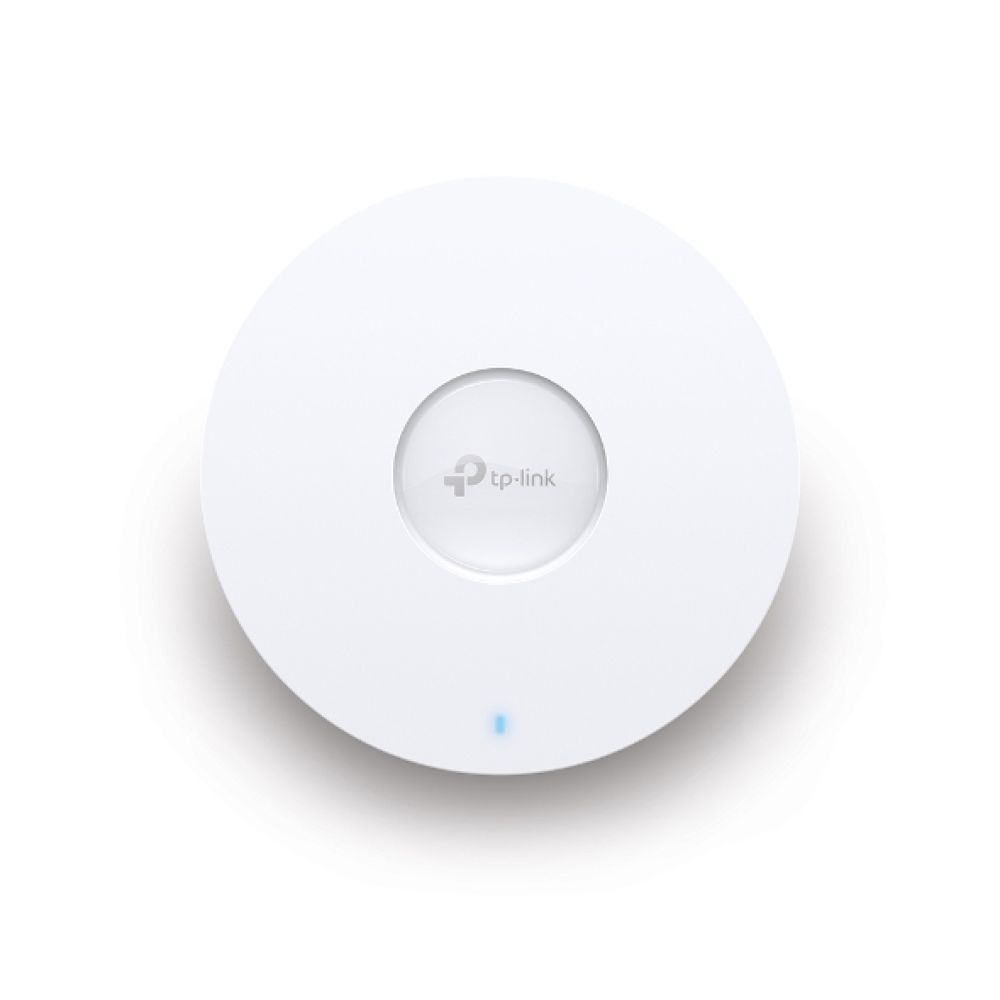
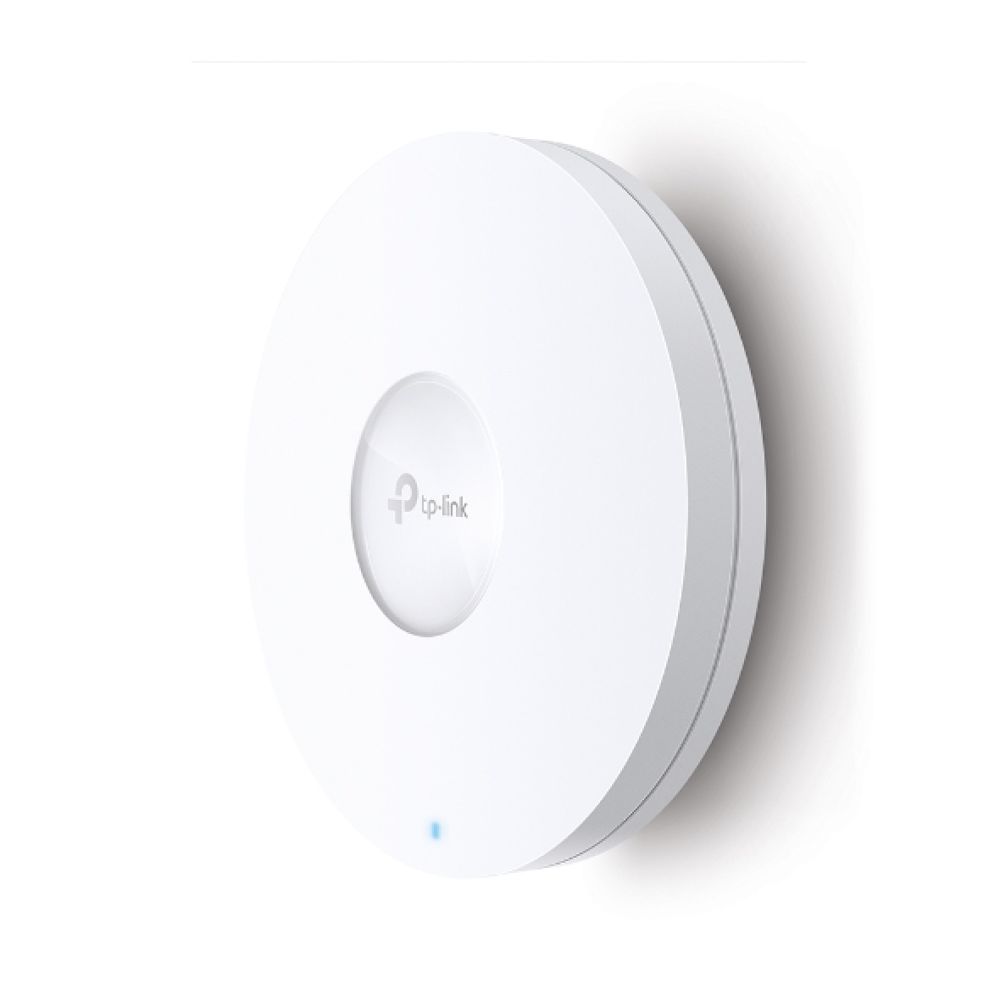
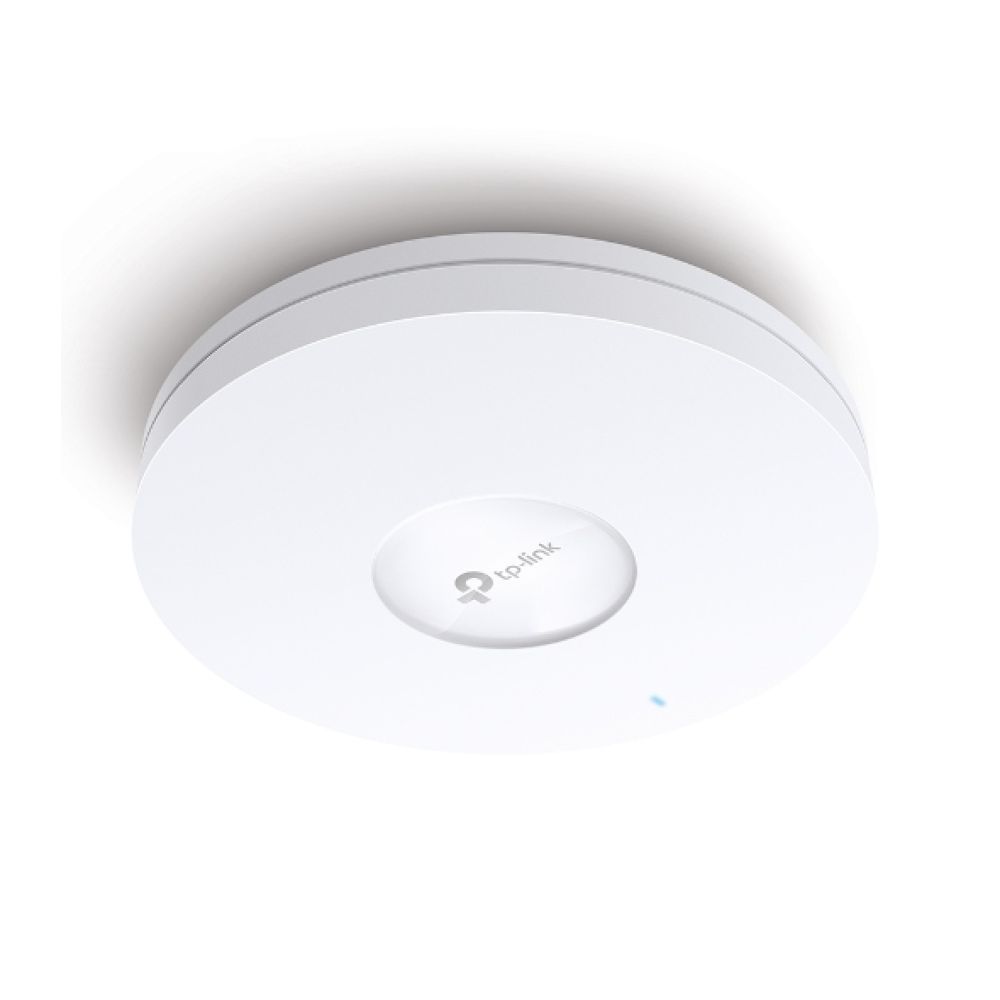
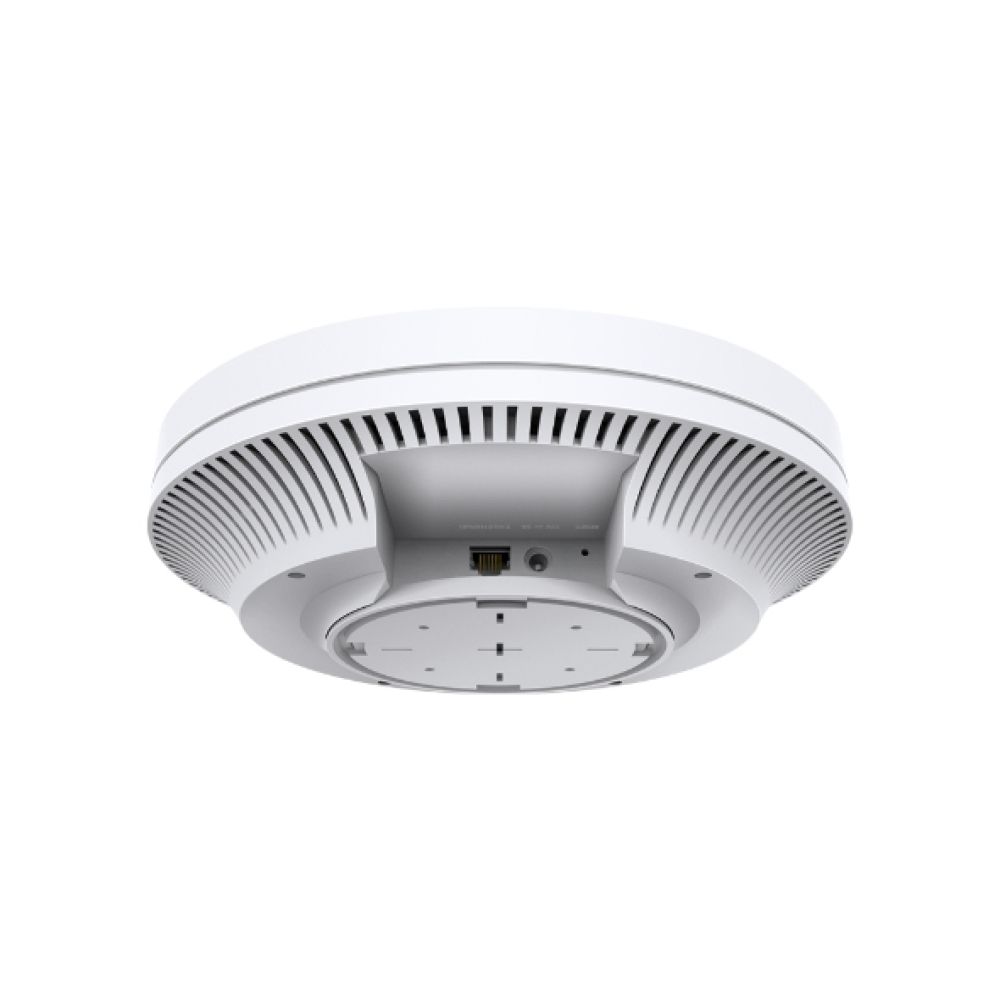
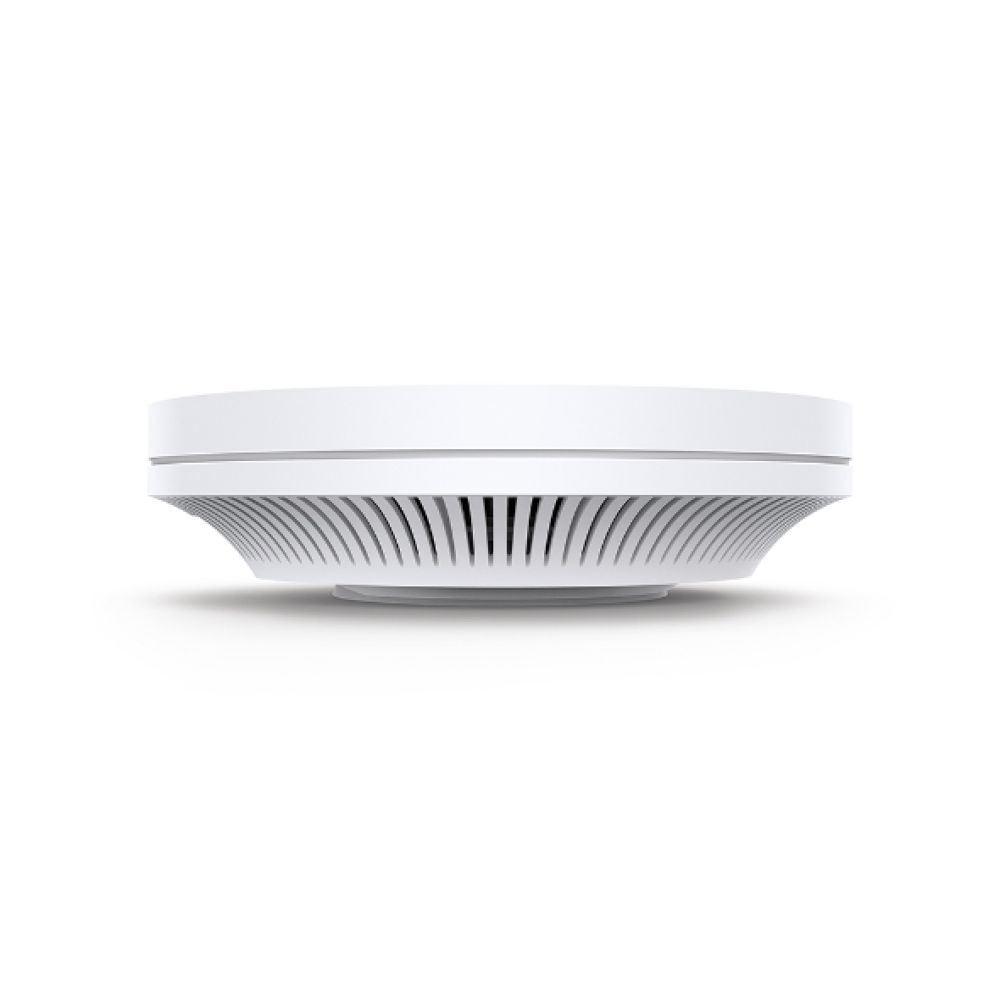

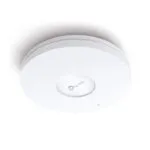
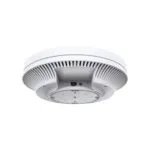
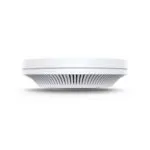



TP-Link AX5400 Ceiling WiFi 6 AP

SKU: EAP670

Original price was: £172.79.Current price is: £164.02.

In stock

In stock

  • Free UK delivery on orders over £200
Order today, get it by Wed 28 Oct
  • DPD DPD tracked delivery
  • Klarna Buy now, pay later with Klarna
  • PayPal Pay in 3 instalments with PayPal

About This Item

  • AX5400 WiFi 6 speed with 4804 Mbps on 5 GHz + 574 Mbps on 2.4 GHz
  • Supports up to 250 users with 2.5G Ethernet port for high throughput
  • Wi-Fi 6 technology with 160 MHz channel for faster data transmission
  • Centralised cloud management via Omada SDN platform
  • PoE+ powered with IP67 rating for flexible ceiling/wall mounting
Description

TP-Link Omada AX5400 | Ceiling-Mounted Wi-Fi 6 Access Point

The TP-Link Omada AX5400 Ceiling Mount WiFi 6 Access Point delivers enterprise-grade wireless performance for businesses needing reliable, high-capacity connectivity. With 5400 Mbps total throughput, centralised cloud management, and flexible PoE+ power options, this ceiling-mounted AP is engineered for modern commercial environments where seamless roaming and multiple device support are essential.

Key Specifications

Metric Spec.
Wi-Fi Standard Wi-Fi 6 (802.11ax)
Maximum Data Rate 5400 Mbps
Ethernet Port 2.5Gbps
MIMO MU-MIMO
Coverage Up to 250 users

Enterprise-Grade Performance for Demanding Environments

The AX5400’s dual-band architecture delivers 4804 Mbps on 5 GHz plus 574 Mbps on 2.4 GHz, providing the bandwidth foundation for modern business applications. This ceiling-mounted design ensures optimal signal distribution throughout offices, retail spaces, or educational facilities where wall-mounted units might create coverage gaps.

Centralised Cloud Management with Omada SDN

Integration with TP-Link’s Omada Software Defined Networking platform transforms network administration from a manual process to a streamlined experience. The centralised cloud management interface allows IT teams to monitor, configure, and troubleshoot the entire network ecosystem from a single dashboard, whether on-site or remotely. This unified approach reduces administrative overhead while improving response times to network issues.

Intelligent Channel Optimisation and Mesh Flexibility

Automatic channel selection and power adjustment algorithms continuously optimise network performance by minimising interference from neighbouring access points. When combined with Omada Mesh technology, the AX5400 creates a self-healing network that can extend coverage to previously hard-to-wire areas without additional cabling. This mesh capability proves invaluable in older buildings or temporary installations where running new cables proves impractical.

Seamless Roaming for Uninterrupted Connectivity

Fast roaming technology ensures mobile devices maintain optimal connections as users move throughout the coverage area. The AP automatically switches clients to the strongest signal without requiring reconnection, eliminating the buffering and dropouts that plague traditional networks. This feature is particularly valuable in environments where continuous connectivity is critical, such as healthcare facilities, warehouses, or conference centres.

In the Box

  • TP-Link Omada AX5400 Ceiling Mount WiFi 6 Access Point
  • Mounting bracket and hardware
  • Power adapter (DC)
  • Quick installation guide

Things to check first

  • Confirm ceiling mounting is suitable for your installation location
  • Verify your network infrastructure supports 2.5Gbps Ethernet
  • Ensure you have PoE+ switches or will use the included power adapter
  • Check that your Omada controller software is compatible with this model

Frequently Asked Questions

How many devices can this access point support simultaneously?
The AX5400 supports up to 250 connected devices at once.
Does this require a separate controller for management?
No, it can be managed via the Omada cloud platform or locally through a dedicated controller.
What power options are available?
It supports both 802.3at PoE+ and DC power input (adapter included).
Is this suitable for outdoor installation?
No, this model has IP67 rating for dust and moisture resistance but is designed for indoor ceiling mounting only.

Final thoughts

The TP-Link Omada AX5400 Ceiling Mount WiFi 6 Access Point represents a solid investment for businesses requiring enterprise-grade wireless infrastructure without enterprise-level complexity. Its combination of high throughput, centralised management, and intelligent optimisation features delivers professional-grade performance at a competitive price point. Covered by the applicable manufacturer warranty, this access point is ideal for growing businesses, educational institutions, and retail environments where reliable, scalable WiFi is non-negotiable.

Additional information
Weight0.6 kg
CertificationCE, FCC, RoHS
Web-based managementYes
6 GHzNo
2.4 GHzYes
5 GHzYes
Wireless isolationYes
Automatic channel selectionYes
Frequency band2.4 – 5 GHz
Number of users250 user(s)
VLAN supportNo
Rate limitingYes
Quality of Service QoS supportYes
Networking standardsIEEE 802.11a, IEEE 802.11ac, IEEE 802.11ax, IEEE 802.11b, IEEE 802.11g, IEEE 802.11n
Ethernet LAN data rates2500 Mbit/s
Maximum data transfer rate5400 Mbit/s
MIMO typeMulti User MIMO
MIMOYes
Band steeringYes
Maximum data transfer rate 2.4 GHz574 Mbit/s
Maximum data transfer rate 5 GHz4804 Mbit/s
BeamFormingYes
Number of SSID supported16
Remote Authentication Dial-In User Service RADIUSYes
Service Set Identifier SSID featuresMultiple SSIDs
Input current1.5 A
International Protection IP codeIP67
PlacementCeiling, Wall
Product colourWhite
Antenna typeInternal
Antennas quantity6
Antenna gain level max5 dBi
Antenna direction typeOmni-directional
Reset buttonYes
Firmware upgradeableYes
LED indicatorsYes
Automatic channel scanningYes
Access Control List ACLYes
Width243 mm
Depth243 mm
Height64 mm
Package width302 mm
Package depth304 mm
Package height82 mm
Package weight1.32 kg
Quantity per pack1 pc(s)
Harmonized System HS code85176990

Reviews

0 reviews
0
0
0
0
0

There are no reviews yet.

Write a review

Your email is never published.

You have to be logged in to be able to add photos to your review.