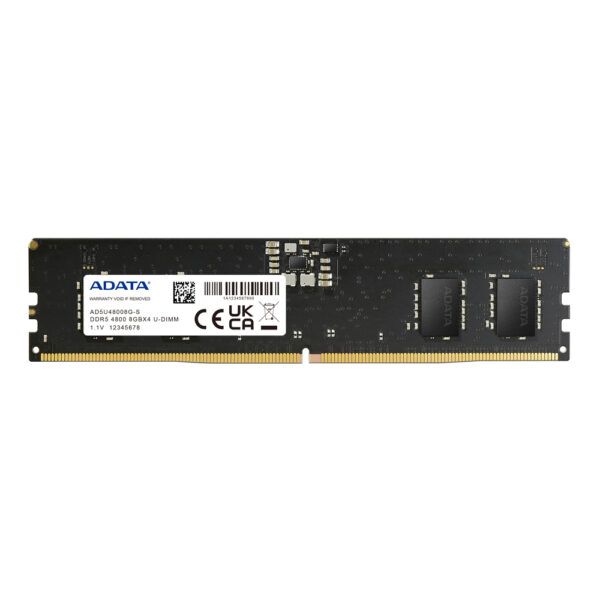
If you have priced up a memory kit or an SSD lately, you already know something is wrong. Prices that sat steady for years have jumped sharply, and the question we get asked most right now is a simple one: do I buy today, or do I wait for things to calm down?
This guide gives you the straight answer, the real numbers behind the 2026 memory squeeze, and exactly what to do whether you are building a new PC or upgrading an old one.
Last updated: June 2026 · Hardvance hardware team
Cutting to it: if you need RAM or an SSD for a build or upgrade you are doing now, buy it now. Prices are still climbing through 2026, and so far waiting has meant paying more, not less. Only hold off if you do not need the part yet and you are happy to gamble on a possible dip later in the year.
What is happening to RAM and SSD prices
This is not a small seasonal wobble. Between late 2025 and the first half of 2026, memory of every kind got more expensive, fast.
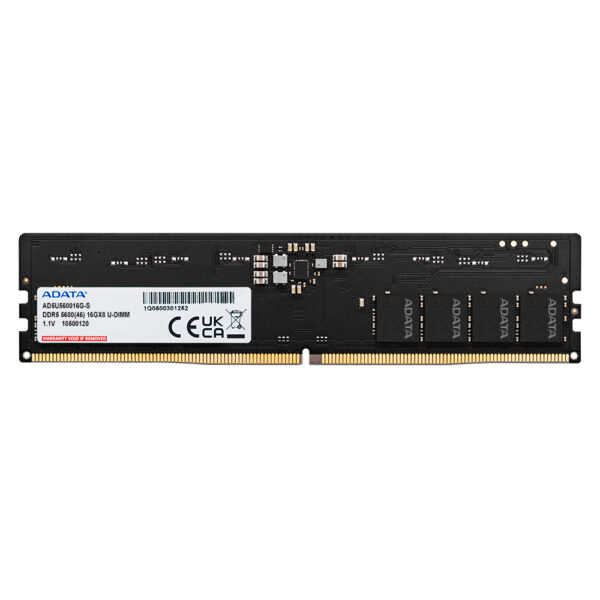
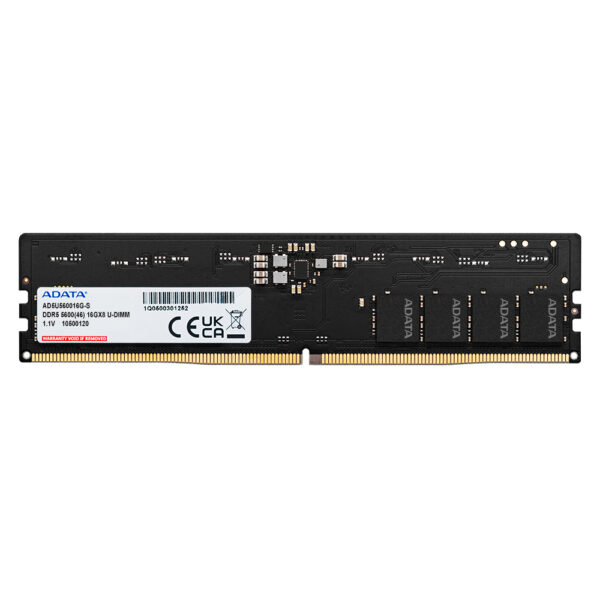
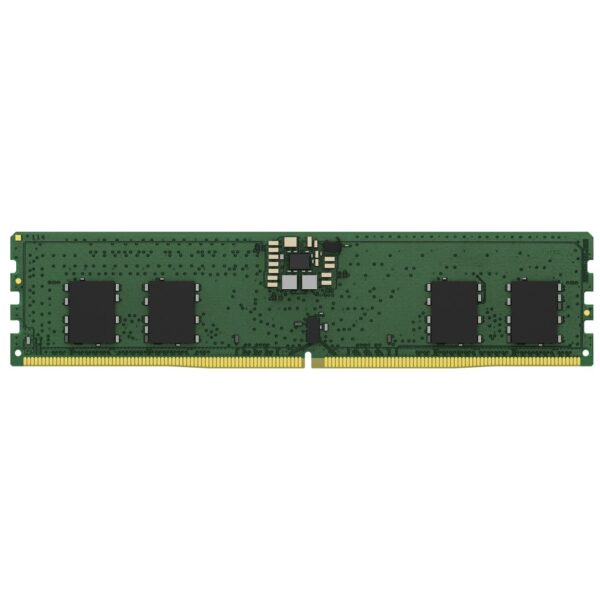
DRAM contract prices rose by roughly 80 to 90 percent quarter on quarter over the winter, the steepest jump since the 2017 to 2018 memory boom. A 32GB DDR5 desktop kit that sold for around £170 to £220 in late 2025 now commonly sits closer to £330 to £420. In plain terms, DDR5 has roughly doubled, and in some cases tripled, in about six months.
Storage went the same way. NAND flash, the chips inside every SSD, saw spot wafer prices climb to several times their mid-2025 level, and TrendForce put client SSD contract prices up at least 40 percent quarter on quarter in early 2026. Gartner has forecast a memory cost surge of around 130 percent across the cycle. Even mechanical hard drives are up.
Here is the picture at a glance.
| What changed | Late 2025 | Mid 2026 |
|---|---|---|
| 32GB DDR5 desktop kit (approx UK street) | ~£170–220 | ~£330–420 |
| DRAM contract price (quarter on quarter) | baseline | up ~80–90% |
| Client SSD contract price (quarter on quarter) | baseline | up ~40%+ |
| NAND flash wafer (spot) | baseline | several times higher |
Prices move daily, so treat these as the shape of the trend rather than today’s exact ticket.
Why are RAM and SSD prices rising in 2026?
The short version: artificial intelligence is eating the supply.
RAM and SSDs are built on the same wafers, in the same factories, as the high-bandwidth memory and enterprise storage that data centres need to train and run AI models. Those buyers order in enormous volume and pay premium rates, so memory makers have shifted production toward them. That leaves less capacity for the ordinary DDR5 sticks and consumer SSDs that go into desktops and laptops.
Two other things make it worse. The industry is still in the middle of moving from DDR4 to DDR5, which splits production across two standards. And memory makers spent the previous downturn cutting output to stop prices falling, so there was no spare cushion when demand spiked. When supply is tight and one deep-pocketed customer wants everything, prices for the rest of us go up.
This is a supply and demand squeeze, not a tariff or a single shortage that clears overnight. That matters for the timing question below.
There is a striking example of this shift. In late 2025 Micron announced it would wind down its Crucial consumer memory and SSD brand from early 2026 and send that capacity to enterprise and AI customers instead. A big part of the problem is high-bandwidth memory (HBM), the type AI accelerators use: it swallows roughly three times the wafer capacity of standard DDR5 for the same gigabytes, so every chip built for AI takes a larger bite out of what is left for ordinary PCs. Analysts expect this crunch to run into 2028.
Should you buy now or wait?
There is no perfect answer, but the honest one leans toward buying now if you actually need the part. Every credible forecast for 2026 points the same way: prices keep rising through most of the year, with the sharpest increases in the first half. Waiting has mostly meant paying more.
Buy now if:
- You are building a PC now, or your current build is waiting on RAM or storage.
- Your RAM is failing, or you are out of drive space and it is slowing you down.
- You have found a kit or drive at close to last year’s price. Grab it.
- You need a specific capacity for work, study or a game library that will not wait.
You can wait if:
- Your PC runs fine and the upgrade is a nice-to-have, not a need.
- You are happy to gamble that late 2026 brings a dip. Some analysts expect prices to ease 15 to 25 percent from the peak later in the year, but that is a forecast, not a promise.
The trap to avoid is panic buying more than you need because you are afraid of future prices. Buy the part you need today, at a fair price today. Do not stockpile.
The supply picture makes that gamble harder, not easier. With Micron stepping back from consumer memory and the shortage expected to stretch into 2028, a big near-term price drop looks unlikely. If you genuinely need the part, buying now is the safer call, and if you can wait, do it because the upgrade is optional rather than because you expect prices to tumble.
What to buy if you are buying now
When every gigabyte costs more, value matters more than ever. The goal is to buy exactly what you need and not pay for headroom you will never use.
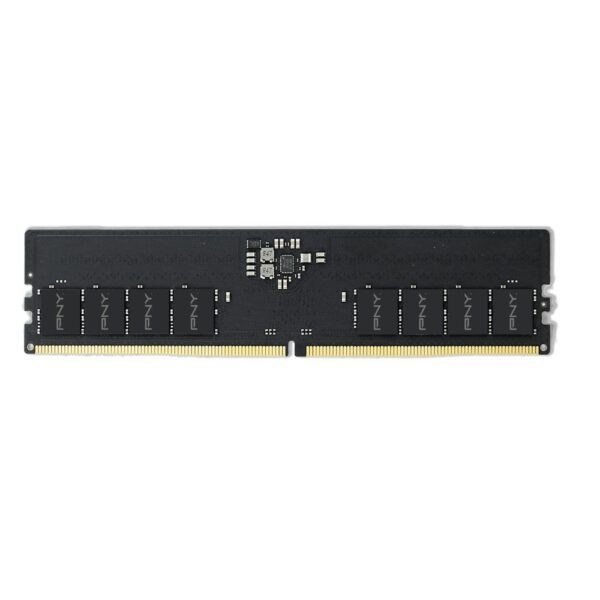
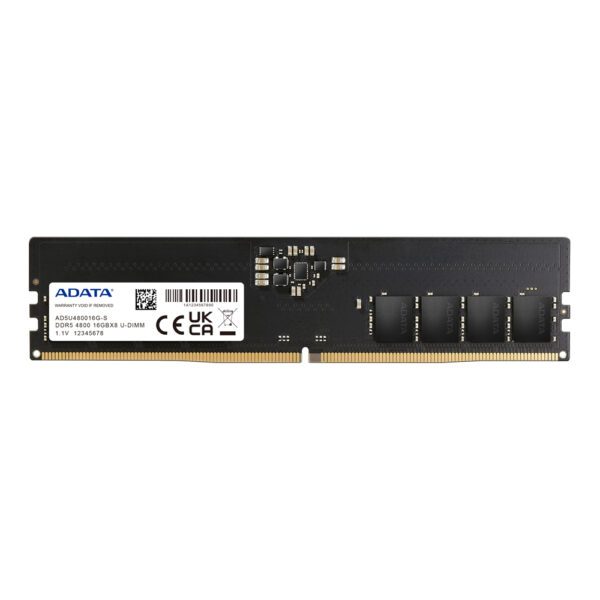
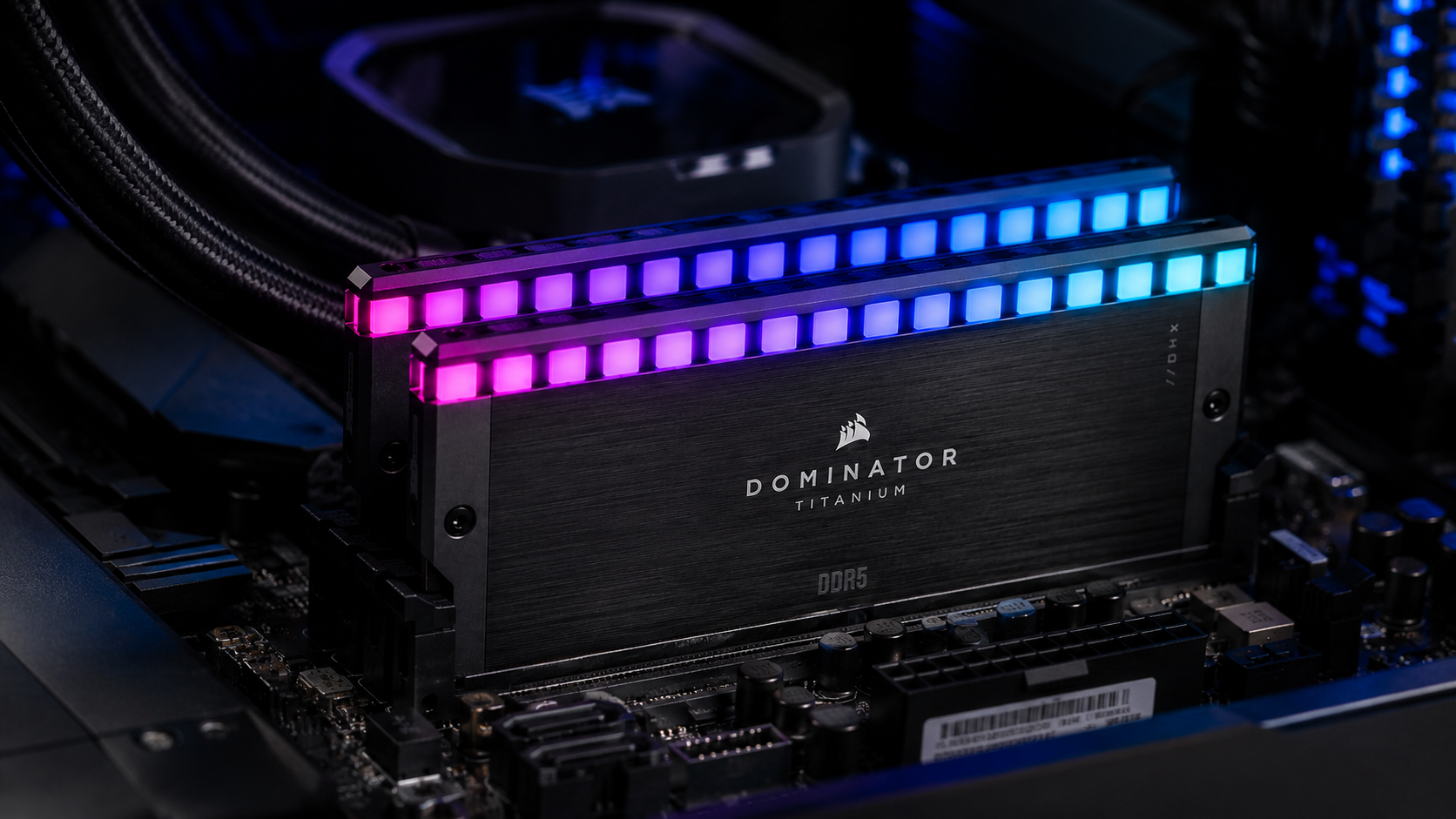
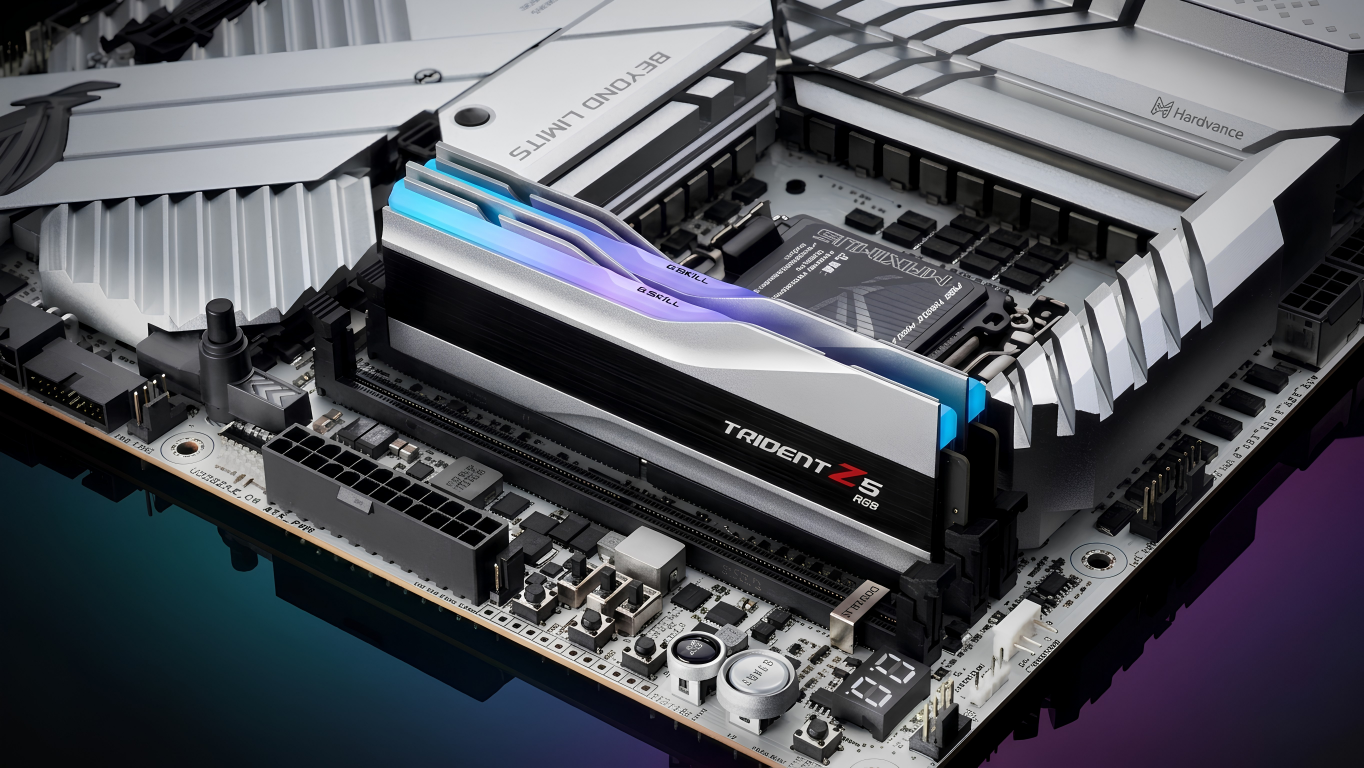
Memory: for almost every gaming and work PC, a 32GB DDR5 kit (two 16GB sticks) is the smart middle ground in 2026. It is enough for modern games, multitasking and creative work without the steep premium that 64GB now carries. On an AMD AM5 system, a DDR5-6000 CL30 kit remains the reliable, well-supported choice, and we go deeper on that in our RAM buying guide. Buying two sticks rather than four also makes the memory easier to run at full speed.
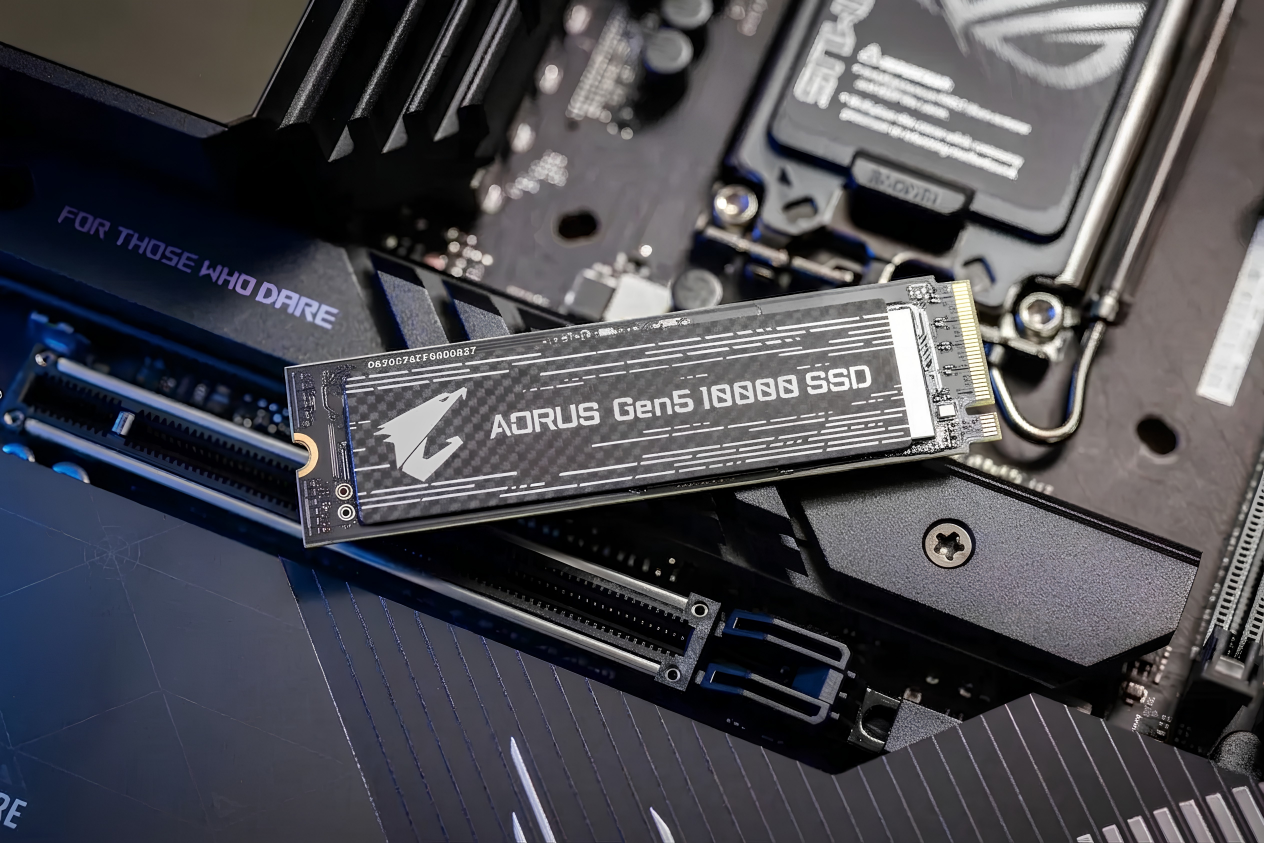
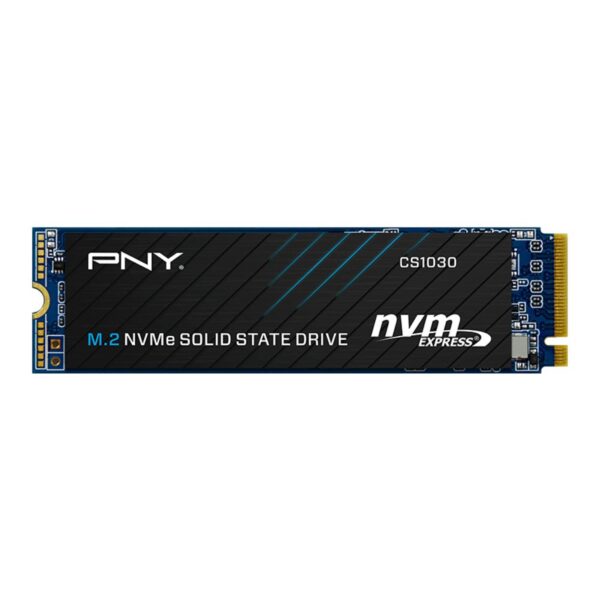
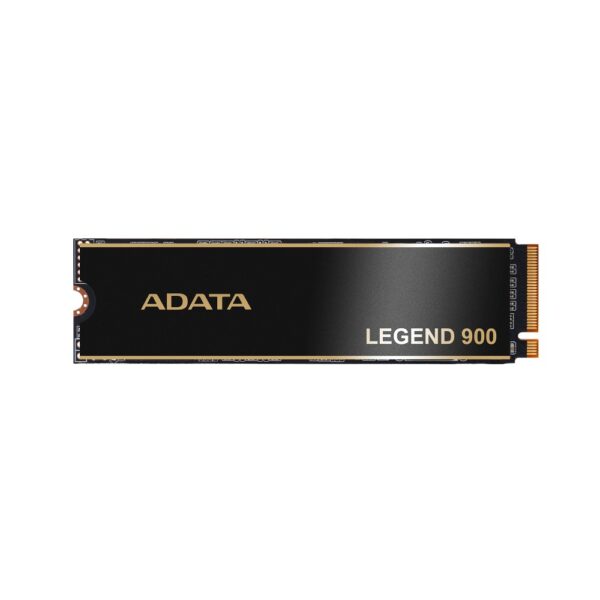
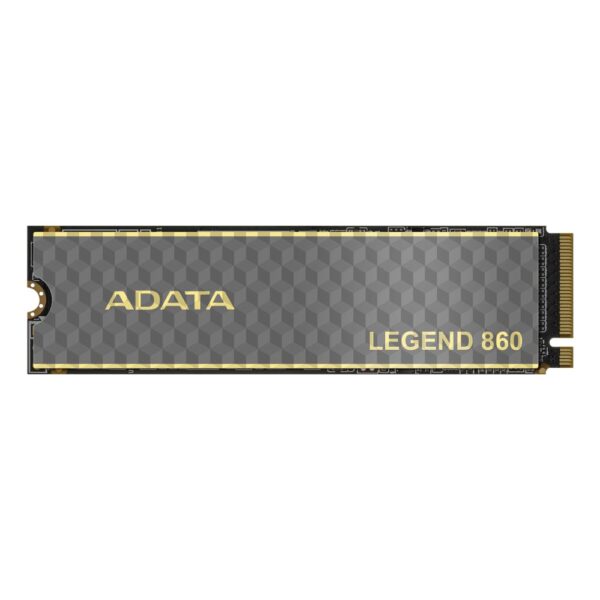
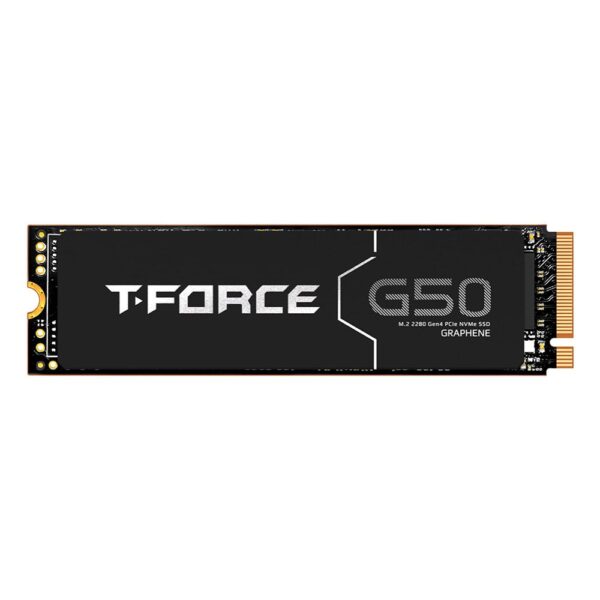
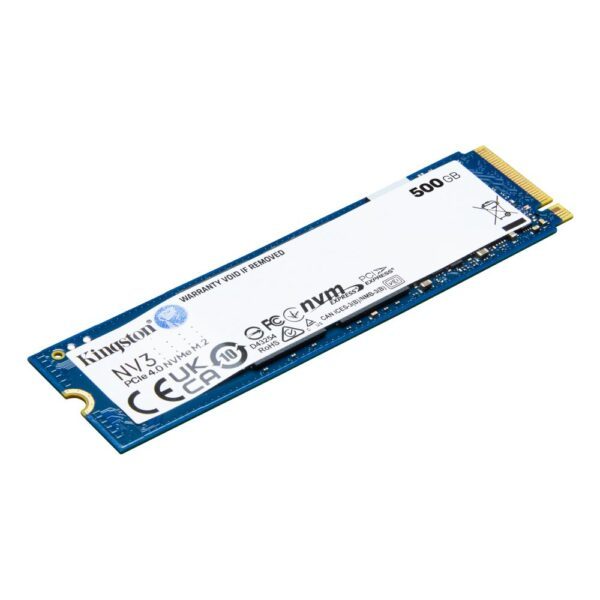
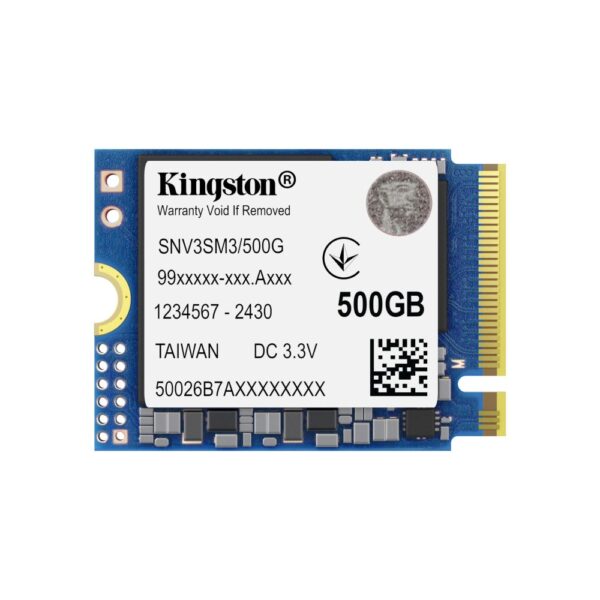
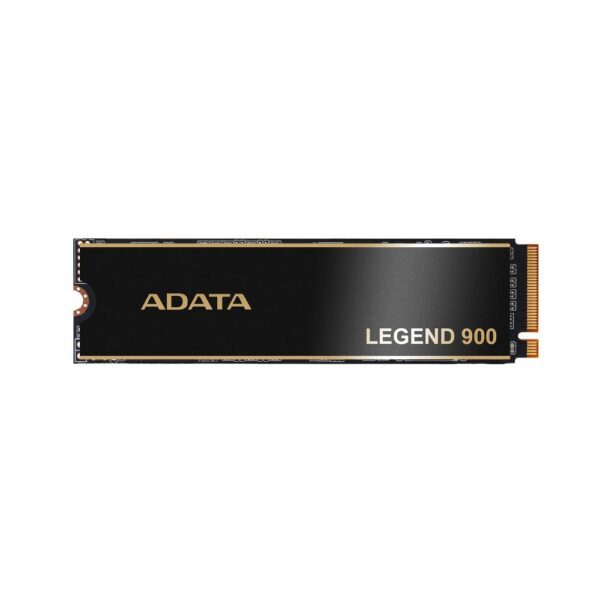
Storage: a PCIe 4.0 (Gen4) NVMe SSD is still the smart buy. Gen5 drives cost more, run hotter and bring no real benefit in games or everyday use. Aim for 1TB as a minimum and 2TB if your budget allows, since game installs keep growing. A good Gen4 1TB or 2TB drive gives you the speed that actually matters without the Gen5 tax. Our SSD guide explains why Gen4 wins for gaming.
Both lists above are sorted by price, so the best value sits at the front.
How to spend less right now
A few simple moves keep more money in your pocket while prices are high.
- Buy the capacity you need, not the biggest number. 32GB of RAM and a 1TB or 2TB drive cover the vast majority of users. Doubling capacity roughly doubles the cost in this market.
- Skip the speed and RGB premiums. A plain DDR5-6000 CL30 kit performs almost identically to a flashier, faster-rated kit in real use, for less money. The same goes for paying extra for a Gen5 SSD you will not benefit from.
- Do not overspend on a tiny latency gain. CL30 versus CL36 is a rounding error in real workloads. Buy the cheaper one.
- Reuse what you can. If your existing SSD is healthy, keep it as secondary storage and buy only one new drive. If your DDR5 kit is fine, do not replace it just to chase a number.
- Watch stock, not just price. When a well-priced kit or drive is in stock, that is the moment to buy. Waiting for a sale that may not come can cost more than it saves.
One angle that is easy to miss: prices have climbed at exactly the moment software wants more memory. A fresh Windows 11 install, with its background services, Store apps and built-in AI features, can sit on noticeably more RAM at idle than older systems did. So if 16GB feels tight and a bigger kit is too dear right now, you can also cut how much memory you actually need rather than buying more. Trim your startup apps and background processes first. For a leaner setup, a lighter operating system helps: Windows LTSC, Microsoft’s stripped-back long-term edition aimed at business, drops a lot of the extras, and a lightweight Linux distribution is a free option that runs happily on modest RAM. It is not a permanent substitute for more memory, but it buys breathing room while prices stay high.
What about DDR4 and older PCs?
DDR4 has not escaped the squeeze. Because makers are winding DDR4 production down in favour of DDR5, older memory has risen sharply too, and in some cases it is harder to find. If you run an AMD AM4 system or an older Intel platform and you have been meaning to top up to 32GB, the same advice applies: if you need it, buy it now rather than betting on a price that keeps climbing.
For AM4 gamers, a 32GB DDR4-3600 CL16 kit is still the practical target. Just be aware that the gap between a sensible DDR4 upgrade and a fresh DDR5 platform has narrowed, so if your whole system is due a refresh, it is worth pricing both paths before you spend.
Our honest take as a UK retailer
We sell RAM and SSDs every day, so it would be easy to simply say “buy now, prices are rising”. The honest version is more useful to you.
What we actually see is steady demand from people who need memory and storage for real reasons: a build that is half finished, a drive that filled up, a work machine that needs more headroom. For those buyers, waiting has not paid off. Prices in this market have moved up far more often than down.
At the same time, we would not tell anyone to panic buy or to stockpile kits just in case. If your PC runs fine and the upgrade can wait, it is reasonable to wait and hope for the forecast dip later in 2026. There is no shame in that. The right call depends on whether this is a need or a want, and only you know which.
Whatever you decide, buy from somewhere that lists live prices, holds UK stock and stands behind the product with a proper warranty, so the price you see is the price you pay and you are covered if anything goes wrong.
From our own price tracking: we watch these prices here every single day, and the honest picture right now is mixed. Memory and SSDs have actually come down a little from the worst of the peak, which is welcome. Do not expect a return to the prices we all paid before this started, though. The AI fever is not a passing fad, and ongoing geopolitical pressure on the global chip supply chain keeps a floor under costs, so elevated pricing looks like the new normal for a while. We would not be surprised if the same pressure starts to reach graphics cards and processors next, since they lean on the same factories and the same supply chain.
Pro tip: before you spend anything, open Task Manager and the Performance tab, then check how much RAM you really use day to day and how full your drive actually is. Plenty of “I need more” upgrades turn out to be unnecessary once you see the real numbers, and that saves you the most money of all in a market like this.
Memory makers have shifted wafer capacity toward high-margin AI data-centre memory, which leaves less supply for consumer DDR5. Tight supply plus huge AI demand pushed DRAM prices up by roughly 80 to 90 percent in a single quarter, the steepest rise since 2017 to 2018.
Most forecasts expect prices to keep rising through the first half of 2026, with a possible easing of around 15 to 25 percent later in the year. That dip is a forecast, not a guarantee, so do not count on it if you need the part now.
If you need it for a build or upgrade, buy now, because waiting has mostly meant paying more. If your PC is fine and the upgrade is optional, you can wait and gamble on a later dip.
For most gaming and work PCs, 32GB is the right balance. 16GB still works for lighter use, while 64GB is overkill for most people and carries a heavy price premium right now.
For gaming and everyday use, a PCIe 4.0 (Gen4) NVMe SSD is the value choice. Gen5 costs more and runs hotter for no real-world benefit in games. Buy Gen4 and put the savings toward more capacity.
No. Buy the capacity you actually need today. Stockpiling ties up money in parts you may never use, and you carry the risk if prices fall.
About Hardvance Team
The Hardvance hardware team builds, upgrades and troubleshoots custom PCs every day. Our buying guides are practical and free of hype, drawn from hands-on experience across AMD and Intel platforms, and focused on the parts that genuinely matter for your build and your budget.
View all posts by Hardvance Team