USB-C, Explained: Cables, Chargers, Hubs and What Actually Works

0
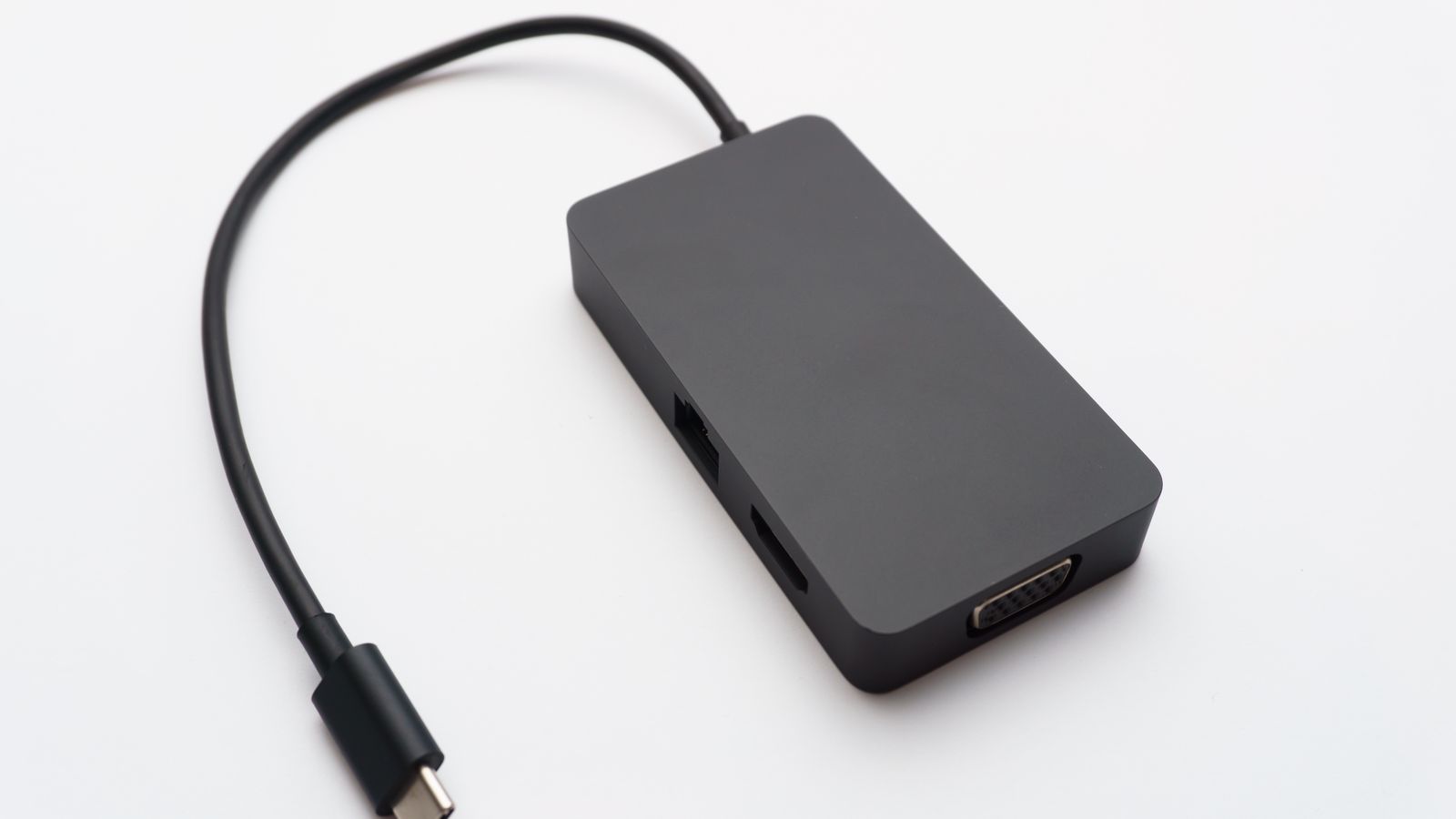
A black USB-C hub with HDMI, Ethernet and VGA ports and a USB-C connector cable

USB-C is a plug shape, not a promise. The same oval port can run anything from slow USB 2.0 to 40Gbps Thunderbolt, deliver 5W or 240W of charge, and carry video or none at all, and nothing on the outside tells you which. That is why a cable that charges your phone perfectly can refuse to drive a monitor, and why "USB-C" on a box means almost nothing on its own. Match the cable or adapter to the job and it all just works.

What are you trying to do?

  • Just charge a deviceAny solid USB-C cable plus a Power Delivery charger. The wattage is what matters, not the brand.
  • Move files fastYou need a USB 3.2 Gen 2 (10Gbps) or Gen 2x2 (20Gbps) cable, not the thin one from a phone box.
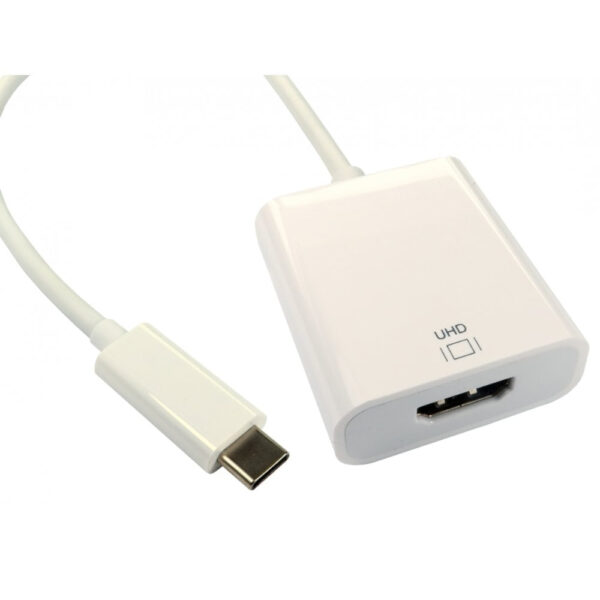
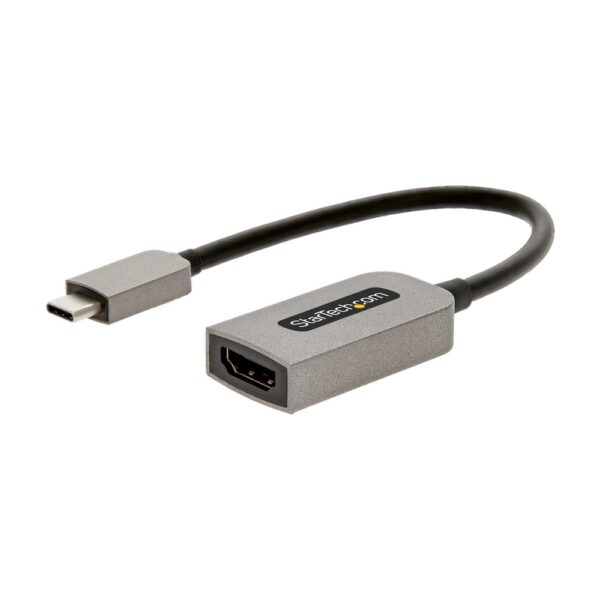
  • Plug into a TV or monitorThe port must support DisplayPort Alt Mode, and you need a proper USB-C to HDMI adapter. A charging cable will not do it.
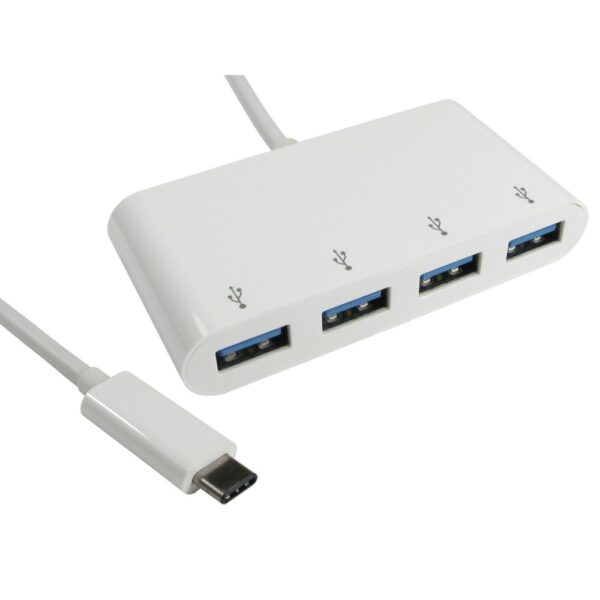
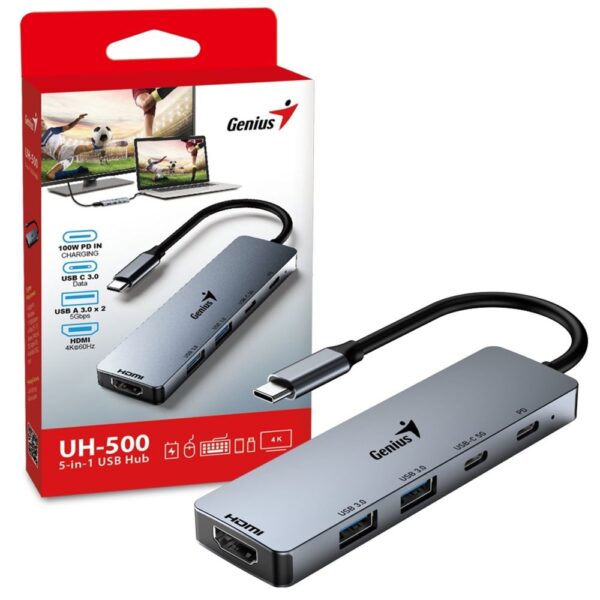
  • One laptop port, many thingsA USB-C hub or dock adds HDMI, USB-A, Ethernet and card slots from a single socket.

The speed names are a genuine mess and the "why won't my USB-C to HDMI work" trap catches everyone. Both are decoded below, with the right thing to buy for each job.

USB-C is a shape, not a standard

Here is the single idea that clears up almost all USB-C confusion: the connector and the technology behind it are two separate things. USB-C describes only the reversible oval plug. What actually travels through it, the speed, the power, whether there is any video at all, is decided by the port and the cable, not the shape.

So one USB-C port might be plain USB 2.0 at 480 megabits, the same as a decade-old phone. The one next to it might be USB4 at 40 gigabits with Thunderbolt and DisplayPort built in. They look identical. This is why you cannot tell what a USB-C port or cable can do by looking at it, and why “has USB-C” on a spec sheet tells you almost nothing until you read the small print.

The speed names, decoded

The naming is a genuine disaster, and it is not your fault for finding it confusing. The USB group has renamed the same speeds more than once. Here is the whole thing in plain numbers.

SpeedCurrent nameAlso sold asGood for
480 MbpsUSB 2.0Charging, a mouse, slow file copies
5 GbpsUSB 3.2 Gen 1USB 3.0, USB 3.1 Gen 1Everyday drives, general use
10 GbpsUSB 3.2 Gen 2USB 3.1 Gen 2Fast external SSDs
20 GbpsUSB 3.2 Gen 2x2The fastest portable SSDs
40 GbpsUSB4 / Thunderbolt 3 & 4Docks, external GPUs, pro storage
80 GbpsUSB4 v2 / Thunderbolt 5The newest high-end docks and displays
USB 2.00.48 Gbps
USB 3.2 Gen 15 Gbps
USB 3.2 Gen 210 Gbps
USB 3.2 Gen 2x220 Gbps
USB4 / Thunderbolt 440 Gbps
USB4 v2 / Thunderbolt 580 Gbps

Every one of these can run over the same USB-C plug. The connector never tells you which you have got.

Two practical takeaways. First, “USB 3.0”, “3.1 Gen 1” and “3.2 Gen 1” are all the same 5Gbps; do not pay extra for a newer-sounding name that means the identical speed. Second, the cable matters as much as the port: a 10Gbps port with a USB 2.0 cable runs at 2.0 speeds.

Charging: watts, Power Delivery, and the cable trap

Charging over USB-C uses a standard called Power Delivery (USB PD). What decides how fast something charges is the wattage the charger and cable support, from a 5W trickle up to 240W under the latest PD 3.1, enough for a gaming laptop. A phone wants around 20 to 30W; a MacBook-class laptop wants 60 to 100W.

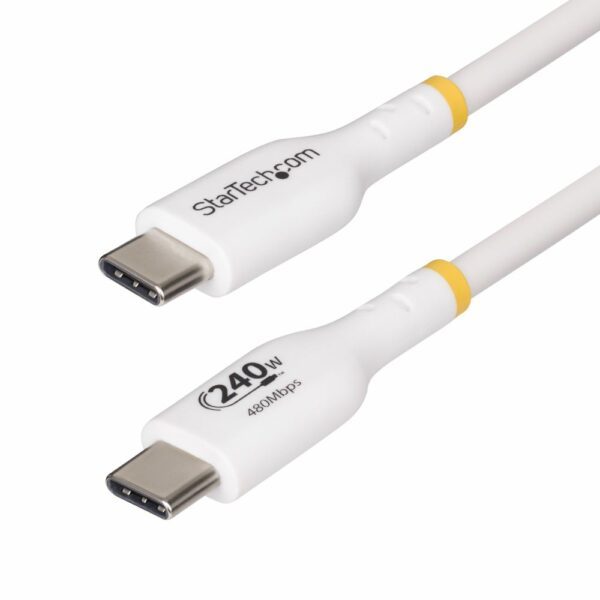
Now the trap that surprises people. A cable’s wattage tells you nothing about its data speed. Plenty of thick “240W fast charging” cables carry data at plain USB 2.0, 480 megabits. Great for power, useless for backing up a drive. If a listing only says “charge and sync” or gives a wattage but no gigabit figure, assume it is slow for data.

One more detail worth knowing: cables rated above 60W, and all the fast ones, carry a tiny chip called an e-marker that tells your device how much power and speed the cable can safely handle. It is why a good cable negotiates 100W or 240W and a cheap unmarked one quietly caps itself.

Why your USB-C to HDMI cable won’t work (and how to fix it)

This is the most common USB-C complaint we hear, so here is the whole answer. For a USB-C port to send video to a monitor or TV, it has to support something called DisplayPort Alt Mode (or Thunderbolt, or USB4 video). That is a feature of the port, not the plug. If your laptop does have it, a USB-C to DisplayPort cable is all you need. No adapter box, no extra power brick. Many cheaper laptops and most budget phones simply do not have it, and no cable can add it.

The second half of the problem is the cable itself. A plain charging cable has no video wiring, so even from a port that supports DP Alt Mode it will do nothing on a screen. You need an adapter or cable that explicitly says USB-C to HDMI, DP Alt Mode or Thunderbolt in the listing. “USB-C charging cable” or “sync and charge” is not enough.

So if your USB-C to HDMI is not working, check two things in order: does your laptop or phone’s USB-C port actually support video output (the maker’s spec page will say DisplayPort or Thunderbolt), and is your adapter a real video adapter rather than a charging cable? Fix both and it works first time. The genuinely reliable brands here are the ones that publish the resolution and refresh they support, such as StarTech, Belkin, Anker and UGREEN.

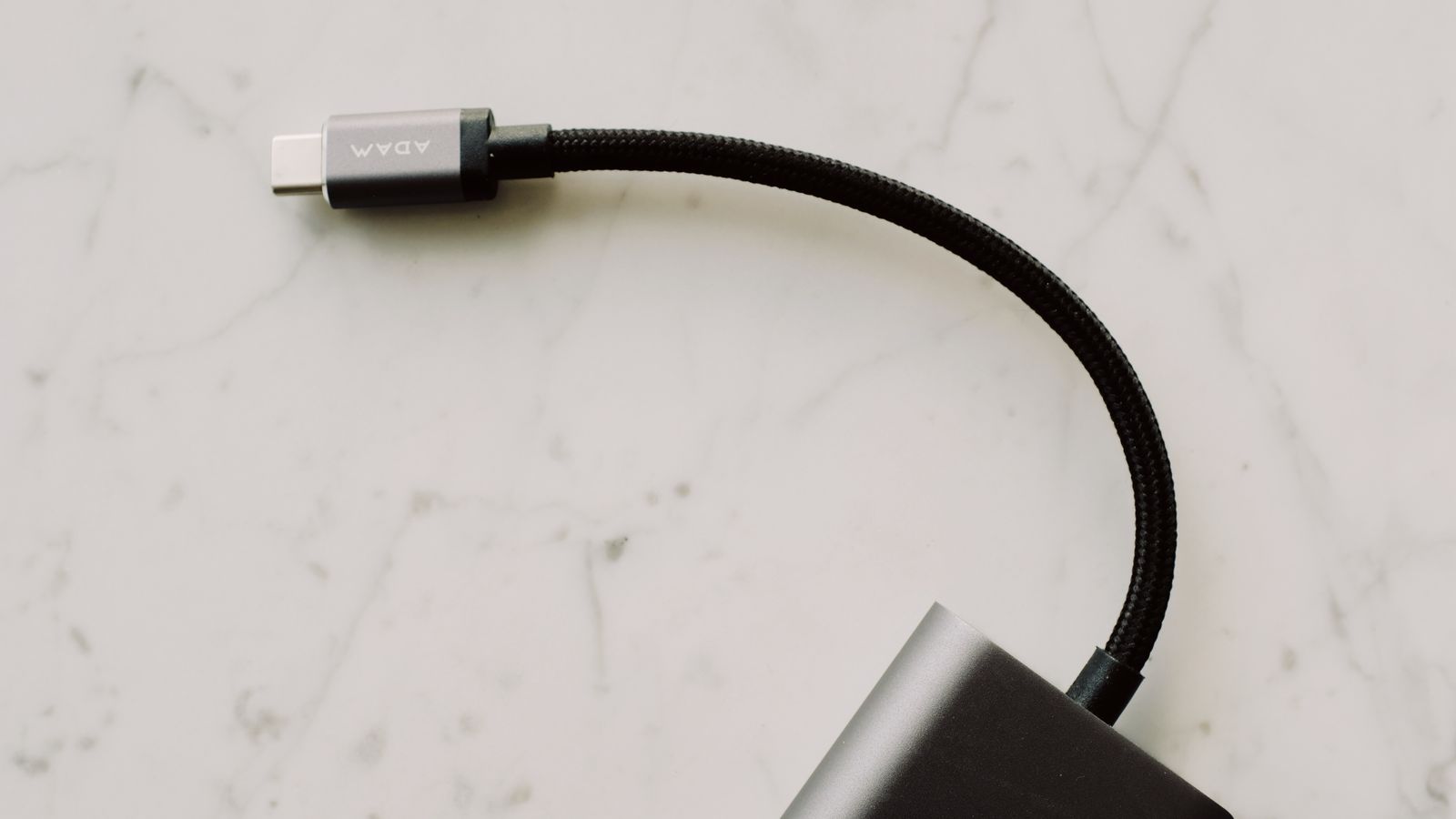
Close-up of a braided USB-C connector plugging into an adapter
A cable that says only "USB-C" could be anything. The rating printed on it, or on the box, is what tells you the speed, wattage and whether it carries video.

What to buy for each job

To charge a phone, tablet or laptop, buy a Power Delivery charger matched to the device, 20 to 30W for a phone, 30 to 100W for a laptop, plus a cable rated for that wattage. A compact GaN charger does this in a smaller body.

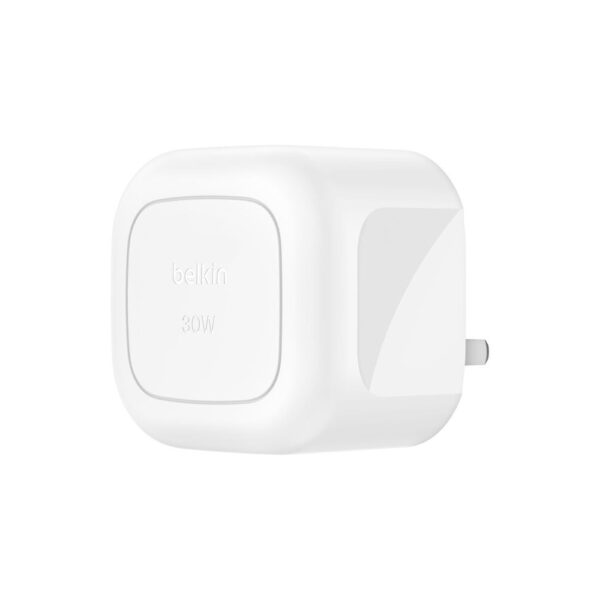
Belkin BoostCharge 30W USB-C Wall Charger USB PD 3.1 – White

In stock

£17.39 inc VAT
  • 30W USB Power Delivery 3.1 fast charging for rapid device top-ups
  • Single USB-C port delivering up to 30W via USB PD 3.1 certified output
  • Compatible with iPhone 16, Samsung S25, and other Power Delivery-enabled devices from Apple, Google, and Samsung
  • Indoor AC wall charger with USB power source for versatile home or office use
  • Compact white plastic housing measuring just 30 mm × 30 mm × 36 mm
  • Simultaneously charges up to 1 device — ideal for single-device fast charging
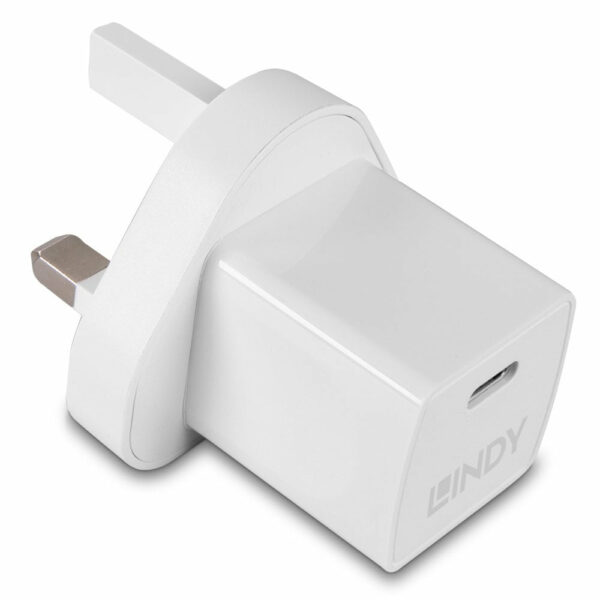
Lindy 20W USB-C GaN Power Delivery 3.0 Charger, Universal, UK Plug, White

In stock

£10.20 inc VAT
  • Universal compatibility for various devices
  • Fast charging with GaN and Power Delivery 3.0 technology
  • Single USB Type-C port, 20W maximum power output
  • Built-in protection against over current, over voltage, overheating, and short circuits
  • Compact and lightweight white PVC housing, UK plug
  • Energy efficient with ErP, CE, REACH, RoHS, UKCA certifications
  • Operating temperature range of 0 – 25 °C
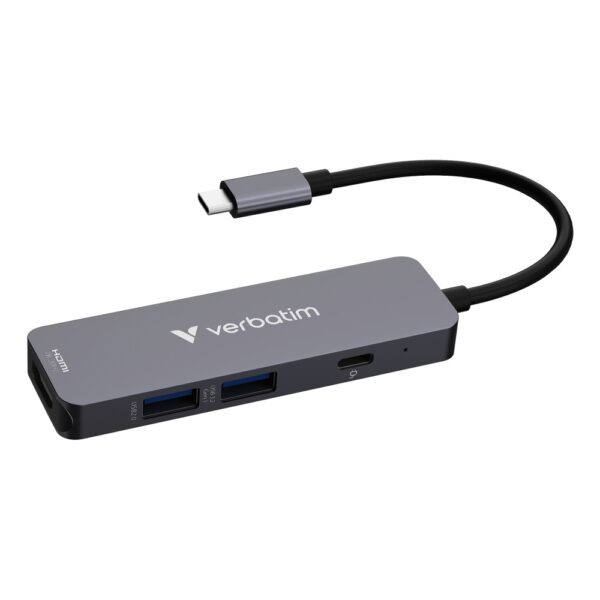
To connect to a monitor or TV, get a proper USB-C to HDMI adapter that lists the resolution and refresh rate it supports, and confirm your port does DisplayPort Alt Mode first. A 4K 60Hz adapter is the sensible baseline.

To move files quickly, use a cable that names its speed: USB 3.2 Gen 2 (10Gbps) for a fast external SSD, or Gen 2×2 (20Gbps) for the quickest portable drives. Do not use the thin cable that came with a phone. Our external storage guide covers which drives actually need it.

StarTech.com 1m White USB-C Cable, 240W PD EPR, USB 2.0

In stock

£10.01 inc VAT
  • 240W USB Power Delivery 3.1 EPR support for high-performance laptops and devices
  • USB 2.0 data transfer up to 0.48 Gbit/s for syncing and charging
  • 1m round white TPE jacket cable with aluminum mylar foil shielding
  • 30 AWG copper conductors with straight nickel-plated USB-C male connectors
  • CE, FCC, and RoHS compliant; halogen-free; operates from -10°C to 60°C
  • What to check: DisplayPort Alternate Mode is not supported
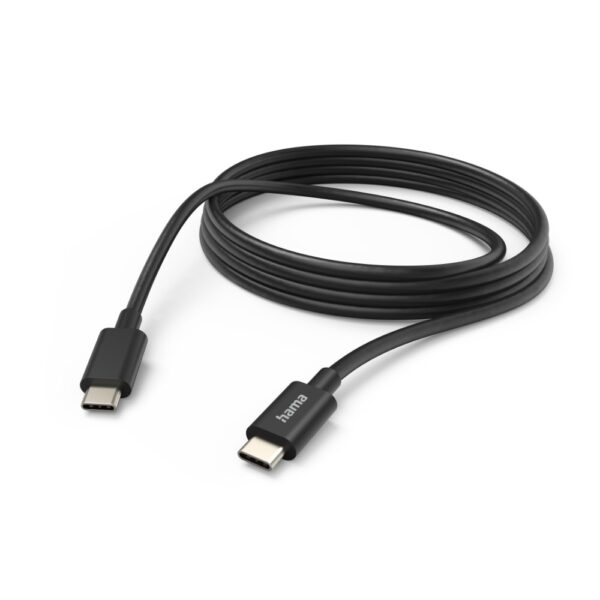
Hama USB-C to USB-C Charging Cable 3m Black, 480 Mbit/s, 3A Output Current

In stock

Original price was: £11.59.Current price is: £10.43. inc VAT
  • USB 2.0 standard
  • USB-C to USB-C connection
  • 3 metre cable length
  • 480 Mbit/s data transfer rate
  • 3A maximum output current
  • Nickel-plated connectors
  • Black PVC jacket

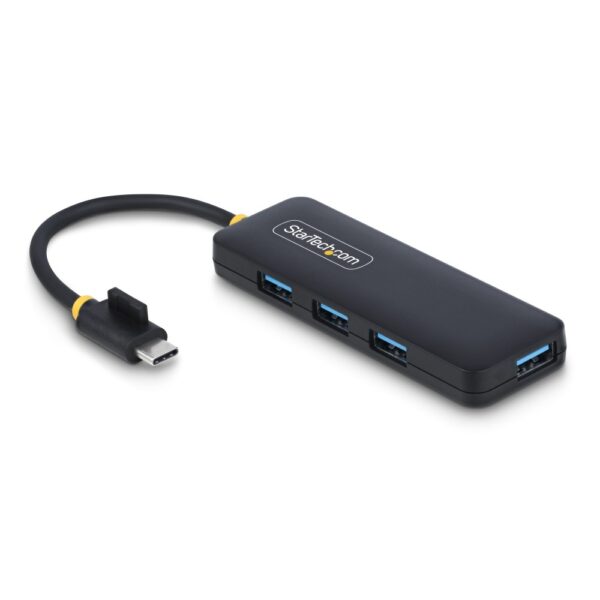
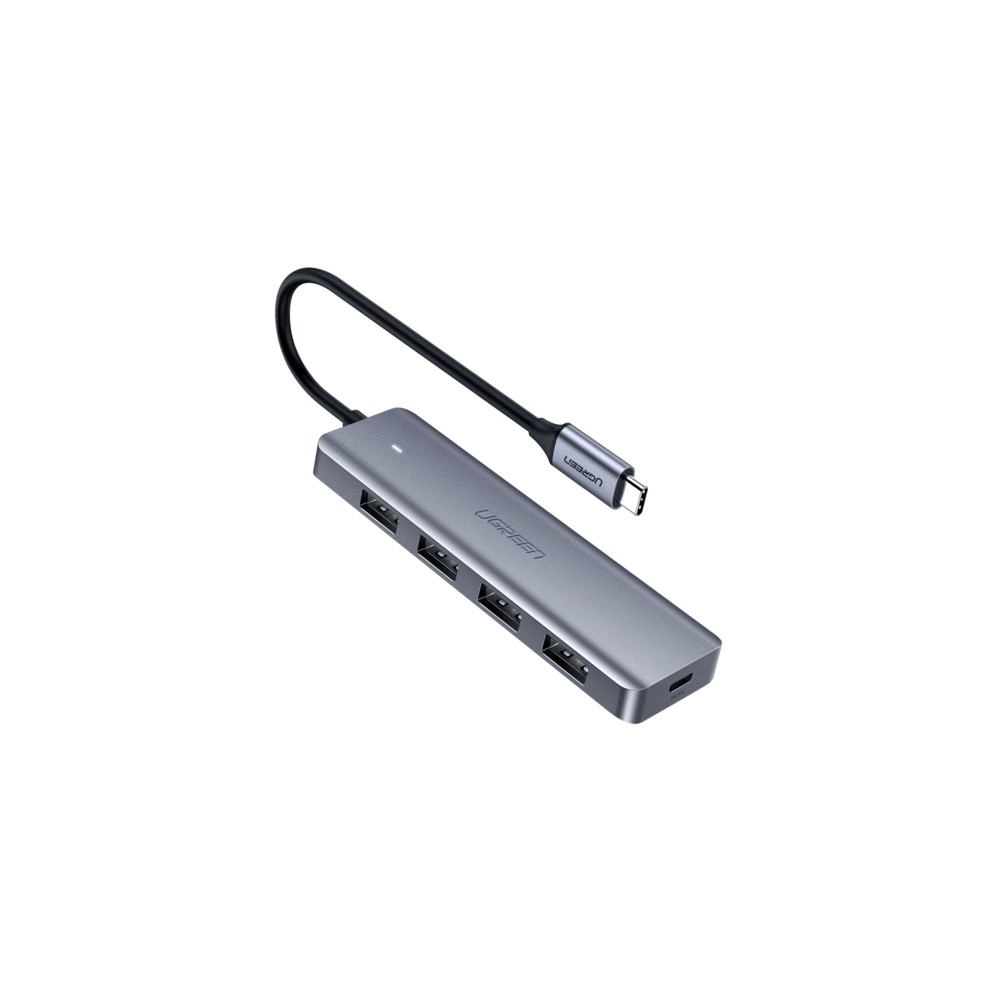
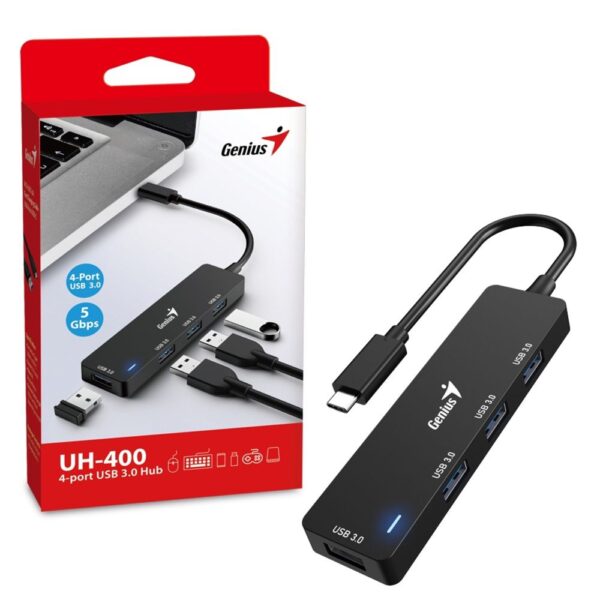
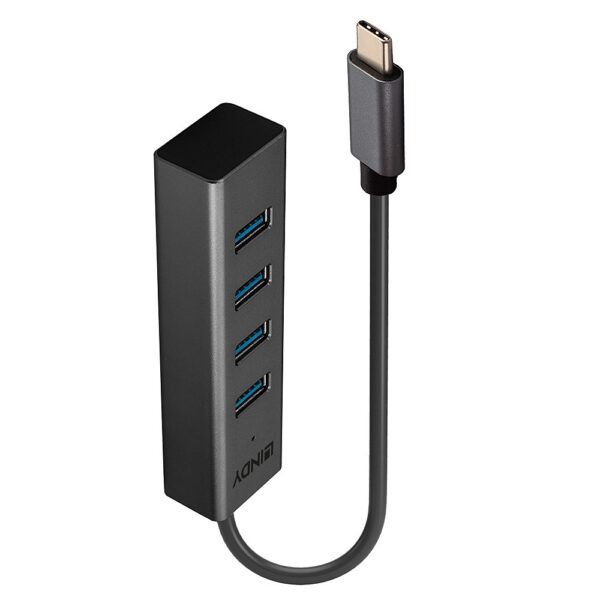
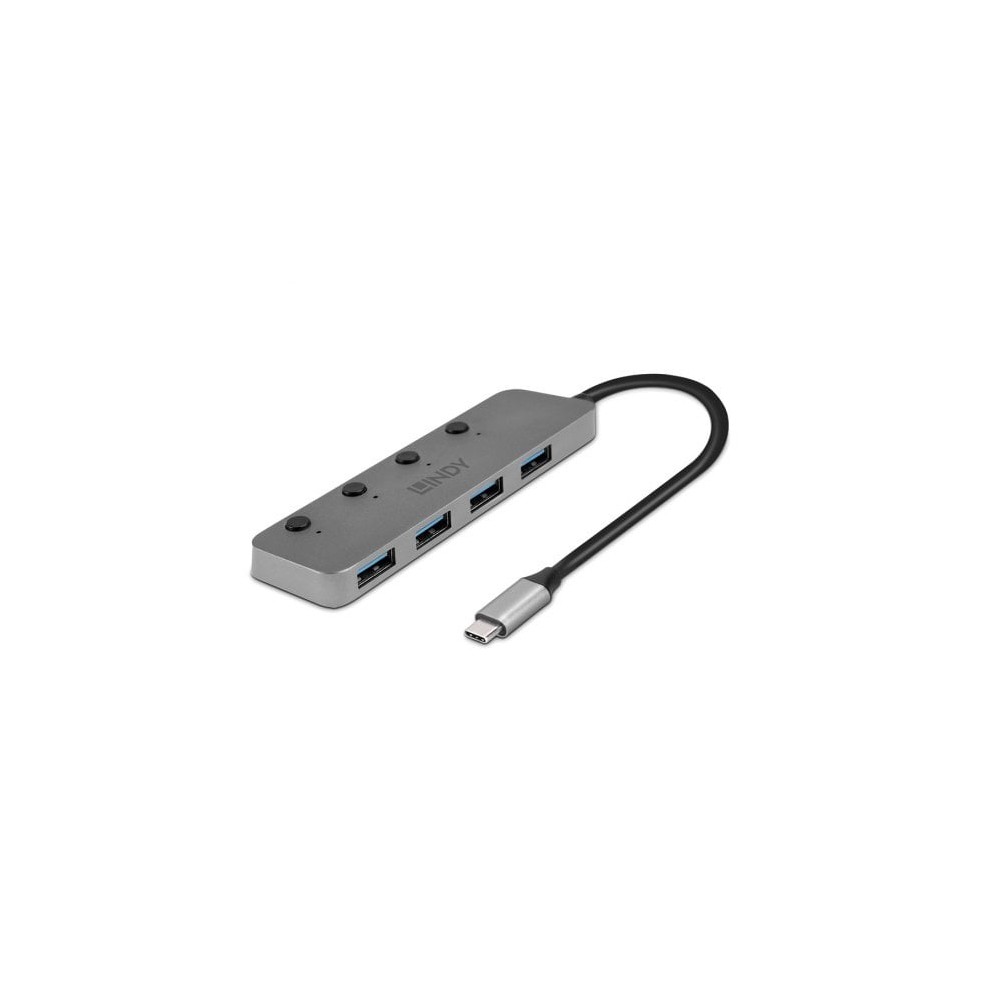
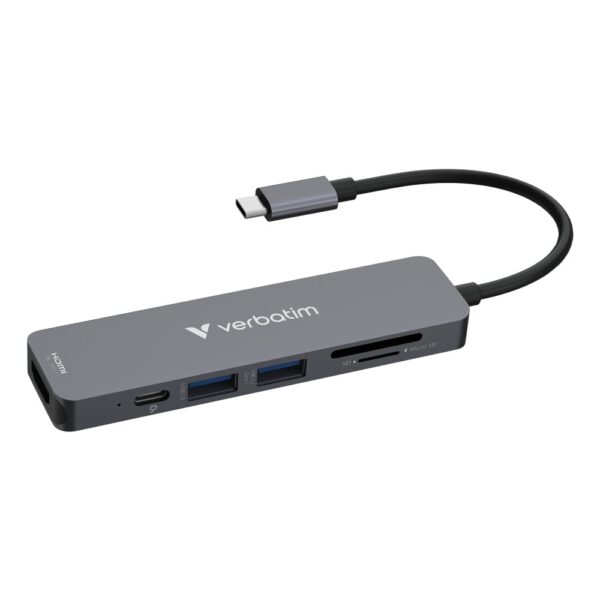
To turn one laptop port into many, a USB-C hub or dock adds HDMI, USB-A ports, Ethernet and card readers from a single socket. Cheap four-port hubs handle the basics; a powered dock is better if you run a monitor and charge the laptop at the same time. Browse the full range of USB-C hubs and docks or cables and adapters.

USB-C hubs and docks in stock

Common questions

What is the difference between USB and USB-C?

“USB” is the technology and standard; “USB-C” is one particular plug shape it can use. The older rectangular plug is USB-A. A USB-C port is reversible and can carry anything from slow USB 2.0 to 40Gbps Thunderbolt, so the shape alone does not tell you the speed or power.

Does a USB-C to HDMI cable always work?

No. Two things have to be true: your device’s USB-C port must support video output (DisplayPort Alt Mode, Thunderbolt or USB4 video), and the cable or adapter must be a real video one that says USB-C to HDMI or DP Alt Mode. A plain charging cable, or a port with no video support, will show nothing on screen.

Why won't my USB-C to HDMI work with my TV?

Usually one of two reasons: the laptop or phone’s USB-C port does not support DisplayPort Alt Mode (check the maker’s spec page), or the cable is a charging cable with no video wiring. Also make sure the TV input is set to the right HDMI channel and, for a phone, that the phone supports video out at all.

Can I connect my phone to a TV with USB-C to HDMI?

Only if the phone’s USB-C port supports video output. Many flagship Android phones and iPads do; a lot of budget phones do not, and no adapter can add the feature. Check your phone’s specs for “DisplayPort” or “video out” before buying an adapter.

Is a thicker or higher-wattage USB-C cable faster for data?

No. Wattage and data speed are separate. A 240W “fast charging” cable can still be plain USB 2.0 (480Mbps) for data. For fast transfers, look for a cable that states its data speed, such as USB 3.2 Gen 2 (10Gbps) or Gen 2x2 (20Gbps).

What wattage USB-C charger do I need?

Roughly 20 to 30W for a phone, 30 to 65W for a small or mid laptop, and 65 to 100W for a larger laptop. Power Delivery chargers can go up to 240W. A charger higher than your device needs is safe; the device only draws what it wants. A compact GaN charger gives you the same power in a smaller shell.

What is USB4 and Thunderbolt, and do I need it?

USB4 and Thunderbolt 3/4 both run at 40Gbps over USB-C and add features like driving multiple monitors and external GPUs. Thunderbolt 5 and USB4 v2 reach 80Gbps. You only need them for docks, high-end external drives or an external graphics card; for charging and everyday use they are overkill.

Is USB-C being replaced?

Not any time soon. USB-C is now the standard connector on phones, laptops, tablets and consoles, and it is legally required on many devices sold in the EU. Newer standards like USB4 v2 and Thunderbolt 5 keep raising the speed, but they still use the same USB-C plug.

How do I know what my USB-C port supports?

Check the device maker’s specification page, not the port itself. Look for the data speed (USB 2.0, 3.2 Gen 2, USB4), whether it lists DisplayPort or Thunderbolt for video, and the charging wattage. A small lightning-bolt or “DP” symbol next to the port is a hint, but the spec sheet is the only reliable source.

Leave a Reply

Your email address will not be published. Required fields are marked *