Our PC Kept Switching Off: XMP vs EXPO on AMD, and What Turning XMP Off Really Costs
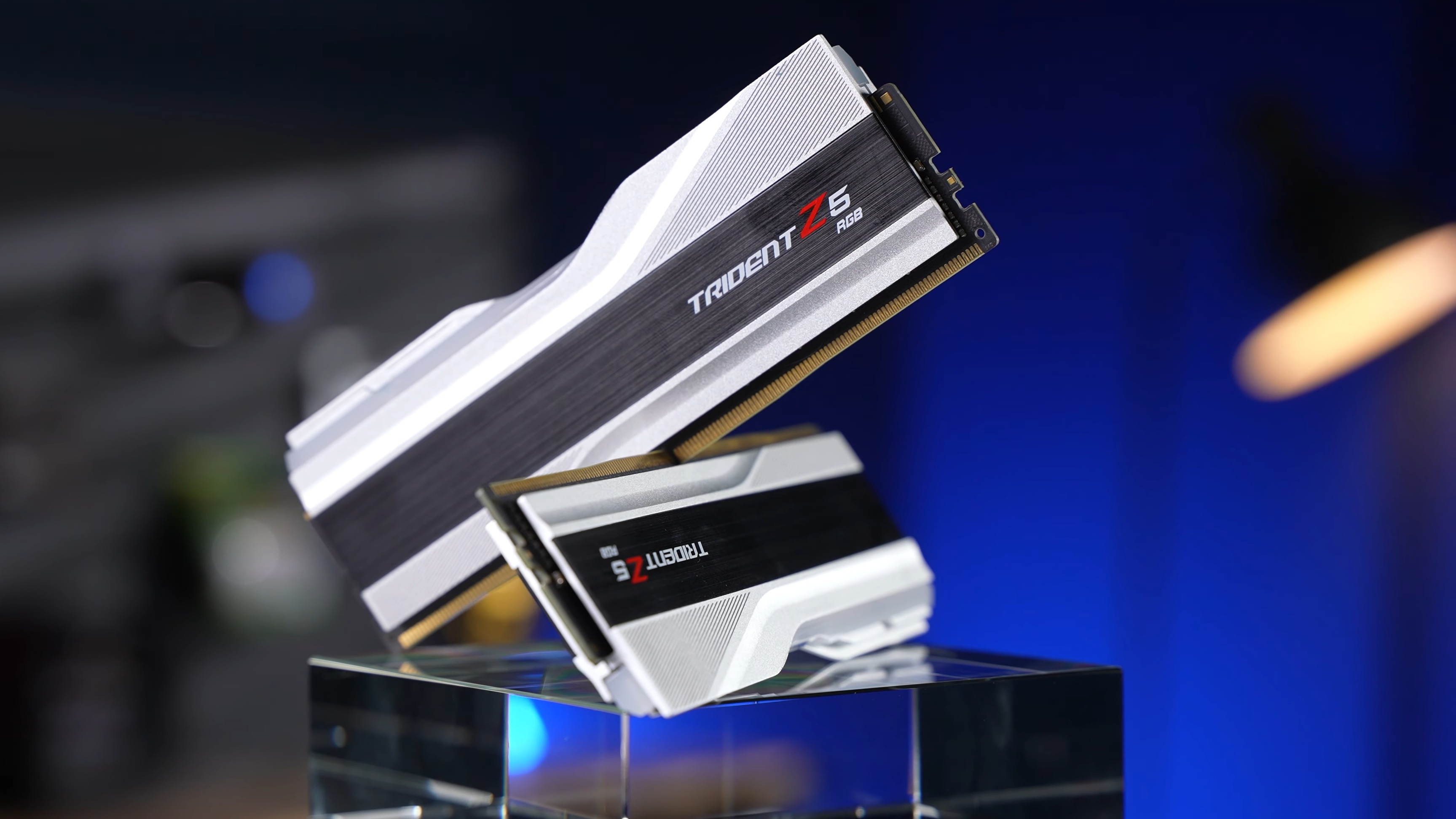
Intel XMP RAM does run on an AMD board. The BIOS reads the XMP profile and applies it, and AMD itself says its Ryzen 7000 chips can overclock memory with EXPO or XMP kits. The catch is that XMP is a factory overclock, and G.Skill’s tested-board list for its Intel XMP kit holds Intel boards only. On one of our own builds, an X870 AORUS ELITE with a 32GB G.Skill DDR5-6000 Intel XMP kit, the PC switched itself off with no blue screen. Turning XMP off stopped it. On a Ryzen 7 9800X3D, running without XMP costs about 1.5% in average frame rate at 1080p.
Find your situation:
- PC switches off with XMP onTurn XMP off first. It is free, it takes one reboot, and it fixed ours. The fix, in order
- Event Viewer shows Kernel-Power 41That does not prove your power supply is bad. How to read it
- Not sure what your kit isThe part number on the sticker tells you XMP or EXPO. Decode it
- BIOS says DOCP or A-XMPSame thing under another name. Where it lives
- Buying RAM for AM5Get an EXPO kit that is on your board’s list. XMP vs EXPO
- Still shuts off with XMP offThen it is probably not the RAM. Check these next
- XMP on AMD: can you use Intel XMP RAM with AMD?
- PC shuts off randomly: what happened on our X870 build
- XMP vs EXPO: what actually changes on an AMD board
- Is my RAM XMP or EXPO? Read the part number
- Kernel power event ID 41 with no blue screen: PSU or RAM?
- DOCP, A-XMP and XMP/EXPO: where the setting is in your BIOS
- How to fix XMP on AMD shutdowns, in order
- Computer randomly shuts off while gaming, and it is not the RAM
- What we would actually do
- Quick answers
XMP on AMD: can you use Intel XMP RAM with AMD?
Does XMP work with AMD? Yes. XMP is Intel’s name for a set of speed, timing and voltage settings stored on the memory stick. EXPO is AMD’s version of the same idea. Your board reads whichever one the stick carries. G.Skill says it plainly: when you use an XMP kit on an AMD board, the option may be called DOCP on ASUS or A-XMP on MSI (G.Skill FAQ). Gigabyte lists both under one menu.
AMD agrees. In its 2023 statement about AM5 voltages, it said the changes did not affect the ability of Ryzen 7000 chips “to overclock memory using EXPO or XMP kits” (AMD, via Tom’s Hardware). And the X870 AORUS ELITE WIFI7 spec sheet says it supports both “AMD EXPO” and “XMP” memory modules (Gigabyte).
So Intel XMP RAM is not incompatible with AMD, and running Intel XMP on AMD is common. Without the profile, XMP RAM on AMD boots at its plain default speed. On the G.Skill kit we checked, that default is DDR5-4800 at 1.10V (G.Skill spec sheet).
The problem starts when you switch the profile on. Three facts, all from the makers, explain why:
- DDR5-6000 is an overclock on AM5. AMD rates the Ryzen 7 9800X3D for DDR5-5600 with two sticks (AMD) and the Ryzen 7 7800X3D for DDR5-5200 (AMD). Gigabyte marks every speed from 5600 upwards on this board as “(OC)”.
- G.Skill calls enabling XMP an act of overclocking. It says reaching the rated speed and staying stable “will depend on the compatibility and capability of the motherboard and CPU used” (G.Skill).
- The profile was tested on Intel. G.Skill’s tested-board list (the QVL) for its Trident Z5 RGB DDR5-6000 CL30 32GB kit holds only Intel boards. Not one AM5 board appears (G.Skill QVL).
That last point is the one most guides skip. “It works” and “it was tested on your kind of board” are two different claims. An Intel XMP kit on AM5 gets the first one only.
PC shuts off randomly: what happened on our X870 build
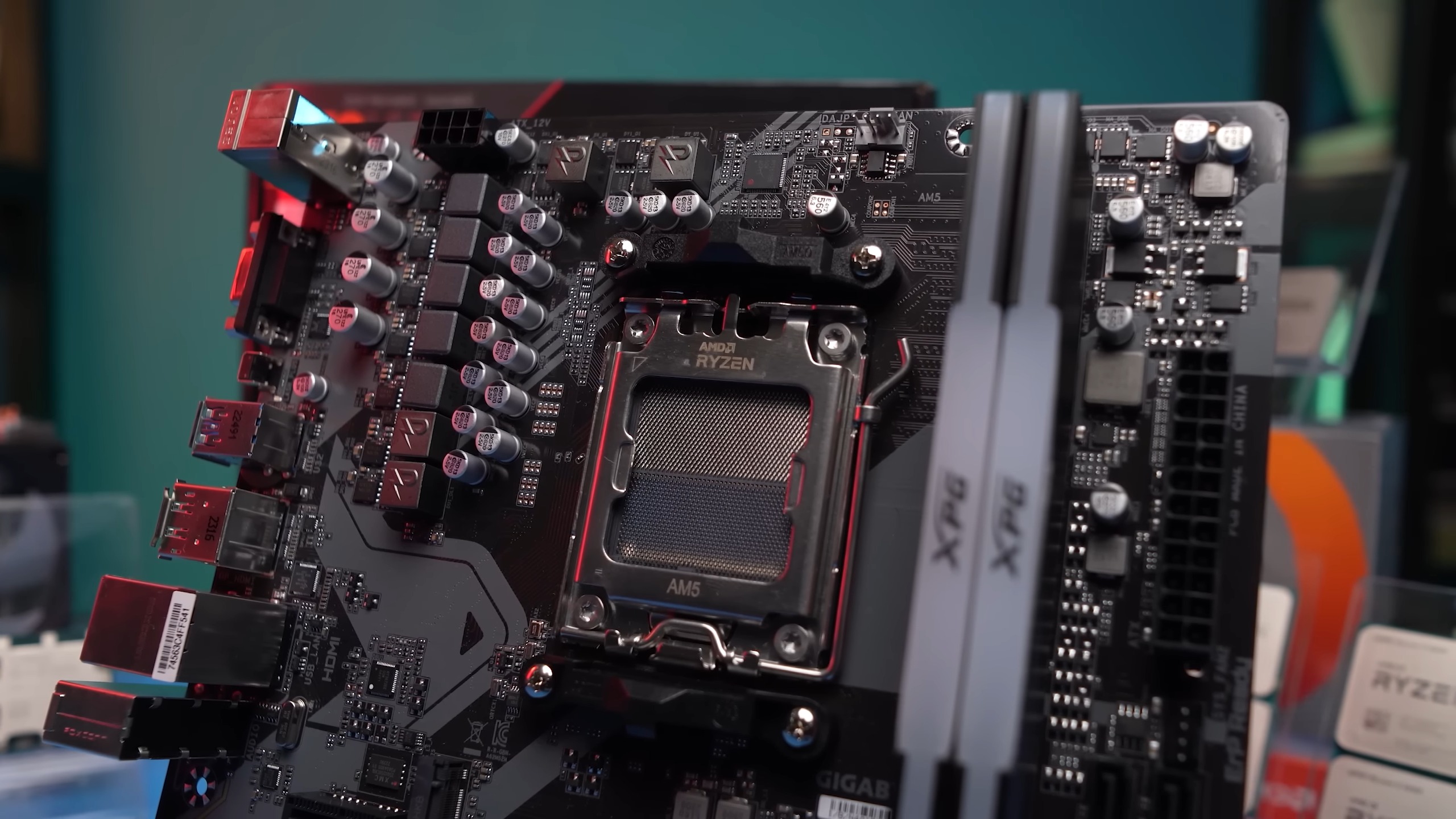
This one is ours, so we can tell it straight. The build used a Gigabyte X870 AORUS ELITE board and a 32GB G.Skill DDR5-6000 kit sold with an Intel XMP profile. With XMP on, the PC would switch itself off. No blue screen, no error message, no warning. It went dark as if someone had pulled the plug.
We turned XMP off in the BIOS. The shutdowns stopped. That is the whole fix, and it is the part we can vouch for first hand.
Two things about it will save you time:
- It looked exactly like a power supply fault. A PC that shuts off randomly with no blue screen is the classic sign of a failing PSU. When a computer shuts off randomly like that, most guides send you there first. Ours was the memory profile.
- The kit ran at DDR5-6000, the “safe” speed. AMD itself called DDR5-6000 the sweet spot for Ryzen 7000 (TechPowerUp). So the speed on the box was not the warning sign. The problem was the profile behind it.
We are not alone. One owner on r/buildapc, with a Gigabyte B650 board and a G.Skill Trident Z5 RGB 32GB DDR5-6000 CL36 kit, wrote that the system is “stable when EXPO is disabled” but random restarts start the moment the profile is on. Their symptom was a restart that hung on a black screen with the DRAM light lit, not a clean power-off. Two details from that post matter. Dropping the speed to 5800 and 5600 did not help, and MemTest86 passed 4 times with 0 errors (r/buildapc). A clean memory test is not proof that your memory settings are stable.
What we did not find out is the exact setting that failed. We did not chase it, because turning XMP off ended the problem. The next section covers what the profile does and does not control.
XMP vs EXPO: what actually changes on an AMD board
Both profiles do the same job. They live on the stick, and one BIOS switch applies them. XMP came from Intel in 2007 and EXPO from AMD in 2022 (G.Skill). AMD describes EXPO as “Ryzen-optimised profiles” created for Ryzen chips on socket AM5 (AMD).
So the AMD version of XMP is EXPO, and EXPO is the AMD XMP equivalent. If you are asking whether AMD is EXPO or XMP, the answer is both, because AM5 boards read either. XMP vs EXPO for AMD does not come down to the file format. It comes down to where the kit maker tested the numbers. On an AM5 board, EXPO vs XMP is a question of testing, not speed.
| What you compare | Intel XMP kit | AMD EXPO kit |
|---|---|---|
| G.Skill series | Trident Z5 RGB, Trident Z5, Ripjaws S5 | Trident Z5 Neo, Neo RGB, Flare X5 |
| Boards on the tested list | Intel only | AM5 only, X870 AORUS ELITE WIFI7 included |
| What G.Skill says it is for | “compatible Intel platforms” | “compatible AMD platforms” |
| Works on AM5? | Yes, as DOCP, A-XMP or XMP | Yes, as EXPO |
| Speed without the profile | DDR5-4800 | DDR5-4800 |
The two G.Skill kits we compared are the Trident Z5 RGB DDR5-6000 CL30 2x16GB (QVL) and the Trident Z5 Neo RGB DDR5-6000 CL30 2x32GB (QVL). Every board on the first list is an Intel board. Every board on the second is AM5, and the X870 AORUS ELITE WIFI7 is on it. Same speed, same latency, opposite lists. This Neo kit also carries an XMP profile, but some Neo kits are EXPO only, so check the spec sheet if you might move the kit to an Intel PC later.
One more thing the profile does not decide. The SoC voltage that feeds the Ryzen memory controller is set by the board, not by the kit. When AM5 chips were damaged in 2023, Tom’s Hardware reported that the EXPO profile itself does not raise the SoC voltage. Board makers set their own value to support the higher speed. AMD then capped it at 1.3V (Tom’s Hardware). So an XMP kit on AM5 is really three things: numbers tested on Intel, a speed above AMD’s rating, and voltages your board guesses at. Most of the time that works. Ours shows it does not always.
If you are picking memory for an X3D chip, our guide to the best RAM for Ryzen X3D covers speeds and latency in more depth.
Is my RAM XMP or EXPO? Read the part number
You do not need to open the BIOS to find out. Every G.Skill stick carries a part number on its sticker, and G.Skill publishes how to read it (G.Skill naming guide). Here is one of its Intel XMP kits, taken apart:
| Part of F5-6000J3040F16GX2-TZ5RS | What it means |
|---|---|
F5 | DDR5 |
6000 | DDR5-6000, the speed the profile sets |
J | Standard desktop stick (U-DIMM) |
3040 | Timings 30-40-40: CL30, then tRCD and tRP of 40 |
F | Rated at 1.35V |
16G | 16GB per stick |
X2 | Dual-channel kit of two sticks, so 32GB in total |
TZ5R | Trident Z5 RGB, an Intel XMP series |
S | Silver |
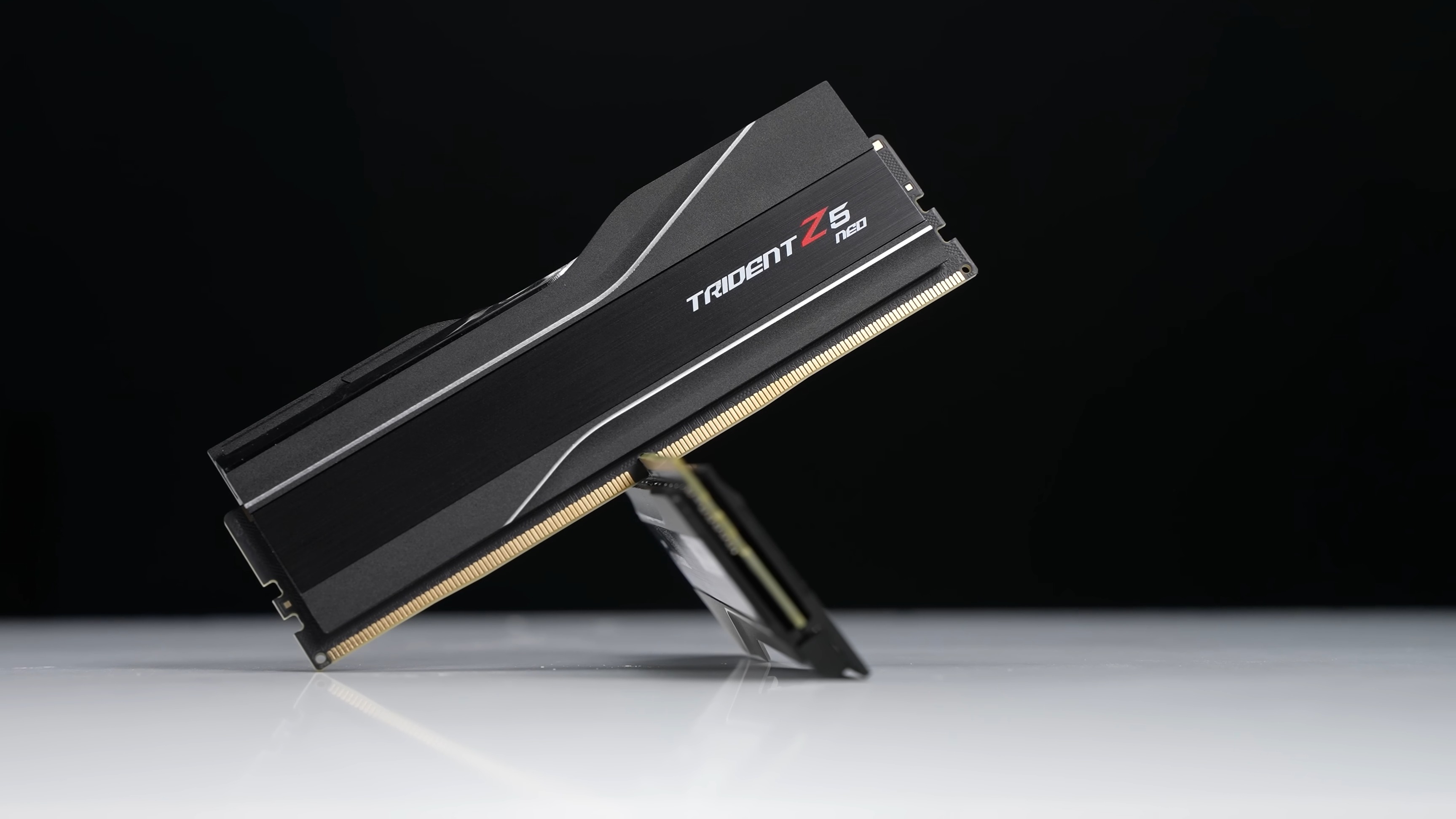
The letters after the dash are what you want. An N in the series code means Neo, and Neo means EXPO. TZ5NR is Trident Z5 Neo RGB, RM5NR is Ripjaws M5 Neo RGB. No N, as in TZ5R, TZ5 or RS5, means an Intel XMP series. FX5 (Flare X5) is EXPO. IS (Aegis 5) carries both profiles.
Other brands do not follow G.Skill’s code. Check the box or the maker’s spec sheet for the EXPO logo. Some kits list both. Kingston’s FURY Beast KF560C36BBE2K2-32, for example, has two EXPO profiles and two XMP profiles, one at DDR5-6000 and one at DDR5-5600 (Kingston datasheet). That second, slower profile is useful if the fast one gives you trouble.
Kernel power event ID 41 with no blue screen: PSU or RAM?
After a shutdown like ours, Windows logs Event ID 41, Kernel-Power when it starts again. Microsoft’s wording is that “the system has rebooted without cleanly shutting down first” (Microsoft). To find it, open Event Viewer, go to Windows Logs, then System, and filter for event ID 41.
Then look at the BugcheckCode inside the event:
- A number other than 0 means Windows crashed with a stop error and managed to write it down. That is a blue screen you may not have seen. Our blue screen fix guide decodes the common ones.
- 0 means Windows had no time to record anything. Microsoft says this “might indicate a power supply problem”, and lists an underpowered or faulty PSU among the causes (Microsoft).
Microsoft’s word is might, and it matters. Kernel-Power event 41 records that the PC died. It does not record why. A code of 0 tells you the end was sudden. A failing power supply ends things suddenly, and so does an unstable memory overclock that takes the system down before Windows can react.
So does kernel power 41 mean your PSU is bad? Not on its own. On an AM5 build with XMP or EXPO switched on, test the memory profile first. It costs nothing and takes one reboot. A new power supply costs money and a rebuild. If the shutdowns carry on with the profile off, then the PSU moves to the top of the list.
One quick check from Microsoft for a PC that locks up instead of turning off: press Caps Lock. If the light does not change, the machine is frozen solid, a “hard hang”, and the same memory test applies.
DOCP, A-XMP and XMP/EXPO: where the setting is in your BIOS
Every board maker gives the switch a different name. What is DOCP in BIOS? It is ASUS’s label for an XMP profile running on an AMD board. DOCP vs XMP is a naming difference, not a technical one. A-XMP is the same thing on MSI. G.Skill’s guide lists where each one sits (G.Skill):
| Board maker | Menu path on an AMD board | What an XMP kit shows as |
|---|---|---|
| Gigabyte | Advanced Mode, Tweaker tab, Extreme Memory Profile (XMP/EXPO) | XMP |
| ASUS | Advanced Mode, Ai Tweaker or Extreme Tweaker tab, Ai Overclock Tuner | DOCP or XMP |
| MSI | Advanced Mode, OC tab | A-XMP |
| ASRock | Advanced Mode, OC Tweaker tab, DRAM Profile Configuration | XMP |
To turn it off, set the option back to Disabled or Auto, then press F10 to save and restart. If the PC will not boot at all after you turn a profile on, G.Skill’s fix is to clear the BIOS. Power off, unplug, take the round battery out of the board for a short while, then put it back (G.Skill). Check your board manual for a Clear CMOS button first. Some boards have one.
So can DOCP cause crashes? It can, in exactly the way XMP can, because it is XMP. A-XMP vs EXPO is the same story: A-XMP runs Intel-tested numbers, EXPO runs AMD-tested ones.
How to fix XMP on AMD shutdowns, in order
Work down this list and stop when the shutdowns stop. It runs from free to paid.
- Turn XMP off. This is what fixed ours, and it is the quickest test there is. If the PC stays up for a few days of normal use with the profile off, you have your answer.
- Update the BIOS. G.Skill’s first check for XMP and EXPO trouble is whether the board BIOS is the latest version (G.Skill). A BIOS update usually resets your settings, so write down anything you changed. Then try the profile again.
- Try a slower profile, if your kit has one. Some kits carry a second profile, like the DDR5-5600 one on the Kingston kit above. Or leave the profile on and lower only the speed. When a Ryzen owner on Tom’s Hardware had the same power-off problem on an older DDR4 build, G.Skill support told them to set a lower speed with A-XMP on, and then to try one stick at a time (Tom’s Hardware forum). Be ready for it not to work: the r/buildapc owner above dropped to 5600 and still crashed.
- Replace the kit with one tested on AM5. Look for an EXPO kit that appears on your board’s memory support list. Gigabyte points you to that list on the spec page (Gigabyte), and G.Skill’s Neo QVL names the X870 AORUS ELITE WIFI7 directly.
Step 1 is also the answer for most people. It sounds like a big loss, but on an X3D chip it is small. TechPowerUp published a memory test on the Ryzen 7 9800X3D on 21 September 2026. At 1080p, DDR5-4800 and DDR5-5600 with no profile were within about 1.5% of a tuned DDR5-6000 CL30 kit in average frame rate (TechPowerUp).
The 1% lows are the part you might feel. That is the frame rate in the worst moments, where stutter lives. The gap there was about 6 to 7%, and two games drove most of it. At 1440p, the average gap shrank to about 1.1%. That data is for a 9800X3D only. A Ryzen chip without the extra cache leans more on memory, so expect a bigger gap there.
If you do buy new memory, our DDR5 desktop memory range shows which kits carry EXPO. Kits like the Kingston FURY Beast 32GB DDR5-6000 CL36 carry both profiles, which keeps your options open if you ever move between Intel and AMD. G.Skill’s Trident Z5 Neo range is the best-known EXPO line from the other big name.
Computer randomly shuts off while gaming, and it is not the RAM
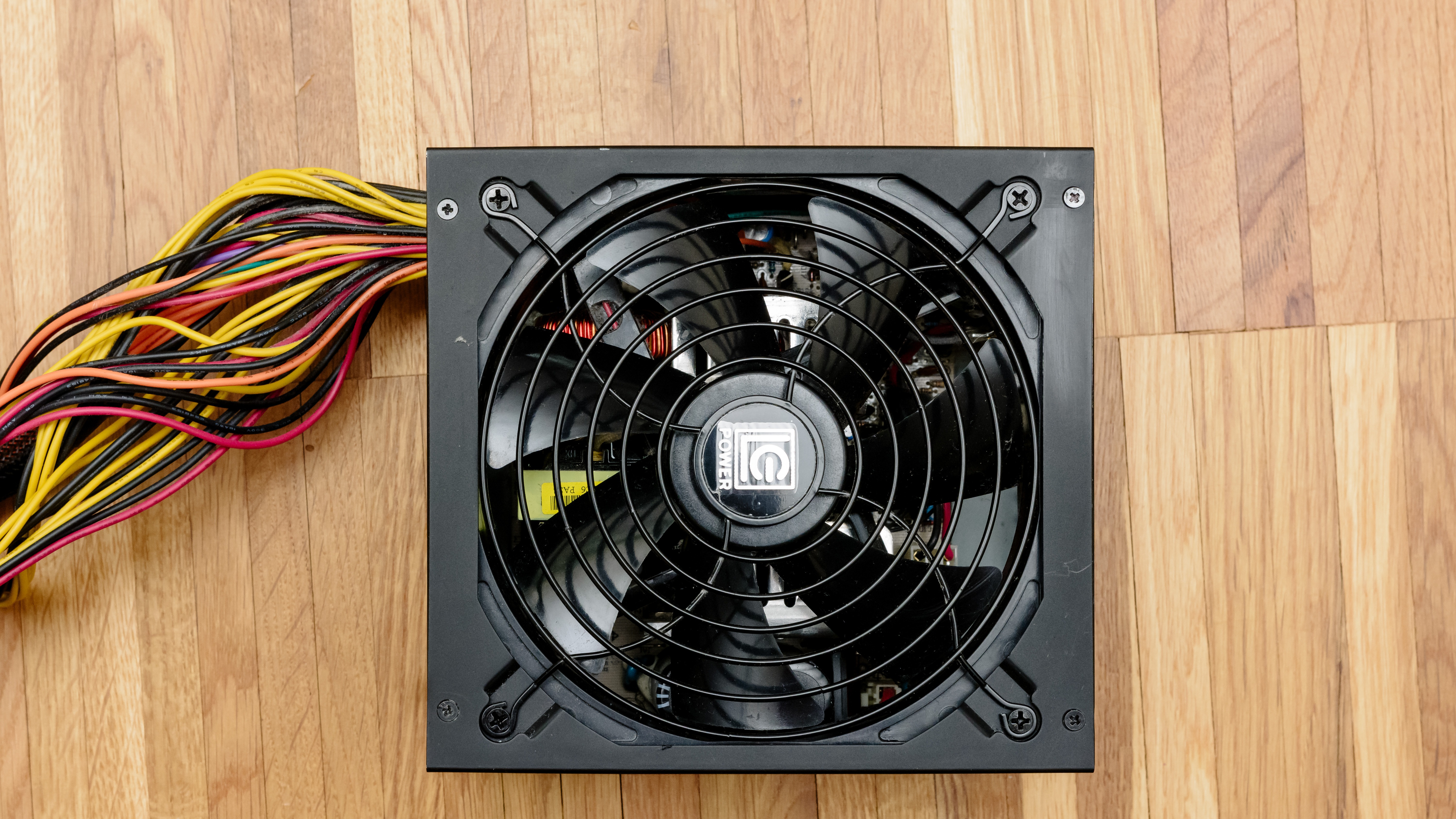
If your PC randomly shuts off while gaming even with XMP off, the memory profile is cleared, and the usual causes are back in play. In the order we would check them:
- The power supply. Microsoft lists an underpowered or faulty PSU as a cause of a Kernel-Power 41 with a code of 0 (Microsoft).
- Heat. A shutdown that only comes after the PC has been working hard for a while points at temperatures, not settings.
- A load change in one game. One r/techsupport owner with a 7800X3D and an RTX 5080 found their PC shut off in one game only, at the same moment, as it loaded back to a menu. A helper suggested that an uncapped menu frame rate can cause a power spike, and that monitoring apps poll too slowly to catch spikes lasting milliseconds. That is a suggestion, not a diagnosis, but a frame-rate cap is a free test (r/techsupport).
Our guide to why a PC shuts down after 15 minutes of gaming takes each of these apart, with the power supply and heat checks in full.
What we would actually do
If you already own an Intel XMP kit and an AM5 board, do not rush to replace anything. Turn XMP on, use the PC normally for a week, and watch. If it switches off, turn XMP off and leave it off. On an X3D chip you will not see the difference in most games. That is where our X870 build ended up.
If you are buying RAM for AM5 now, buy EXPO. Pick a kit that sits on your board’s memory list, or one that carries both EXPO and XMP. It takes the guesswork out.
And if the PC shuts off with no blue screen, do not assume the power supply. Toggle the memory profile before you spend anything. It was the cheapest test on our build, and it turned out to be the answer.
Planning the rest of an AM5 build? Our AM5 motherboard guide and X870 vs X870E comparison cover the boards, and Ryzen CPUs explained covers which chip gets the X3D cache.
Quick answers
Yes. AM5 boards read XMP profiles and apply them, often under the name DOCP (ASUS) or A-XMP (MSI). Whether the profile is stable is another matter, because Intel XMP kits are usually tested on Intel boards only.
Yes. AMD says its Ryzen 7000 chips can overclock memory using EXPO or XMP kits, and boards such as the X870 AORUS ELITE WIFI7 list support for both profile types.
EXPO, if your kit has it, because it was tested on AM5. On a 9800X3D the speed difference between memory setups is small anyway: TechPowerUp measured about 2% in average frame rate at 1080p between the best and slowest it tried.
EXPO, short for Extended Profiles for Overclocking. AMD introduced it with socket AM5 in 2022. It does the same job as XMP, with numbers tested on Ryzen.
You enable one, whichever your kit carries. On an AM5 board with an EXPO kit, choose EXPO. With an XMP-only kit, choose XMP and watch for crashes or shutdowns. If they appear, turn it off.
On if it is stable, because the memory then runs at its rated speed. Off if the PC crashes or shuts down. On a Ryzen 7 9800X3D, TechPowerUp measured the difference at about 1.5% in average frame rate at 1080p.
Running a kit at its rated profile voltage, such as 1.35V, is what it was sold for. The known AM5 damage in 2023 came from SoC voltage set above 1.3V, which AMD then capped in firmware. Note that AMD says memory overclocking voids its CPU warranty, even when enabled through AMD’s own tools.
Check the box, the spec sheet or the part number. On G.Skill DDR5, an N in the series code after the dash, as in TZ5NR, means a Neo kit with EXPO. No N, as in TZ5R or RS5, means an Intel XMP kit.
Not on its own. Event ID 41 only says Windows did not shut down cleanly. A bugcheck code of 0 can point at the power supply, but an unstable memory profile can end things just as suddenly. Test with XMP or EXPO off first.
Yes, if the PC stays stable with it on. DOCP is ASUS’s name for an XMP profile on an AMD board. If enabling it brings crashes, shutdowns or boot loops, turn it off.
Turn off any memory profile (XMP, DOCP, A-XMP or EXPO) and see if the shutdowns stop. If they do not, check the power supply and temperatures next, and look in Event Viewer for Kernel-Power 41 entries.
Sources
- G.Skill: F5-6000J3040F16GX2-TZ5RS specification. Intel XMP 3.0 only, 1.35V, DDR5-4800 default at 1.10V, and G.Skill calling XMP an act of overclocking.
- G.Skill: QVL for the Trident Z5 RGB DDR5-6000 CL30 32GB kit. The tested-board list, which holds Intel boards only.
- G.Skill: QVL for the Trident Z5 Neo RGB DDR5-6000 CL30 64GB kit. The tested-board list, which holds AM5 boards only, the X870 AORUS ELITE WIFI7 included.
- G.Skill: DRAM memory FAQ. The DOCP and A-XMP names and the full part-number code.
- G.Skill: How to enable XMP/EXPO for DDR4 and DDR5. The BIOS menu paths per board maker, the BIOS reset steps and the update-first advice.
- G.Skill: Trident Z5 Neo range. Which G.Skill series carry XMP and which carry EXPO.
- Gigabyte: X870 AORUS ELITE WIFI7 specifications (Internet Archive copy, February 2026). Support for EXPO and XMP modules, and 5600 and above marked as OC.
- AMD: EXPO technology. What EXPO is, and AMD’s warranty wording on memory overclocking.
- AMD: Ryzen 7 9800X3D specifications. The DDR5-5600 rating with two sticks.
- AMD: Ryzen 7 7800X3D specifications. The DDR5-5200 rating with two sticks.
- Tom’s Hardware: AMD limits SoC voltages after Ryzen burnouts. AMD’s statement on EXPO and XMP kits, the 1.3V cap, and boards setting SoC voltage.
- TechPowerUp: AMD confirms DDR5-6000 as the sweet spot for Ryzen 7000. The sweet-spot claim and the 1:1 clock ratio.
- TechPowerUp: DDR5-6400 sweet spot for Ryzen 9000. The 1:1 ceiling on Ryzen 9000.
- TechPowerUp: AMD Ryzen 7 9800X3D memory performance scaling. The 1.5%, 6 to 7% and 1.1% figures, published 21 September 2026.
- Microsoft: Event ID 41, the system has rebooted without cleanly shutting down first. What the event means, the bugcheck code of 0, and the Caps Lock check.
- Kingston: KF560C36BBE2K2-32 datasheet. The two EXPO and two XMP profiles at DDR5-6000 and DDR5-5600.
- r/buildapc: AM5 PC crashes only when EXPO is enabled. One owner’s G.Skill kit, the failed 5800 and 5600 tries and the clean MemTest86 passes.
- r/techsupport: RTX 5080 and 7800X3D shutting down. One owner’s single-game shutdown and the menu frame-rate suggestion.
- Tom’s Hardware forum: PC turns off when A-XMP is on. G.Skill support’s advice to lower the speed and test one stick at a time.
- Wikimedia Commons: G.Skill Trident Z5 RGB, by 极客湾 Geekerwan. The lead photograph, CC BY 3.0, cropped by us to remove a logo and fit 16:9.
- Wikimedia Commons: G.Skill Trident Z5 Neo, by 极客湾 Geekerwan. The Neo photograph, CC BY 3.0, cropped to 16:9.
- Wikimedia Commons: Gigabyte AM5 board, by Moy Kompyuter. The motherboard photograph, CC BY 3.0, used uncropped.
- Wikimedia Commons: computer power supply unit, by Henry Kellner. The power supply photograph, CC BY-SA 4.0, cropped to 16:9.
About Hardvance Team
The Hardvance Team is the editorial team at Hardvance, a UK computer and electronics retailer based in Mildenhall, Suffolk. We build and upgrade PCs and sell laptops, phones, networking gear, monitors and printers, and our guides cover the same ground. Every guide names its sources and explains how we checked the figures, and we say plainly when something is our opinion rather than a tested result.
View all posts by Hardvance Team