Best AM5 Motherboard in 2026: You Are Paying for X870, and You Will Never Use It
Buy a B650 or B850 board with WiFi and stop scrolling. For almost everyone building on AM5 in 2026 the ASUS TUF Gaming B650-Plus WiFi at around £150.42 inc VAT is all the motherboard you need, and the Gigabyte B650M S2H does the job for £85.57 inc VAT. AM5 is the socket AMD is still building on, so the board you buy today will take several more CPU generations.
Came with a specific question? Straight answers:
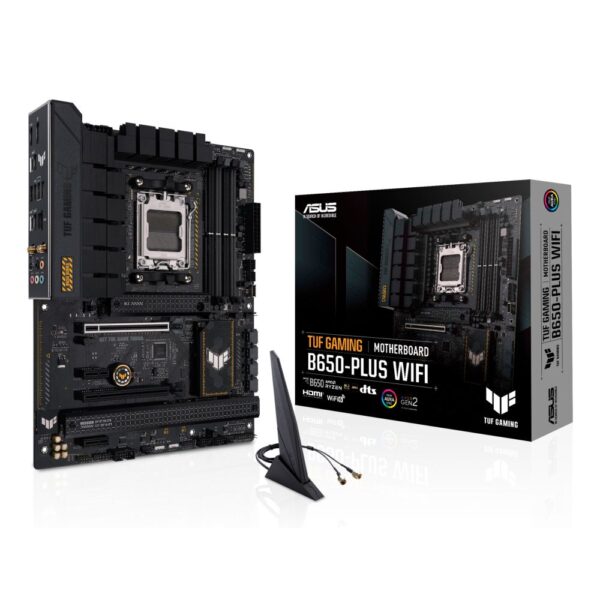
- Best overallASUS TUF Gaming B650-Plus WiFi, around £150.42 inc VAT: DDR5, PCIe 5.0 storage, WiFi, room for a Ryzen 9
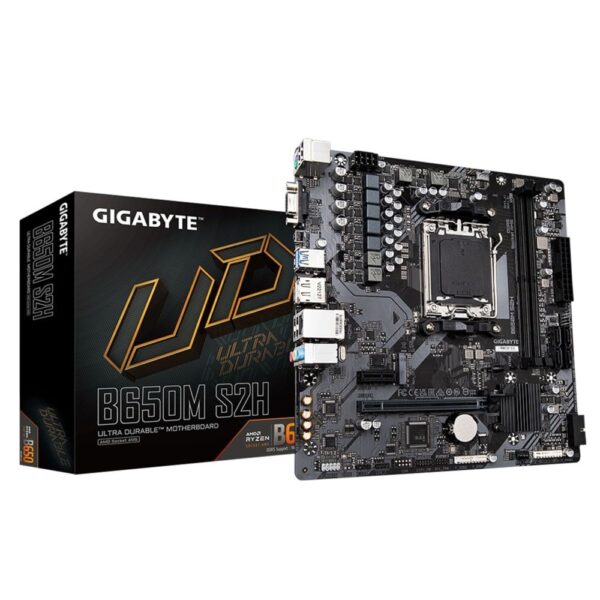
- Under £100Gigabyte B650M S2H at £85.57 inc VAT for gaming, or the ASRock A620AM-HVS at £61.34 inc VAT for an office or APU build
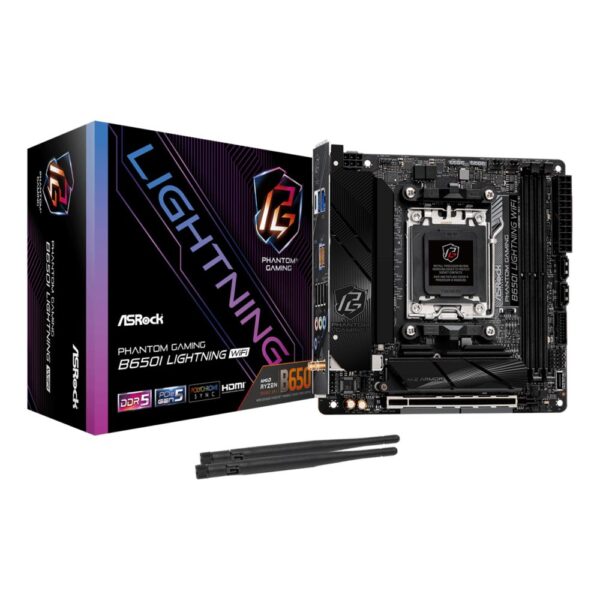
- Small buildASRock B650I Lightning WiFi (Mini-ITX, WiFi 6E, around £145.57 inc VAT)
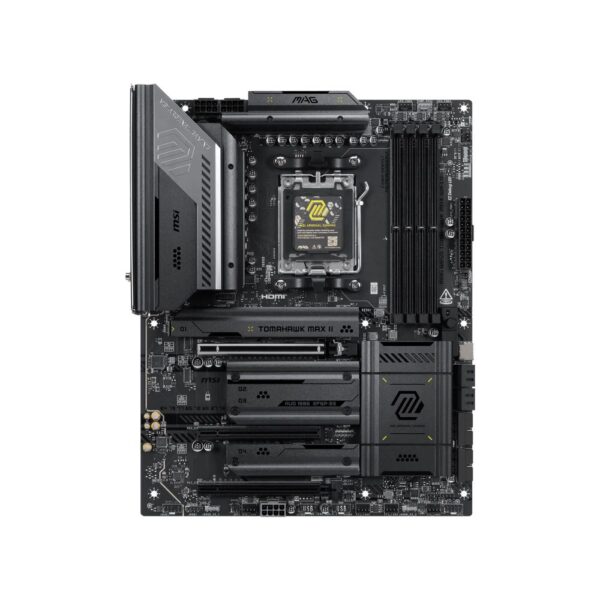
- EnthusiastMSI MAG B850 Tomahawk Max WiFi II, around £257.69 inc VAT: the board the forums recommend, and we stock it
- B650 or B850?Both are great; B850 guarantees PCIe 5.0 storage. One-minute answer below
- Do I need X870?Only for USB4 or WiFi 7. Most people should not pay for it. Here is why
- Which CPUs fit?Every Ryzen 7000, 8000 and 9000, up to the 9800X3D. Full list
Why AM5 is the platform to build on, which chipset letters matter, the B840 trap that catches bargain hunters, and the CPU list with the BIOS catch: all below.
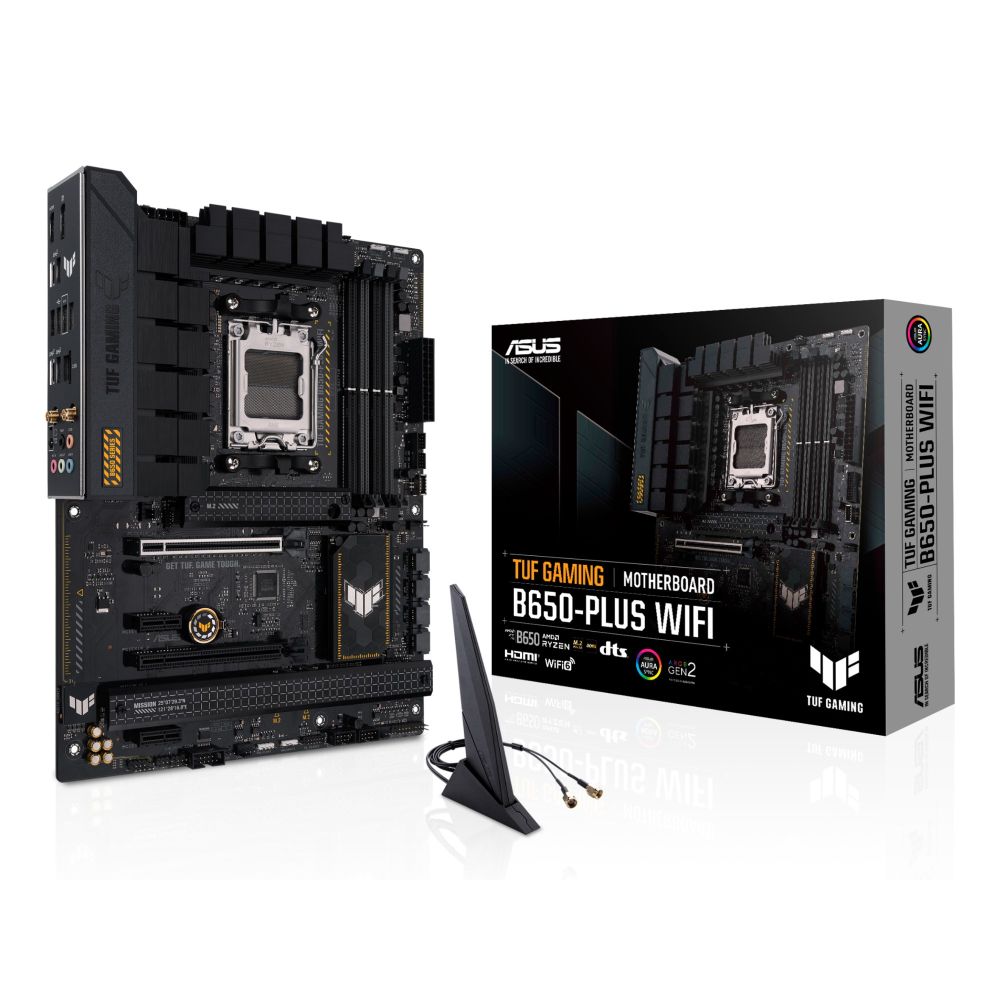
ASUS TUF GAMING B650-PLUS WIFI
Out of stock
£150.42 inc VAT- AMD B650 chipset with Socket AM5 for Ryzen 7000 Series CPUs
- Supports DDR5 memory up to 128 GB with speeds to 7600 MHz
- Three M.2 slots with PCIe 5.0 and NVMe RAID support
- 2.5 Gb Ethernet and Wi-Fi 6 for fast networking
- ATX form factor with 7.1-channel audio and RGB lighting
Just show me the boards
Six boards cover every AM5 build in 2026, from a £53 office PC to a high-end gaming rig with USB4. All were in stock when this was written, and the cards show live prices.
Is AM5 worth it in 2026? The honest answer
AMD launched AM5 in 2022 and, unlike the socket before it, is still building on it. A whole new chipset range (the 800 series) and a new generation of CPUs (Ryzen 9000) arrived on the same socket in 2024 and 2025, and AMD has publicly committed to AM5 into 2027 and beyond. In plain terms, the board you buy today is likely to accept two or three more generations of CPU without a rebuild.
That is the whole case for AM5. You pay a little more up front than AM4, because AM5 needs DDR5 memory and the boards are newer, but you get PCIe 5.0, the fastest gaming chips on the market, and an upgrade path that AM4 buyers can only wish for. For any build you want to keep past 2026, AM5 is the right socket.
The honest split. AM5 is the platform you keep, AM4 is the platform you save on. Diagram: Hardvance.
AM5 in one sentence: buy the board once and it carries three or four CPU generations, which is the exact upgrade path AM4 owners wish they still had.
A620 vs B650 vs B850 vs X870E, in one table
The letters and numbers on the box decide your features and your connectivity, not your gaming speed. The same CPU hits the same frame rate on a £53 A620 board and a £728 X870E board. What changes is PCIe 5.0, USB4, WiFi, the number of M.2 slots and the power delivery. Here is the whole map:
| Chipset | PCIe 5.0 | CPU overclocking | Best for | Our verdict in 2026 |
|---|---|---|---|---|
| A620 | No (PCIe 4.0) | No | Office, APU and budget builds | Fine for basic and APU PCs, from £53 |
| B650 | One M.2 (GPU on 4.0) | Yes | Most gamers | Superb value, still everywhere |
| B840 | No (PCIe 4.0) | No | Cheap 800-series builds | The trap: looks like B850, locked like A620 |
| B850 | M.2 5.0 (GPU 5.0 on some) | Yes | The new mainstream | The 2026 sweet spot |
| X670E | Yes, everywhere | Yes | Heavy I/O, many drives | Last-gen high-end, often discounted |
| X870 / X870E | Yes, plus USB4 and WiFi 7 | Yes | Enthusiasts, USB4 users | Only if you need USB4 or WiFi 7 |
The short version: buy B650 or B850 and stop worrying. B850 is the newer chipset and guarantees a PCIe 5.0 SSD slot; B650 usually gives you one too and often costs less. Drop to A620 only for an office or APU build where you will never overclock. Step up to X870 or X870E only if you genuinely need USB4 or WiFi 7, and watch out for B840, which shares almost nothing with B850 except a similar name.
The boards to buy
The pick: the ASUS TUF Gaming B650-Plus WiFi is the AM5 board we fit most. B650 chipset, DDR5, a PCIe 5.0 M.2 slot for your main SSD, built-in WiFi, and TUF power delivery that feeds anything up to a Ryzen 9 without breaking a sweat. At around £131 it is the safe answer for a gaming build.
Want the board the enthusiast forums actually recommend? That is the MSI MAG B850 Tomahawk Max WiFi II at around £257.69 inc VAT and unlike a lot of retailers we keep it in stock. It steps up to the newer B850 chipset, WiFi 7, beefier power delivery and a cleaner rear I/O, and it is the one to buy if you are pairing a Ryzen 7 9800X3D or a Ryzen 9.
MSI MAG B850 TOMAHAWK MAX WIFI II motherboard
In stock
£257.69 inc VAT- ATX motherboard with AMD B850 chipset for AMD Ryzen 7000/8000/9000 series processors
- 4 M.2 slots supporting PCIe 5.0 and PCIe 4.0 for ultra-fast NVMe storage
- DDR5 memory support up to 256 GB with dual-channel configuration and 8400 MHz speeds
- Wi-Fi 7 and 5G LAN for high-speed wireless and wired connectivity
- Enhanced VRM with 14+2+1 power phases and 80A Smart Power Stage for stable performance
Being straight with you: you do not need the Tomahawk. A £100 B650 or B850 board runs the exact same CPU at the exact same speed. What the extra money buys is headroom (stronger power delivery for a Ryzen 9, WiFi 7, more USB and M.2), longer VRM life under sustained load, and a layout that is nicer to build in. On a mid-range chip, spend the saving on your graphics card instead.
Under £100: the AM5 entry point
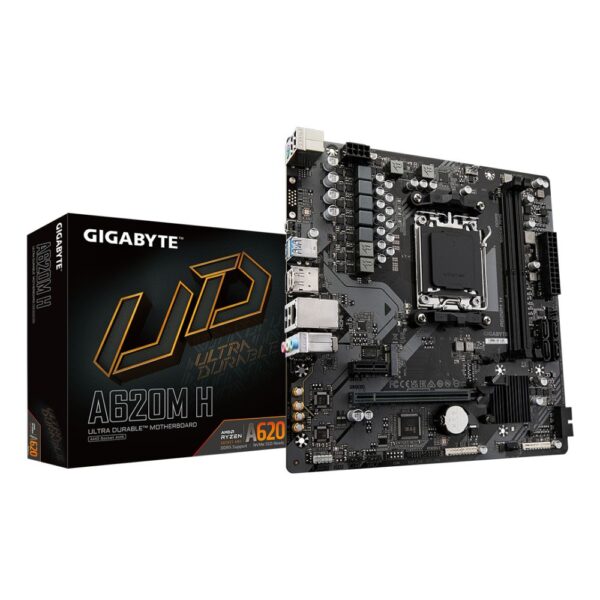
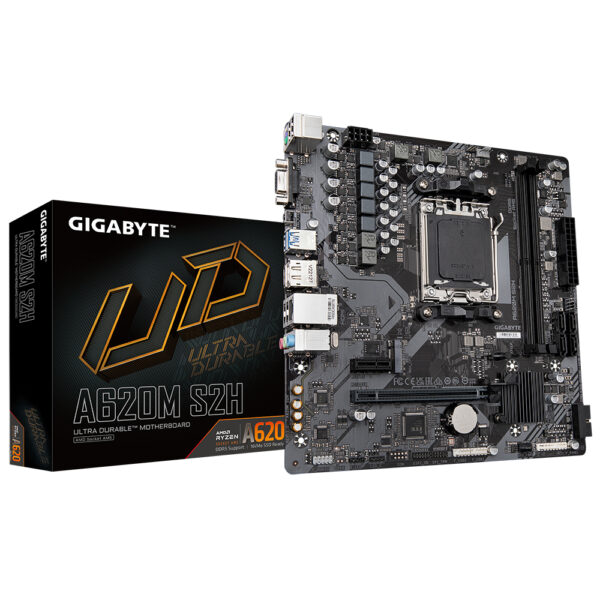
The pick: the Gigabyte B650M S2H at around £85.57 inc VAT is the cheapest board we would happily game on: B650 chipset, DDR5, an M.2 slot and Gigabyte’s Ultra Durable build. Pair it with a Ryzen 5 and you have a genuinely good 1080p machine.
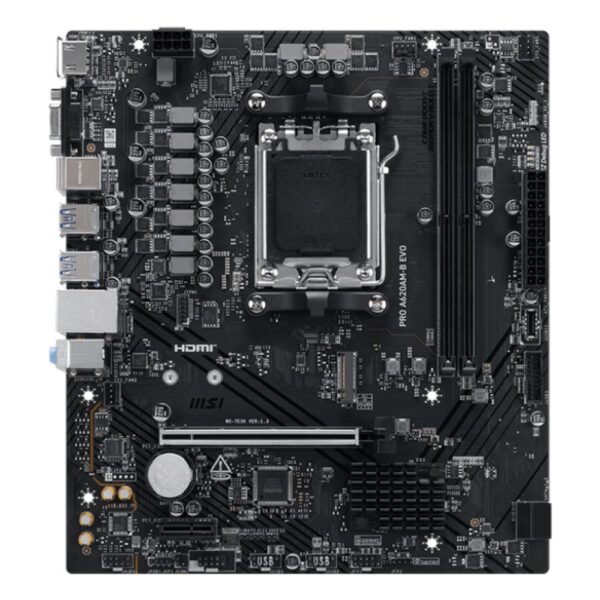
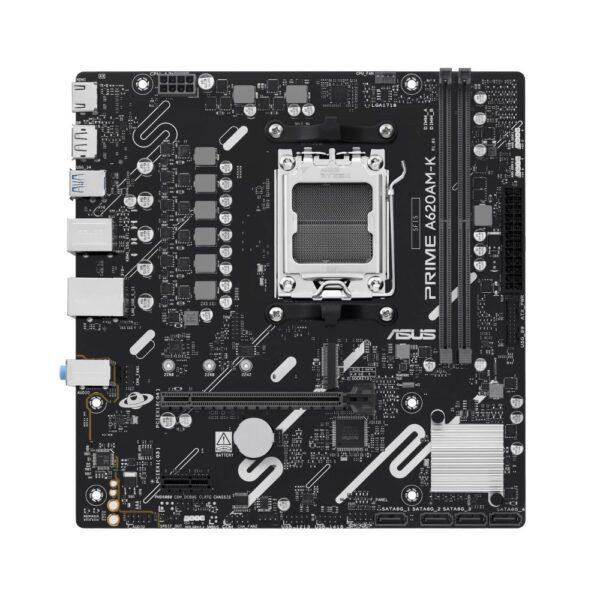
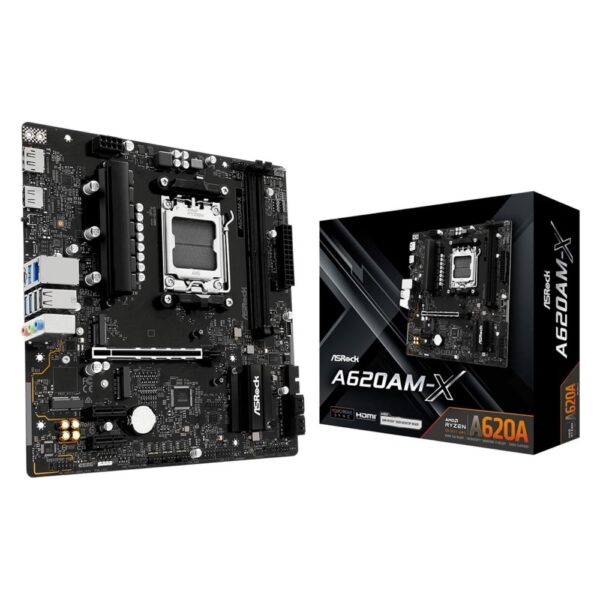
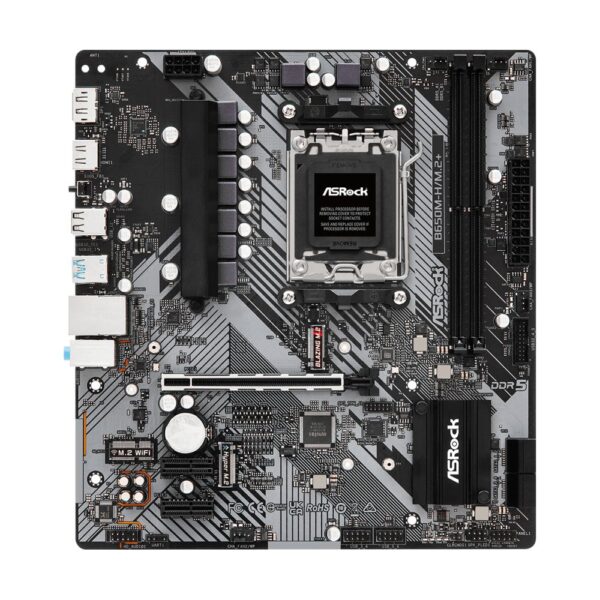
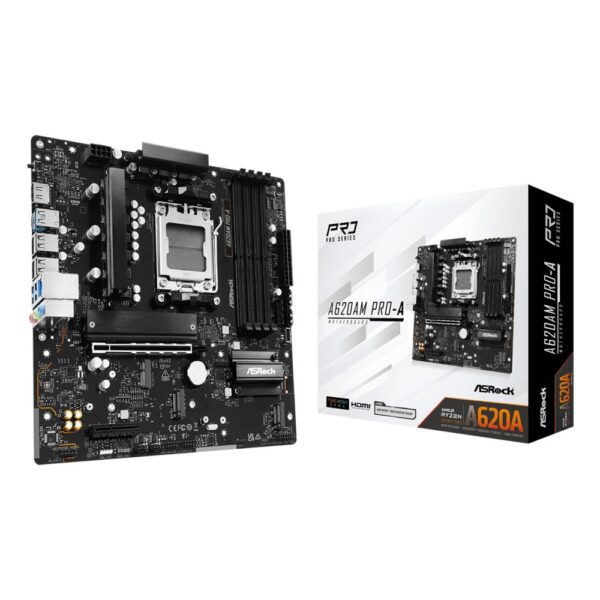
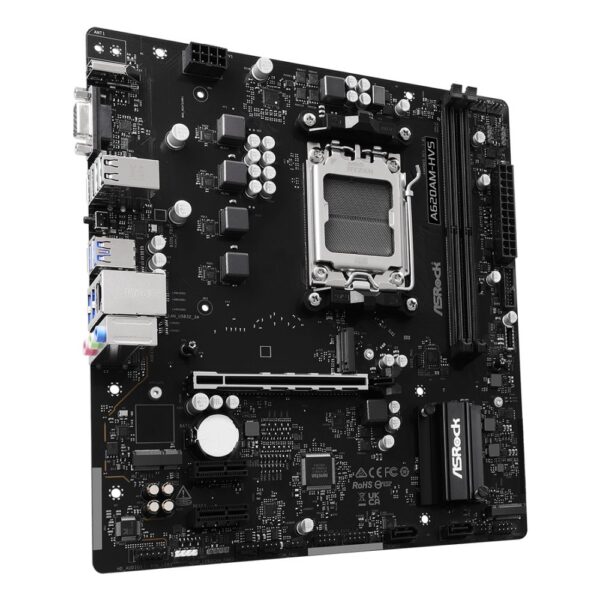
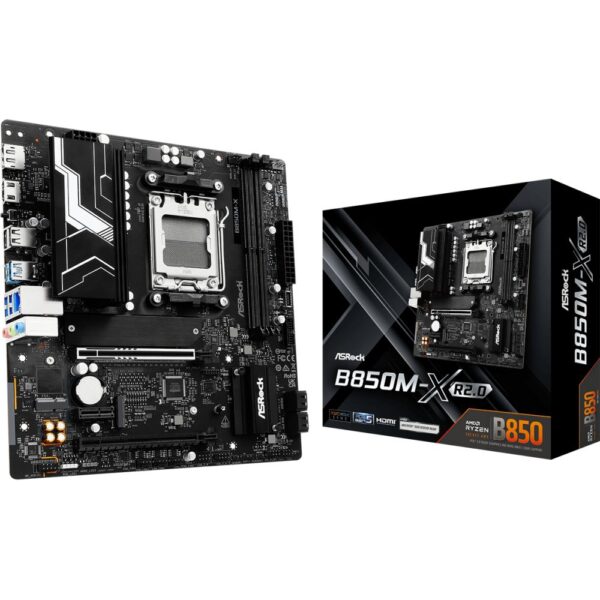
Want the newer 800-series chipset for about the same money? The ASRock B850M-X R2.0 at around £99.76 inc VAT adds a guaranteed PCIe 5.0 SSD slot and 2.5GbE networking. And for a PC that will only browse, stream and run Office, or one built around a Ryzen APU with no graphics card, the ASRock A620AM-HVS at £61.34 inc VAT is honest hardware. Just remember A620 means no PCIe 5.0 and no overclocking, as the table above shows.
Asrock B850M-X R2.0 AMD B850 micro ATX motherboard
In stock
£99.76 inc VAT- Supports AMD Ryzen 7000, 8000 and 9000 Series processors on Socket AM5
- Micro ATX form factor with AMD B850 chipset for balanced performance
- Dual-channel DDR5 memory support up to 128GB for high-speed multitasking
- 1 M.2 slot with PCIe 5.0 support for ultrafast SSD storage
- 7.1 channel audio with Dragon 2.5Gb LAN for immersive sound and fast networking
- 3 USB 3.2 Gen 1 Type-A and 1 Type-C port for versatile connectivity
- PCIe 5.0 x16 slot with reinforced steel for stable GPU installation
Mini-ITX and micro-ATX: small AM5 builds
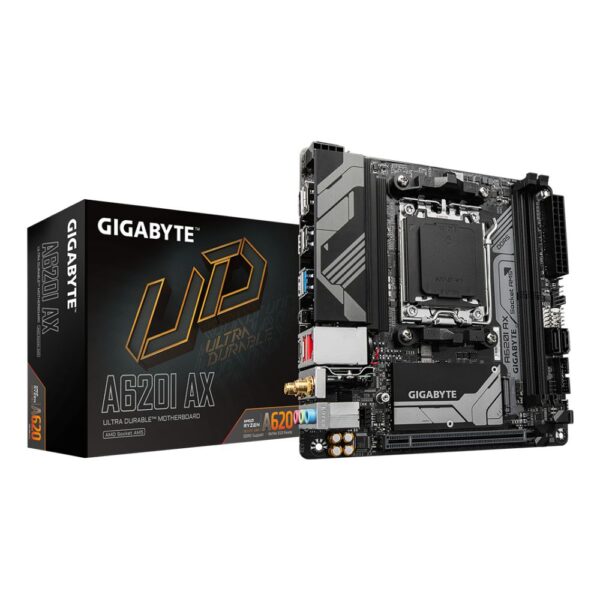
The pick: for a small-form-factor gaming PC the ASRock B650I Lightning WiFi is the value champion: Mini-ITX with WiFi 6E, 2.5GbE, two M.2 slots and a fitted I/O shield, around £145.57 inc VAT. For a cheaper A620 board the Gigabyte A620I AX undercuts it at around £117.40 inc VAT if you can skip overclocking.
Worth knowing: most of the boards in this guide are micro-ATX already, which drops into far more cases than people expect. You only need true Mini-ITX for genuinely tiny enclosures, and ITX boards charge a premium for the shrink, so do not pay it unless the case demands it.
Which CPUs fit AM5, and the BIOS catch
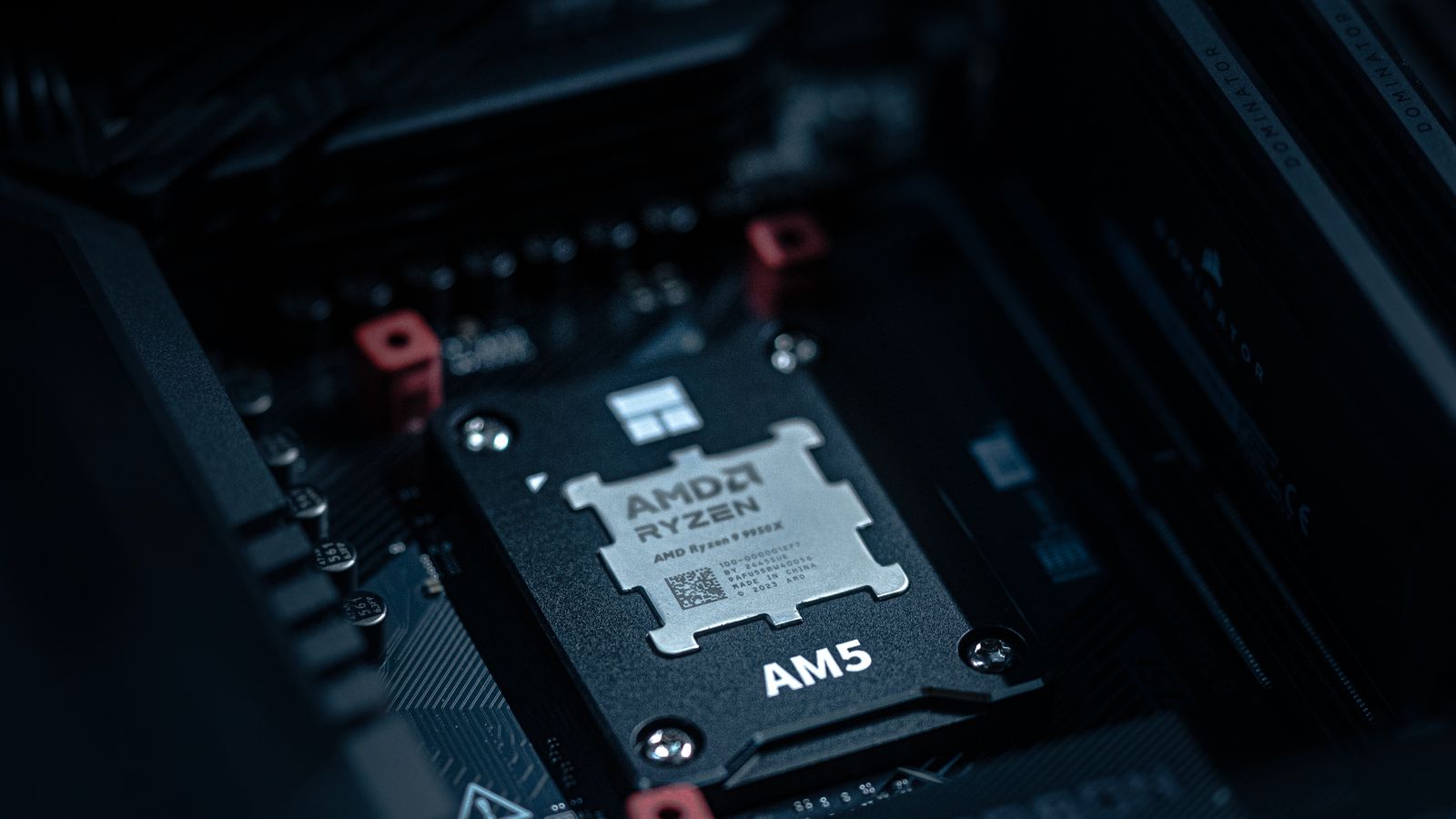
Every desktop Ryzen since 2022 uses AM5: the Ryzen 7000 series, the 8000G APUs with built-in graphics, and the current Ryzen 9000 series. That is the whole compatibility list, from a £99 Ryzen 5 7400 up to the 16-core Ryzen 9 9950X3D. Nothing from the AM4 era fits, and nothing AMD has announced will drop AM5 before 2027.
The BIOS catch: a 600-series board (B650, X670) that has sat in a warehouse may need a BIOS update before it recognises a Ryzen 9000 chip. Every 800-series board (B850, X870) ships 9000-ready out of the box, and most 600-series boards sold today are already updated. If you do hit it, most modern boards have a BIOS Flashback button that updates without a CPU installed; check the board’s support page first, it takes two minutes and saves a no-boot afternoon.
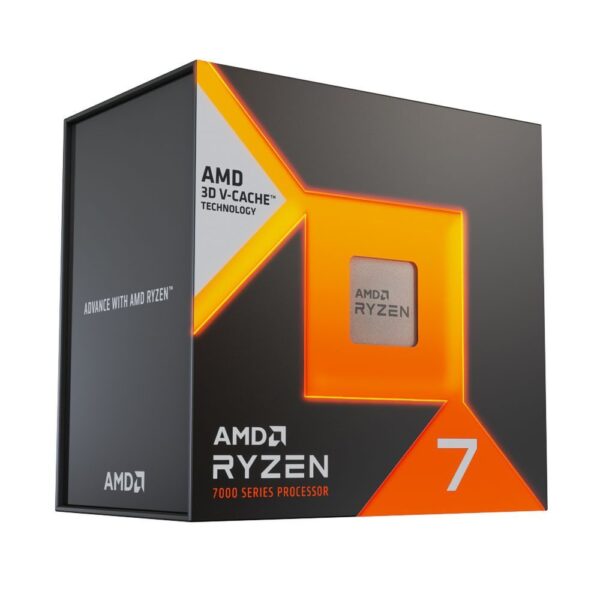
Best AM5 gaming CPU in 2026: the crown belongs to the Ryzen 7 9800X3D, the 3D V-Cache chip that tops nearly every gaming chart; stock is tight and we do not have the standalone chip in today. From live stock the Ryzen 7 7800X3D is still one of the best gaming CPUs money can buy, and the Ryzen 7 9700X is the current-generation all-rounder for gaming plus work.
AMD Ryzen 7 7800X3D (AM5)
In stock
£302.89 inc VAT- AMD Ryzen 7 7800X3D processor with 8 cores and 16 threads
- Base frequency 4.2 GHz boosting to 5.0 GHz
- AMD Zen 4 architecture with 104 MB 3D V-Cache
- AM5 socket support for DDR5 Dual Channel memory
- Integrated AMD Radeon Graphics at 2200 MHz
- Compatible with AMD B650, X670 and X870 chipsets
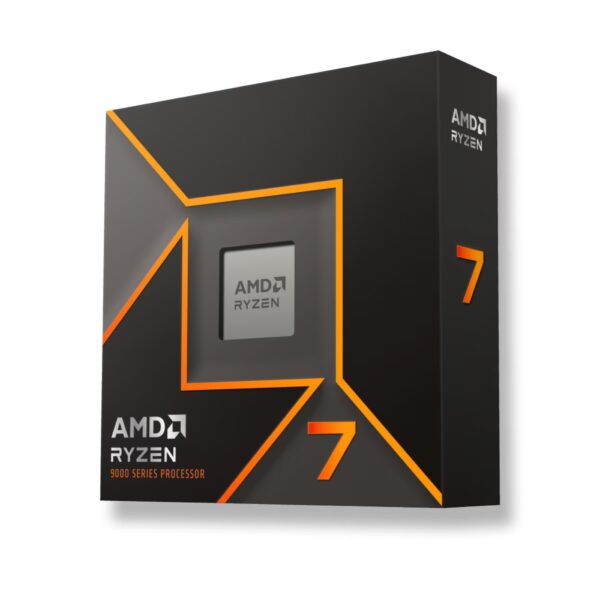
AMD Ryzen 7 9700X Processor 3.8GHz 40MB Cache AM5 Box
In stock
£267.38 inc VAT- AMD Ryzen 9000 Series processor generation
- 8 cores and 16 threads with 40 MB L2 & L3 cache
- 3.8 GHz base clock and 5.5 GHz max boost frequency
- Socket AM5 with 4 nm lithography and 65 W TDP
- Supports up to 192 GB DDR5-SDRAM with dual-channel architecture
- PCIe 5.0 support with 28 lanes and integrated AMD Radeon graphics
- Box package without a cooler
Will your cooler fit? The AM5 answer
AM5 uses AMD’s standard 54mm x 90mm mounting pattern, the same one AM4 has used since 2017. That means almost any cooler sold in the last several years fits an AM5 board, and if you are upgrading from AM4 your existing cooler almost certainly carries over. Check the box for “AM4” or “AM5” and you are covered.
The one nuance is contact pressure on Ryzen’s taller AM5 heat spreader; a few coolers benefit from an offset bracket to sit dead-centre over the chiplets, which shaves a couple of degrees but is never essential. If you are buying new, our CPU cooling guide covers air against AIO and the X3D temperature quirk properly.
Do you need X870, PCIe 5.0 or USB4? The AM5 overspend trap
This is where AM5 buyers waste the most money. Three features get oversold:
PCIe 5.0 graphics: no current graphics card is bottlenecked by PCIe 4.0, let alone 5.0. A PCIe 5.0 GPU slot is a nice-to-have for the future, not a reason to spend more today.
PCIe 5.0 storage: real, but niche. A Gen5 SSD is blistering in benchmarks and barely faster than Gen4 in games. B650 and B850 both give you a fast M.2 slot, which is plenty.
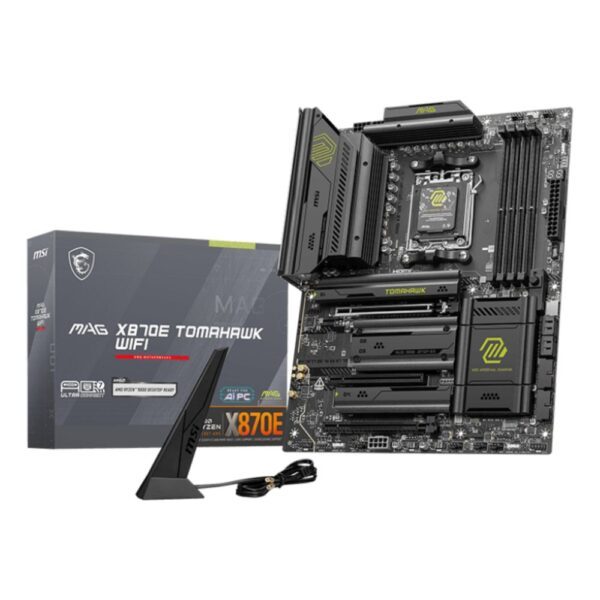
USB4 and WiFi 7: this is the main thing X870 and X870E add over B850. If you move huge files over USB4 or run a WiFi 7 network, pay for it. If not, boards like the MSI MAG X870E Tomahawk WiFi or the ASUS ROG Crosshair X870E Hero are money spent on ports you will never plug into.
For most people the honest ceiling is a good B850 board around £120 to £160. One easy win worth knowing: if you want a white build, AM5 is the socket for it. White boards like the Gigabyte X870I Aorus Pro ICE and the wider Aorus ICE range are everywhere, no compromise required.
Quick answers
Yes, for almost any new build. AM5 is AMD's current socket, still getting new chipsets and CPUs, and supported into 2027 and beyond. The board you buy today should accept several more CPU generations. Choose AM4 instead only if the budget is very tight or you already own DDR4.
For most people the ASUS TUF Gaming B650-Plus WiFi, around £131: B650, DDR5, PCIe 5.0 storage, WiFi and strong power delivery. On a budget the Gigabyte B650M S2H at £74 covers the essentials. For a high-end Ryzen 9 or 9800X3D build the MSI MAG B850 Tomahawk Max WiFi II at around £224 is the enthusiast favourite, and we stock it.
Both run the same CPUs at the same speed and both support overclocking. B850 is the newer 800-series chipset and guarantees a PCIe 5.0 SSD slot; B650 usually offers one too and often costs a little less. Buy whichever is cheaper at the spec you want. Do not confuse B850 with B840, which is a locked-down budget chipset.
A lot, despite the names. B850 supports CPU overclocking and PCIe 5.0 storage. B840 does neither: it is a budget 800-series chipset closer to A620, aimed at cheap office builds. If you are gaming or overclocking, buy B650 or B850, not B840.
Yes. AM5 is DDR5-only on every chipset; DDR4 will not fit. DDR5-6000 with an EXPO profile is the sweet spot for Ryzen, and prices have come down a long way since launch. There is no DDR4 AM5 board and there never will be.
Every desktop Ryzen 7000, 8000G and 9000 series chip, including the Ryzen 7 9800X3D and Ryzen 9 9950X3D. A 600-series board may need a BIOS update for a 9000-series CPU; 800-series boards ship ready. AM4 chips like the 5800X3D do not fit AM5.
Only if you need USB4 or WiFi 7, which X870 and X870E make mandatory. For gaming and everyday use a B650 or B850 board does everything for much less. PCIe 5.0 graphics and Gen5 SSDs make almost no real-world difference in games today.
Yes. AMD kept the same 54mm x 90mm mounting pattern on AM5, so an AM4-compatible cooler fits an AM5 board. If you are upgrading from AM4, your existing cooler almost certainly carries over.
Every AM5 board we stock, cheapest first, live prices:
How we know
Hardvance is a UK hardware retailer. We build on these exact boards, flash the BIOS updates for new CPUs, and take the returns when a pairing goes wrong, which teaches you more than any spec sheet. Every pick was in stock when this was written, the cards show live prices, and no brand paid to appear. Where the best answer is something we do not stock right now, like the standalone Ryzen 7 9800X3D, we say so.
Sources and further reading
Related guides
- Best AM4 Motherboard in 2026: The Dead Socket That Refuses to Die
- What Is a Motherboard? The Whole PC Plugs Into It
- Best Motherboard in 2026: Stop Overpaying
- Best Gaming CPU in 2026: Why Ryzen X3D Still Wins
- Best RAM for Ryzen X3D in 2026
- How to Build a PC in 2026: Step by Step
- X870 vs X870E: The E Is a Second Chip, Not a Speed Boost
About Hardvance Team
The Hardvance hardware team builds, upgrades and troubleshoots custom PCs every day. Our buying guides are practical and free of hype, drawn from hands-on experience across AMD and Intel platforms, and focused on the parts that genuinely matter for your build and your budget.
View all posts by Hardvance Team