Best RAM for Ryzen X3D in 2026: Is DDR5-6000 CL30 Really the Sweet Spot?

0
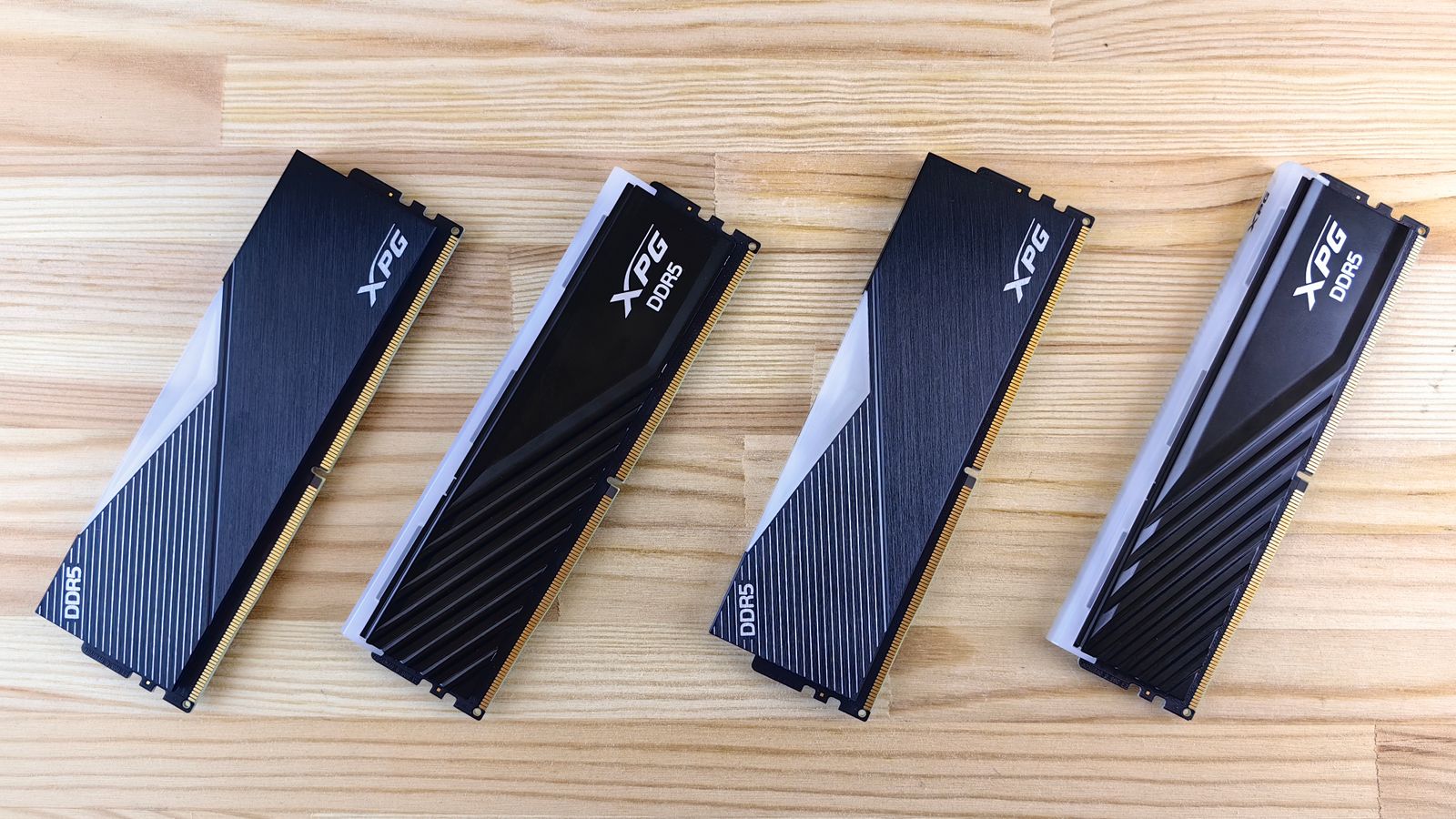
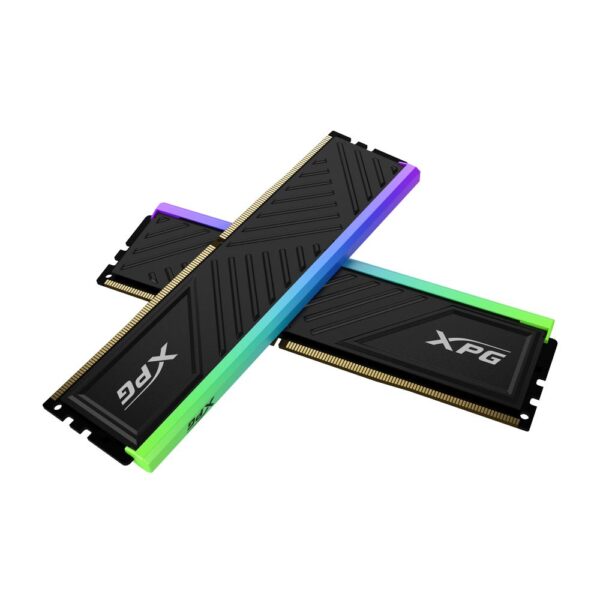
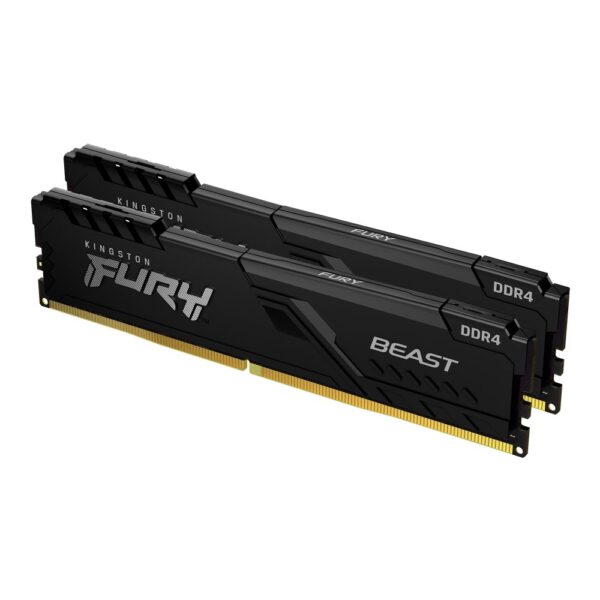
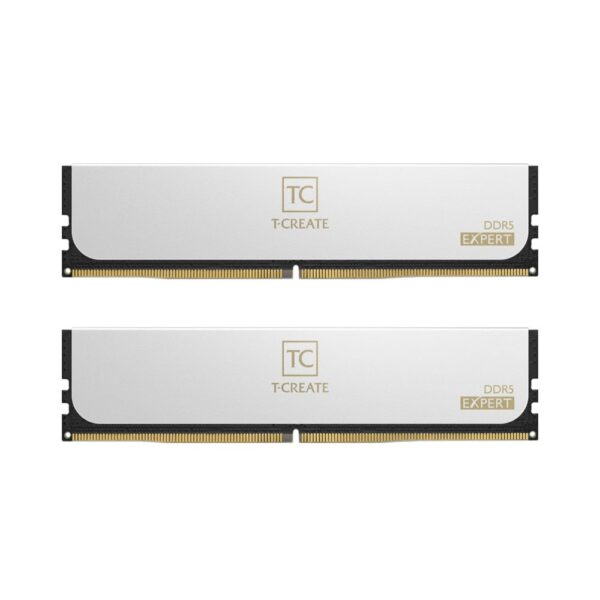
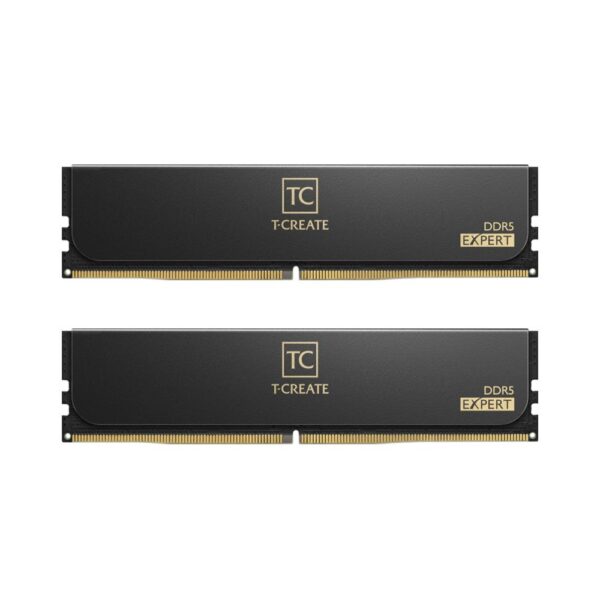
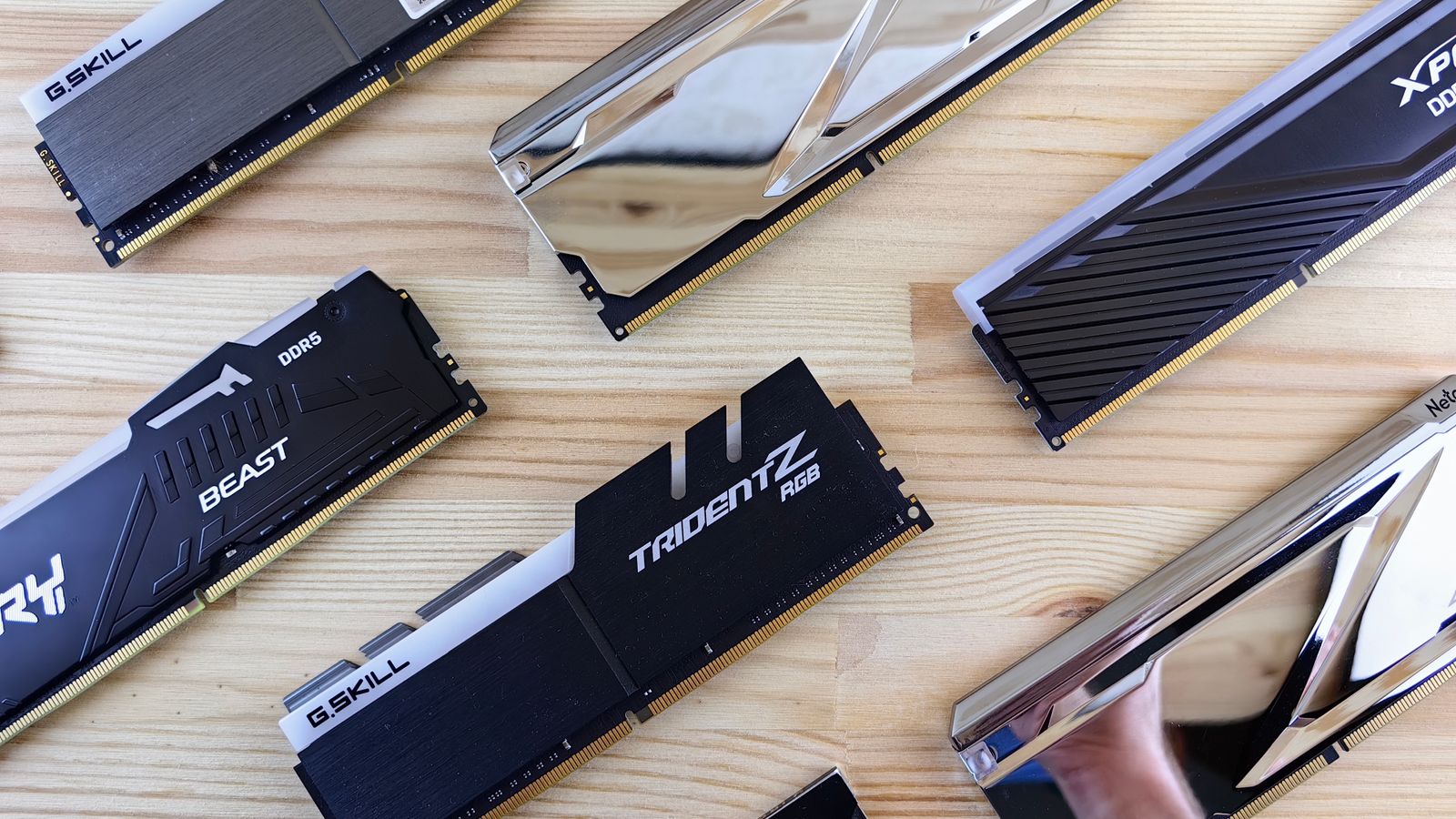
A selection of DDR5 memory kits from different brands

By James Hartley, PC hardware specialist · Last updated June 2026

The best RAM for Ryzen X3D builds is the question that lands almost as soon as you pick the chip. Independent specifications are catalogued at TechPowerUp. DDR5-6000 or 6400? Does the CAS latency really matter? Two sticks or four? Ask on a forum and you will get ten confident answers, half of them contradicting the other half.

The good news is that the answer for an X3D processor is genuinely simple, and it has barely changed across the 7800X3D, the 9800X3D and the rest of the family. This guide covers what to buy, why it works, and the handful of mistakes that quietly cost people performance.

Best RAM for Ryzen X3D: the short answer

  • AM5 (7800X3D, 9800X3D, 9950X3D): a 2 x 16GB or 2 x 32GB DDR5-6000 kit, CL30 if you can stretch to it, CL36 if you cannot. Then enable EXPO in the BIOS.
  • AM4 (5700X3D, 5800X3D, 5800X3D Anniversary): a 2 x 16GB DDR4-3600 CL16 kit, with the XMP/DOCP profile switched on.
  • Number of sticks: two, not four. Almost always.

Why an X3D chip changes the RAM you should buy

What makes an X3D processor special is the stacked block of extra L3 cache sitting on top of the cores, the part AMD calls 3D V-Cache. A 7800X3D or 9800X3D carries 96MB of L3, roughly three times what a standard chip in the same class has.

That cache works as a huge, very fast buffer in front of your system memory. A large share of the data a game asks for is already sitting in cache, so the CPU does not have to reach out to the RAM nearly as often. The practical result is that X3D chips are far less sensitive to memory speed than their non-X3D siblings.

On a standard Ryzen, moving from DDR5-5200 to a tuned DDR5-6000 kit can be worth a real, measurable bump in games. On an X3D chip the same upgrade usually shows up as a low single-digit percentage, and sometimes nothing you would feel. That is exactly why spending big on DDR5-7200 or 8000 for a 9800X3D is close to wasted money. The cache has already done the work.

The DDR5-6000 sweet spot, and why 6000 specifically

DDR5-6000 is not a marketing figure. It is the point where three clocks on an AM5 system line up in the most efficient way:

  • MCLK: the memory clock itself.
  • UCLK: the speed of the processor’s integrated memory controller.
  • FCLK: the Infinity Fabric that links the memory controller to the cores.

At DDR5-6000 the memory controller runs in a 1:1 ratio with the memory (UCLK to MCLK), which keeps latency low. Push much past 6000 and most chips are forced into a 1:2 ratio, where the controller runs at half the memory speed. You gain bandwidth on paper and hand it straight back to the extra latency, so real performance often goes sideways or even slightly backwards. AMD itself points builders at DDR5-6000 as the recommended target for Ryzen 7000 and 9000 for this reason.

There are golden-sample chips and high-end boards that will hold 1:1 a little higher, but DDR5-6000 is the speed that simply works on almost everything without a tuning session.

CL30 or CL36? What the latency number really means

Speed is only half the story. The CAS latency, the CL number, tells you how many cycles the memory waits before it can respond. To compare kits fairly, convert it to real time in nanoseconds: latency in ns equals CL multiplied by 2000, then divided by the speed.

KitTrue first-word latencyVerdict
DDR5-6000 CL3010.0 nsThe ideal. Lowest latency, sat right on the 1:1 sweet spot.
DDR5-6000 CL3612.0 nsExcellent value. The gap to CL30 is small in real games.
DDR5-6400 CL3210.0 nsGreat if it holds 1:1 on your board, otherwise no real gain.
DDR5-5600 CL3612.9 nsFine, a touch slower, and often barely cheaper than 6000.

For an X3D build the honest take is this: buy DDR5-6000 CL30 if the price gap is small, and do not lose sleep if you end up with a good CL36 kit instead. On a chip with this much cache, the difference between the two is the sort of thing you measure with a tool, not something you feel in a game.

Our top pick for an AM5 X3D gaming build

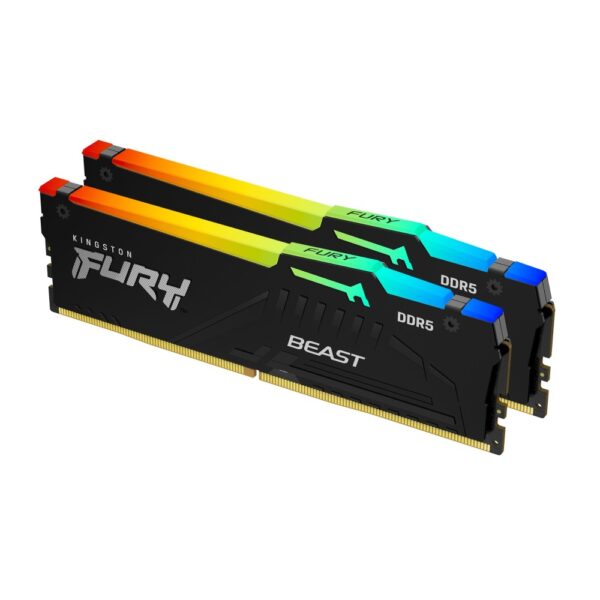
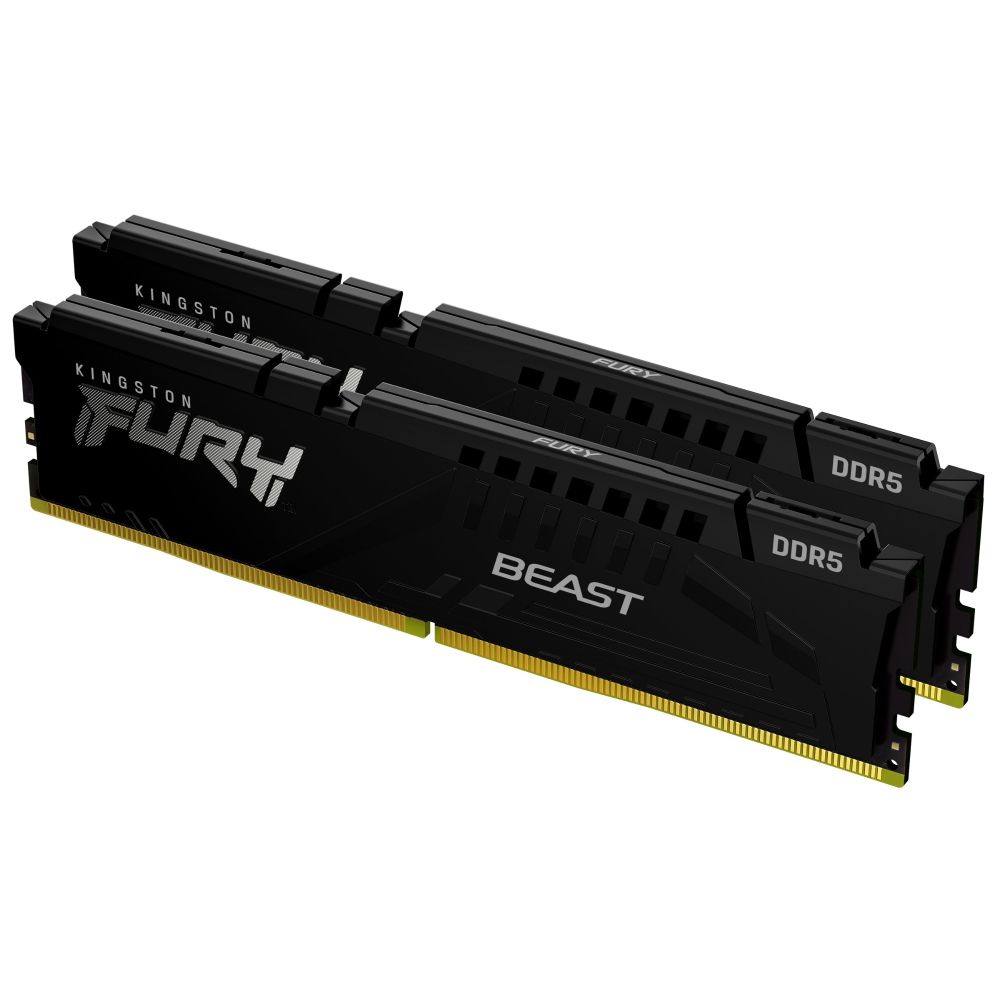
If you want one safe choice and no further reading, this is it. A 2 x 16GB DDR5-6000 CL30 kit drops straight into a 7800X3D or 9800X3D board, switches on with a single EXPO toggle, and leaves money in the budget for the parts that actually move your frame rate.

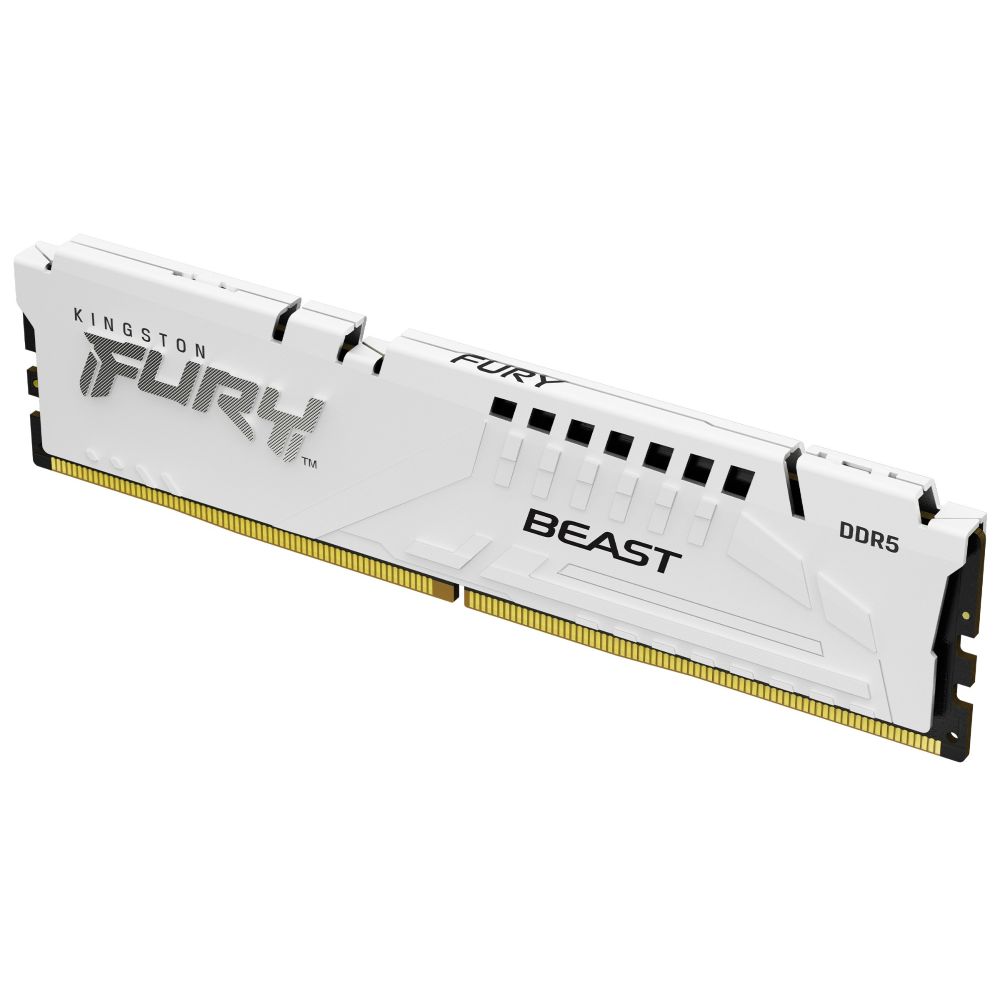
Kingston FURY Beast 32GB DDR5 6000MT/s Black

In stock

£459.41 inc VAT
  • 32 GB DDR5-6000 memory kit for next-gen gaming platforms
  • 2 x 16 GB modules with 288-pin DIMM form factor
  • CL30 latency and 1.35 V voltage for optimal performance
  • AMD EXPO certified with Intel XMP 3.0 compatibility
  • On-die ECC for enhanced stability during overclocking
  • Low-profile black heatsink for efficient cooling
Our top picks

If the kit above is not quite right for your build, these three cover the most common needs. Pricing is live, so you are always seeing today’s number.

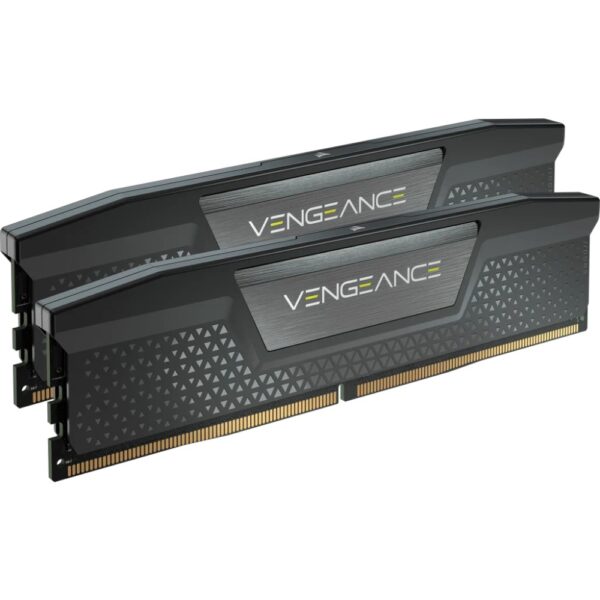
  • Best value 32GB: Corsair Vengeance 32GB DDR5-6000. Low-profile and fuss-free, a safe fit under any cooler.
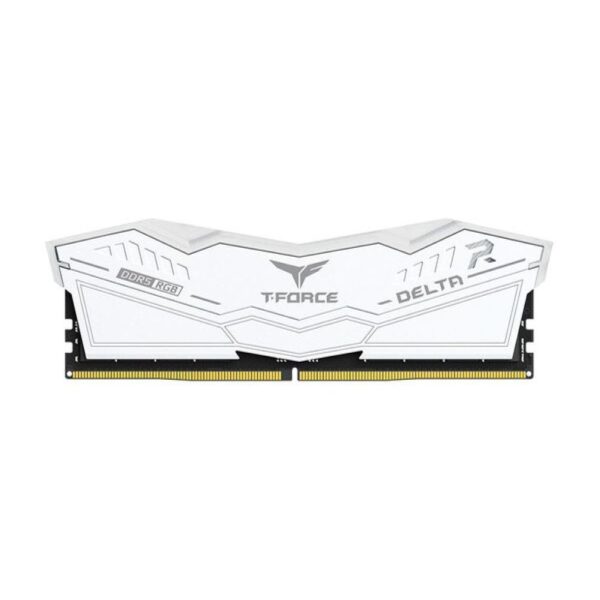
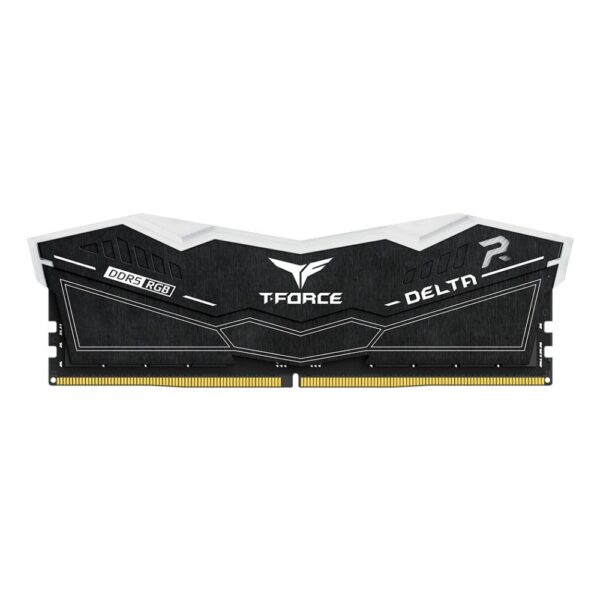
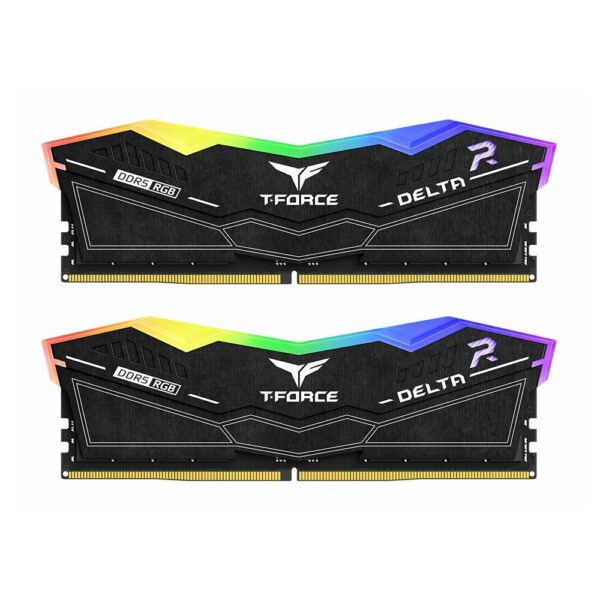
  • Best RGB 32GB: Team Group T-Force Delta RGB 32GB DDR5-6000, if you want the lighting to match the build.
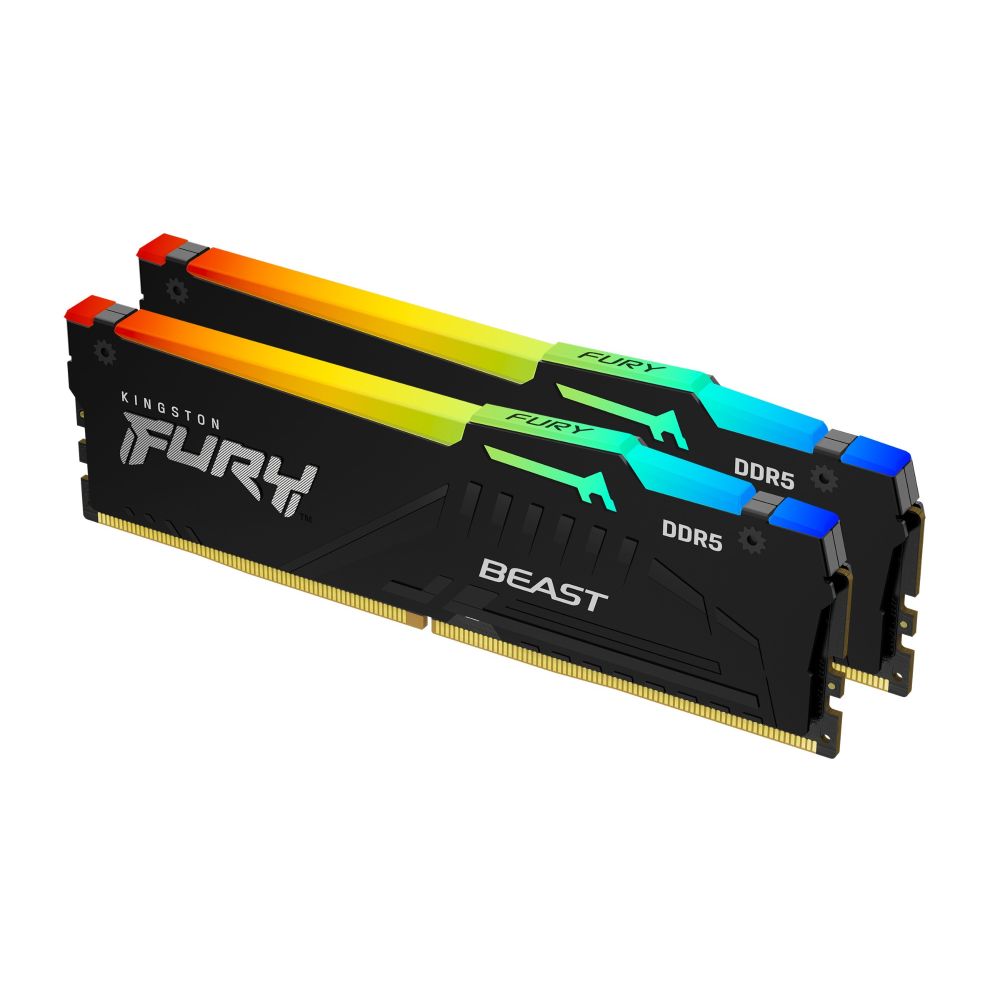
  • Best 64GB: Kingston FURY Beast 64GB DDR5-6400 CL32 EXPO, for creators who multitask hard.

Does faster RAM help a 9800X3D?

This is the question that fills forum threads, usually phrased as “is it worth going from 6000 to 6400, or 7200, on my X3D?”

For gaming, the realistic answer is no, or at least not by enough to notice. Across the reviews that test this properly, an X3D chip moving from DDR5-6000 CL30 to a much faster kit gains a few percent at most, and the gain shrinks further at higher resolutions where the graphics card is doing the heavy lifting. You also take on the risk that the faster kit drops to a 1:2 ratio and ends up no quicker, or that it needs manual tuning to run stably at all.

If your work is genuinely memory-bandwidth heavy outside of games, a faster kit such as a DDR5-6400 CL32 set can pay off. For the gaming-first audience that buys X3D chips, DDR5-6000 is where the value lives. Put the saved money towards storage or a better cooler.

Two sticks or four? Why two almost always wins on AM5

AM5 is a dual-channel platform with four DIMM slots, so two slots feed each channel. Fit two sticks and each channel has a single module to talk to, which is the easy case. Fit four and you have two modules per channel, known as 2DPC, and the memory controller has to drive twice the load on each channel.

DDR5 runs at very high frequencies, and that 2DPC load is hard on the controller. On most AM5 boards you will struggle to run four sticks at DDR5-6000 at all. It is common to be pushed down to DDR5-3600 or 4800 just to get a stable boot, and memory training, the pause on the first restart, gets longer and fussier. That is a real performance loss, and it is the opposite of what people expect when they add more memory.

So the rule is simple. If you want 32GB, buy a 2 x 16GB kit. If you want 64GB, buy a 2 x 32GB kit rather than four 16GB sticks. Always buy memory as a single matched kit too, because two separate 2 x 16GB kits bought at different times are not guaranteed to run together at their rated speed.

This is the same reason the “is four sticks of DDR4 a bad idea” question keeps coming up on AM4. The penalty is gentler on DDR4 because the frequencies are lower, but the principle holds: two sticks is the safe, fast choice.

The best RAM for Ryzen X3D is a DDR5-6000 CL30 kit
Four DDR5 modules. On AM5, filling all four slots makes hitting DDR5-6000 much harder than running two.

How much RAM do you need in 2026?

  • 16GB: the bare minimum now. Fine for older or lighter games, but modern titles will use most of it and leave little headroom for a browser and a chat app in the background.
  • 32GB: the sweet spot for a gaming build, and our default recommendation for any X3D system. It covers current games comfortably with room to spare.
  • 64GB: for heavy multitasking, content creation, virtual machines, large mod packs or workstation duties. Overkill for pure gaming, sensible if you actually use it.

There is a timing wrinkle worth knowing about in 2026. Memory prices have climbed sharply this year as DRAM production has been pulled towards AI datacentre demand, and several manufacturers have warned that prices may rise further before they settle. The takeaway is not to panic-buy, but it does change the old advice of “start small and add more later”. Adding a second kit down the line often will not run at full speed, and it may cost more than the kit does today. If you know you will want 32GB or 64GB, buying the full matched kit now is the safer call.

64GB kits for creators and heavy multitaskers

Matched 2 x 32GB kits, so you stay on two sticks even at high capacity.

EXPO vs XMP: switch it on, or you wasted your money

Out of the box, a brand-new kit does not run at its rated speed. It boots at a slow, guaranteed-safe JEDEC baseline, often DDR5-4800 or 5600. To unlock the 6000 you paid for, you turn on the memory profile in the BIOS.

EXPO is AMD’s profile standard and the one to look for on a kit headed for a Ryzen build. XMP is Intel’s equivalent. In practice most AM5 boards will read an XMP profile too, but an EXPO-rated kit is the cleanest match. Enabling it is one toggle in the BIOS, usually on the first page.

Pro tip: after enabling EXPO, boot into Windows and check the speed in Task Manager under Performance, then Memory. If it still reads 4800, the profile did not apply and you are leaving performance on the table.

What about AM4 and the 5800X3D?

The 5700X3D and 5800X3D are still excellent value gaming chips, and AMD has even brought back a 5800X3D 10th Anniversary edition, so plenty of people are still buying into AM4 in 2026. These are DDR4 platforms, so the DDR5 advice does not apply.

The DDR4 sweet spot for an X3D chip is a 2 x 16GB DDR4-3600 kit at CL16. That keeps the Infinity Fabric at 1800MHz in a clean 1:1 ratio, which is the DDR4 equivalent of the DDR5-6000 trick. As with the AM5 chips, the big cache means memory speed matters less than it would on a plain Ryzen 5000, so there is no need to chase exotic DDR4-4000 kits.

Four sticks of DDR4 on AM4 is more forgiving than four sticks of DDR5 on AM5, but the advice is the same: a single 2 x 16GB matched kit is the path of least resistance and the best result for most people.

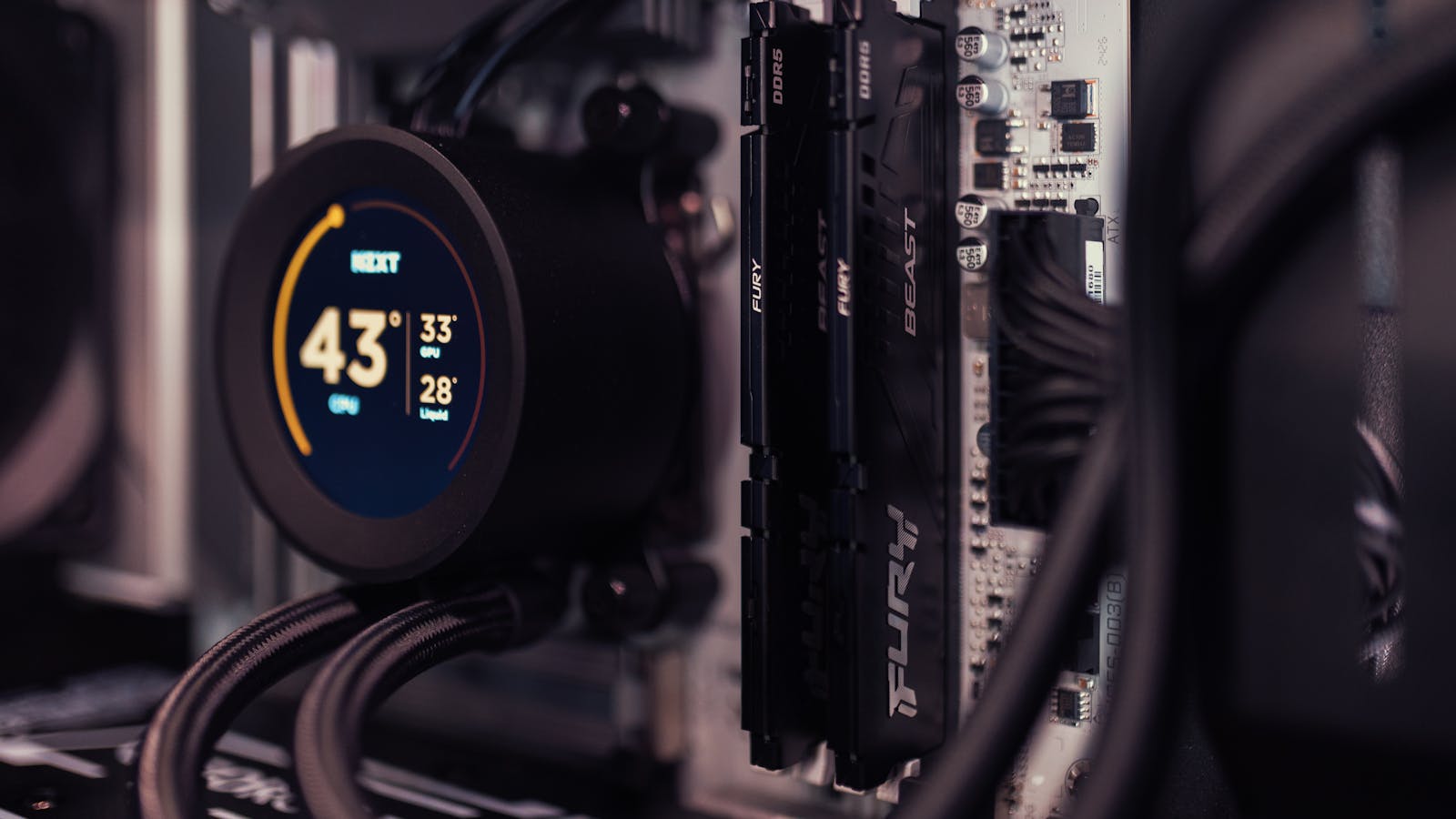
Two Kingston FURY Beast DDR5 sticks installed on a motherboard beside an AIO cooler
A clean two-stick install. Whatever the platform, a single matched kit is the safe, fast choice.

Compare these DDR5-6000 kits

Specifications only, with no prices, so this table never goes stale. Follow a kit to see today’s price and stock.

KitCapacitySpeedCLTrue latencyBest for
Kingston FURY Beast (CL30)32GB (2 x 16)DDR5-6000CL3010.0 nsBest overall AM5 gaming
Kingston FURY Beast EXPO32GB (2 x 16)DDR5-6000CL3612.0 nsValue 32GB
Patriot Viper Venom16GB (1 x 16)DDR5-6000CL3010.0 nsSingle-module top-up
Kingston FURY Beast RGB64GB (2 x 32)DDR5-6400CL3210.0 nsHigh capacity and speed
Kingston FURY Beast RGB64GB (2 x 32)DDR5-5600CL3612.9 nsValue 64GB

Quick recommendation by build

Your CPUBuy thisNotes
7800X3D / 9800X3D (gaming)2 x 16GB DDR5-6000 CL3032GB sweet spot, enable EXPO
9800X3D / 9950X3D (gaming and creation)2 x 32GB DDR5-600064GB, stay on two sticks
Any AM5 X3D, budget-led2 x 16GB DDR5-6000 CL36Save the difference, lose almost nothing
5700X3D / 5800X3D (AM4)2 x 16GB DDR4-3600 CL16Enable XMP/DOCP, target FCLK 1800

How we choose what to recommend

Our recommendations come from hands-on building, not spec sheets alone. We assemble and troubleshoot AMD and Intel systems every week, we cross-check our advice against independent reviews, and we only suggest kits we would happily fit in our own machines. Every product we list is genuine, UK-stocked and covered by full manufacturer warranty.

Frequently asked questions

Is DDR5-6000 CL30 better than DDR5-6400 CL32 for a Ryzen X3D?

On most AM5 boards, yes. DDR5-6000 keeps the memory controller in a 1:1 ratio with the memory, while 6400 may drop to a 1:2 ratio and lose its advantage. Both are around 10ns on paper, but 6000 is the safer pick for guaranteed performance without manual tuning.

Will using four RAM sticks slow my PC down?

On AM5 it can. Four DDR5 sticks place a heavy load on the memory controller and often will not reach DDR5-6000, forcing a slower, stable speed. For 64GB, use a 2 x 32GB kit and keep to two sticks.

Do I need to enable EXPO?

Yes. Without EXPO your kit runs at a slow JEDEC default such as DDR5-4800, not the rated 6000. It is a single toggle in the BIOS and is the most common reason a kit underperforms.

Is 32GB of RAM enough for gaming in 2026?

For most gamers, yes. 32GB is the current sweet spot. Move up to 64GB only for content creation, virtual machines, or running many heavy applications alongside a game.

Why did my X3D CPU barely gain performance from faster RAM?

That is normal. The large 3D V-Cache on X3D chips absorbs most memory traffic, so they gain far less from faster memory than standard chips. DDR5-6000 is the value sweet spot.

Where to buy your kit

Memory is one of those parts where the right choice is usually the boring one. A matched 2 x 16GB DDR5-6000 CL30 kit with EXPO will serve a 7800X3D or 9800X3D beautifully, costs far less than the headline-grabbing high-speed kits, and you will not feel the difference in a game. Put the savings towards a better GPU or faster storage.

You can browse our full memory range by platform, including desktop DDR5, desktop DDR4, and capacity-specific picks for 32GB and 64GB. Everything we sell is genuine, UK-stocked and backed by full manufacturer warranty, so the kit you order is the kit you get.

Leave a Reply

Your email address will not be published. Required fields are marked *